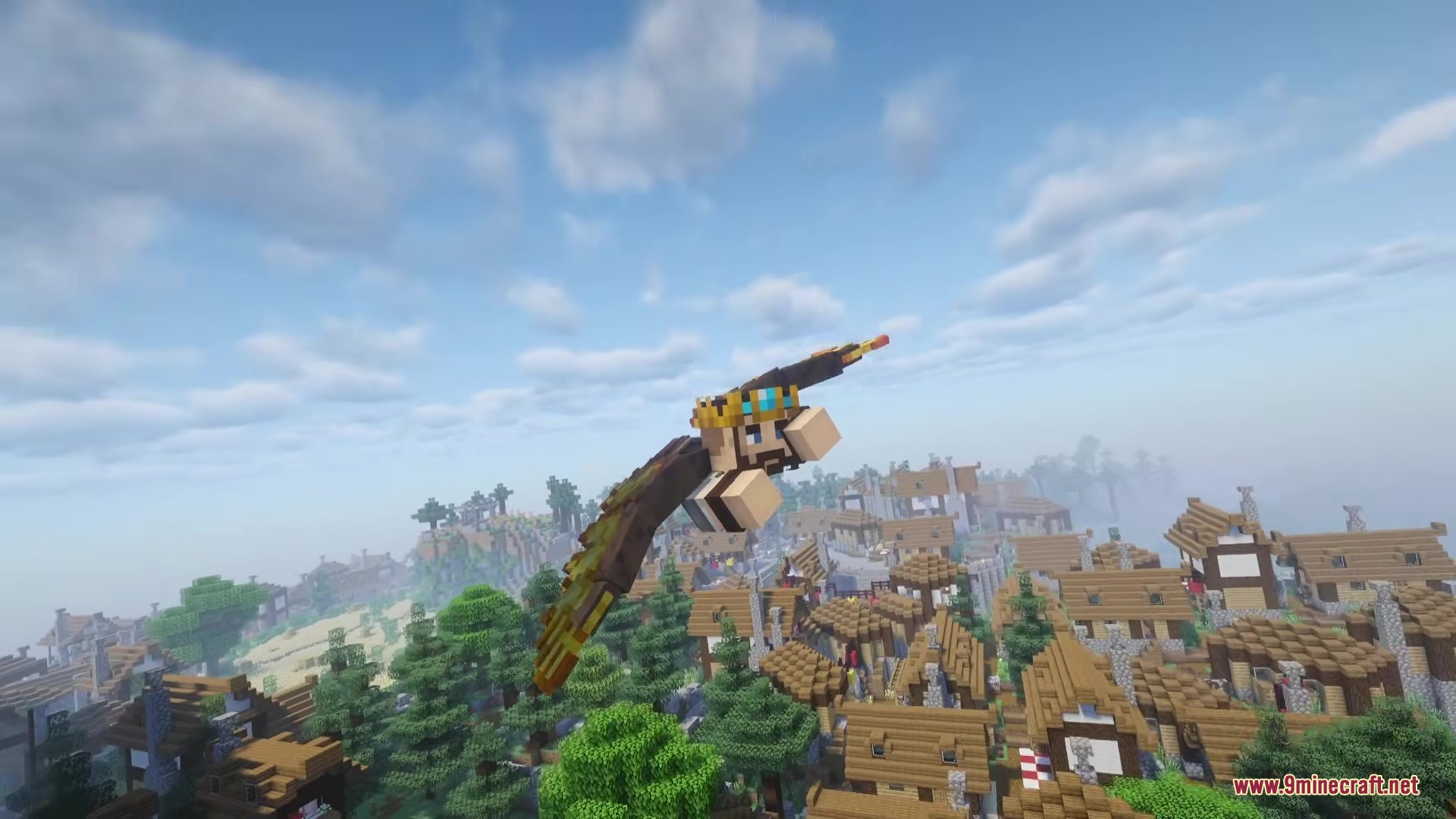
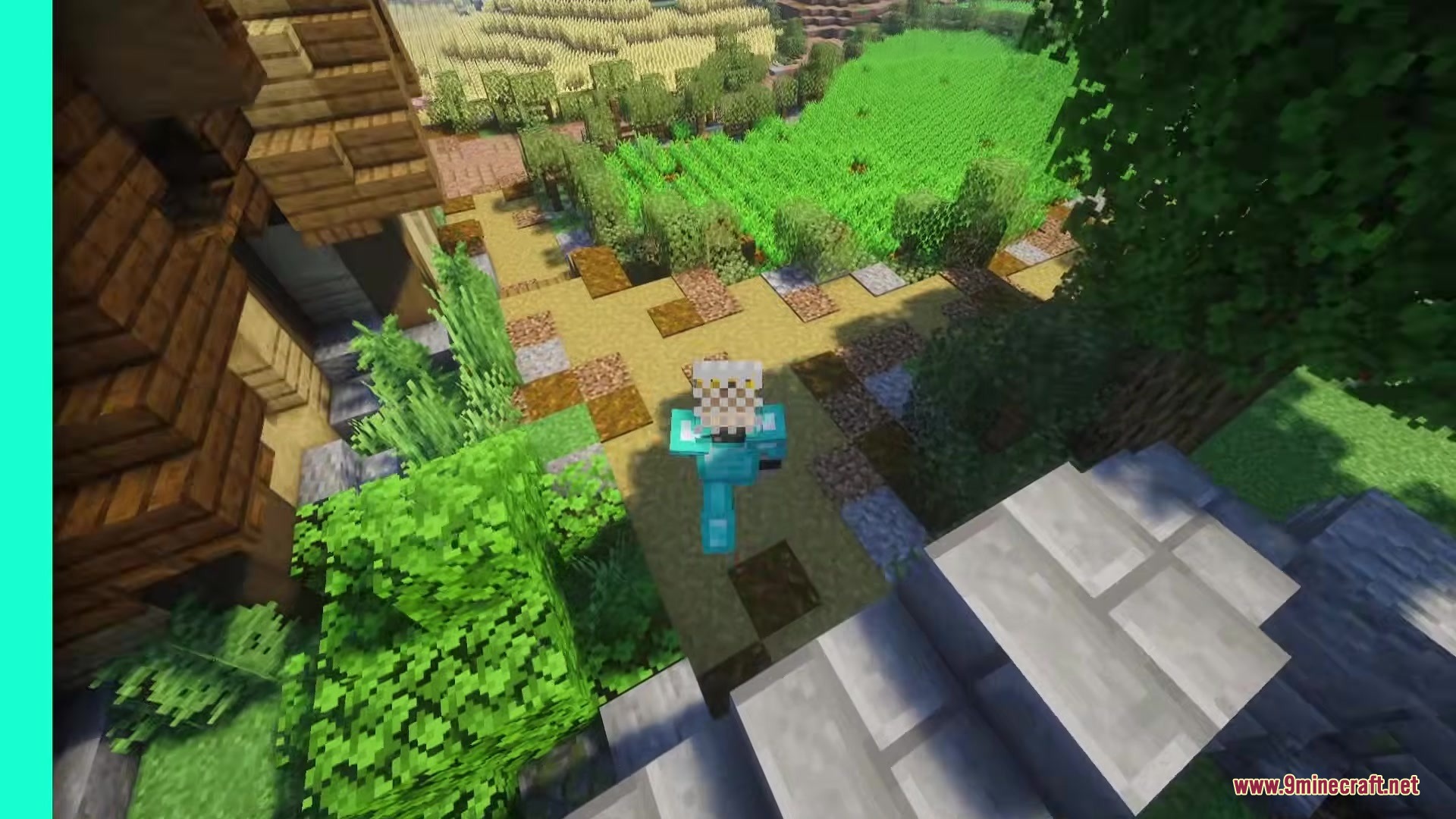
Player Corpses Datapack Mod spawns a physical body where you die instead of dropping your items on the ground. This mod keeps your loot safe from despawning or getting lost in the mess of normal item drops. You can easily find your way back to your stuff using chat coordinates and a built-in tracking menu. Once you reach your death spot, you just grab your gear, and it goes right back into your original inventory slots.
Features:
- Corpse Spawning: Leaves behind a physical model with your skin and name holding all your items when you die.
- Smart Inventory Sorting: Puts all your recovered items exactly back into the slots they were in before you died.
- Sends a chat message with the exact coordinates of your death so you know exactly where to go.
- Prevents your items from despawning naturally, though you can add a custom timer in the settings if you want an extra challenge.
- Floats safely in water and lava, and can even save your items from the void by hovering just above the damage zone.
- Offers a zombified option where a zombie wearing your head steals your gear, forcing you to fight it to get your stuff back.
- Lets you lock the body so only the original owner can take the items back.
- Adds optional gore effects like bone particles and sounds when you die.
- Protects the body from being moved by punches, pistons, or fishing rods.
Commands:
/trigger corpse_finder: Opens a menu showing the locations of all currently loaded bodies in the world./trigger config: Opens the settings screen to change how the mod works.
How to Use:
- Check your chat for the death coordinates immediately after you respawn.
- Travel back to the exact spot where you died to find your body.
- Sneak near the body to get your items back (you can also change the settings to use Right Click instead).
- Watch as your gear automatically returns to your original inventory slots.
Screenshots:
Player Corpses Datapack Mod Download Links
Quick facts
- Edition: Minecraft Java
- File type: .jar
- Minecraft version listed: 1.21.11
- How to install: Install the matching mod loader (Forge, Fabric or NeoForge) for your Minecraft version. → Download the .jar. → Put it in the .minecraft/mods folder and launch that loader profile.
- Where to get it: In MC Java Mods, or directly above on this page.
Install steps are the general flow for this file type — How to install Minecraft Java mods & modpacks walks through it step by step.
Verified by MCModsHub
- Downloads as 388981.mcaddon
- Download size: 567 KB
- Download link checked 25 Sept 2026 — working
- Mirrored on our own servers — the download does not depend on the original host
These come from our own check of the pack file, not from the source page.