
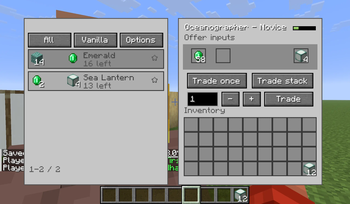
Villager Trading Overhaul
A client-side Fabric/Forge/NeoForge mod that replaces the vanilla villager trading screen with a clearer trading desk for browsing offers and completing repeated trades with fewer clicks.
The mod keeps vanilla villager offers and pricing intact. It changes the client interface only.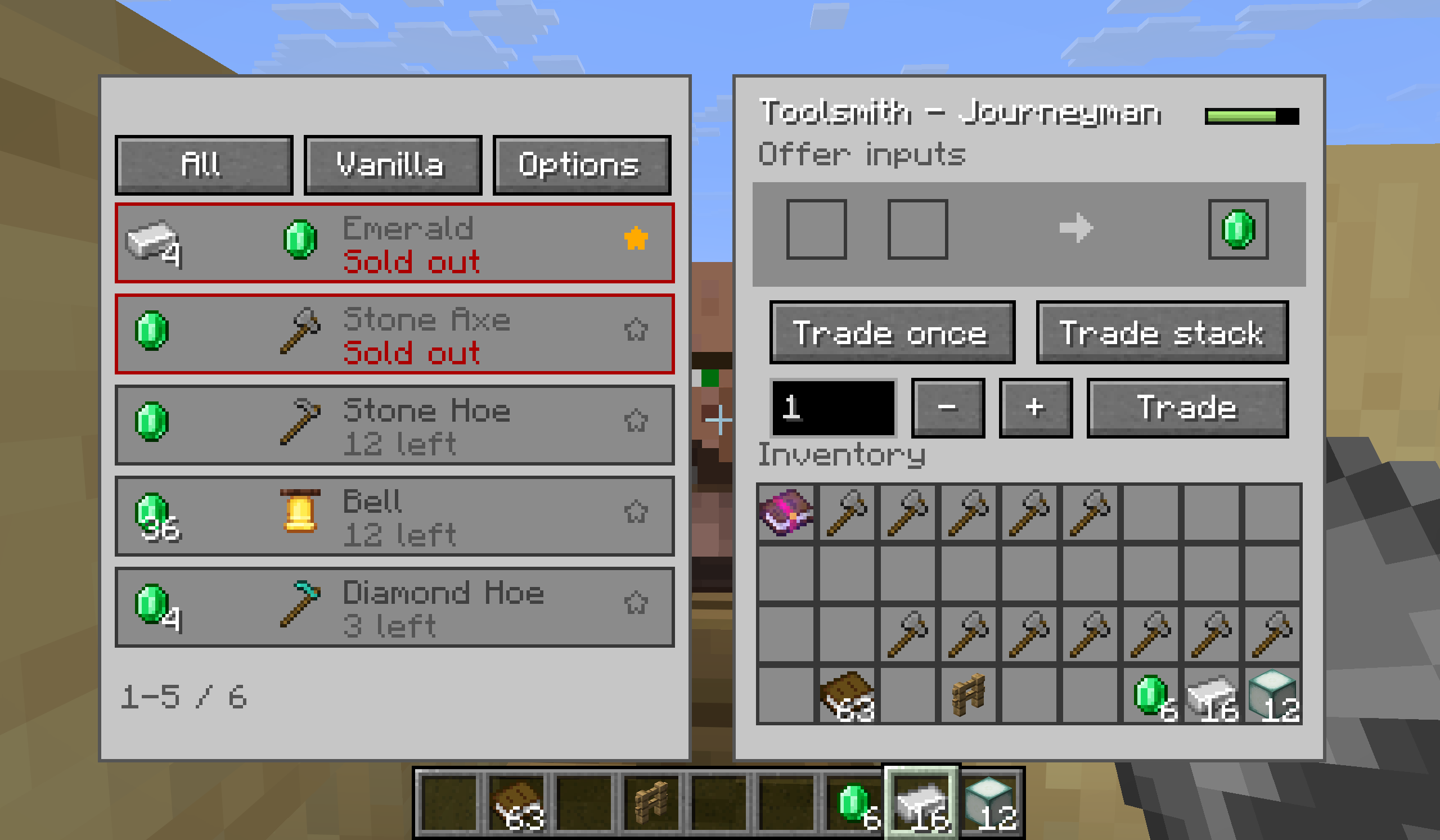
Features
- Replaces the standard merchant screen with a two-panel trading desk.
- Displays each offer's input items, output item, remaining stock, and out-of-stock state.
- Uses the vanilla trade arrow and out-of-stock arrow between the input and result slots.
- Filter offers by all offers, currently affordable offers, or favorites.
- Sort offers by vanilla order, input cost, or remaining stock. Favorites are kept at the top.
- Right-click an offer to add or remove it from favorites.
- Trade once, trade up to the configured batch limit, or enter an exact trade count.
- Limits queued trades to the selected offer's available stock and the materials in your inventory.
- Stops a queued trade if the result slot no longer contains the exact result of the selected offer, preventing an unintended different trade from being collected.
- Shows villager level progress when the merchant provides it.
Usage
- Open a villager's trading screen as usual.
- Left-click an offer in the list to select it. Right-click it to toggle its favorite state.
- Use Trade Once, Trade Stack, or enter a number and use Trade Amount.
- Open Options to set the batch-trade limit or hide sold-out offers.
Configuration
Available options:
- Batch trade limit: limits the Trade Stack action from 1 to 128. Default: 32.
- Hide unavailable trades: hides sold-out offers from the list.
- Favorites: saved locally and reused when the same offer is encountered again.
Required dependencies
For Fabric versions, Fabric API and Cloth Config API are required.
For Forge/NeoForge versions, only Cloth Config API is required
No server-side component is included. The mod uses the normal villager trading flow and does not add, remove, or rebalance villager offers.
License
MIT
- Edition: Minecraft Java
- File type: .jar
- Minecraft version listed: 1.20.1
- How to install: Install the matching mod loader (Forge, Fabric or NeoForge) for your Minecraft version. → Download the .jar. → Put it in the .minecraft/mods folder and launch that loader profile.
- Where to get it: Opens on Modrinth — not every file is mirrored on our own servers.
Install steps are the general flow for this file type — How to install Minecraft Java mods & modpacks walks through it step by step.
- Ships as villagertradingoverhanful-v0.1.0-forge-mc1.20.1.jar — drop this file into the mods folder
- Download size: 44 KB
- Download link checked 11 Sept 2026 — working
These come from our own check of the pack file, not from the source page.