
Create: Track Switch Radio
Java mod listed for Minecraft 1.21. Downloads from the MC Java Mods app on Android.
A handheld radio that lets you remotely flip Steam 'n' Rails track switches from a distance — no more hopping off the train.
⬇ Download on Modrinth
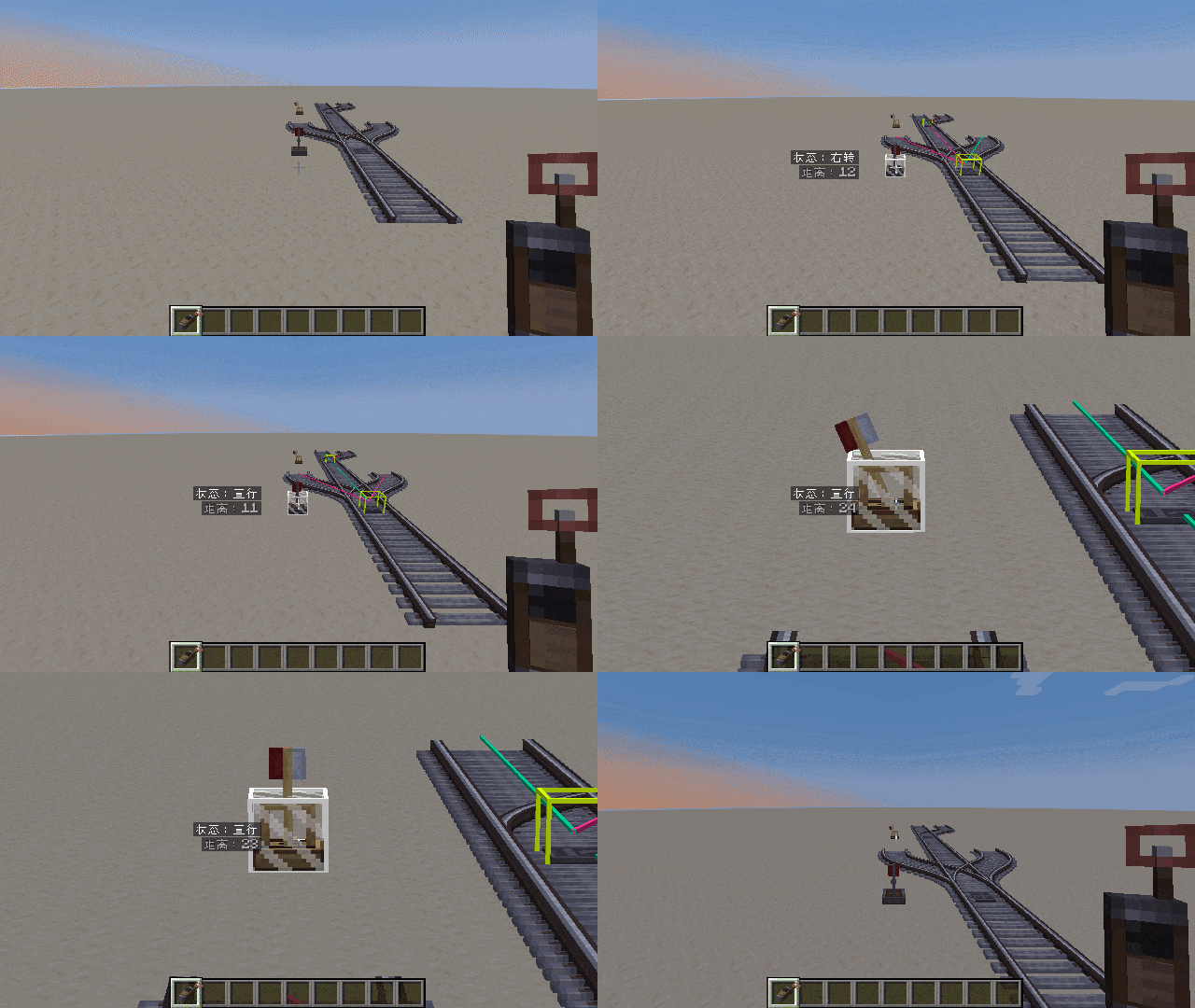
Create: Track Switch Radio
Create: Track Switch Radio adds a handheld radio device to Create / Steam 'n' Rails, allowing you to remotely control Steam 'n' Rails track switches from a distance — just like in Derail Valley. Default range: 128 blocks.
Features
Hold the Track Switch Radio, aim at a distant track switch, and click to instantly toggle its state. No more hopping off the train to flip switches by hand.
Usage
- Craft the Track Switch Radio and hold it
- Aim at a track switch (a white highlight box confirms your target), left-click / right-click to cycle the switch direction
- Hold Shift to zoom in for precise long-range aiming
- While aiming at a switch, guide lines, switch status, and lock state are displayed automatically (locked switches cannot be toggled)
Dependencies
| Mod | Version |
|---|---|
| Minecraft | 1.21.1 |
| NeoForge | 21.1+ |
| Create | 6.0+ |
| Steam 'n' Rails (Unofficial 1.21.1 Port) | 0.1+ |
Open Source
This mod is open source under the MIT License.
Declaration
This mod was developed with the assistance of Deepseek AI.
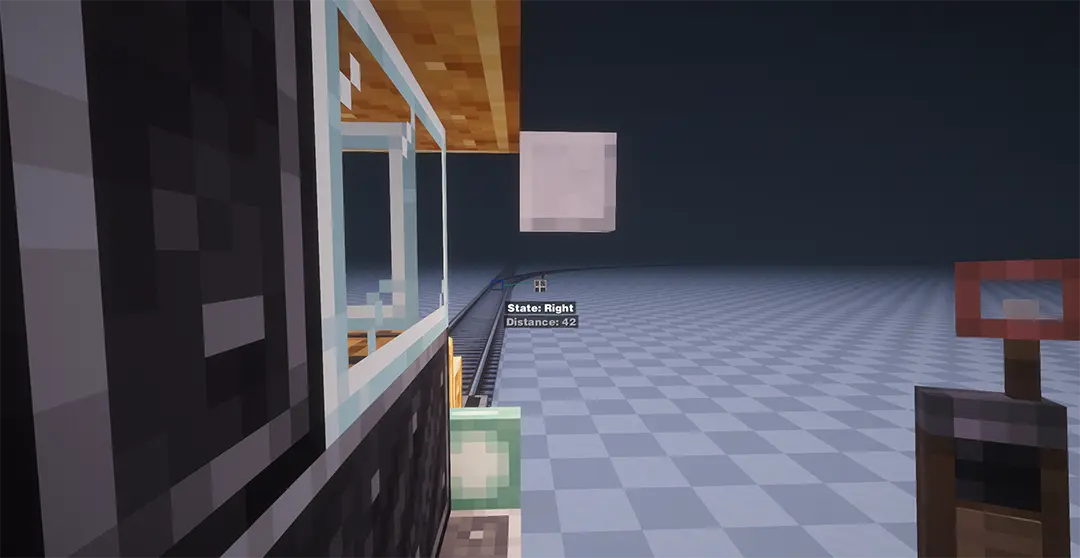
机械动力:转辙机无线电
机械动力:转辙机无线电 为机械动力 / 机械动力:汽鸣铁道重铸版添加了一台手持无线电设备,让你可以像《脱轨山谷》一样远距离遥控汽鸣铁道的轨道转辙机,默认最远 128 格。
功能介绍
手持转辙机无线电设备瞄准远处的转辙机,只需点击鼠标就能即刻切换转辙机状态,从此告别下车扳道岔。
用法
- 合成转辙机无线电设备并手持它
- 瞄准转辙机(会有白框高亮确认),左键/右键切换岔道方向
- 按住 Shift 放大视野以瞄准更远的转辙机
- 瞄准转辙机时会自动显示引导线、转辙机状态以及转辙机是否被锁定(锁定的转辙机无法切换)
依赖
| 模组 | 版本 |
|---|---|
| Minecraft | 1.21.1 |
| NeoForge | 21.1+ |
| 机械动力 | 6.0+ |
| 机械动力:汽鸣铁道重铸版(非官方 1.21.1 移植版) | 0.1+ |
开源
本模组以 MIT 协议开源。
声明
本模组借助 Deepseek AI 辅助完成。
- Edition: Minecraft Java
- File type: .jar
- Minecraft version listed: 1.21.1
- How to install: Install the matching mod loader (Forge, Fabric or NeoForge) for your Minecraft version. → Download the .jar. → Put it in the .minecraft/mods folder and launch that loader profile.
- Where to get it: Opens on Modrinth — not every file is mirrored on our own servers.
Install steps are the general flow for this file type — How to install Minecraft Java mods & modpacks walks through it step by step.
- Ships as create_tsr-1.1.0.jar — drop this file into the mods folder
- Download size: 178 KB
- Download link checked 1 Oct 2026 — working
These come from our own check of the pack file, not from the source page.