
RxBetter UI – Take Full Control of Your HUD
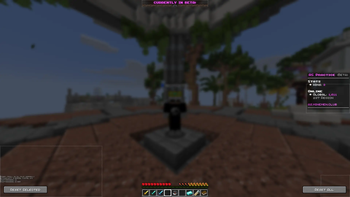
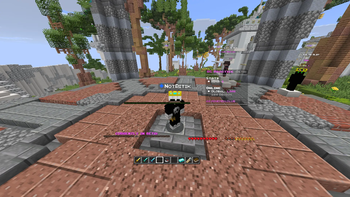
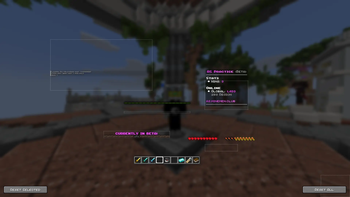
RxBetter UI is a powerful Fabric mod that gives you complete control over Minecraft's vanilla HUD elements. Whether you want to reposition your hotbar, resize your health bar, or customize your chat window, this mod lets you customize every aspect of your in-game interface with an intuitive editor.
Key Features
- Move, resize, and scale all vanilla HUD elements (hotbar, health, hunger, XP bar, status effects, scoreboard, boss bar, chat)
- Intuitive drag-and-drop editor with visual outlines for easy positioning
- Snap-to-grid and snap-to-screen edges for precise alignment
- Customizable selection colors and opacity
- Toggle visibility of individual HUD elements
- Press B to open the HUD editor instantly
- Fully compatible with Minecraft 1.21.11
- Lightweight and easy-to-use
- Fabric-based (not Forge)
If you've ever wanted to customize your Minecraft HUD to match your playstyle or preferences, RxBetter UI is the perfect solution. Stay in control of your interface and play the way you like!
Dependencies
Cloth Config
Quick facts
- Edition: Minecraft Java
- File type: .jar
- Minecraft version listed: 1.21.11
- How to install: Install the matching mod loader (Forge, Fabric or NeoForge) for your Minecraft version. → Download the .jar. → Put it in the .minecraft/mods folder and launch that loader profile.
- Where to get it: Opens on Modrinth — not every file is mirrored on our own servers.
Install steps are the general flow for this file type — How to install Minecraft Java mods & modpacks walks through it step by step.
Verified by MCModsHub
- Ships as RxBetterUI-1.0.0.jar — drop this file into the mods folder
- Download size: 528 KB
- Download link checked 11 Sept 2026 — working
These come from our own check of the pack file, not from the source page.