![Nightmare Overload[Remake]](https://files.mcmodshub.com/img/curseforge/389233.png)
AddonsBedrock
Nightmare Overload[Remake]
The author built this one for Minecraft 26.0–26.40. On other versions it may install and then do nothing.
![Nightmare Overload[Remake] — screenshot 1](https://files.mcmodshub.com/img/curseforge/389233_s2922806.jpg)
![Nightmare Overload[Remake] — screenshot 2](https://files.mcmodshub.com/img/curseforge/389233_s2922807.png)
![Nightmare Overload[Remake] — screenshot 3](https://files.mcmodshub.com/img/curseforge/389233_s2922808.jpg)
![Nightmare Overload[Remake] — screenshot 4](https://files.mcmodshub.com/img/curseforge/389233_s2922809.jpg)
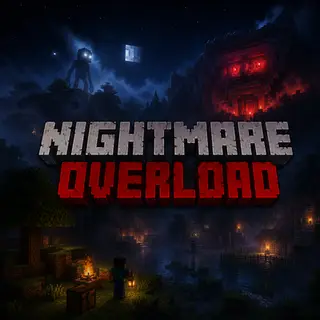
Nightmare Overload transforms Minecraft Bedrock into a terrifying survival experience with horror creatures, eerie fog, haunting sounds, abandoned structures and deep-ocean nightmares. Every cave, forest and ocean hides a new terror. Survive... if you can.
Quick facts
- Edition: Minecraft Bedrock
- File type: .mcpack or .mcaddon
- Minecraft versions listed: 26.0.02, 26.0, 26.3
- How to install: Download the .mcpack or .mcaddon file. → Open it — Minecraft imports it. → In your world: Behavior Packs → Available → Activate, then the same under Resource Packs.
- Where to get it: In MCModsHub, or directly above on this page.
Install steps are the general flow for this file type — How to install Minecraft Bedrock addons & mods walks through it step by step.
Verified by MCModsHub
- Pack type: .mcaddon — behaviour and resource pack in one file
- Complete pack — everything it depends on is inside the file
- Download size: 67.3 MB
- Download link checked 30 Jul 2026 — working
These come from our own check of the pack file, not from the source page.




![Nightmare Mode | Minecraft's Hardest Mod [TRAILER]](https://i.ytimg.com/vi/kfCC69oTuSU/mqdefault.jpg)