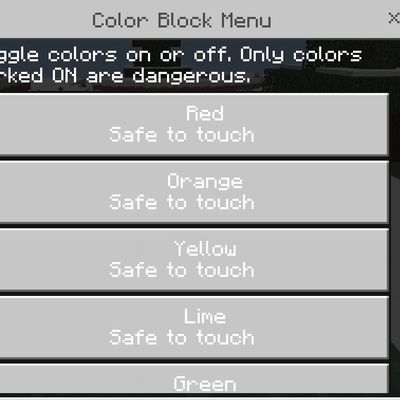
Do not touch that color
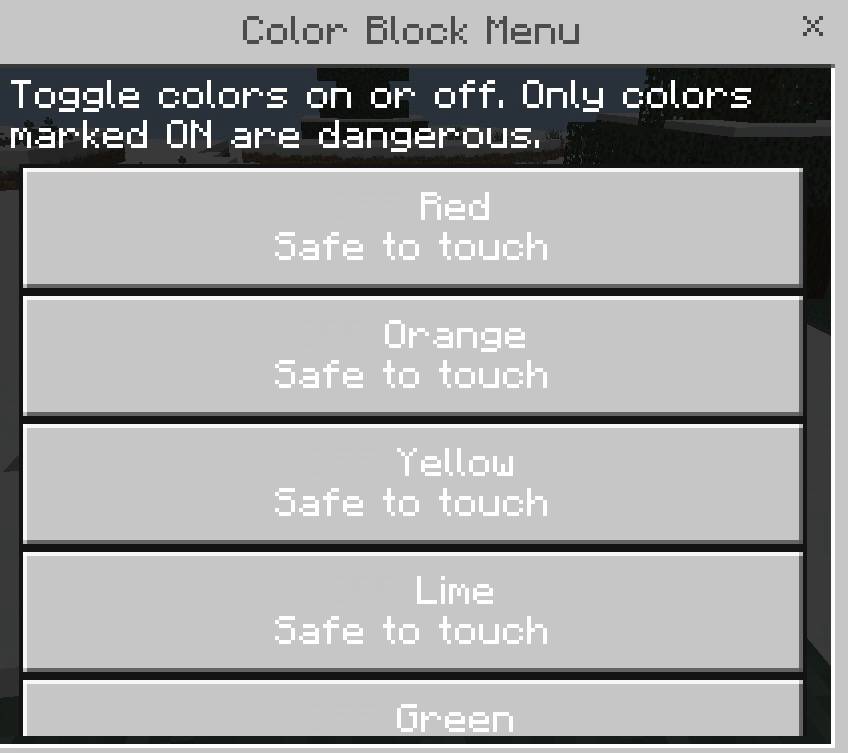
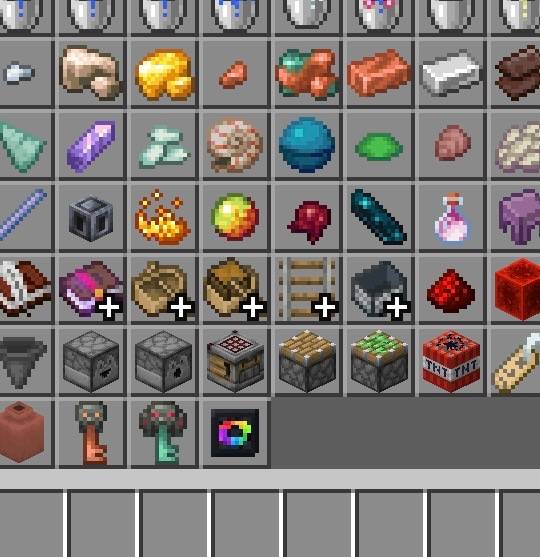
In Minecraft you can pick a color that is forbidden to touch!! Get a block item menu from creative mode and select what colors. You can set how much…
⬇ Download on CurseForge📢 IMPORTANT — PLEASE READ!
I DO NOT READ OR RESPOND TO DIRECT MESSAGES ON CURSEFORGE.
If you need help, have a question, want to report a bug, or want to contact me, please use my Discord instead. 💬
💙 Discord is the best way to reach me!
I check Discord regularly and can respond there much faster.
⚠️ CurseForge DMs may not be seen or answered.
Thank you for understanding! 🙏
— Darkness Studios
CAN YOU SURVIVE THIS MOD?! YOU CAN SELECT ANY COLOR TO MAKE FORBIDDEN
EVEN ITEMS CAN BE FORBIDDEN!!
BLOCKS CAN BE FORBIDDEN.
WATCH MY YOUTUBE CHANNEL HERE SURVIVAL SMP+ @Oddsailor6878
Play with your friends or upload to your realm or server.
If you make a video please Credit me at the end of the video or say who made it.
Thanks for downloading!!! Have fun!!
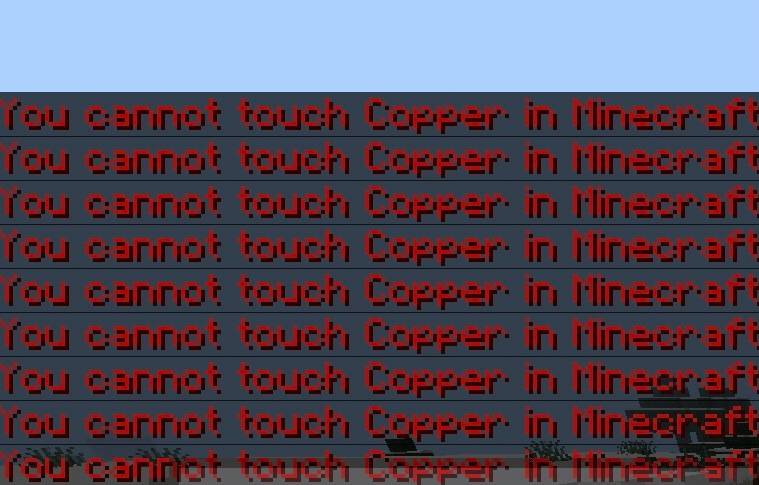
Look at pictures below!!
- Edition: Minecraft Bedrock
- File type: .mcpack or .mcaddon
- Minecraft version listed: 26.30
- How to install: Download the .mcpack or .mcaddon file. → Open it — Minecraft imports it. → In your world: Behavior Packs → Available → Activate, then the same under Resource Packs.
- Where to get it: Opens on CurseForge — not every file is mirrored on our own servers.
Install steps are the general flow for this file type — How to install Minecraft Bedrock addons & mods walks through it step by step.
Do not touch that color is a free Minecraft Bedrock addon. Compatible with Minecraft 26.30. Downloaded 512 times (via CurseForge). Download it and open it directly in the game.