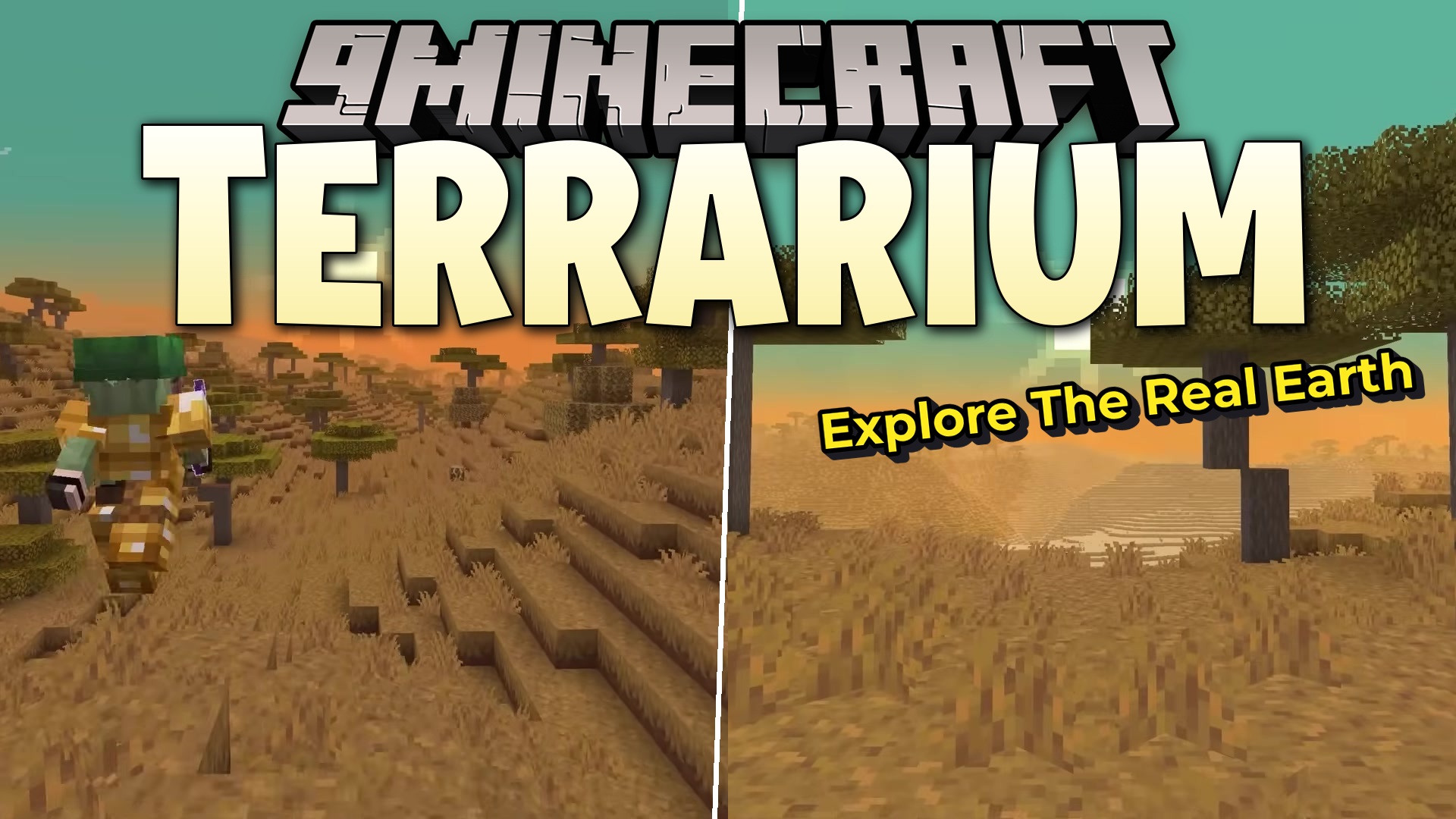
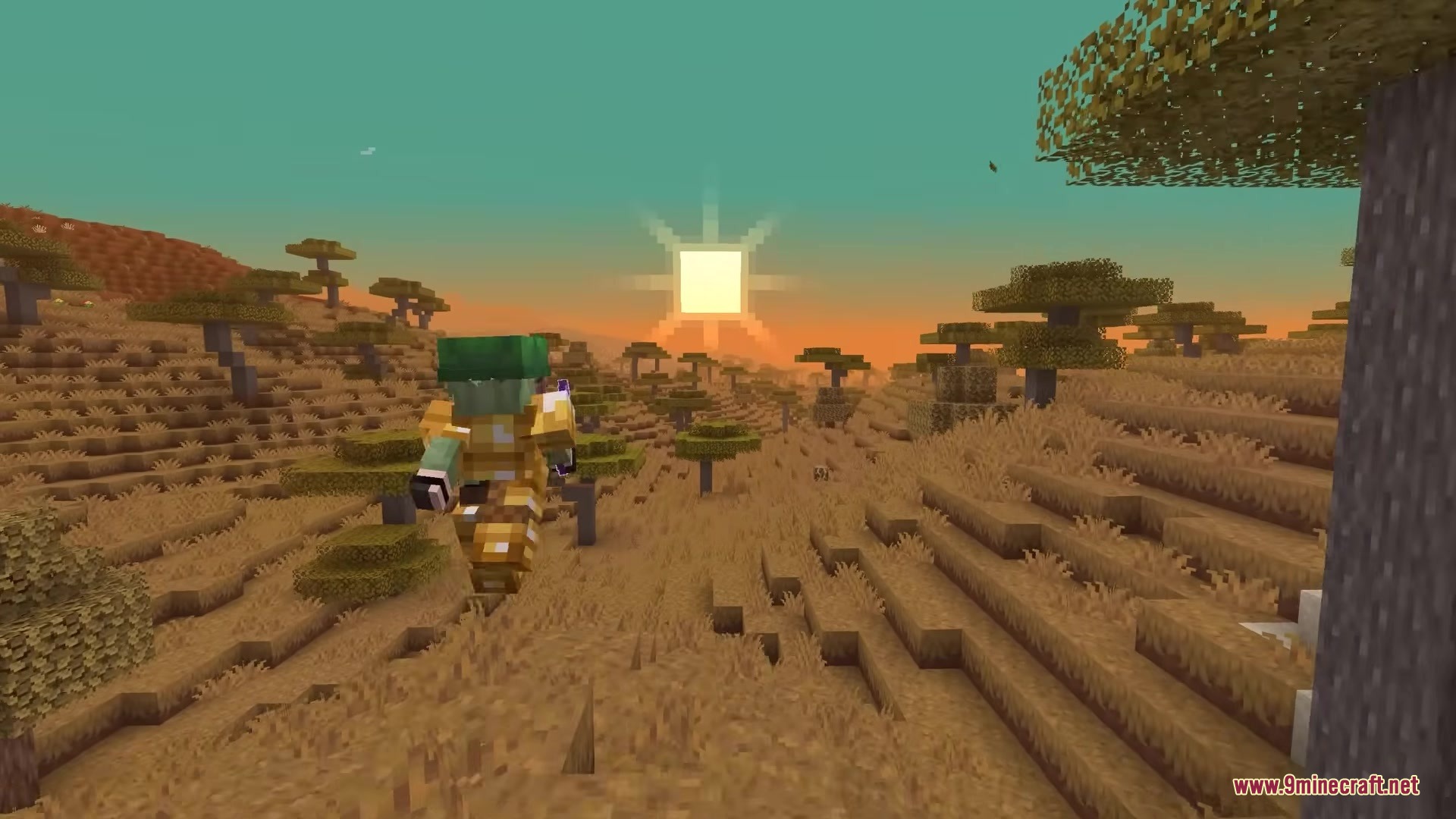
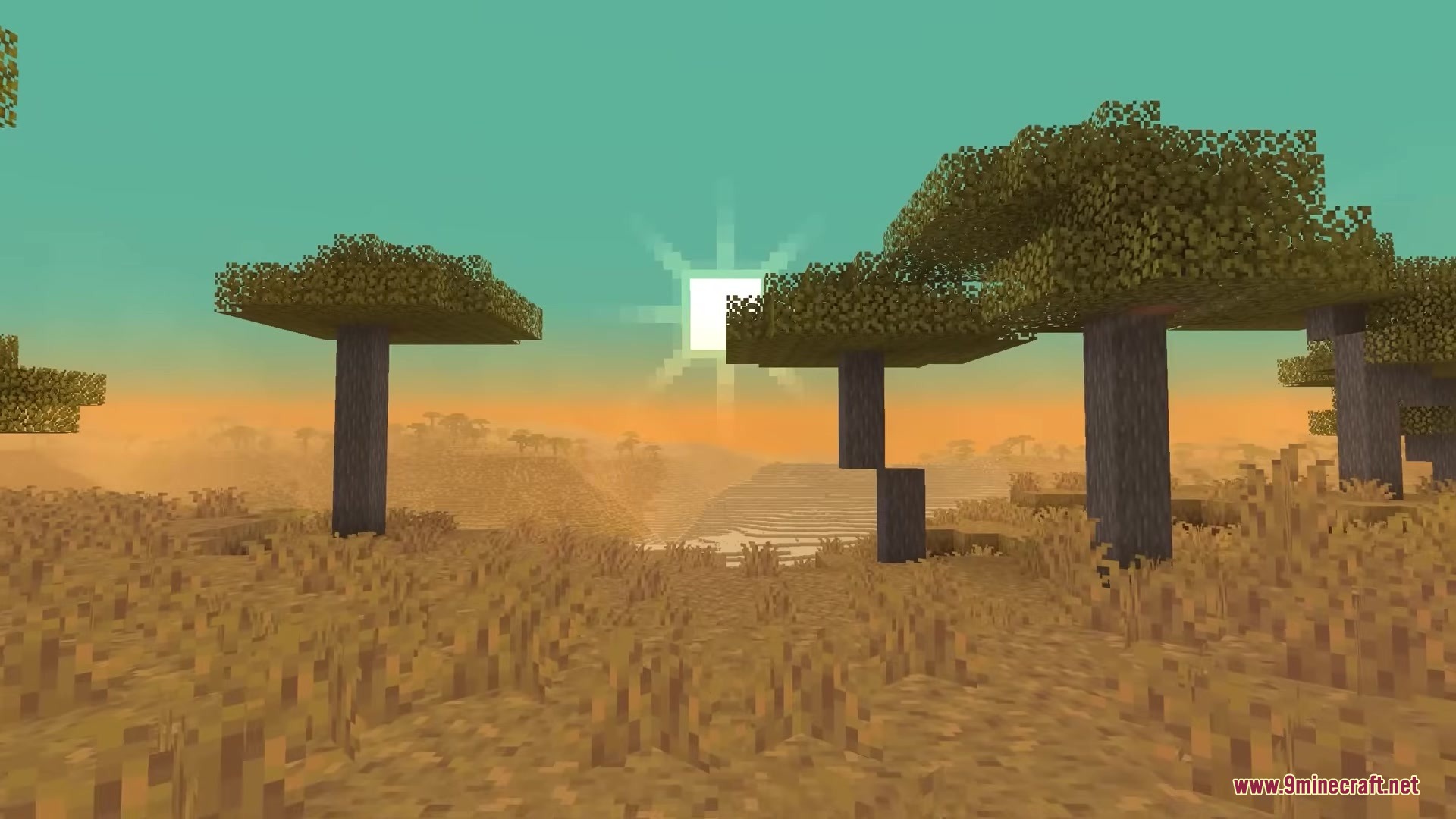
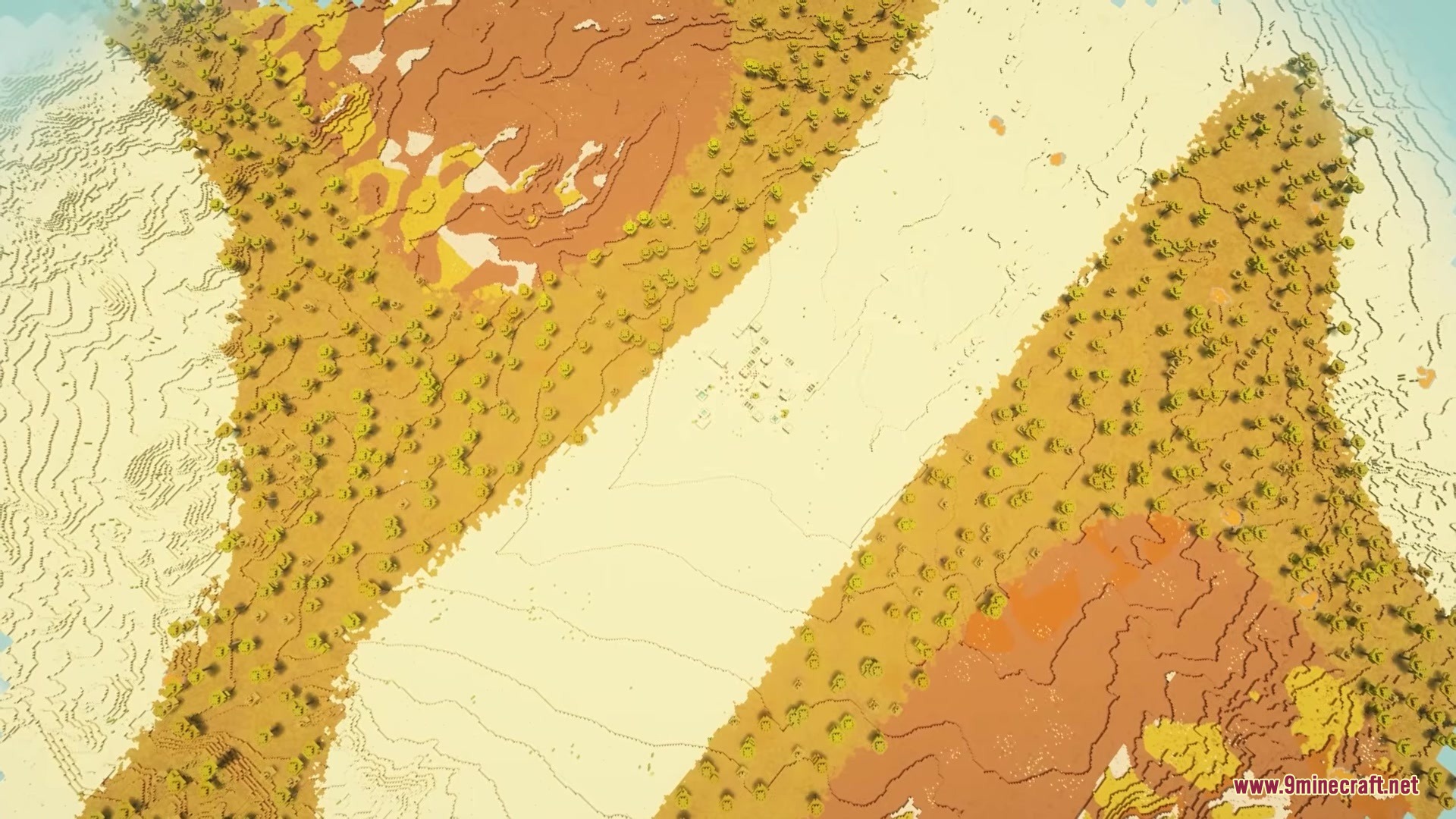
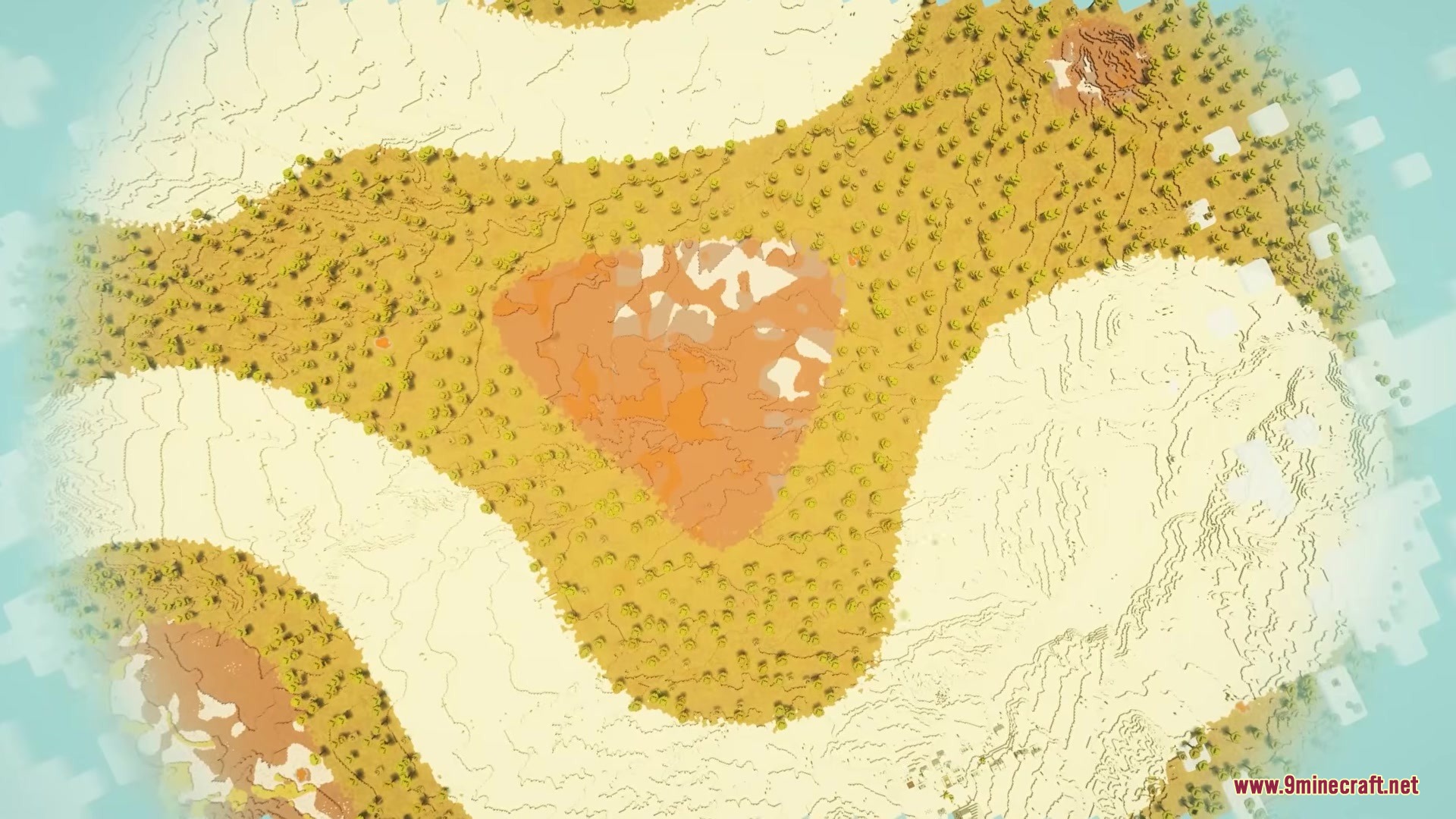
Terrarium by Lynxs Mod lets you explore a massive, pixel-perfect version of Earth right inside your game. It uses real-world elevation and climate data to generate mountains, valleys, and oceans exactly as they exist in real life. You can change the zoom level to control how big the planet gets, from a small survival map to a gigantic planetary scale. The mod automatically places standard biomes based on the real temperature and height of each area. It downloads map tiles as you explore, turning real geography into blocks as you walk.
Features:
- Real Earth Terrain: Generates the world using actual elevation and climate data from real life.
- Adjustable Scale: Lets you change the zoom level to make the world smaller for survival mode or huge for a full planet scale.
- Converts real map pixels directly into block heights so mountains match their real shapes.
- Places regular game biomes automatically by looking at the real temperature and height of the land.
- Downloads map tiles in 256 by 256 block chunks as you move around the world.
- Caches the downloaded map tiles on your computer so the game runs better the next time you visit an area.
Configuration:
ELEVATION_URL: changes the link where the game gets its height data.TEMPERATURE_URL: changes the link for the climate and weather data.CACHE_DIR: chooses the folder where downloaded map tiles get saved on your computer.
How to Use:
- Go to the singleplayer menu and start creating a new world.
- Change the world type to Earth (or type
terrarium:terrariumin server properties). - Click the customize button to adjust the zoom level and map settings before you start.
- Keep the zoom level between 8 and 10 for normal survival play, or go up to 13 for a massive planet.
Screenshots:
Terrarium by Lynxs Mod Download Links
Quick facts
- Edition: Minecraft Java
- File type: .jar
- Minecraft versions listed: 1.21.11, 1.20.1
- How to install: Install the matching mod loader (Forge, Fabric or NeoForge) for your Minecraft version. → Download the .jar. → Put it in the .minecraft/mods folder and launch that loader profile.
- Where to get it: In MC Java Mods, or directly above on this page.
Install steps are the general flow for this file type — How to install Minecraft Java mods & modpacks walks through it step by step.
Verified by MCModsHub
- Downloads as 389480.mcaddon
- Download size: 65 KB
- Download link checked 25 Sept 2026 — working
- Mirrored on our own servers — the download does not depend on the original host
These come from our own check of the pack file, not from the source page.