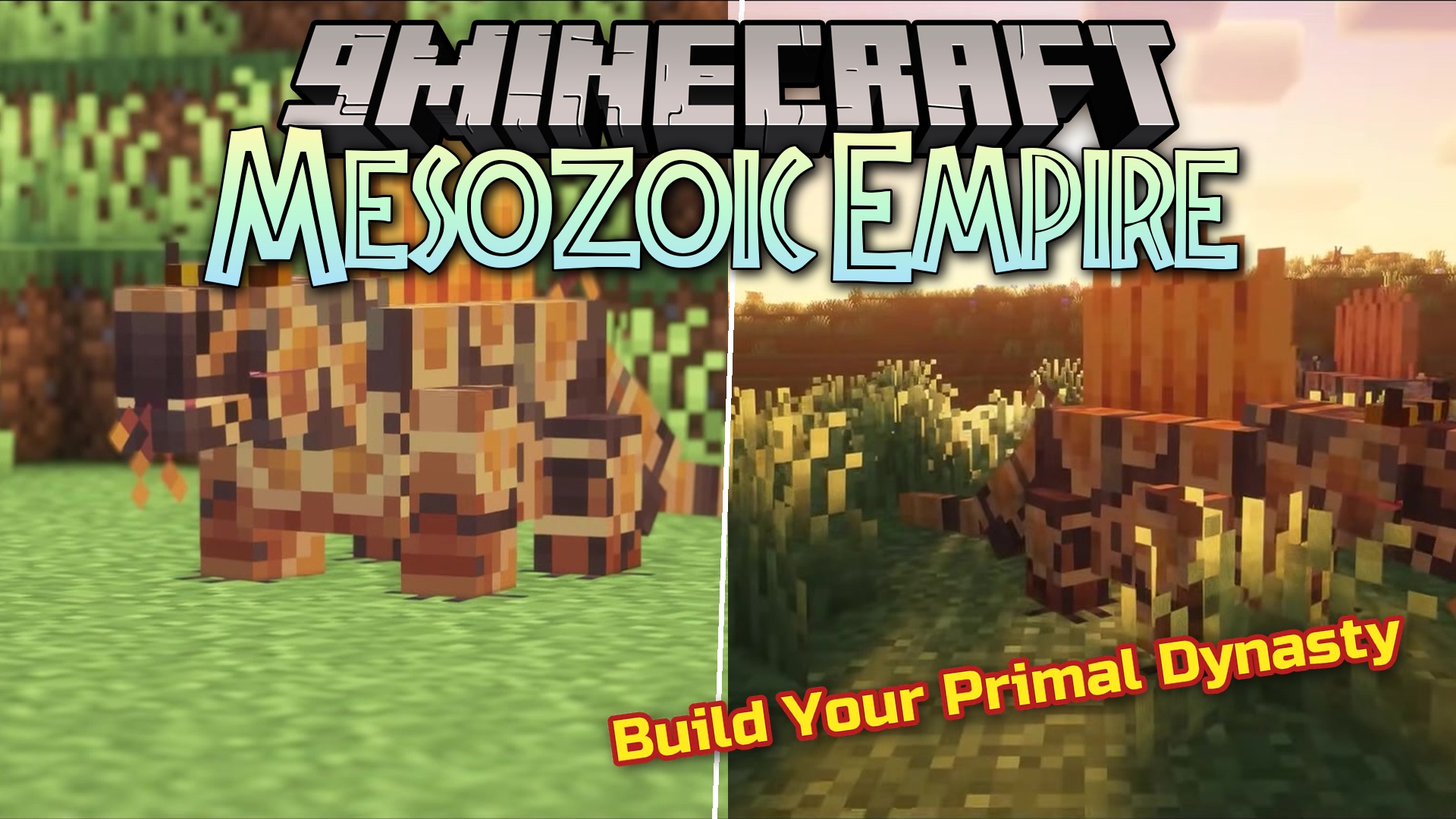
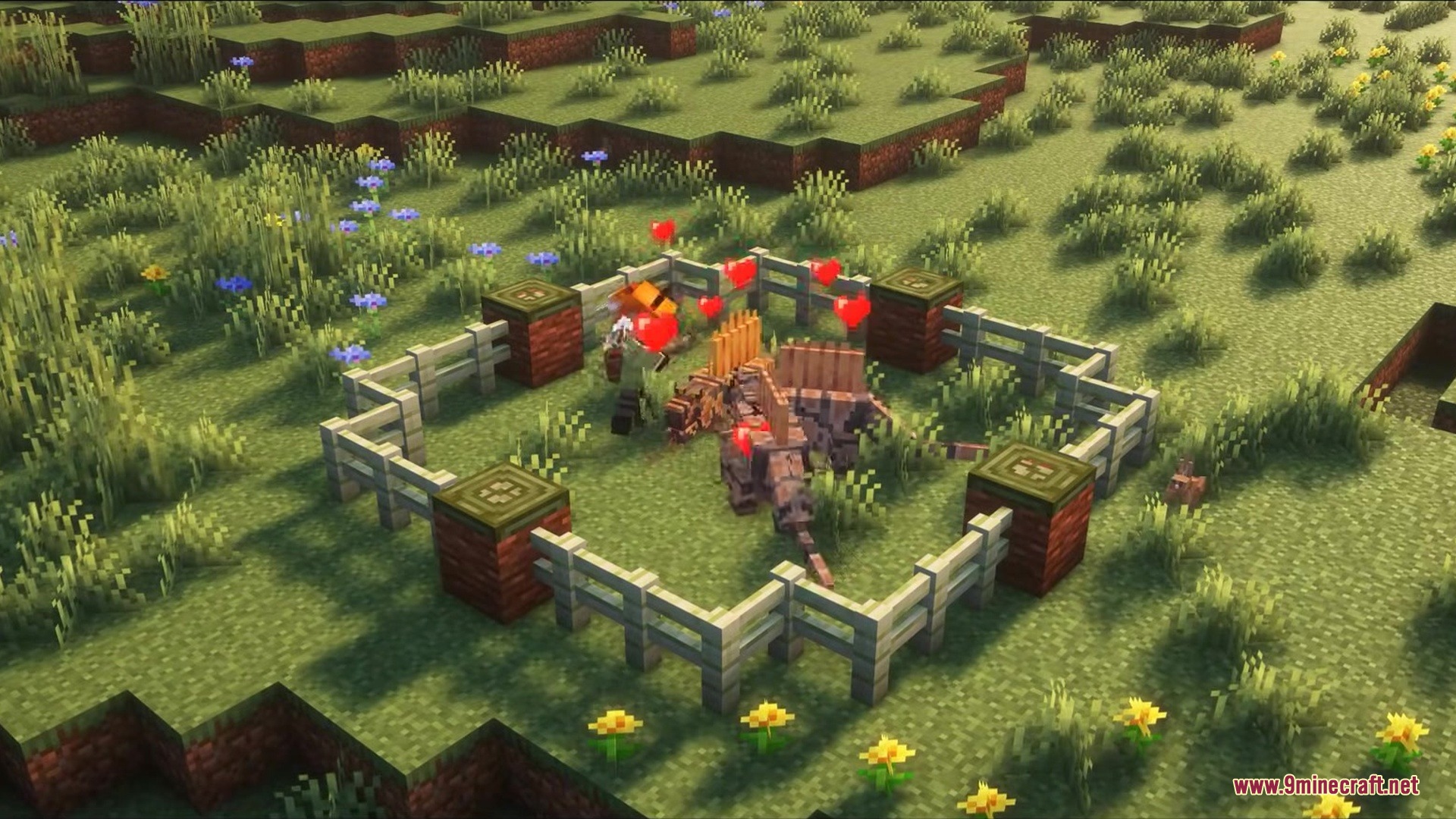
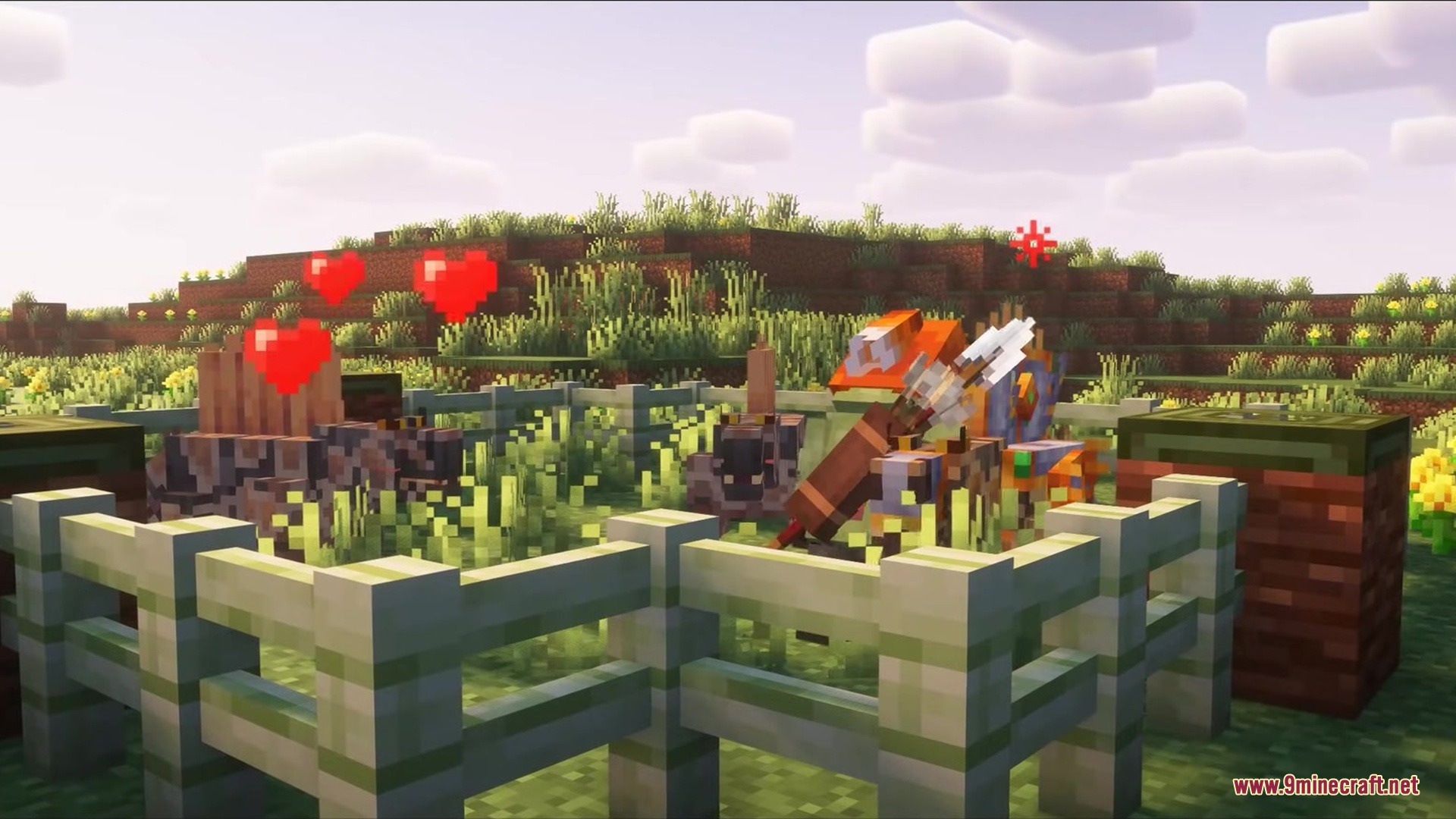
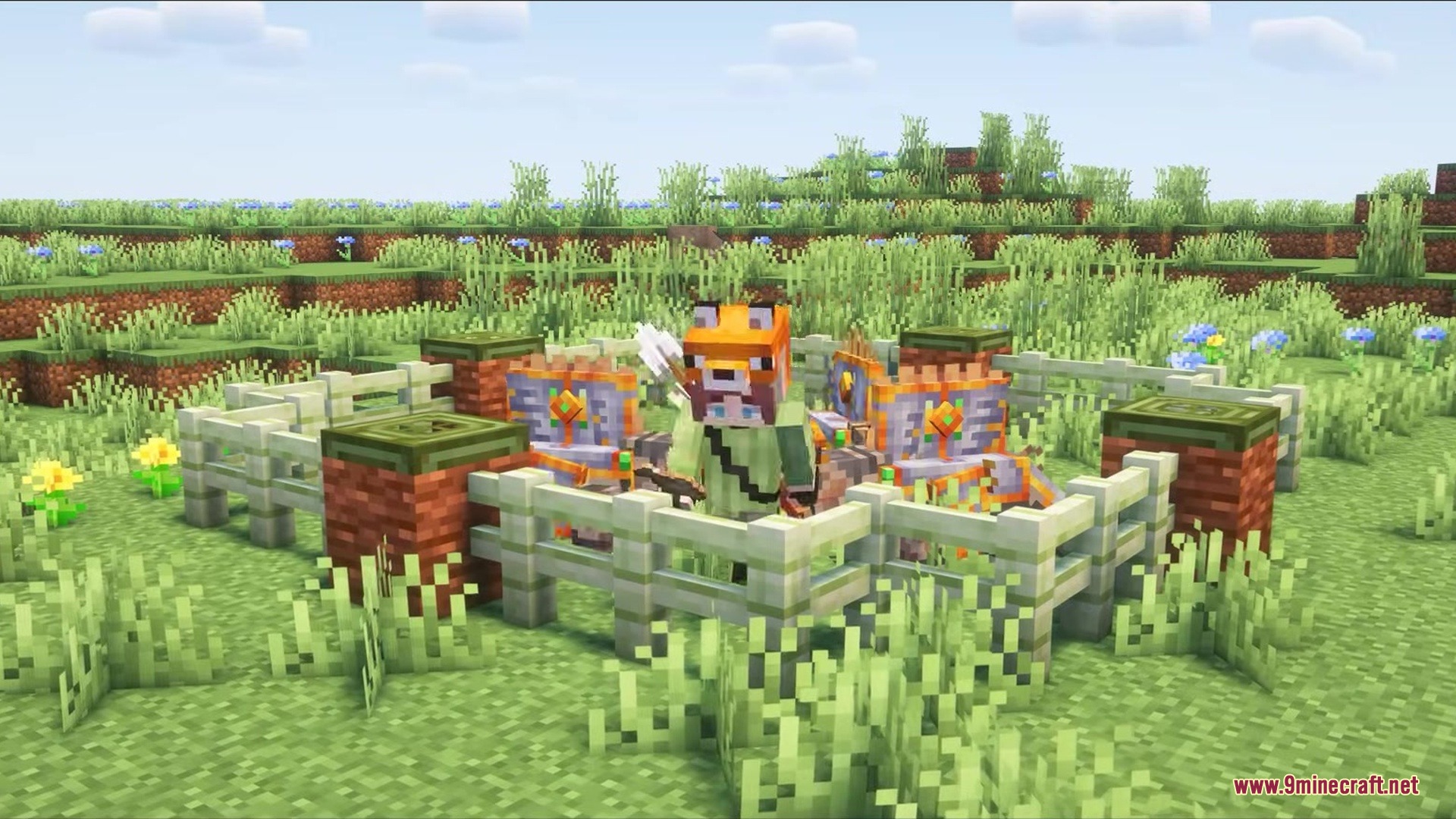
Mesozoic Empire Mod adds extinct creatures from the past to your game. This mod focuses on bringing a small group of prehistoric animals to life. It gives you new mobs to look at, special armor to wear, and a brand new type of wood for building. Since the project is still in its early stages, it works best when you play in creative mode to test out the new additions.
Features:
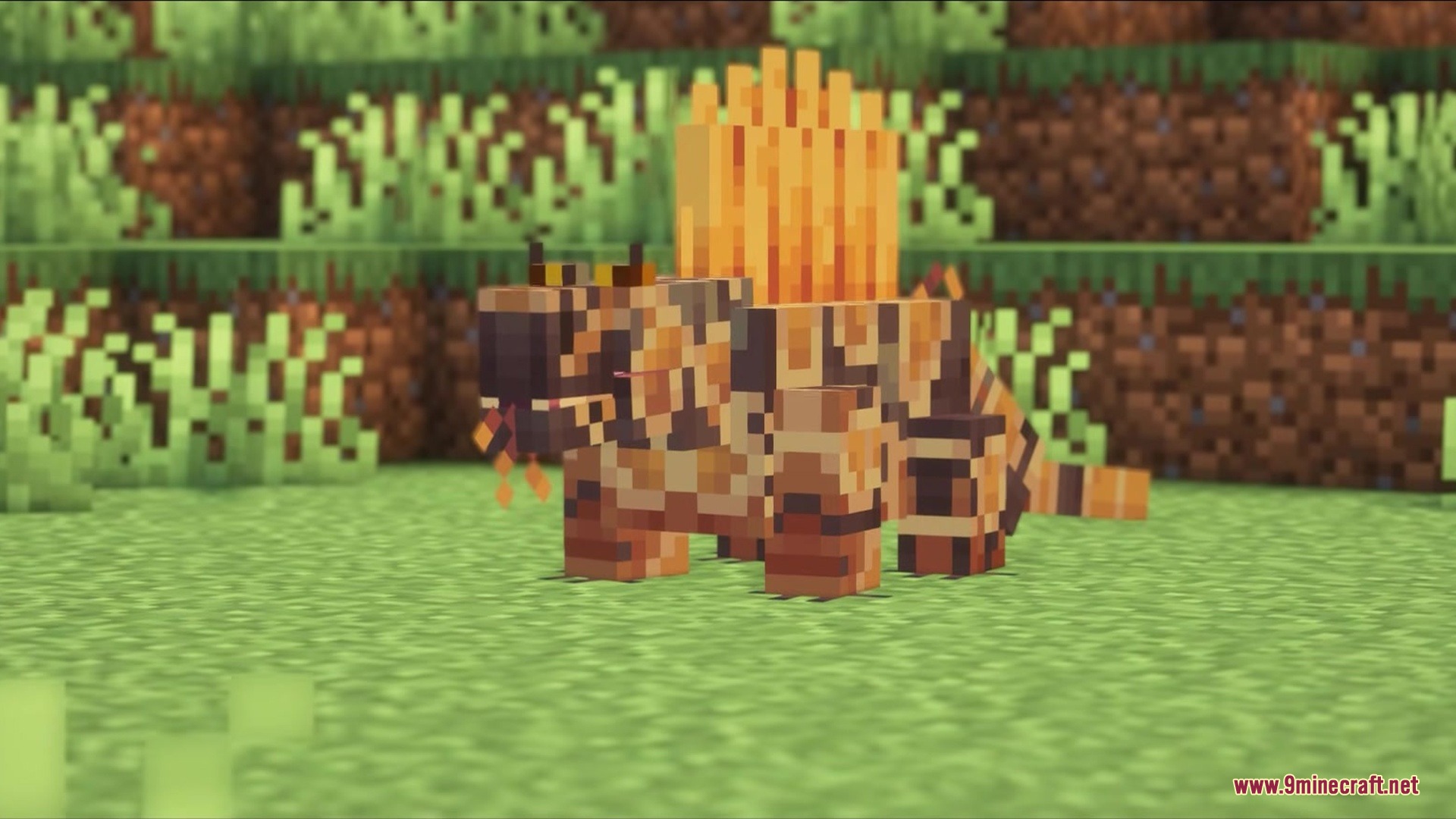
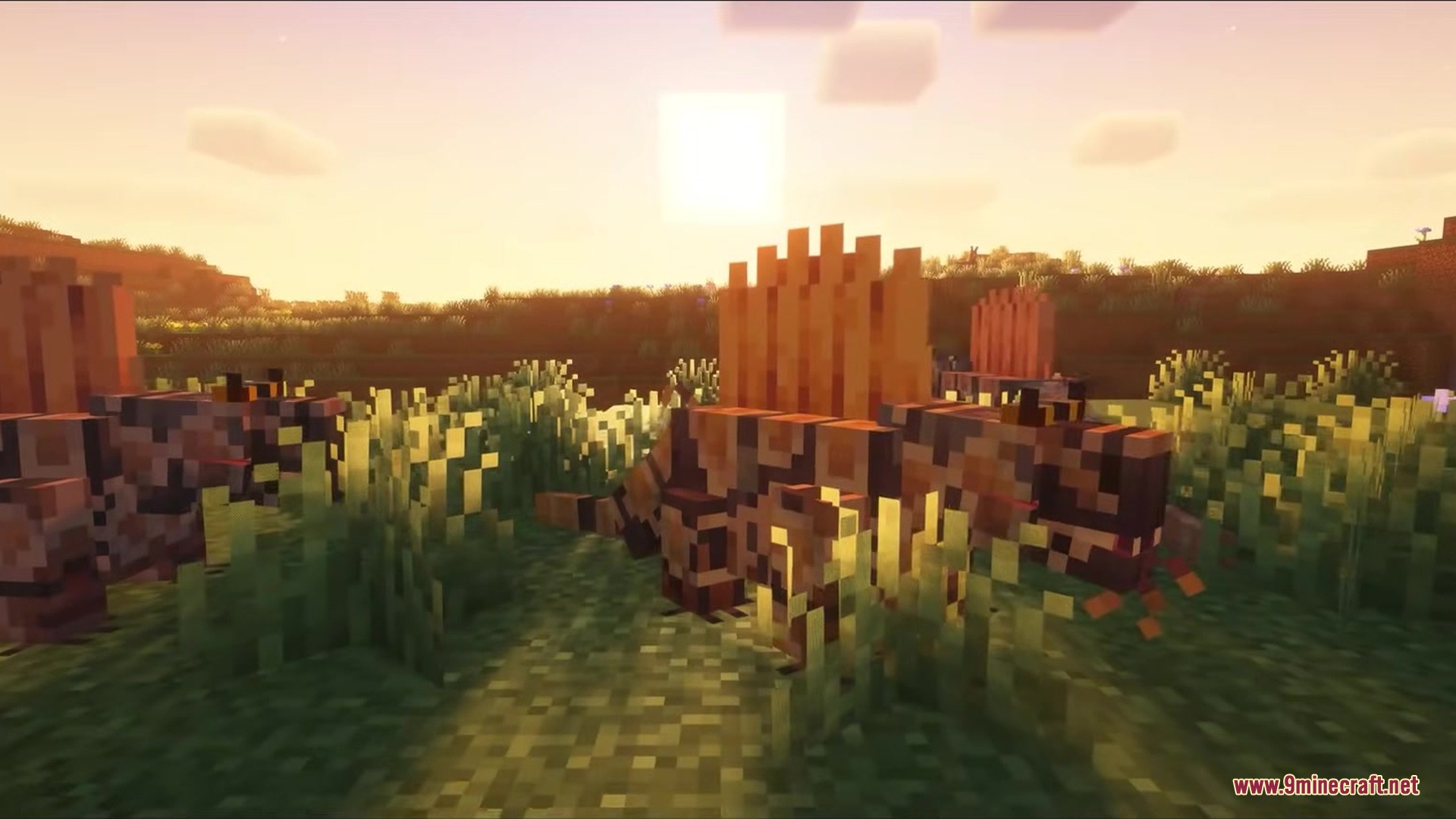
- Prehistoric Mobs: Adds the Dimetrodon, an ancient creature from the past, complete with a custom spawn egg.
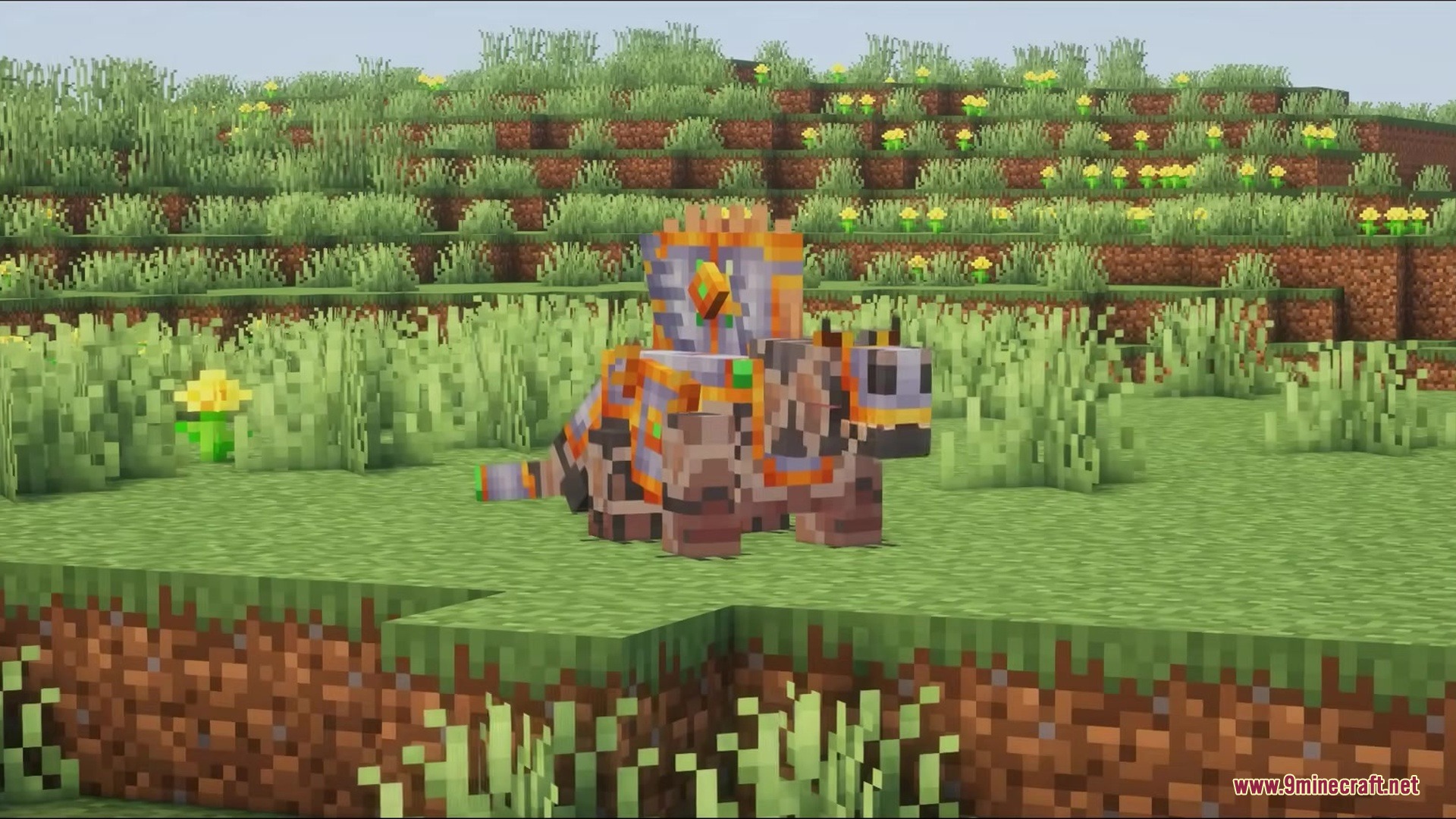
- Custom Armor: Lets you wear a full set of armor made from the Dimetrodon.
- New Wood Type: Brings the Wattieza tree into the game with a complete set of wooden building blocks.
- You can build houses using Wattieza planks, doors, stairs, fences, trapdoors, and slabs.
- The mod keeps things simple by planning a total of 8 to 9 creatures when fully finished.
How to Use:
- Start a new world and set your game mode to Creative, as survival mode is not supported yet.
- Open your inventory and find the custom creative tab for the mod.
- Grab a Dimetrodon spawn egg to place the creature in your world.
- Test out the new Wattieza wood blocks to build structures safely.
Screenshots:
Mesozoic Empire Mod Download Links
Quick facts
- Edition: Minecraft Java
- File type: .jar
- Minecraft version listed: 1.20.1
- How to install: Install the matching mod loader (Forge, Fabric or NeoForge) for your Minecraft version. → Download the .jar. → Put it in the .minecraft/mods folder and launch that loader profile.
- Where to get it: In MC Java Mods, or directly above on this page.
Install steps are the general flow for this file type — How to install Minecraft Java mods & modpacks walks through it step by step.
Verified by MCModsHub
- Downloads as 389481.mcaddon
- Download size: 155 KB
- Download link checked 25 Sept 2026 — working
- Mirrored on our own servers — the download does not depend on the original host
These come from our own check of the pack file, not from the source page.