ModsJava
Novum's Altitude Mod (1.20.1) – Fly Above the Clouds for a Clear View of Space
Java mod listed for Minecraft 1.20. Downloads from the MC Java Mods app on Android.
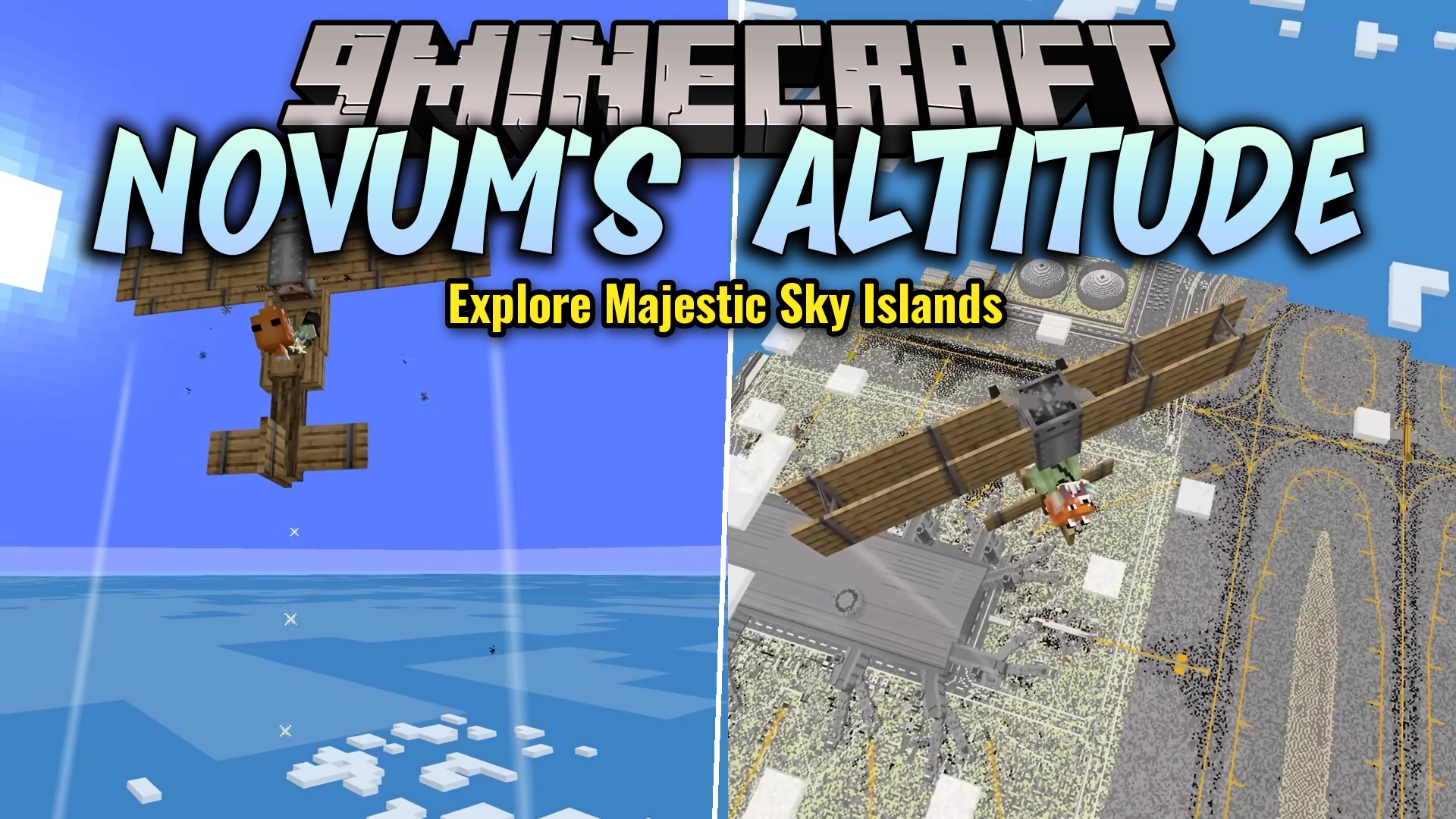
Novum's Altitude Mod changes how the sky looks when you fly high up into the air. Instead of looking at a white fog, you get to see space as you go…
⬇ Download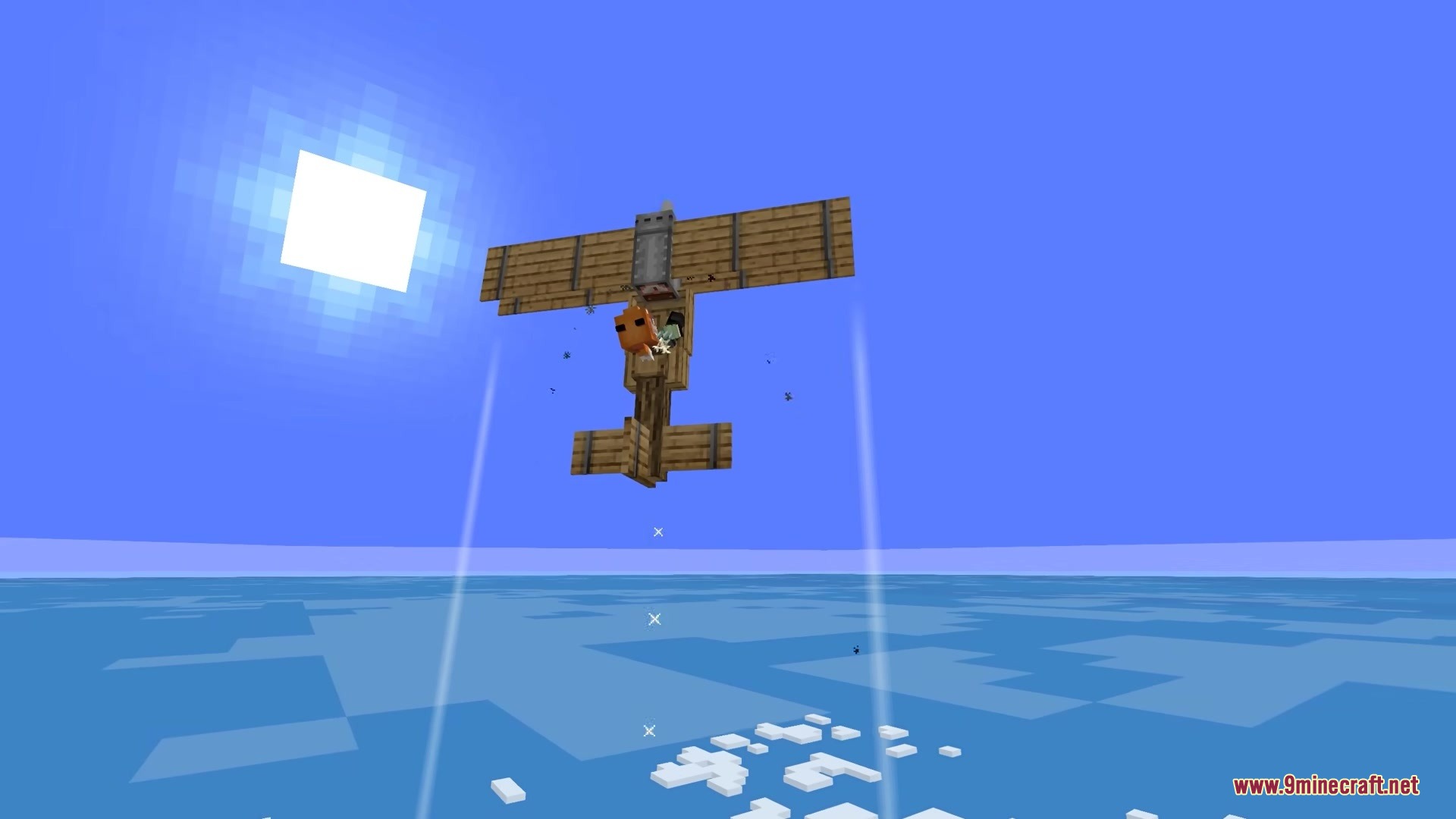

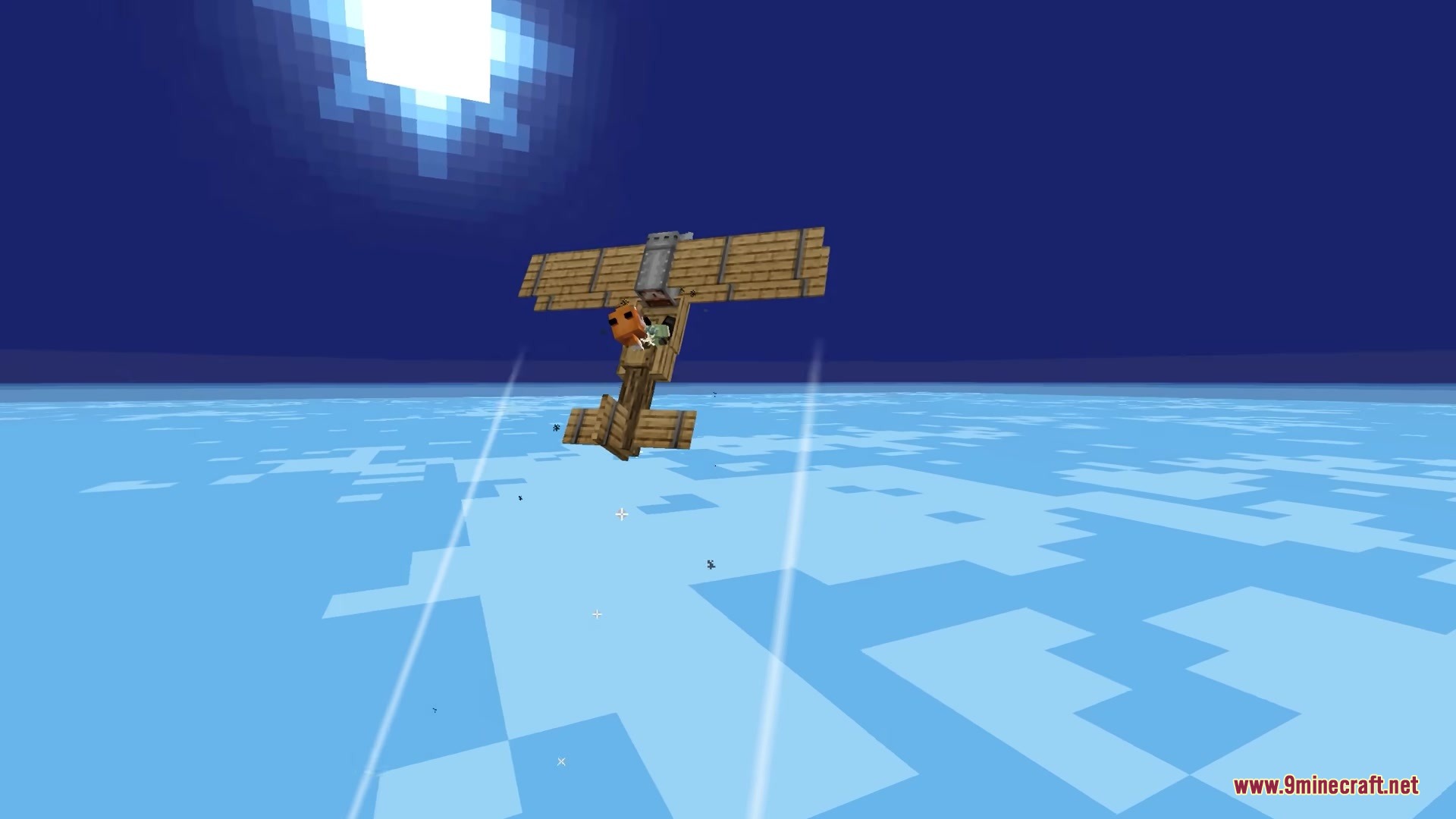
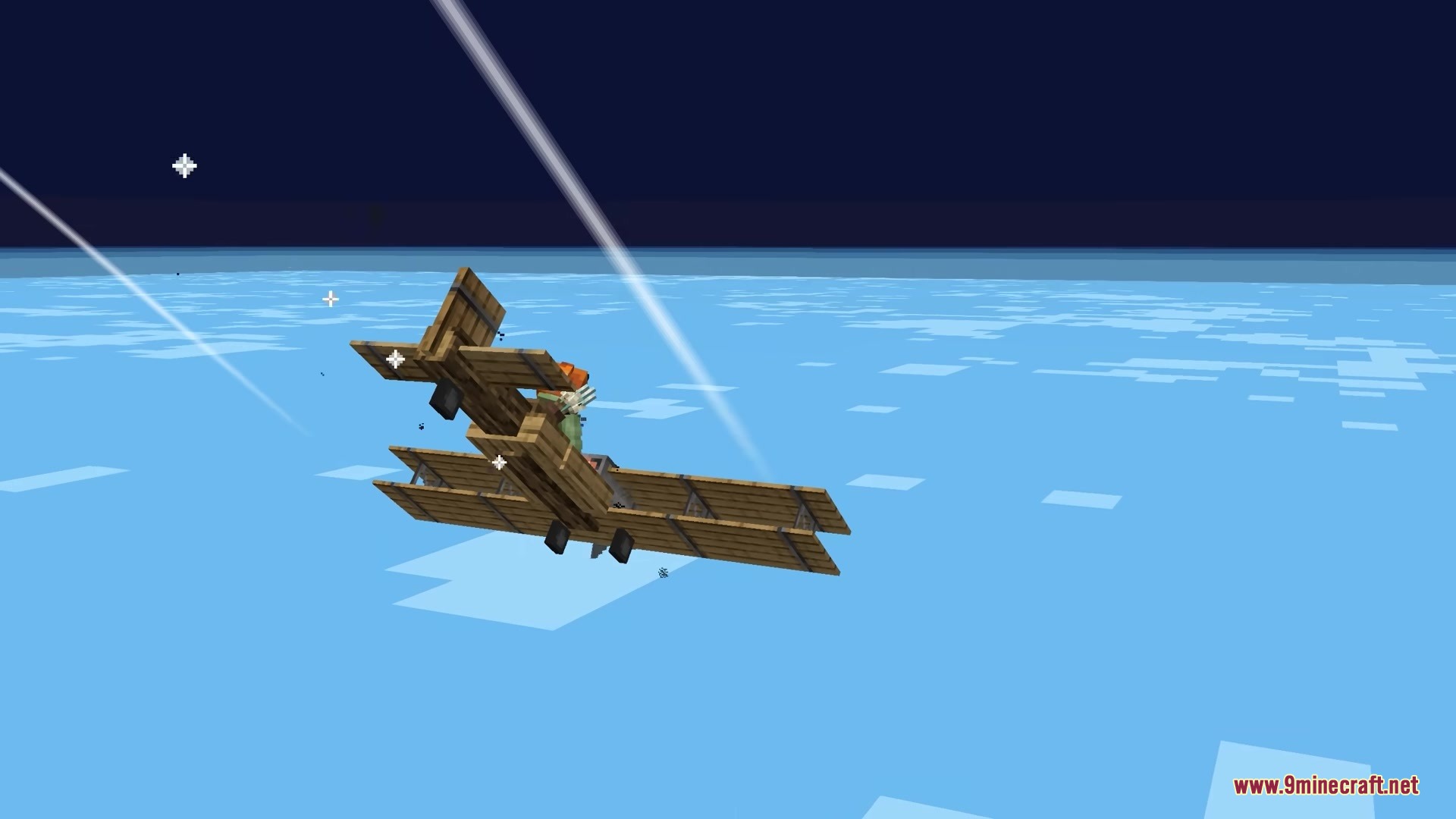
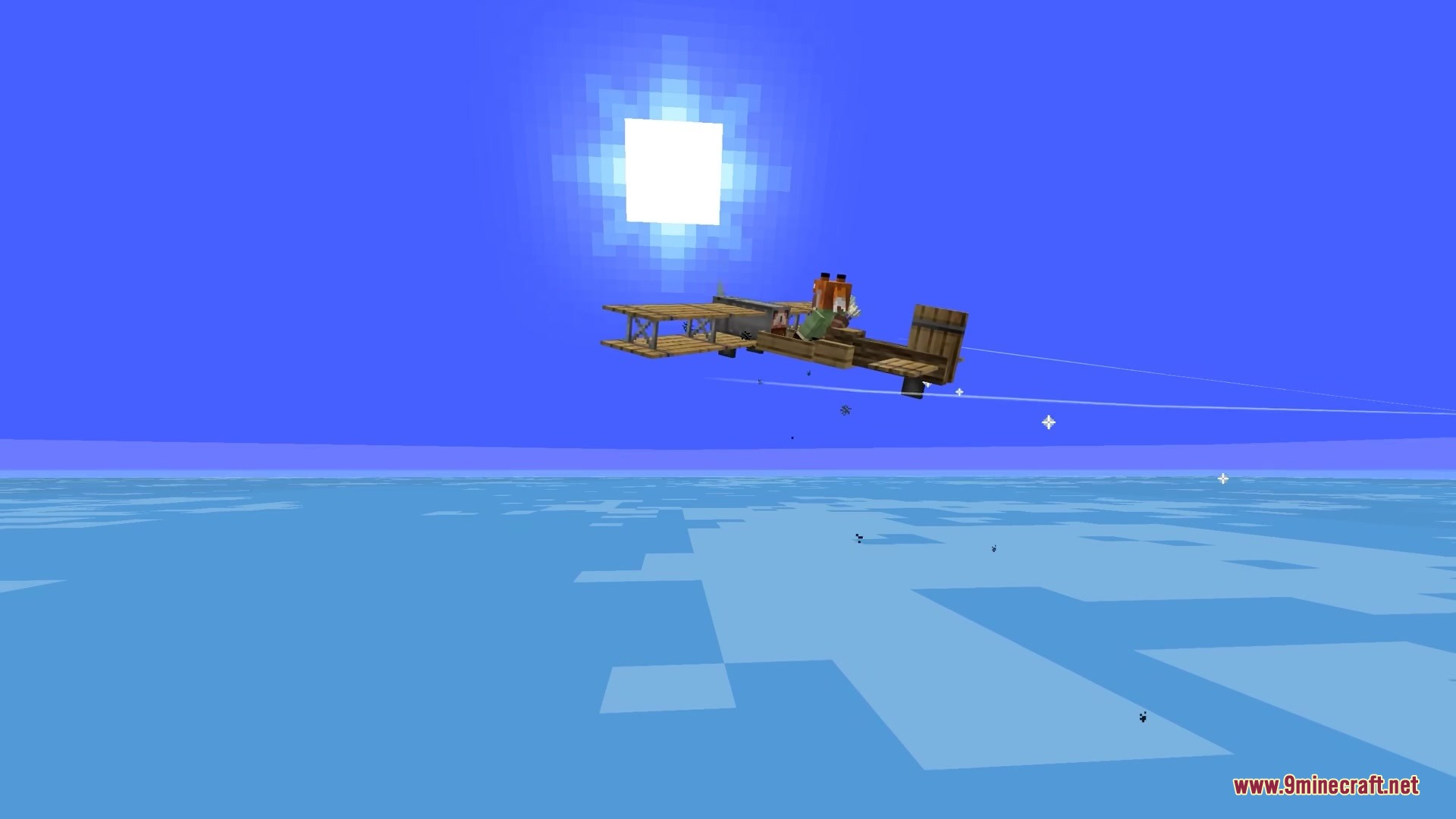

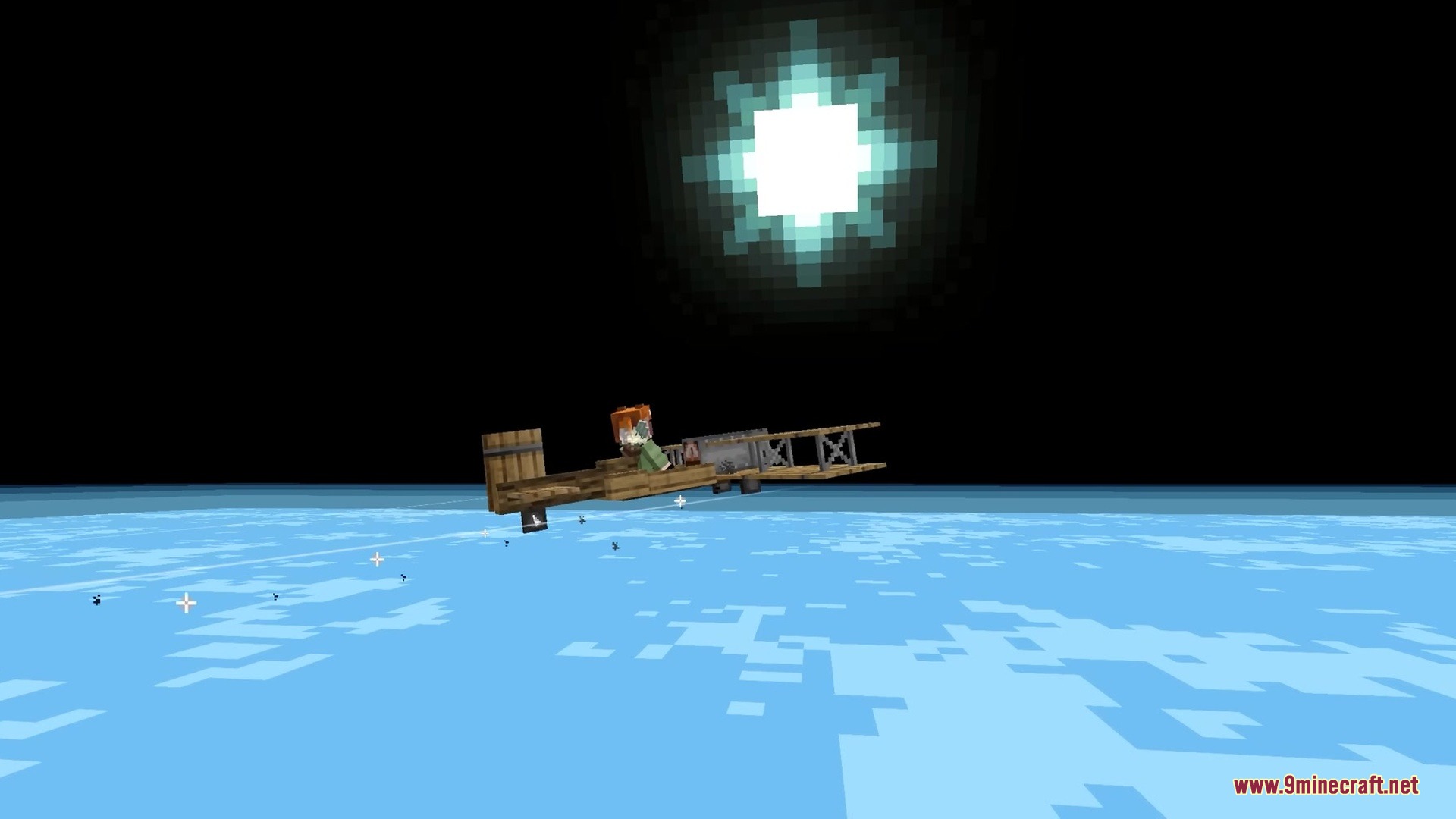
Novum’s Altitude Mod changes how the sky looks when you fly high up into the air. Instead of looking at a white fog, you get to see space as you go higher.
Features:
- Space View: Changes the sky to a dark color as you go higher in the world.
- Makes the clouds stay below you while the sun shines brighter in the dark sky.
- Fills the empty areas around your loaded chunks with a fake ocean layer.
- Replaces the normal white fog at the top of the world with a clear view of the ground below.
- Plays new background music while you fly around in the upper atmosphere.
- Pairs well with the Distant Horizons mod for better views, but might look wrong with custom shaders.
Screenshots:
Novum’s Altitude Mod Download Links
Quick facts
- Edition: Minecraft Java
- File type: .jar
- Minecraft version listed: 1.20.1
- How to install: Install the matching mod loader (Forge, Fabric or NeoForge) for your Minecraft version. → Download the .jar. → Put it in the .minecraft/mods folder and launch that loader profile.
- Where to get it: In MC Java Mods, or directly above on this page.
Install steps are the general flow for this file type — How to install Minecraft Java mods & modpacks walks through it step by step.
File checked by MCModsHub
- Downloads as 389484.mcaddon
- Download size: 18.2 MB
- Download link checked 25 Sept 2026 — working
- Mirrored on our own servers — the download does not depend on the original host
These come from our own check of the pack file, not from the source page.