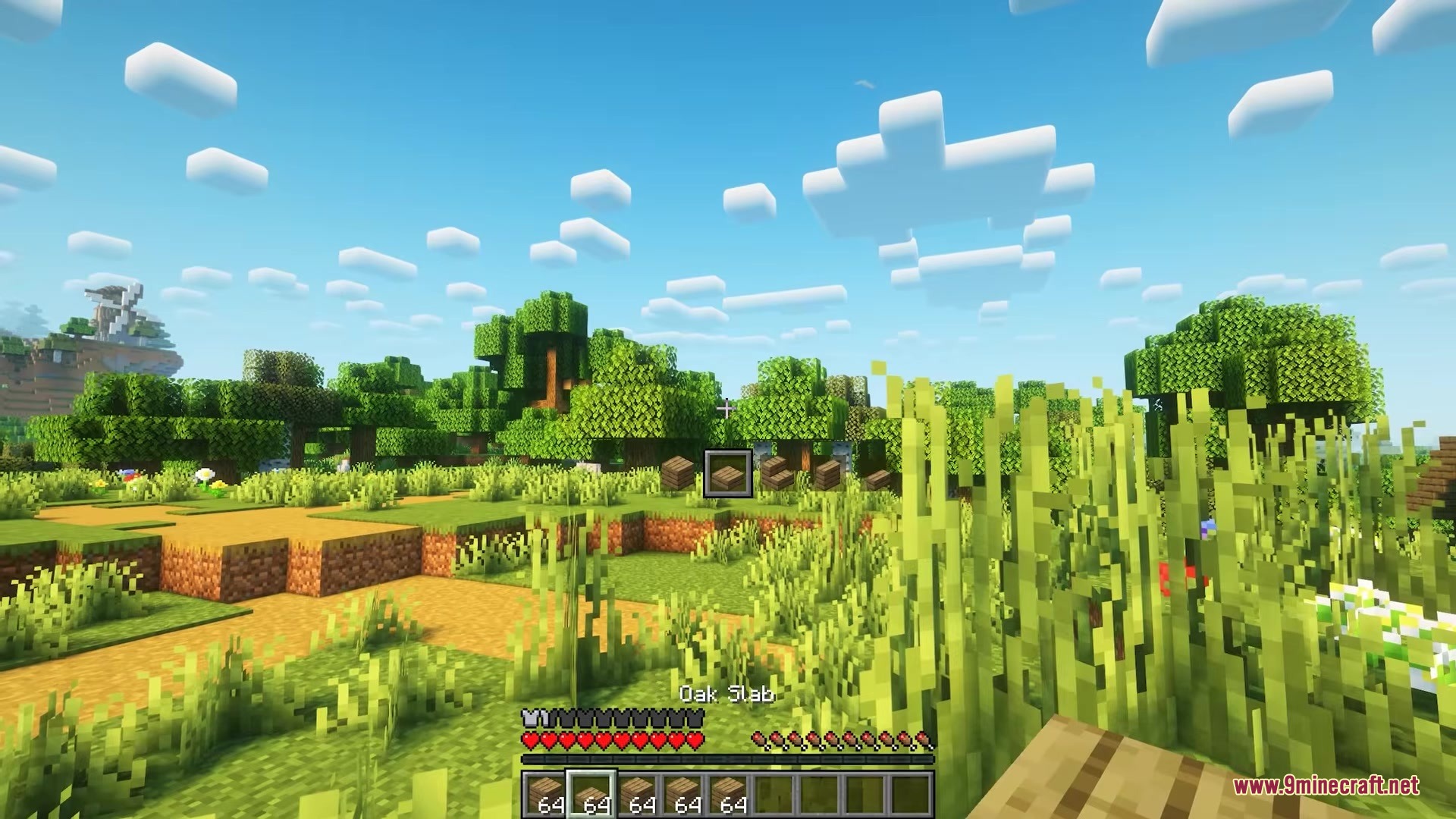
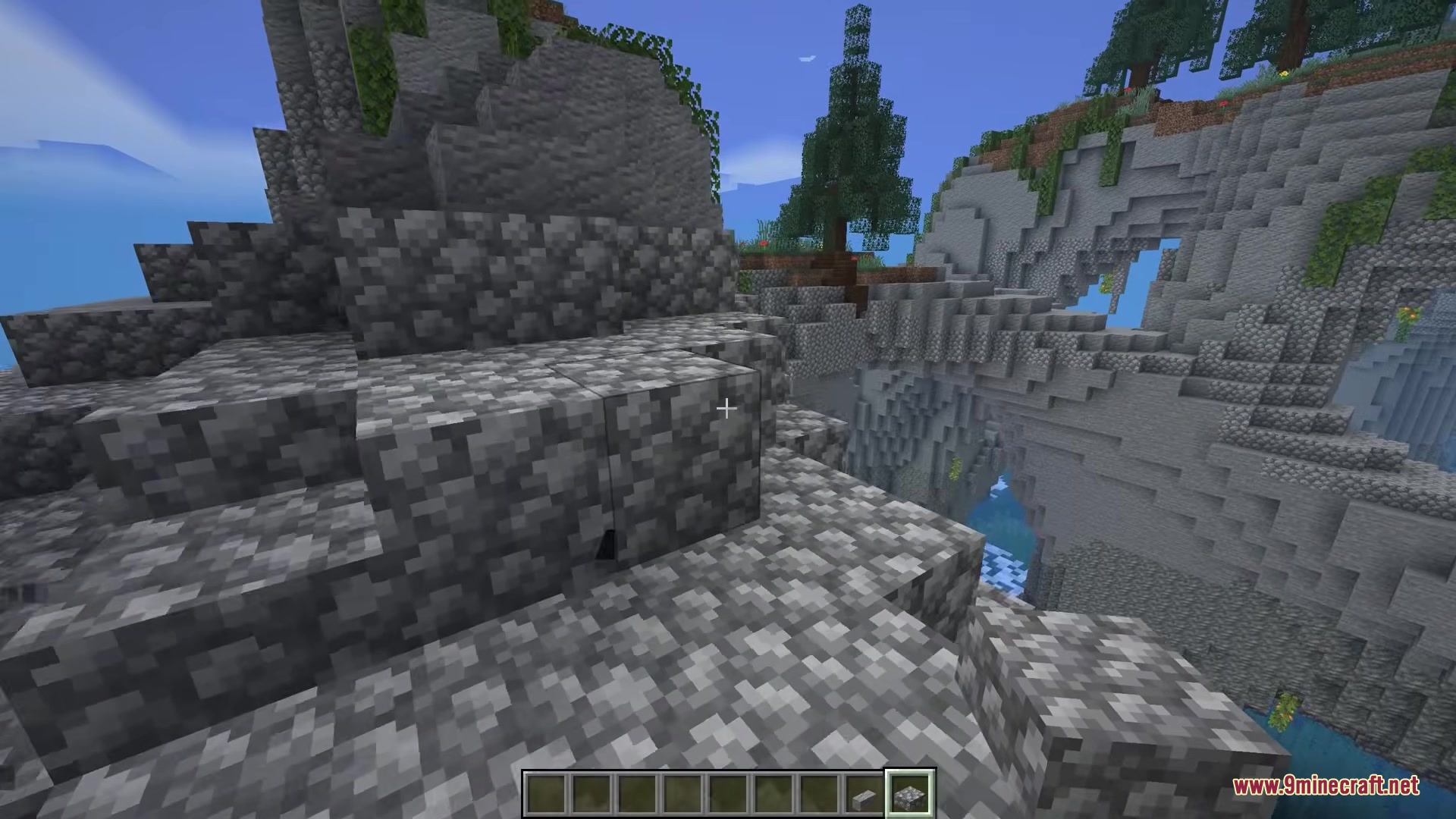
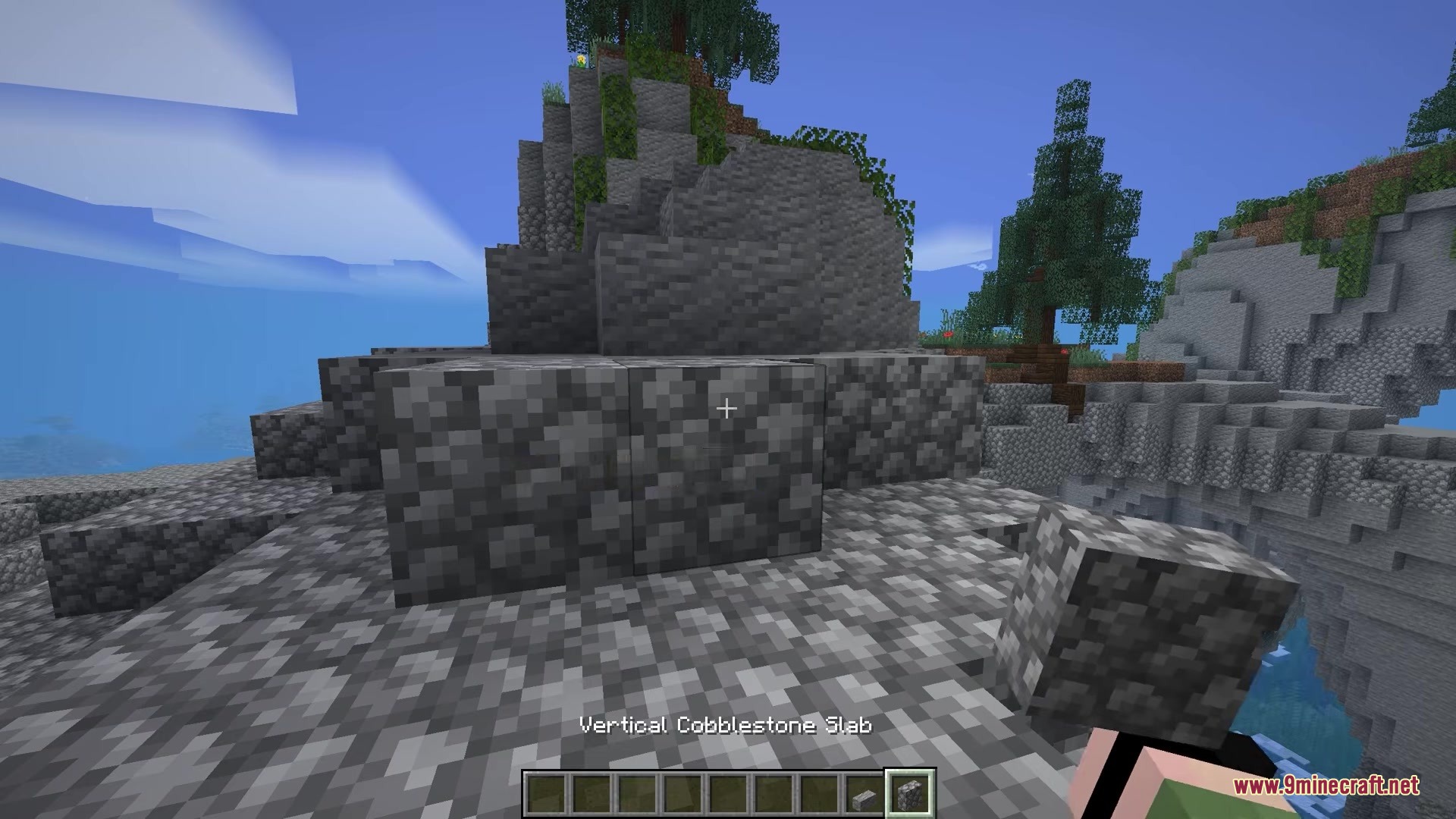
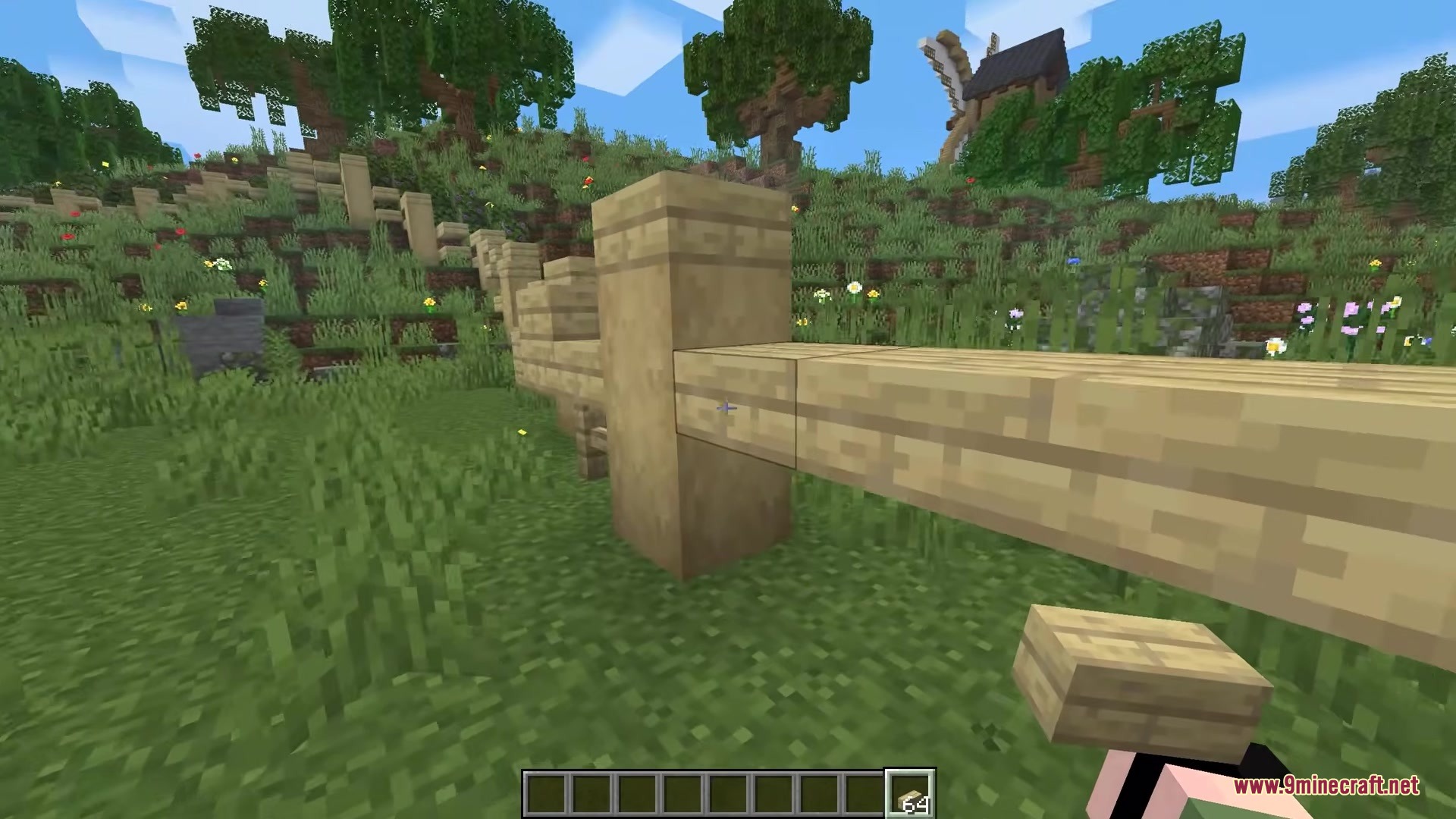
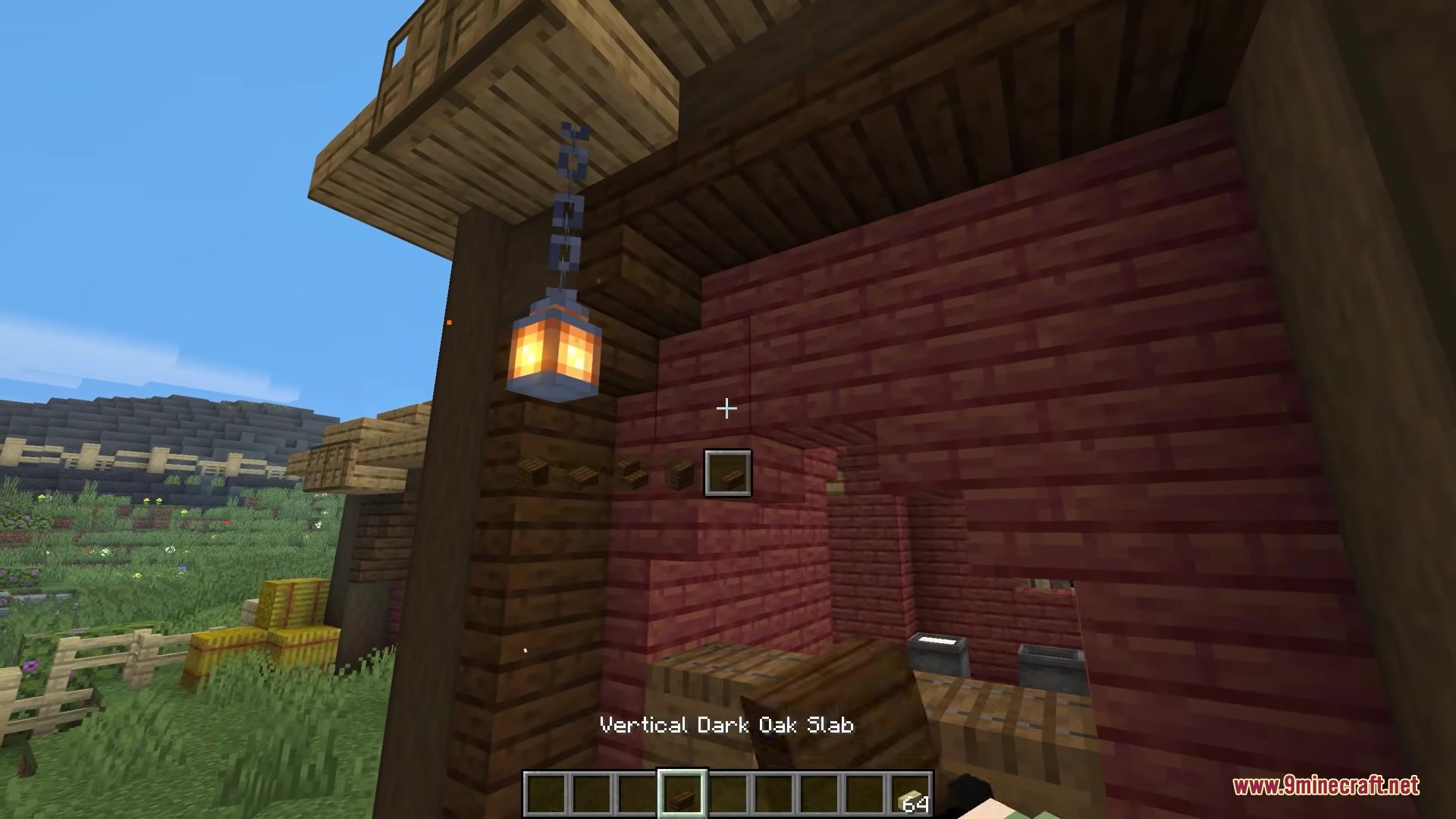
Clutter No More Mod solves the problem of a messy inventory when you build big projects. Instead of carrying separate stacks for full blocks, slabs, and stairs, you only need one block type. You just press a button to swap between different shapes right in your hand. This keeps your bags empty and saves you time from constantly opening a crafting table. It even brings fresh building pieces to the game, like vertical slabs and small steps.
Features:
- Players can change the shape of any held block by pressing a simple key.
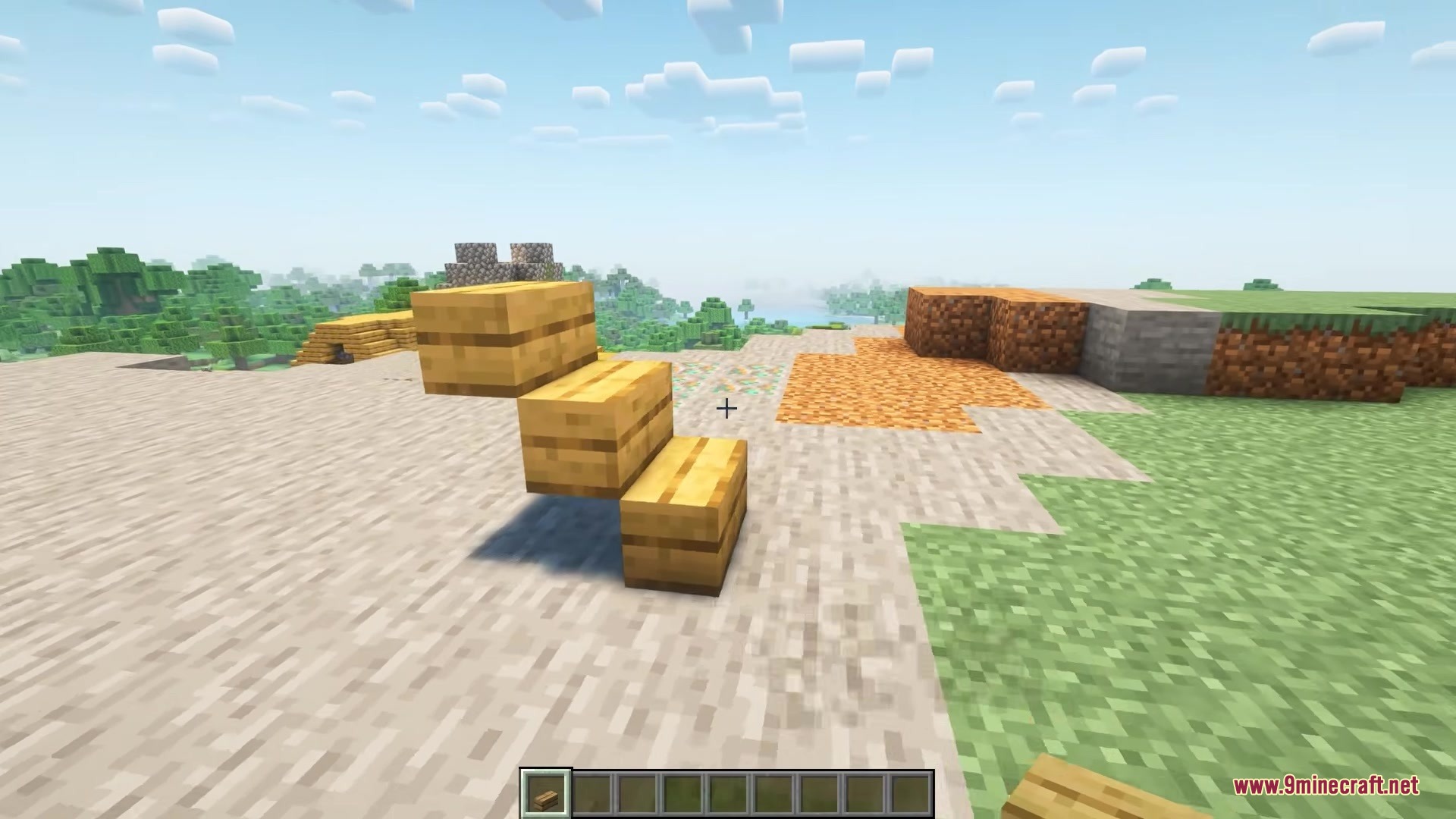
- Adds new building shapes like vertical slabs and small steps.
- Merges different shapes of the same material back together in your inventory.
- Removes the need to craft stairs and slabs at a crafting table.
- Cleans up the creative menu by hiding all the extra block variations.
- Saves inventory space so you can carry more types of building materials.
How to Use:
- Hold a regular full block in your hand.
- Press the Left Alt key to cycle through different block shapes.
- Pick the shape you want, such as a stair or a vertical slab.
- Place the block in your world.
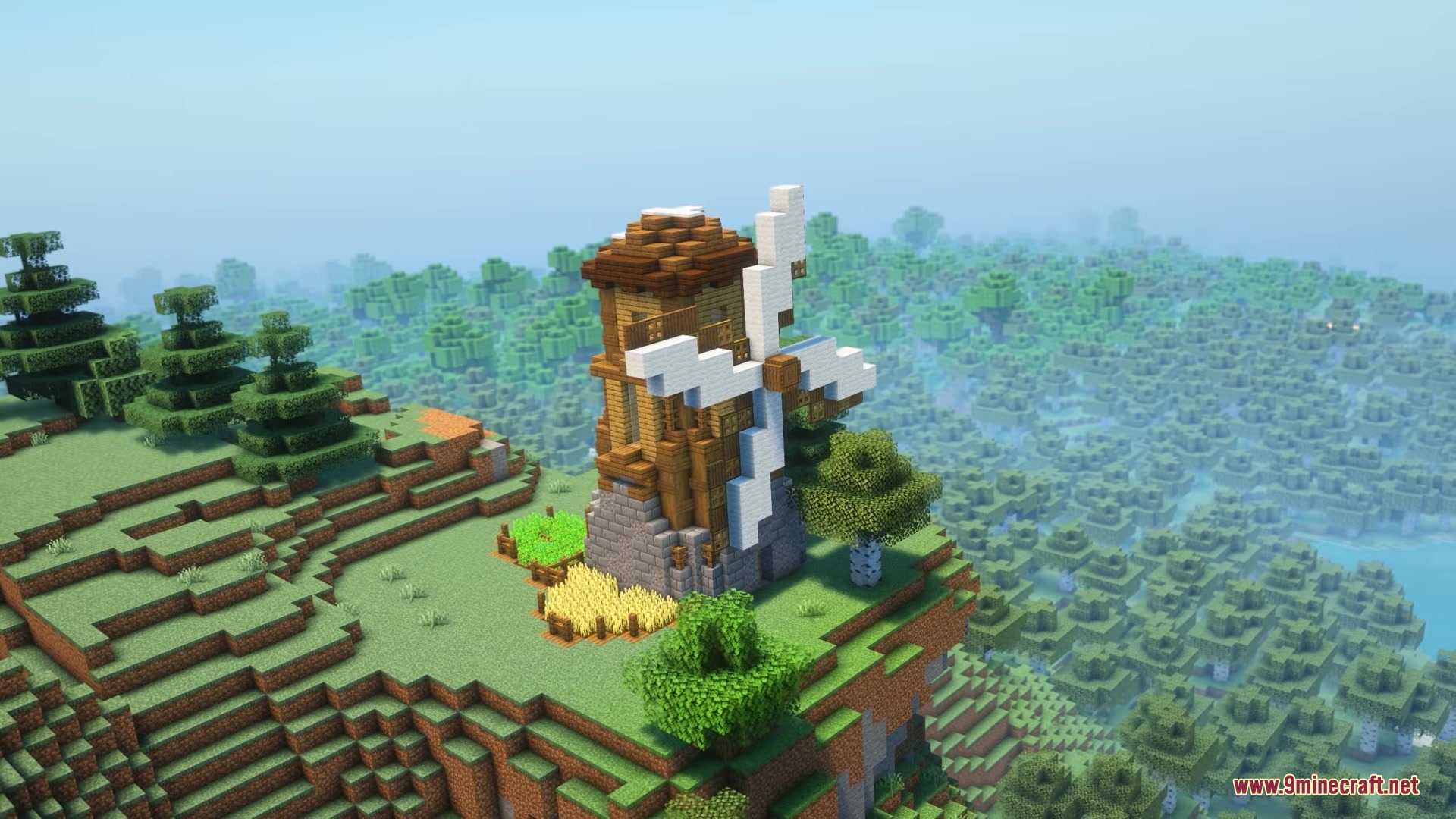
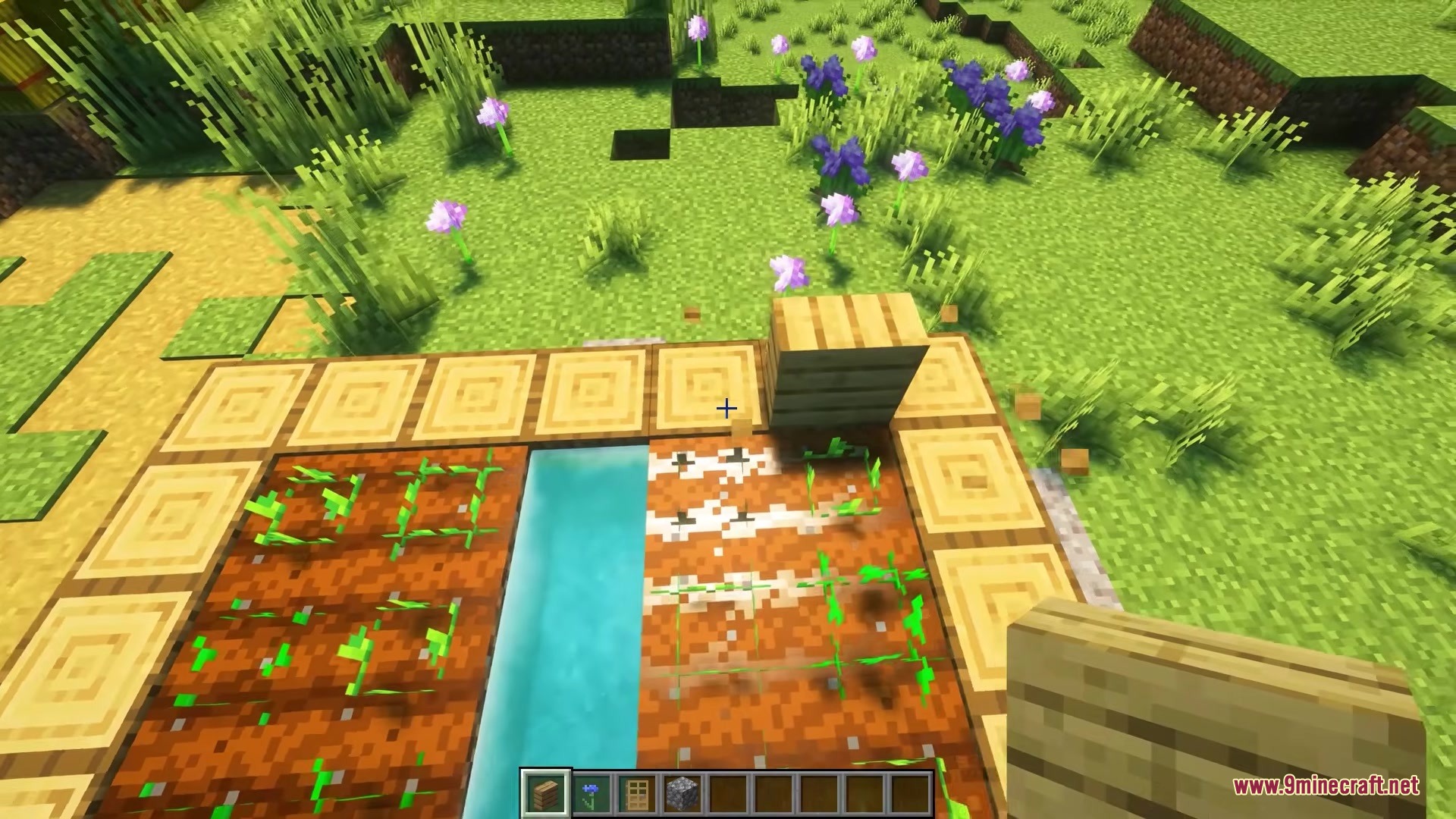
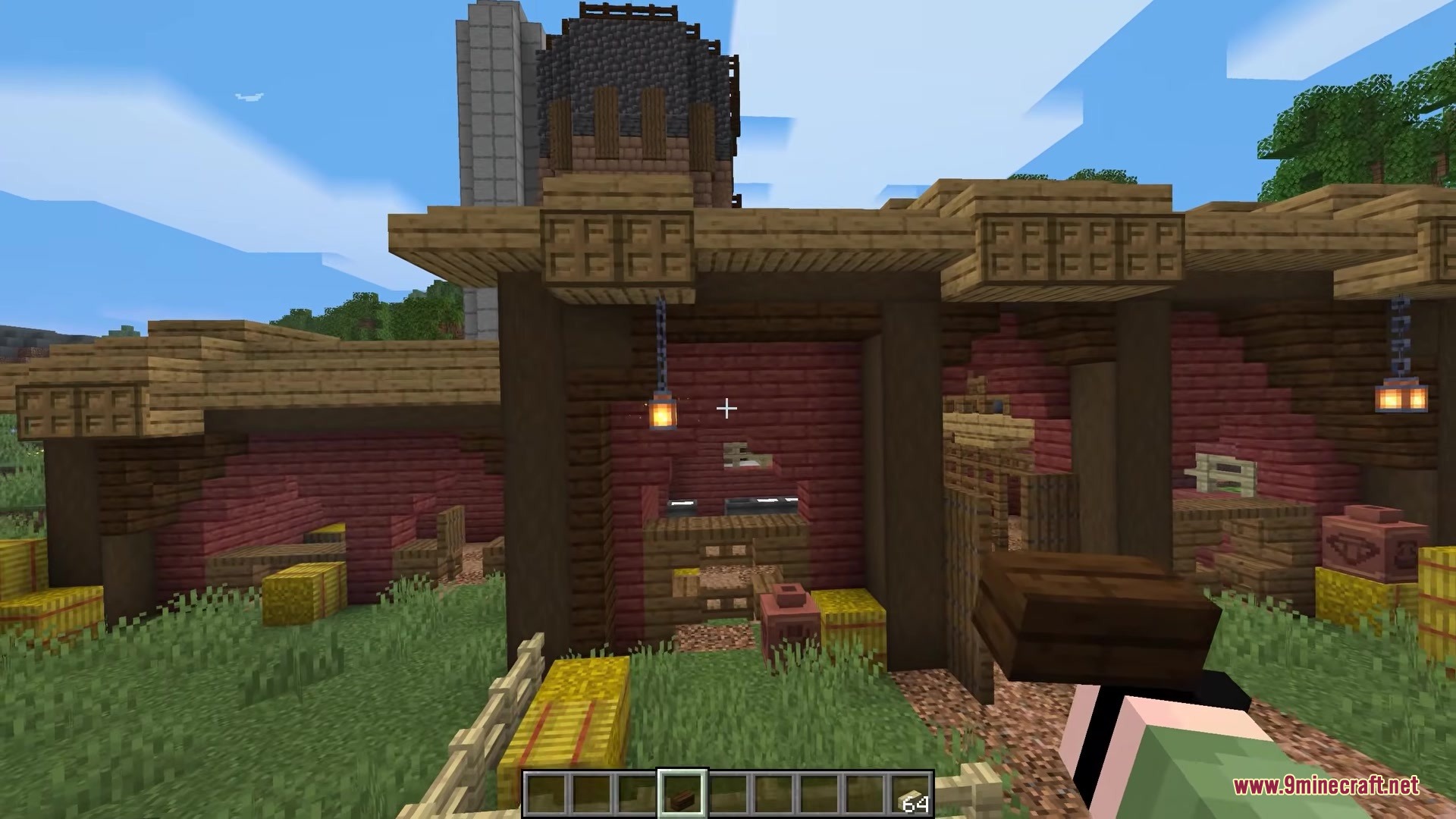
Screenshots:
Clutter No More Mod Download Links
Quick facts
- Edition: Minecraft Java
- File type: .jar
- Minecraft version listed: 1.20.1
- How to install: Install the matching mod loader (Forge, Fabric or NeoForge) for your Minecraft version. → Download the .jar. → Put it in the .minecraft/mods folder and launch that loader profile.
- Where to get it: In MC Java Mods, or directly above on this page.
Install steps are the general flow for this file type — How to install Minecraft Java mods & modpacks walks through it step by step.
Verified by MCModsHub
- Downloads as 389486.mcaddon
- Download size: 745 KB
- Download link checked 22 Sept 2026 — working
- Mirrored on our own servers — the download does not depend on the original host
These come from our own check of the pack file, not from the source page.