ShadersJava
Blocky Shaders (26.3, 1.20.1) – Lightweight Cartoon Shadows with Glowing Bloom
Java shader pack listed for Minecraft 1.20–26.x. Downloads from the MC Java Mods app on Android.
⬇ Download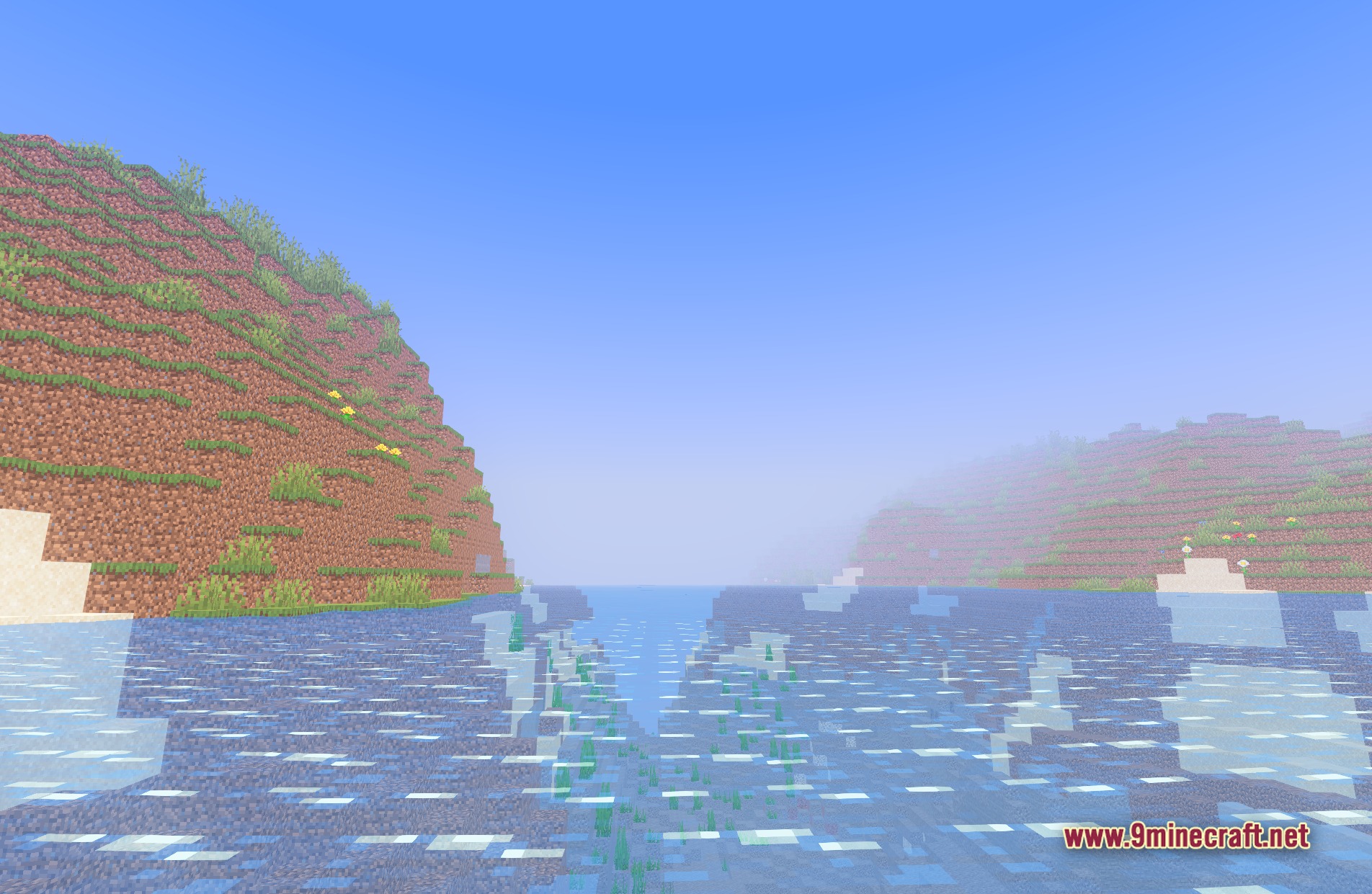
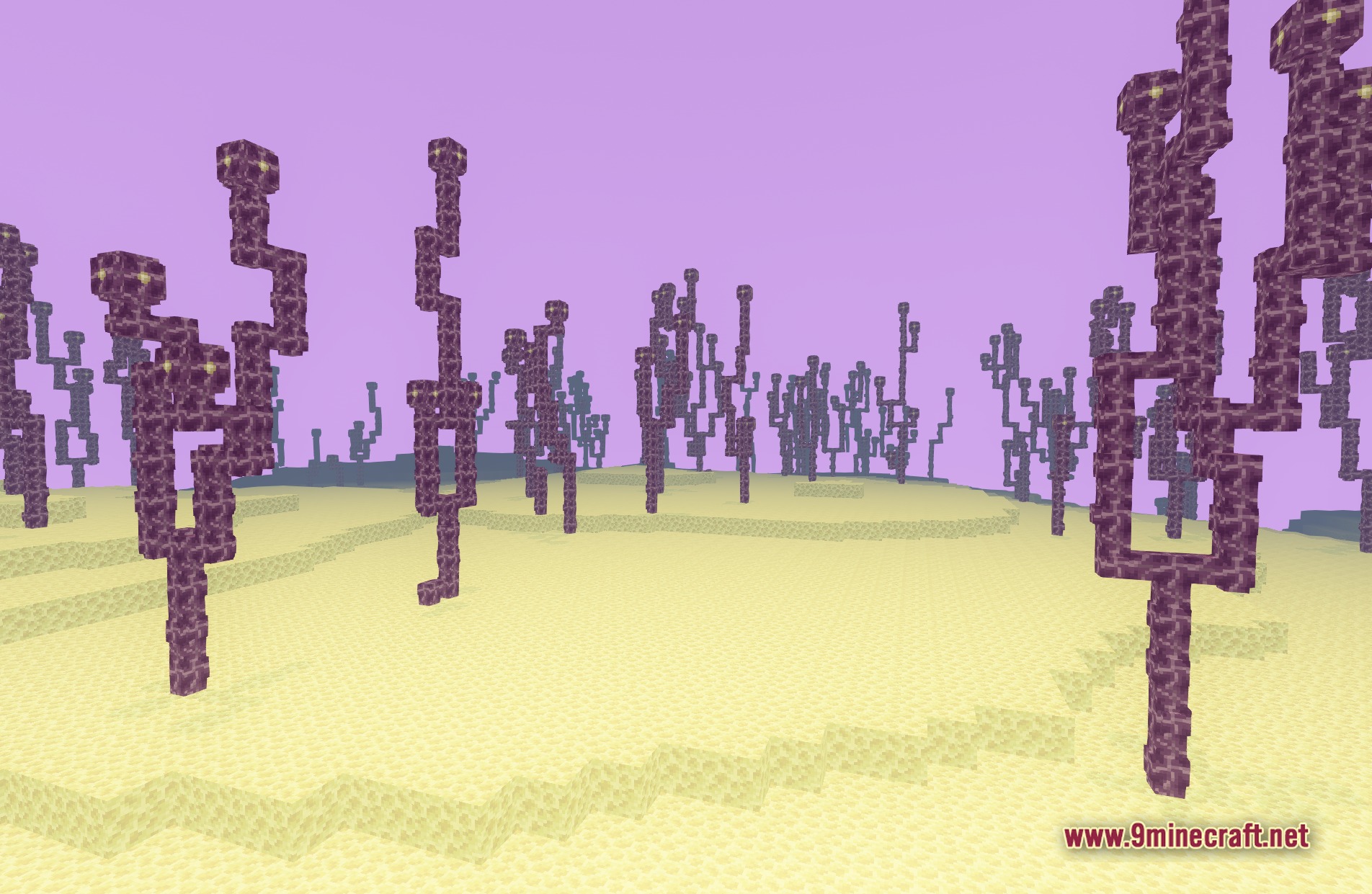
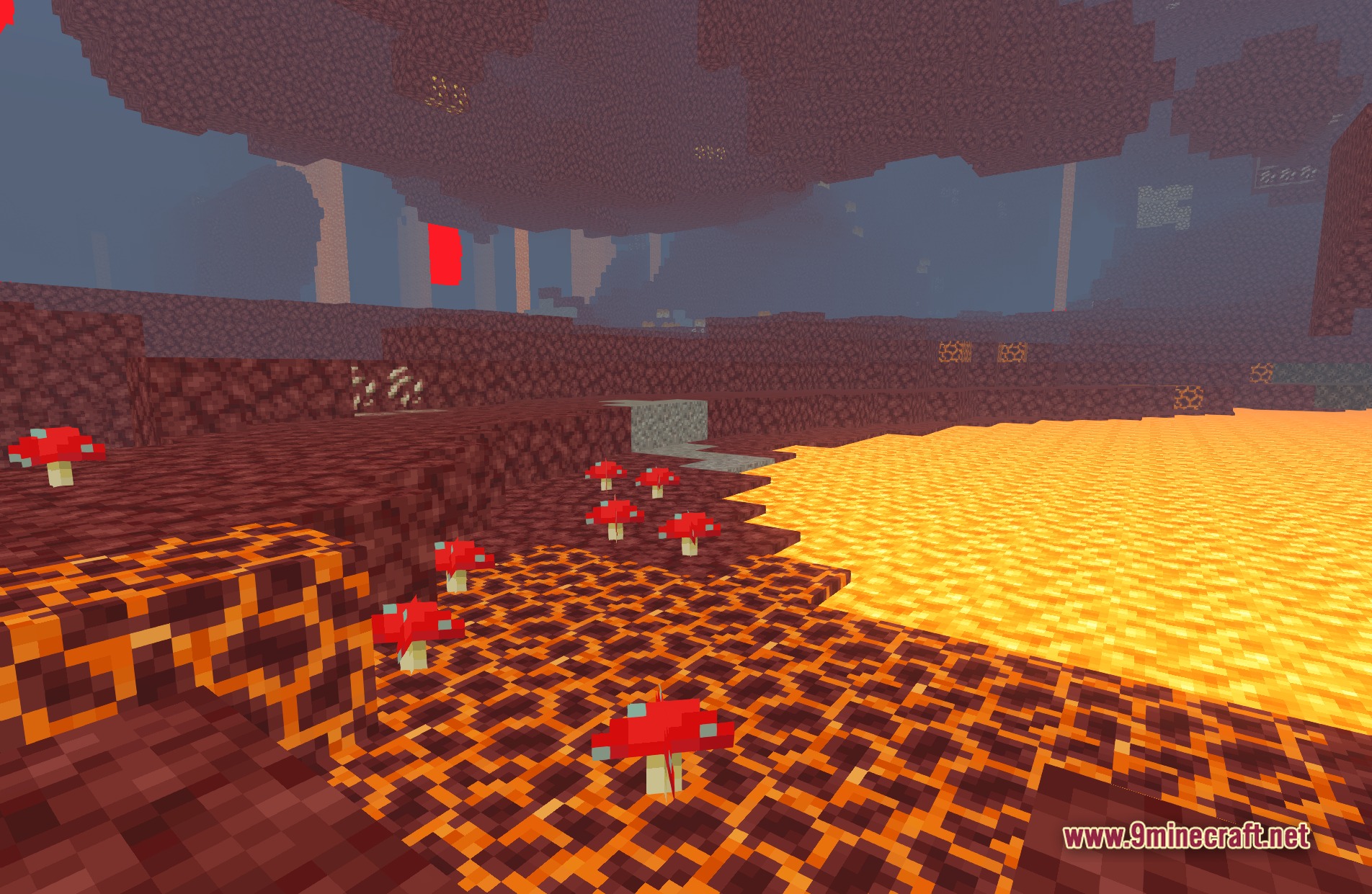
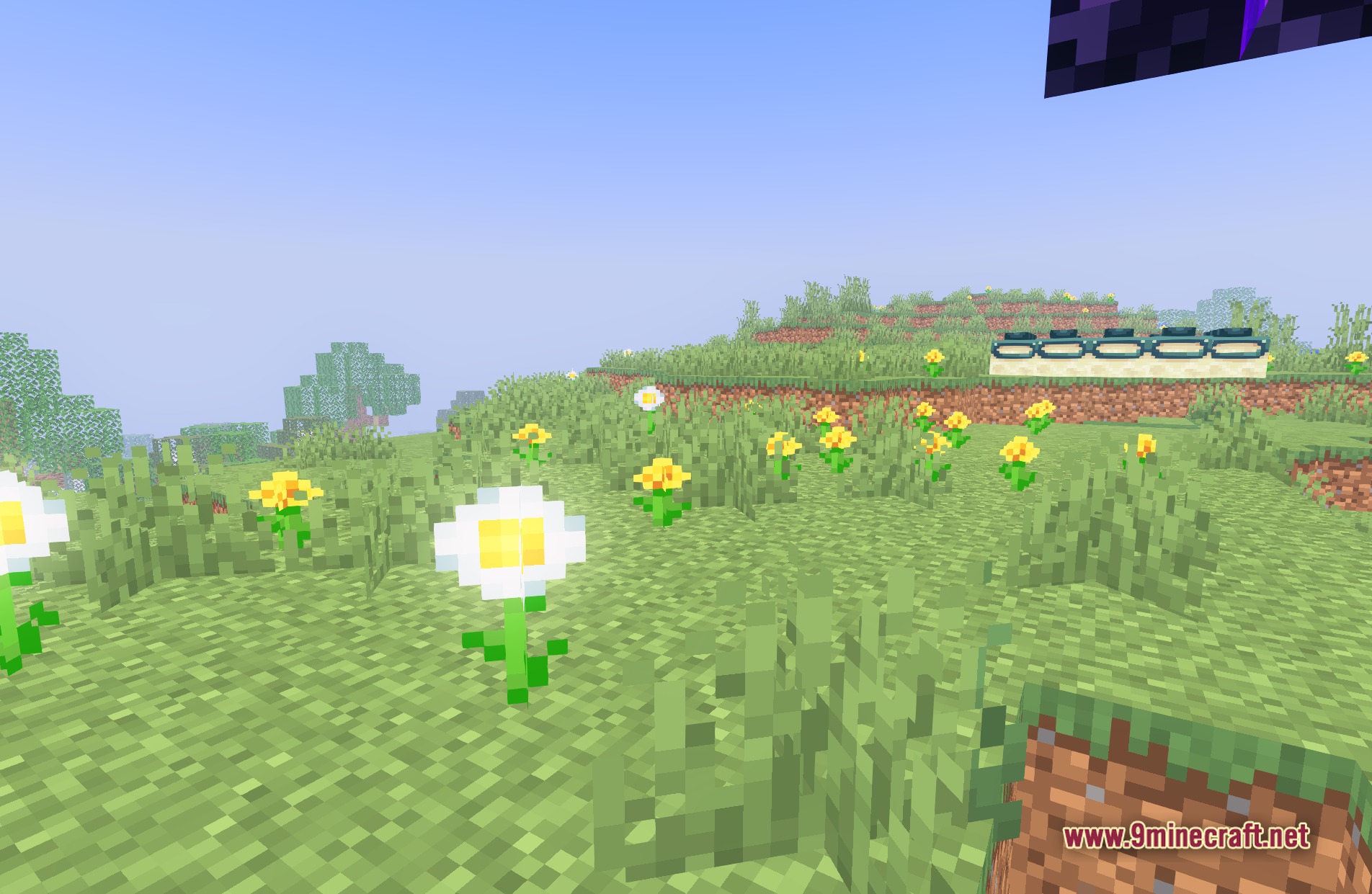
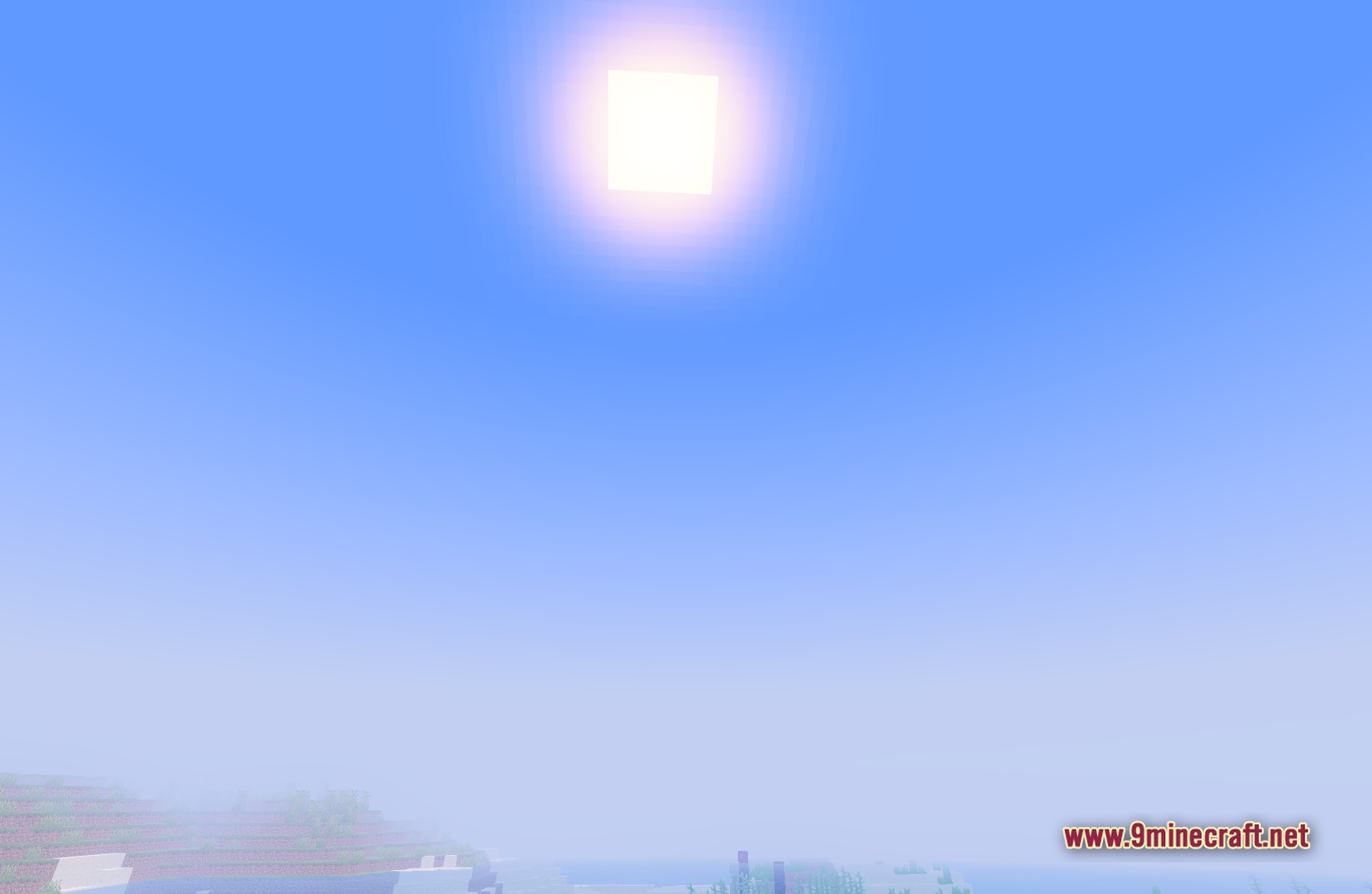
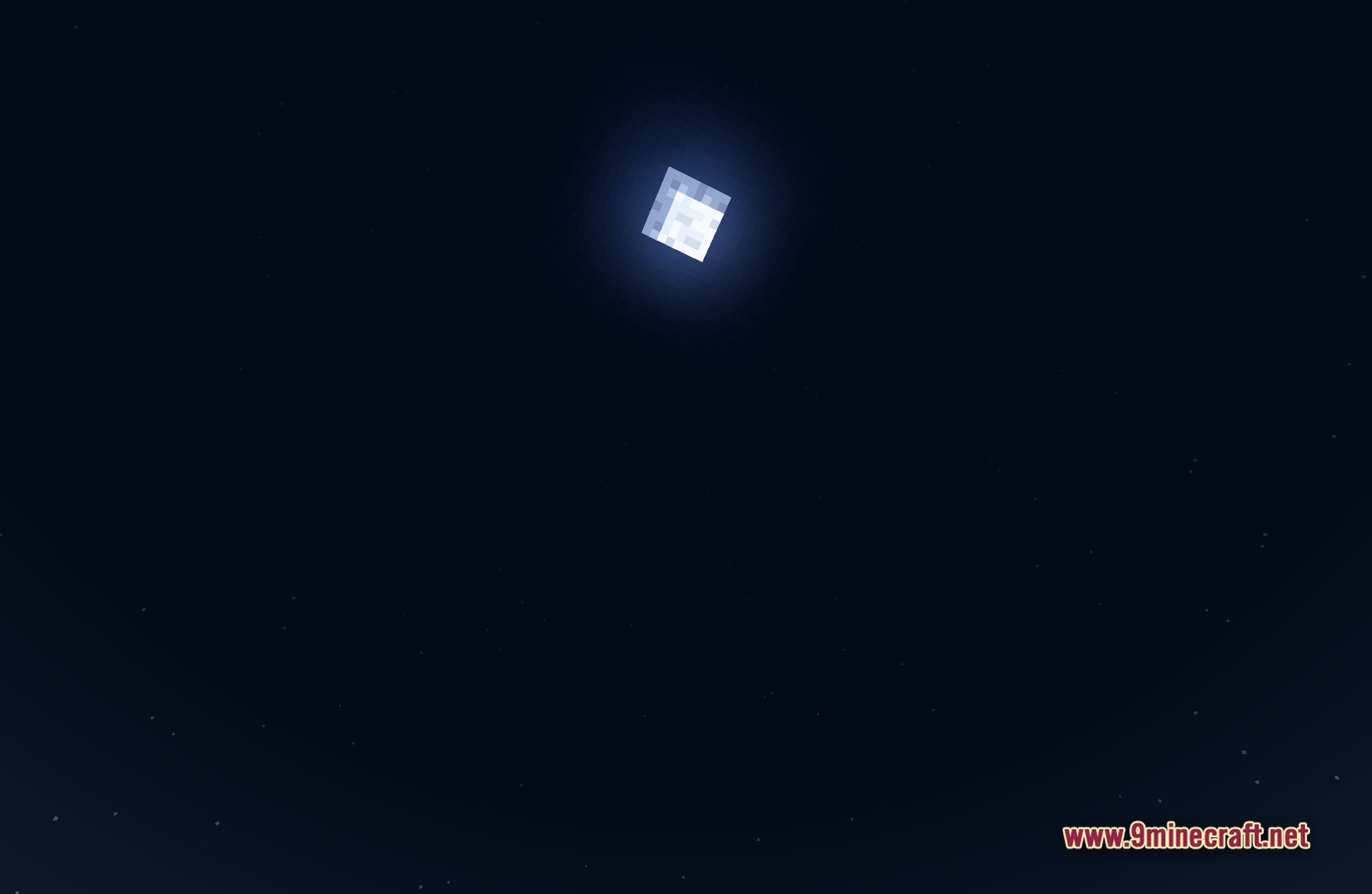
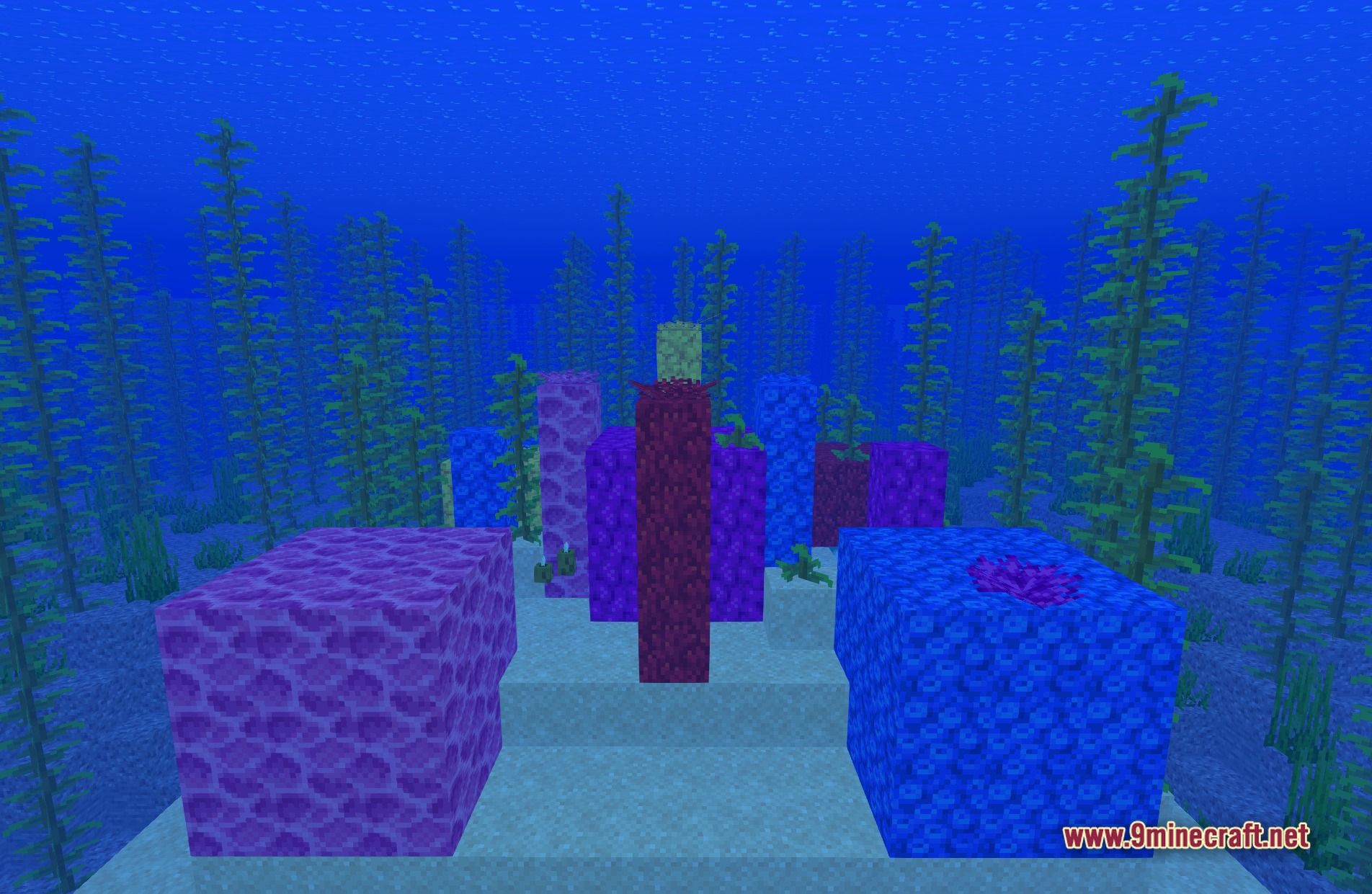
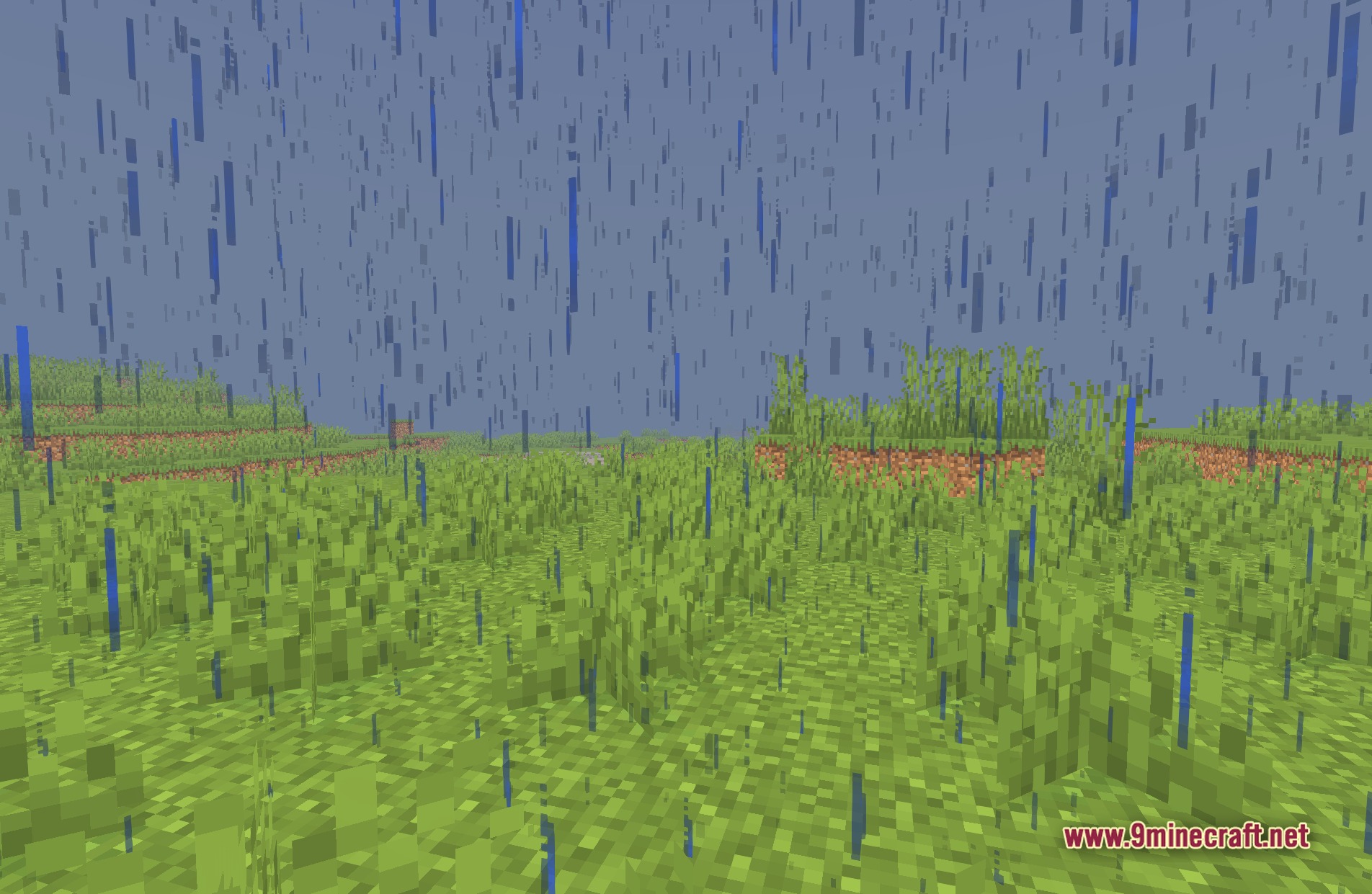
Blocky Shaders transforms lighting in Minecraft while keeping the familiar vanilla style. This shader adds glowing bloom and custom shadows to make the world look slightly cartoonish but semi-realistic. It runs fast on many computers because it focuses on speed. You get better graphics and PBR block textures without slowing down your game.
Features:
- Keeps the game running fast even on older computers.
- Retains the original look of the game while adding new light tricks.
- Adds a bright bloom effect to glowing blocks like lava and torches.
- Casts clean shadows from the sun and moon across the land.
- Works with PBR textures so blocks can look shiny or bumpy if you add a matching resource pack.
- Blends a fun cartoon style with semi-realistic lighting.
Screenshots:
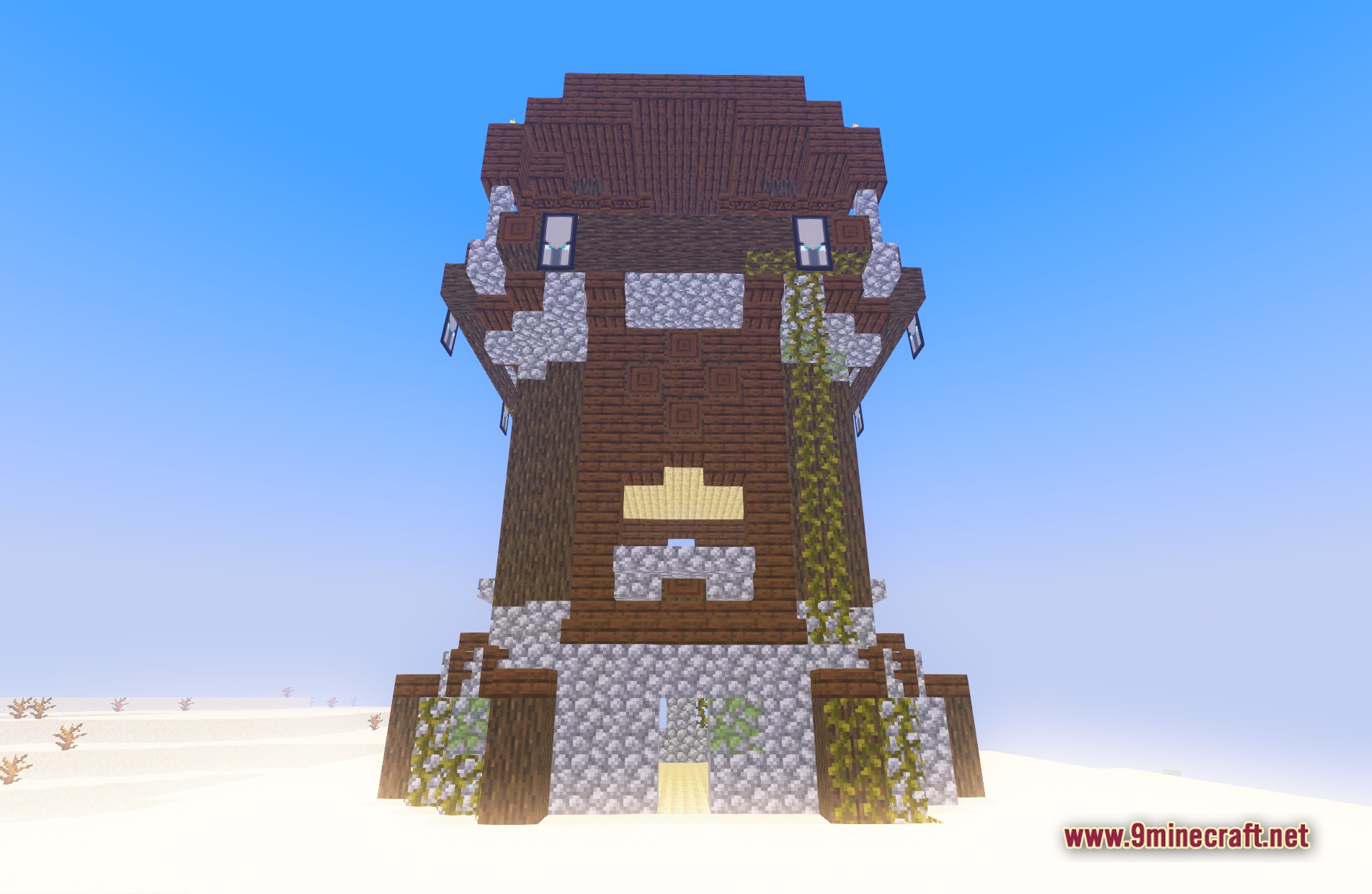
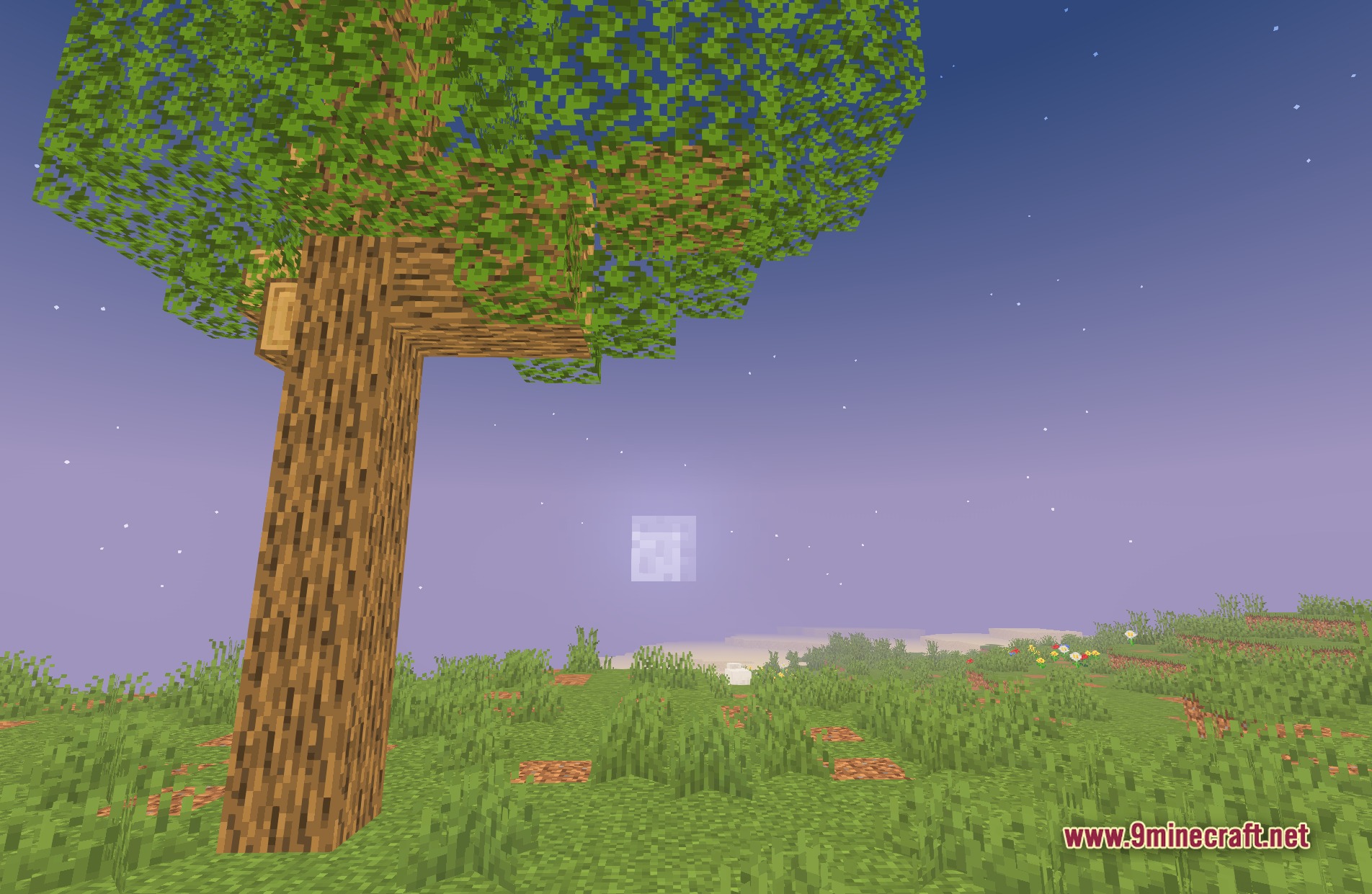
Blocky Shaders Download Links
Quick facts
- Edition: Minecraft Java
- File type: .zip (resource pack)
- Minecraft versions listed: 26.3, 1.20.1
- How to install: Download the .zip resource pack — do not unzip it. → Put it in .minecraft/resourcepacks. → Enable it in Options → Resource Packs.
- Where to get it: In MC Java Mods, or directly above on this page.
Install steps are the general flow for this file type — see the MC Java Mods guides for the full walkthrough.
File checked by MCModsHub
- Download size: 57 KB
- Download link checked 30 Jul 2026 — working
- Mirrored on our own servers — the download does not depend on the original host
These come from our own check of the pack file, not from the source page.