ShadersJava
TAA Project Shaders (26.2, 1.20.1) – Temporal Anti-Aliasing for Older PCs
Java shader pack listed for Minecraft 1.20. Downloads from the MC Java Mods app on Android.
⬇ Download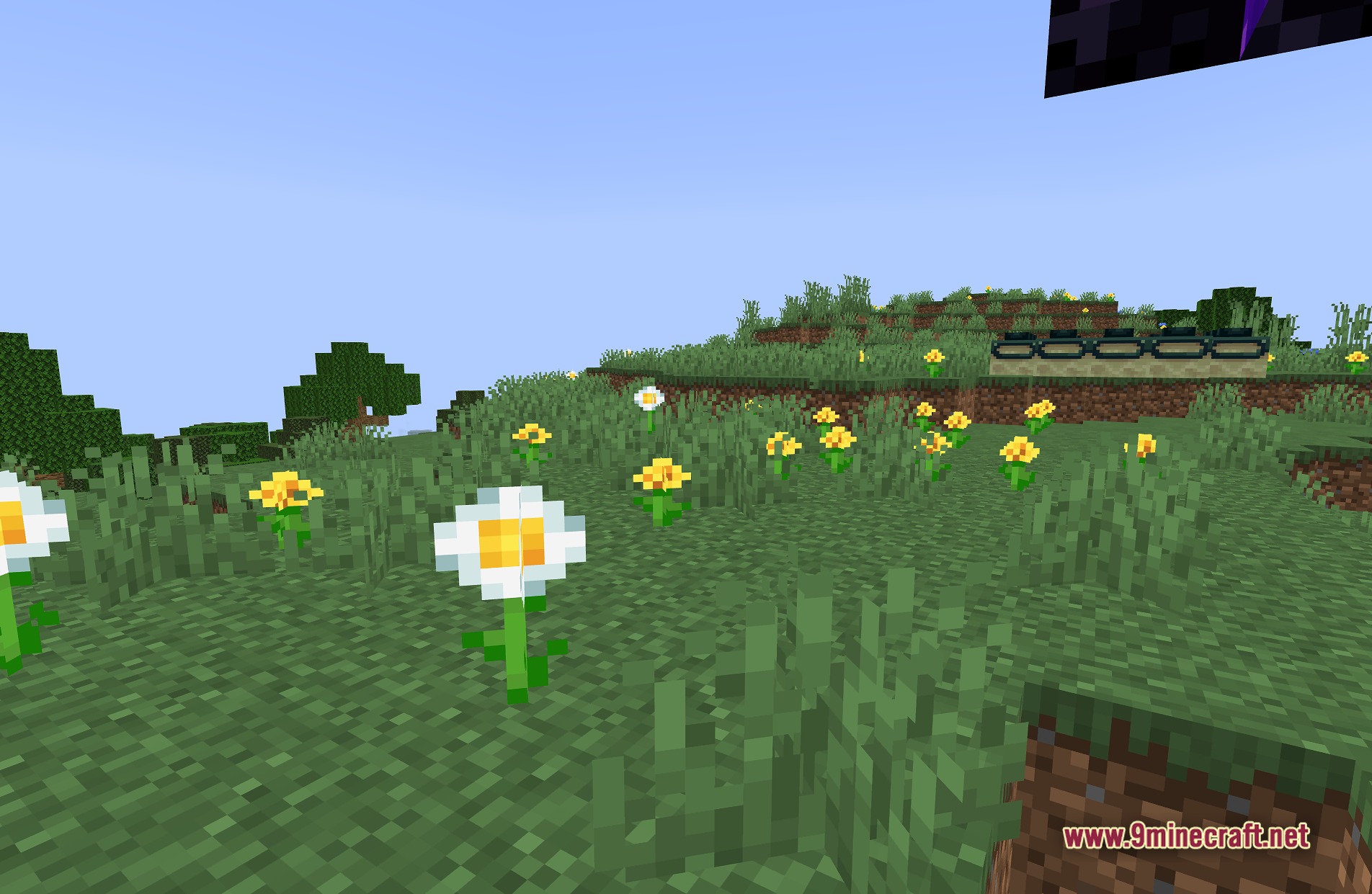
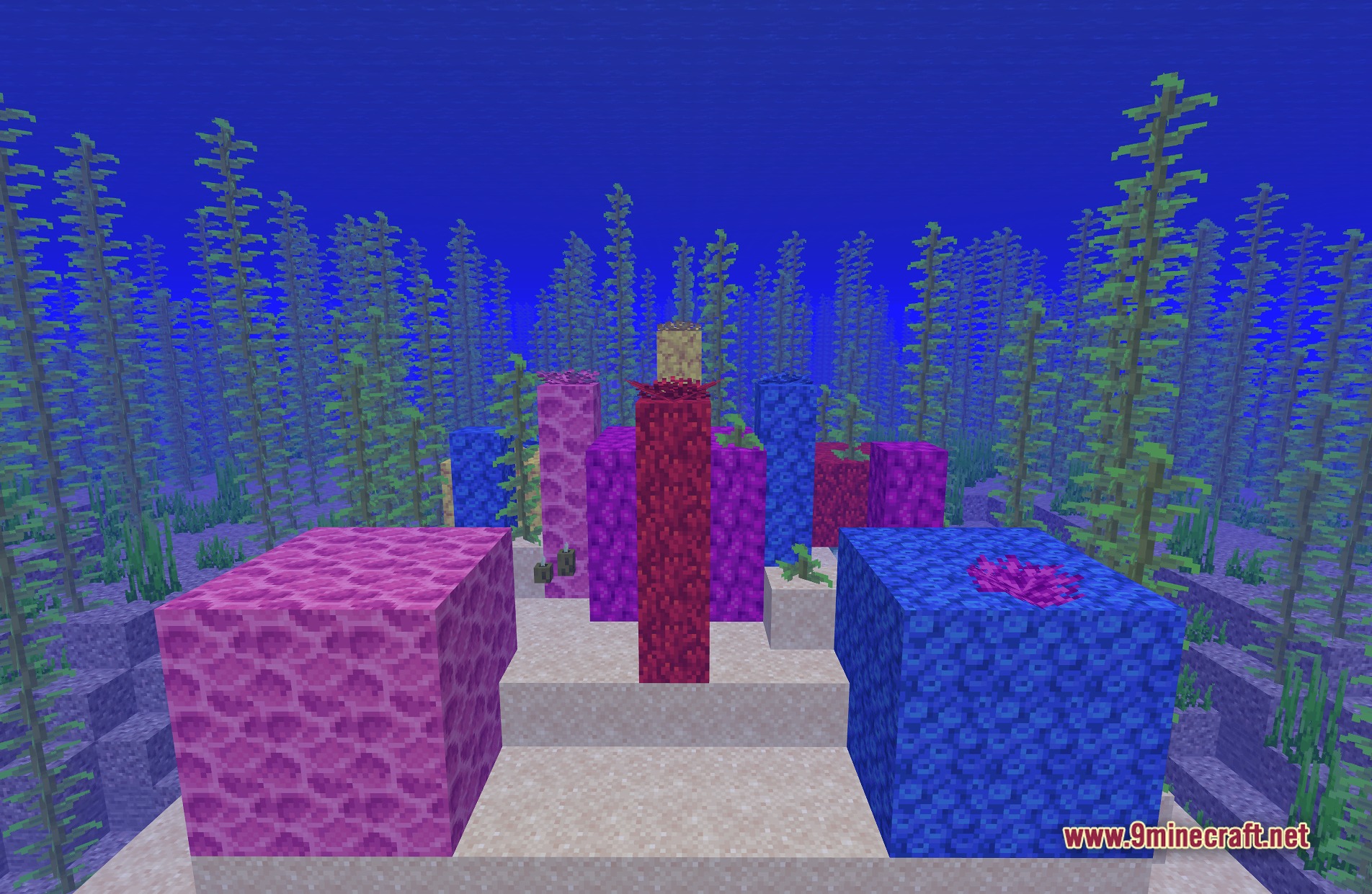
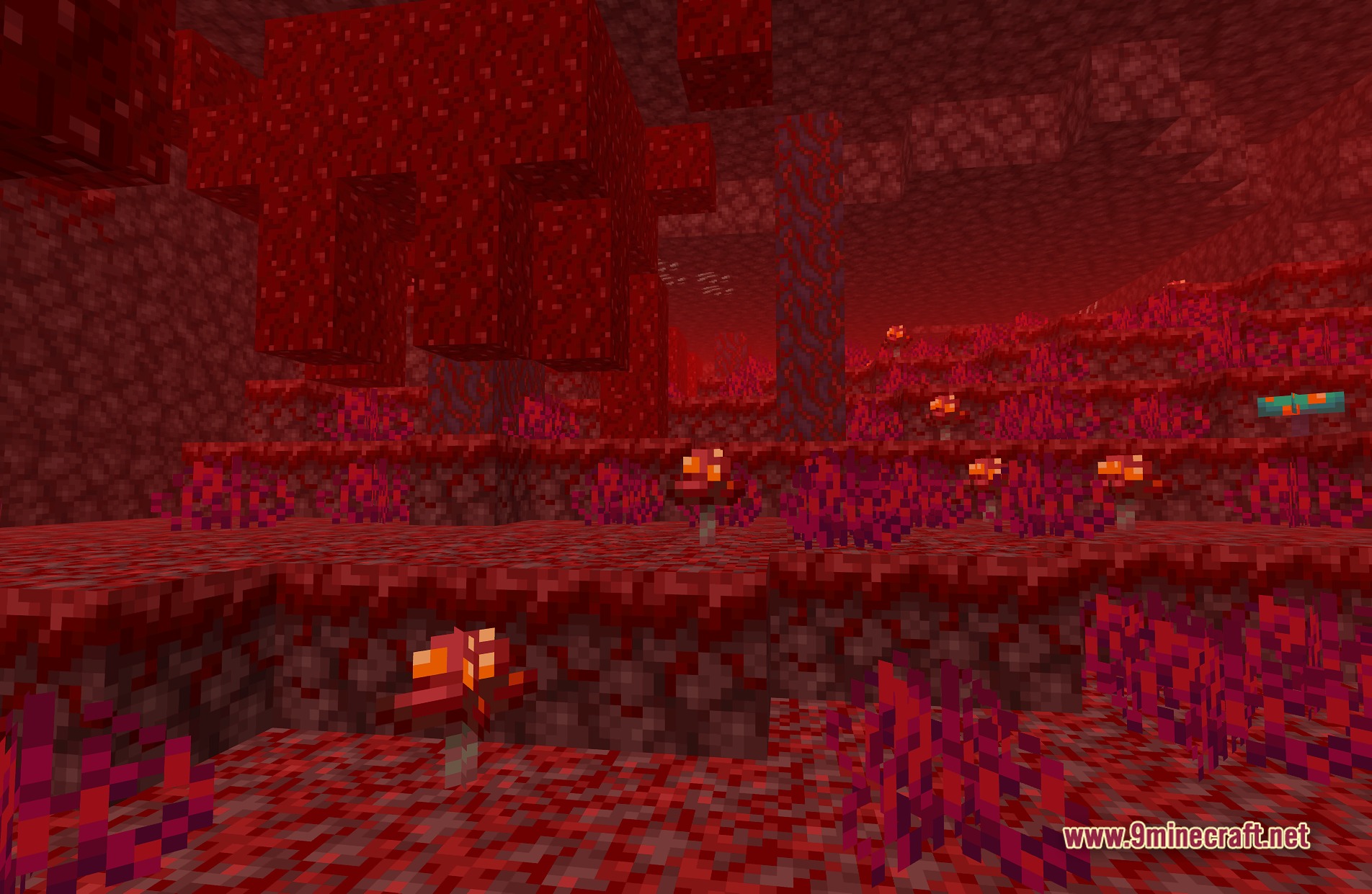
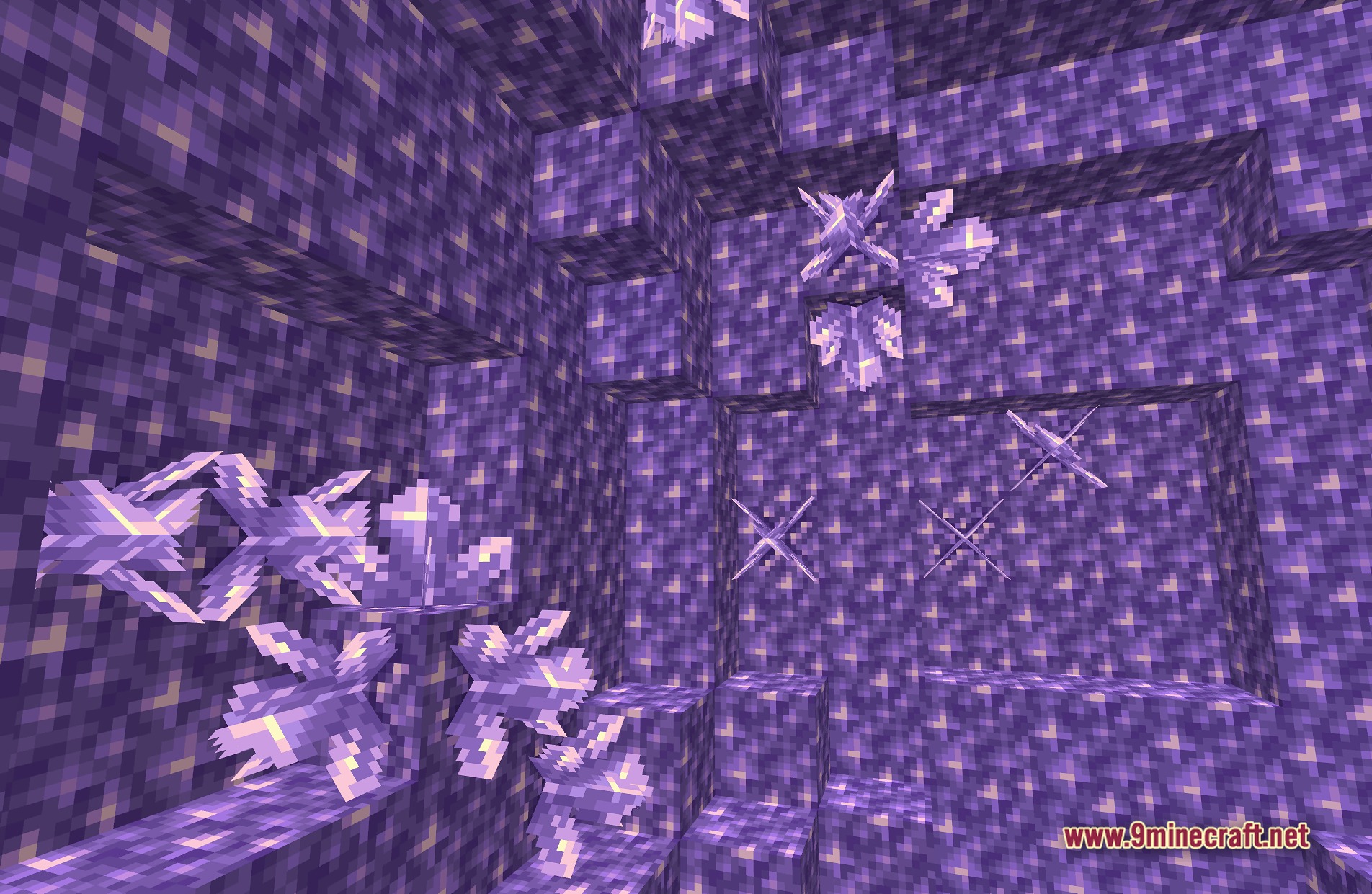
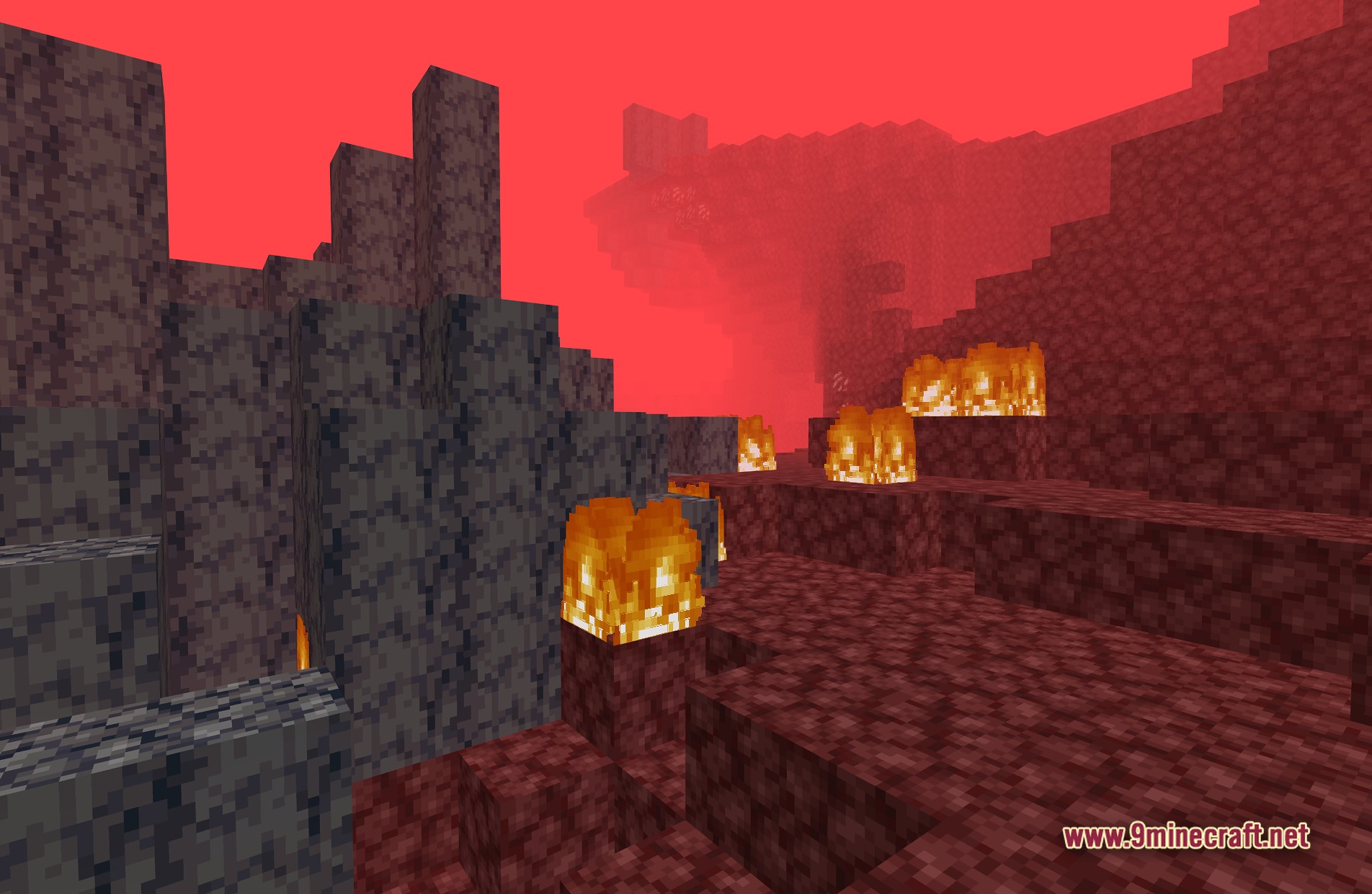
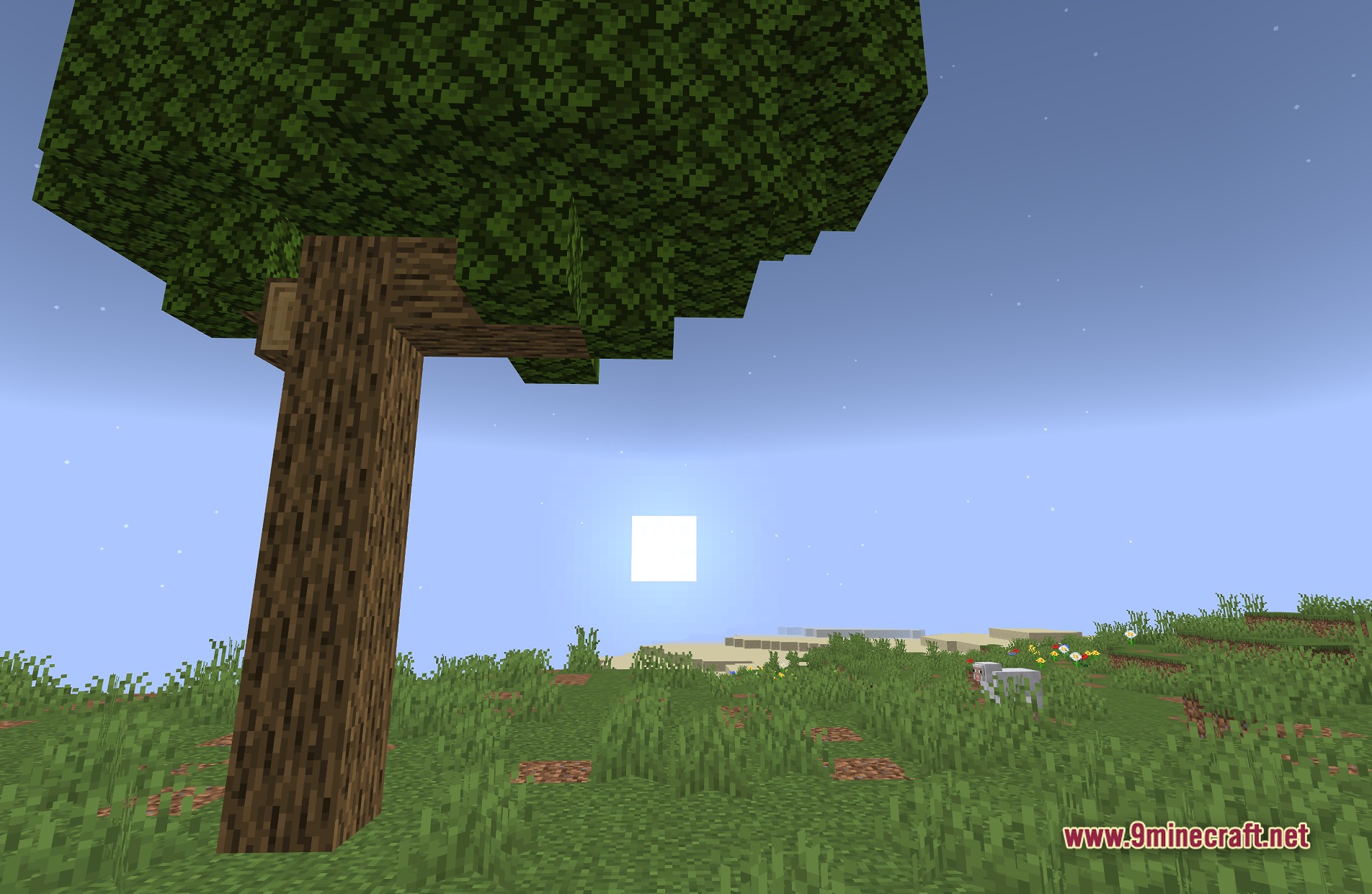
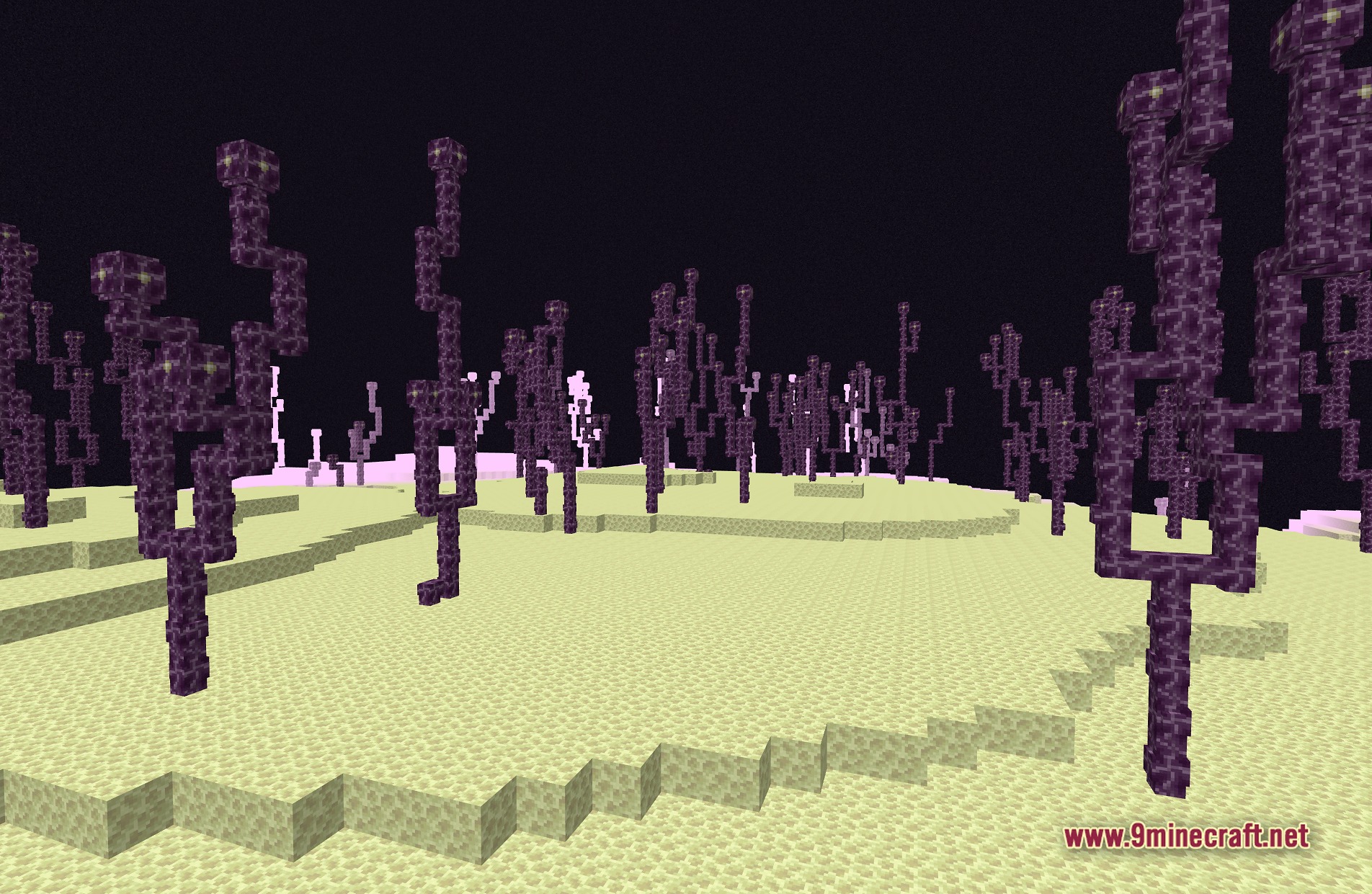
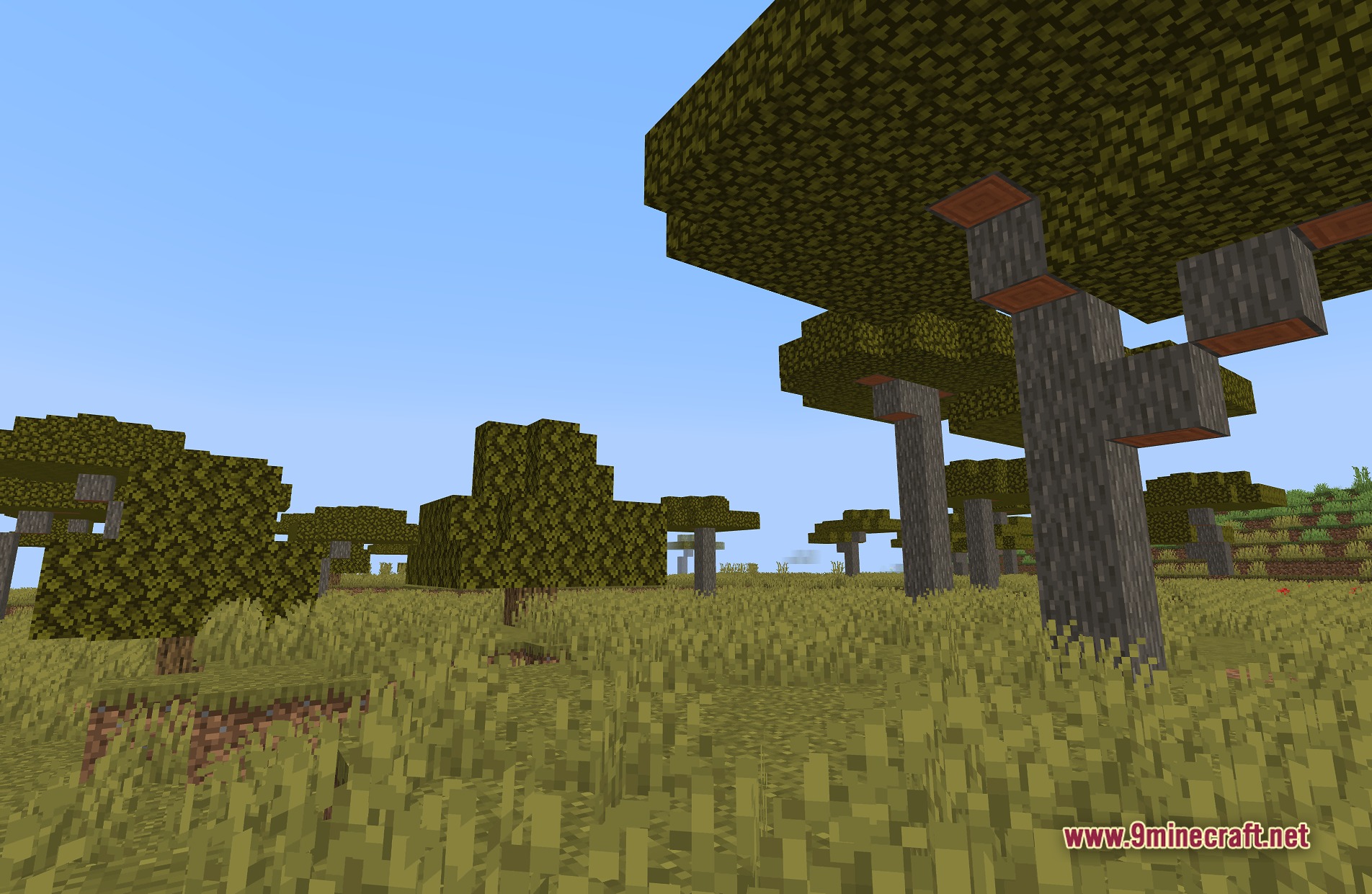
TAA Project Shaders adds depth to your world while keeping the familiar vanilla look. It gives players a smooth visual upgrade using Temporal Anti-Aliasing, making it perfect for older computers that need lightweight graphics.
Features:
- Vanilla Style: Keeps the original look of the game while adding better lighting.
- Lightweight Design: Runs well on potato PCs and older graphics cards.
- Smooths out jagged edges on blocks using TAA technology.
- Lights up your world without causing heavy lag spikes.
- Gives you a clean and bright screen that stays true to basic Minecraft.
Screenshots:
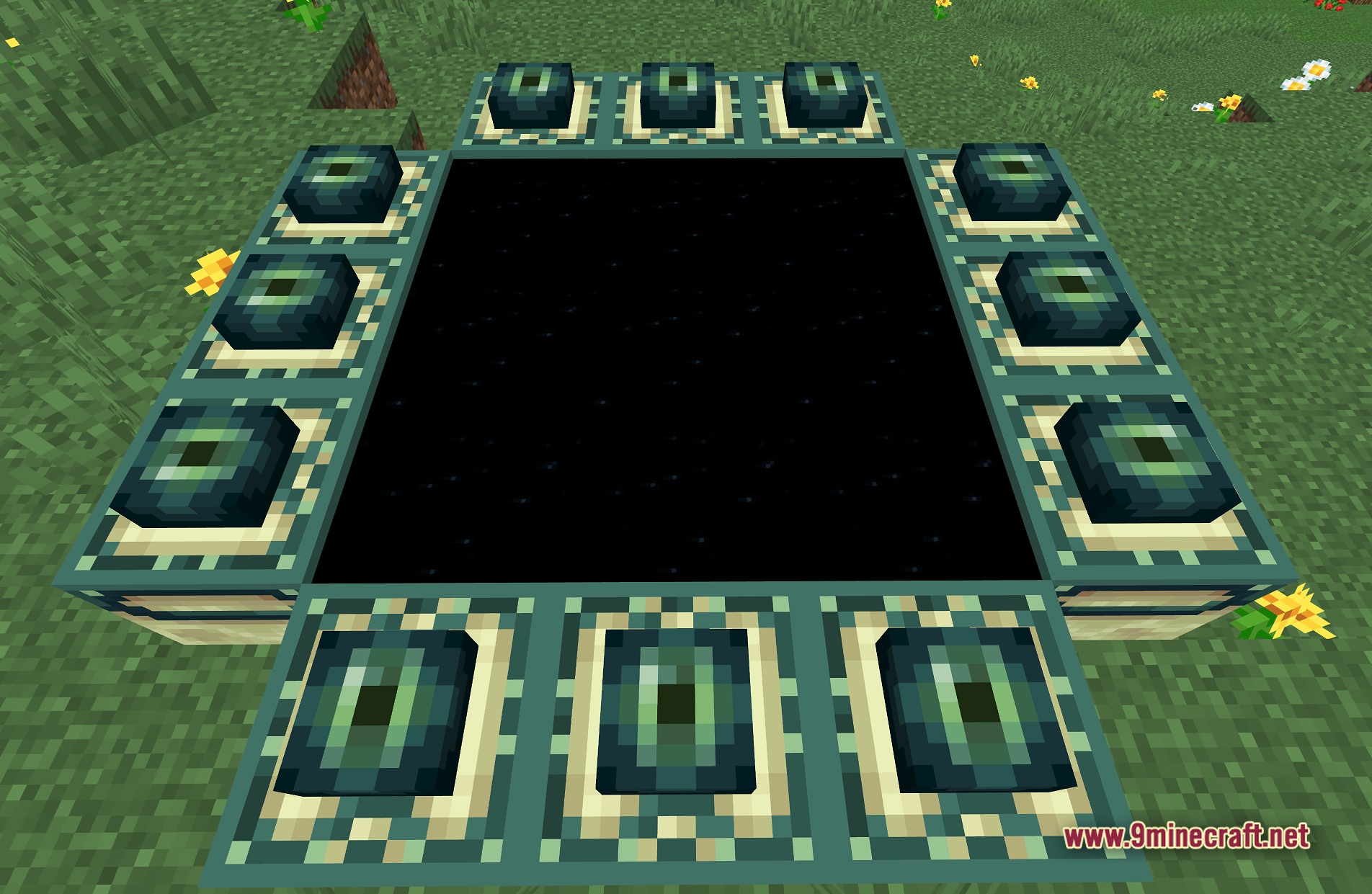
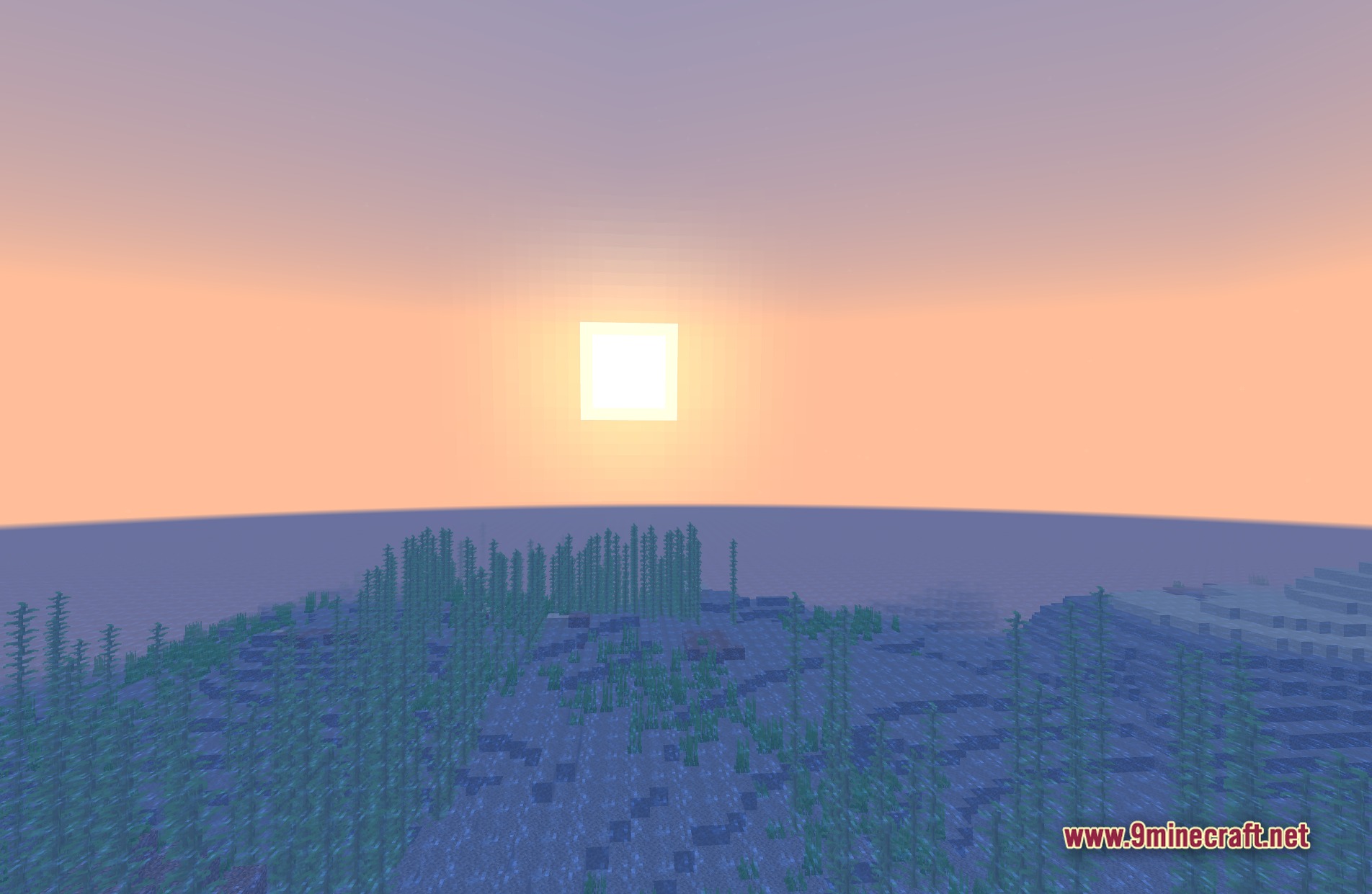
TAA Project Shaders Download Links
Quick facts
- Edition: Minecraft Java
- File type: .zip (resource pack)
- Minecraft version listed: 1.20.1
- How to install: Download the .zip resource pack — do not unzip it. → Put it in .minecraft/resourcepacks. → Enable it in Options → Resource Packs.
- Where to get it: In MC Java Mods, or directly above on this page.
Install steps are the general flow for this file type — see the MC Java Mods guides for the full walkthrough.
TAA Project Shaders (26.2, 1.20.1) – Temporal Anti-Aliasing for Older PCs is a free Minecraft Java shader. Compatible with Minecraft 1.20.1. Download it and open it directly in the game.