ShadersJava
Pyvtron VX Shaders (26.3, 1.20.1) – Detailed Shadows and PBR Lighting
Java shader pack listed for Minecraft 1.20–26.x. Downloads from the MC Java Mods app on Android.
⬇ Download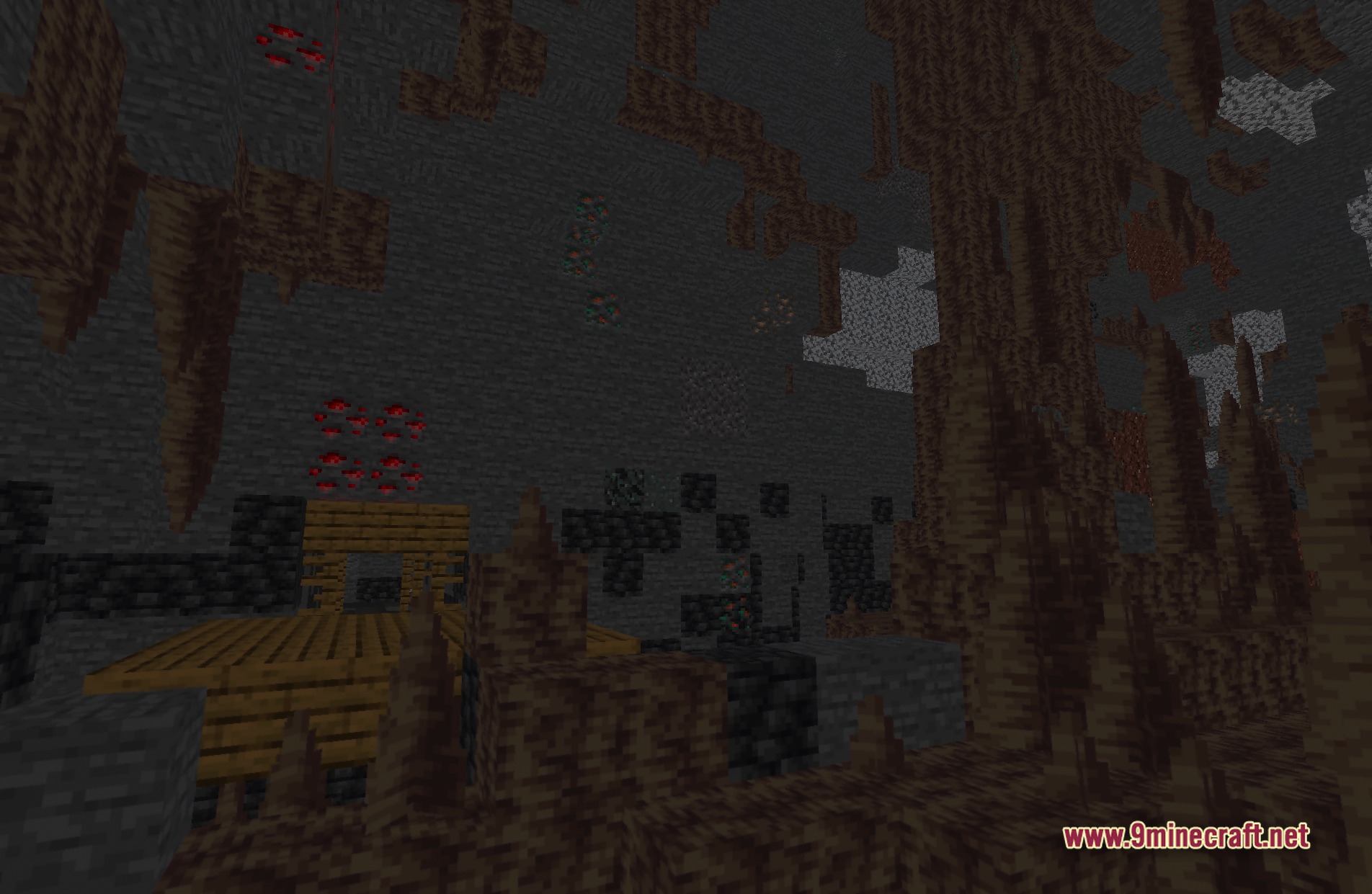
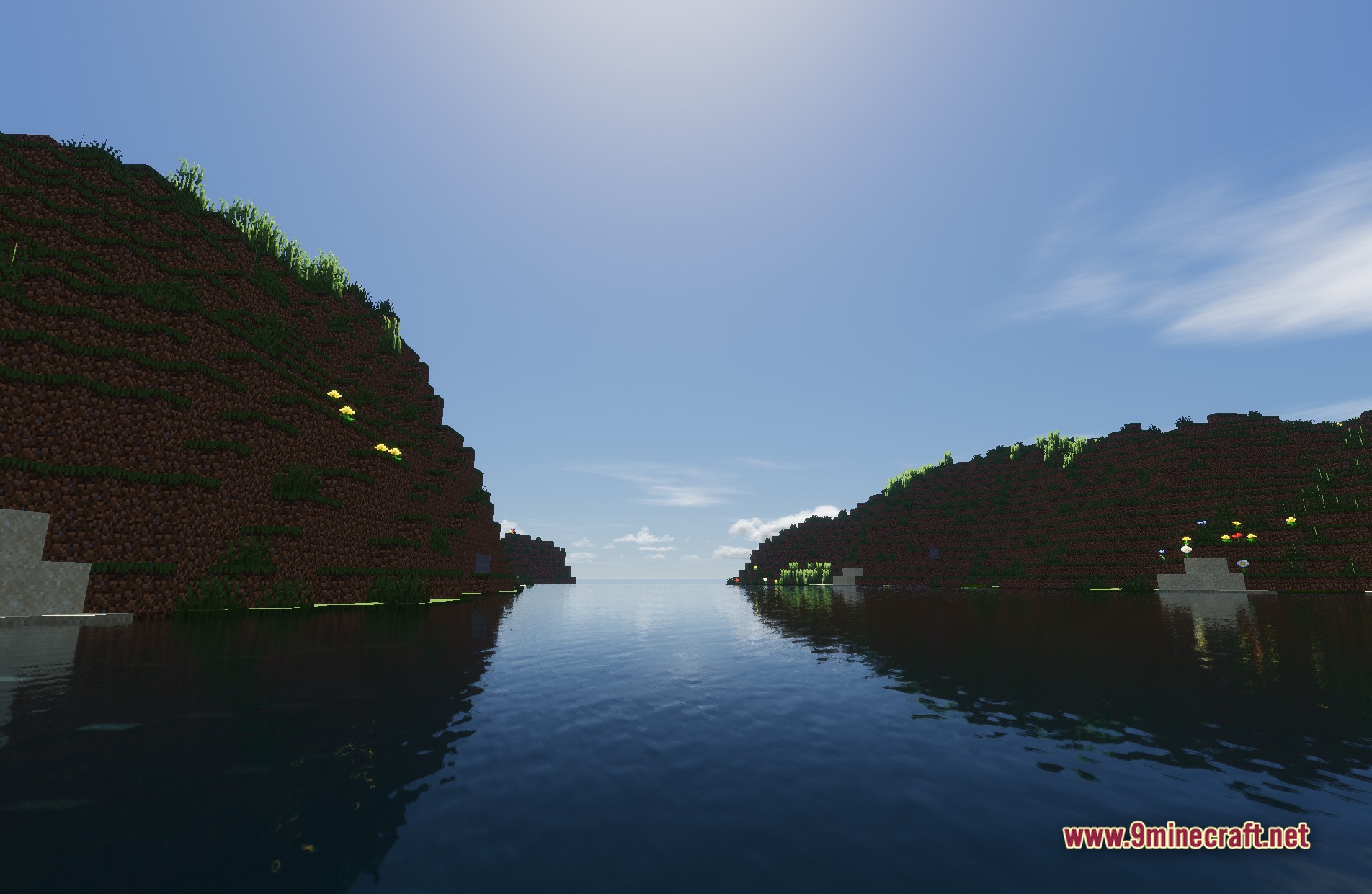
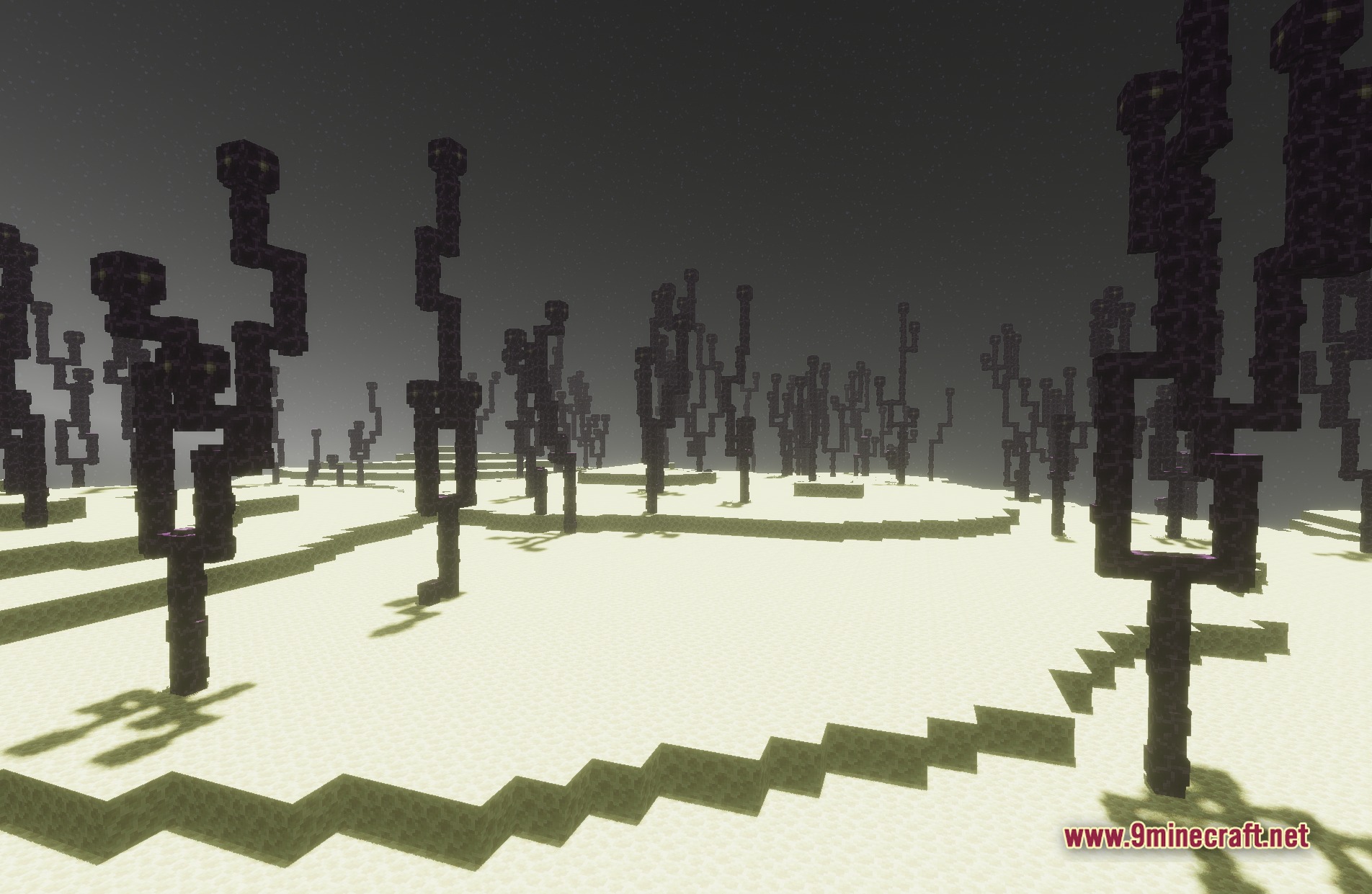
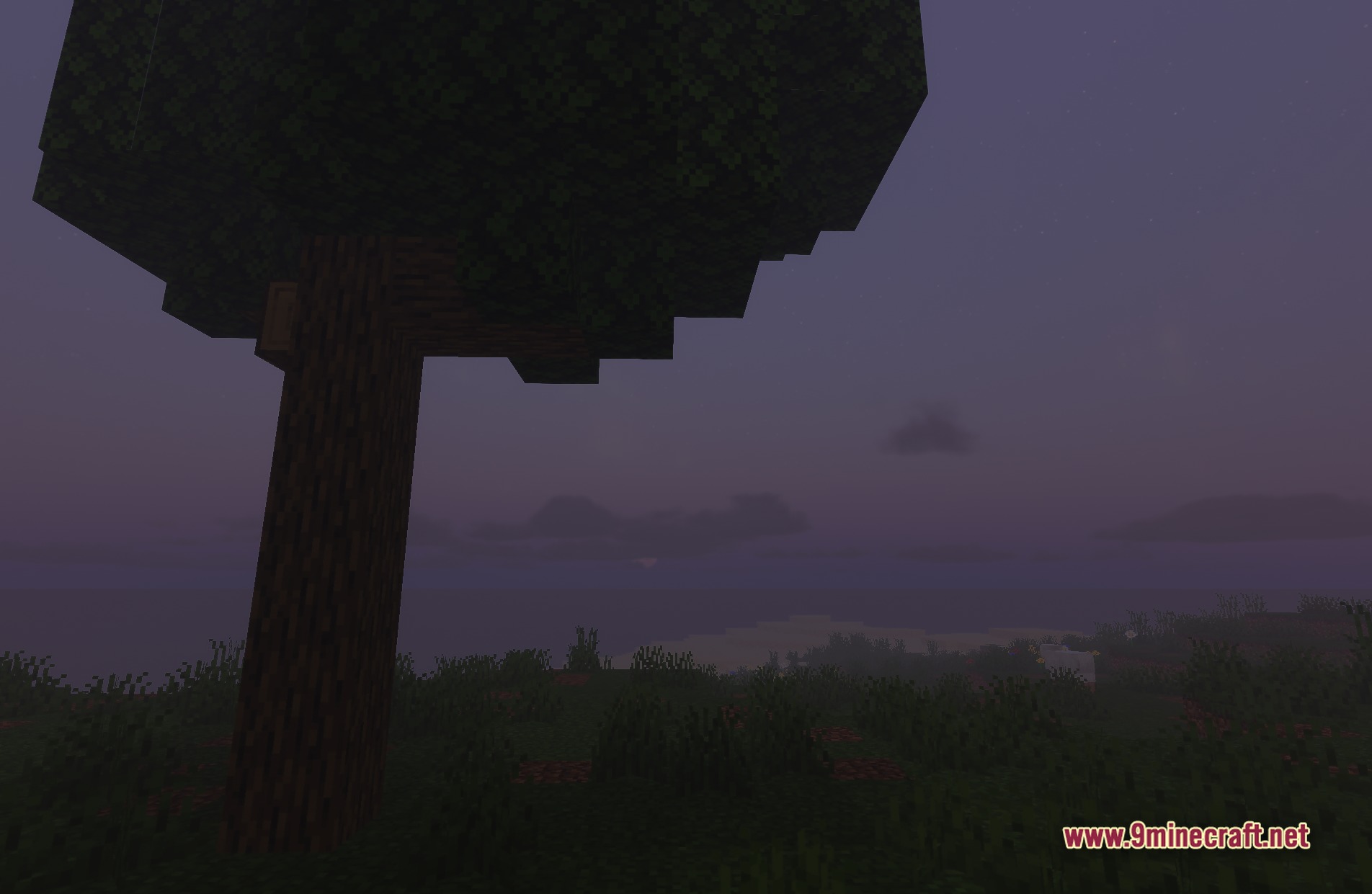
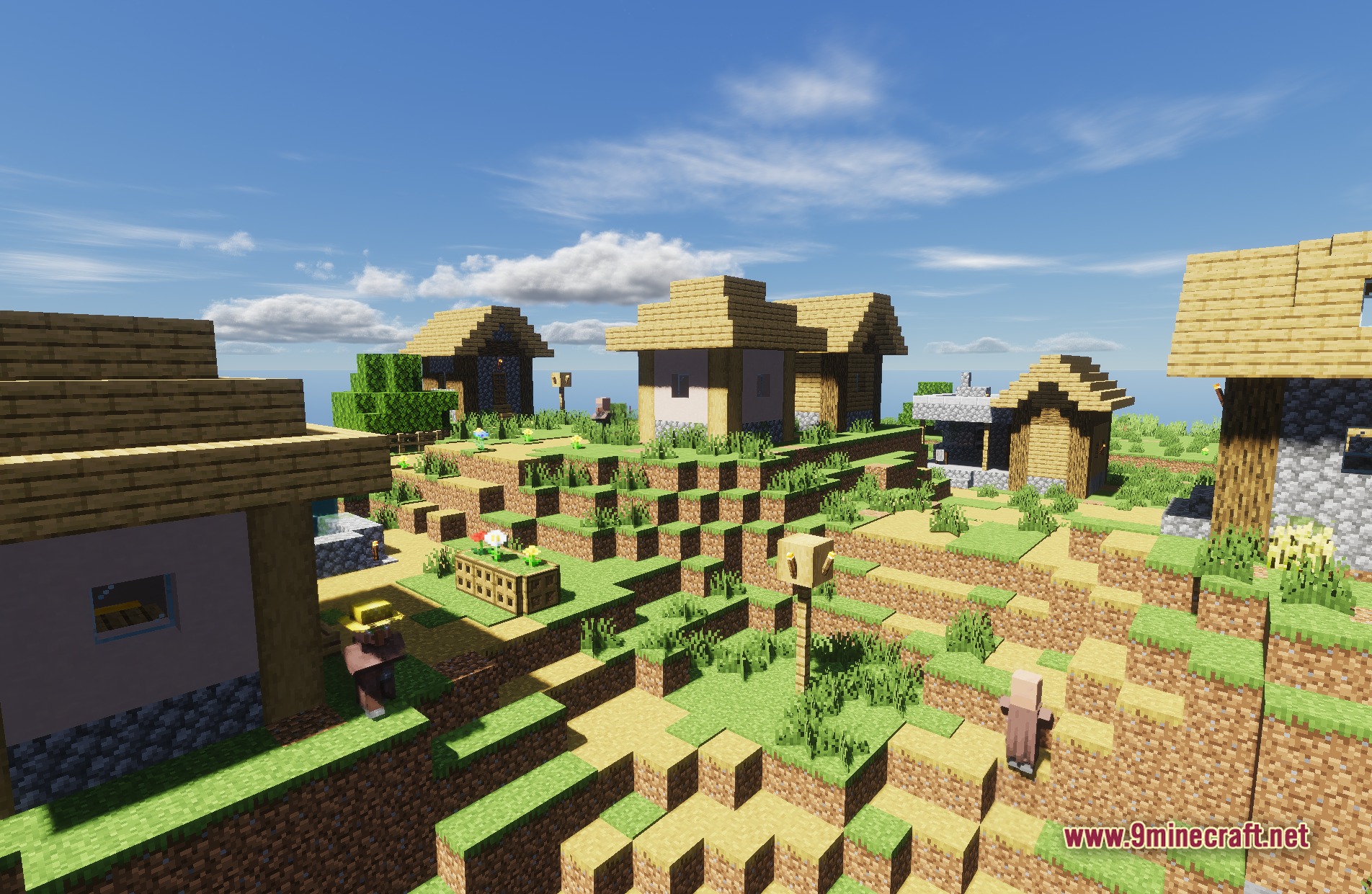
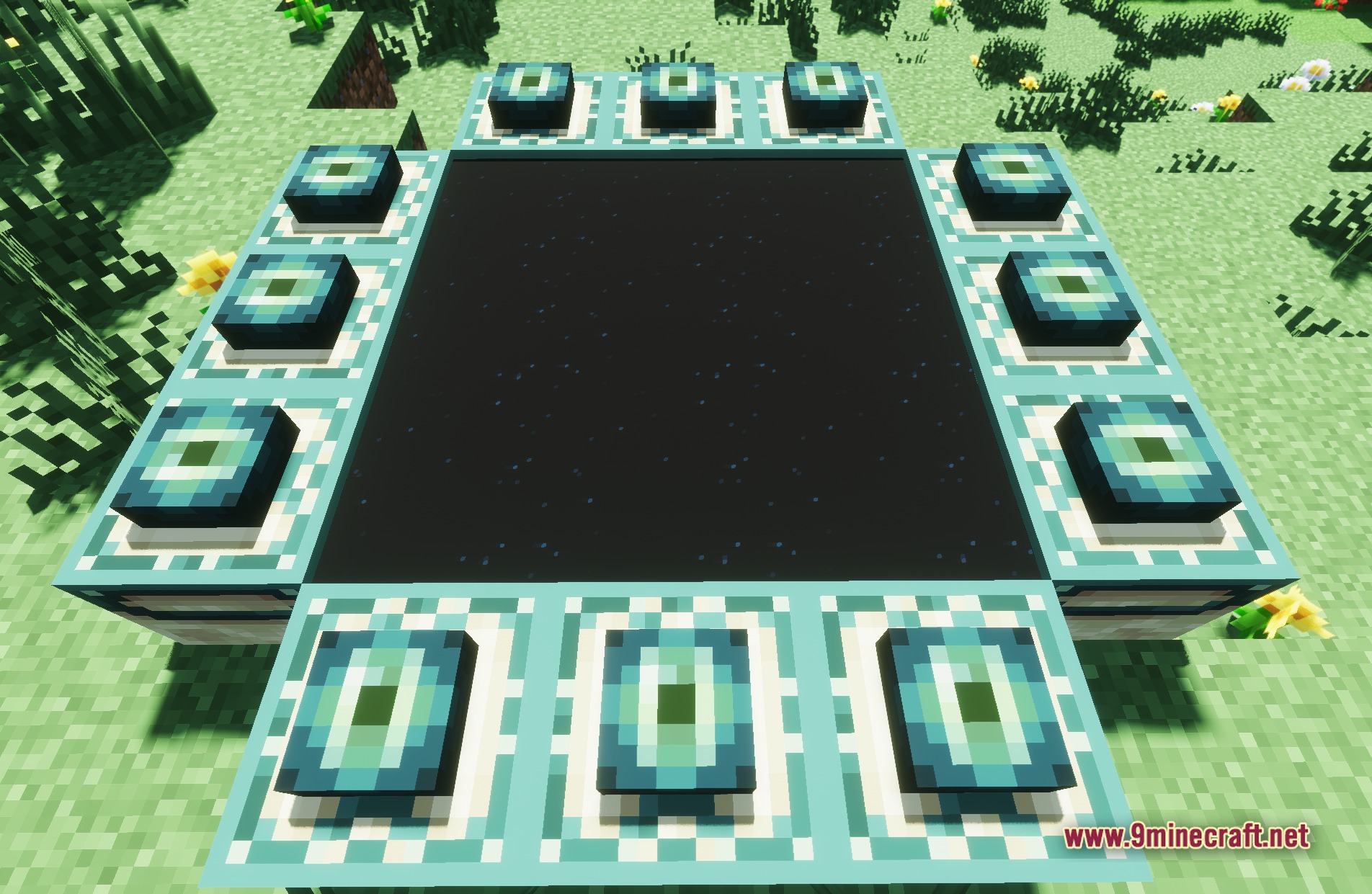
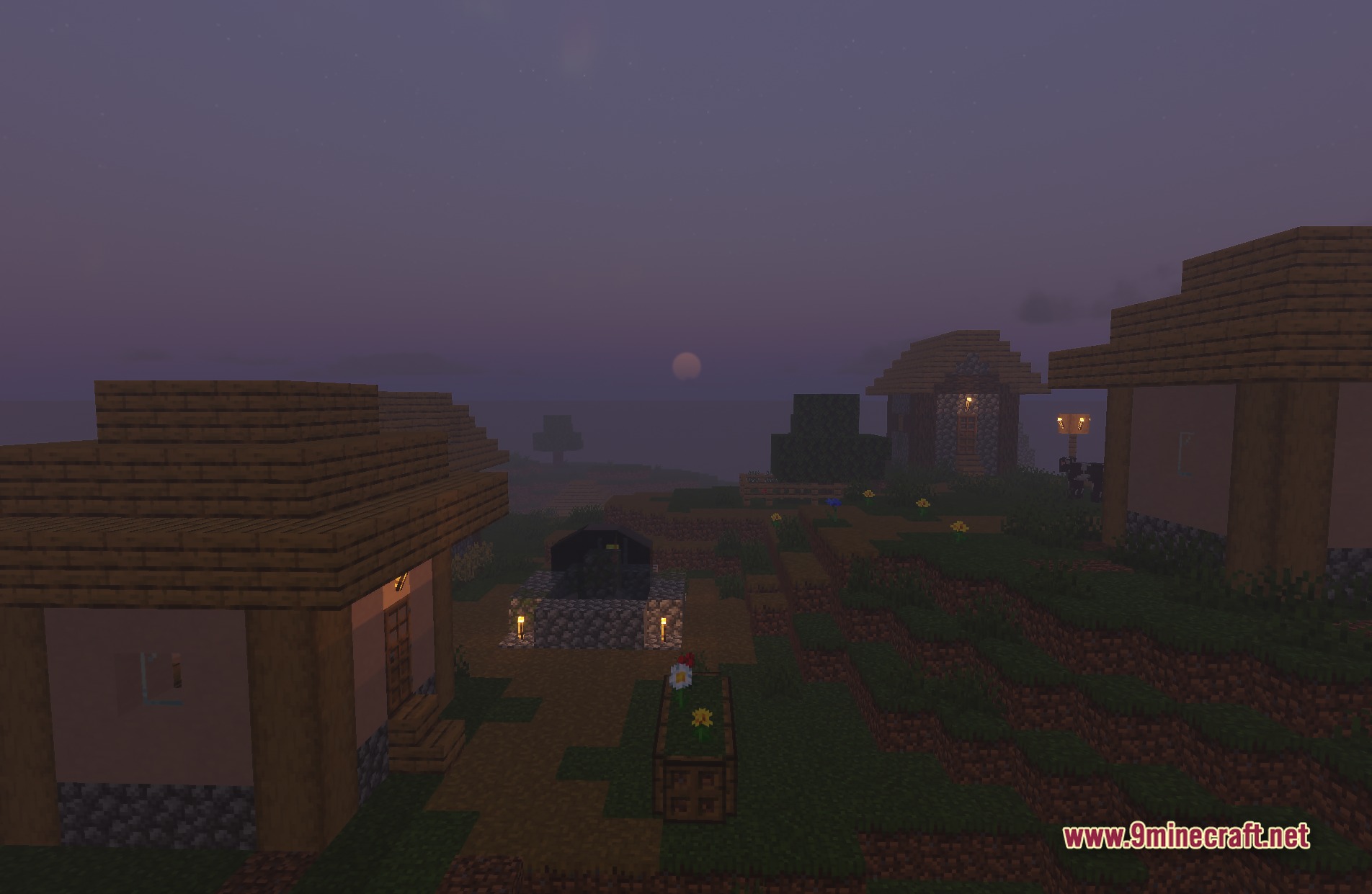
Pyvtron VX Shaders transforms lighting in your Minecraft world to make it look realistic. This shader adds detailed shadows and a fantasy feel to the game. It uses physically based rendering to make blocks and items look better under different light sources. You get a fresh new look without needing a super powerful computer.
Features:
- PBR Support: Makes blocks look realistic by changing how they reflect light.
- Detailed Shadows: Casts accurate shadows from trees, buildings, and mobs.
- Brings a fantasy style to the colors and lighting in your game.
- Keeps the performance cost at a medium level so you do not need the most expensive graphics card.
- Changes the overall look of the game to feel more realistic.
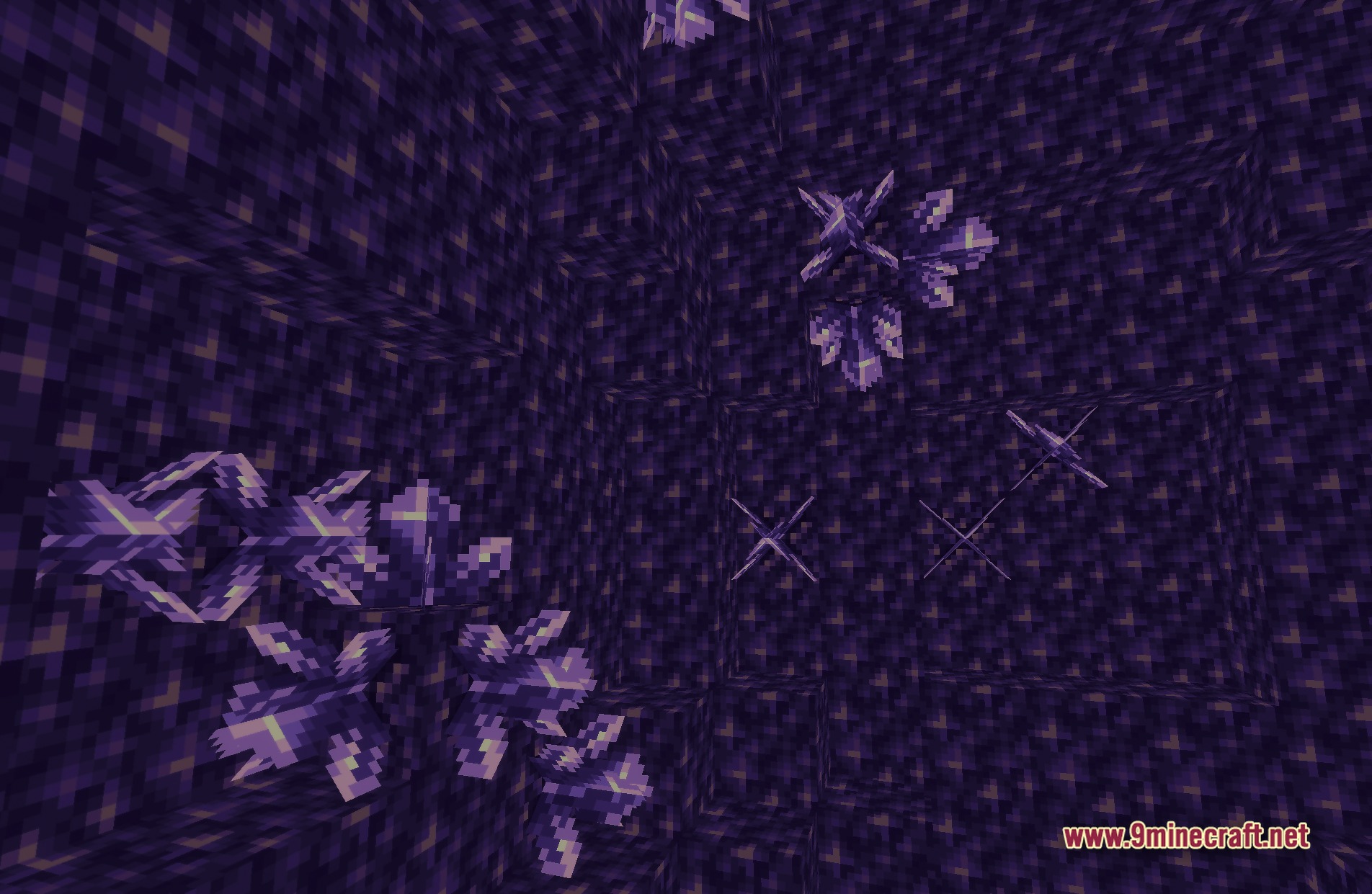
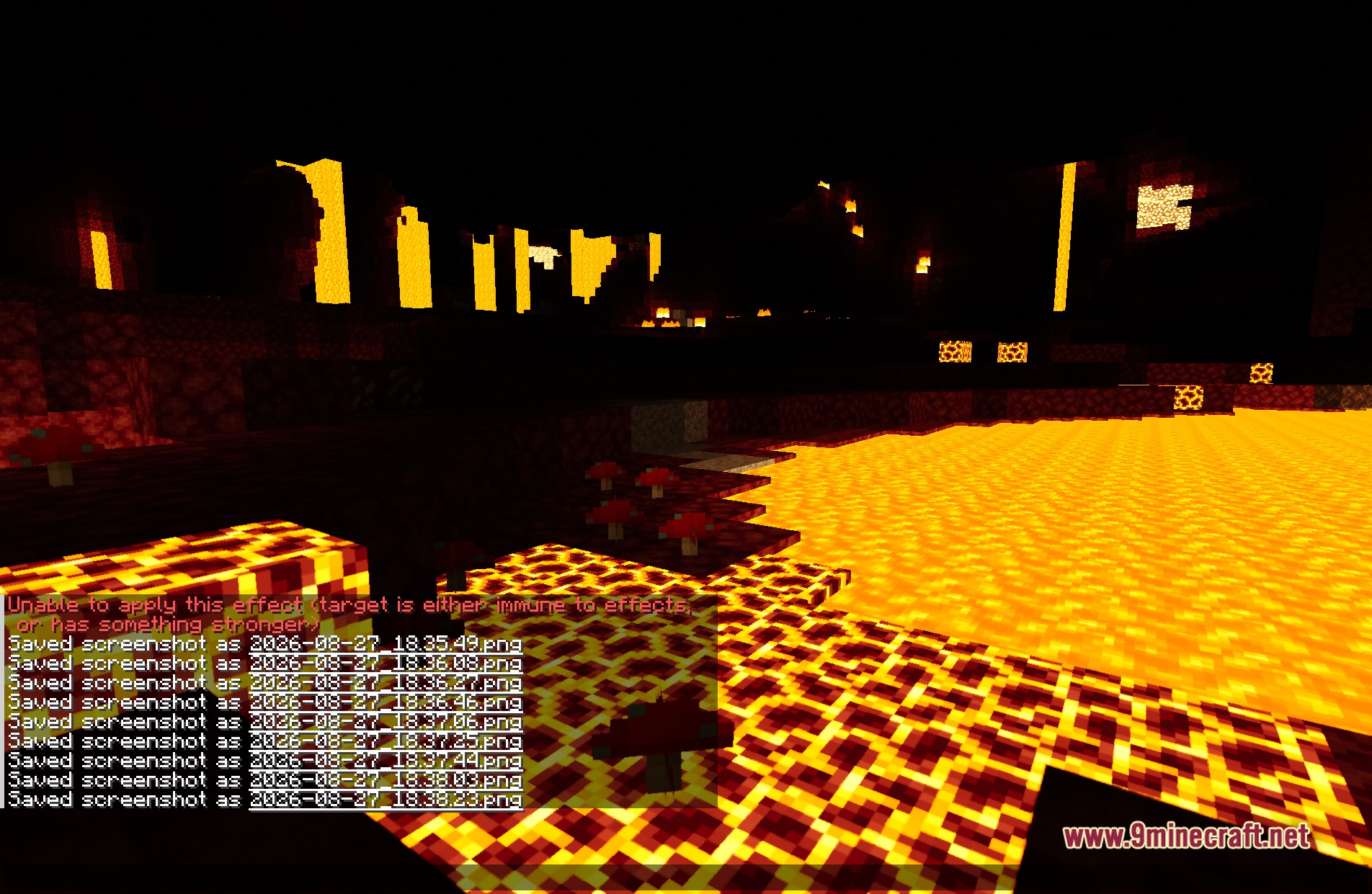
Screenshots:
Pyvtron VX Shaders Download Links
Quick facts
- Edition: Minecraft Java
- File type: .zip (resource pack)
- Minecraft versions listed: 26.3, 1.20.1
- How to install: Download the .zip resource pack — do not unzip it. → Put it in .minecraft/resourcepacks. → Enable it in Options → Resource Packs.
- Where to get it: In MC Java Mods, or directly above on this page.
Install steps are the general flow for this file type — see the MC Java Mods guides for the full walkthrough.
Pyvtron VX Shaders (26.3, 1.20.1) – Detailed Shadows and PBR Lighting is a free Minecraft Java shader. Compatible with Minecraft 26.3, 1.20.1. Download it and open it directly in the game.