ShadersJava
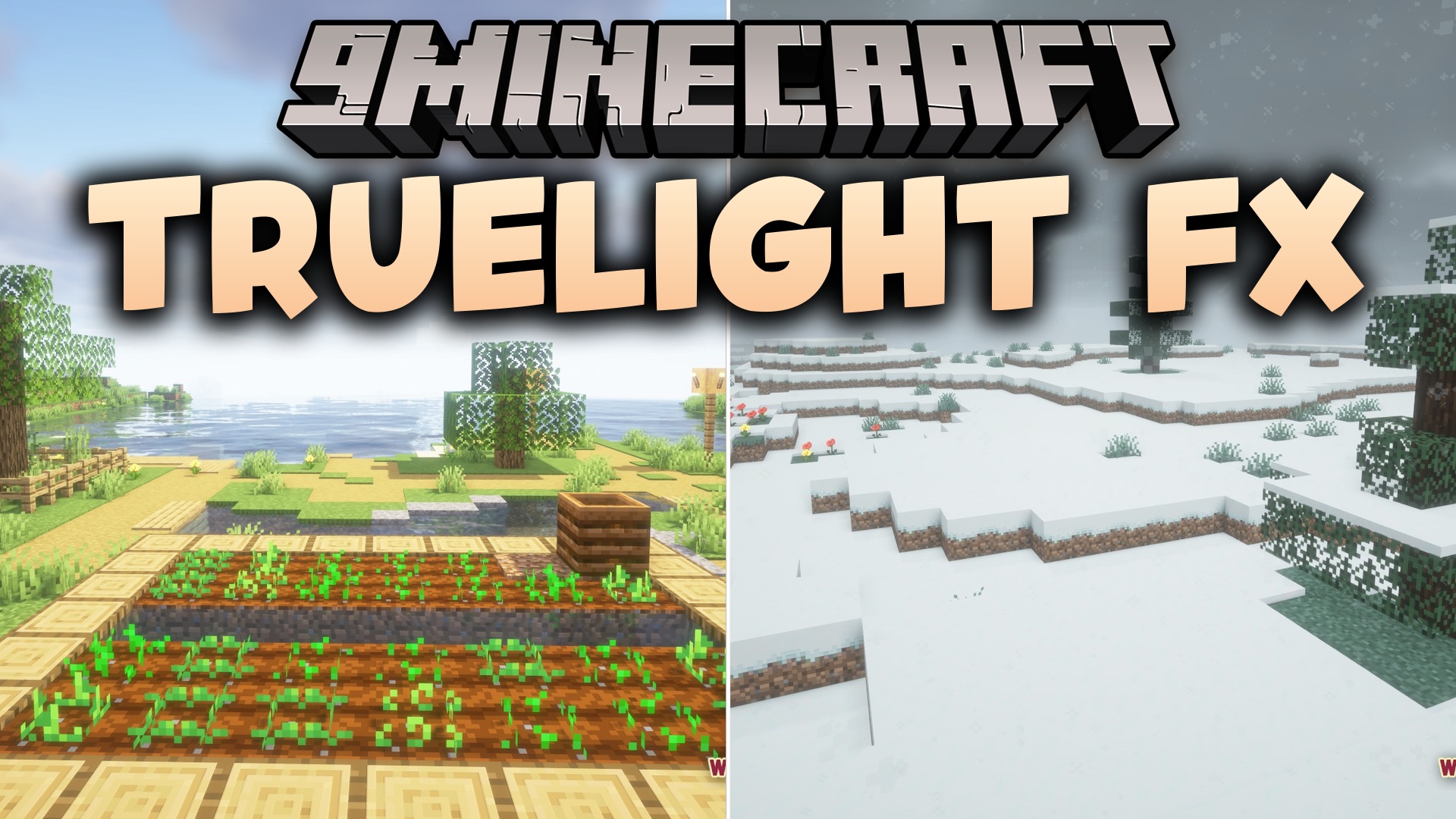
TrueLight FX Shaders (26.3, 1.20.1) – Realistic Lighting with Vanilla Style
Java shader pack listed for Minecraft 1.20–26.x. Downloads from the MC Java Mods app on Android.
⬇ Download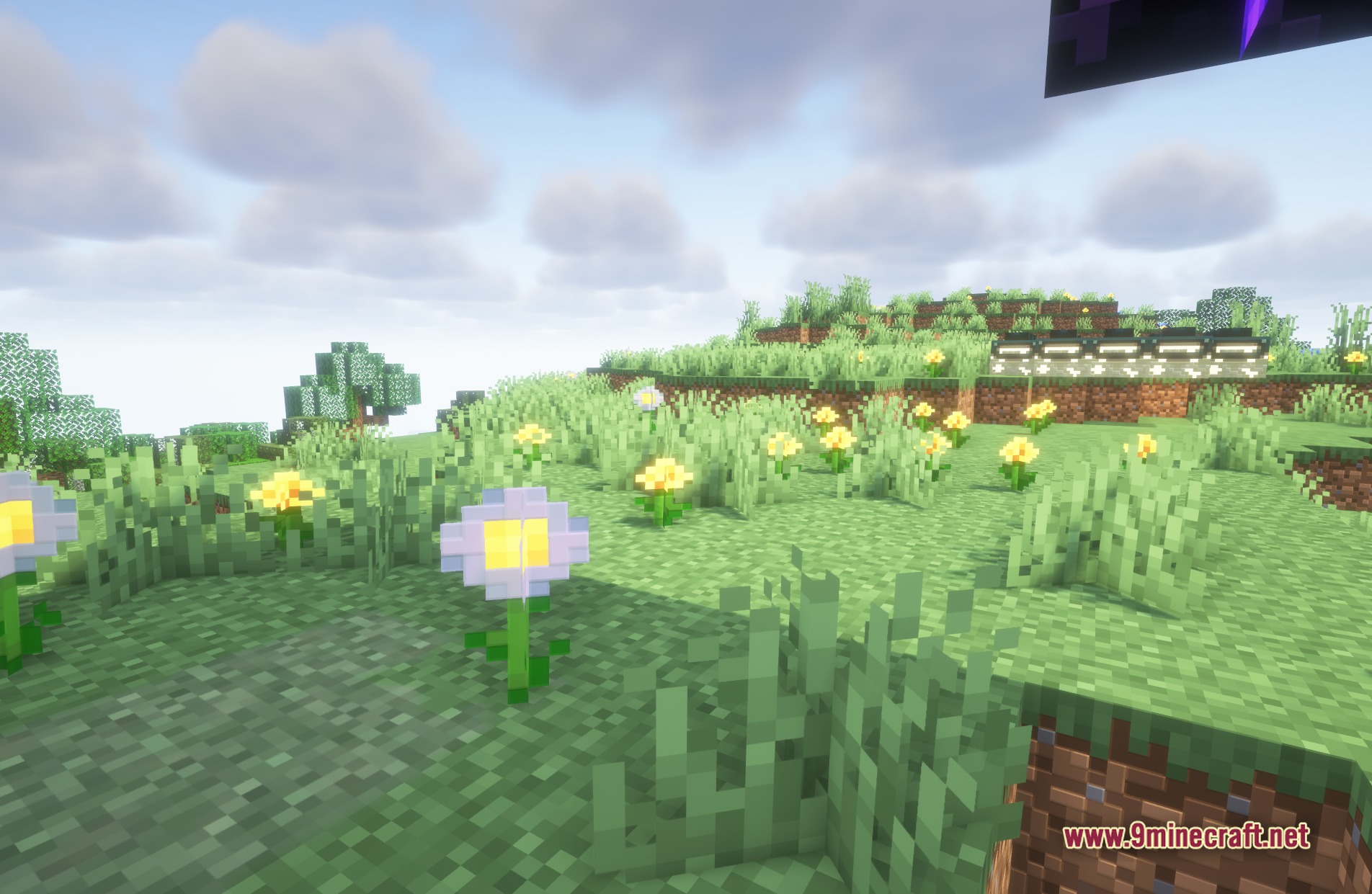
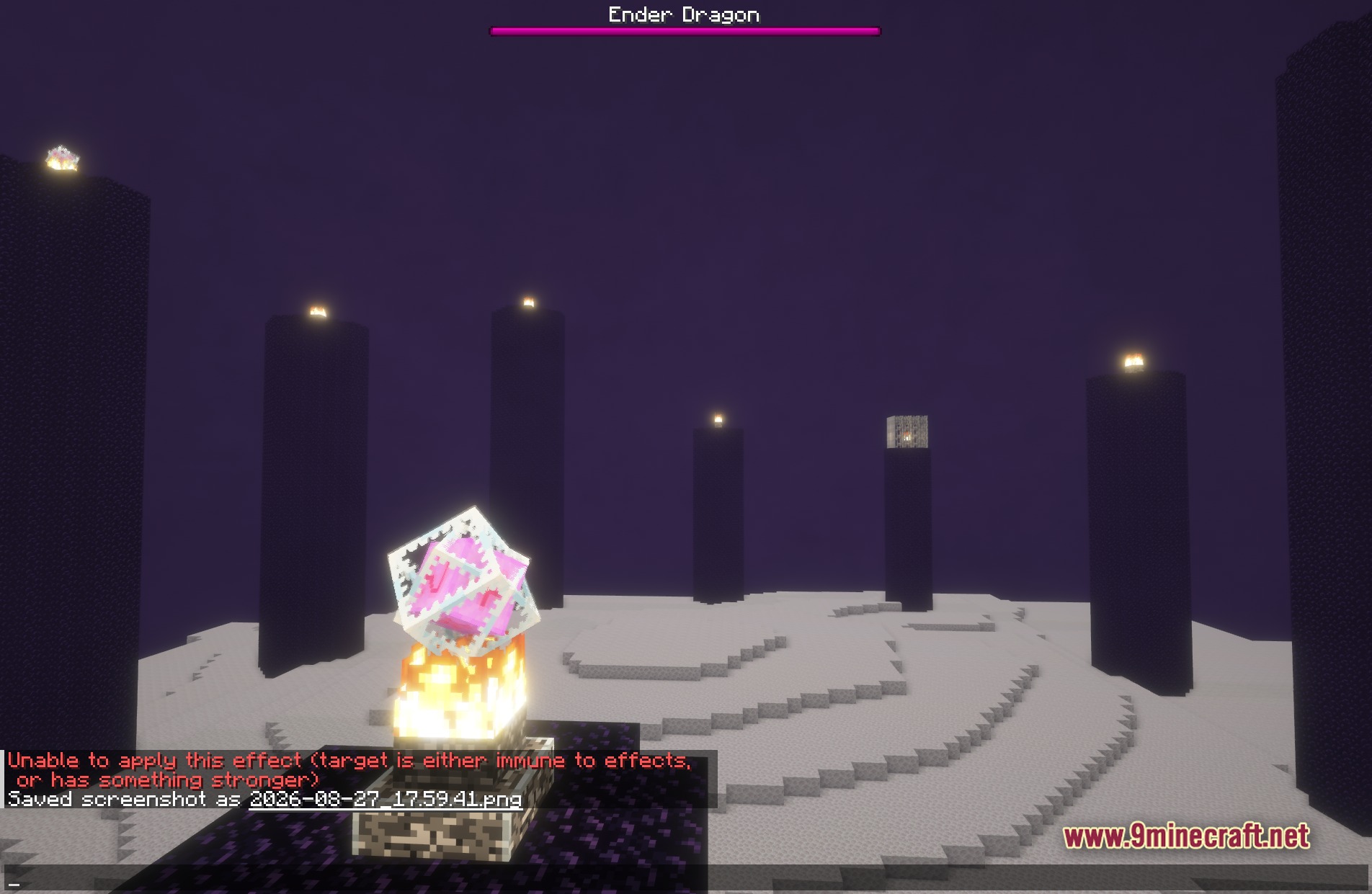
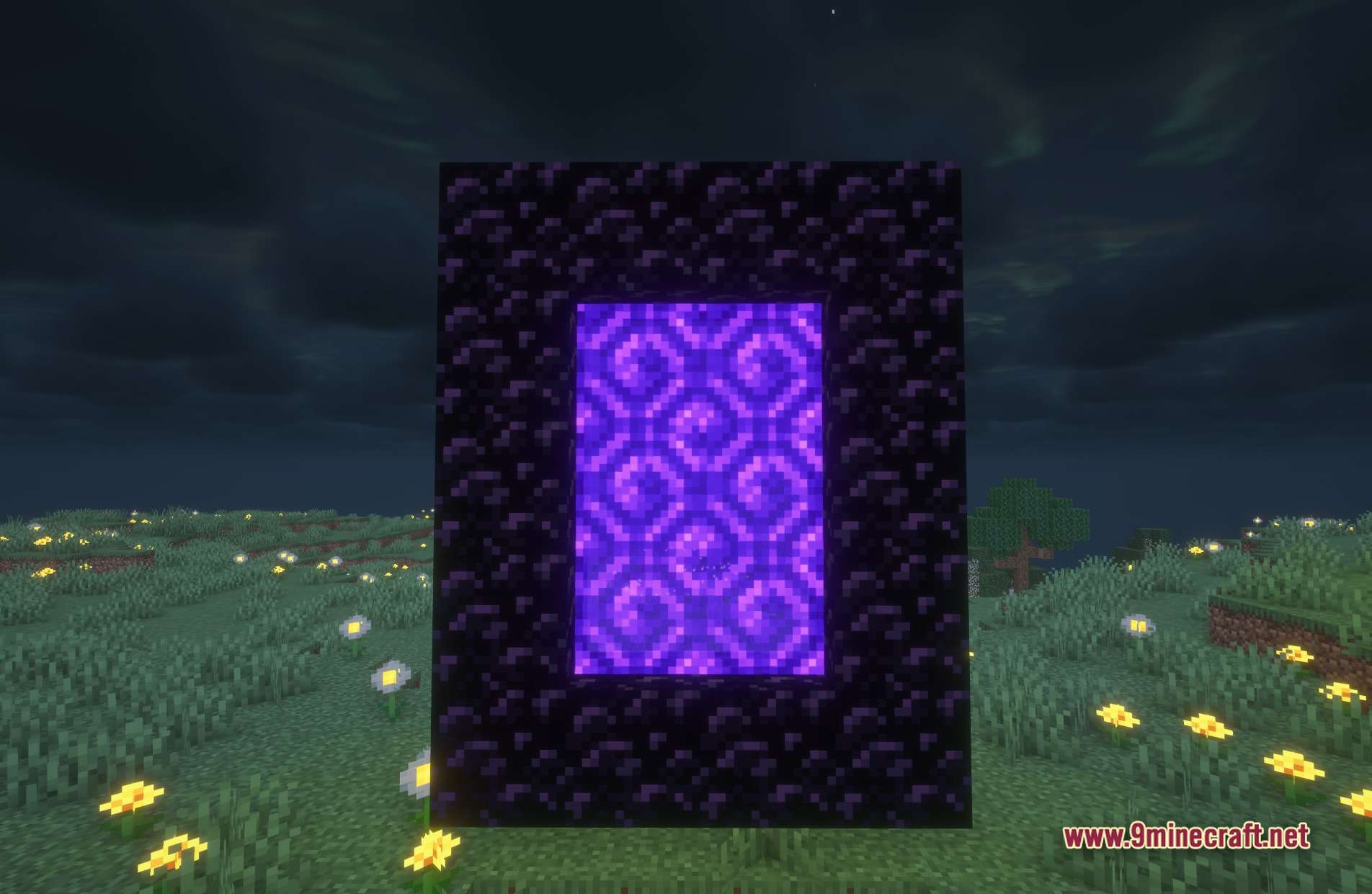
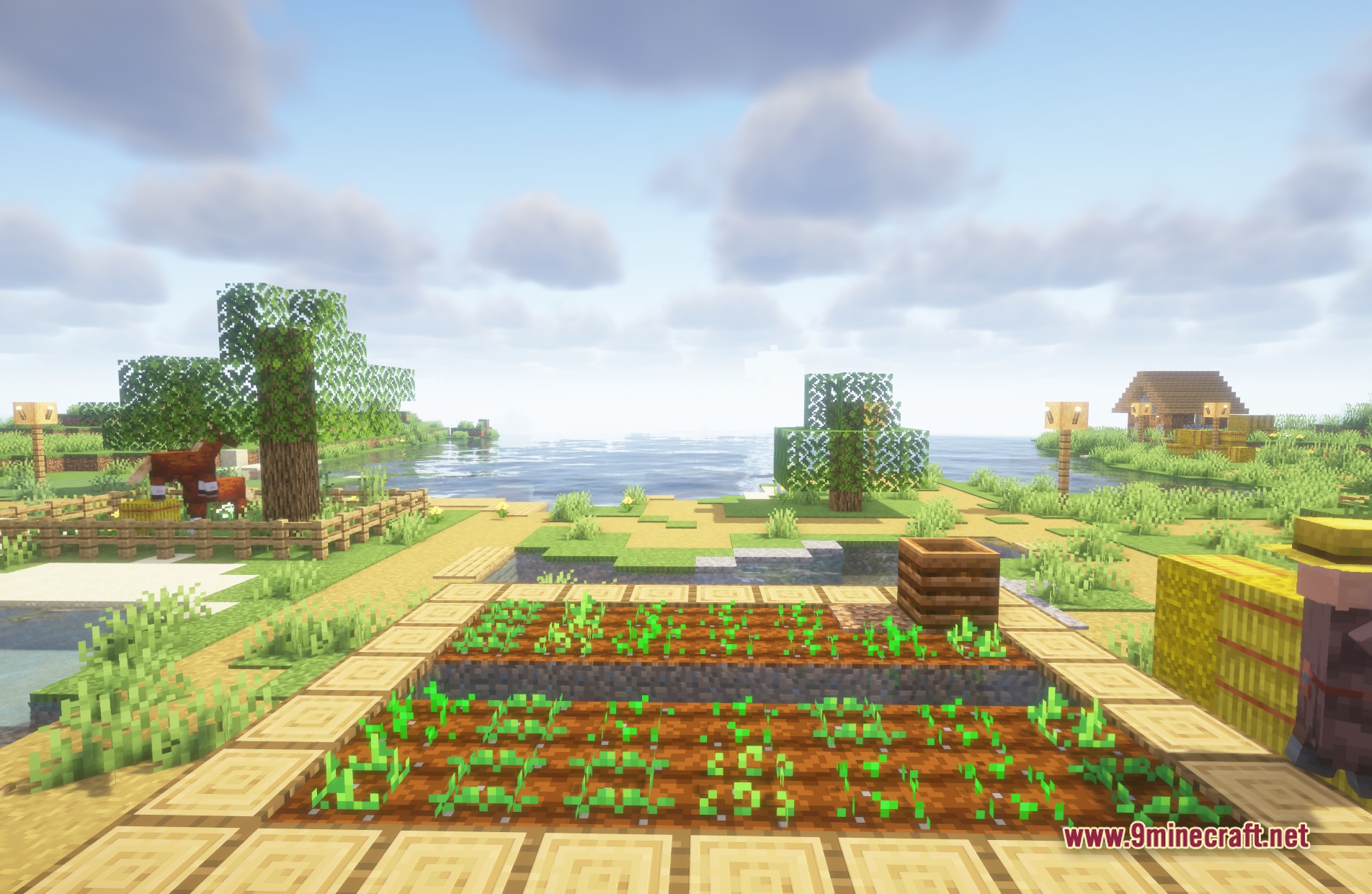
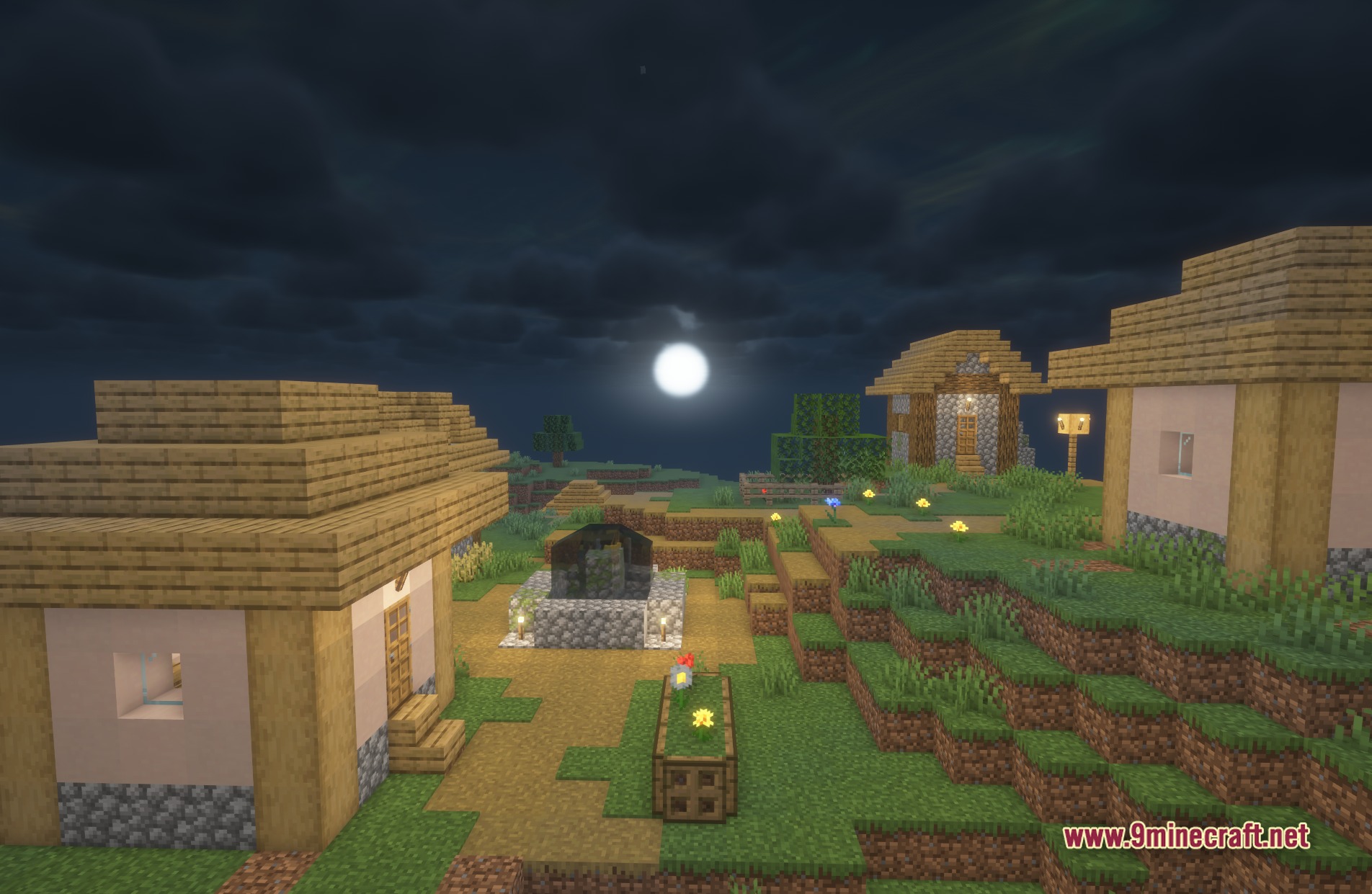
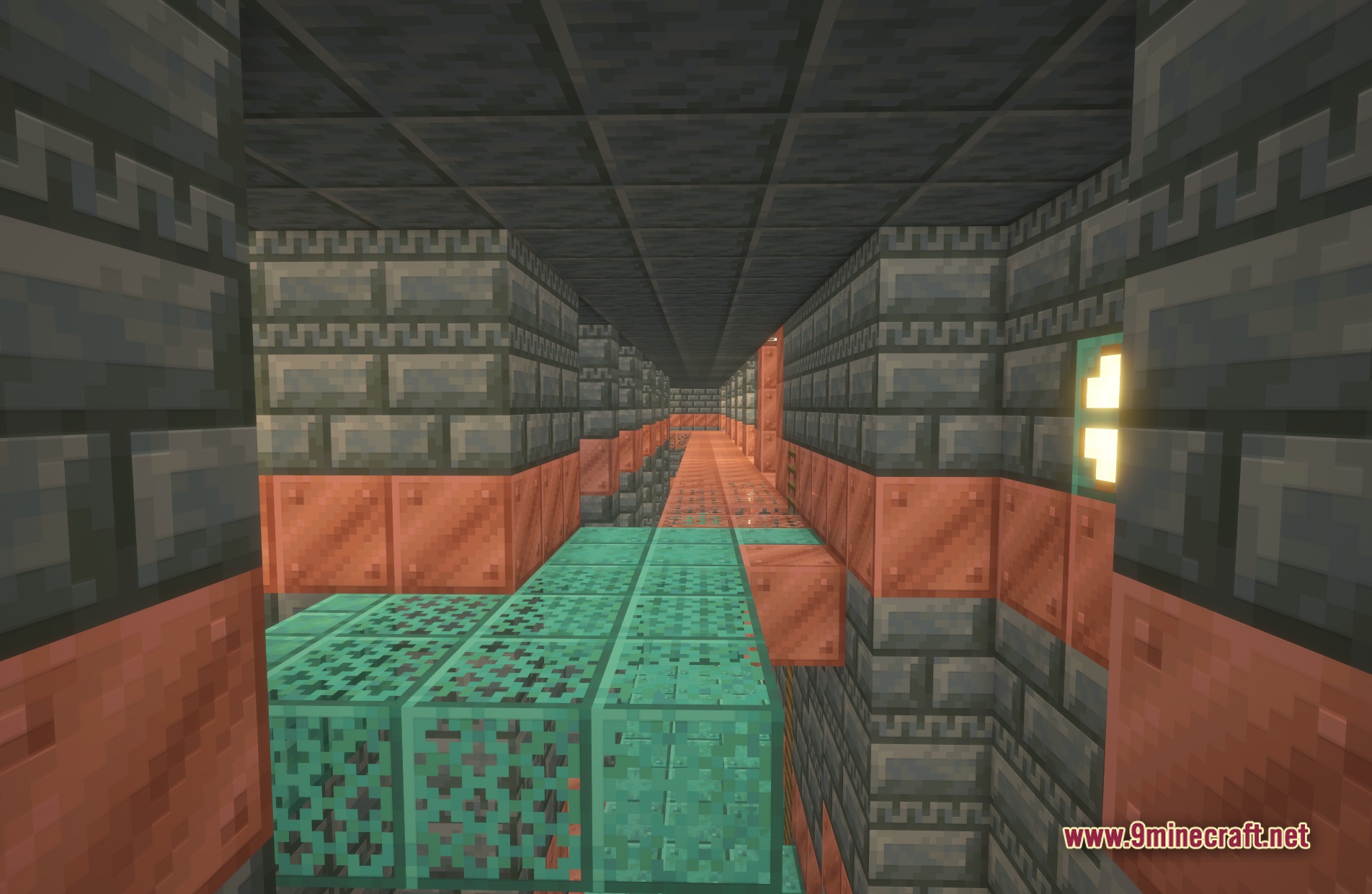
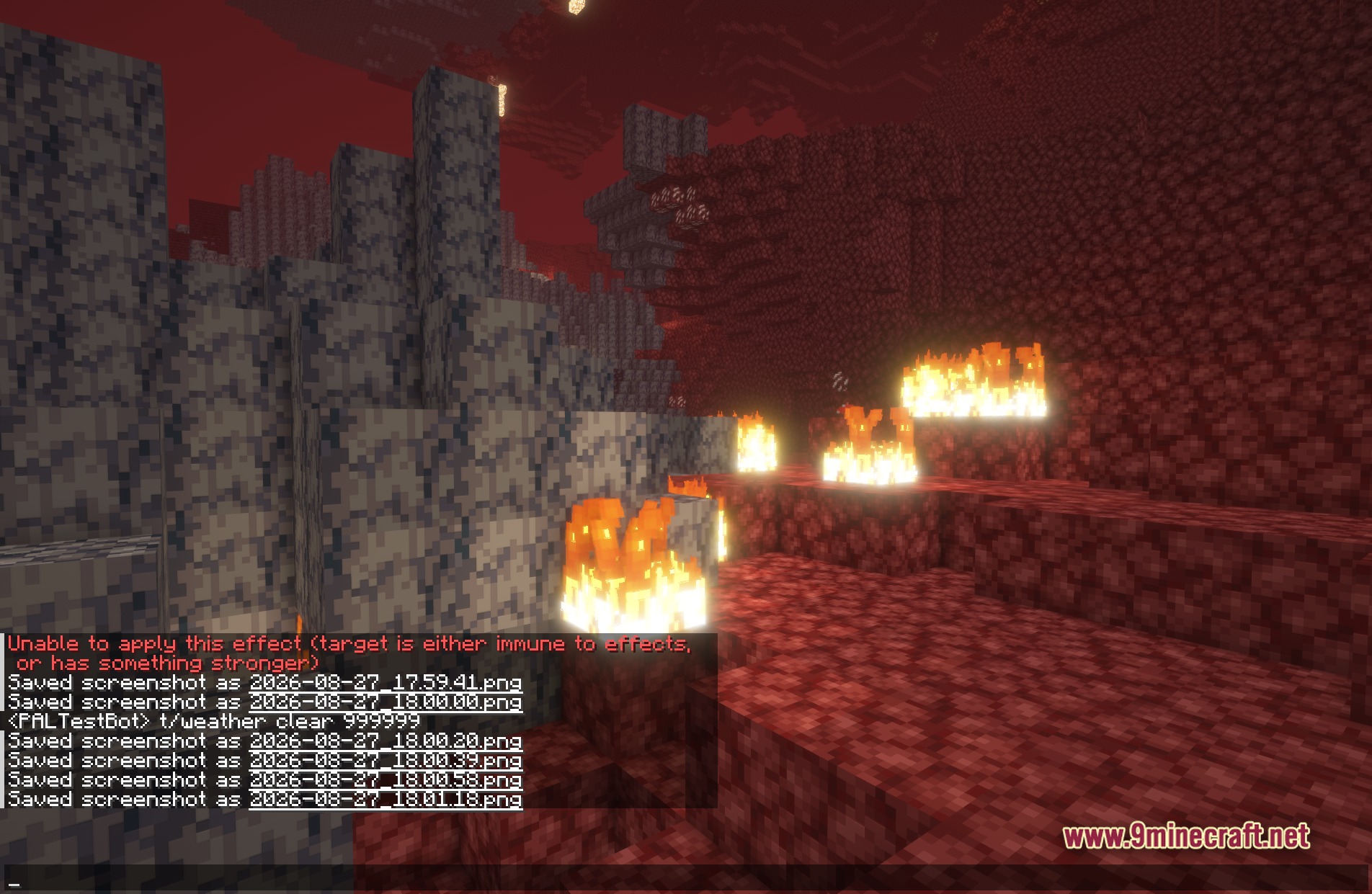
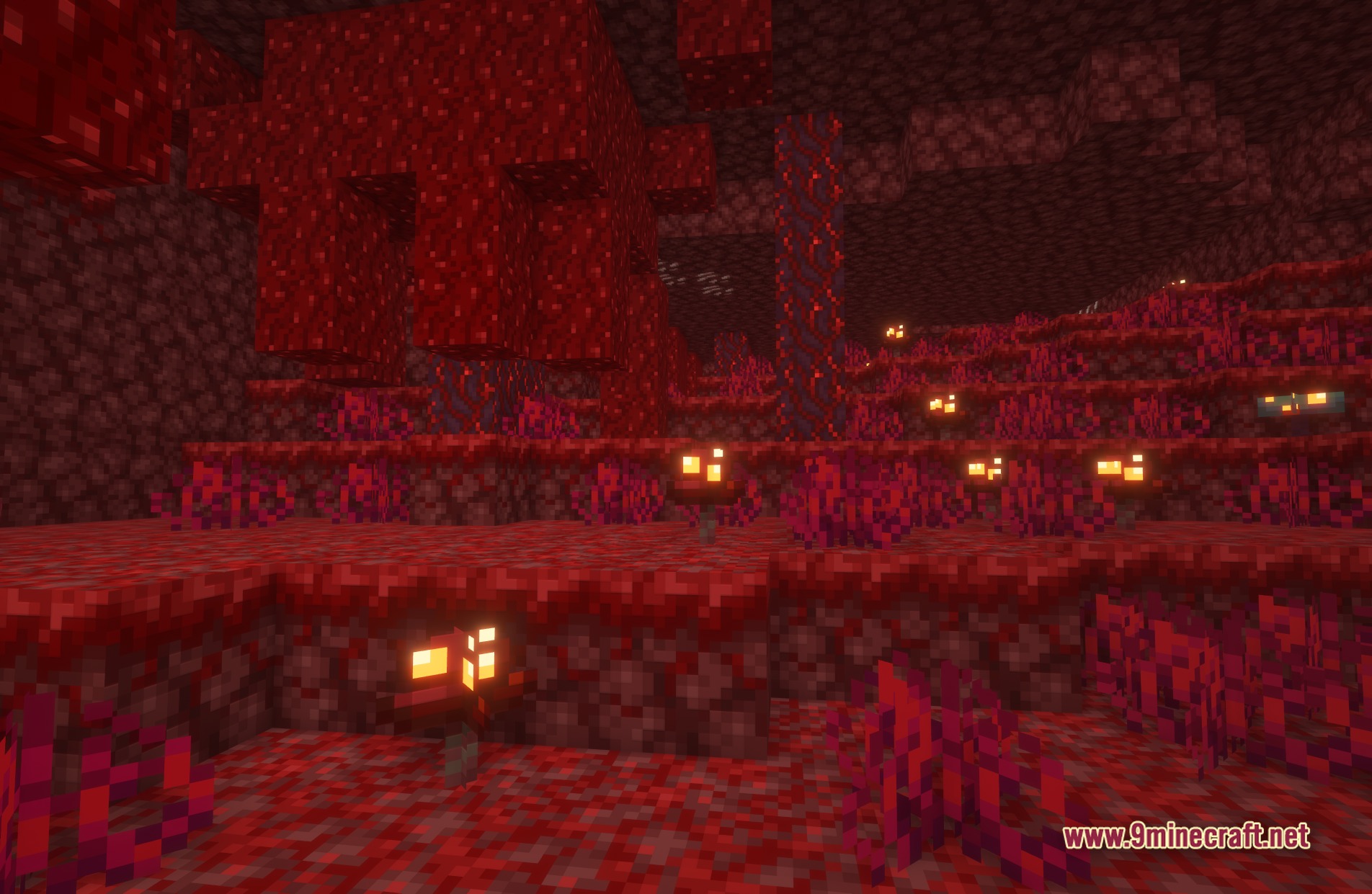
TrueLight FX Shaders transforms lighting in your Minecraft world while keeping the familiar vanilla style. It gives you a realistic look that you can adjust to fit your computer. You can open the settings menu and change how the light behaves. This shader pack makes the game look beautiful without changing the blocky feel you know.
Features:
- Keeps the classic vanilla look while adding realistic light and shadows.
- Lets you open a big menu to change how the lighting looks in your world.
- Gives you control over the visual details so you can match the graphics to your computer speed.
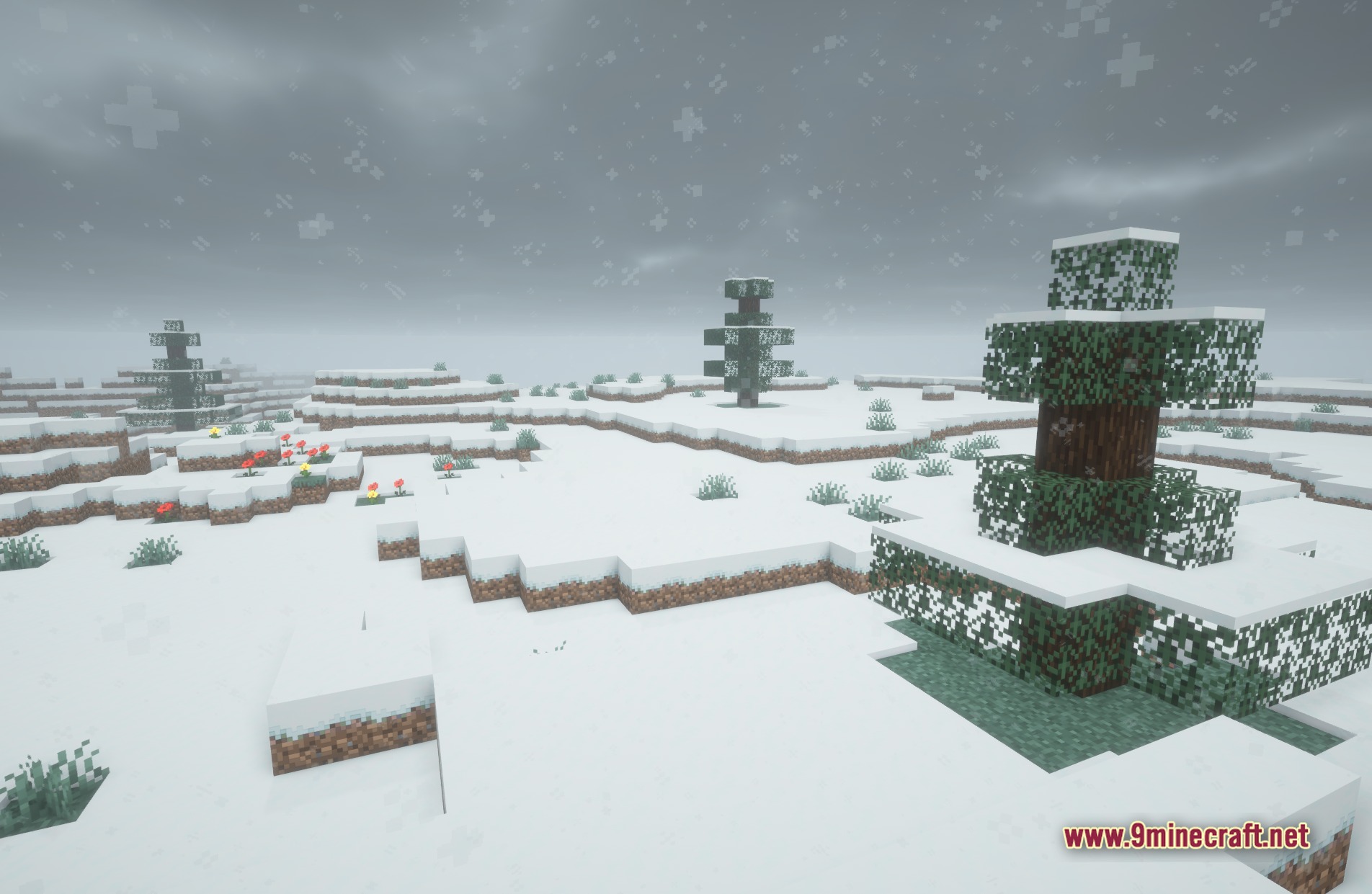
- Makes sunlight and moonlight look natural across the blocky terrain.
Screenshots:

TrueLight FX Shaders Download Links
Quick facts
- Edition: Minecraft Java
- File type: .zip (resource pack)
- Minecraft versions listed: 26.3, 1.20.1
- How to install: Download the .zip resource pack — do not unzip it. → Put it in .minecraft/resourcepacks. → Enable it in Options → Resource Packs.
- Where to get it: In MC Java Mods, or directly above on this page.
Install steps are the general flow for this file type — see the MC Java Mods guides for the full walkthrough.
TrueLight FX Shaders (26.3, 1.20.1) – Realistic Lighting with Vanilla Style is a free Minecraft Java shader. Compatible with Minecraft 26.3, 1.20.1. Download it and open it directly in the game.