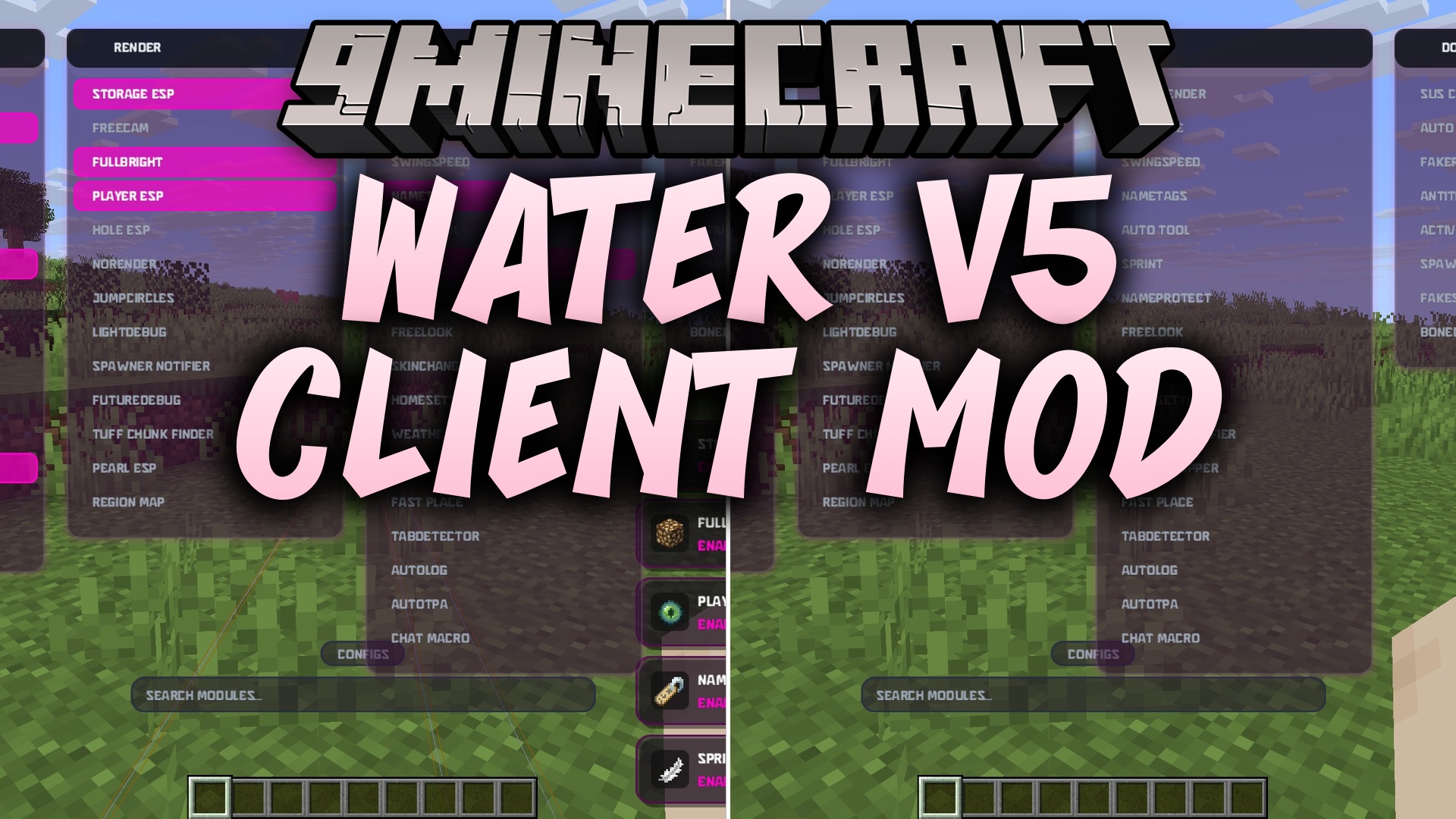
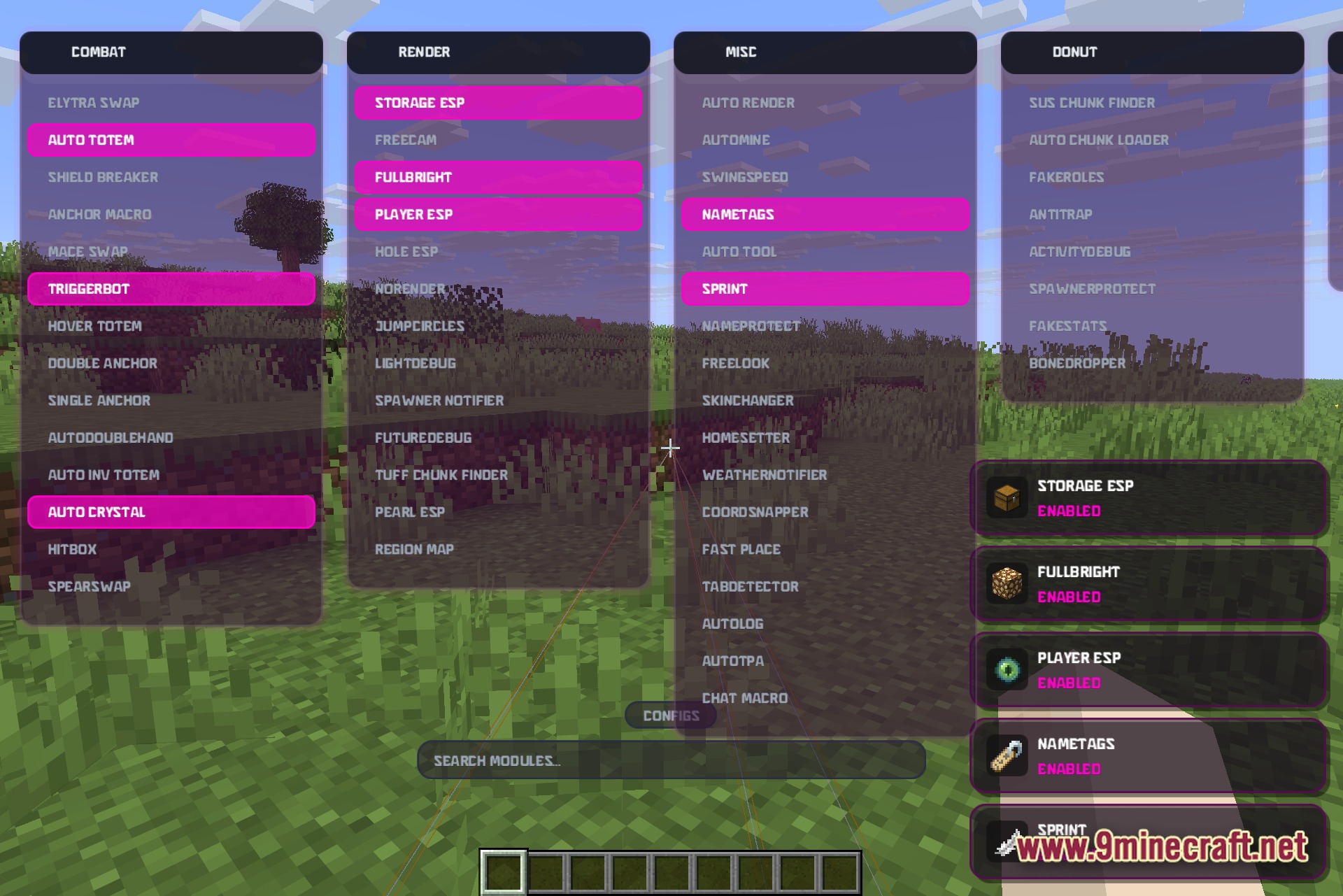
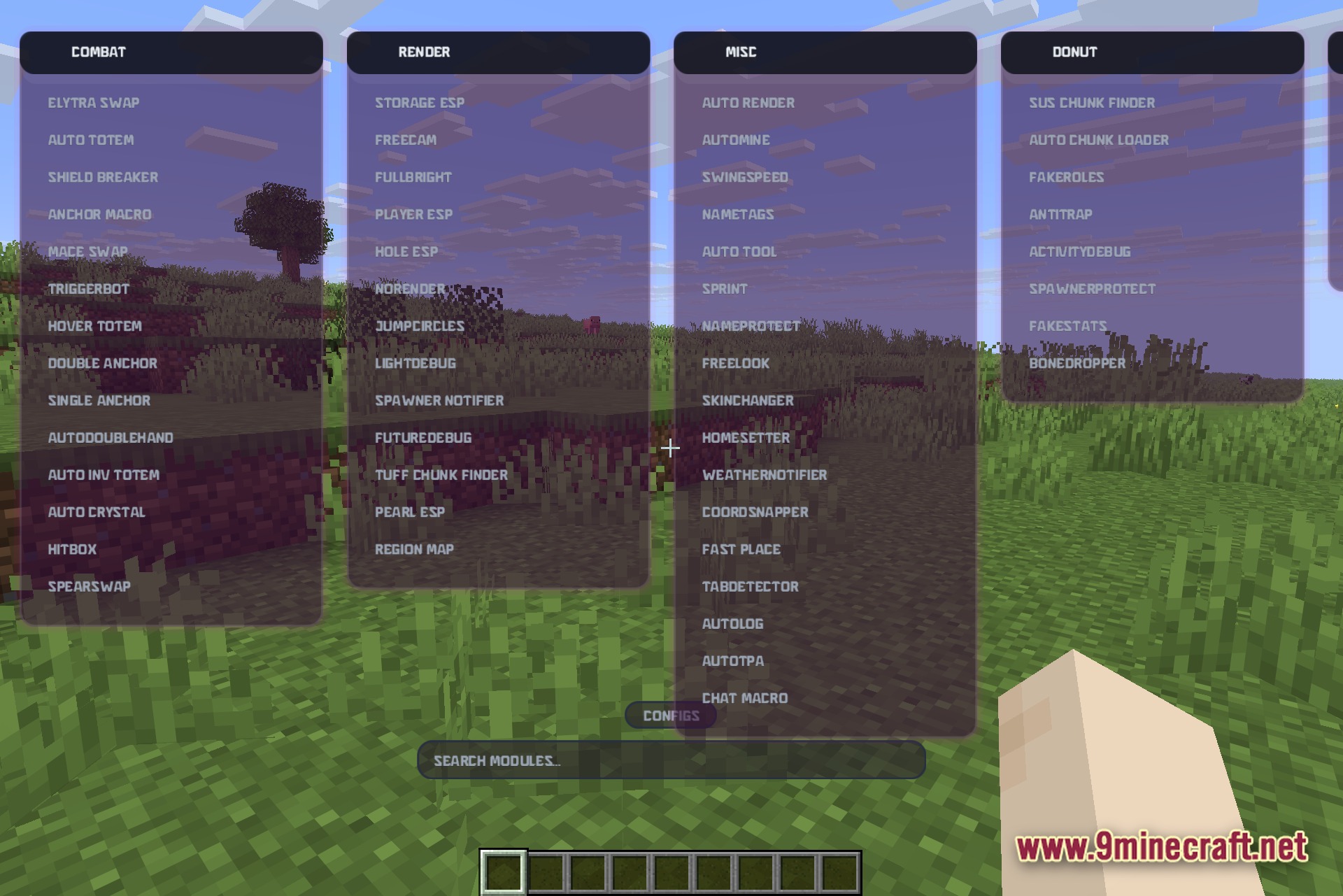
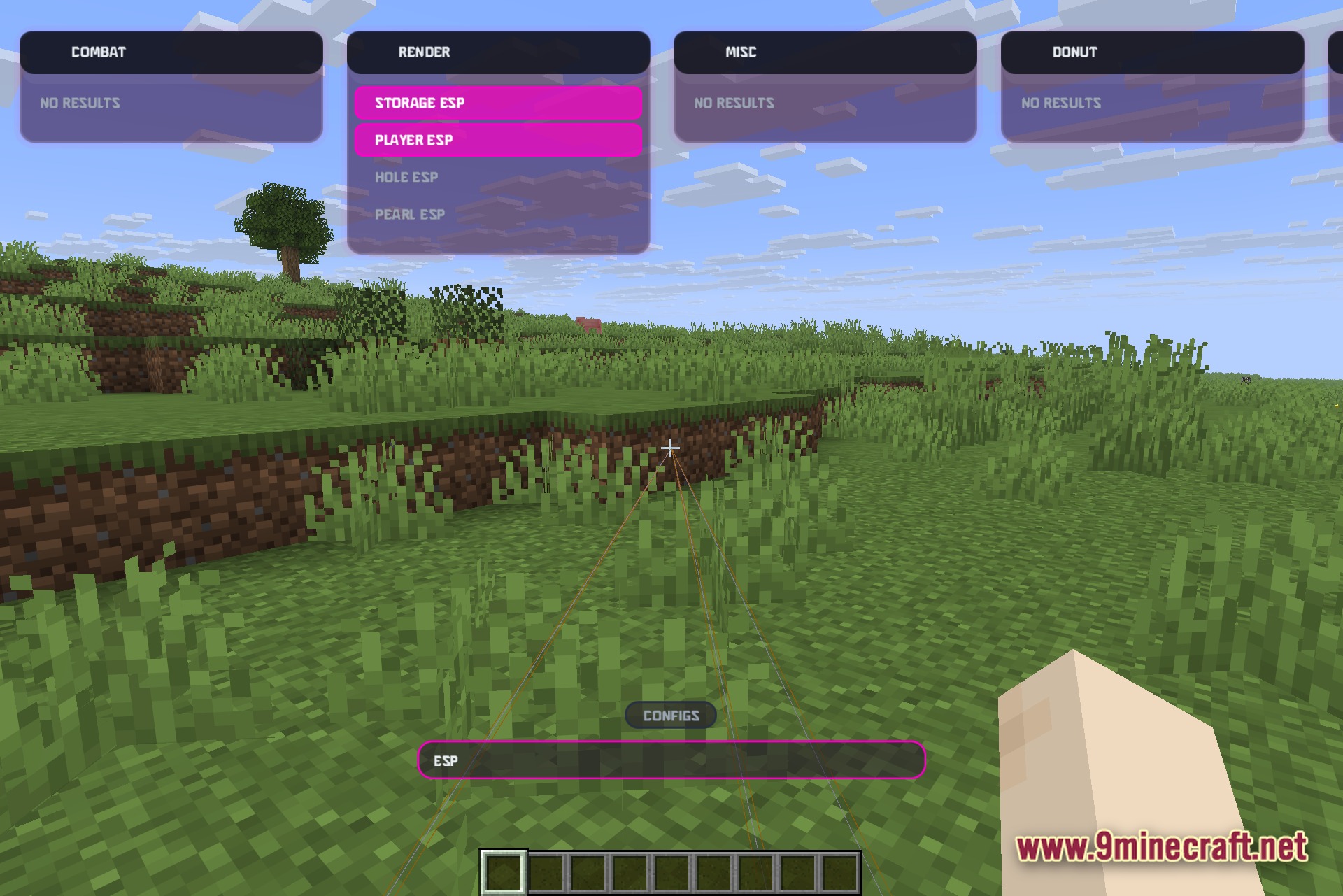
Water V5 Client Mod adds a big utility menu directly into your game. It gives you a special screen where you can turn different categories of tools on and off. You get quick access to combat helpers, visual changes, and server tricks without leaving the game. The mod saves your favorite settings into profiles so you can switch them fast.
Features:
- Adds a clean screen overlay that lists your active tools with small icons.
- Saves your loadouts as named profiles so you can switch your setup fast.
- Shows your current music track and connects to Discord Rich Presence.
- Each tool has its own dropdown menu for extra settings.
Combat Tools:
- Swaps items for you with tools like Mace Swap, Elytra Swap, and Spear Swap.
- Keeps you safe by using Auto Totem, Hover Totem, and Auto Inventory Totem.
- Helps you fight better with Triggerbot, Shield Breaker, and Hitbox changes.
- Places anchors and crystals fast using Anchor Macro and Auto Crystal.
Render and Vision:
- Finds hidden things through walls using Player ESP, Storage ESP, and Hole ESP.
- Lights up dark caves with Fullbright and lets you look around with Freecam.
- Spots important areas with Spawner Notifier and Tuff Chunk Finder.
Misc and Server Utilities:
- Automates daily tasks with Auto Tool, AutoMine, and Fast Place.
- Changes how you look and act with Skin Changer, Sprint, and Free Look.
- Protects you on servers using Auto Log, Anti Trap, and Spawner Protect.
- Finds suspicious activity using Sus Chunk Finder and Tab Detector.
How to Use:
- Press Right Shift on your keyboard to open the main menu screen.
- Click on the categories like Combat or Render to see the list of tools.
- Use the search bar at the top to find a specific tool quickly.
- Click a tool to turn it on, or open its dropdown menu to change its settings.
Screenshots:
Water v5 Client Mod Download Links
Quick facts
- Edition: Minecraft Java
- File type: .jar
- Minecraft version listed: 1.21.11
- How to install: Install the matching mod loader (Forge, Fabric or NeoForge) for your Minecraft version. → Download the .jar. → Put it in the .minecraft/mods folder and launch that loader profile.
- Where to get it: In MC Java Mods, or directly above on this page.
Install steps are the general flow for this file type — How to install Minecraft Java mods & modpacks walks through it step by step.
Verified by MCModsHub
- Downloads as 390224.mcaddon
- Download size: 652 KB
- Download link checked 25 Sept 2026 — working
- Mirrored on our own servers — the download does not depend on the original host
These come from our own check of the pack file, not from the source page.