HomeJavaModsScreenshot Overhaul
Screenshot Overhaul
ModsJava

Screenshot Overhaul

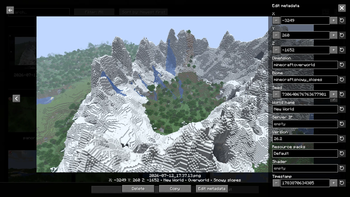
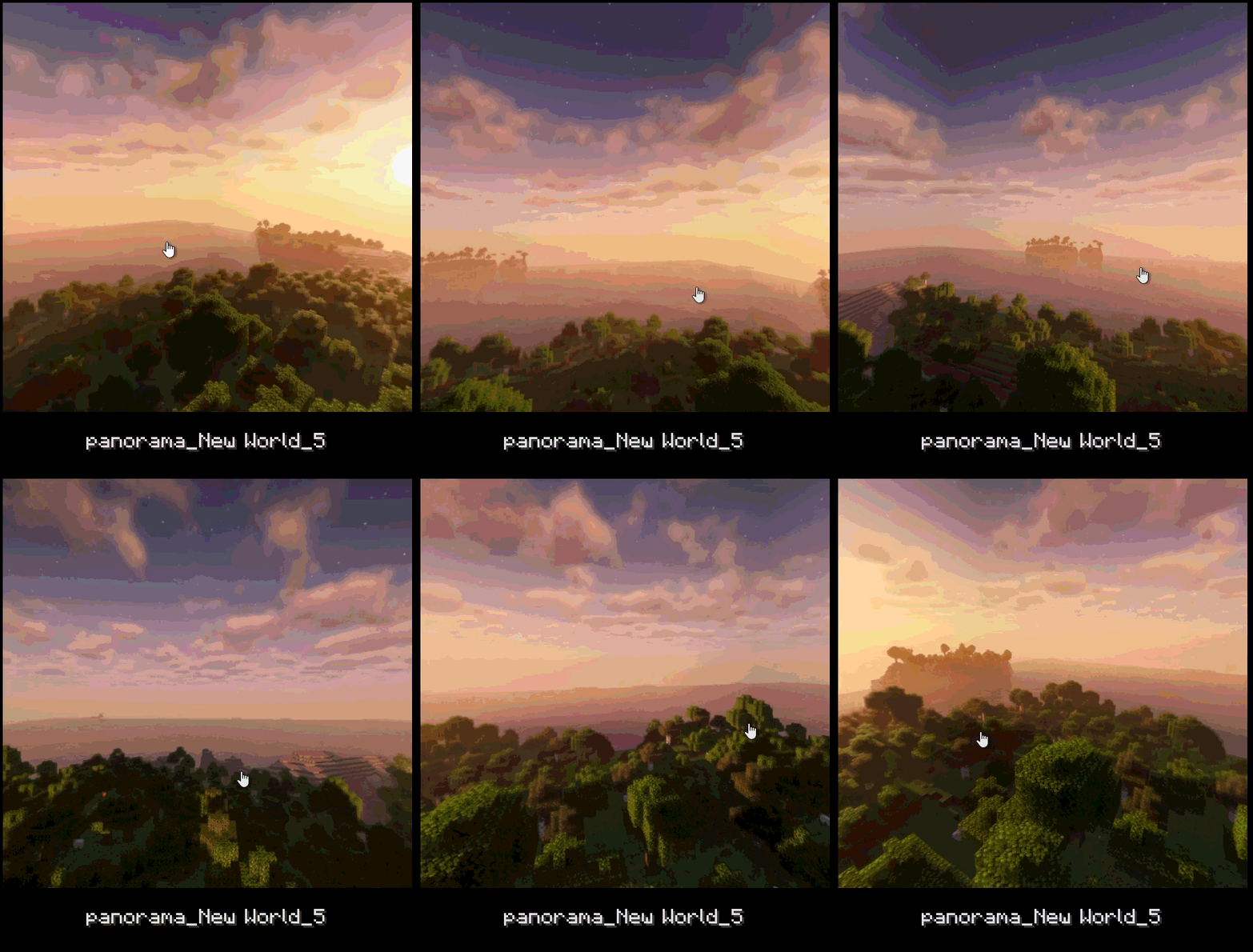
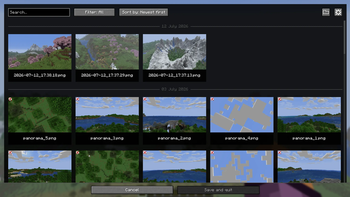
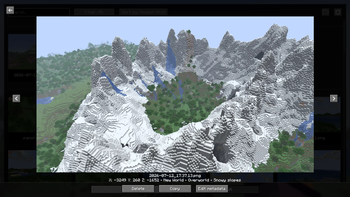
Improve Minecraft screenshots with a built-in gallery, metadata, custom names, previews, panoramas, and map integrations.

⬇ Download on Modrinth
Screenshot Overhaul — screenshot 1Screenshot Overhaul — screenshot 2Screenshot Overhaul — screenshot 3Screenshot Overhaul — screenshot 4Screenshot Overhaul — screenshot 5Screenshot Overhaul — screenshot 6Screenshot Overhaul — screenshot 7Screenshot Overhaul — screenshot 8

Screenshot Overhaul

Fabric NeoForge Environment: Client

Improve Minecraft screenshots with a built-in gallery, metadata, custom names, previews, panoramas, and map integrations.


Features

Photo mode exists in the codebase but is gated behind SCREENSHOT_OVERHAUL_ENABLE_PHOTO_MODE since this feature is still in the development phase.


Quick Usage


Configuration

The configuration file is created automatically on first launch: .minecraft/config/screenshot_overhaul.json.

General

Option Description
enableWholeMod Enables or disables the mod's features.
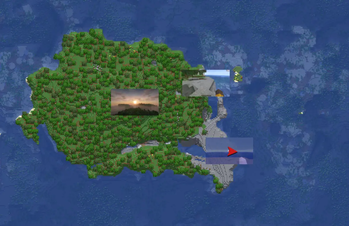
showScreenshotsOnXaerosWorldMap Shows screenshots on Xaero's World Map if the mod is installed.
showScreenshotsOnJourneyMap Shows screenshots on JourneyMap if the mod is installed.

Screenshot

Option Description
screenshotsFileName Pattern used to name screenshots. Can include tokens and subfolders.
screenshotsDir Directory where screenshots are saved.
showChatMessage Shows the Minecraft chat message after taking a screenshot.
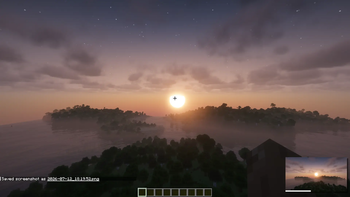
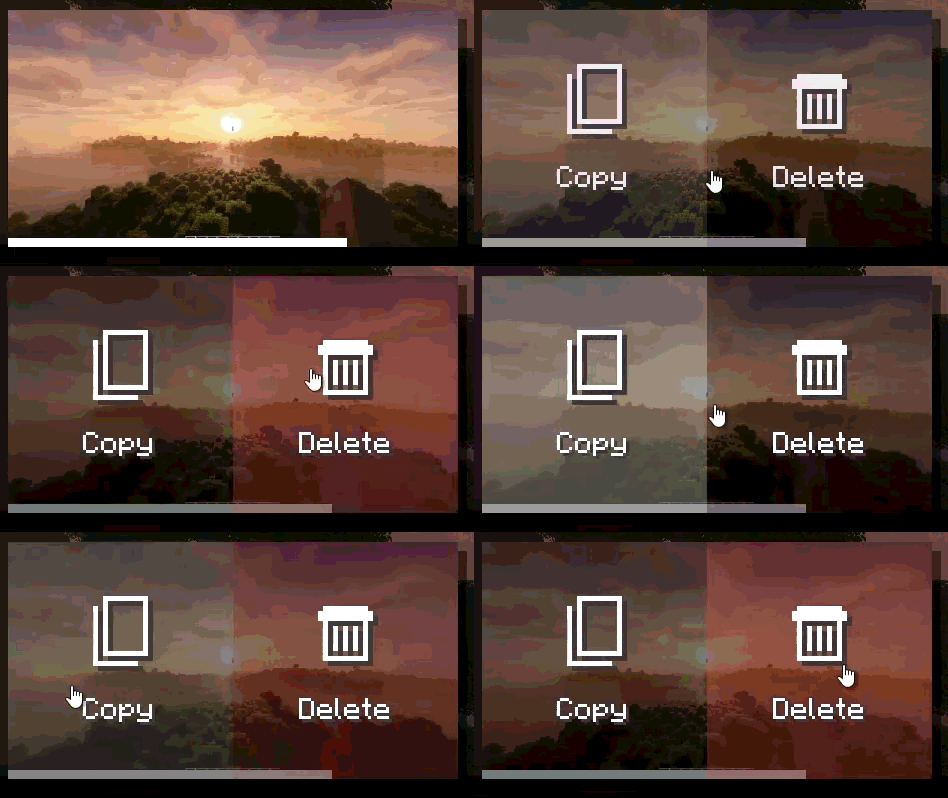
showPreview Shows an animated preview after taking a screenshot.
hideHudOnScreenshot Hides the HUD while taking a screenshot.
hideChatOnScreenshot Hides the chat while taking a screenshot. Disabled when hideHudOnScreenshot is enabled.
hideHandOnScreenshot Hides the player's hand while taking a screenshot.
grabScreenshotOnAdvancement Automatically takes a screenshot when an advancement is unlocked.
advancementScreenshotDelay Delay before taking an advancement screenshot, in ticks. Clamped between 0 and 100.

Panorama

Option Description
panoramaFolderName Pattern used to name panorama folders.
panoramaResolution Resolution in pixels for each panorama face. Clamped between 256 and 4096.
rotationSpeed Title screen panorama rotation speed. Clamped between 0 and 100.
rotationDirection Panorama rotation direction. Values: TO_LEFT, TO_RIGHT.
verticalAngle Panorama vertical angle. Clamped between -180 and 180.
startingHorizontalAngle Initial panorama horizontal angle. Clamped between 0 and 360.

Photo Mode

This category is only available when photo mode is enabled in the mod environment.

Option Description
freezeInPhotoMode Freezes the world in photo mode.
showPlayer Shows the player in photo mode.
showNametags Shows nametags in photo mode.

UI-Saved Data

These values are saved by the mod but are not primary gameplay options.

Option Description
screenshotSortOrder Saved sort order for the screenshot gallery.
panoramaSortOrder Saved sort order for the panorama gallery.
selectedPanoramaUUID Panorama currently used as the title screen background.

Naming Tokens

The screenshotsFileName and panoramaFolderName options support the following tokens:

Token Description
<datetime> Date and time formatted by Minecraft for file names.
<year> Four-digit year.
<month> Two-digit month.
<day> Two-digit day.
<hour> Two-digit hour.
<minute> Two-digit minute.
<second> Two-digit second.
<worldname> Singleplayer world name, empty in multiplayer.
<serverip> Server address, empty in singleplayer.
<version> Minecraft version.
<shader> Active shader if Iris is installed, empty otherwise.

Examples:

<year>/<month>/<datetime>
<worldname>/screenshot_<datetime>
<serverip>/<datetime>_<shader>

Compatibility

Mod Integration
Mod Menu Settings access on Fabric.
Xaero's World Map Optional screenshot display on the map.
JourneyMap Optional screenshot display on the map.
Iris Active shader detection for metadata and file-name tokens.
Verified by MCModsHub

These come from our own check of the pack file, not from the source page.

Explore more