ShadersJava
ARTShade Shaders (26.3, 1.20.1) – Cartoon Shading with Glowing Bloom
Java shader pack listed for Minecraft 1.20–26.x. Downloads from the MC Java Mods app on Android.
⬇ Download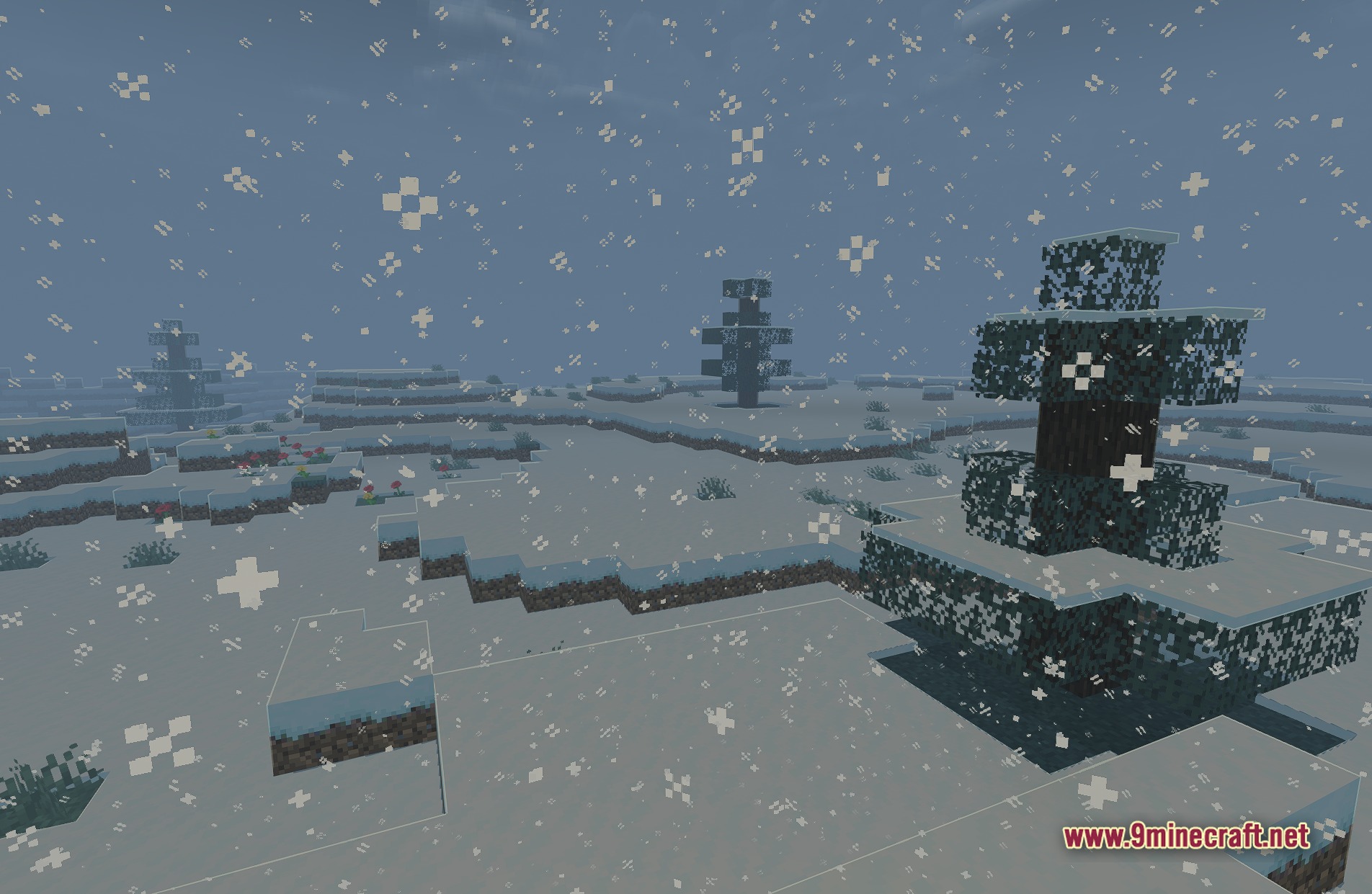
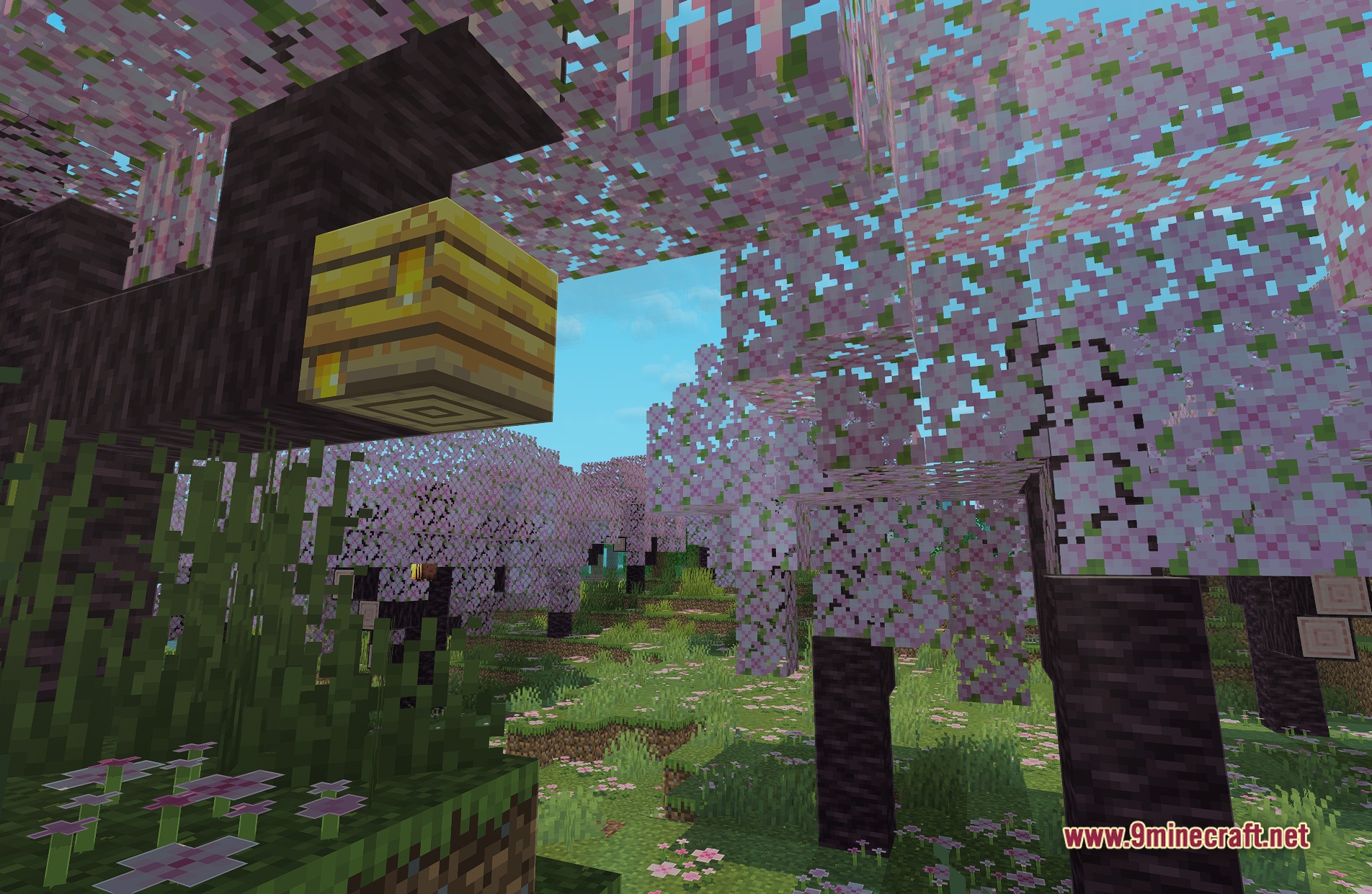
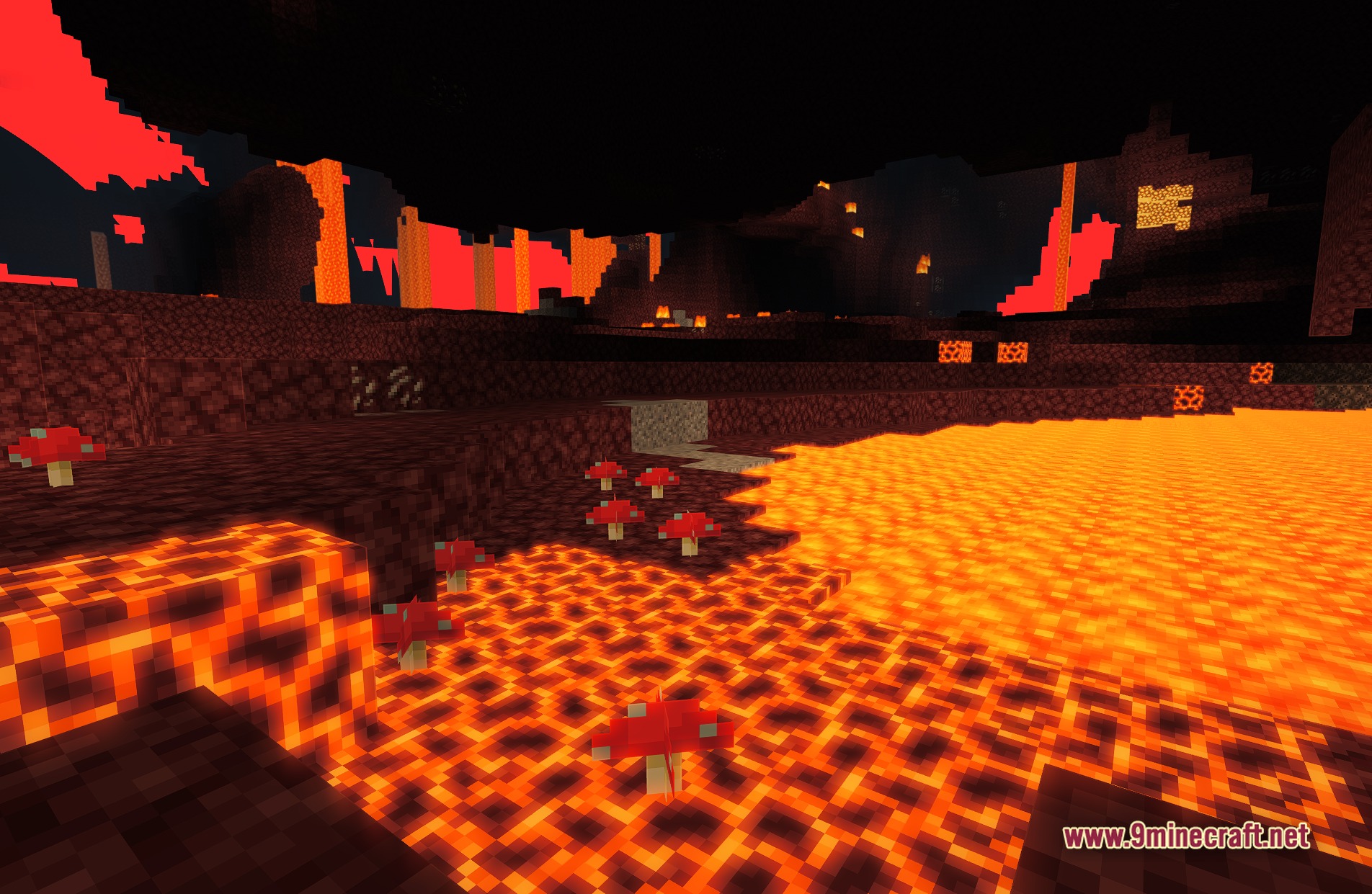
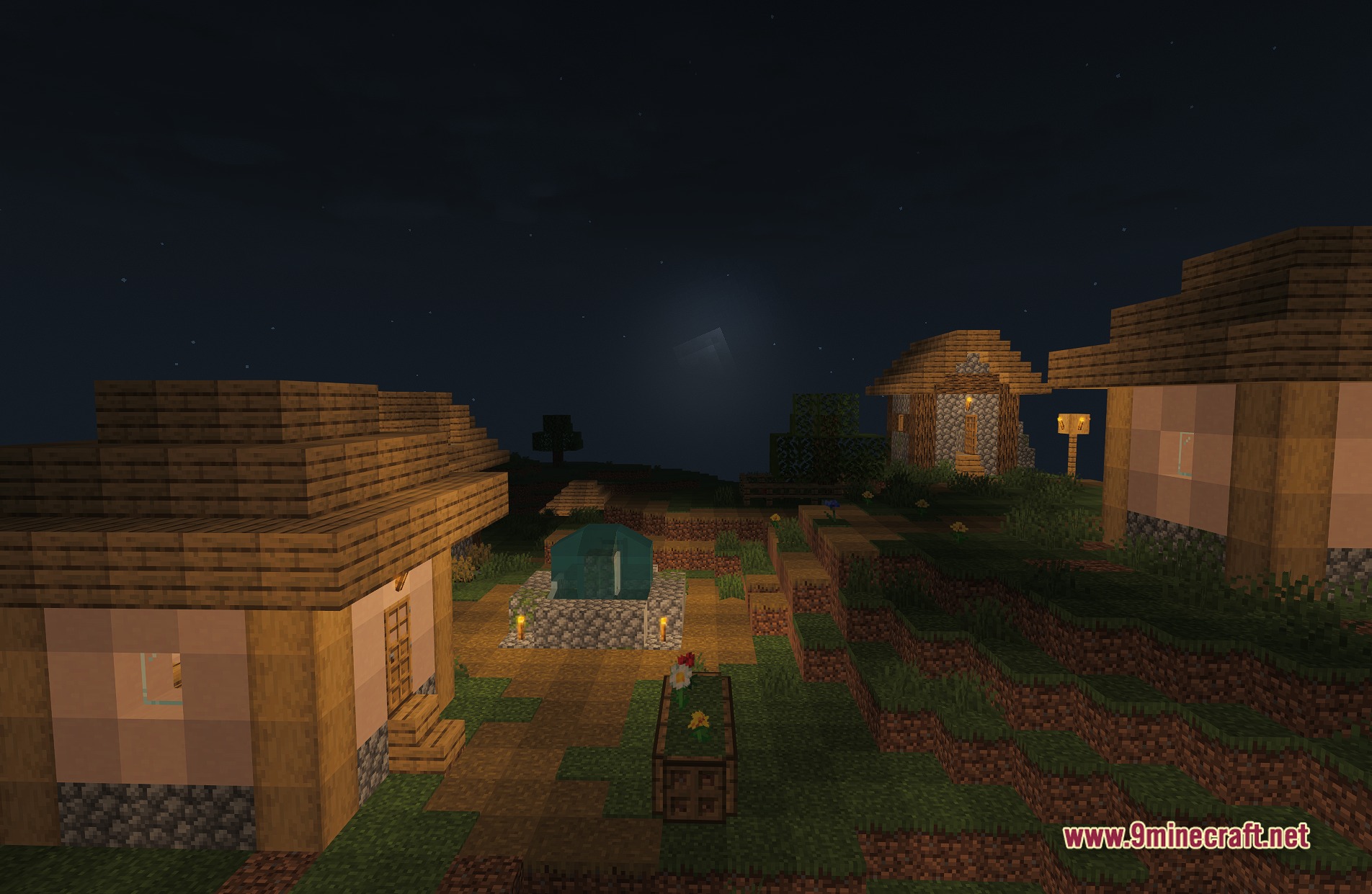
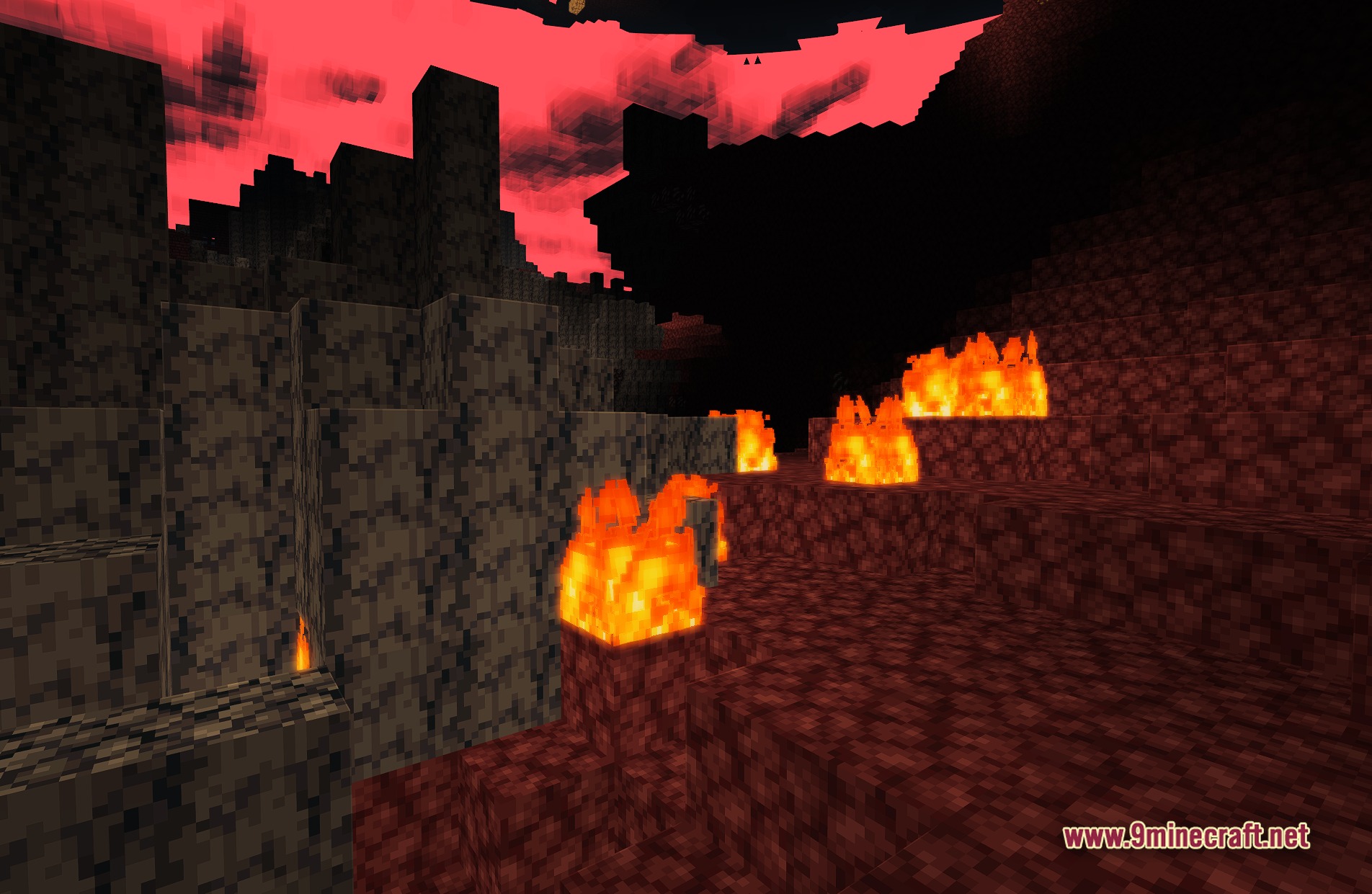
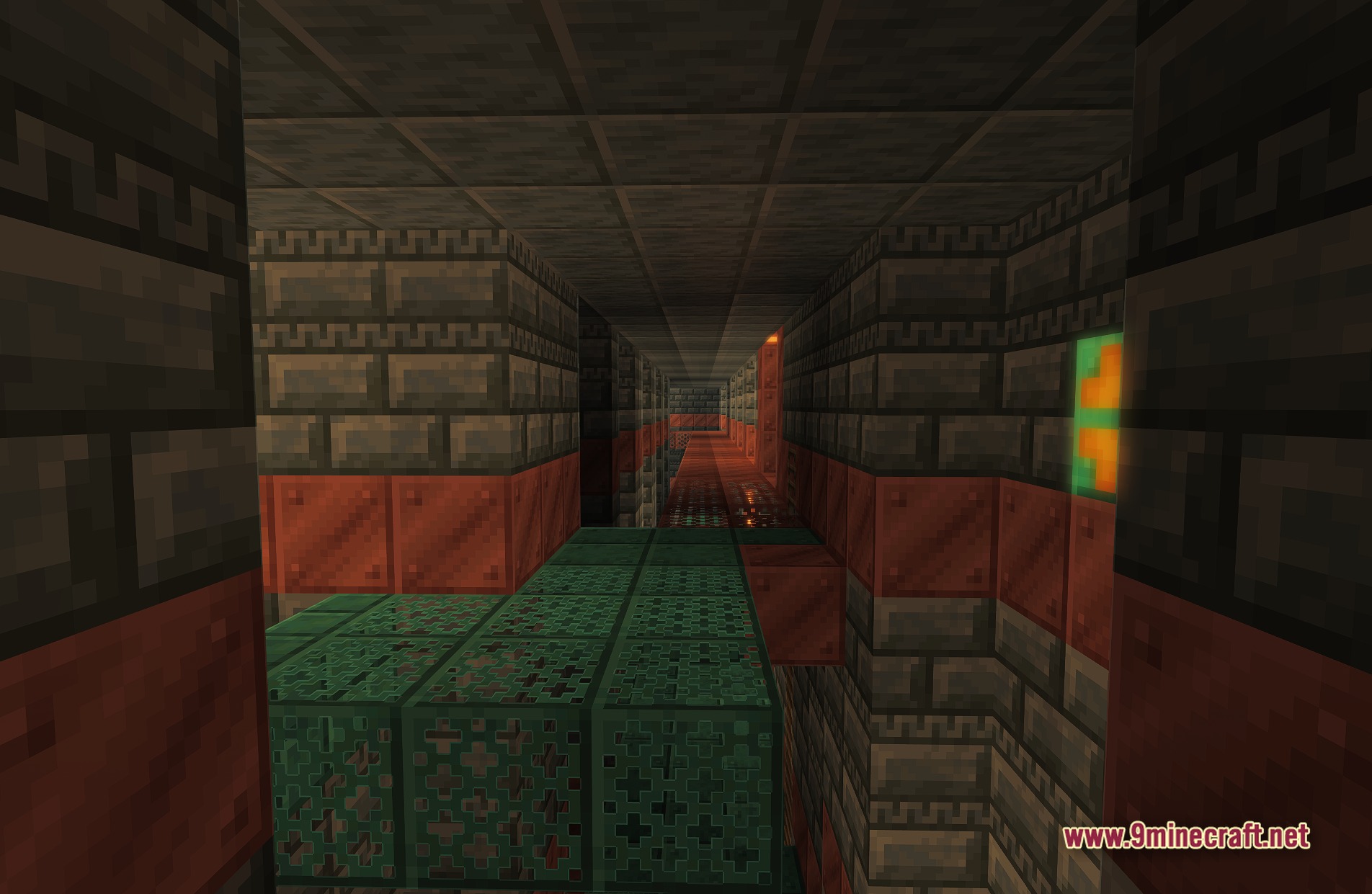
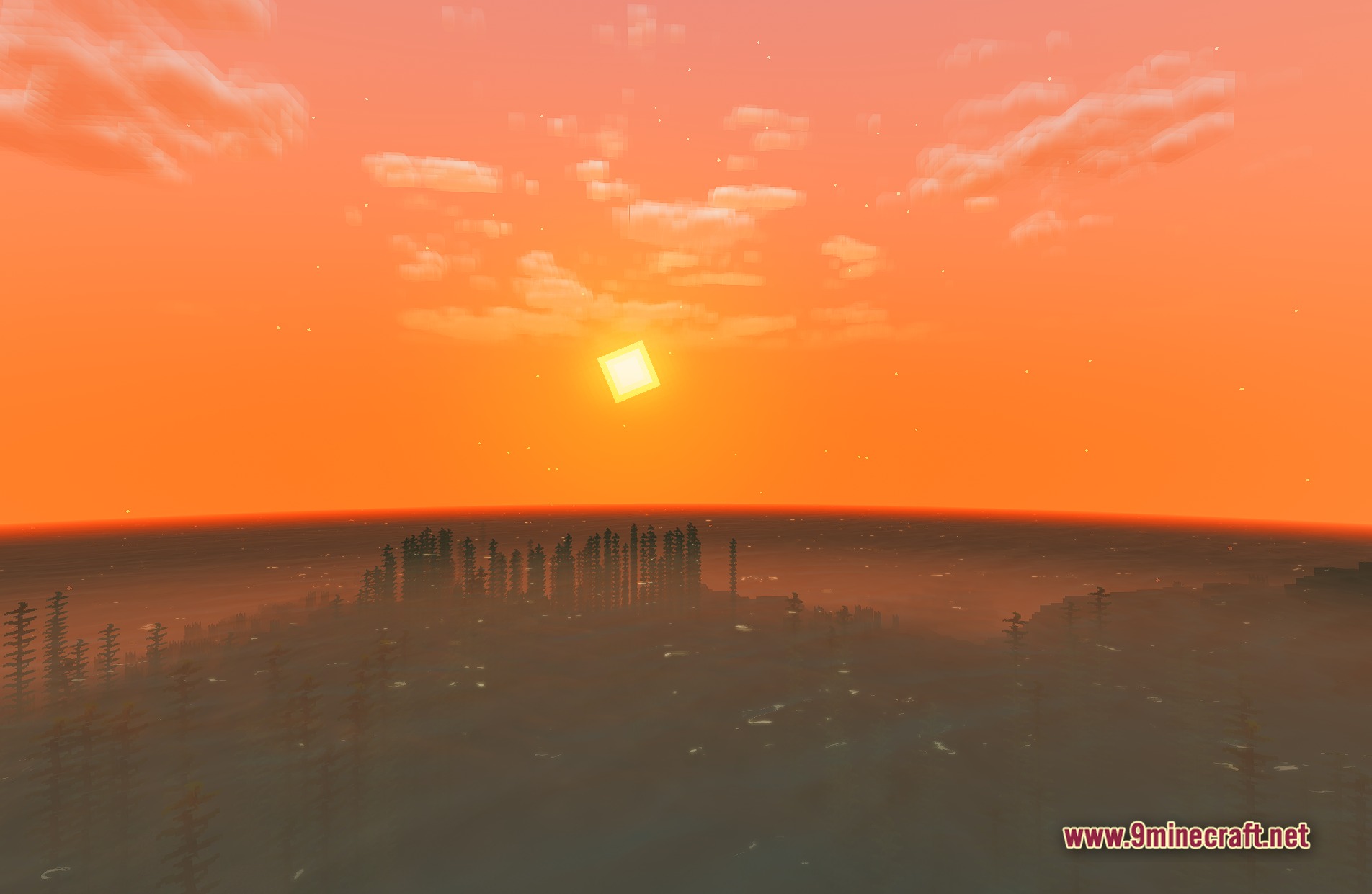
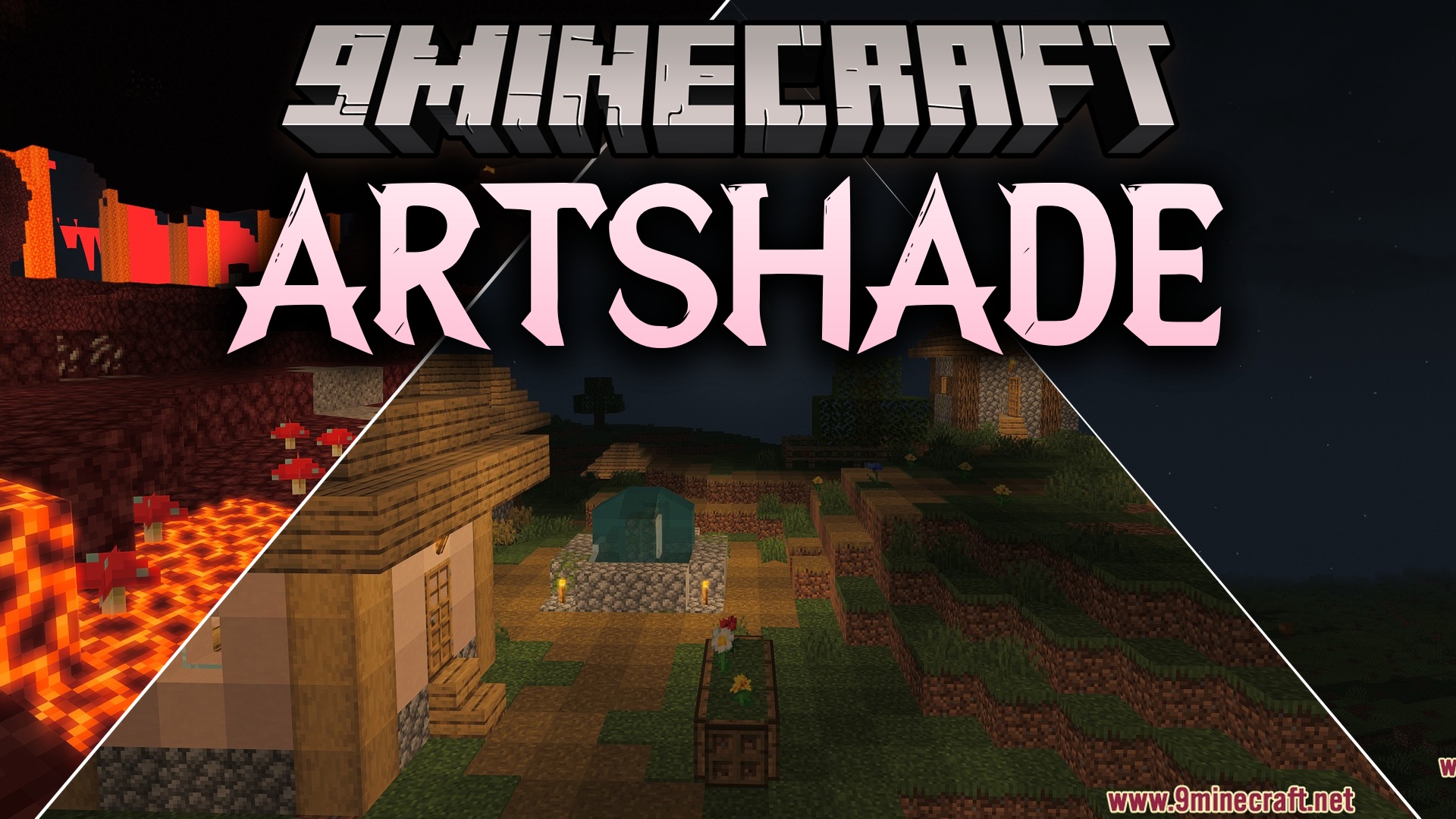
ARTShade Shaders paints your Minecraft world with bright colors and a fun cartoon style. This shader pack adds glowing bloom effects, soft shadows, and clear water reflections. It gives the game a fresh fantasy look while keeping the performance light enough for most computers.
Features:
- Cartoon Style: Gives the whole game a bright, colorful fantasy look.
- Adds glowing bloom effects around bright light sources like torches and lava.
- Casts soft, smooth shadows under trees, mobs, and buildings.
- Makes plant leaves and tall grass wave gently in the wind.
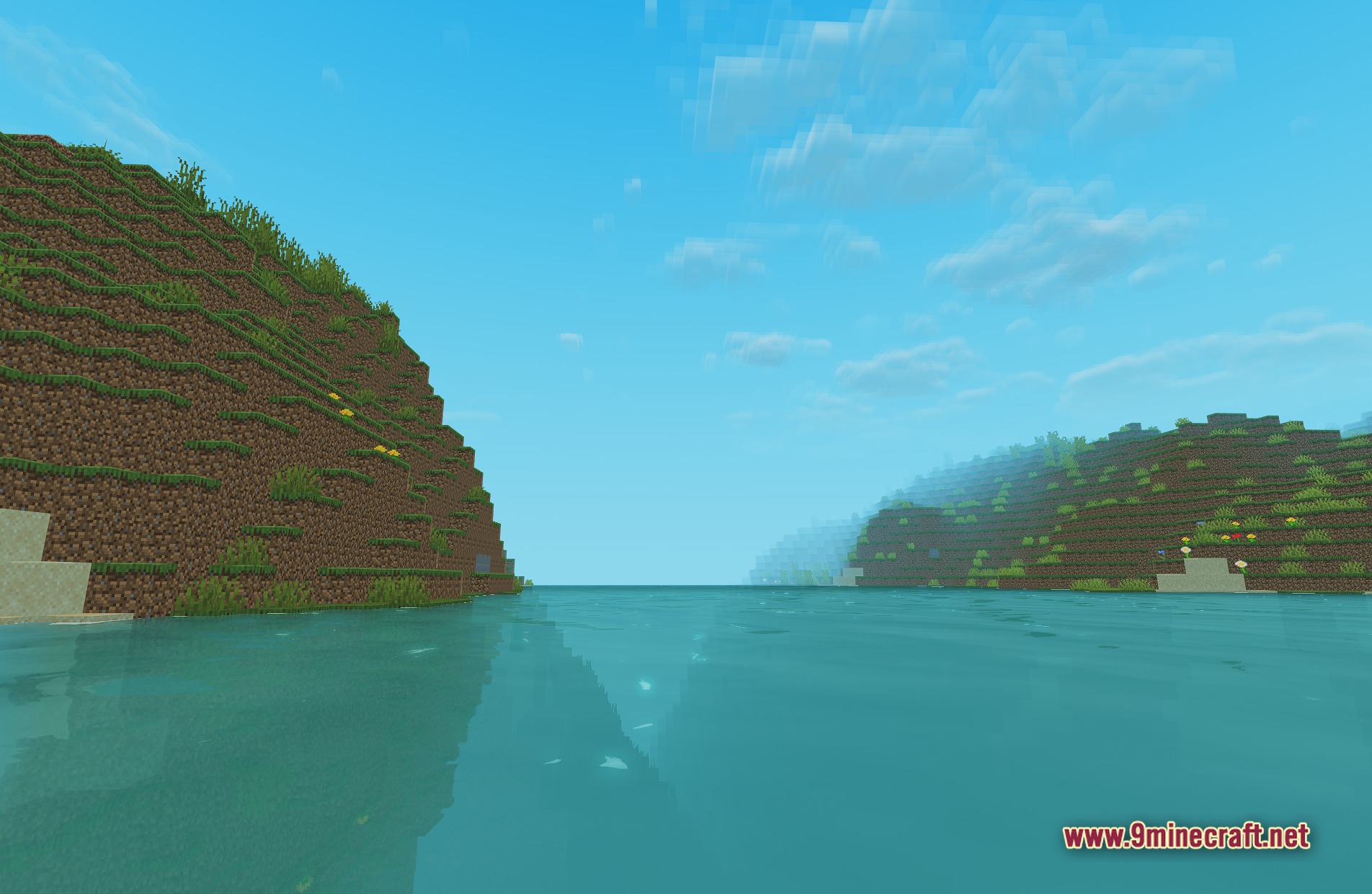
- Puts clear reflections on the surface of water blocks and oceans.
- Runs smoothly on older computers that need lighter graphics.
Screenshots:
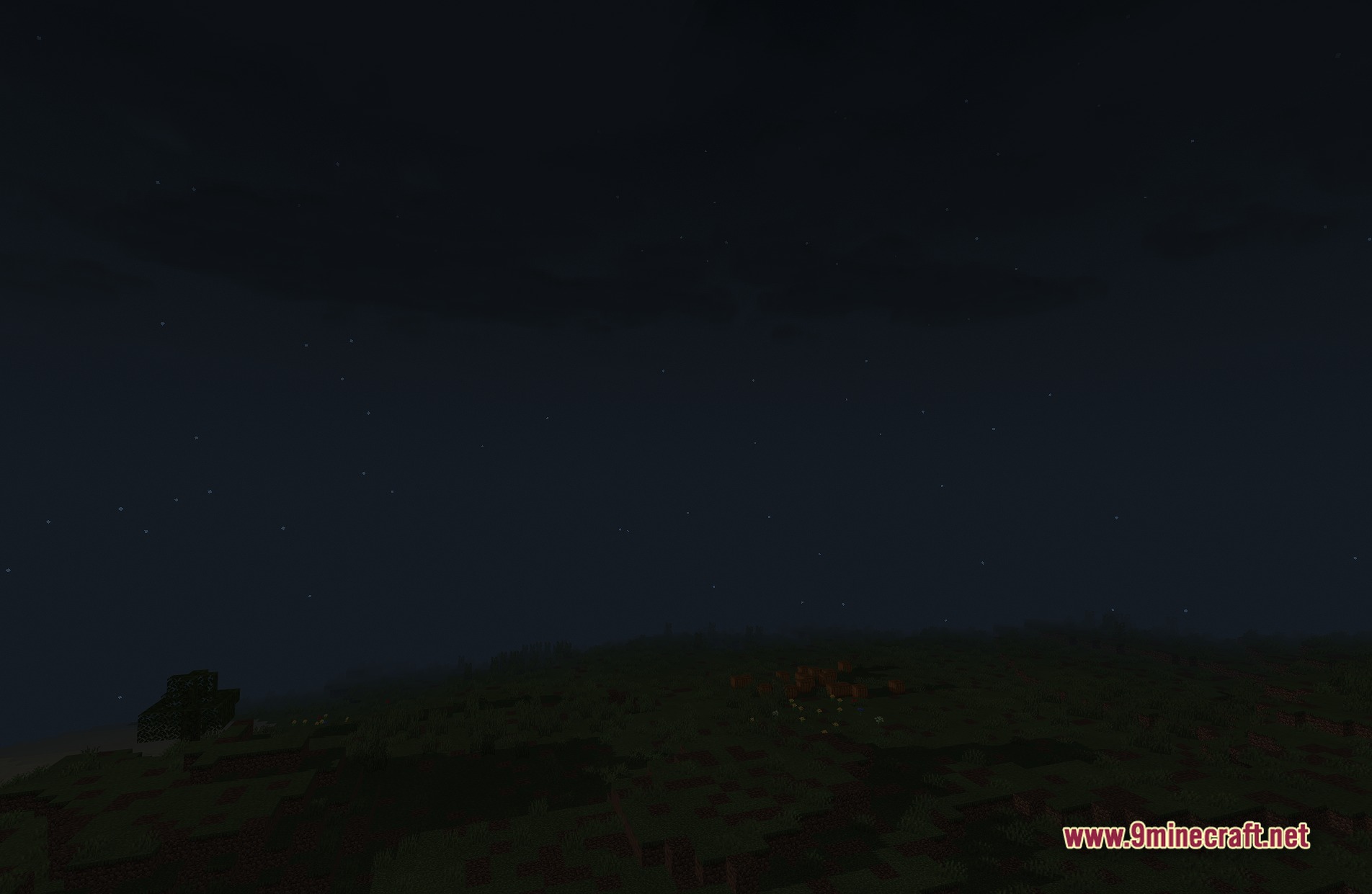
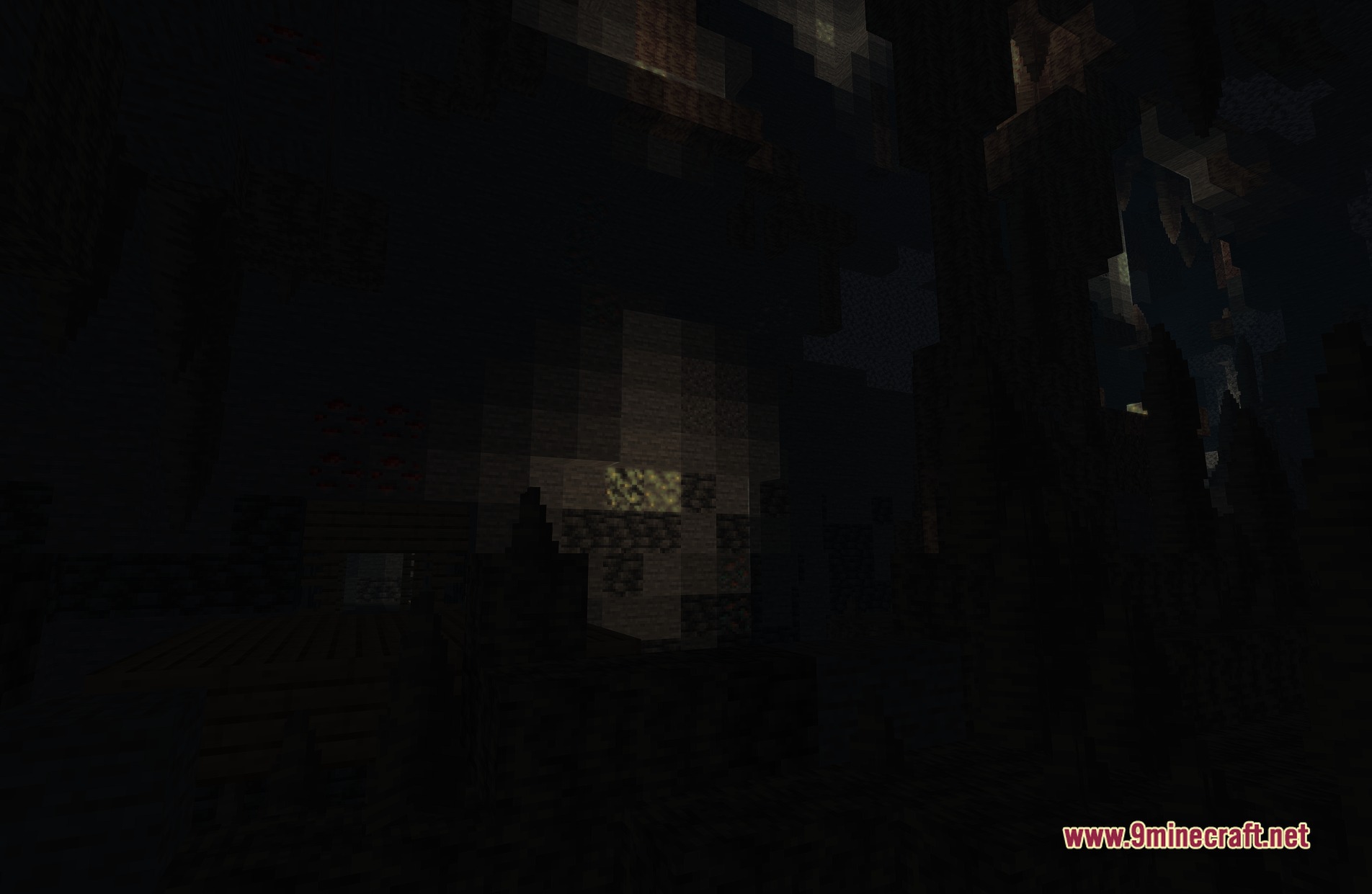
ARTShade Shaders Download Links
Quick facts
- Edition: Minecraft Java
- File type: .zip (resource pack)
- Minecraft versions listed: 26.3, 1.20.1
- How to install: Download the .zip resource pack — do not unzip it. → Put it in .minecraft/resourcepacks. → Enable it in Options → Resource Packs.
- Where to get it: In MC Java Mods, or directly above on this page.
Install steps are the general flow for this file type — see the MC Java Mods guides for the full walkthrough.
ARTShade Shaders (26.3, 1.20.1) – Cartoon Shading with Glowing Bloom is a free Minecraft Java shader. Compatible with Minecraft 26.3, 1.20.1. Download it and open it directly in the game.