ShadersJava
SMAA Iris Shaders (26.2, 1.20.1) – Edge Smoothing for Low-End PCs
Java shader pack listed for Minecraft 1.20. Downloads from the MC Java Mods app on Android.
⬇ Download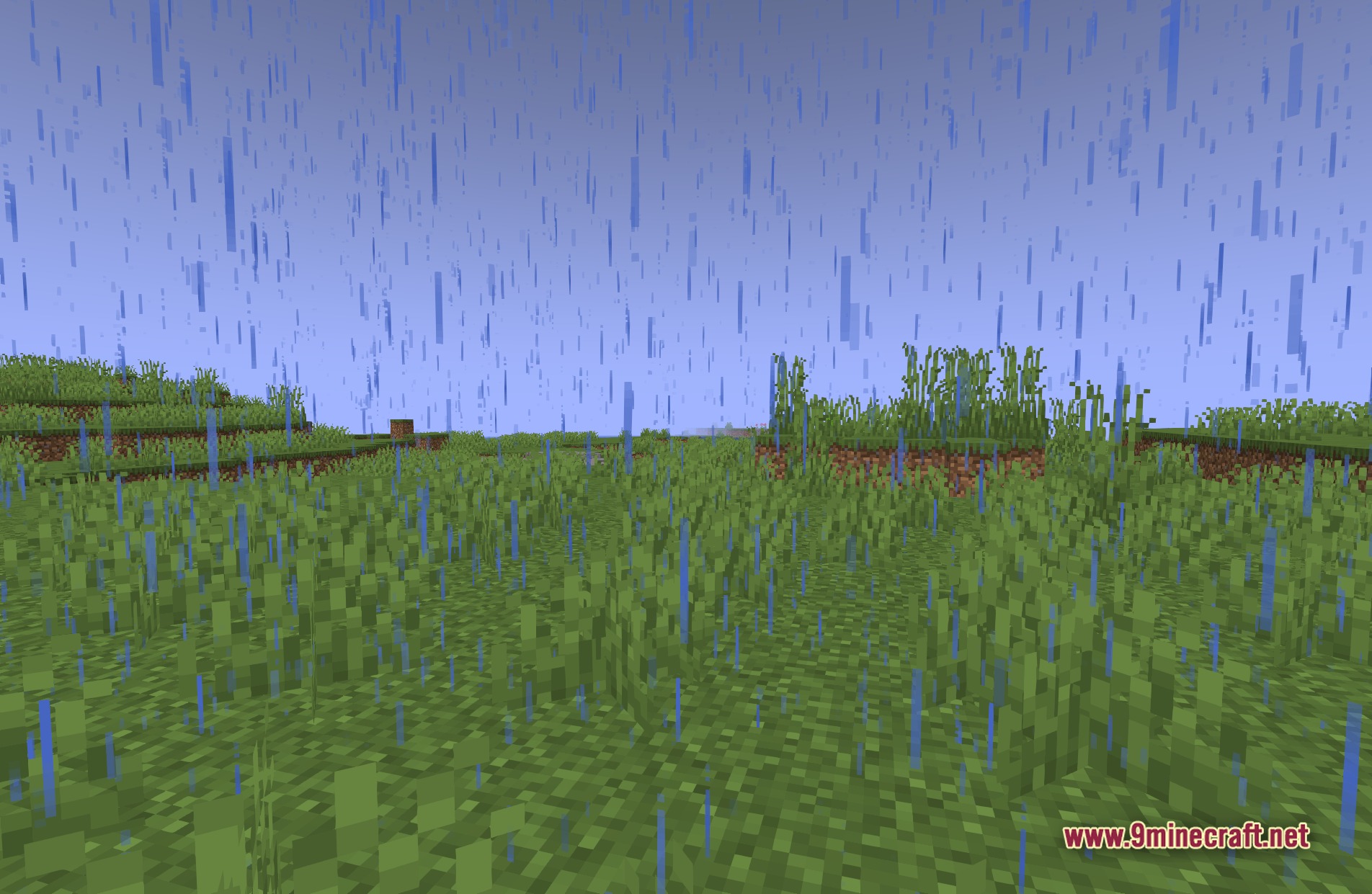
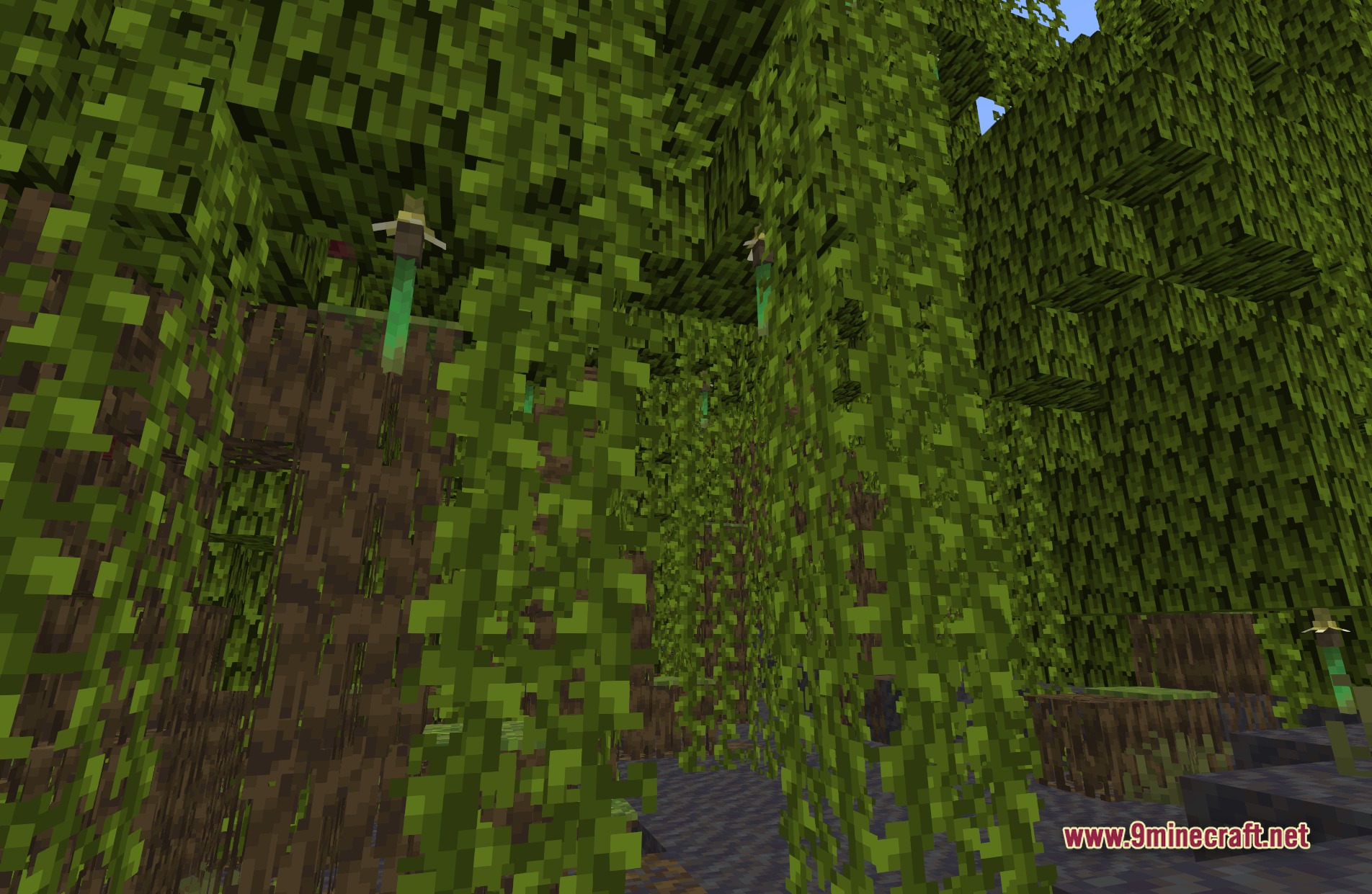
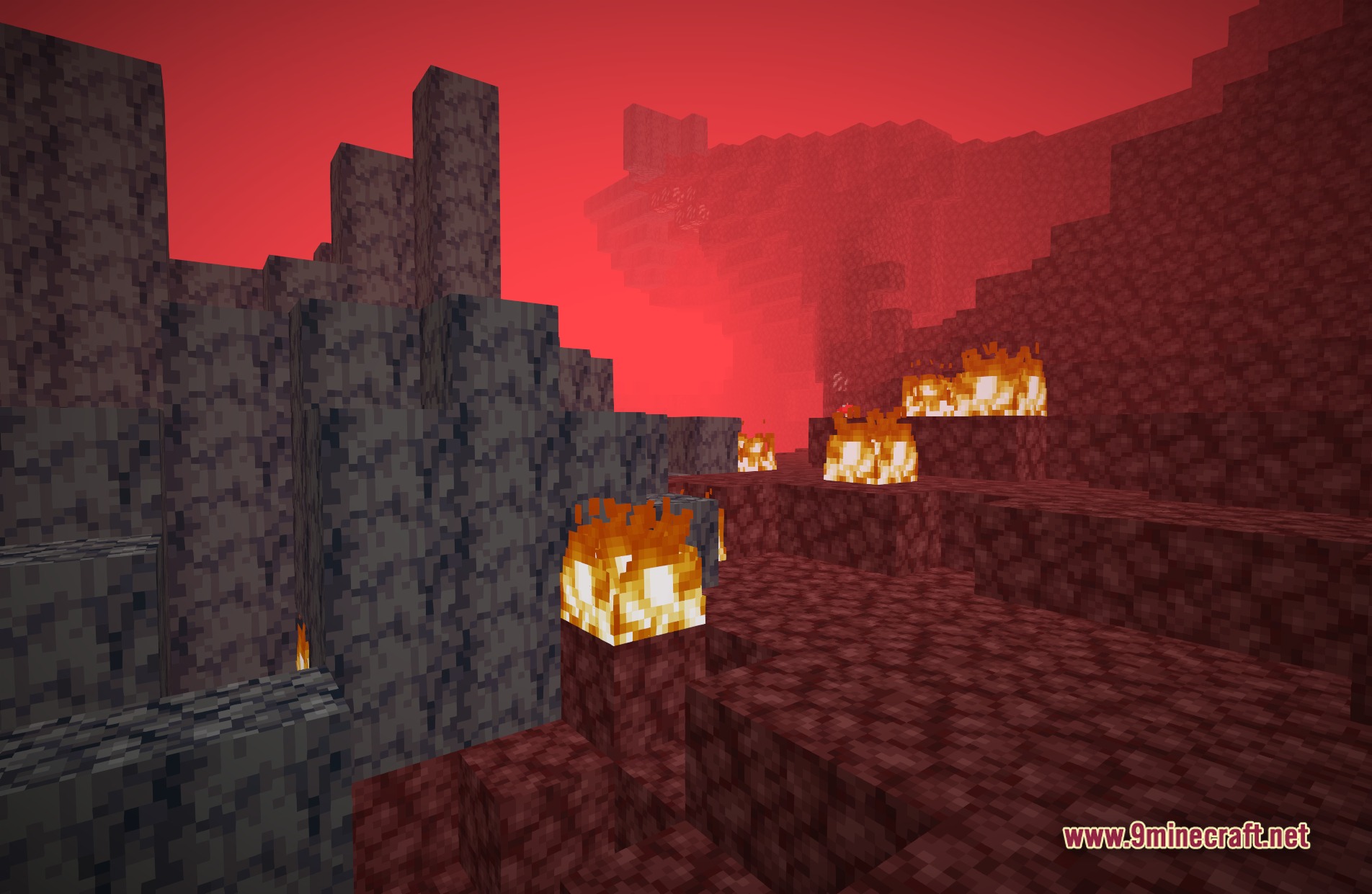
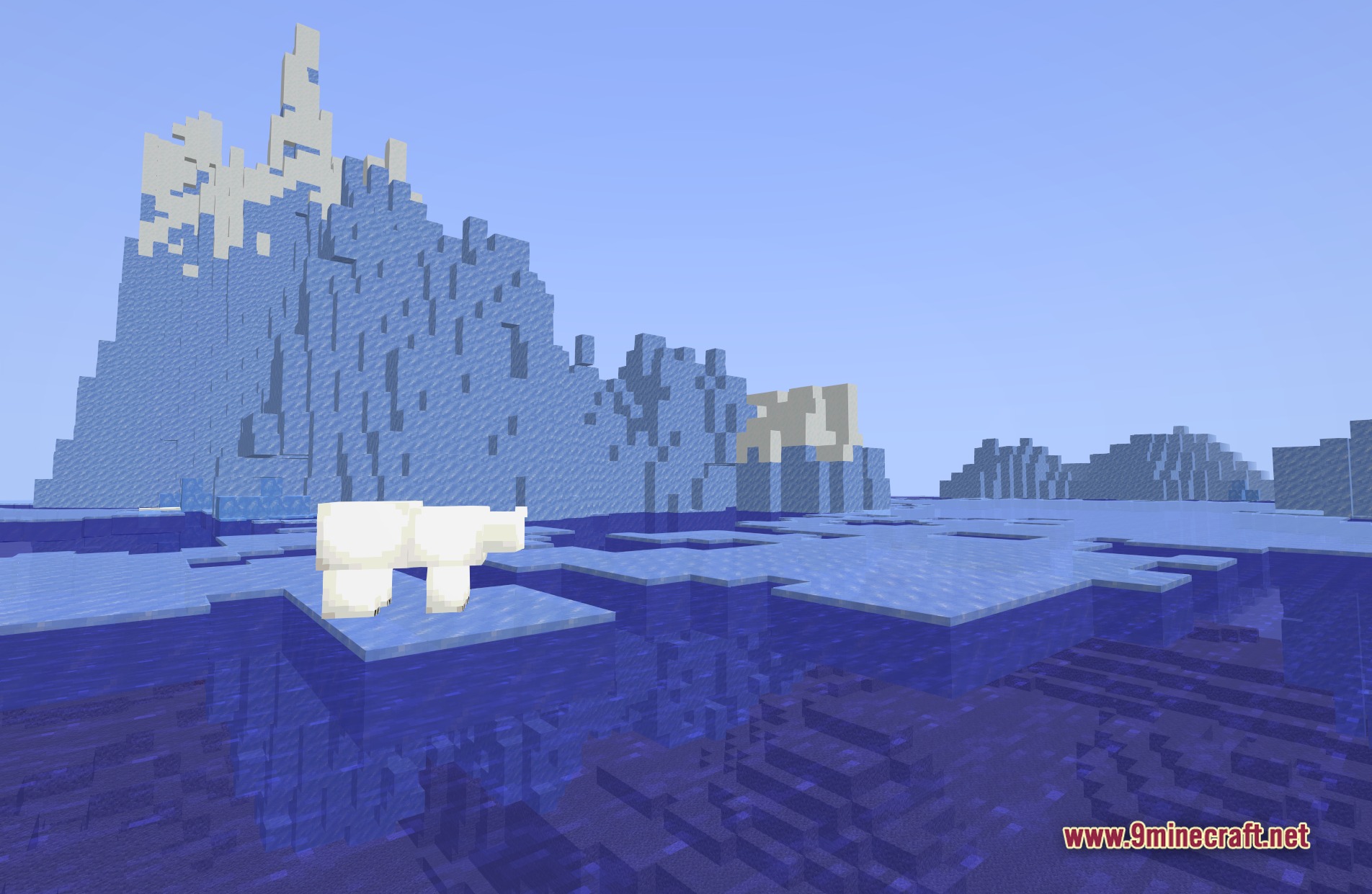
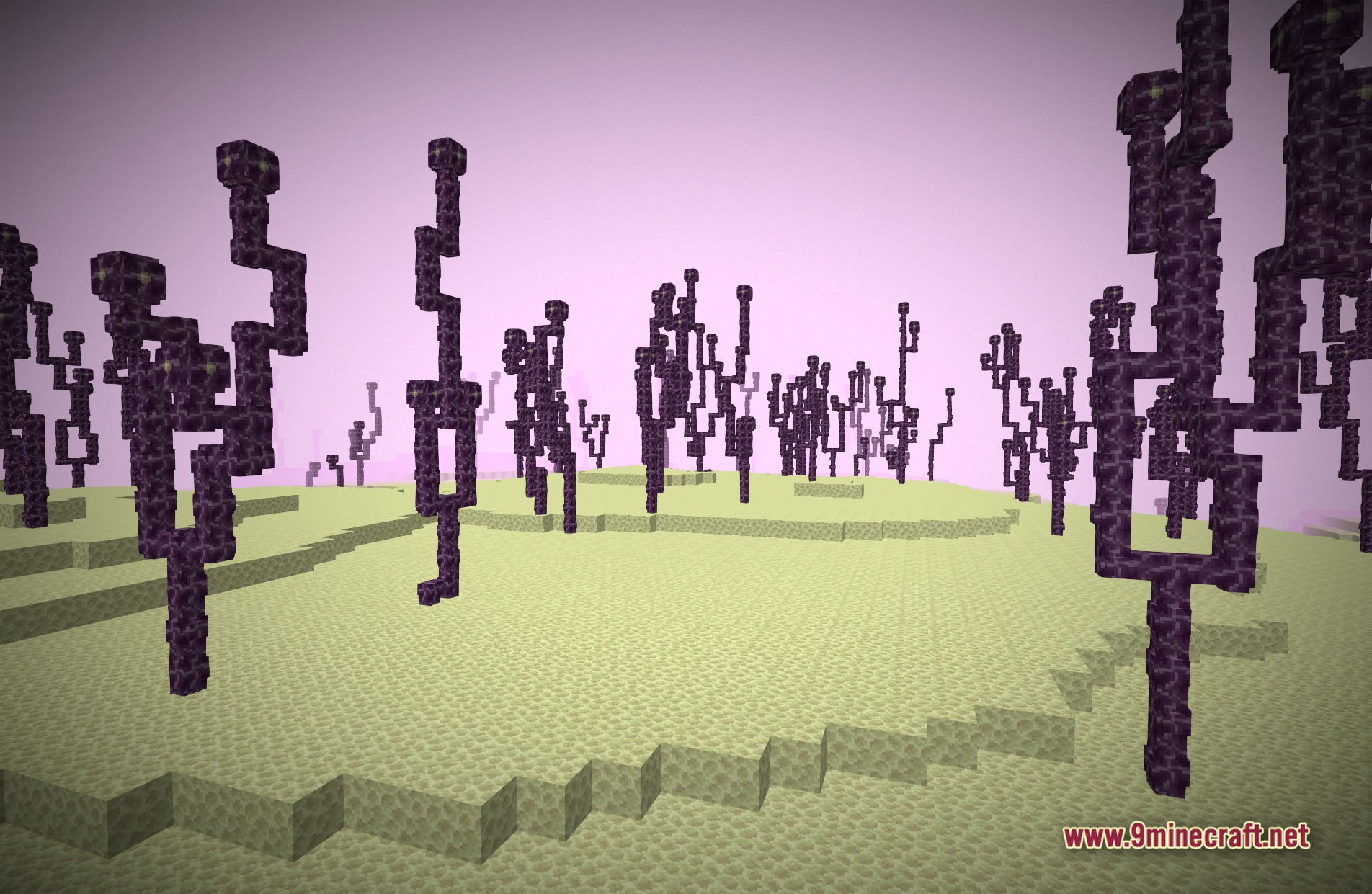
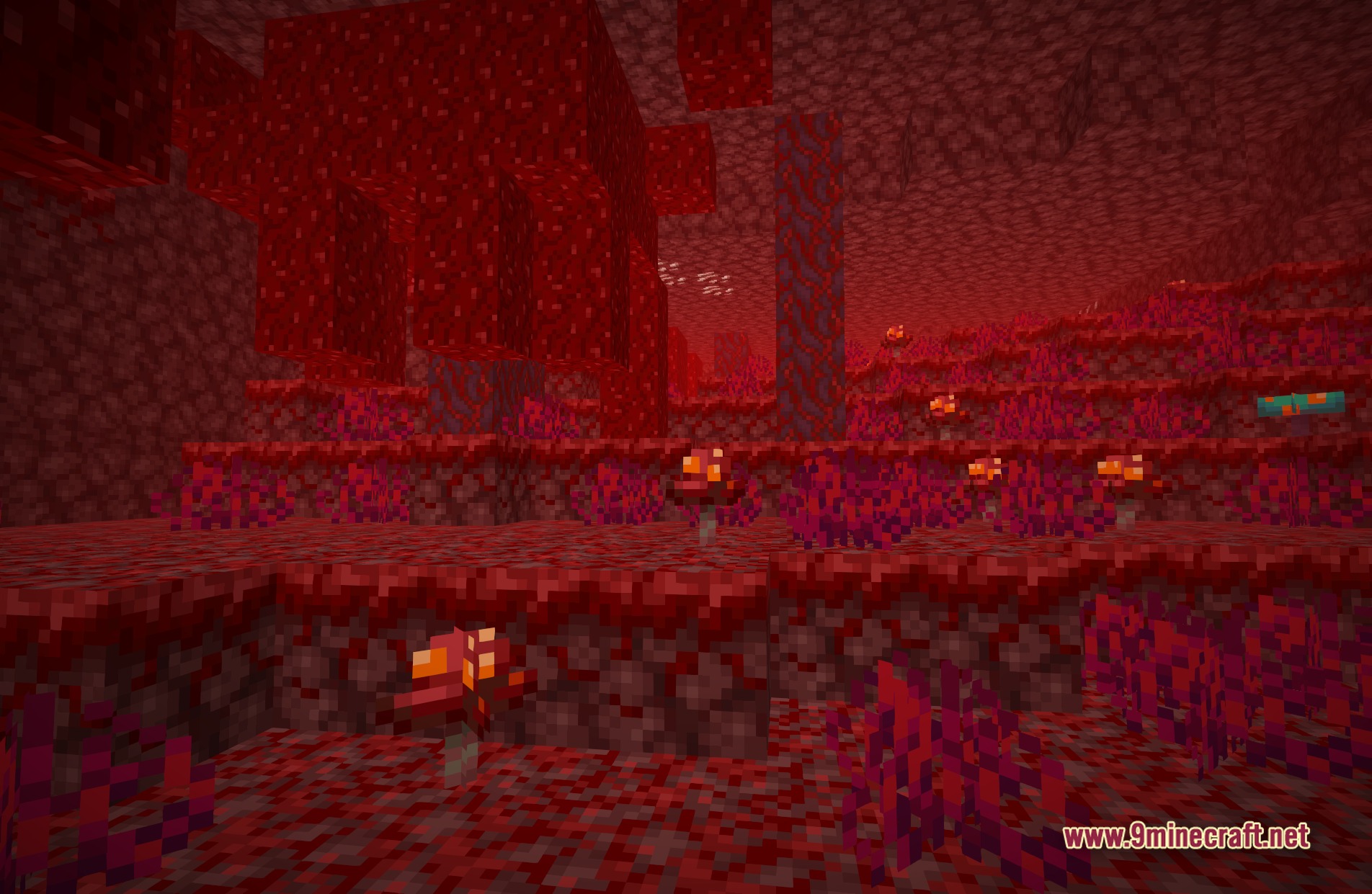
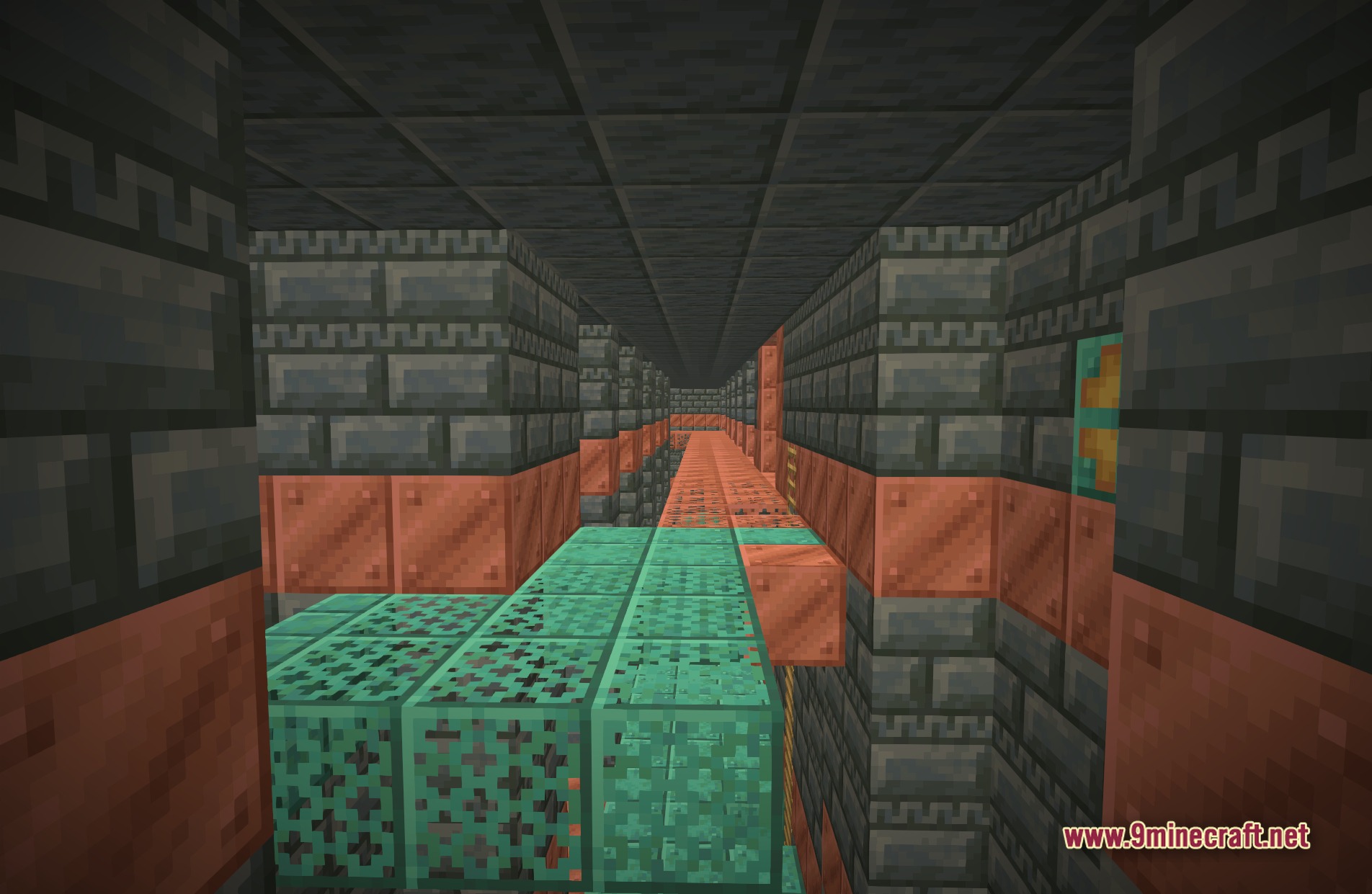
SMAA Iris Shaders adds a special smoothing filter to your game. It uses a technique called SMAA 1x to clean up jagged lines on blocks and items. This pack keeps the normal vanilla look of the world intact while fixing rough visual borders. You get cleaner graphics without changing the original style or losing frames.
Features:
- Edge Smoothing: Removes the rough, staircase-like lines on block borders and distant objects.
- Keeps the exact same lighting, shadows, and colors as the base game.
- Runs fast on older computers because it only focuses on fixing block lines.
- Applies the SMAA 1x filter to make the screen look clearer.
Screenshots:
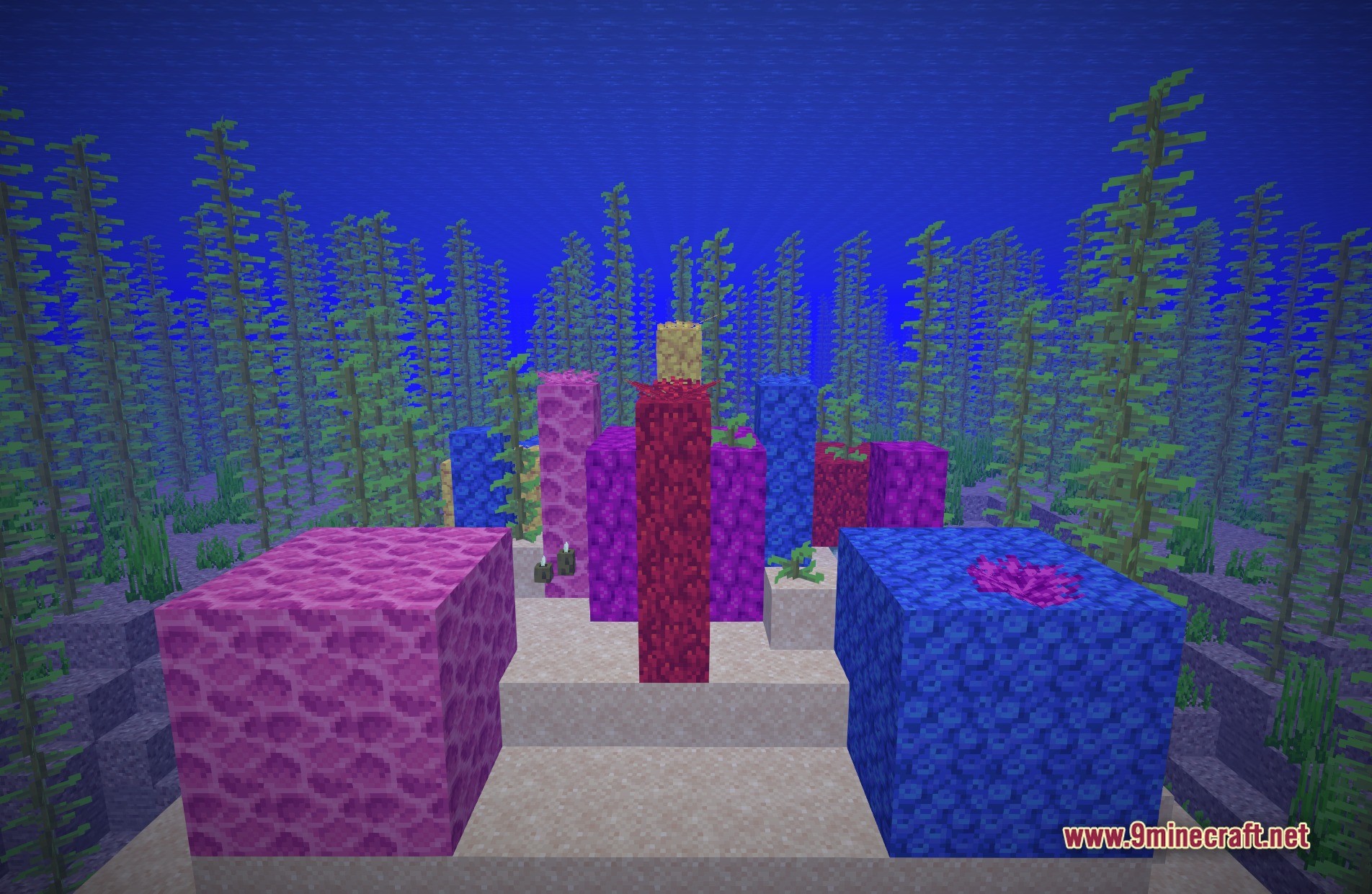
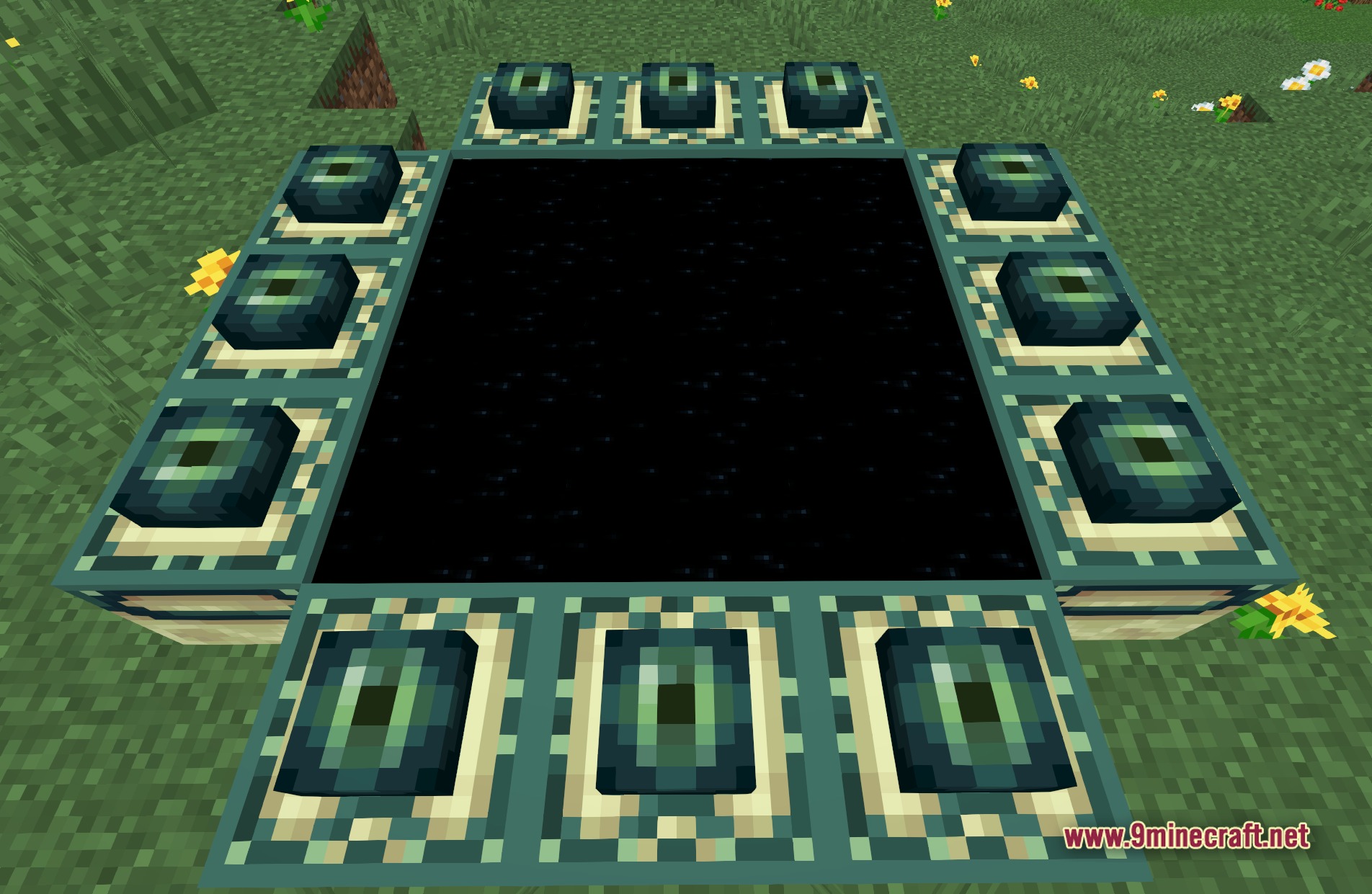
SMAA Iris Shaders Download Links
Quick facts
- Edition: Minecraft Java
- File type: .zip (resource pack)
- Minecraft version listed: 1.20.1
- How to install: Download the .zip resource pack — do not unzip it. → Put it in .minecraft/resourcepacks. → Enable it in Options → Resource Packs.
- Where to get it: In MC Java Mods, or directly above on this page.
Install steps are the general flow for this file type — see the MC Java Mods guides for the full walkthrough.
SMAA Iris Shaders (26.2, 1.20.1) – Edge Smoothing for Low-End PCs is a free Minecraft Java shader. Compatible with Minecraft 1.20.1. Download it and open it directly in the game.