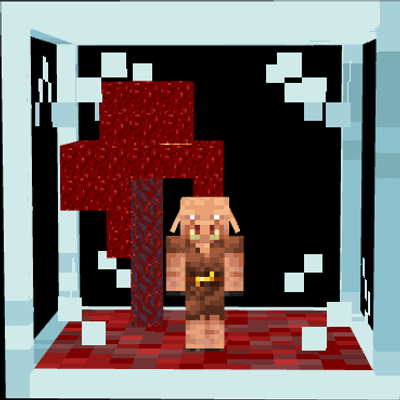
Piglin Trader
The author built this one for Minecraft 26.30. On other versions it may install and then do nothing.
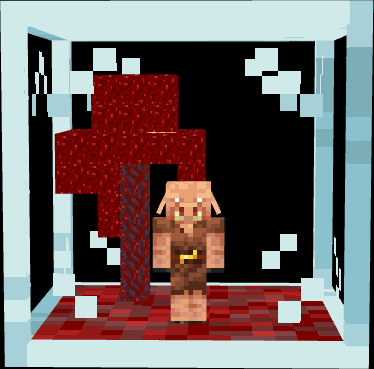
Piglin Trader
Piglin Trader adds a brand-new way to trade with Piglins. Capture a Piglin and place it inside the Piglin Trader to automate bartering and collect valuable loot without the hassle of throwing gold manually. Designed to blend seamlessly with vanilla Minecraft, this add-on offers an immersive, convenient, and efficient trading experience for your survival worlds.
Capturing a Piglin
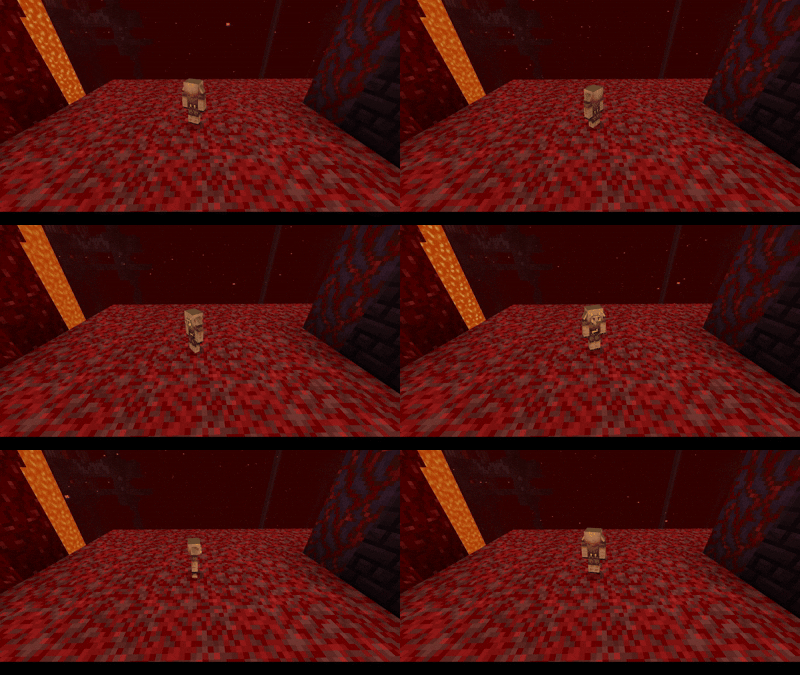
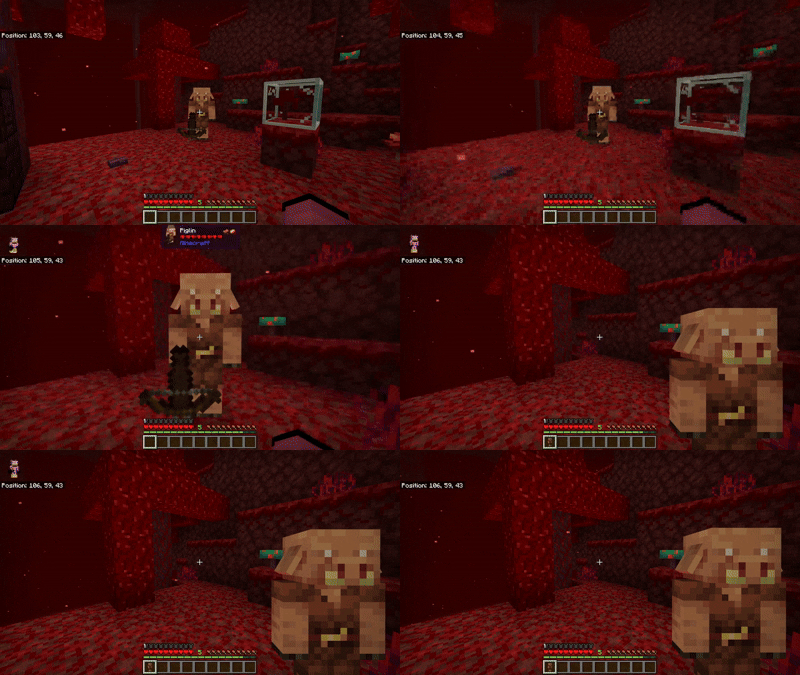
To capture a piglin, you need to crouch and interact with it while your hands are empty.

Barterer
With a Piglin in hand, you'll certainly want to trade with it now; for that, we'll use the Barterer.
Barterer Craft:

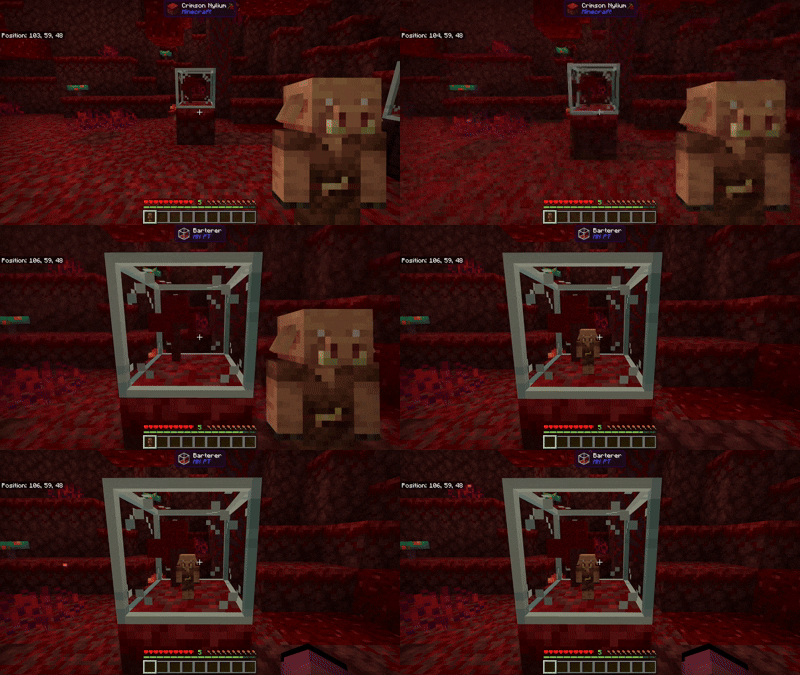
After crafting the Barterer, we place it on the ground; we can then interact with it while holding a Piglin to put the Piglin inside the Barterer.

If you want to remove the piglin, simply interact with it while crouching.
Trader
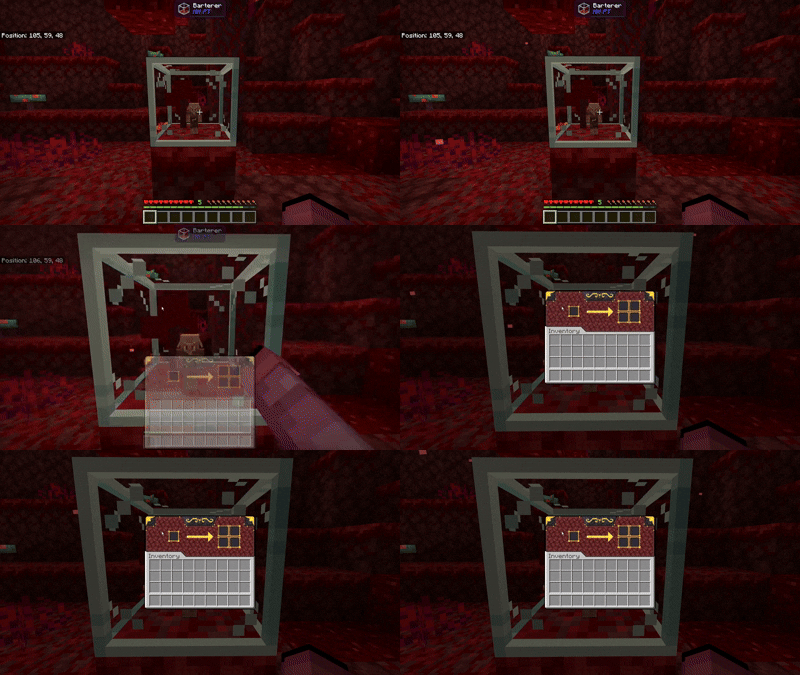
Starting to trade with the piglin is very simple: once you have placed the piglin inside the Barterer, you interact with it.

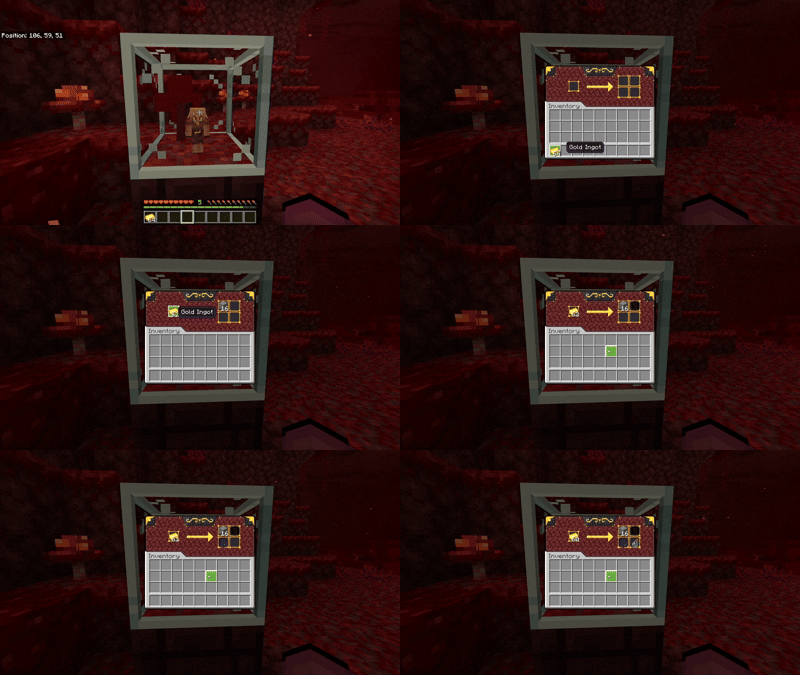
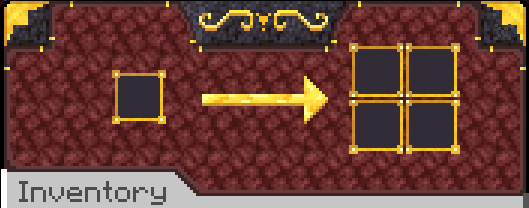
And as soon as we interact with it, this beautiful interface appears. You can place gold in the first slot, and the result of the exchange will appear in the remaining slots.

If you don't want to keep removing the results, it also works with a hopper.
Compatibility
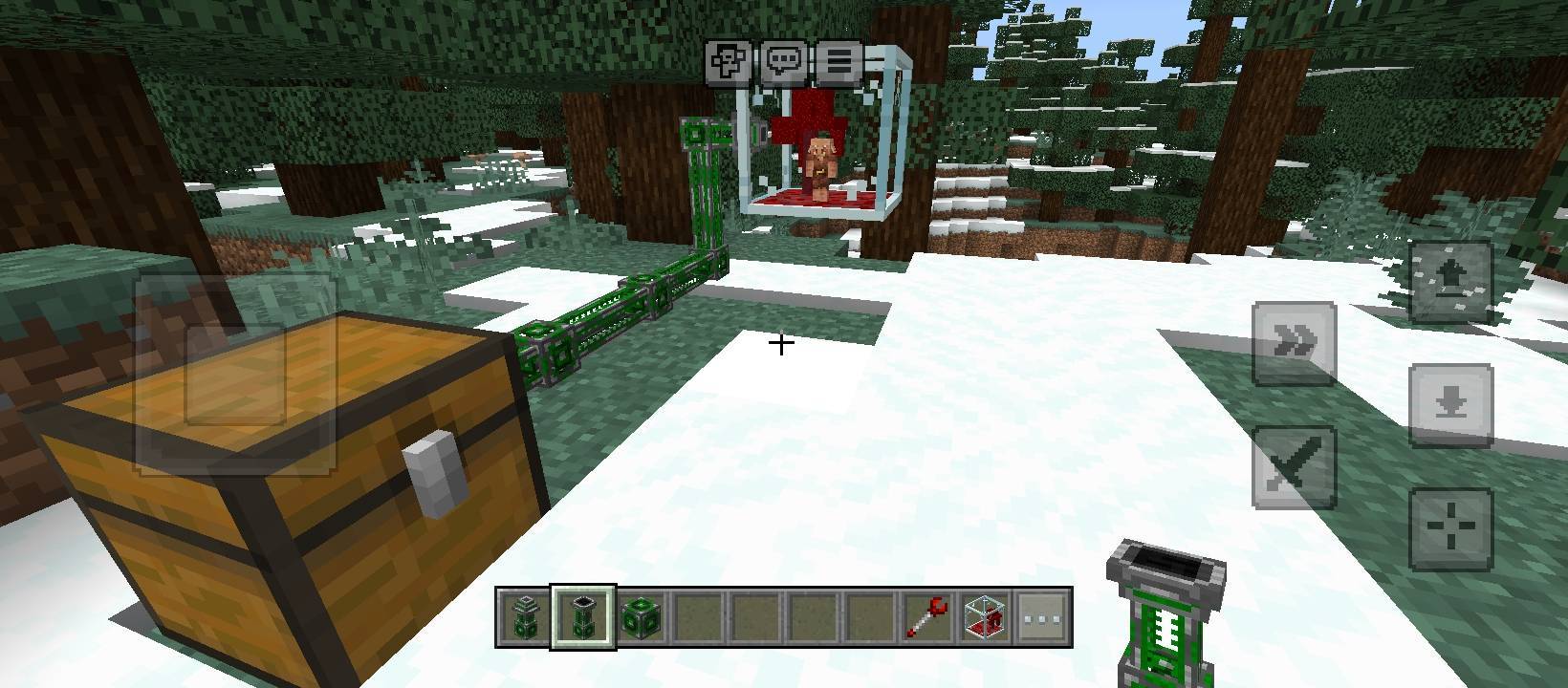
The Piglin Trader also works with UtilityCraft cables, so you can set the cables to put gold into the Barterer.

Information
- This addon don't use Player.json.
- This add-on is compatible with other Add-ons.
- Edition: Minecraft Bedrock
- File type: .mcpack or .mcaddon
- Minecraft version listed: 26.30
- How to install: Download the .mcpack or .mcaddon file. → Open it — Minecraft imports it. → In your world: Behavior Packs → Available → Activate, then the same under Resource Packs.
- Where to get it: Opens on CurseForge — not every file is mirrored on our own servers.
Install steps are the general flow for this file type — How to install Minecraft Bedrock addons & mods walks through it step by step.
- Pack type: .mcaddon
- Manifest requires Minecraft 1.21.100 or newer
- Ships one half — this pack asks for another pack that is not included
- Download size: 67 KB
- Download link checked 14 Sept 2026 — working
These come from our own check of the pack file, not from the source page.