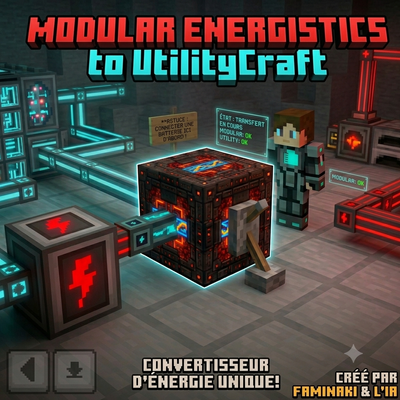
Modular Energistics to UtilityCraft
The addon connects two major tech mods (Modular Energistics and UtilityCraft). Transfer direction: It allows extracting energy from the Modular…
⬇ Download on CurseForgeThe author built this one for Minecraft 26.30. On other versions it may install and then do nothing.
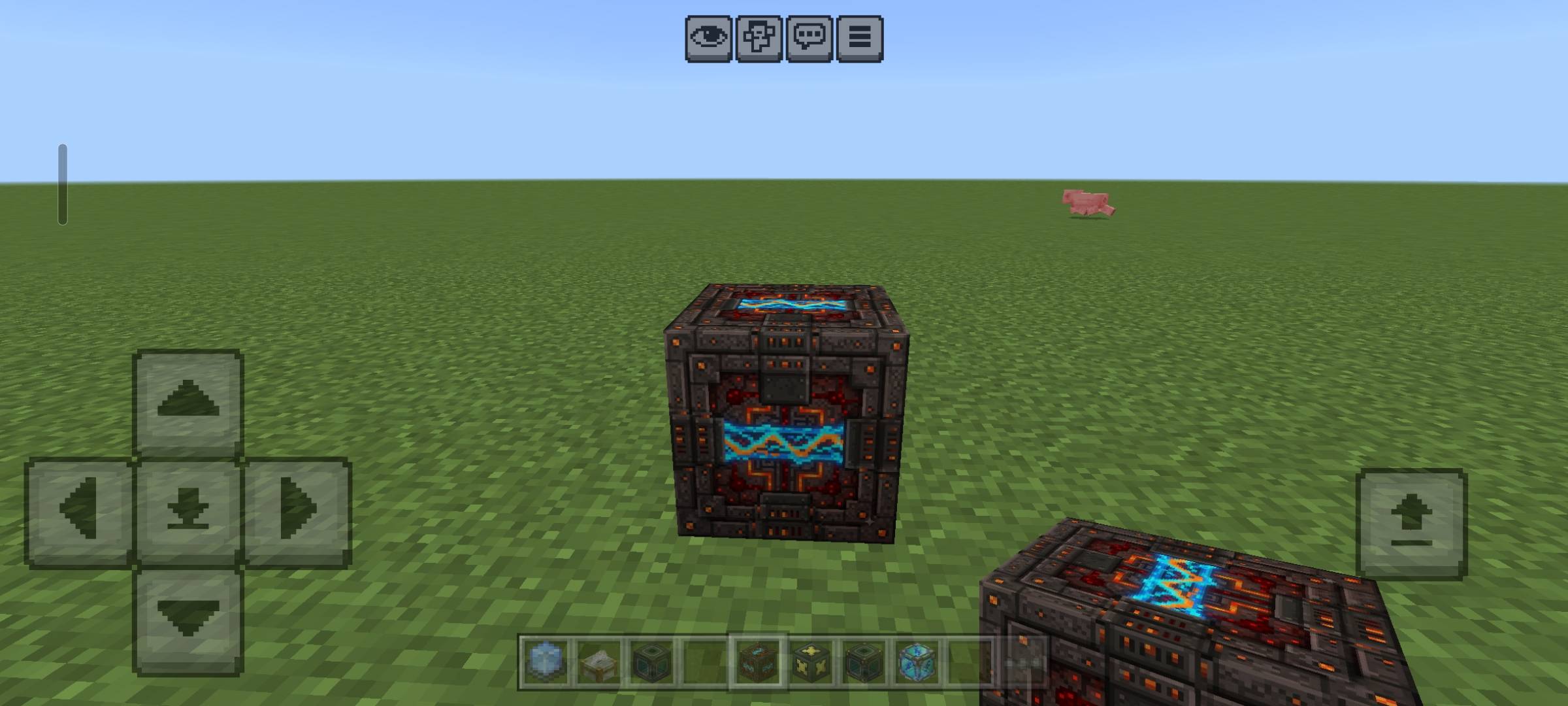
Modular Utility Energy Bridge (Energy Converter)
Created by faminaki and AI
📋 Addon Overview
Modular Utility Energy Bridge is an essential addon for Minecraft Bedrock (1.21+) designed for tech and machinery enthusiasts. If you use both Modular Energistics and Utility Craft, you have surely faced a major issue: these two energy systems do not communicate naturally.
This addon introduces a unique block, the Energy Converter (custom:energy_converter), which serves as the perfect bridge between the Modular Energistics ME network and the Utility Craft energy network.
This project was envisioned, tested, coded, and optimized from scratch in close collaboration between faminaki and their AI assistant.
✨ Main Features
Custom Block (custom:energy_converter):
Natively integrated into the Creative menu and fully craftable (customizable recipe).
Equipped with all necessary tags and components to be perfectly recognized by both mods (Modular Energistics, Energistics Core, and Utility Craft).
Intelligent Scoreboard Synchronization:
The block directly reads the energy stored in the Modular Energistics ME system via its scoreboard (fluffyalien_energisticscore:storageenergy) down to the exact number.
It instantly converts and reinjects this energy into the Utility Craft network (energy and energyExp objectives) while updating the pipes via system commands.
Advanced Multiblock Search (12-block radius):
No need to place the converter directly against your massive Modular Energistics reactor controller. Thanks to its smart detection system, the block scans up to 12 blocks around it to find the main controller and draw from its storage, even if connected via cables/conduits.
Real-Time In-Game Visual Interface (Action Bar):
The block features a dashboard displayed directly on the player's screen (Action Bar) to monitor its status at a glance:
Transfer Status: Transfer in progress (green), All OK (green), or No transfer (red, if ME storage is empty or the lever is off).
Modular Energistics Status: Modular OK or Modular not detected.
Utility Craft Status: Utility Craft OK or Utility Craft not detected.
Anti-Flicker System: Built-in memory prevents messages from flashing continuously when the generator produces energy intermittently.
Lever Control:
The converter can be turned on or off instantly using a simple lever placed nearby, giving you total control over your energy flows.
🛠️ How to Use It In-Game?
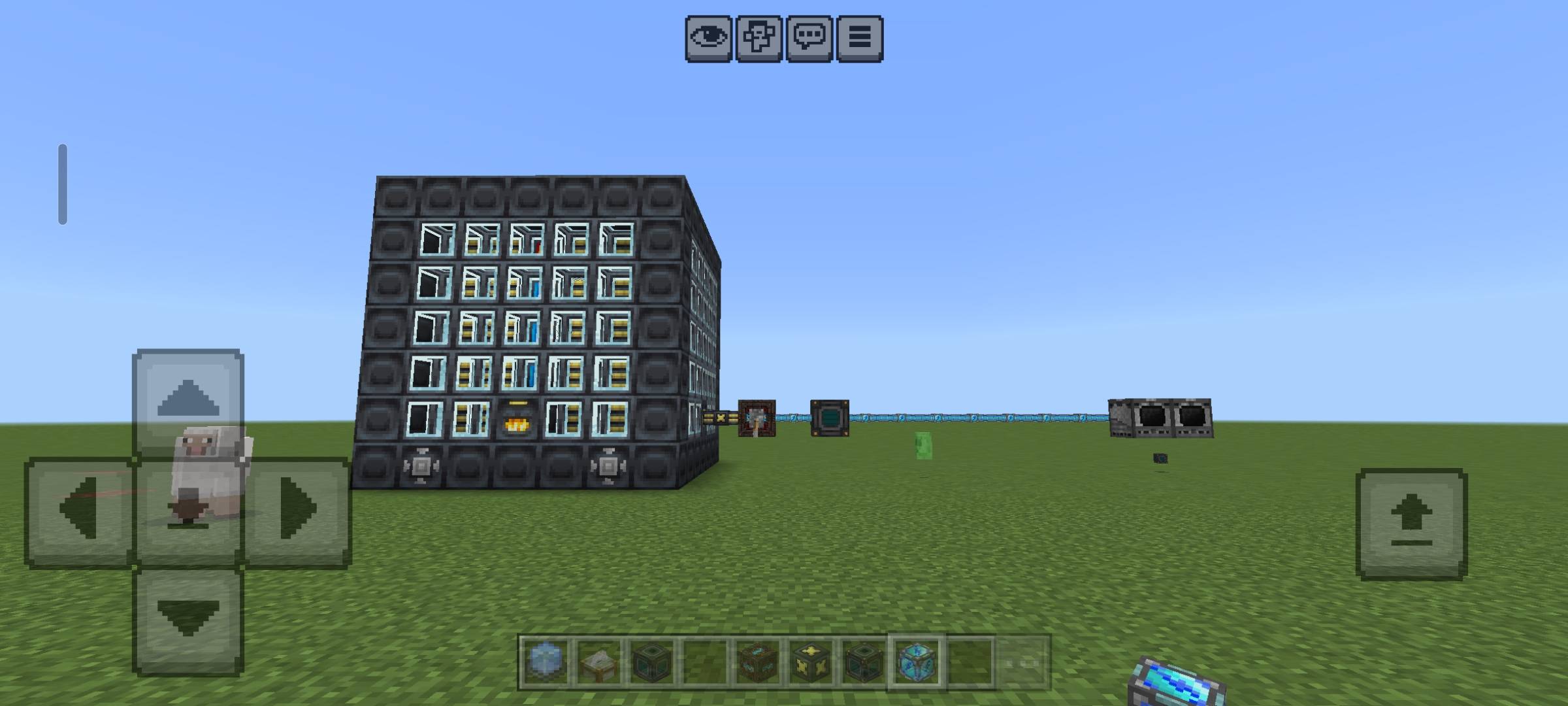
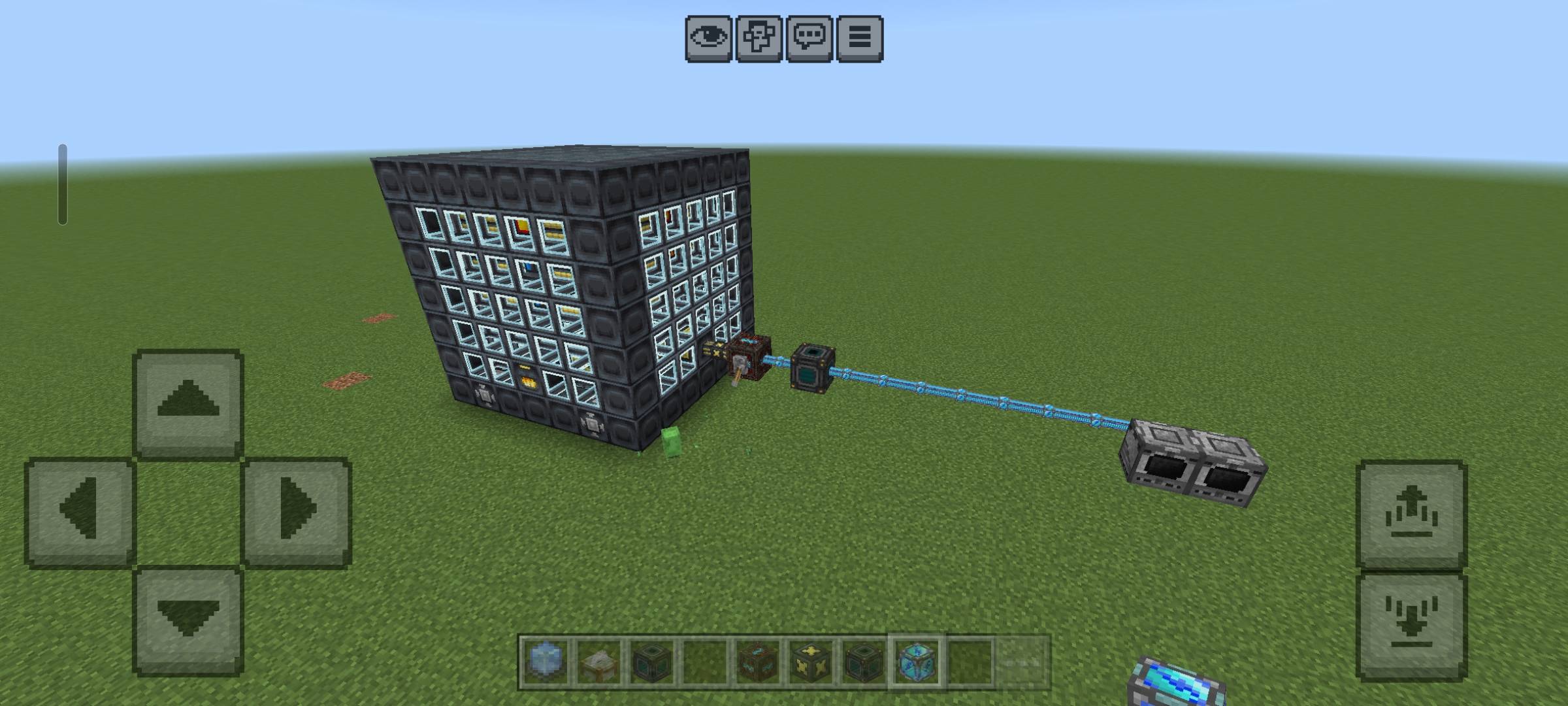
Install the block: Place the energy converter between your Modular Energistics setups (connected to a cable/port) and your Utility Craft network.
Utility Craft connection tip: To ensure a smooth transfer, make sure to place a single conduit directly against the converter, then connect it immediately to a Utility Craft battery. Once this battery is powered, you can run as many lengths of conduits as you want to all your machines!
Activate: Place a lever next to the converter and switch it on. The screen will display the status of both mods, and energy transfer will occur smoothly and precisely.
👥 Credits & Acknowledgments
Lead Creator & Original Idea: faminaki
Development & Optimization: faminaki & AI (Collaboration)
Compatibility: Designed for Minecraft Bedrock 1.21+ Behavior Packs.
- Edition: Minecraft Bedrock
- File type: .mcpack or .mcaddon
- Minecraft version listed: 26.30
- How to install: Download the .mcpack or .mcaddon file. → Open it — Minecraft imports it. → In your world: Behavior Packs → Available → Activate, then the same under Resource Packs.
- Where to get it: Opens on CurseForge — not every file is mirrored on our own servers.
Install steps are the general flow for this file type — How to install Minecraft Bedrock addons & mods walks through it step by step.
- Pack type: .mcaddon — behaviour and resource pack in one file
- Manifest requires Minecraft 1.21.0 or newer
- Complete pack — everything it depends on is inside the file
- Download size: 4.2 MB
- Download link checked 14 Sept 2026 — working
These come from our own check of the pack file, not from the source page.