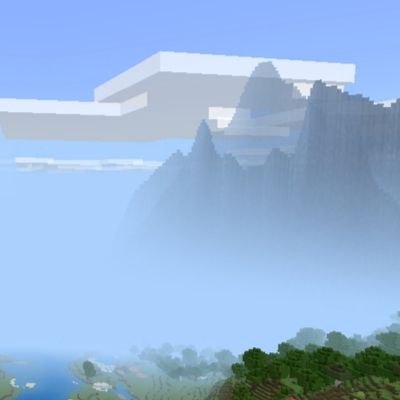
Distant Landscapes
The author built this one for Minecraft 26.30. On other versions it may install and then do nothing.
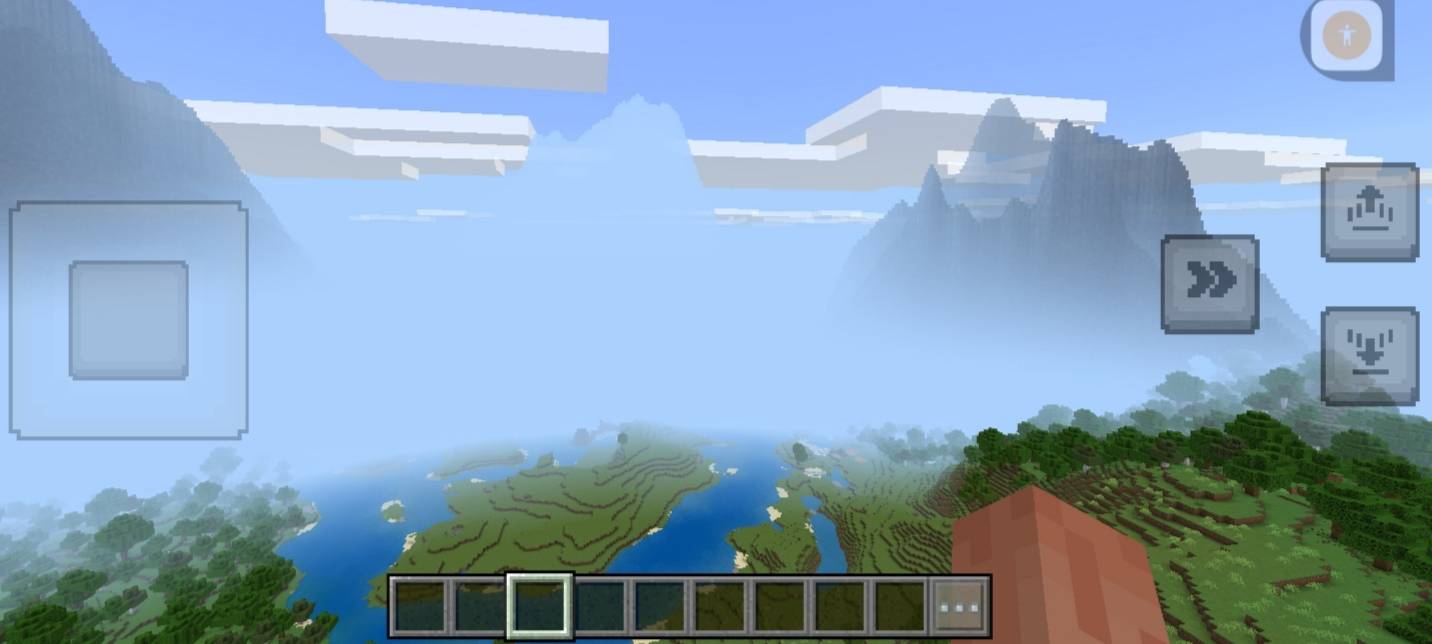
Distant Landscapes replaces the abrupt sky cutoff in Minecraft Bedrock with distant mountain silhouettes that blend into the horizon fog. It gives your world an expansive feel without the heavy performance hit of high render distances.
The addon places a full ring of varied terrain shapes around you so the view stays natural from any angle. Because these distant peaks are rendered as a lightweight visual model rather than real blocks and chunks, you get far-reaching vistas with zero impact on your frame rate. The bottom edge of the mountains fades smoothly into the sky fog, and the whole ring tracks your movement automatically as you travel across your world.
To set it up, open the mcaddon file to import both the Resource Pack and Behavior Pack. Activate both packs in your world settings, then turn on Beta APIs under the Experiments section. Once you enter the world, the new horizon will appear automatically without requiring any setup command
s.
- Edition: Minecraft Bedrock
- File type: .mcpack or .mcaddon
- Minecraft version listed: 26.30
- How to install: Download the .mcpack or .mcaddon file. → Open it — Minecraft imports it. → In your world: Behavior Packs → Available → Activate, then the same under Resource Packs.
- Where to get it: Opens on CurseForge — not every file is mirrored on our own servers.
Install steps are the general flow for this file type — How to install Minecraft Bedrock addons & mods walks through it step by step.
- Pack type: .mcaddon — behaviour and resource pack in one file
- Manifest requires Minecraft 1.20.0 or newer
- Complete pack — everything it depends on is inside the file
- Download size: 289 KB
- Download link checked 14 Sept 2026 — working
These come from our own check of the pack file, not from the source page.