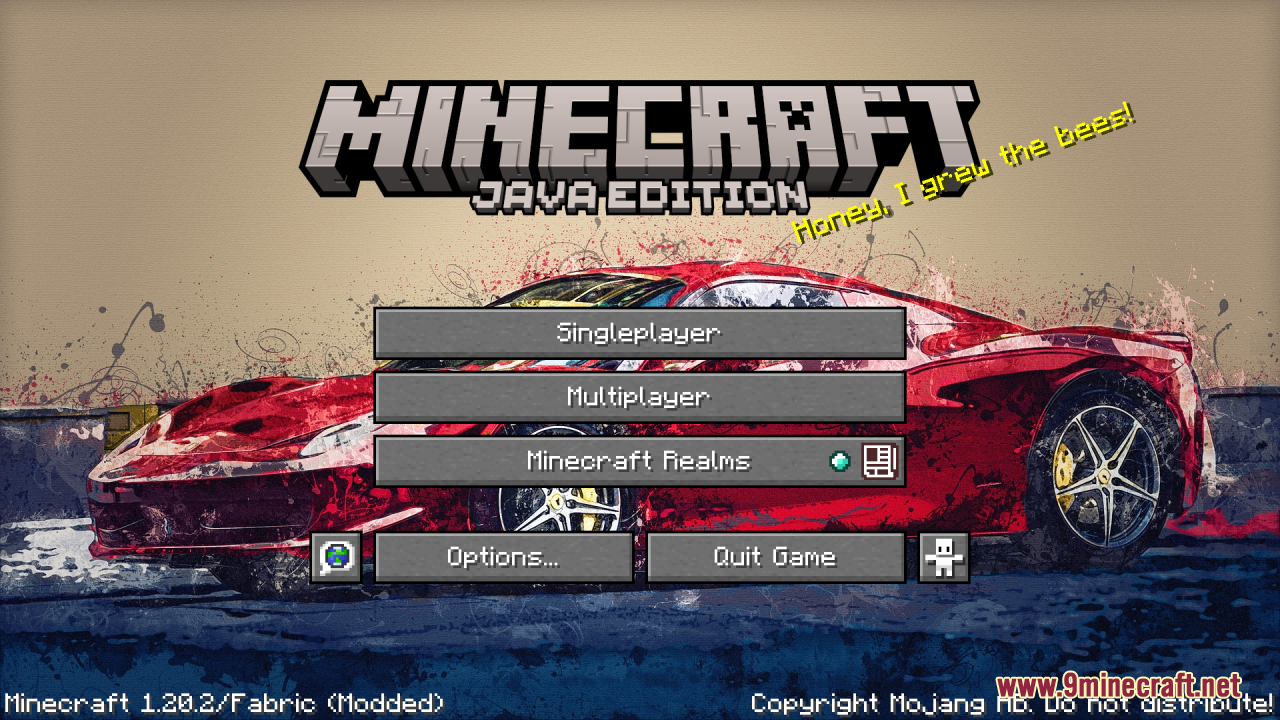
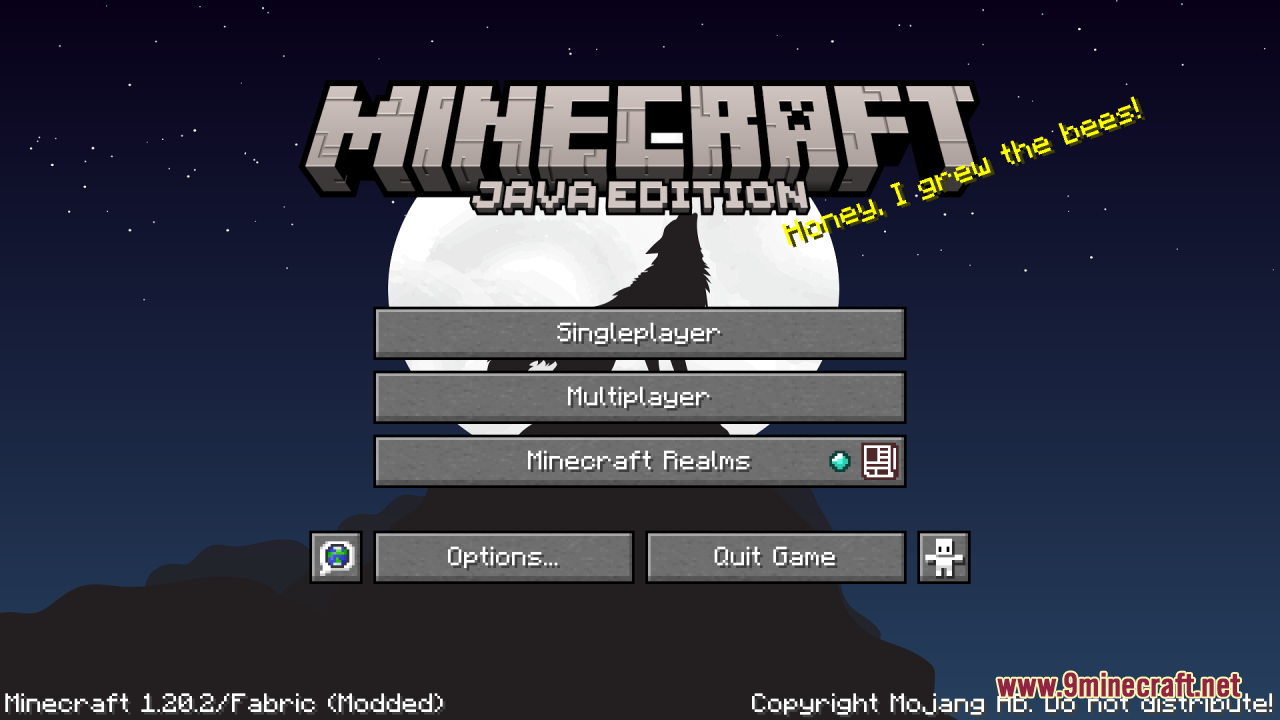
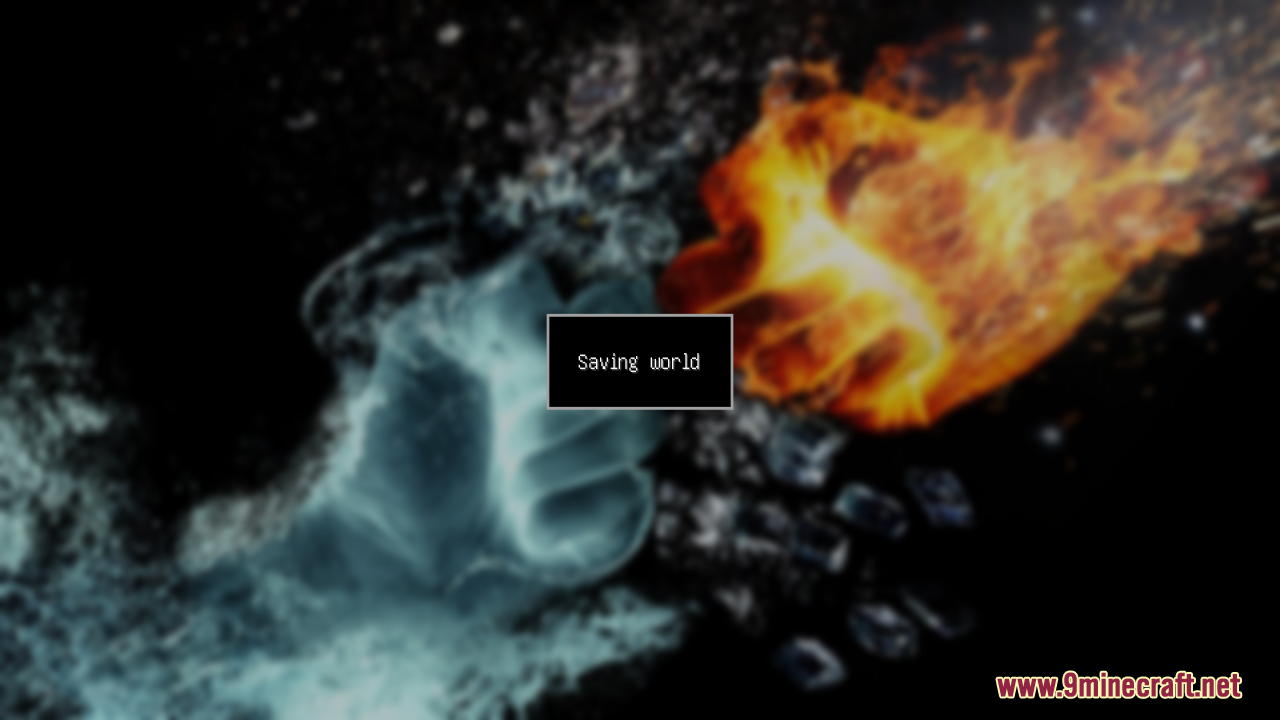
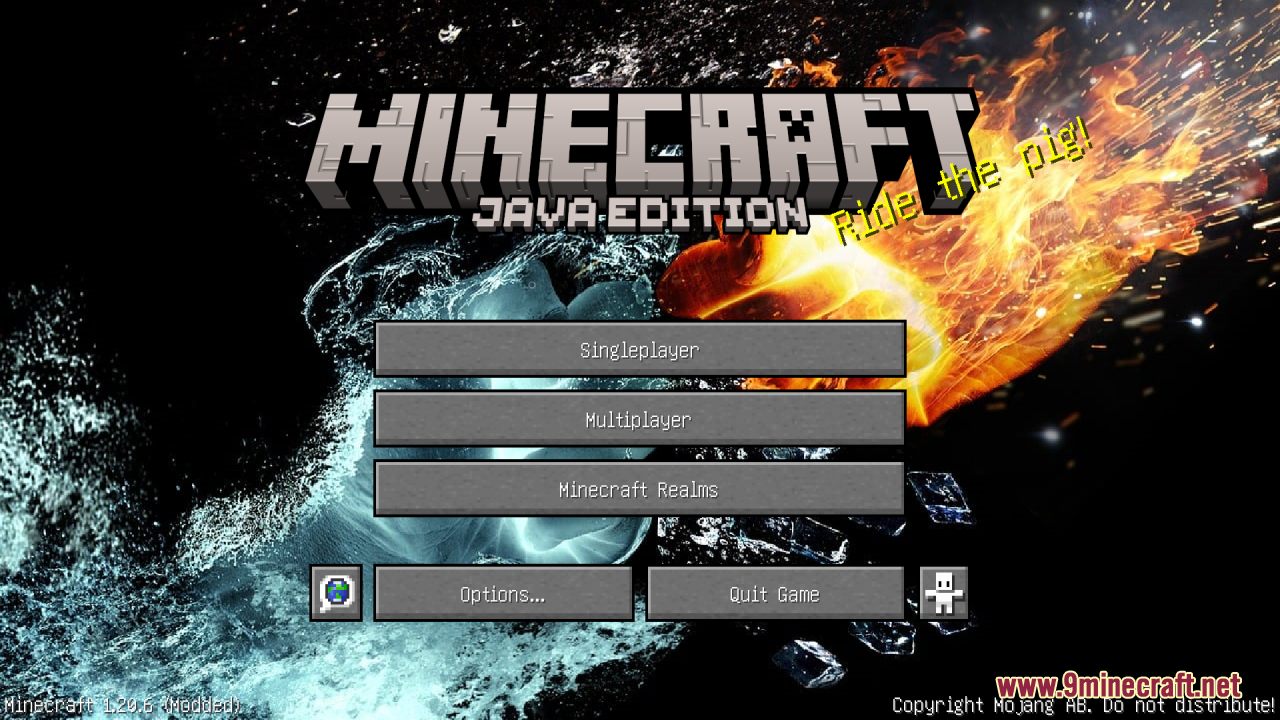
Custom Background HD Resource Pack enhances your Minecraft experience by allowing you to personalize your main menu background. With this pack, you can replace the default background with any image of your choice, providing a unique and customizable interface. The pack supports HD images, ensuring high-quality visuals for your main menu. To change the background:
- Get a PNG screenshot or HD image from anywhere and overwrite the following file inside the zip file. Custom Background HD.zip / assets / minecraft / textures / gui / title / background / panorama_overlay.png
- Make sure your background image is renamed to ‘panorama_overlay.png’
- Apply the resource pack and you can enjoy a custom main menu background.
Screenshots:
Custom Background HD Resource Pack Download Links
Quick facts
- Edition: Minecraft Java
- File type: .zip (resource pack)
- Minecraft version listed: 1.20.1
- How to install: Download the .zip resource pack — do not unzip it. → Put it in .minecraft/resourcepacks. → Enable it in Options → Resource Packs.
- Where to get it: In MC Java Mods, or directly above on this page.
Install steps are the general flow for this file type — How to install Minecraft Java resource packs walks through it step by step.
Verified by MCModsHub
- Downloads as 3914.mcpack
- Download size: 1.4 MB
- Download link checked 26 Jul 2026 — working
- Mirrored on our own servers — the download does not depend on the original host
These come from our own check of the pack file, not from the source page.