ShadersJava
Itemed Arrows Shaders (26.3, 1.20.1) – 2D Item Sprites Using Core Shaders
Java shader pack listed for Minecraft 1.20–26.x. Downloads from the MC Java Mods app on Android.
⬇ Download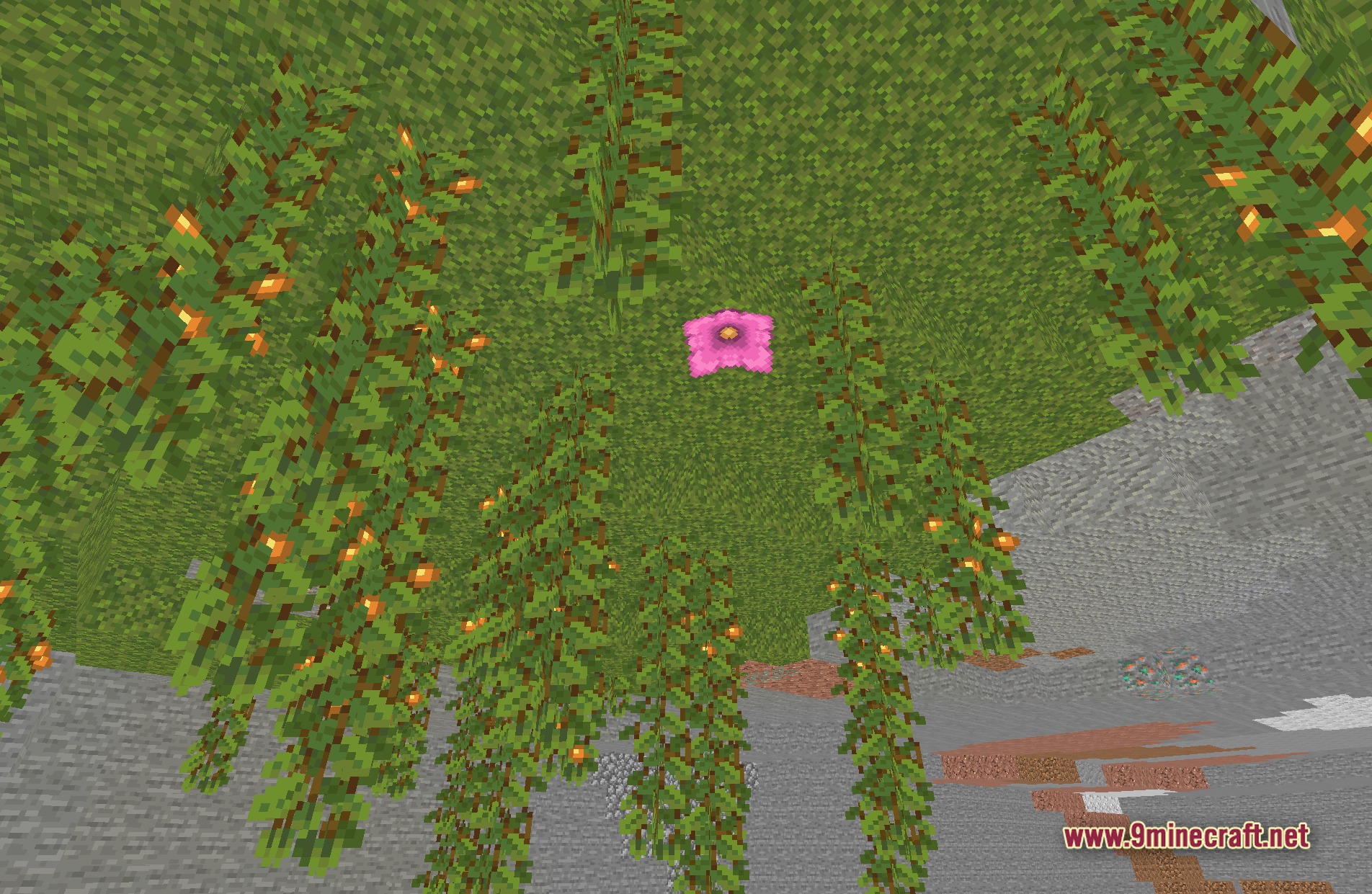
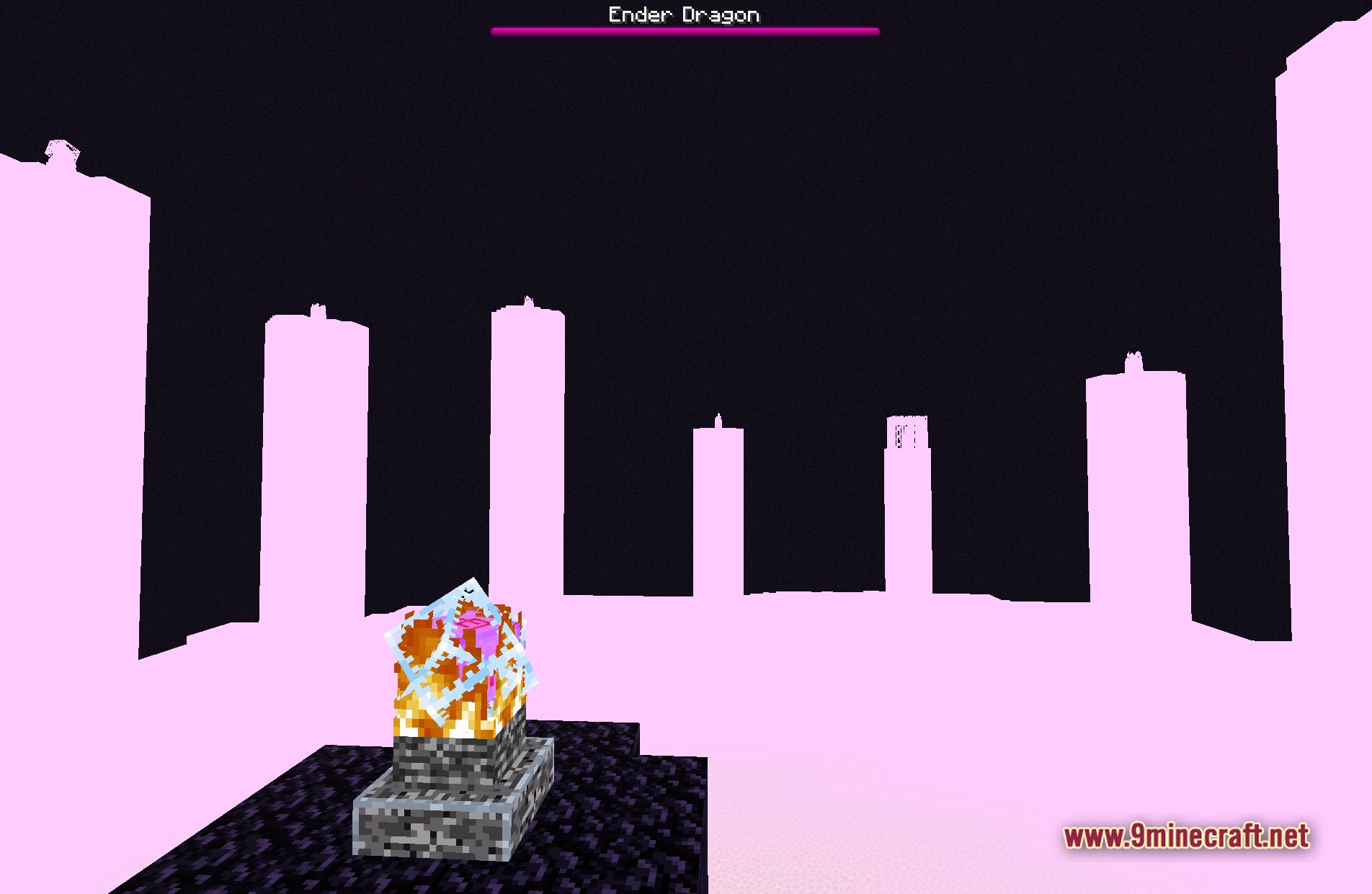
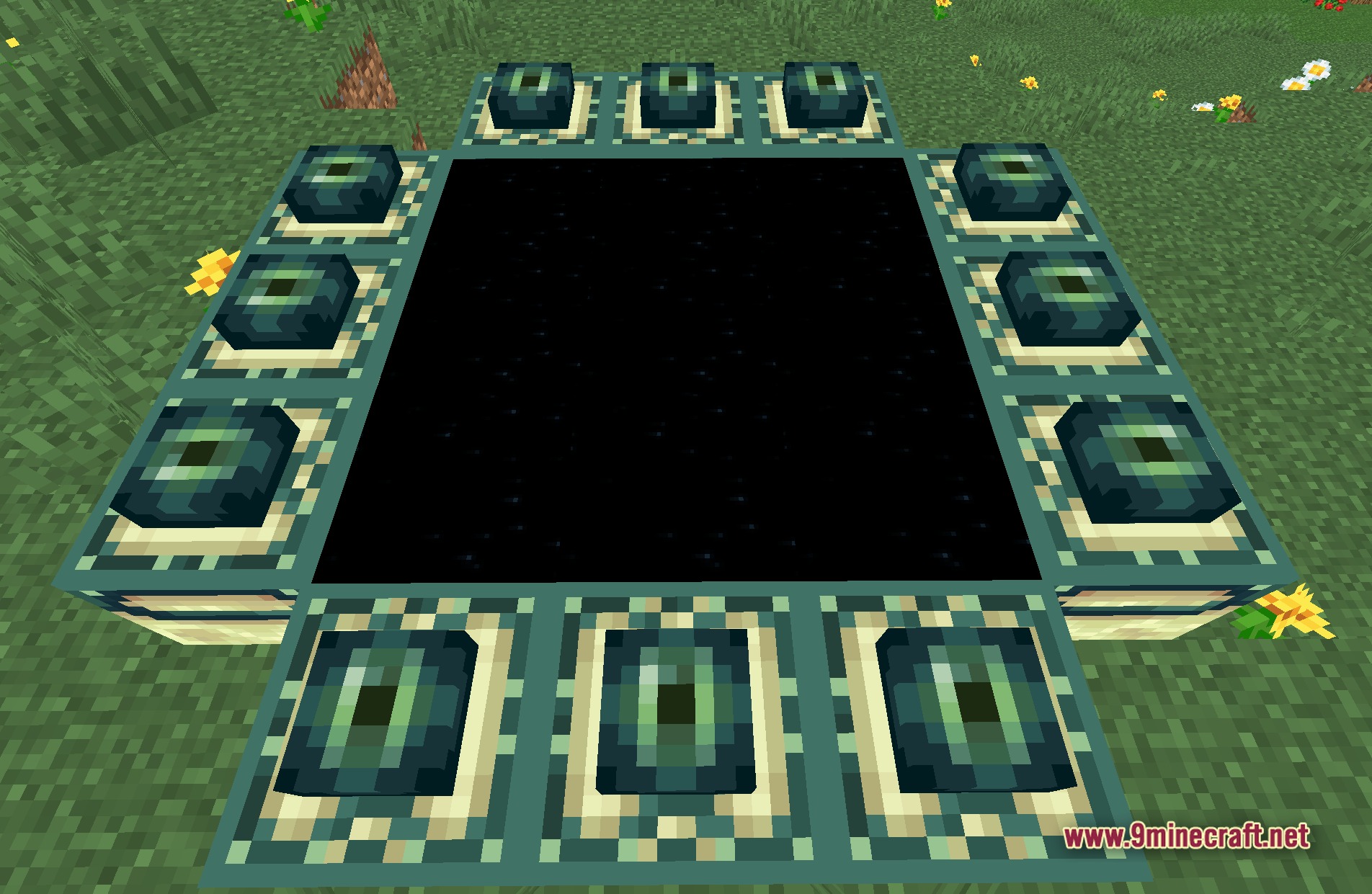
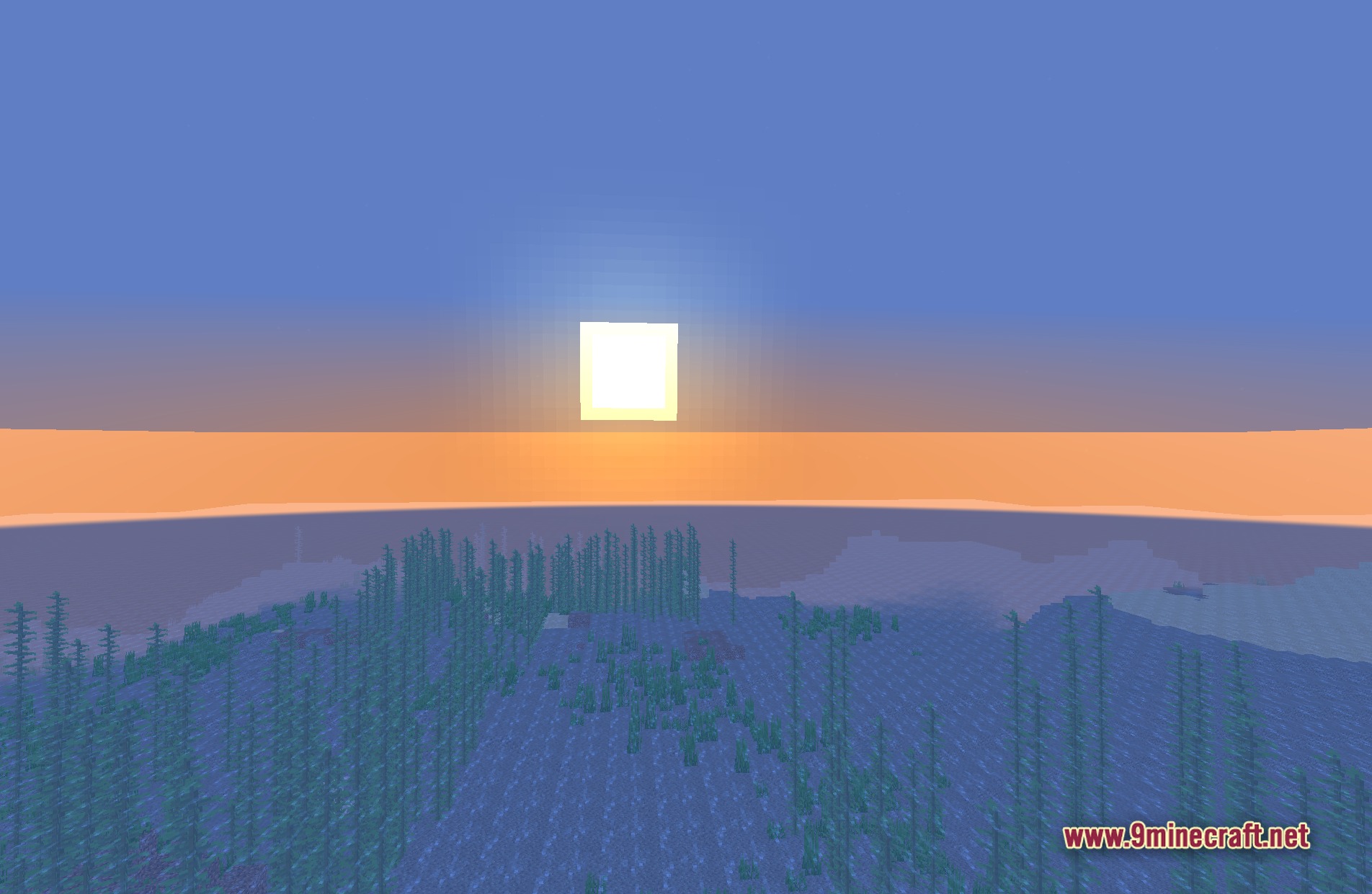
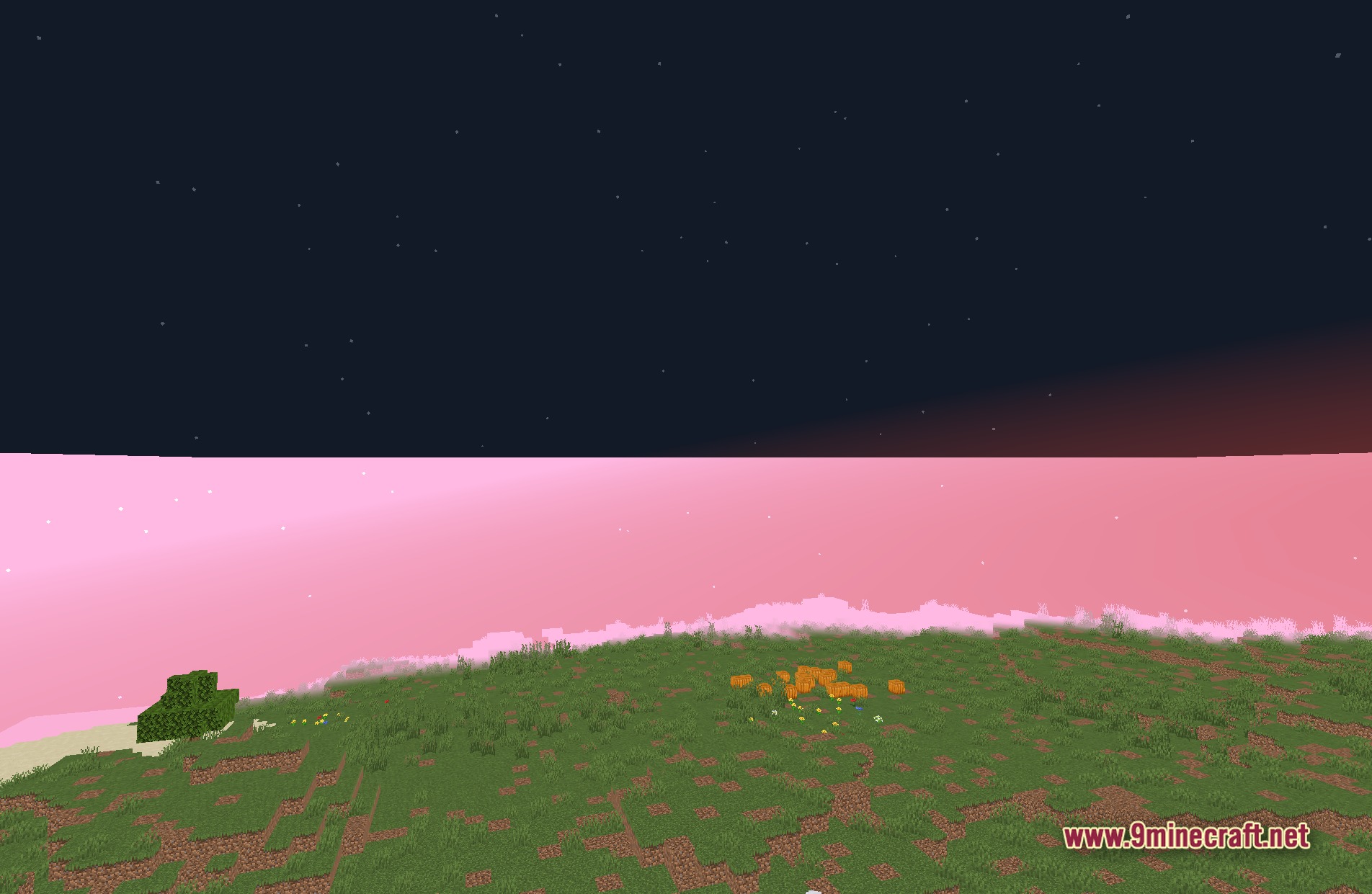
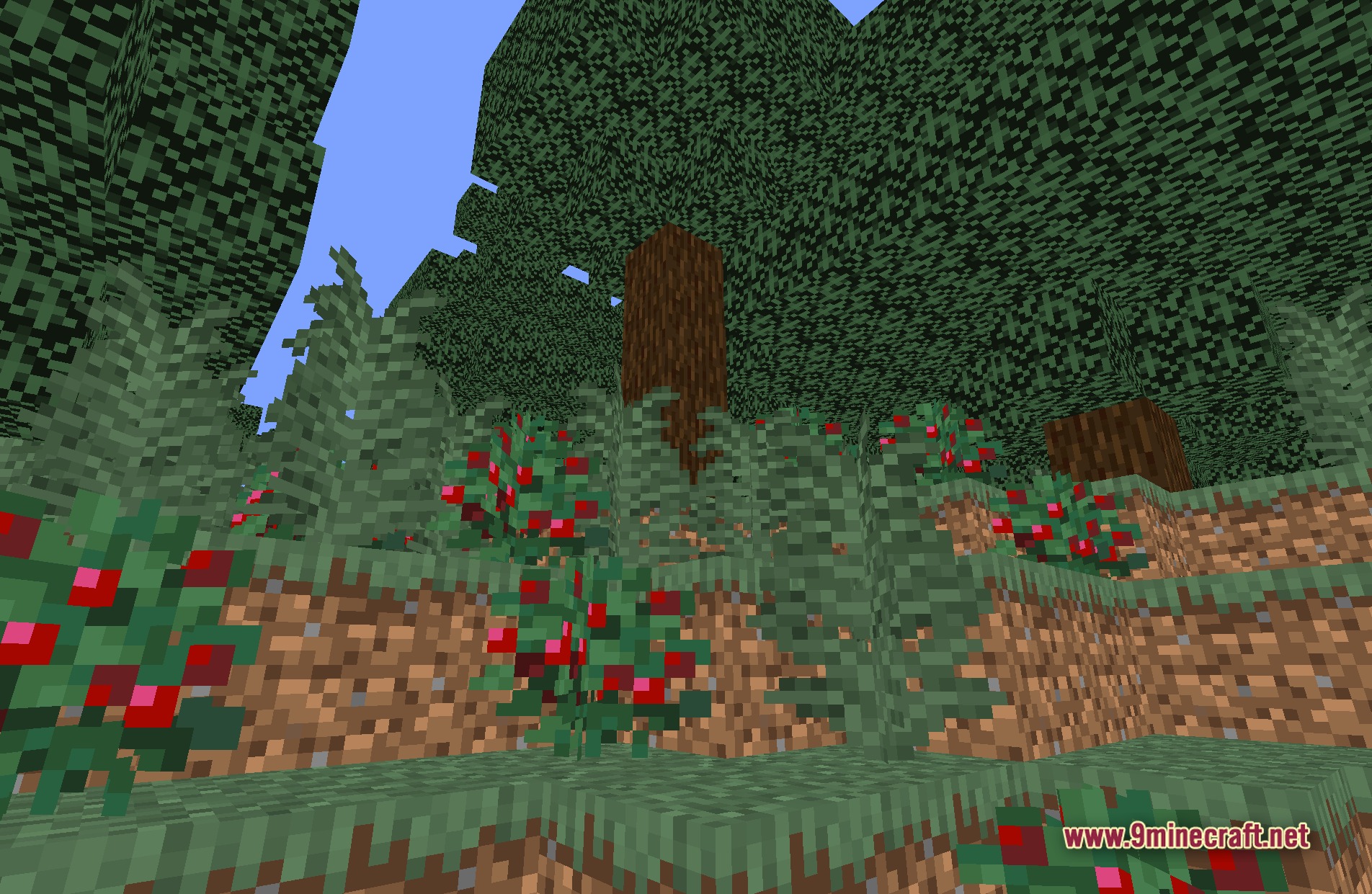
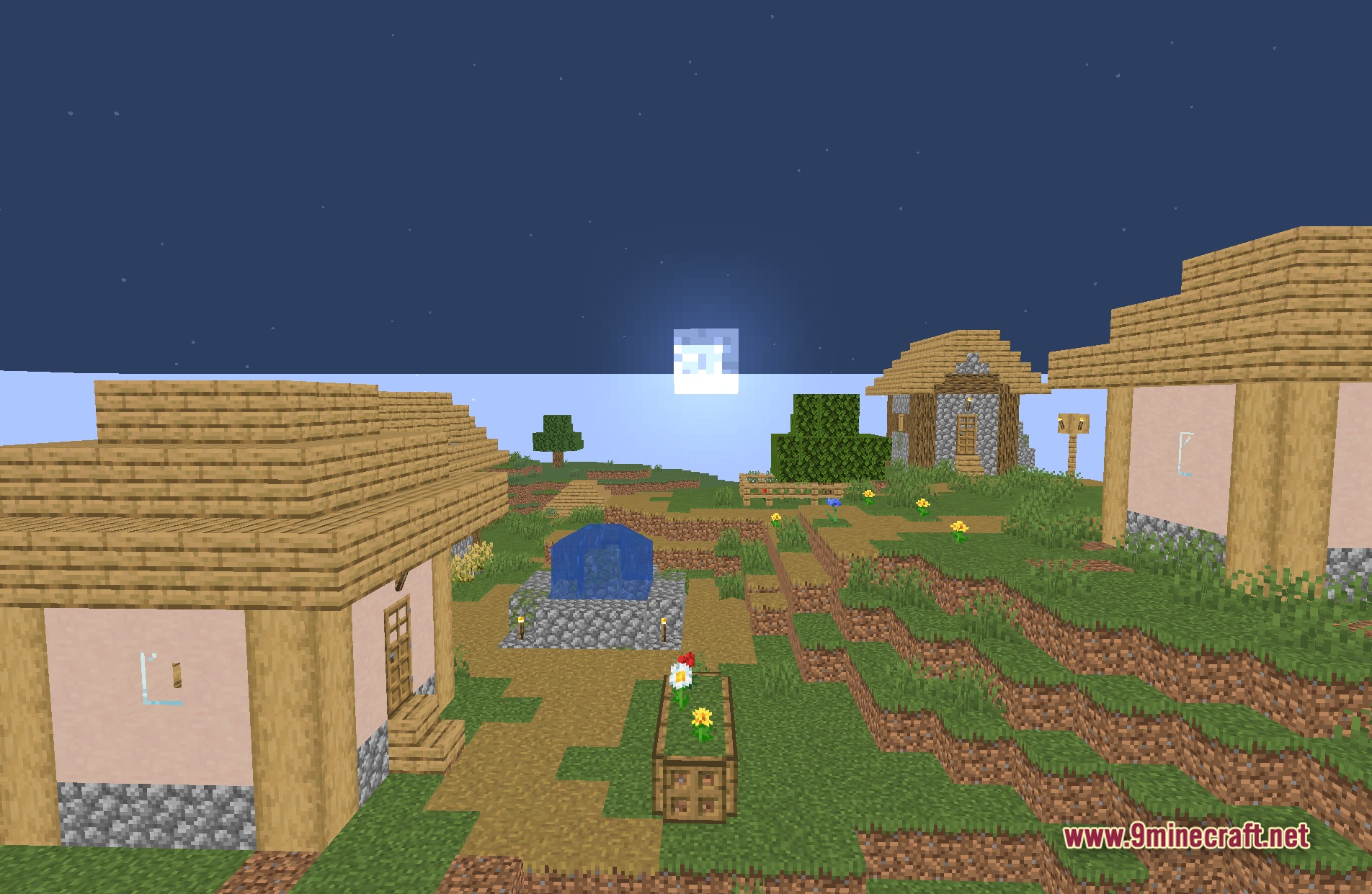
Itemed Arrows Shaders replaces the standard arrow models in the game with the 2D item sprites you see in your inventory. Instead of the usual 3D arrow flying through the air, you will see the flat arrow item shooting toward targets. This small visual tweak uses core shaders to change how arrows look without needing heavy mods.
Features:
- Item Models: Changes the flying arrow entity to look exactly like the arrow item from your inventory.
- Works entirely through core shaders, meaning you do not need extra mod loaders to run it.
- Keeps the vanilla 16x pixel style, so it matches the rest of the game perfectly.
- Applies to all standard arrows shot by you, other players, or skeletons.
- Makes it easier to spot arrows stuck in blocks or moving through the air.
Screenshots:
Itemed Arrows Shaders Download Links
Quick facts
- Edition: Minecraft Java
- File type: .zip (resource pack)
- Minecraft versions listed: 26.3, 1.20.1
- How to install: Download the .zip resource pack — do not unzip it. → Put it in .minecraft/resourcepacks. → Enable it in Options → Resource Packs.
- Where to get it: In MC Java Mods, or directly above on this page.
Install steps are the general flow for this file type — see the MC Java Mods guides for the full walkthrough.
Itemed Arrows Shaders (26.3, 1.20.1) – 2D Item Sprites Using Core Shaders is a free Minecraft Java shader. Compatible with Minecraft 26.3, 1.20.1. Download it and open it directly in the game.