ShadersJava
NMS Normal Map Shaders (26.2, 1.20.1) – Colorful Technical Normal Map View
Java shader pack listed for Minecraft 1.20. Downloads from the MC Java Mods app on Android.
⬇ Download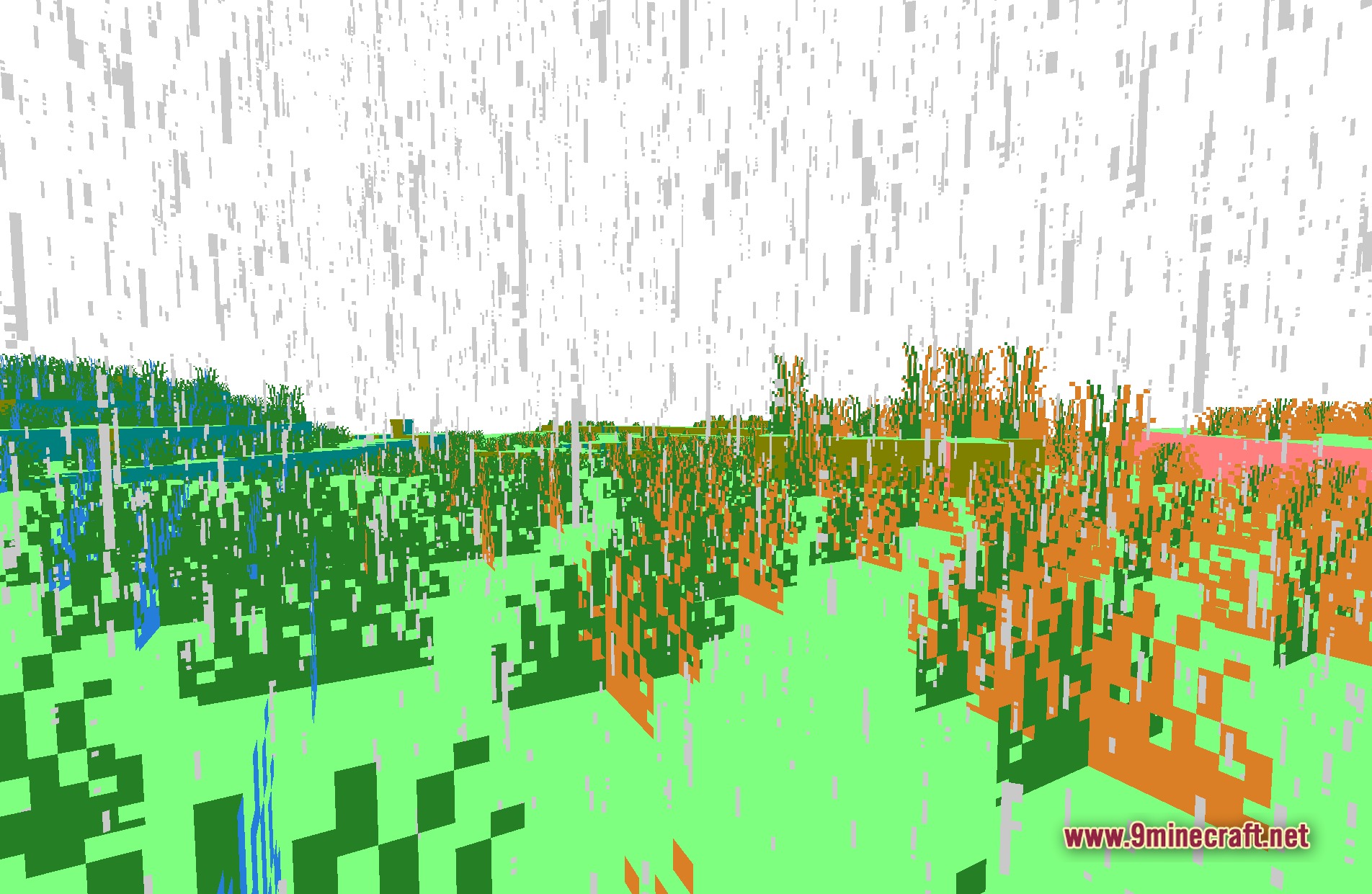
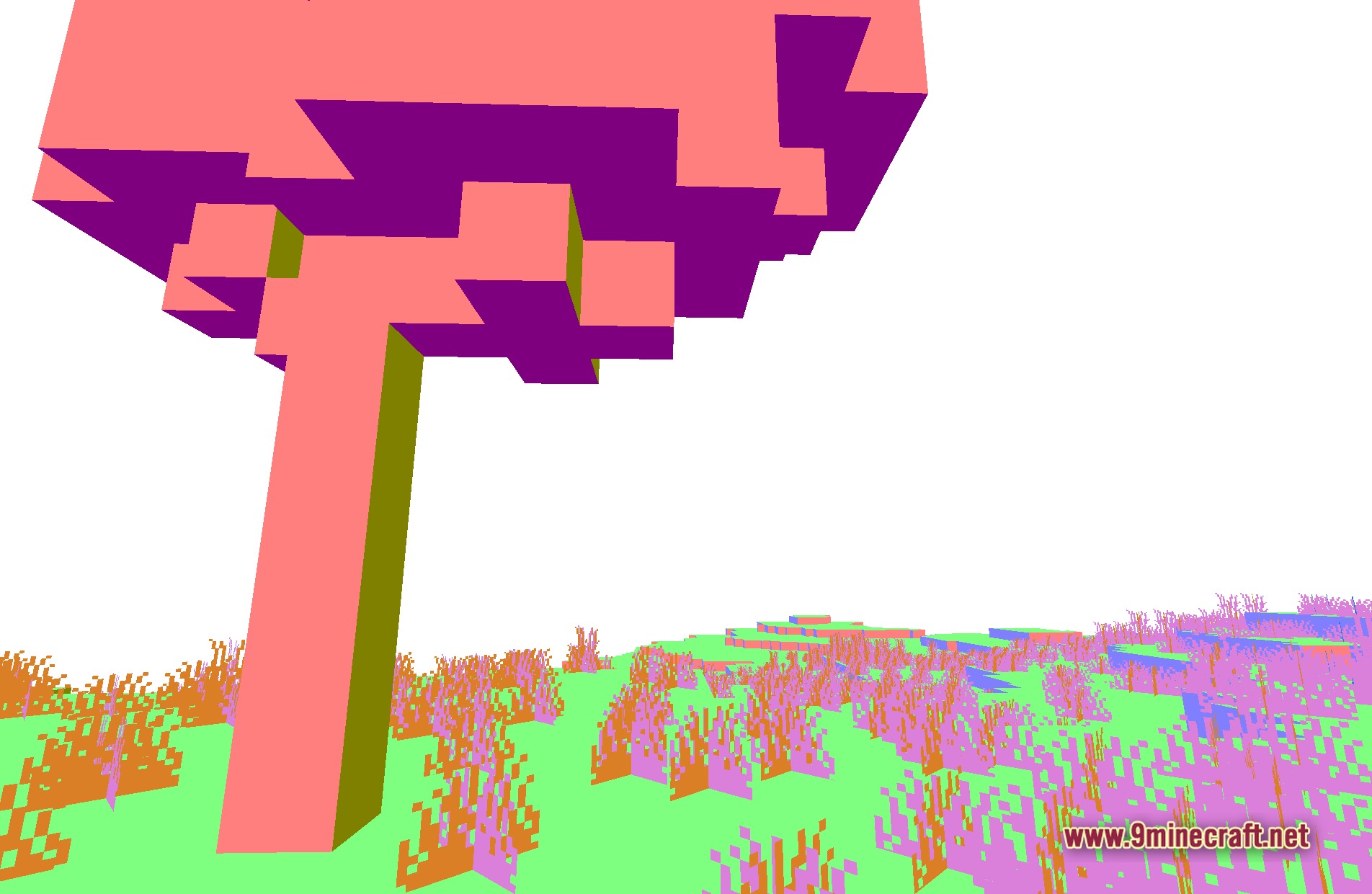
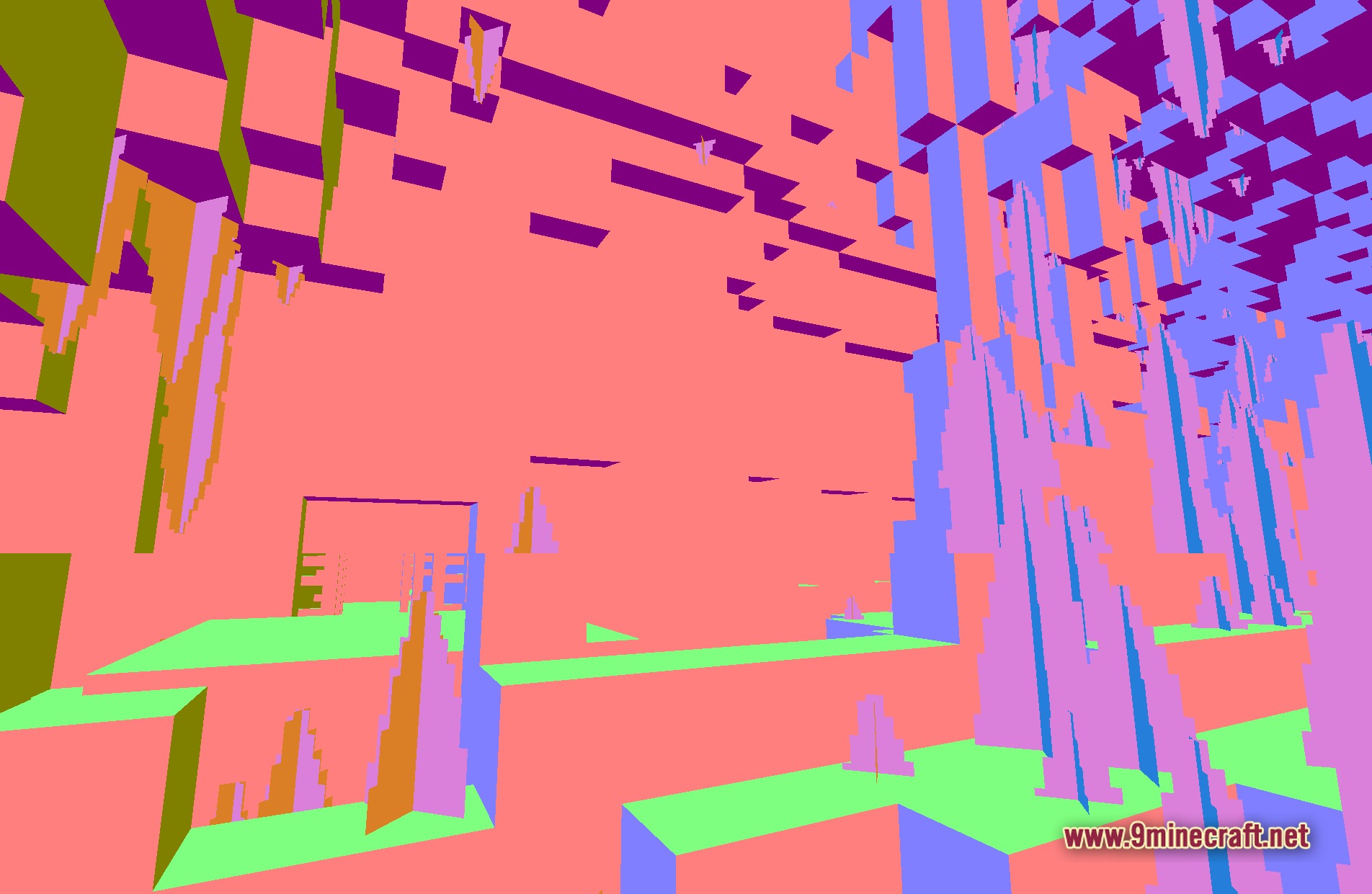
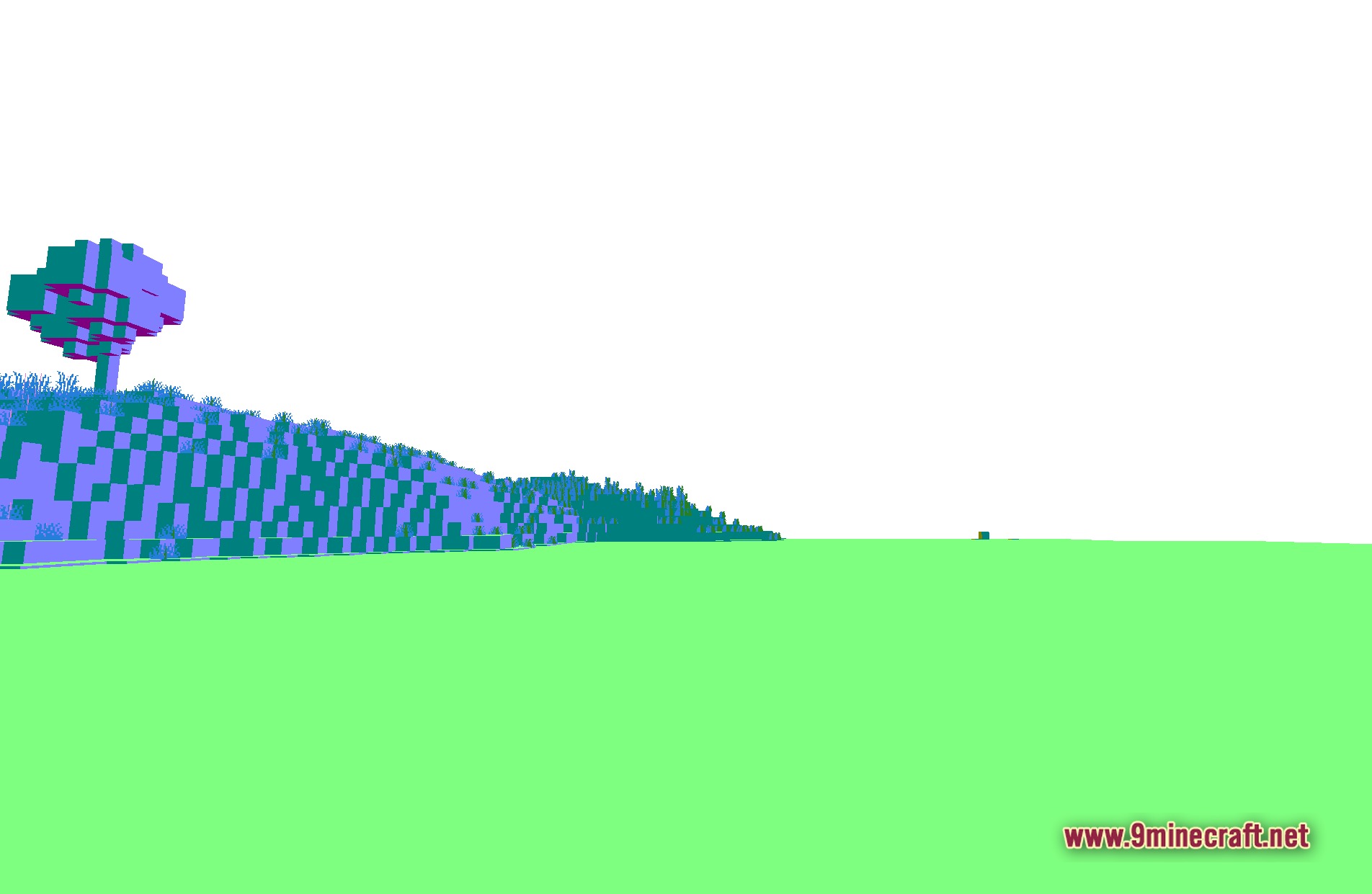
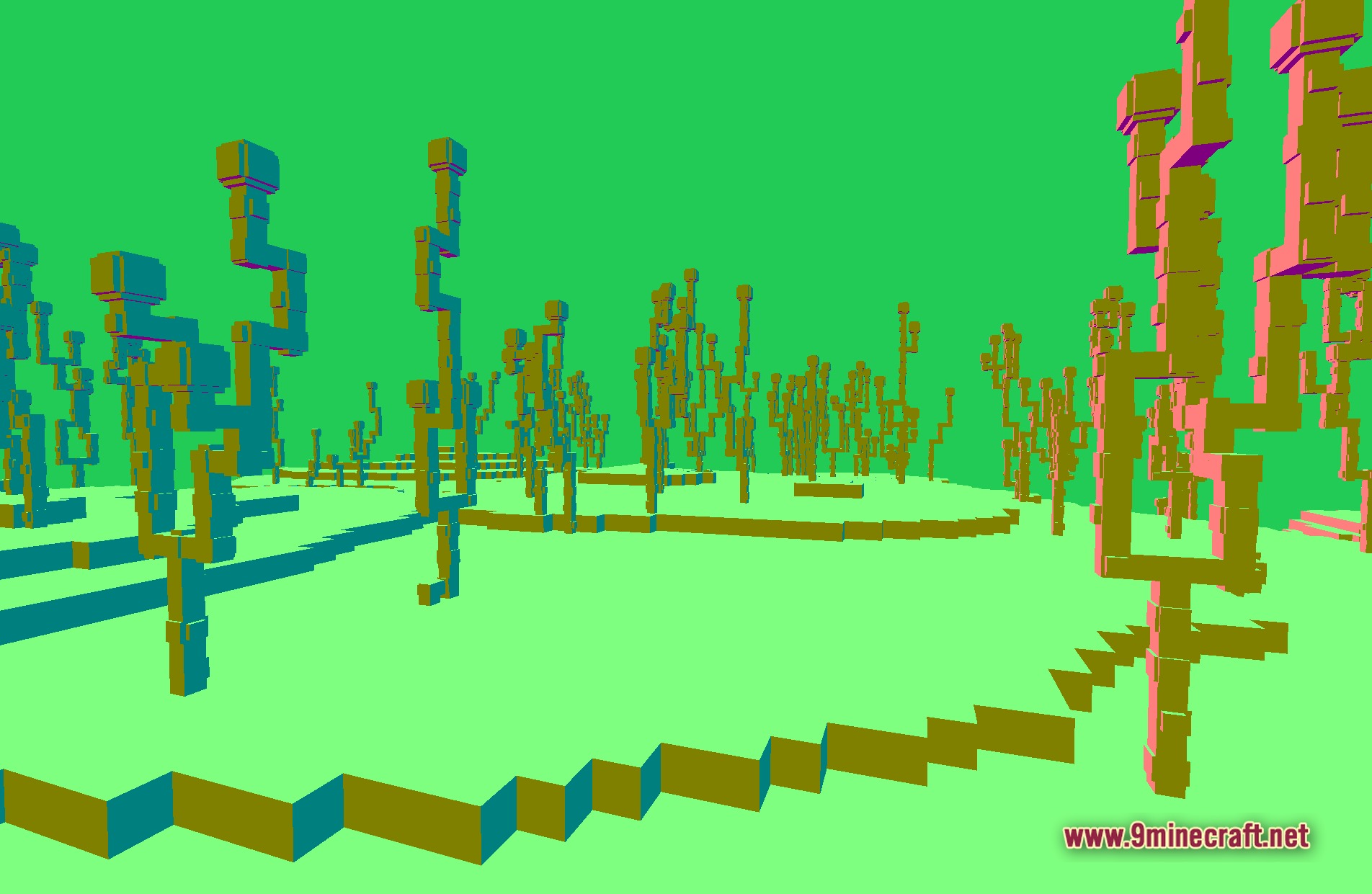
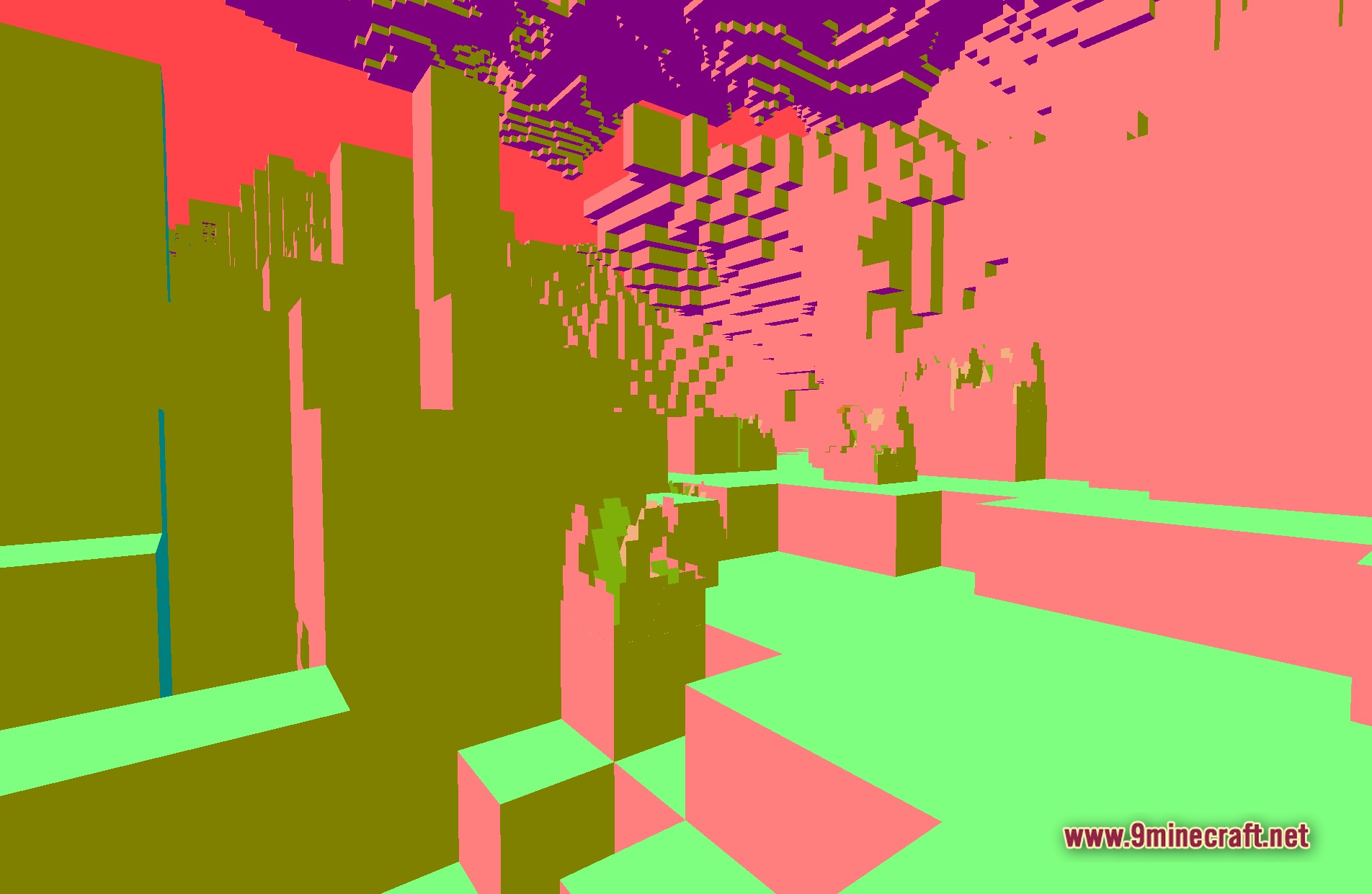
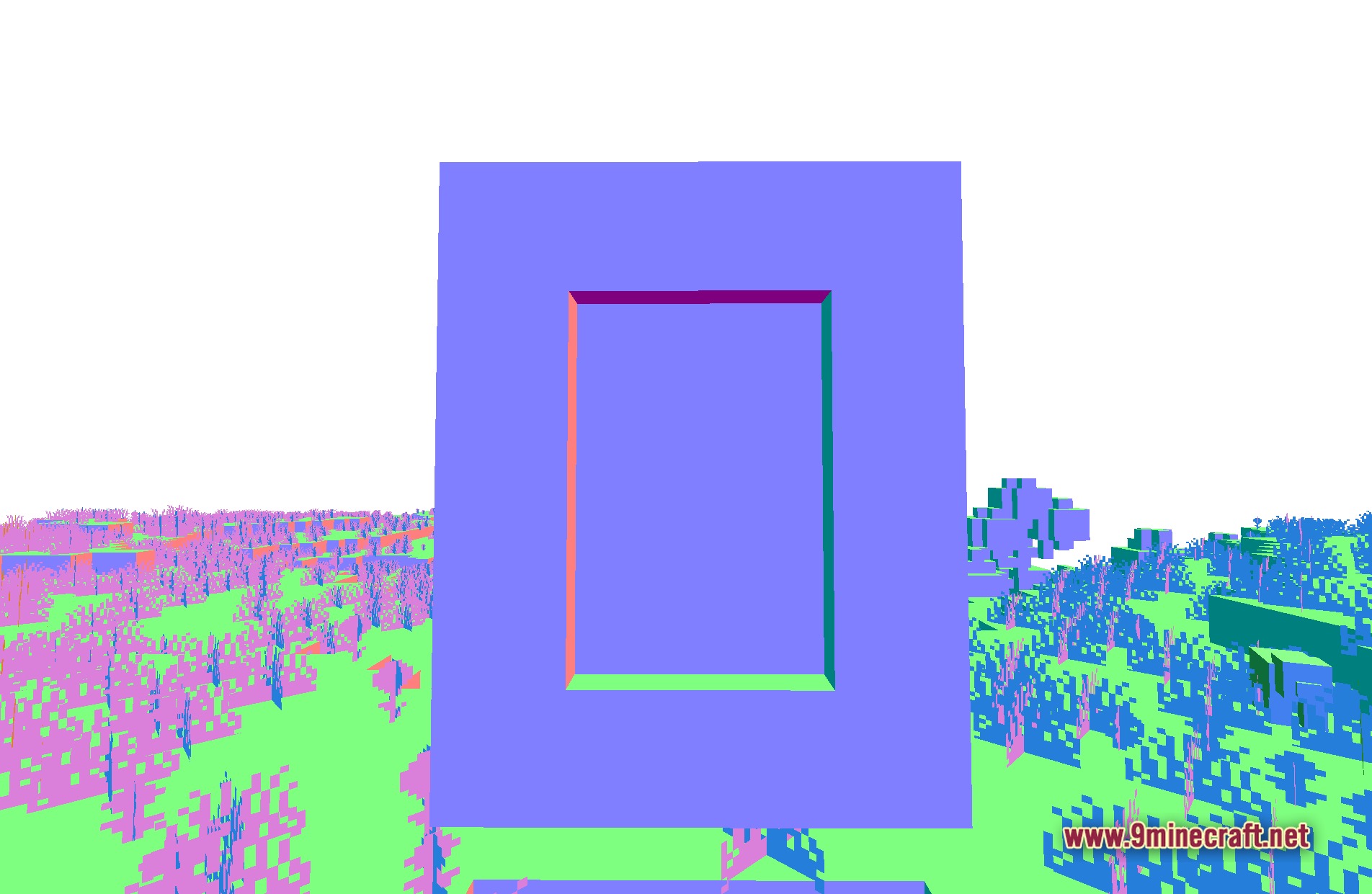
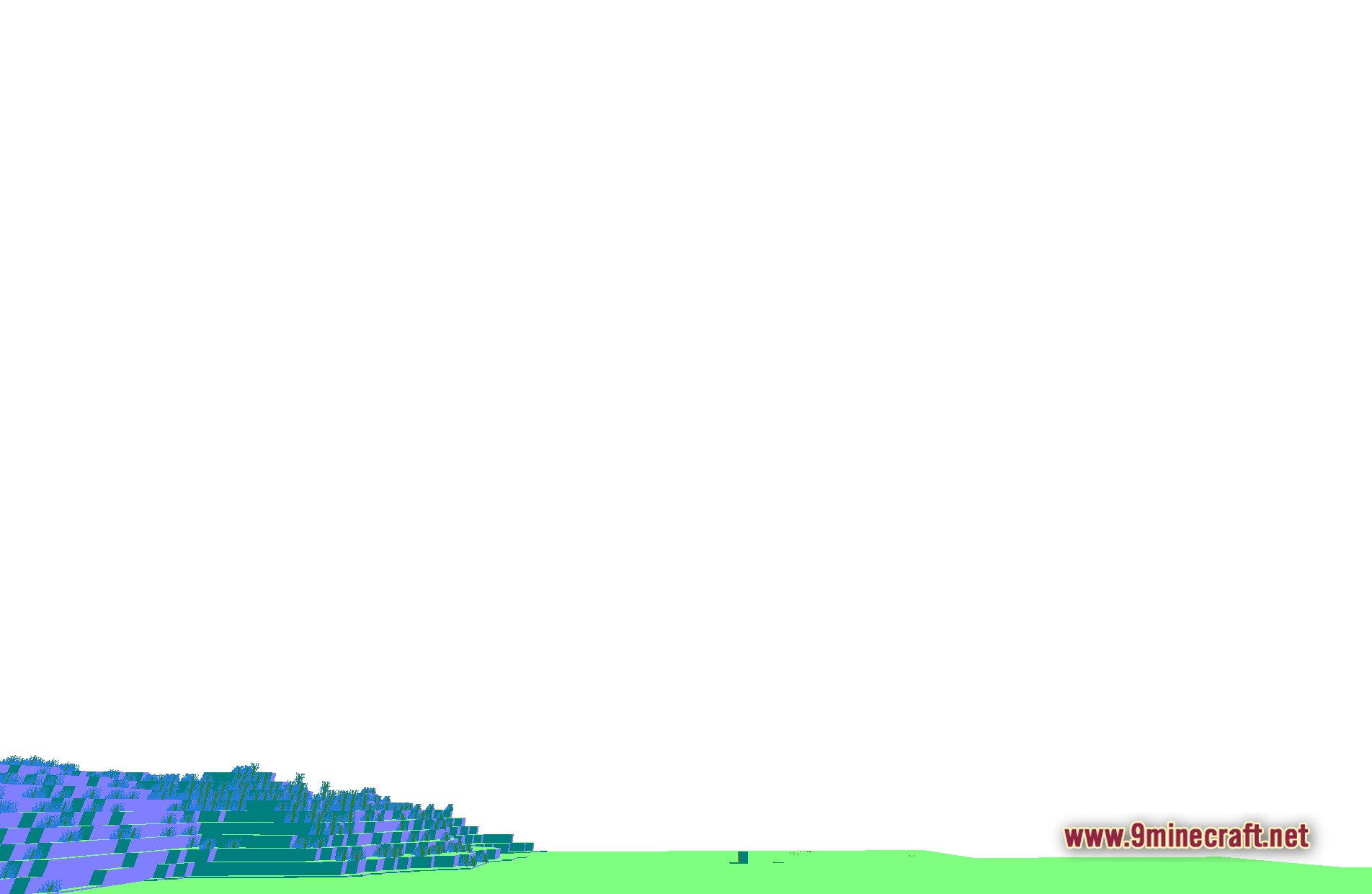
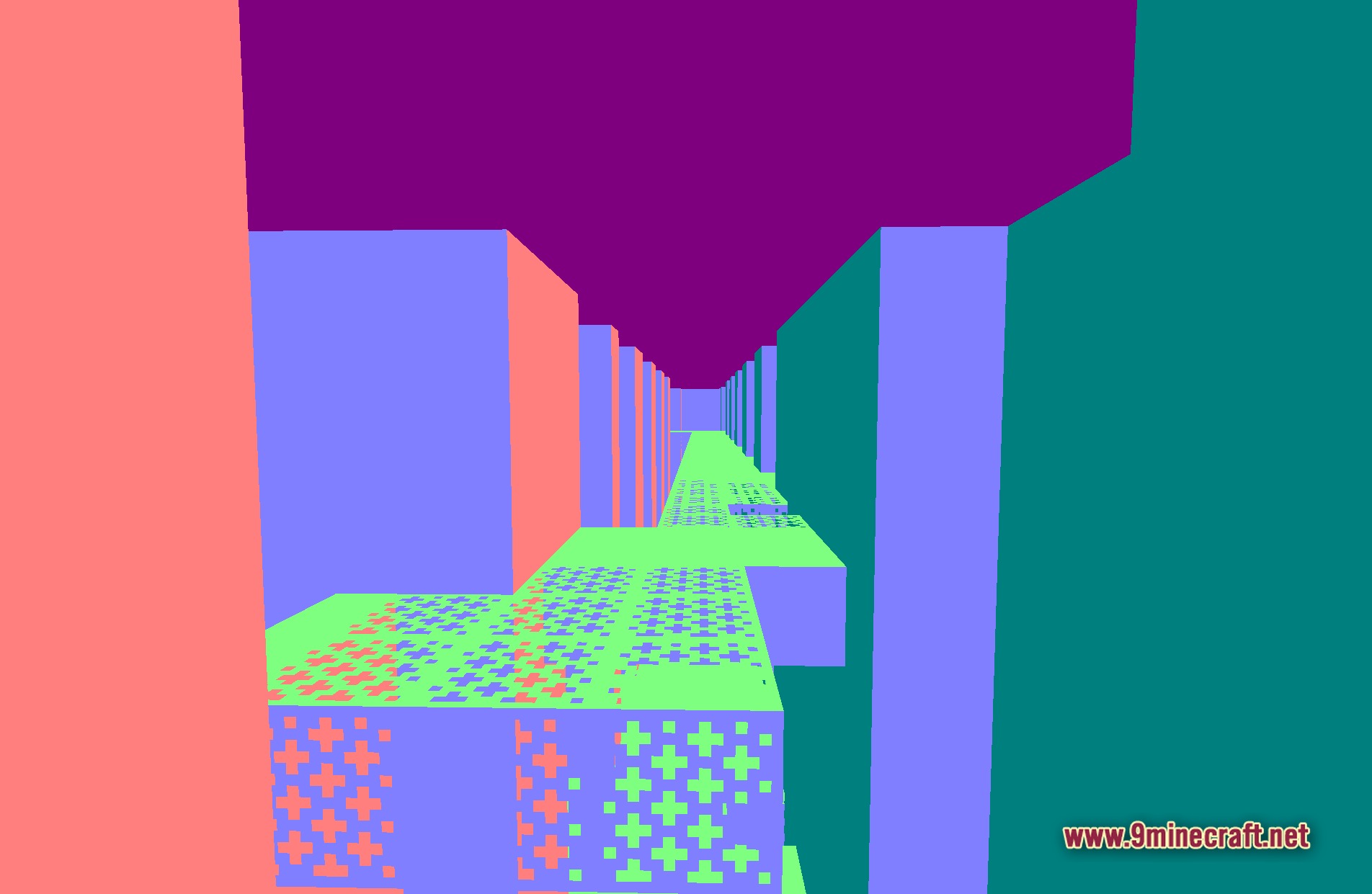
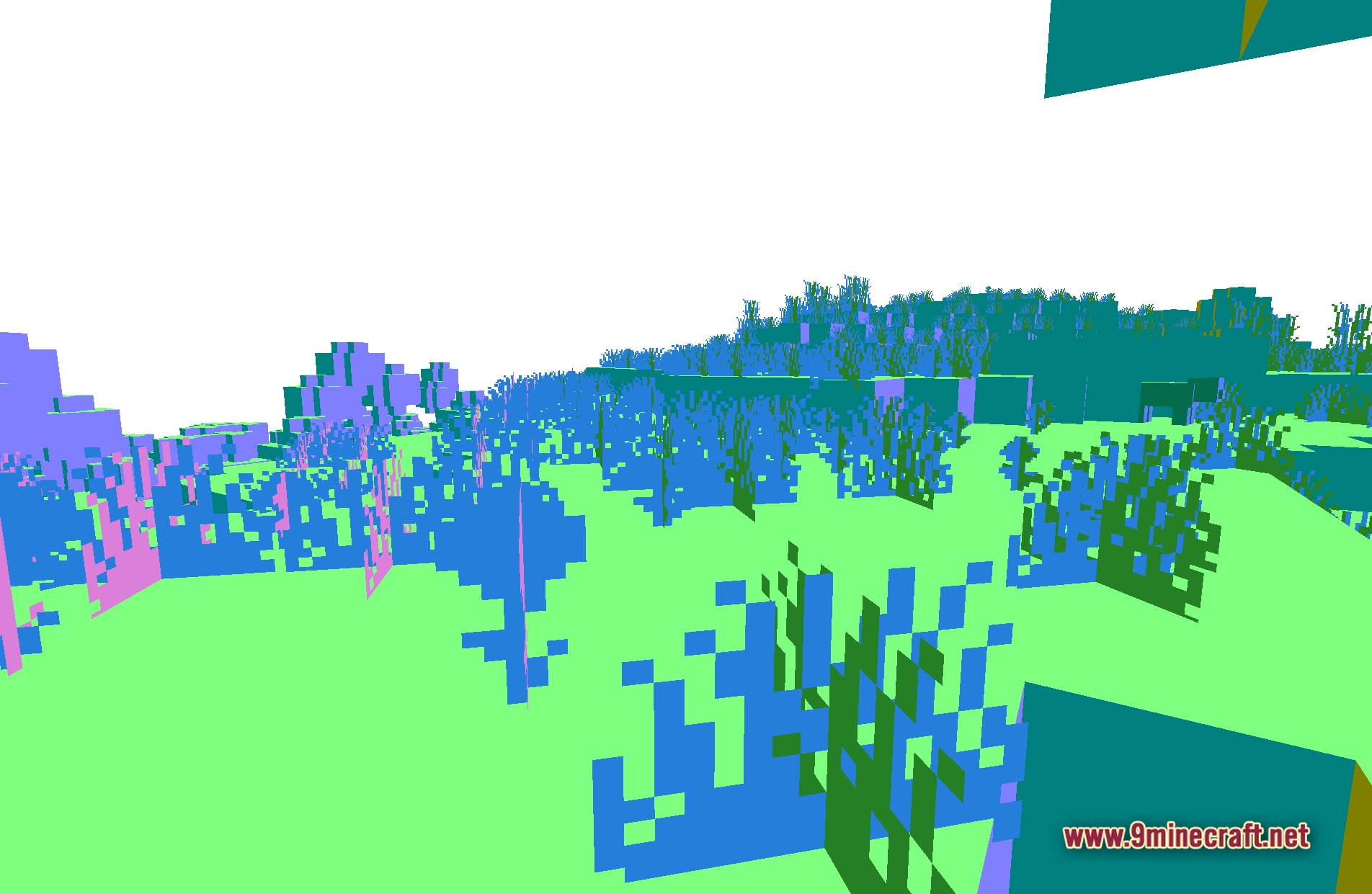
NMS Normal Map Shaders turns your game screen into a technical normal map view. It paints blocks, items, and mobs in bright colors based on their angles. This shader pack runs fast on older computers, giving you a fun and weird way to look at your world.
Features:
- Normal Map View: Turns your entire world into a colorful normal map display.
- Low-End Friendly: Runs fast on older computers and potato PCs.
- Changes the colors of blocks and mobs to show their surface directions.
- Gives you a funny and technical way to look at the game.
Screenshots:
NMS Normal Map Shaders Download Links
Quick facts
- Edition: Minecraft Java
- File type: .zip (resource pack)
- Minecraft version listed: 1.20.1
- How to install: Download the .zip resource pack — do not unzip it. → Put it in .minecraft/resourcepacks. → Enable it in Options → Resource Packs.
- Where to get it: In MC Java Mods, or directly above on this page.
Install steps are the general flow for this file type — see the MC Java Mods guides for the full walkthrough.
NMS Normal Map Shaders (26.2, 1.20.1) – Colorful Technical Normal Map View is a free Minecraft Java shader. Compatible with Minecraft 1.20.1. Download it and open it directly in the game.