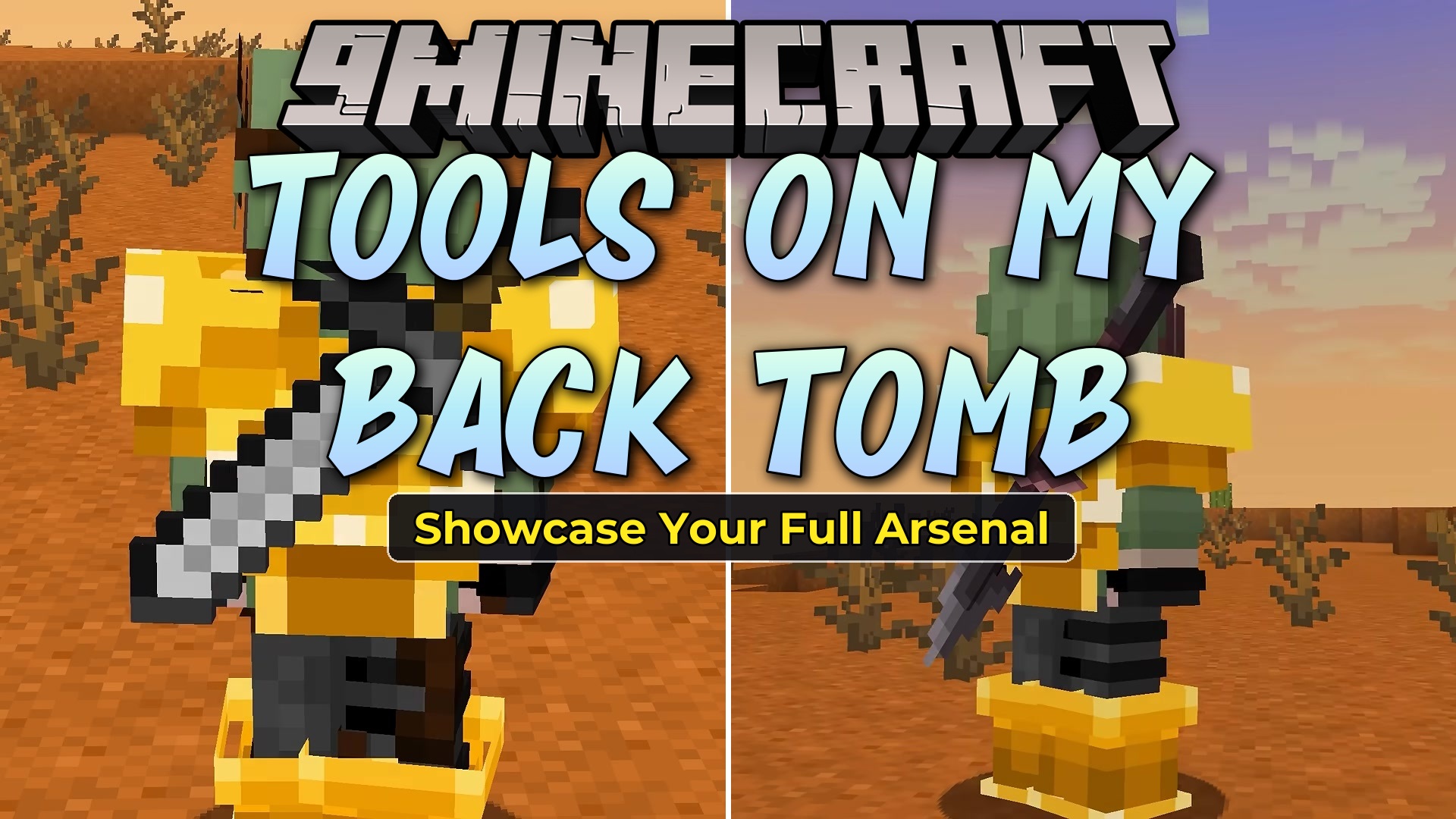
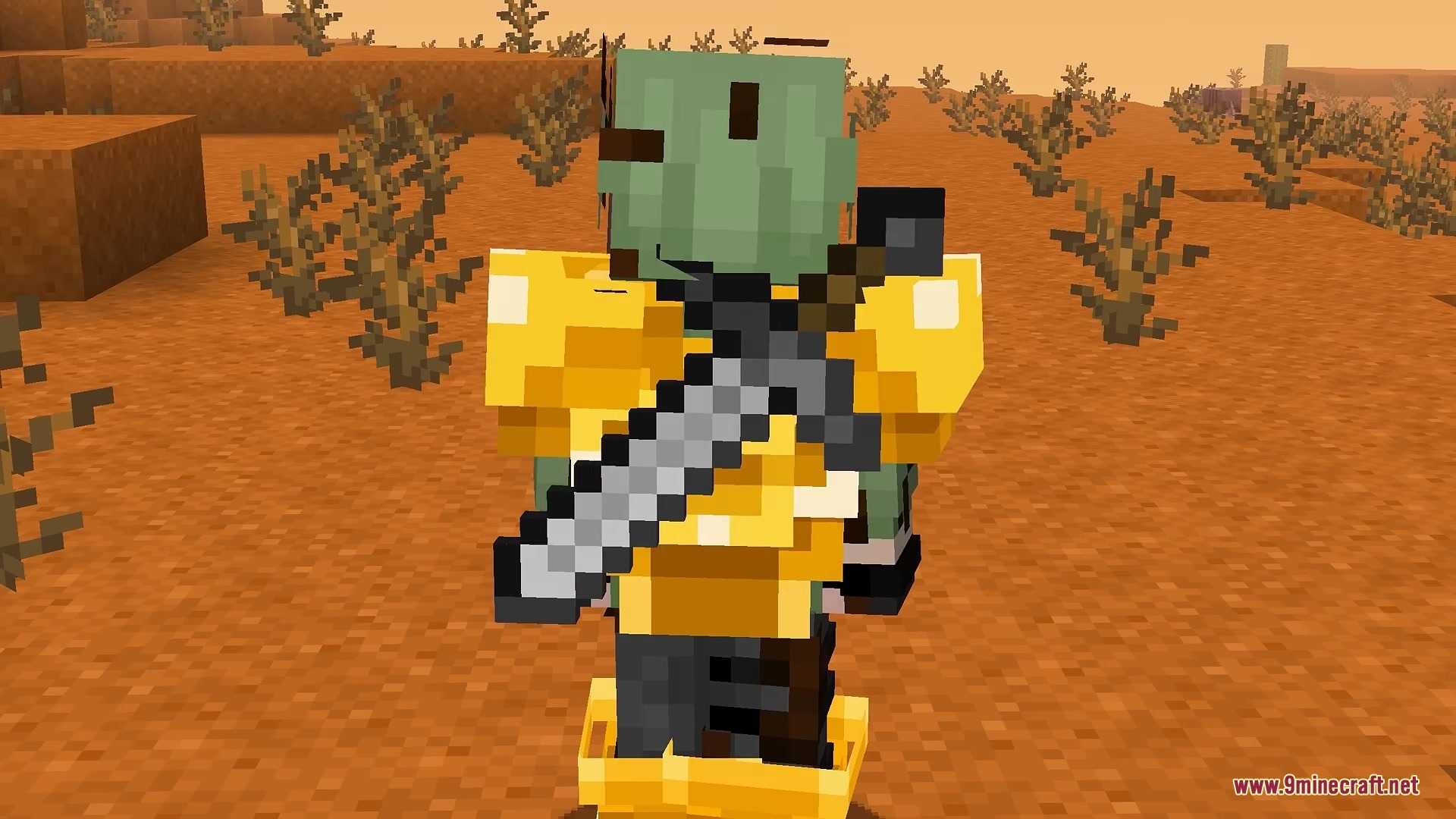
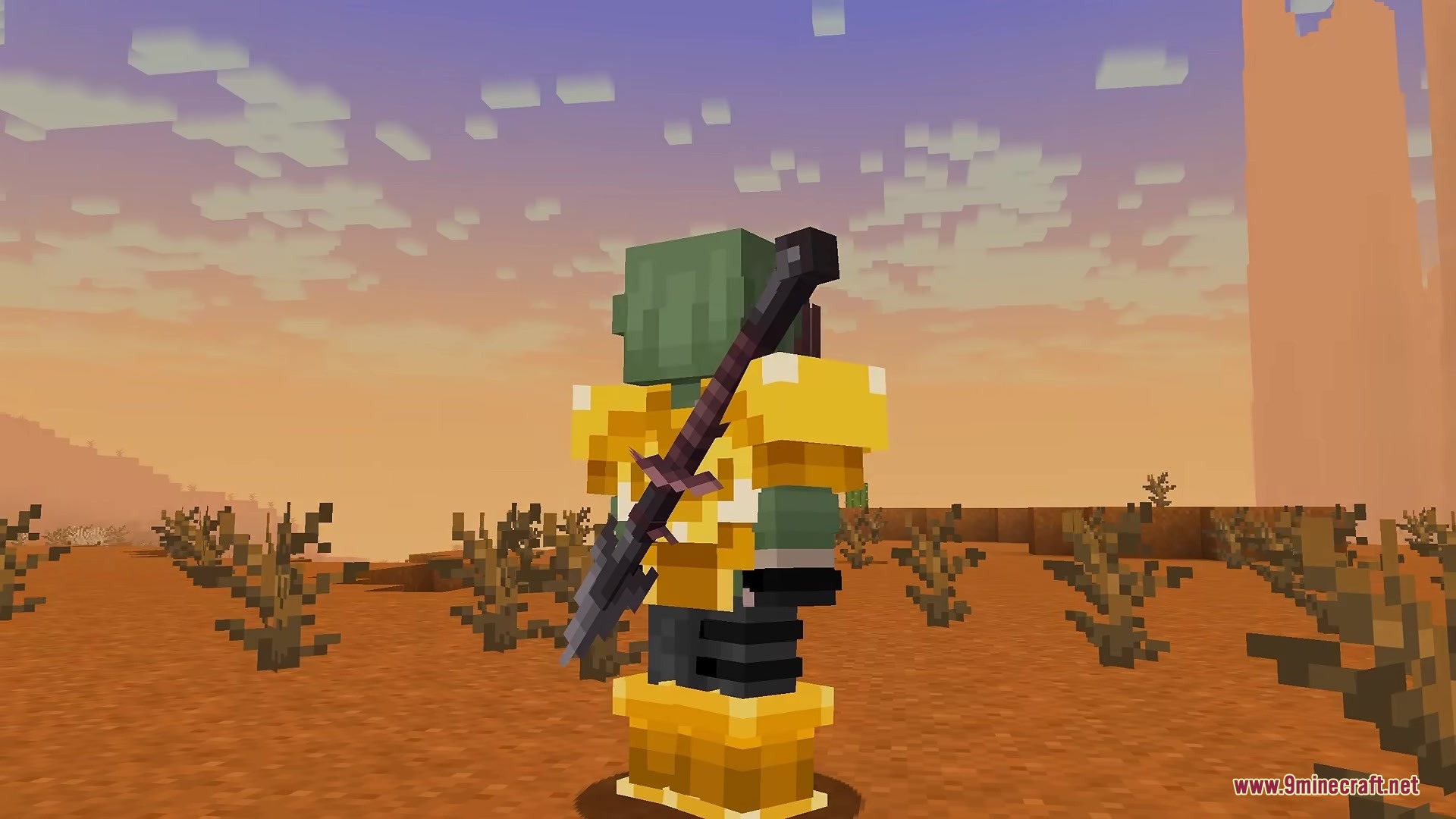
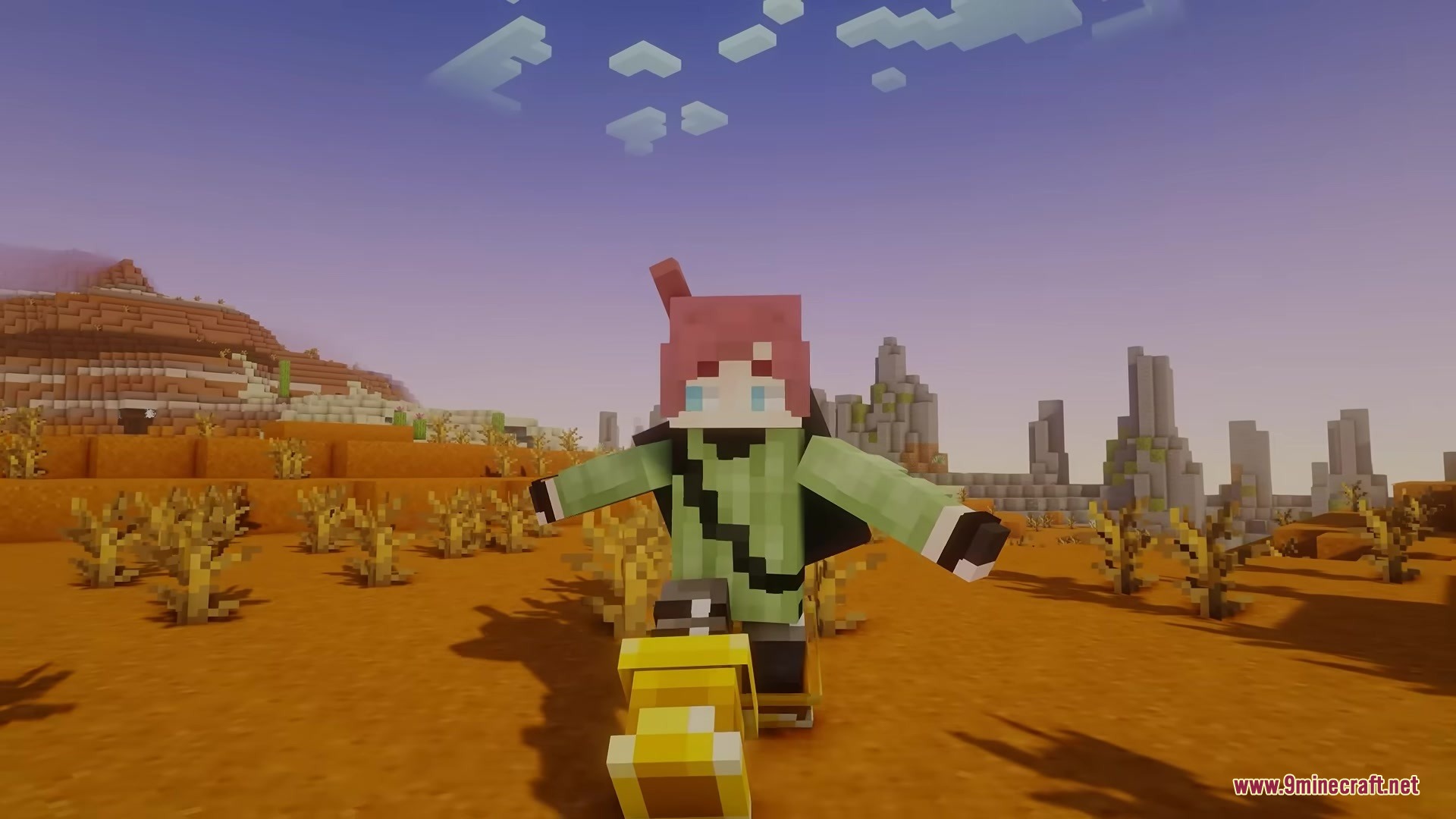
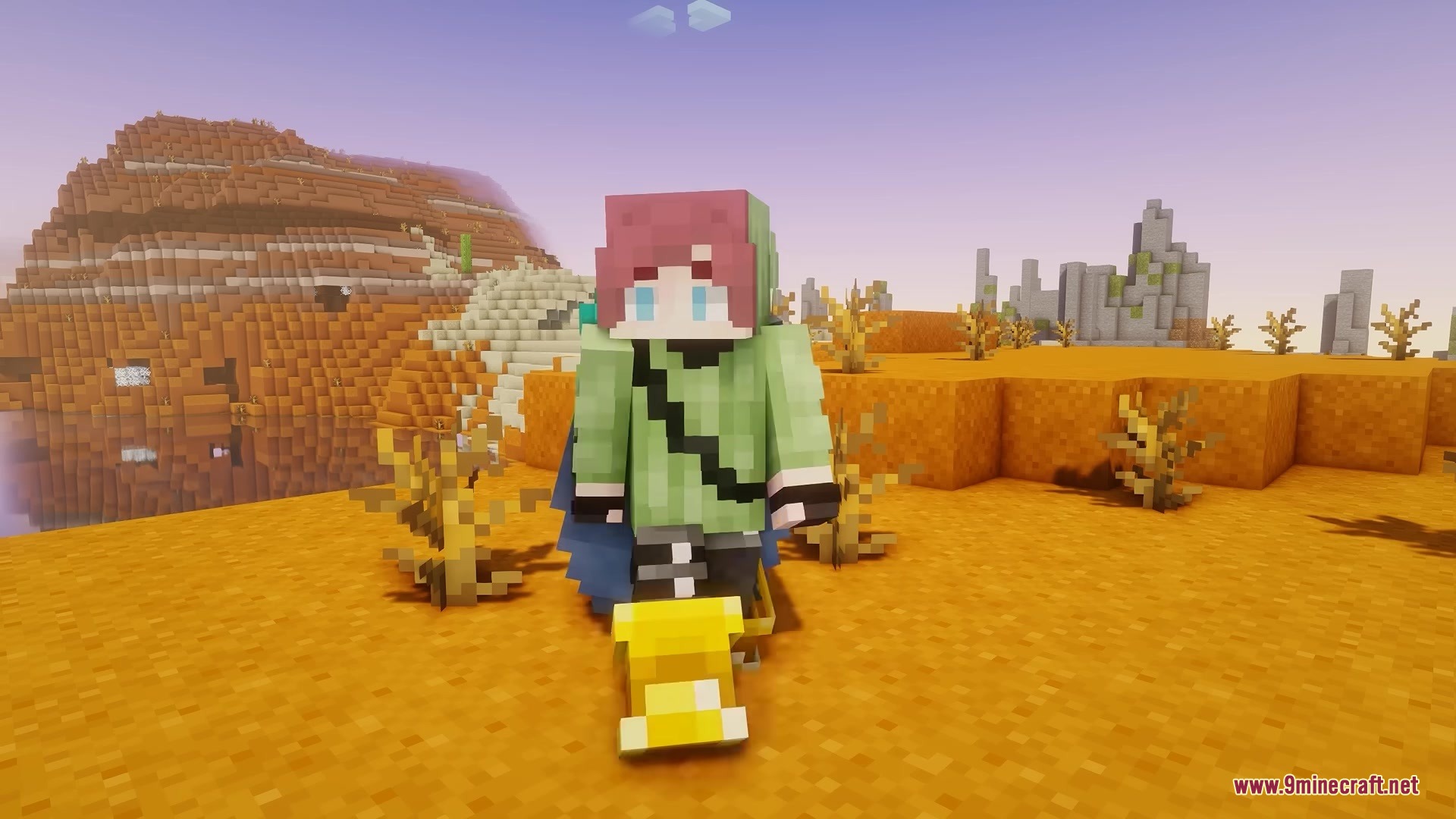
Tools on My Back TOMB Mod puts the last item you used right on your character’s back. This mod gives you the look of a true adventurer by showing off your swords, pickaxes, or even custom items when you put them away. It runs completely on your side of the game, meaning you can join any multiplayer server and still see your gear while playing. You do not have to worry about it breaking other additions, as it plays nicely with custom models and resource packs. Whether you hold items in your right or left hand, this feature updates automatically to match your style.
Features:
- Visual Gear: Displays the last tool or weapon you held directly on your back.
- Works on multiplayer servers without needing the server to install anything.
- Updates perfectly whether you play left-handed or right-handed.
- Supports custom 3D models from your favorite resource packs.
- Lets you wear capes and elytra wings at the same time as your tools.
Configuration:
enableMod: turns the visual display on or off.renderWithCape: lets you show tools while wearing a cape.renderWithElytra: lets you show tools while wearing elytra wings.itemId: targets the exact name of the item you want to adjust.is3DModel: tells the game if the item is flat or a 3D shape like a shield.scale: makes the item look bigger or smaller on your back.angle: spins the item so it sits at the perfect tilt.offsetX: moves the item left or right.offsetY: moves the item up or down.offsetZ: moves the item closer or further from your body.
You can edit the main item list by opening the config file located at /config/tools-on-my-back.json5:
{
  "enableMod": true,
  "renderWithCape": true,
  "renderWithElytra": true,
  "tools": [
    {
      "enabled": false,
      "itemId": "minecraft:diamond_sword",
      "group": "BACK",
      "is3DModel": false,
      "scale": 1,
      "angle": 0,
      "offsetX": 0.0,
      "offsetY": 0.0,
      "offsetZ": 0
    }
  ]
}
How to Use:
- Hold any tool or weapon in your main hand.
- Switch to a different item or an empty hand to see the first item snap to your back.
- Open the YACL in-game menu to turn the feature on or off quickly.
- Open the config file in your game folder to manually add new items from other mods.
Screenshots:
Tools on My Back TOMB Mod Download Links
- Edition: Minecraft Java
- File type: .jar
- Minecraft version listed: 1.21.11
- How to install: Install the matching mod loader (Forge, Fabric or NeoForge) for your Minecraft version. → Download the .jar. → Put it in the .minecraft/mods folder and launch that loader profile.
- Where to get it: In MC Java Mods, or directly above on this page.
Install steps are the general flow for this file type — How to install Minecraft Java mods & modpacks walks through it step by step.
- Downloads as 391422.mcaddon
- Download size: 104 KB
- Download link checked 22 Sept 2026 — working
- Mirrored on our own servers — the download does not depend on the original host
These come from our own check of the pack file, not from the source page.