ModsJava
Armor Quick Swap Mod (26.2, 1.20.1) – Instantly Swap Your Mining Gear
Java mod listed for Minecraft 1.20. Downloads from the MC Java Mods app on Android.
⬇ Download





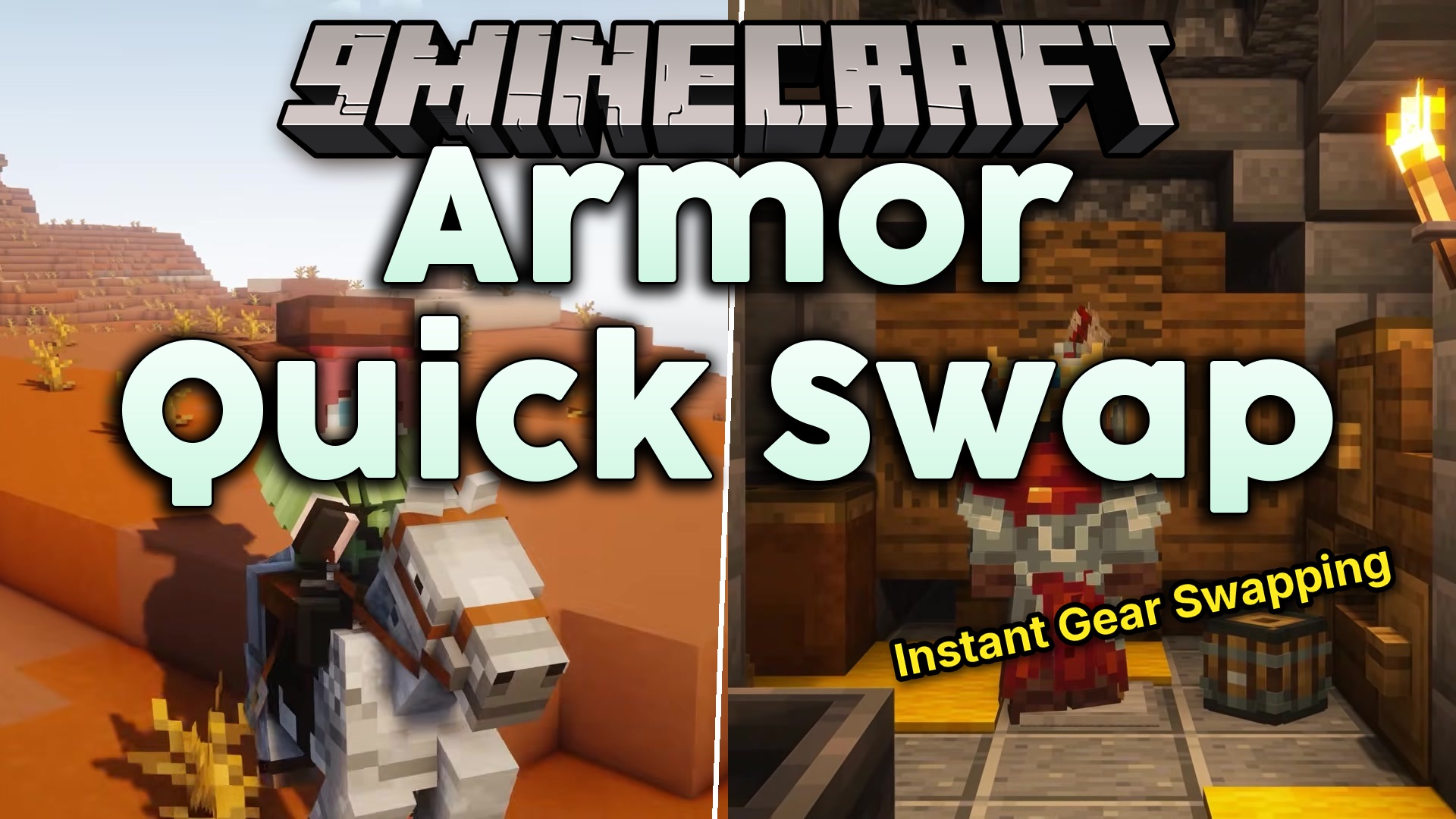
Armor Quick Swap Mod lets you change your gear in a flash. Instead of dragging items around, you just right-click an armor piece in your inventory to equip it. It instantly trades places with whatever you are currently wearing. You can even change your whole outfit at once by sneaking and right-clicking an armor stand. This saves you time when you need to switch from mining clothes to battle armor.
Features:
- Inventory Swapping: Right-click any armor piece in your bags to instantly put it on.
- Armor Stand Swapping: Sneak and right-click an armor stand to trade your worn clothes for the ones on the stand.
- Places your old gear exactly where the new gear used to be.
- Works on both single-player worlds and multiplayer servers.
How to Use:
- Open your inventory and find the armor piece you want to wear.
- Right-click the item to instantly put it on.
- To swap a full set, walk up to an armor stand holding gear.
- Hold the Sneak key and right-click the stand to trade outfits.
Screenshots:
Armor Quick Swap Mod Download Links
Quick facts
- Edition: Minecraft Java
- File type: .jar
- Minecraft version listed: 1.20.1
- How to install: Install the matching mod loader (Forge, Fabric or NeoForge) for your Minecraft version. → Download the .jar. → Put it in the .minecraft/mods folder and launch that loader profile.
- Where to get it: In MC Java Mods, or directly above on this page.
Install steps are the general flow for this file type — How to install Minecraft Java mods & modpacks walks through it step by step.
File checked by MCModsHub
- Downloads as 391423.mcaddon
- Download size: 31 KB
- Download link checked 25 Sept 2026 — working
- Mirrored on our own servers — the download does not depend on the original host
These come from our own check of the pack file, not from the source page.