
Simple Camera
Third-person camera control: distance, height, offset, a free camera to place it by eye, plus an optional rotation lock.
⬇ Download on Modrinth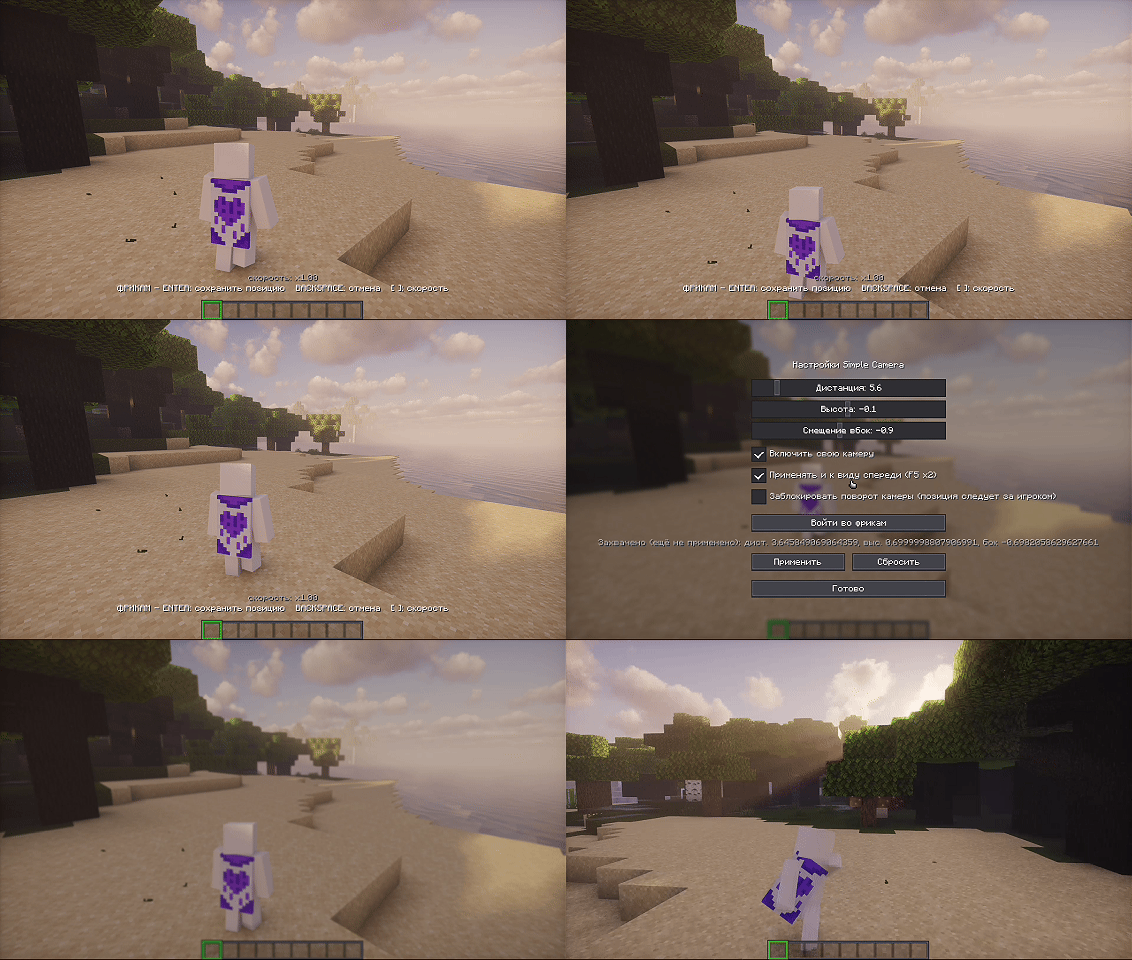
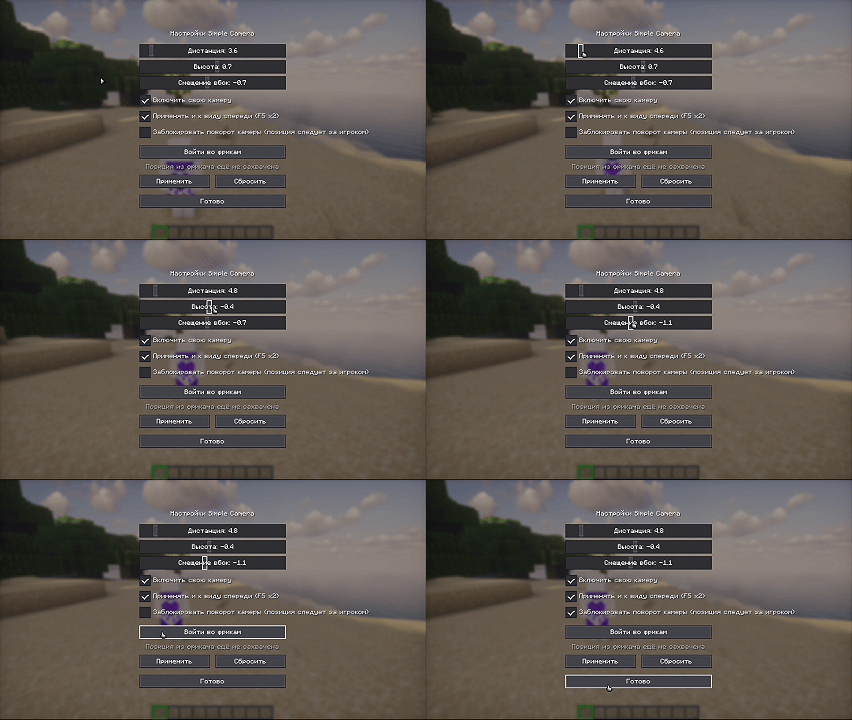
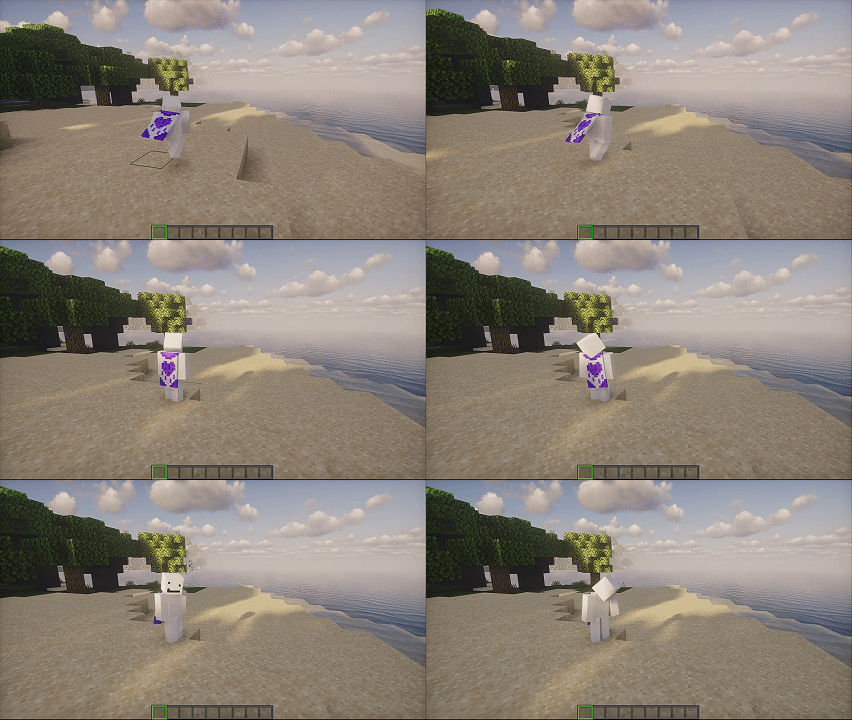
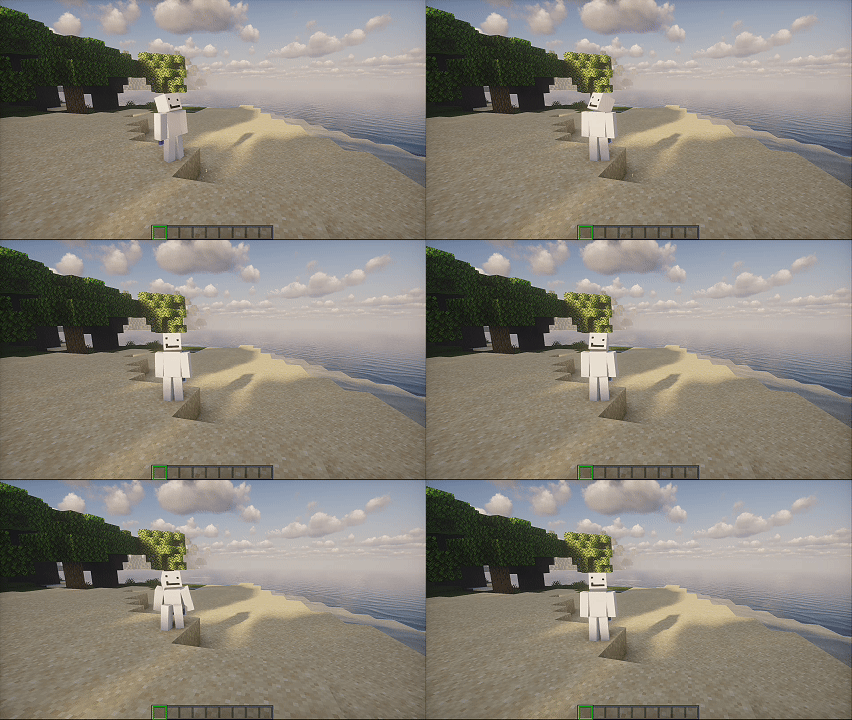
A camera that listens to you, not the other way around.
Adds proper third-person camera control to Minecraft.
You can adjust distance, height, and side offset — the camera follows the slider live, while you're still dragging it, not just after you let go.
If it's hard to dial in the numbers by eye, there's a free camera: turn it on, fly around, park wherever looks right, then hit Enter — that spot becomes your camera.
And if the camera keeps whipping around with every twitch of your mouse, you can lock its rotation. It stops turning, but keeps following you wherever you go.
Distance can stretch out to 40 blocks — the camera won't clip through walls.
⌨️ Controls Key Action K toggle freecam Enter save position Backspace exit without saving [ ] flight speed
- Edition: Minecraft Java
- File type: .jar
- Minecraft version listed: 1.21.1
- How to install: Install the matching mod loader (Forge, Fabric or NeoForge) for your Minecraft version. → Download the .jar. → Put it in the .minecraft/mods folder and launch that loader profile.
- Where to get it: Opens on Modrinth — not every file is mirrored on our own servers.
Install steps are the general flow for this file type — How to install Minecraft Java mods & modpacks walks through it step by step.
- Ships as simplecamera-1.1.0.jar — drop this file into the mods folder
- Download size: 170 KB
- Download link checked 15 Sept 2026 — working
These come from our own check of the pack file, not from the source page.