
WorldShift
Notes⚠️ NOTE: Versions below 2.7.1 have been removed and are no longer supported.
⚠️ NOTE: Versions up to 5.0 may contain bugs, crashes or overlap issues while developing continues.
About
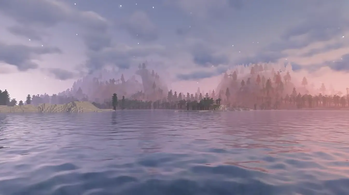
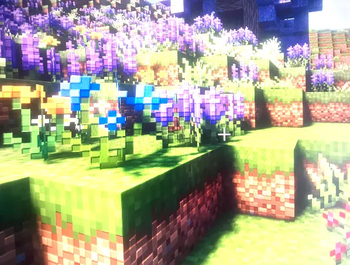
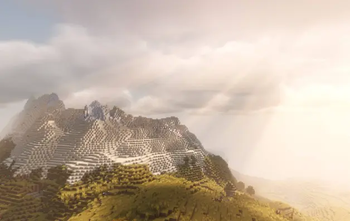
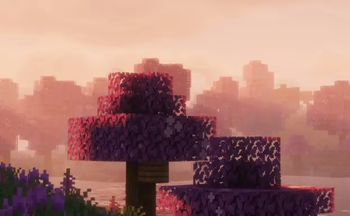
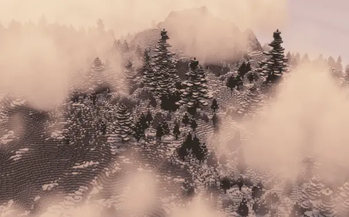
WorldShift is a Minecraft modpack designed to completely upgrade the way you play. Whether you enjoy exploring new biomes, building massive creations, fighting powerful bosses, discovering new structures, or improving your everyday gameplay, WorldShift aims to bring something for everyone.
Thats why this modpack combines:
Exploration
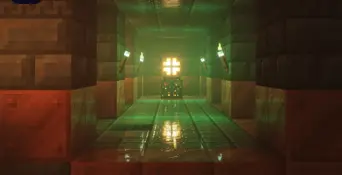
- Discover new dimensions, structures and new varitions
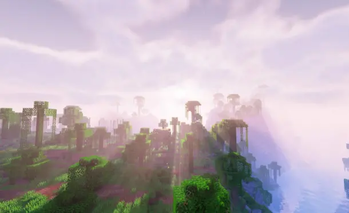
- Owerhauled terrain generation, and over 300 new biomes
- A end update
- A nether, but double its size and biomes
Building & Creativity
- More blocks, decoration options, and building improvements
- And a selection of mods to help you build faster and more efficiently
Combat & Adventure
- New mobs and bosses throughout all dimensions
- Even more tiers of weapons
Quality of Life
- Useful improvements that make Minecraft more efficent
- Efficenter inventory, UI, and gameplay features
Performance Improvements
- Optimization mods to improve FPS and loading times
- Tweaks to make the pack run better on more systems
License
WorldShift is licensed under the MIT License.
You are allowed to:
- Use this project
- Modify it
- Share it
- Include it in your own videos
As long as the MIT License is included and proper credit is given to the original project.
DevelopmentWorldShift is constantly evolving with new updates, improvements, and changes. Future versions may add new content, rebalance existing features, or improve performance. WorldShift may also not be able to run smoothly on PCs under on worser PCs.
Crashes and OptionsThe upcoming Update 5.0 will provide more mods, as well as deprive incompatible or useless mods for a smoother experience and fewer crashes.
Update 10.0 will have preset options, fresh out of the box, like moving the UI to a safe spot to remove overlap issues, special settings for Shaders, and even my custom Sodium settings.
Mods I couldn't Include- Edition: Minecraft Java
- File type: .jar
- Minecraft version listed: 1.21.1
- How to install: Install the matching mod loader (Forge, Fabric or NeoForge) for your Minecraft version. → Download the .jar. → Put it in the .minecraft/mods folder and launch that loader profile.
- Where to get it: Opens on Modrinth — not every file is mirrored on our own servers.
Install steps are the general flow for this file type — How to install Minecraft Java mods & modpacks walks through it step by step.
- Downloads as WorldShift 4.2.mrpack
- Download size: 14.1 MB
- Download link checked 15 Sept 2026 — working
These come from our own check of the pack file, not from the source page.