
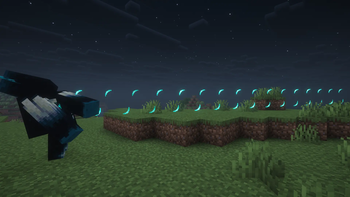
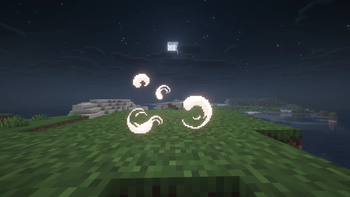
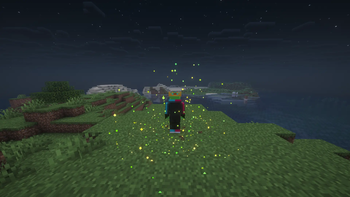
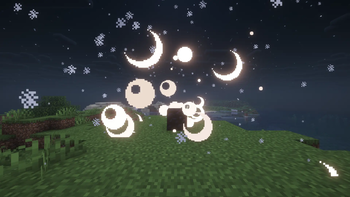
✨ Micro-Particles Resource Pack ✨
Transform your Minecraft world into a magical, hyper-detailed experience with Micro-Particles! This pack overhauls the game's visual effects, replacing standard particles with ultra-refined.
🌟 Key Features
Hyper-Detailed Effects: Almost every particle has been meticulously redesigned to be smaller, smoother, and vastly more immersive.
Vanilla-Friendly Style: Maintains the classic Minecraft charm while pushing visual quality to the next level.
📥 Installation
Download the .zip file.
Open Minecraft and go to Options > Resource Packs.
Click Open Pack Folder and drop the downloaded .zip file inside.
Move the pack from the left column to the right column in-game and hit Done!
Note: For the best visual experience, the use of a compatible shader pack is recommended, but not required.
- Edition: Minecraft Java
- File type: .zip (resource pack)
- Minecraft versions listed: 1.14, 1.14.1, 1.14.2
- How to install: Download the .zip resource pack — do not unzip it. → Put it in .minecraft/resourcepacks. → Enable it in Options → Resource Packs.
- Where to get it: Opens on Modrinth — not every file is mirrored on our own servers.
Install steps are the general flow for this file type — How to install Minecraft Java resource packs walks through it step by step.
- Downloads as MicroParticles.zip
- Download size: 126 KB
- Download link checked 15 Sept 2026 — working
These come from our own check of the pack file, not from the source page.