
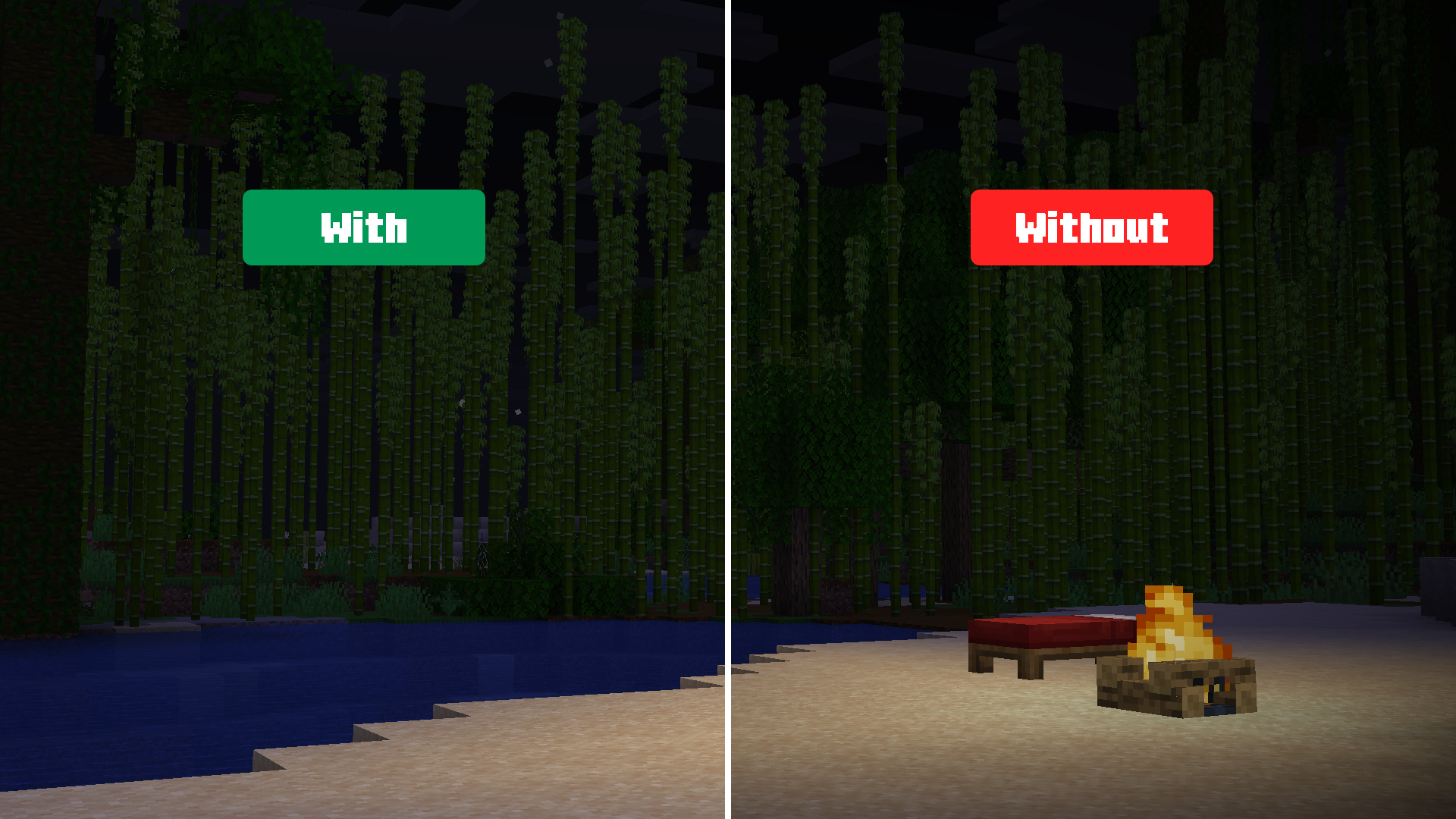
ChillByte – No Vignette is a lightweight texture pack that removes the dark vignette overlay around the edges of your screen, giving you a completely clear, unobstructed view.



✨ Features
- Removes the dark vignette screen overlay
- Gives you a clear, unobstructed view in all environments
- Lightweight client-side resource pack
- No performance impact
- Works with Vanilla, Sodium, and OptiFine
📦 Installation
- Download the
.zipfile - Open Minecraft → Options → Resource Packs → Open Pack Folder
- Paste the
.zipfile into the folder - Close and re-open the Resource Packs menu
- Enable ChillByte – No Vignette from the list
📸 Screenshots
| With | Without |
|---|---|
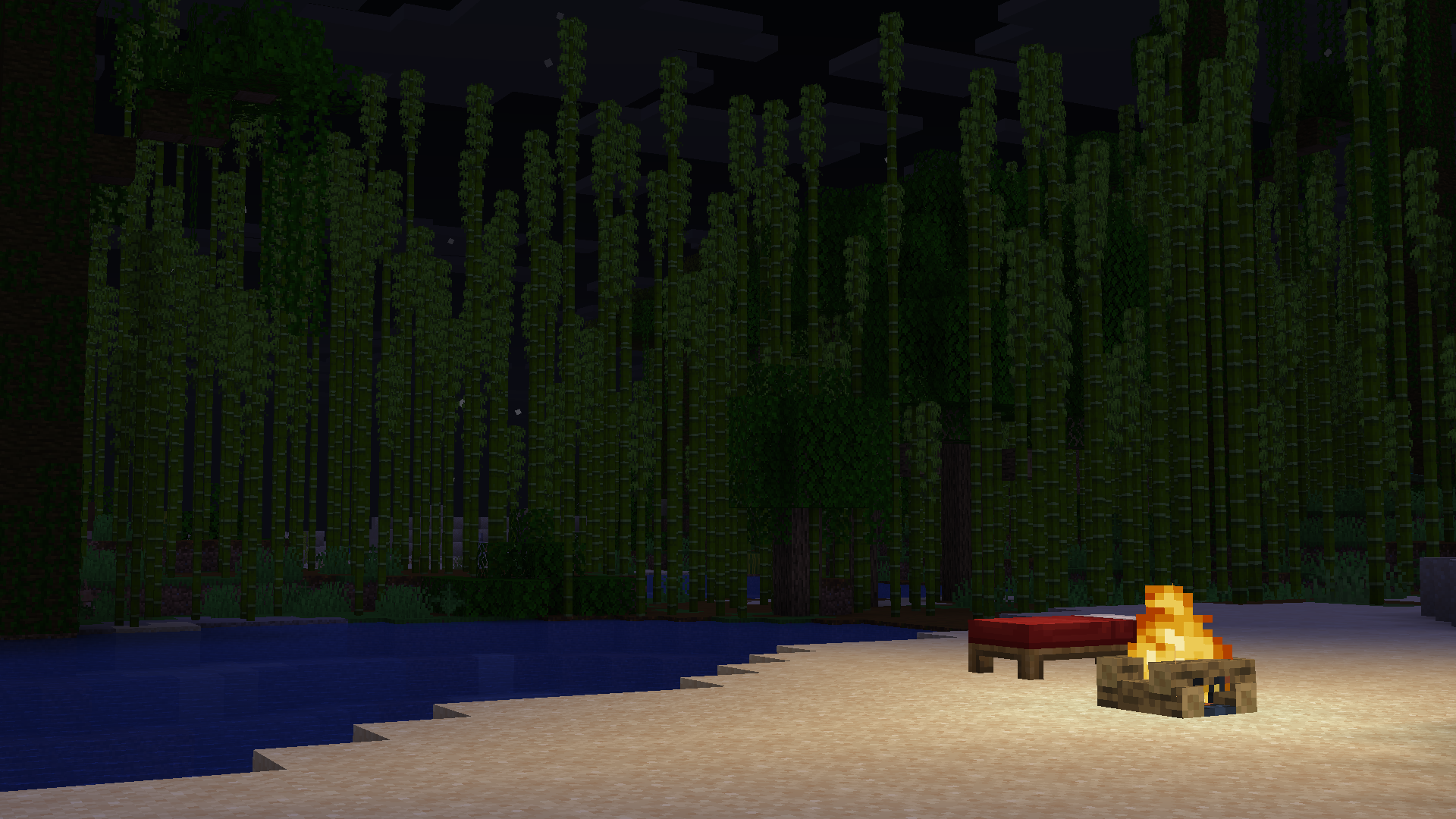 |
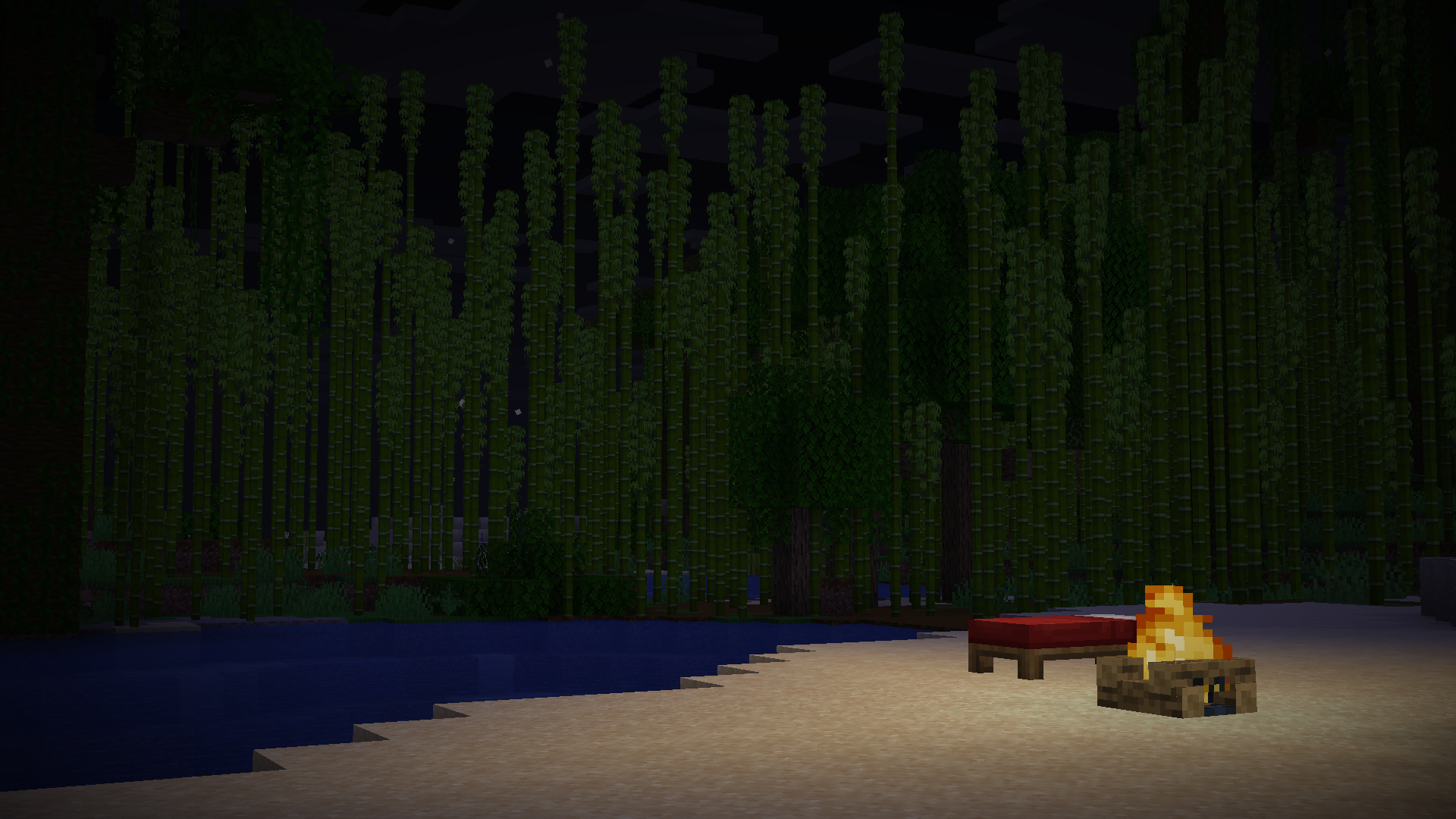 |
| View Full Size | View Full Size |
🧩 Compatibility
- Minecraft 1.8.9+
- Works without any mods
- Compatible with Sodium, OptiFine, and other mods
📧 Contact
For any concerns regarding ChillByte – No Vignette, contact me at: precisionzero.creator@gmail.com
🔒 License
All Rights Reserved
Quick facts
- Edition: Minecraft Java
- File type: .zip (resource pack)
- Minecraft versions listed: 1.8.9, 15w49b, 15w50a
- How to install: Download the .zip resource pack — do not unzip it. → Put it in .minecraft/resourcepacks. → Enable it in Options → Resource Packs.
- Where to get it: Opens on Modrinth — not every file is mirrored on our own servers.
Install steps are the general flow for this file type — How to install Minecraft Java resource packs walks through it step by step.
Verified by MCModsHub
- Downloads as ChillByte – No Vignette [1.0.0].zip
- Download size: 4 KB
- Download link checked 15 Sept 2026 — working
These come from our own check of the pack file, not from the source page.