RR Life System - Hardcore Challenge
Bring a thrilling hardcore challenge to your world! Players get exactly 3 lives. Lose them all, and you're permanently forced into spectator mode. Survive…
⬇ Download on CurseForge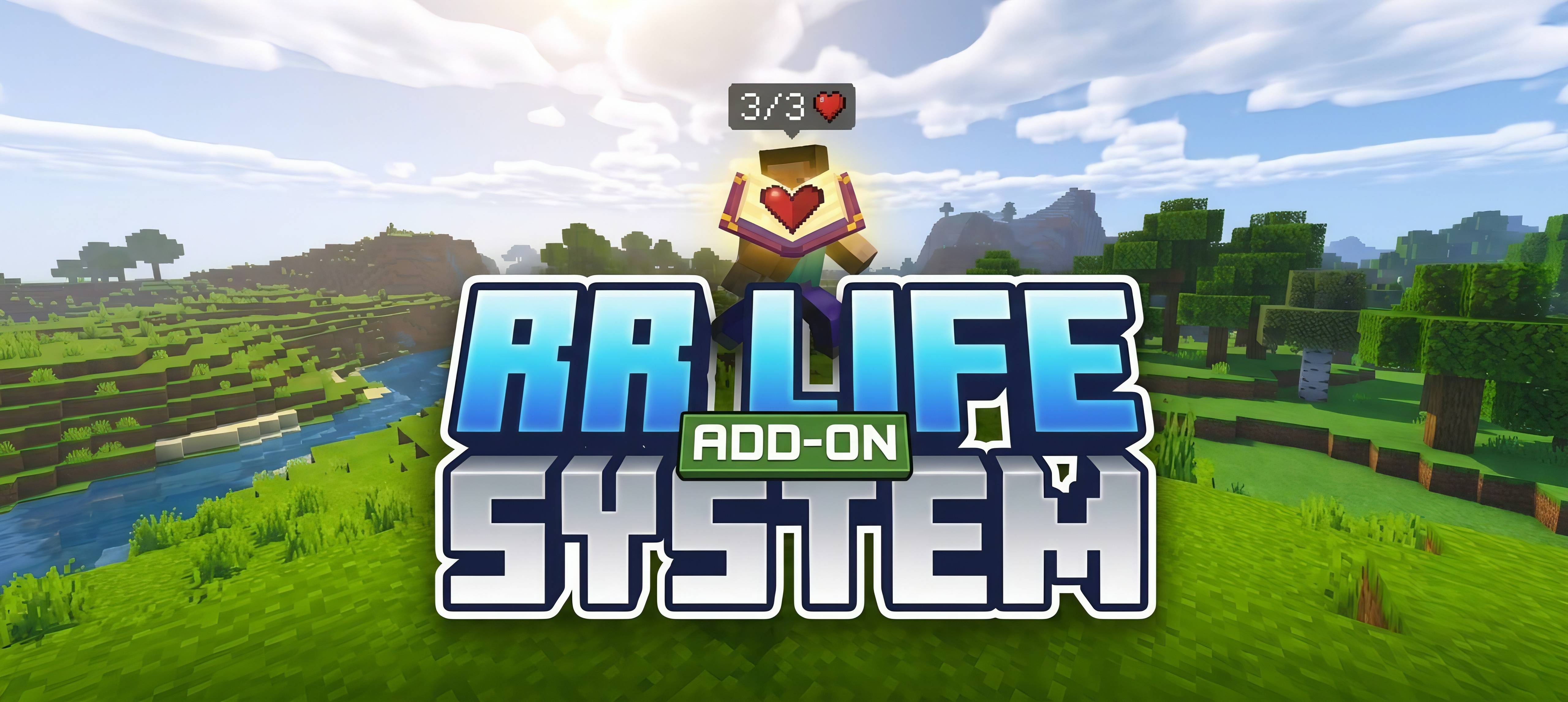
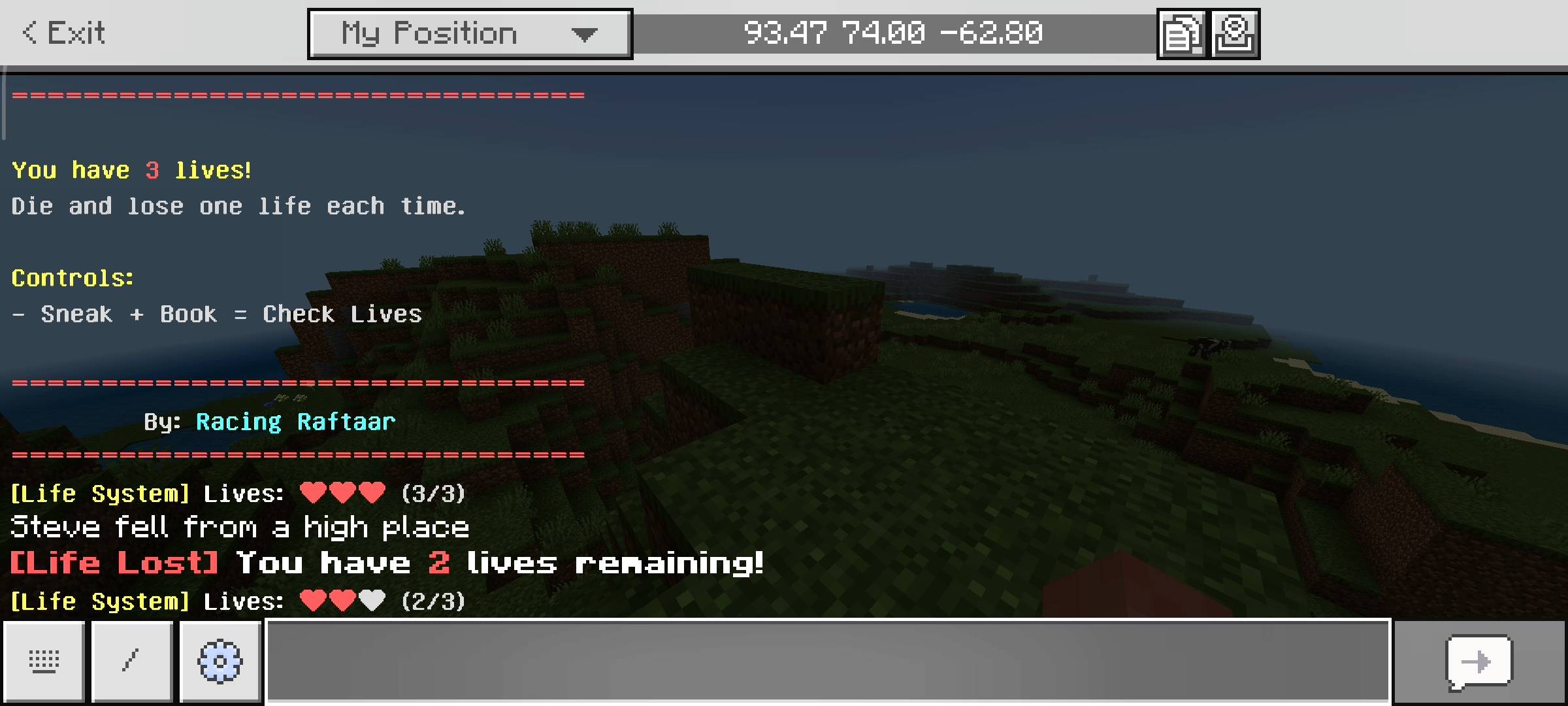
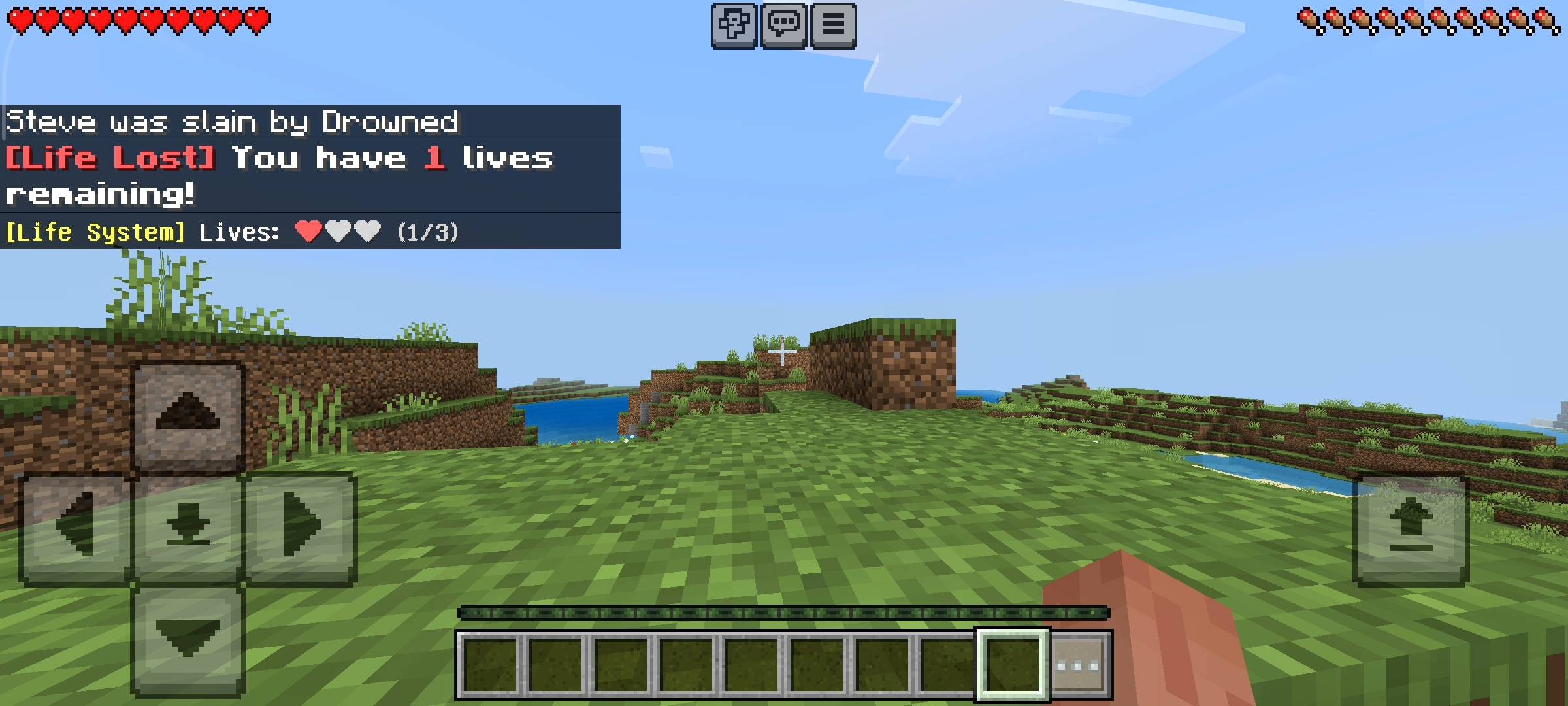
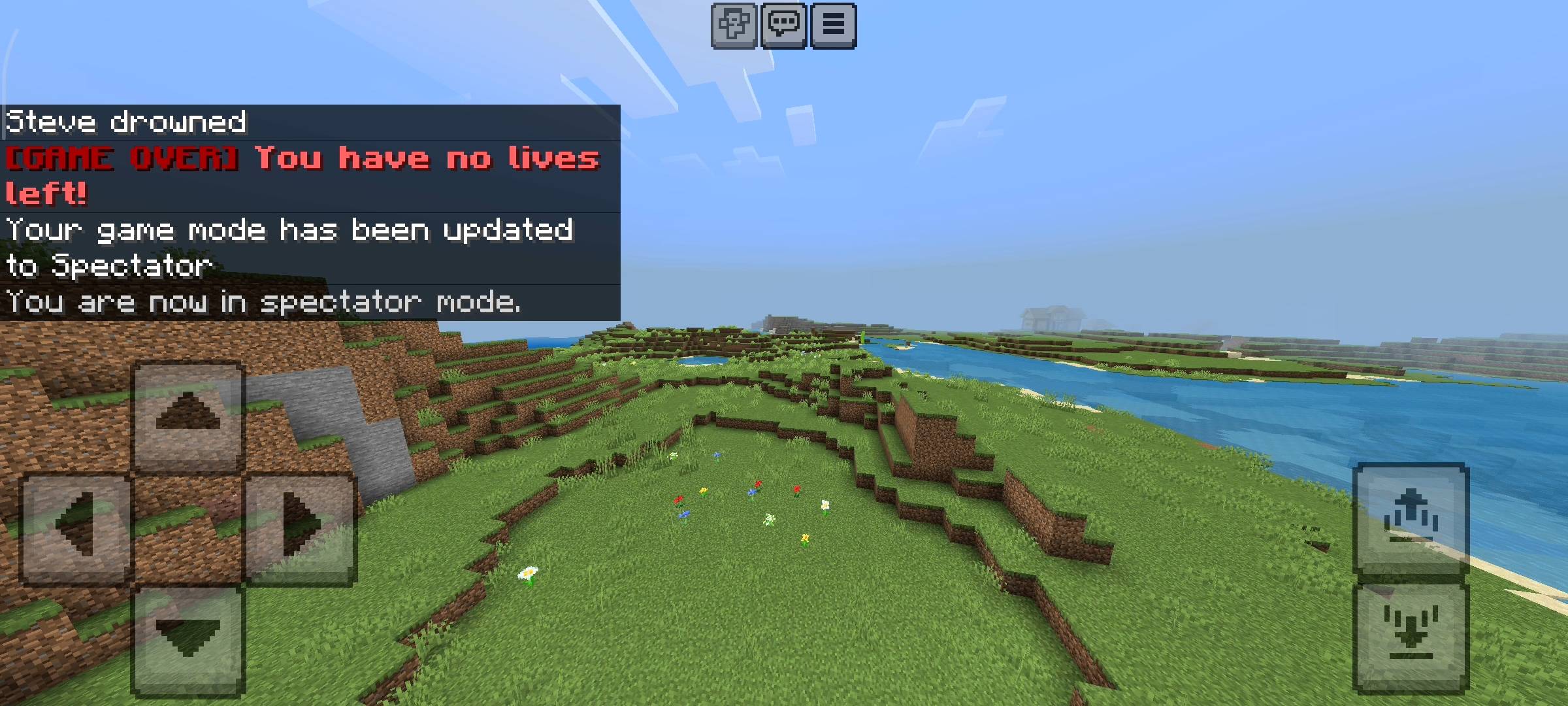
Whats up guys Racing Raftaar here. Today i am bringing you a very special addon for your survival worlds. So if you play normal minecraft survival you probably know that death doesnt really matter. You die, you lose some XP and your items might drop on the ground, but you just respawn at your bed and try again. You basically have infinite lives so there is no real fear. On the other hand, hardcore mode is way too stressful because one stupid mistake like a creeper dropping on your head or falling in lava means your entire world is deleted forever.
There is no middle ground at all. I wanted to make survival exciting and scary again without making it completely punishing for casual players. So i coded the RR Life System addon. This pack gives you exactly three lives to survive. It feels like you are playing an old school retro arcade game where every life matters.
How The Life System Works
When you first load into your world with this addon installed, a welcome message will pop up on your screen. It will tell you that you have 3 lives to start with. These are your only chances. Every single time you die in the game, whether it is from fall damage or getting killed by a zombie, you will lose exactly one life. The game will play a sad totem sound to let you know you messed up. It will also send a message in the chat saying Life Lost and show you exactly how many lives you have remaining. The fear starts creeping in when you are down to your last life because you know you cant make any more mistakes.
The Game Over Mechanic
So what actually happens when you lose all 3 lives? I didnt want to just delete your world because sometimes you build really cool stuff and you still want to look at it. When you hit 0 lives, it is officially Game Over. A deep bass sound will play and the screen will tell you that you have no lives left. Instead of respawning normally to keep playing, the game automatically forces you into spectator mode. This means you are basically a ghost. You can fly around your world, look at your house and watch your friends play, but you cannot break blocks, open chests or fight anymore. Your survival journey is completely finished. It is so perfect for raising the stakes.
UI Menu And Controls
I also added a really clean menu so you can check your status anytime during your gameplay. You dont need to type any long commands or use command blocks to see your lives. All you have to do is hold a normal regular book in your hand and sneak. A custom UI menu will pop up directly on your screen. It shows a cool visual with red hearts for the lives you currently have left and grey hearts for the lives you already lost. It just helps you keep track of your status if you forgot how many times you died during a long mining trip.

Multiplayer And Server Ideas
This addon is absolutely amazing if you are playing on a realm or a server with your friends. You can literally host your own Last Life or 3rd Life SMP series easily. Everyone gets 3 lives and you see who can survive the longest. People will actually start building secure bases, trading for better armor, and avoiding stupid risks because every single life is valuable. It completely changes how you and your friends play the game together.
How To Apply In Minecraft
I know some people get confused about how to install these custom packs so let me explain the steps clearly. First you just download the addon file from the link provided. If you are on mobile or PC you just double click or tap the file and it will automatically open minecraft and import it into your game. Then you create a new world, scroll down to the behavior packs and resource packs section, and activate the RR Life System. Make sure you apply it correctly before you press the create button so it loads up perfectly on the first try.
Beta APIs Setup
This is the most important step guys. Because this addon uses dynamic properties to permanently save your exact life count even if you leave the server, and it uses custom scripts for the book menu, you absolutely must turn on the Beta APIs experiment in your world settings. If you dont turn it on, the lives will not track properly and the book menu wont open at all.

AI Disclaimer
The main cover picture and the screenshots in the gallery were enhanced using ai image generators.
- Edition: Minecraft Bedrock
- File type: .mcpack or .mcaddon
- Minecraft versions listed: 26.0.02, 26.0, 26.3
- How to install: Download the .mcpack or .mcaddon file. → Open it — Minecraft imports it. → In your world: Behavior Packs → Available → Activate, then the same under Resource Packs.
- Where to get it: Opens on CurseForge — not every file is mirrored on our own servers.
Install steps are the general flow for this file type — How to install Minecraft Bedrock addons & mods walks through it step by step.
- Pack type: .mcpack — a single pack
- Manifest requires Minecraft 1.21.0 or newer
- Complete pack — everything it depends on is inside the file
- Download size: 11 KB
- Download link checked 15 Sept 2026 — working
These come from our own check of the pack file, not from the source page.