
Replay Director V2 - Cinematic Replay Add-on
Turn your Minecraft gameplay into cinematic videos with replay controls, 36 cinematic camera presets, manual keyframes, custom camera paths, and powerful…
I don't know my version

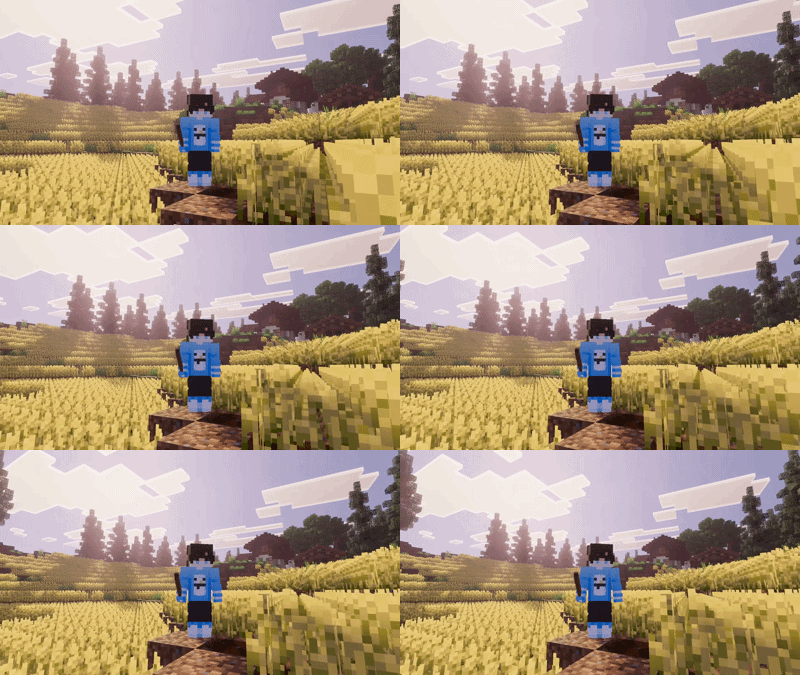
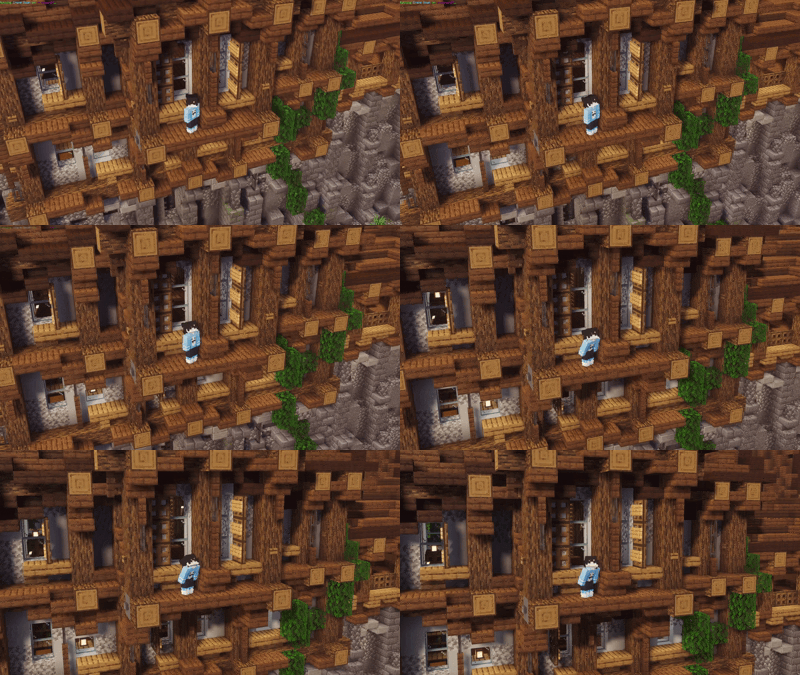
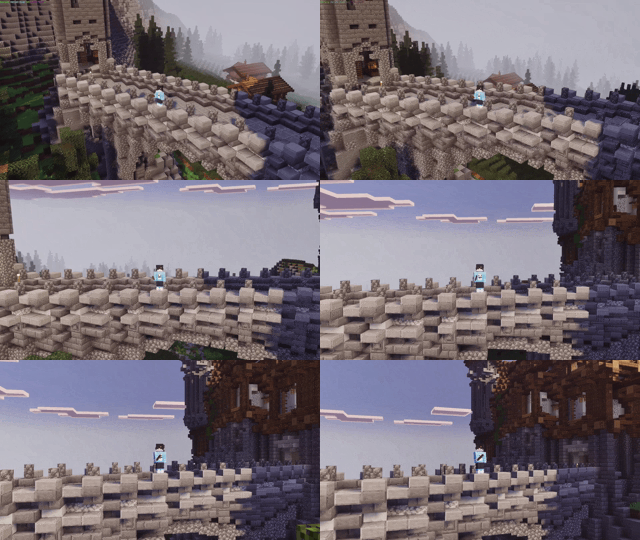
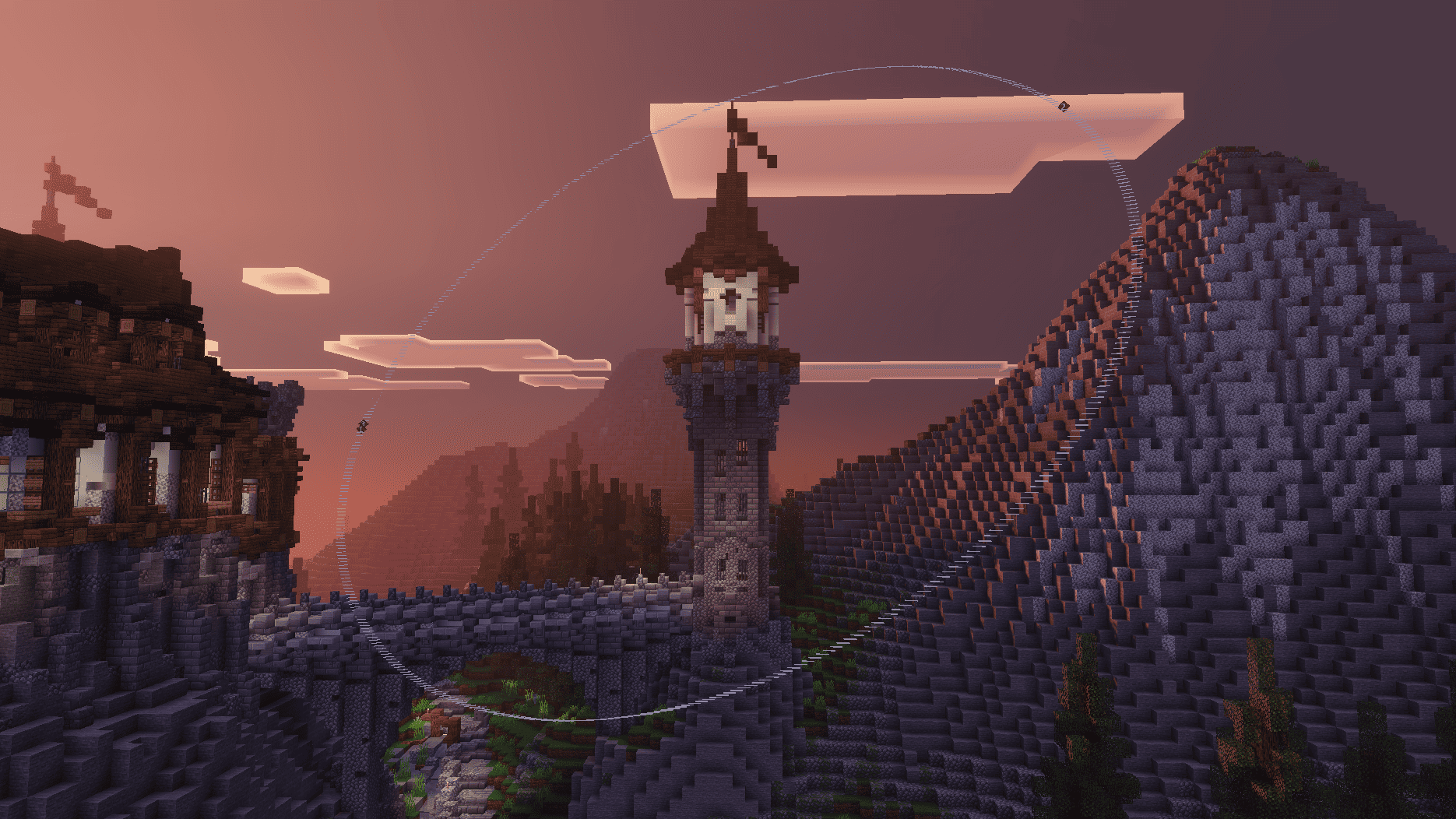
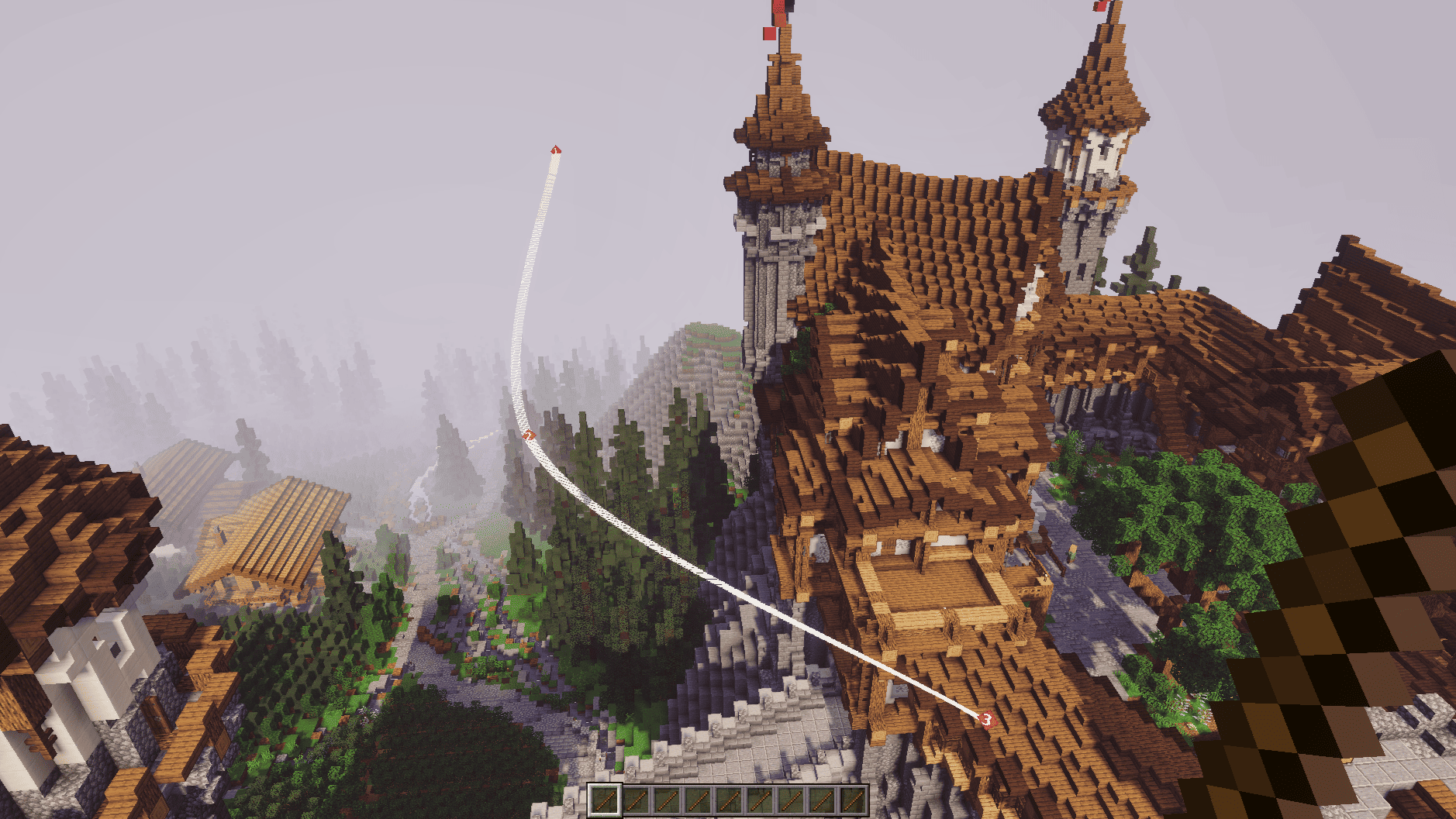
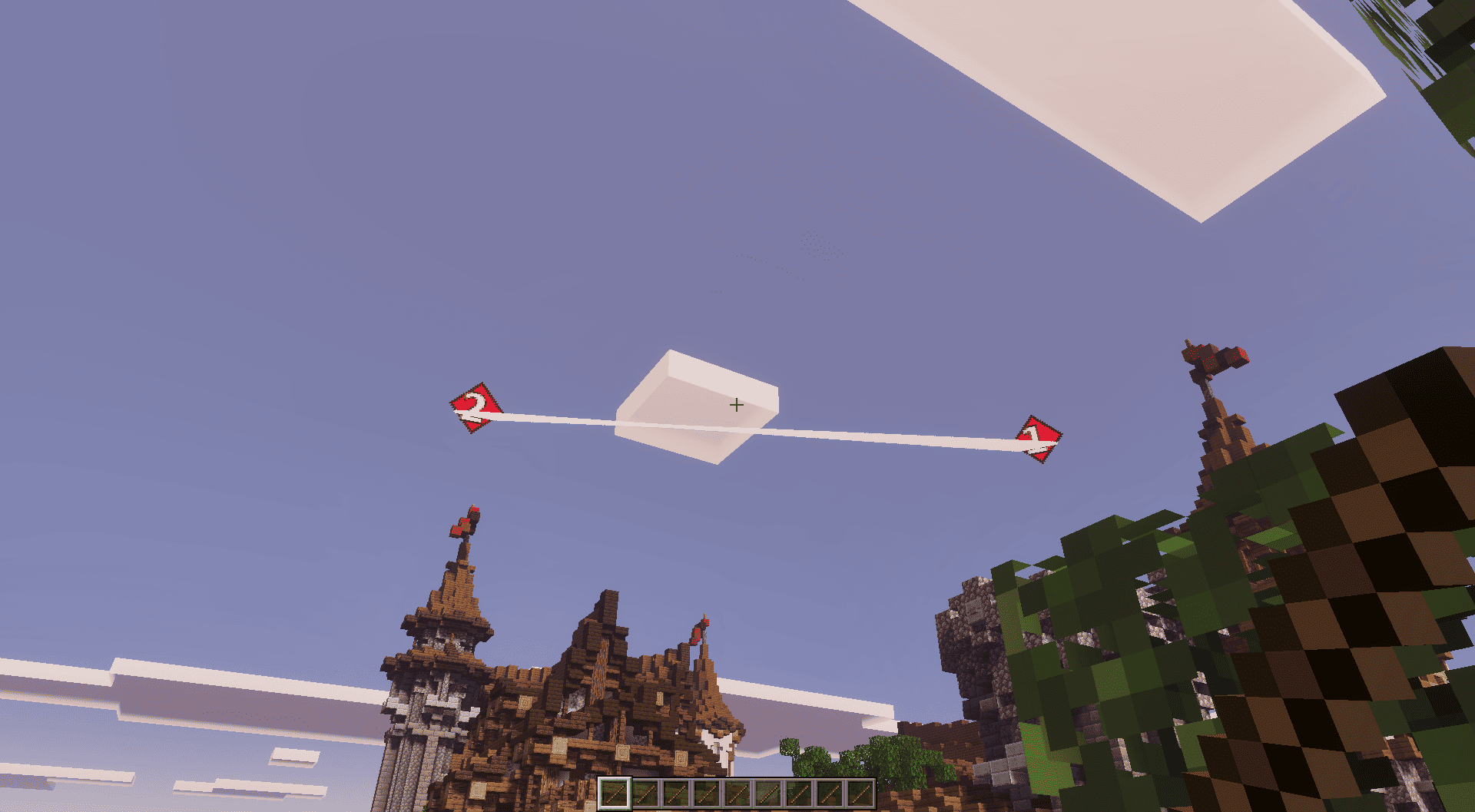

The Ultimate Replay & Cinematic Camera Add-On for Minecraft Bedrock Edition
Bring the Java Replay Mod experience to Minecraft Bedrock Edition.
Replay Director lets you record your gameplay, replay your scenes, and create cinematic camera shots directly inside Minecraft. Whether you're making YouTube videos, Shorts, PvP cinematics, roleplay scenes, trailers, or cinematic showcases Replay Director puts you in control of the camera.
━━━━━━━━━━━━━━━━━━━━
⭐ Why Replay Director?
Replay Director combines a powerful replay system with professional camera tools, cinematic presets, keyframes, and timeline controls all inside Minecraft Bedrock.
🎥 RAW Replay Experience
• Record Gameplay
• Replay Recordings
• Replay Library
• Save & Load Replays
• Pause / Resume
• Slow Motion
• Reverse Playback
• Playback Speed Control
• Timeline Scrubbing
🎬 36 Cinematic Camera Presets
Create cinematic shots without building every camera movement yourself.
• Hero Shots
• Orbit Shots
• Dolly Zoom
• Push In / Pull Out
• Reverse Dolly
• Reveal Shots
• Crane & Drone Shots
• Bird's Eye View
• Low & High Angle
• Over The Shoulder
• Tracking Shots
• Action Shots
• First Person Cinematic
• Walk & Talk
• Two-Player Cinematics
👥 Two-Player Cinematic Shots
Create dedicated cinematic scenes around two characters.
• Duel OTS
• Legs Reveal
• Face-to-Face
• Two-Shot Orbit
• Standoff
🎥 Professional Camera System
Take complete control over your camera and create your own movements.
• Manual Camera Mode
• Camera Keyframes
• Custom Camera Paths
• Camera Timeline
• Linear Movement
• Ease In
• Ease Out
• Ease In & Out
• Adjustable Keyframe Timing
📈 Timeline Editor
Control your replay and find the exact moment you need.
• Timeline Scrubbing
• Playback Speed Control
• Pause / Resume
• Reverse Playback
• Precise Replay Navigation
⭐ Favorites & Last Preset
Favorites lets you save the presets you use most.
Last Preset remembers your most recently used preset and its settings, so you can quickly return to your previous camera setup.
🌈 Vibrant Visuals Support
Replay Director supports Minecraft Bedrock Vibrant Visuals/PBR rendering on supported versions and devices.
━━━━━━━━━━━━━━━━━━━━
🎬 What Can You Create?
🎥 YouTube Videos
📱 YouTube Shorts
⚔️ PvP Cinematics
🎭 Roleplay Scenes
🎞️ Minecraft Trailers
📖 Storytelling & Machinima
🏰 Cinematic World Showcases
🎬 Character & Action Scenes
━━━━━━━━━━━━━━━━━━━━
📦 Installation
1. Import the Replay Director .mcaddon.
2. Enable the Behavior Pack and Resource Pack.
3. Enter your world.
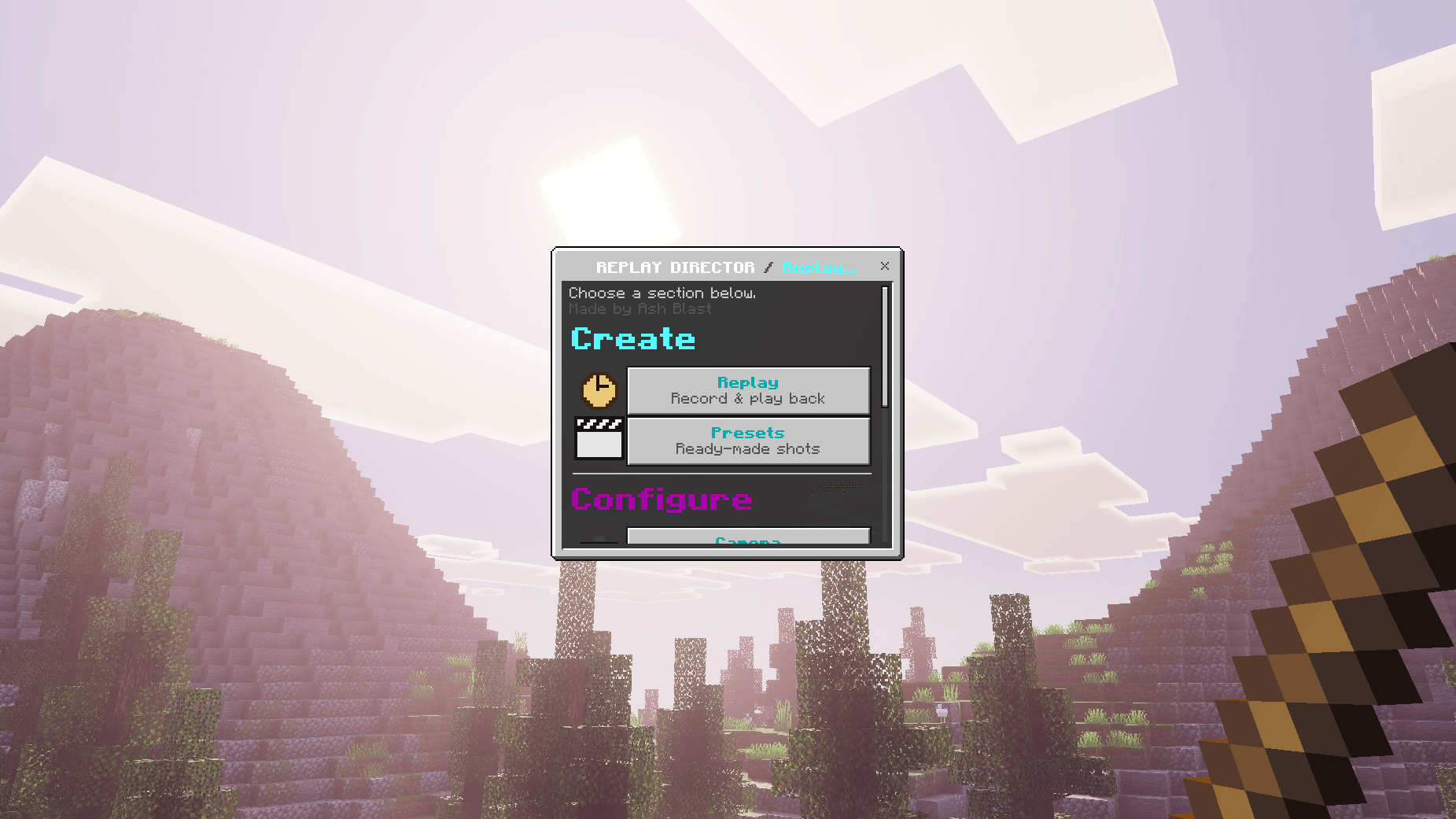
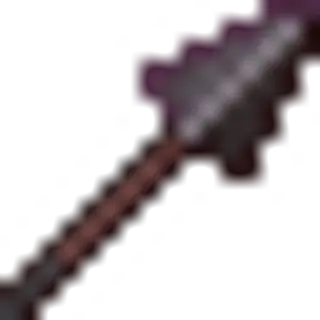
4. Use the Director Stick to open Replay Director.
Director Stick:
/scriptevent replay:give
━━━━━━━━━━━━━━━━━━━━
🎮 Requirements
Minecraft Bedrock Edition 1.26.10+
• Behavior Pack
• Resource Pack
No Experiments Required.
━━━━━━━━━━━━━━━━━━━━
❤️ Support
Enjoying Replay Director?
⭐ Leave a Rating
💬 Share Your Feedback
📹 Share Your Cinematics
Your support helps improve future updates.
━━━━━━━━━━━━━━━━━━━━
⚠️ Copyright
Do not reupload or redistribute this add-on on other platforms.
Please share the official project page instead.
━━━━━━━━━━━━━━━━━━━━
🎬 Record it. Replay it. Direct it.
Replay Director — Your camera. Your scene. Your story.
- Edition: Minecraft Bedrock
- File type: .mcpack or .mcaddon
- Minecraft versions listed: 26.30, 26.10, 26.11
- How to install: Download the .mcpack or .mcaddon file. → Open it — Minecraft imports it. → In your world: Behavior Packs → Available → Activate, then the same under Resource Packs.
- Where to get it: Opens on CurseForge — not every file is mirrored on our own servers.
Install steps are the general flow for this file type — How to install Minecraft Bedrock addons & mods walks through it step by step.
- Pack type: .mcaddon — behaviour and resource pack in one file
- Manifest requires Minecraft 1.21.130 or newer
- Complete pack — everything it depends on is inside the file
- Download size: 1.2 MB
- Download link checked 15 Sept 2026 — working
These come from our own check of the pack file, not from the source page.





![How to make BEST Replays & Cinematics in Minecraft PE! 🤯 [Best Replay Mod]](https://i.ytimg.com/vi/HEDDssu1aqc/mqdefault.jpg)


