Grass Scatter
Grass Scatter is a Bedrock behavior pack that adds extra grass, flowers and tall plants to vanilla temperate biomes. It enhances vanilla generation…
⬇ Download on CurseForgeThe author built this one for Minecraft 26.0. On other versions it may install and then do nothing.
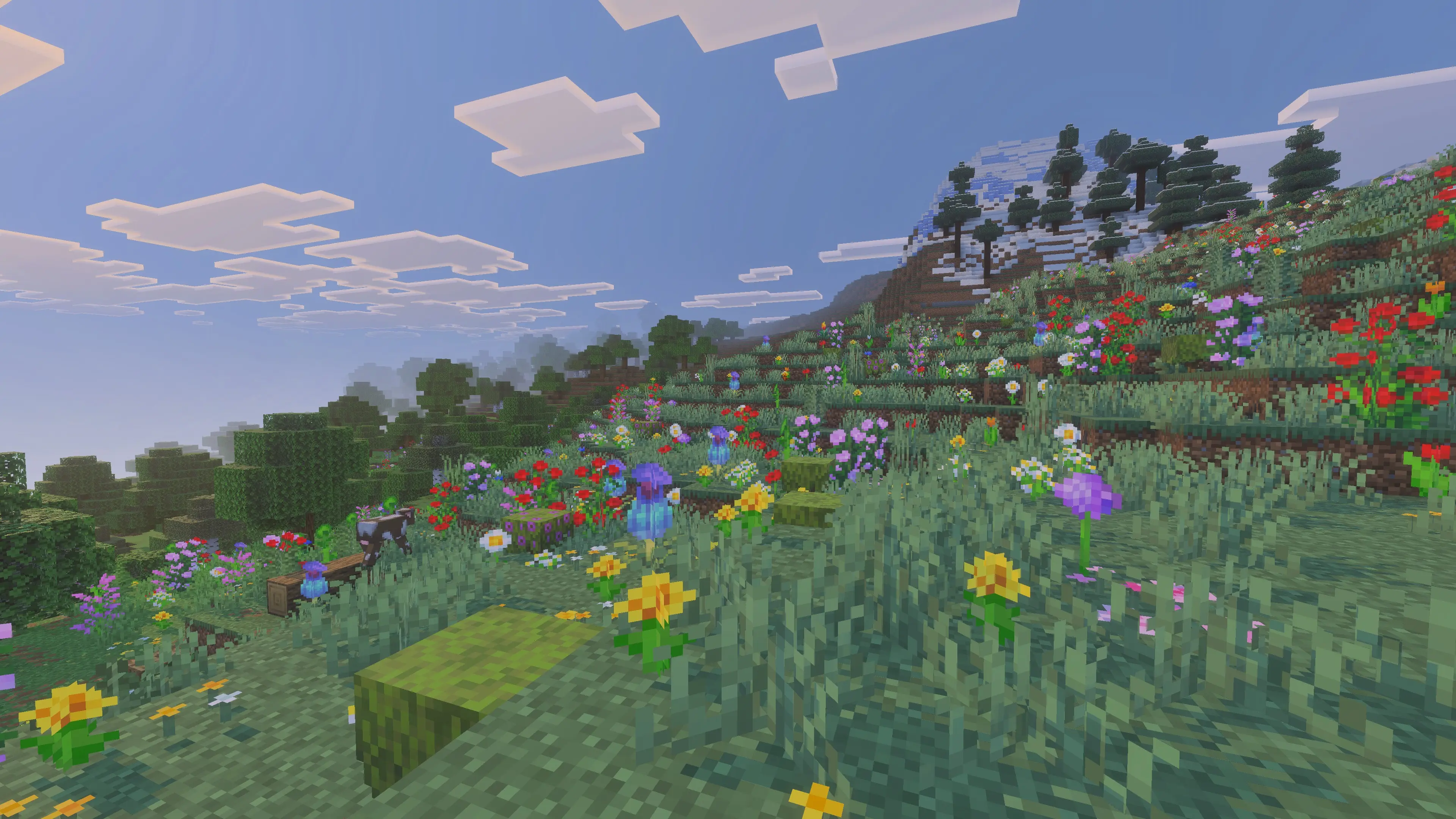
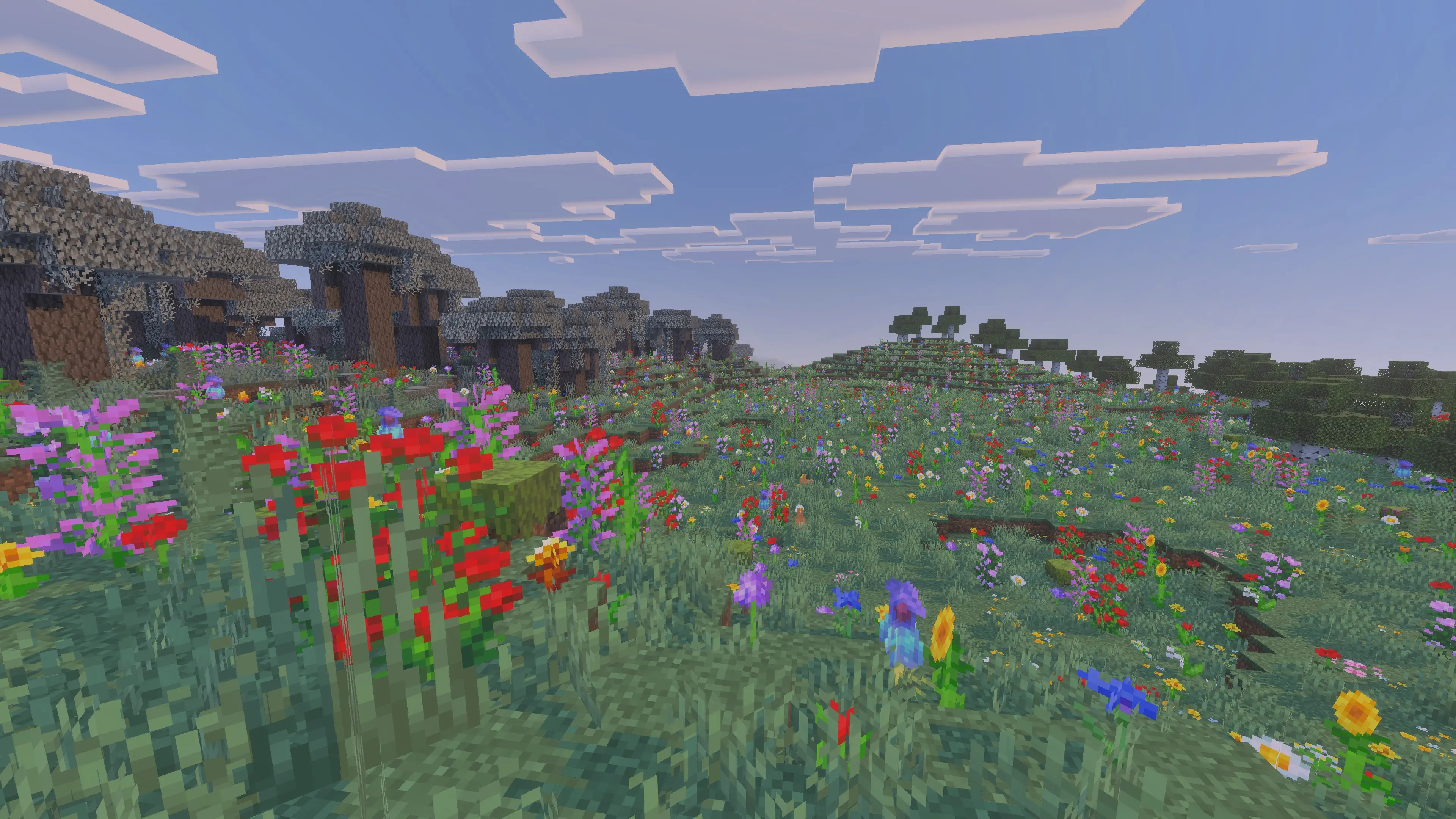
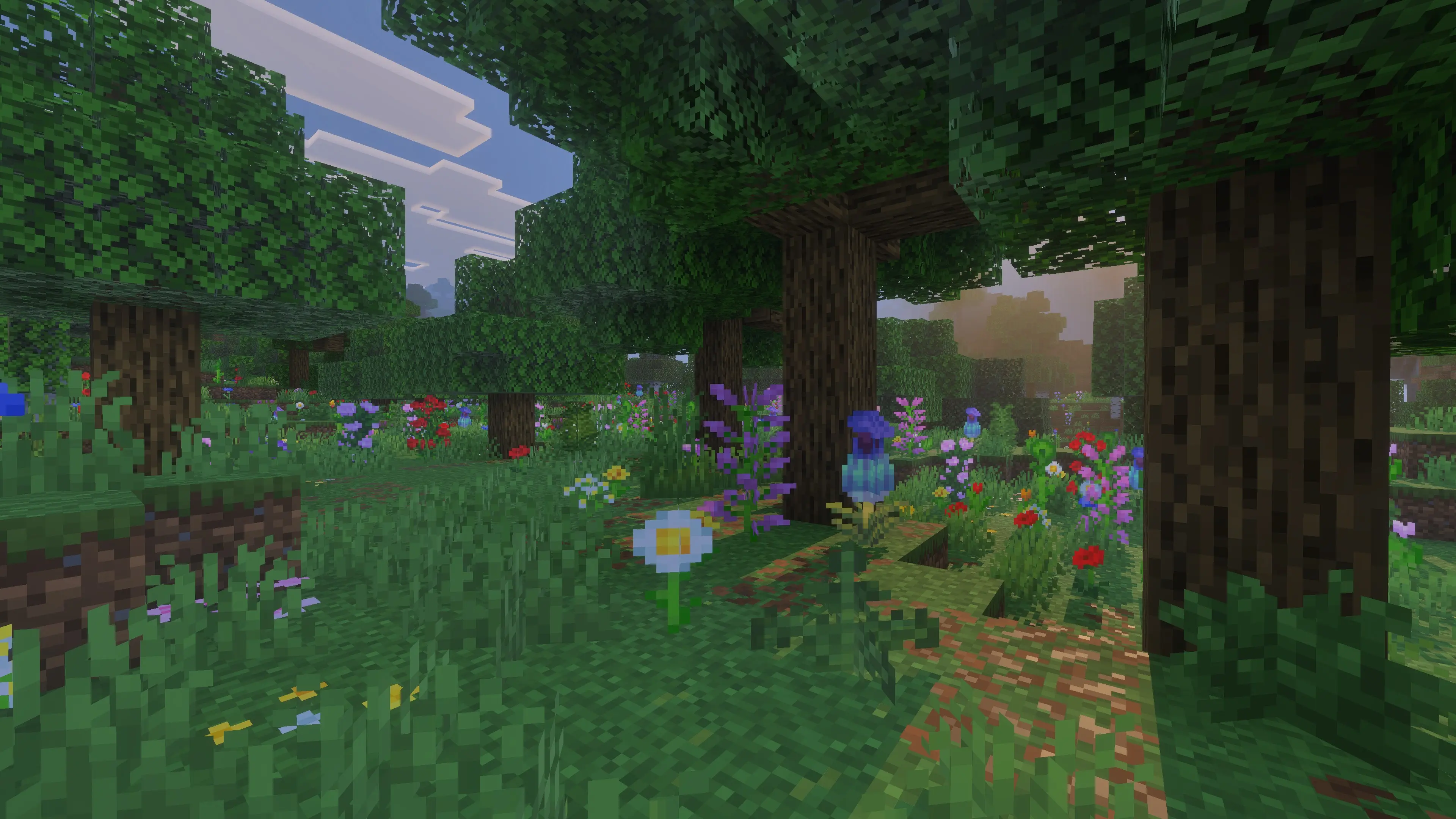
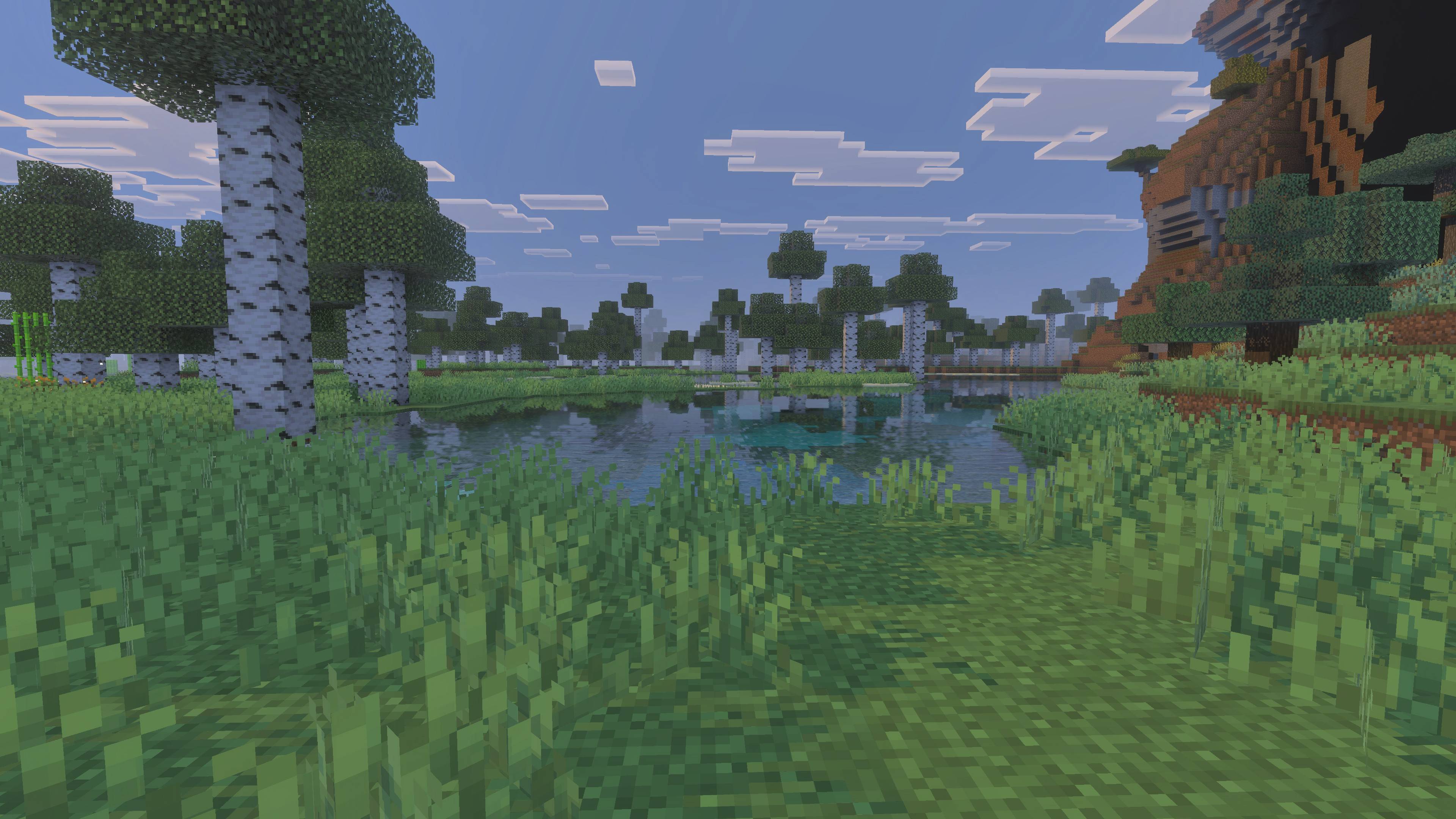
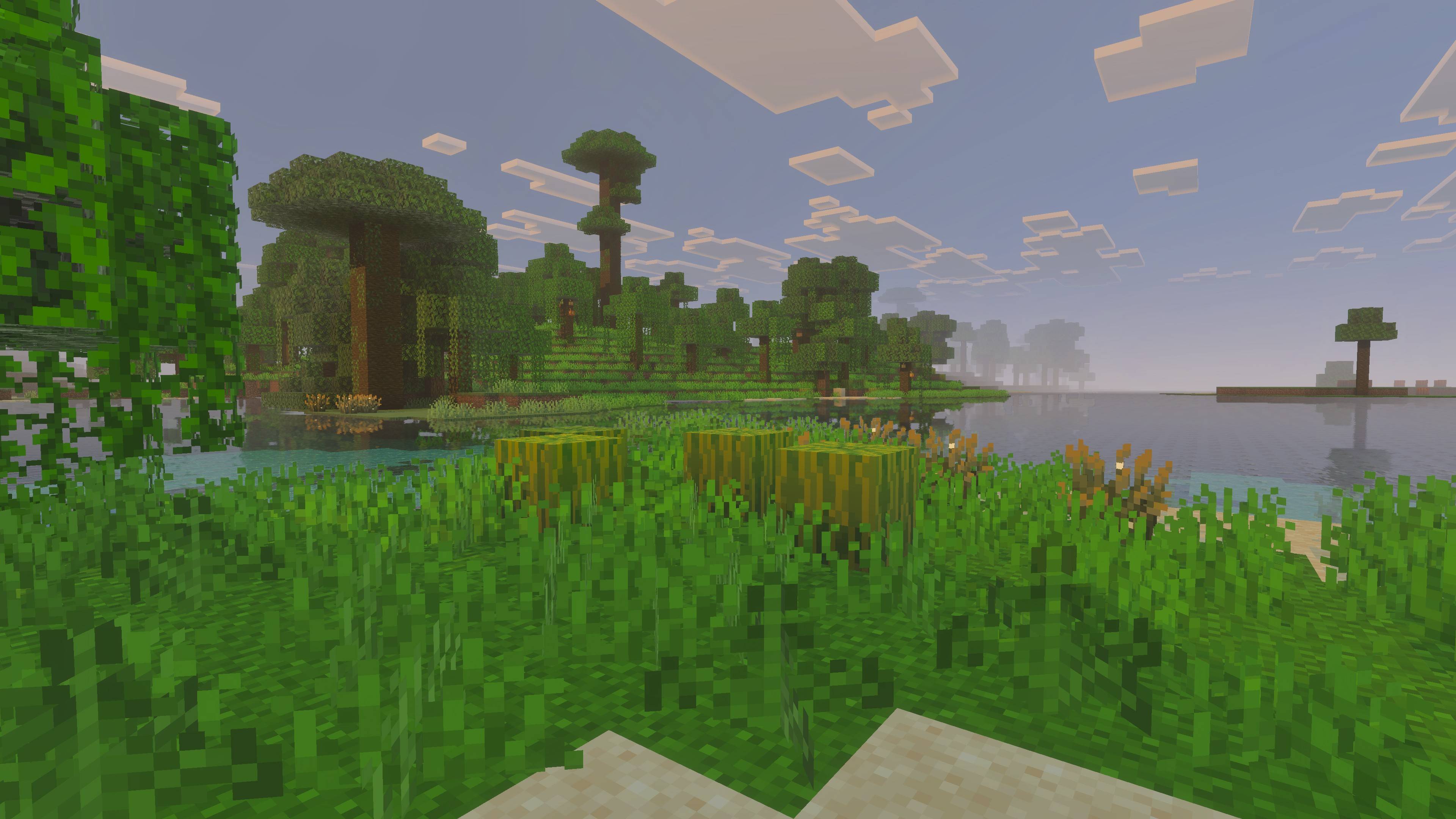
Grass Scatter
More life for your vanilla world.
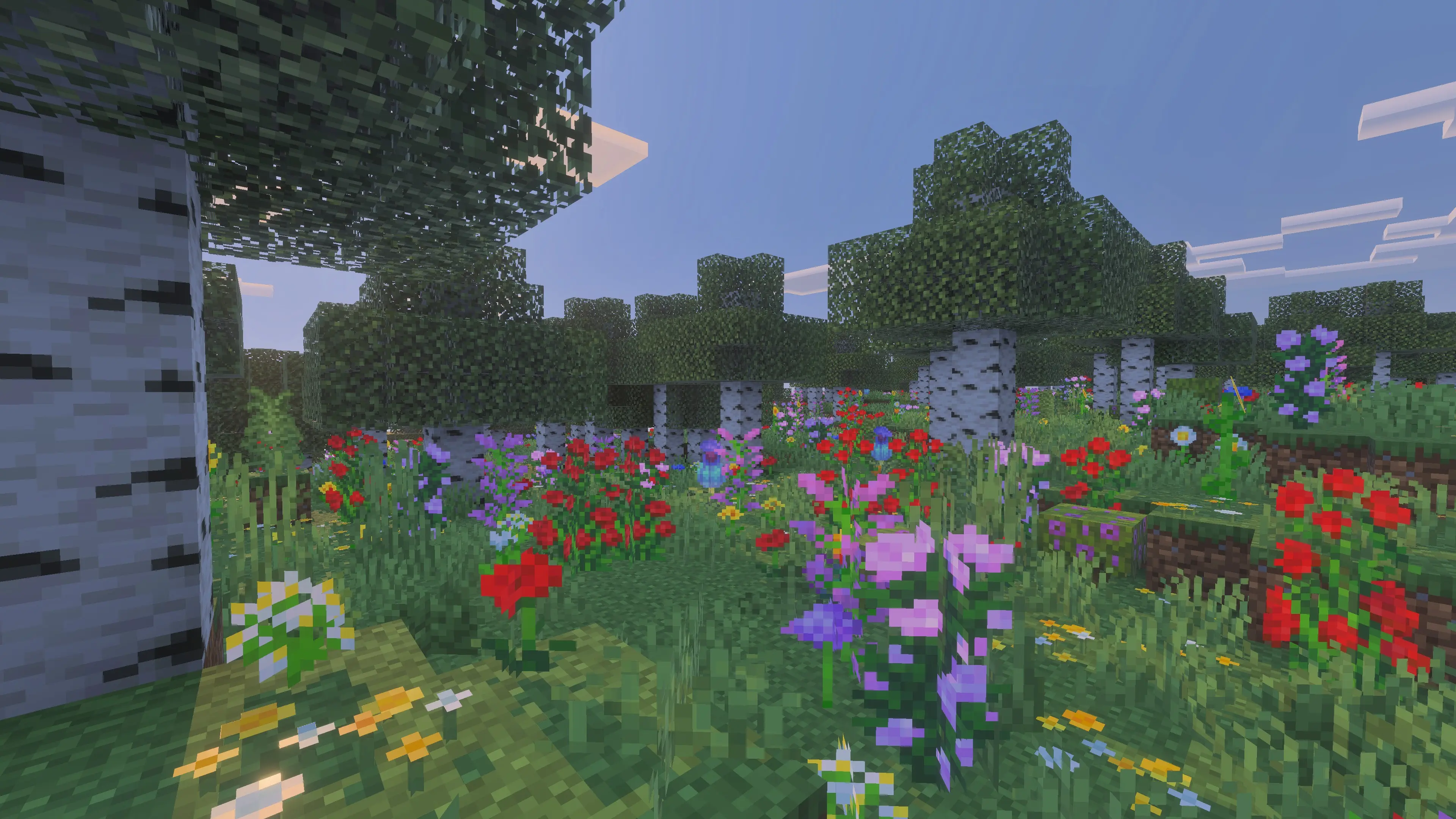
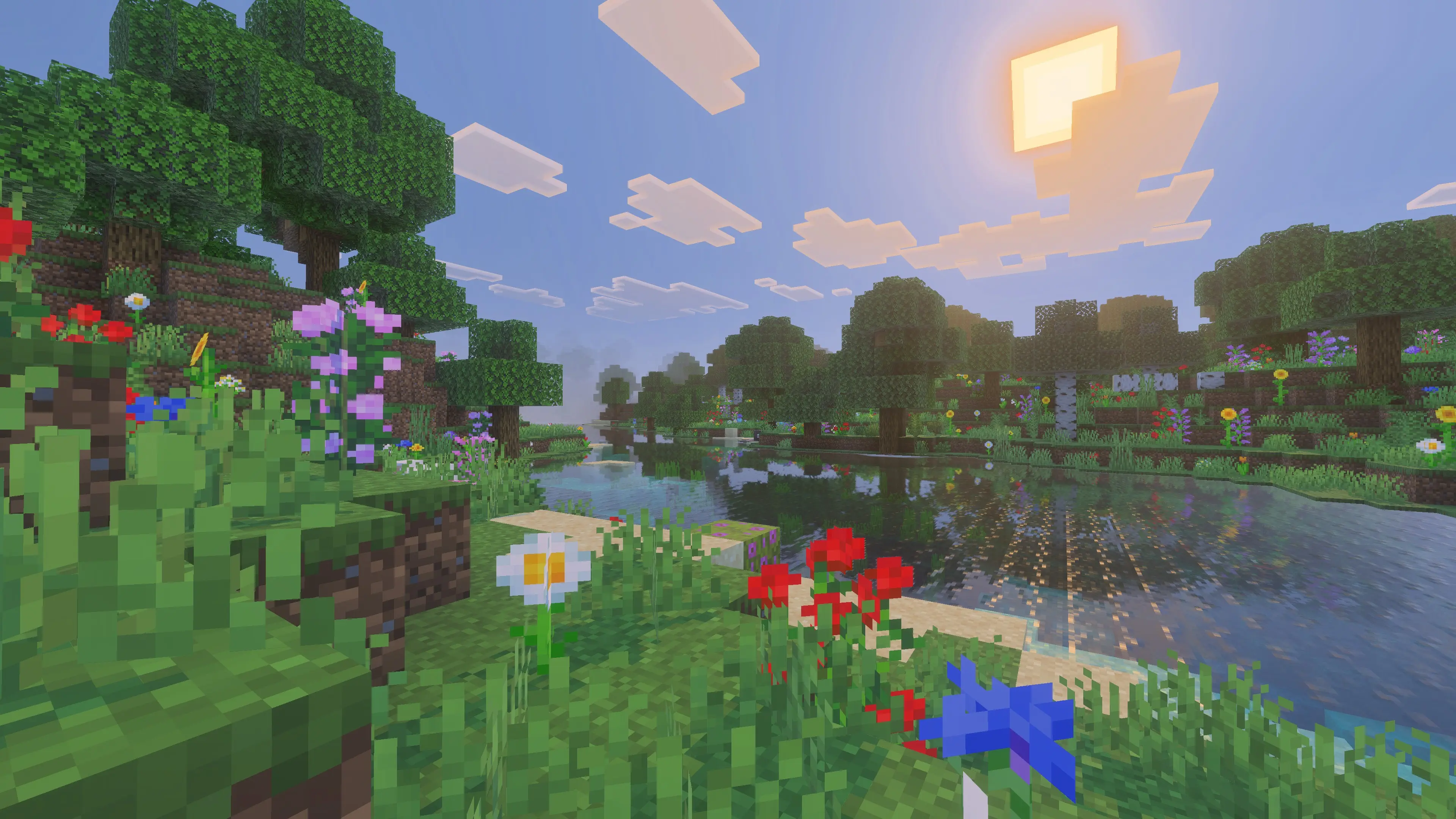
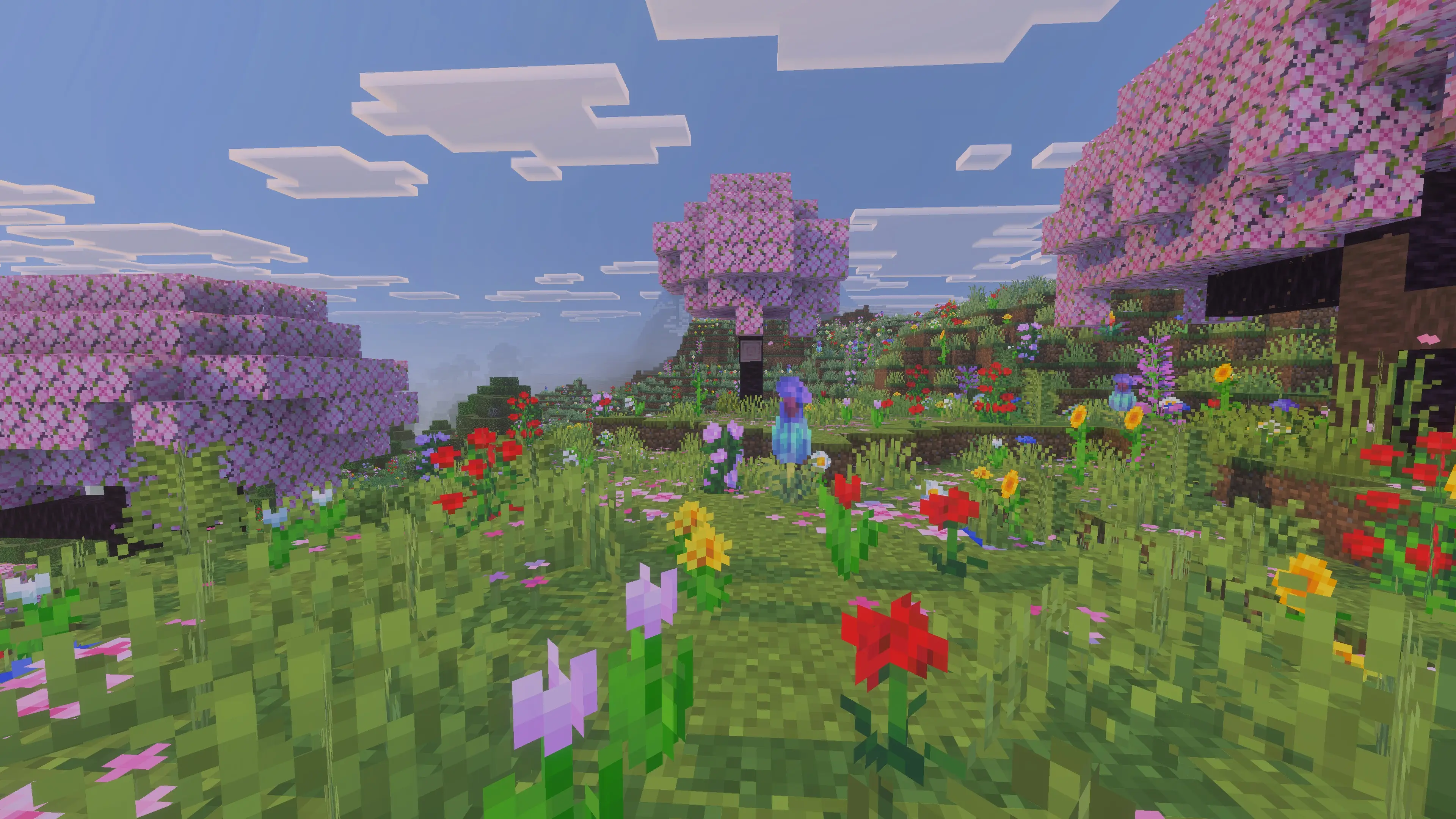
Grass Scatter is a Minecraft Bedrock behavior pack that adds extra vegetation on top of vanilla world generation. No new biomes, no replacements.
What does it do?
It attaches extra scatter features to vanilla temperate biomes, so newly generated chunks grow:
- More tall grass for fuller ground cover
- Classic 1-block flowers — dandelion, poppy, cornflower, tulips, allium, azure bluet, oxeye daisy, lily of the valley
- Extra vegetation — fern, bush, azalea, flowering azalea, torchflower, golden dandelion, pink petals, wildflowers, pitcher plant
- 2-block tall plants — sunflower, lilac, rose bush, peony, double tall grass, large fern
All plants use vanilla blocks only. 100% vanilla-friendly.
Three modes in one pack
Pick one subpack when you activate the pack:
| Mode | What you get |
|---|---|
| Default | Extra grass — 32 iterations. Subtle, natural look |
| More Grass | Extra grass — 64 iterations. Denser, wilder meadows |
| Extra | Grass + flowers + extra vegetation + tall plants |
You can switch it in the pack settings.
Where does it grow?
Only in temperate vanilla biomes, including:
Plains, forests, birch forests, jungles, savannas, taigas, meadows, cherry groves, flower forests, pale gardens, and similar.
Left untouched on purpose: deserts, mesas, oceans, rivers, swamps, frozen biomes, stone peaks, caves, mooshroom islands, and the Nether.
How to use
- Activate Grass Scatter in your world (Behavior Packs).
- Choose your subpack: Default / More Grass / Extra.
- Explore new terrain or create a new world.
Good to know
- Requires Minecraft Bedrock 1.26+
- Only affects newly generated chunks — already explored areas won't change
- Lightweight — no scripts, no player.json, no custom blocks
- Edition: Minecraft Bedrock
- File type: .mcpack or .mcaddon
- Minecraft version listed: 26.0
- How to install: Download the .mcpack or .mcaddon file. → Open it — Minecraft imports it. → In your world: Behavior Packs → Available → Activate, then the same under Resource Packs.
- Where to get it: Opens on CurseForge — not every file is mirrored on our own servers.
Install steps are the general flow for this file type — How to install Minecraft Bedrock addons & mods walks through it step by step.
- Pack type: .mcpack — a single pack
- Manifest requires Minecraft 1.26.0 or newer
- Complete pack — everything it depends on is inside the file
- Download size: 95 KB
- Download link checked 15 Sept 2026 — working
These come from our own check of the pack file, not from the source page.