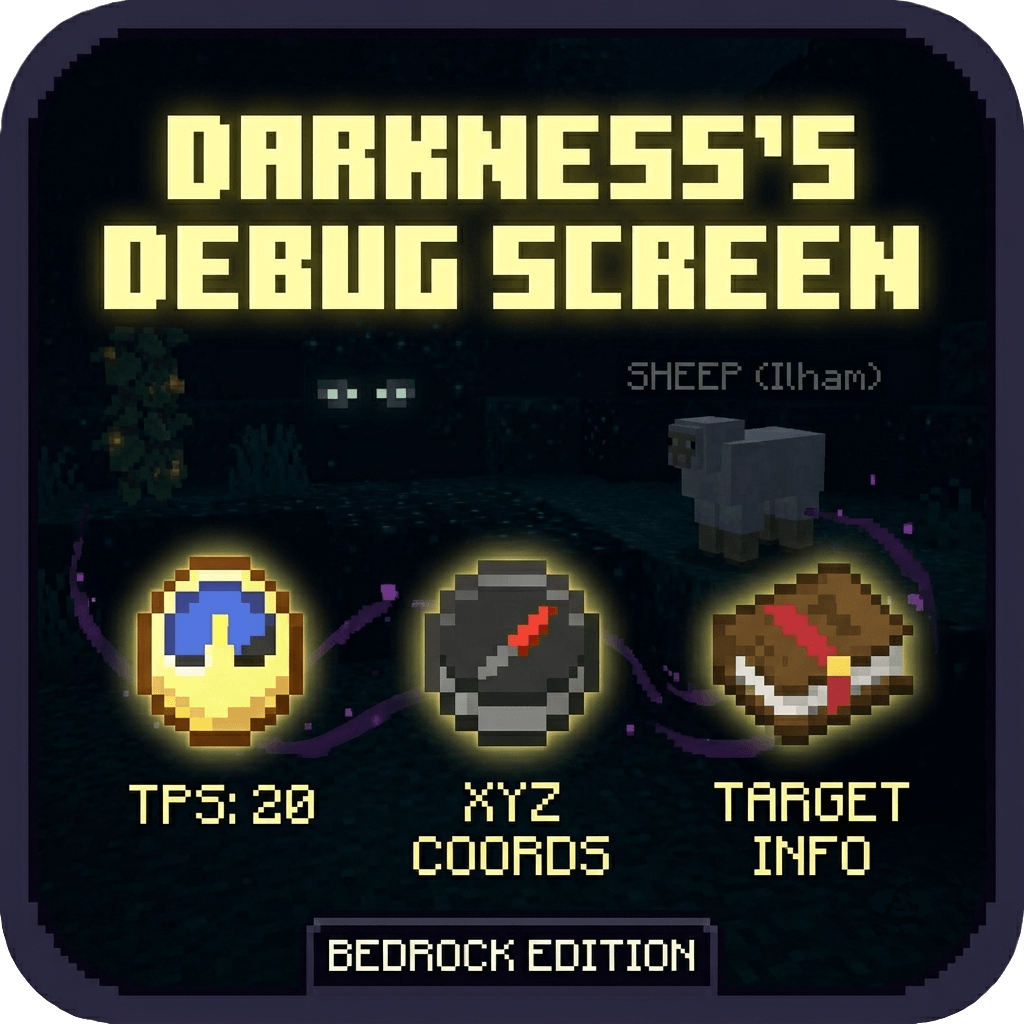
Darkness's Debug Screen
Bedrock add-on listed for Minecraft 26.x (behavior + resource pack). File opened and checked on 9 Sep 2026; installs from the MC Bedrock Mods app on Android.
I don't know my version
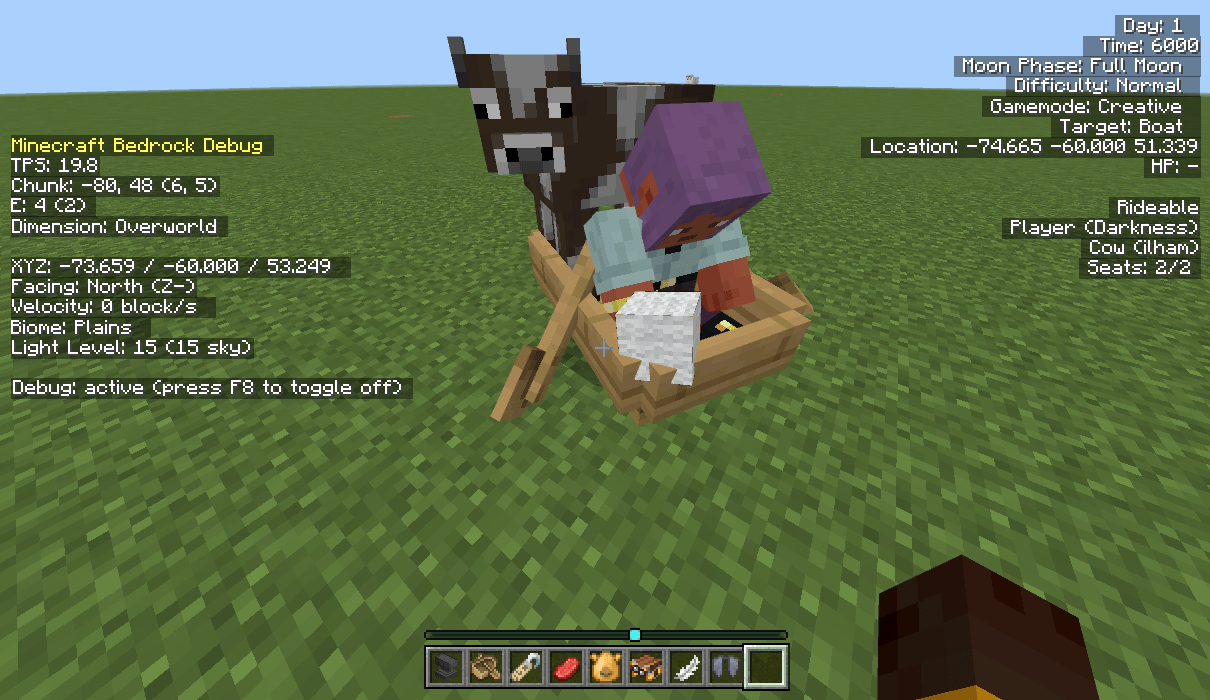
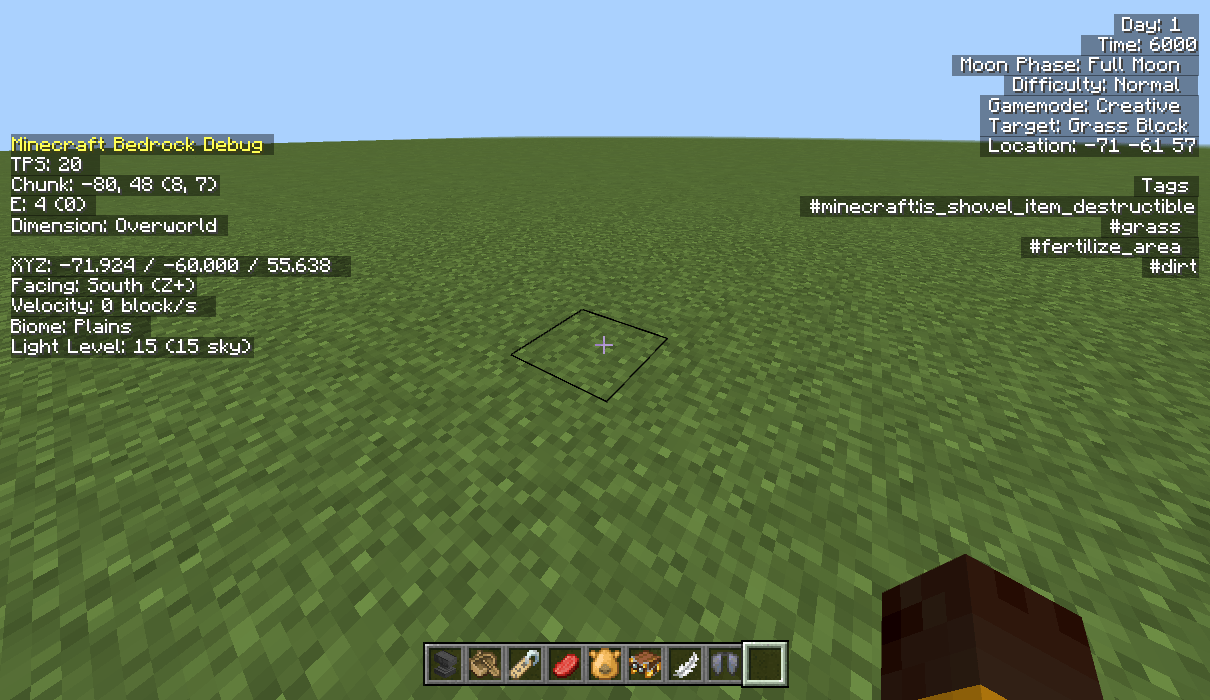
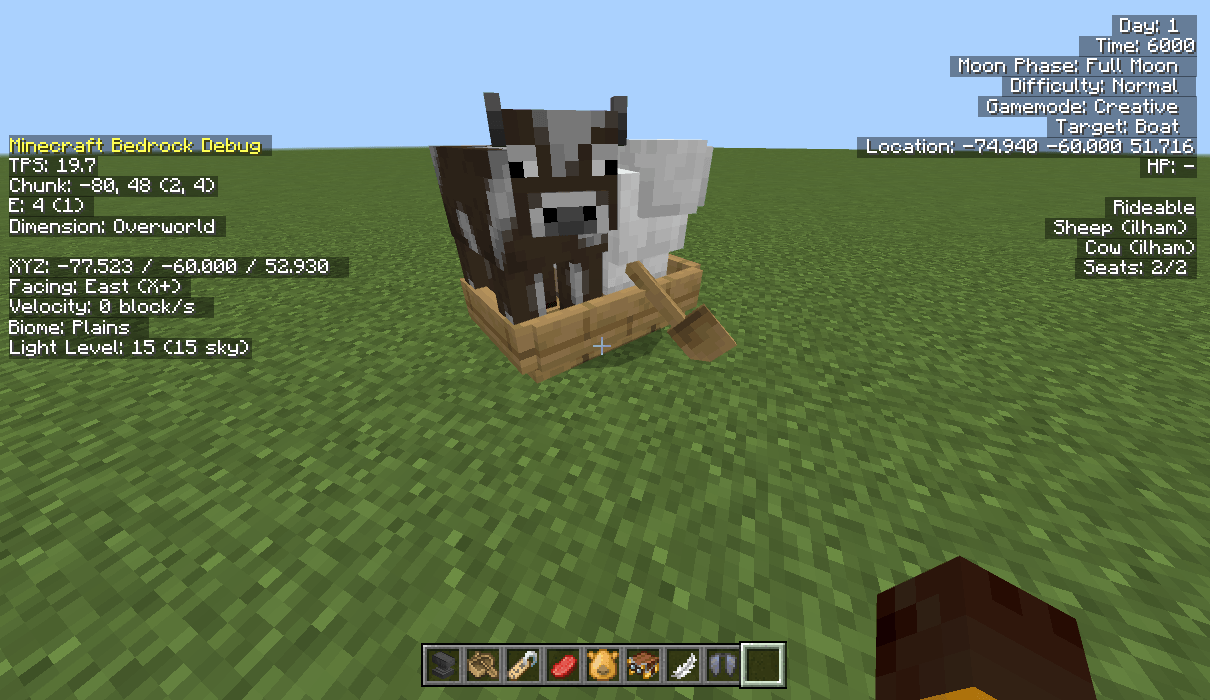
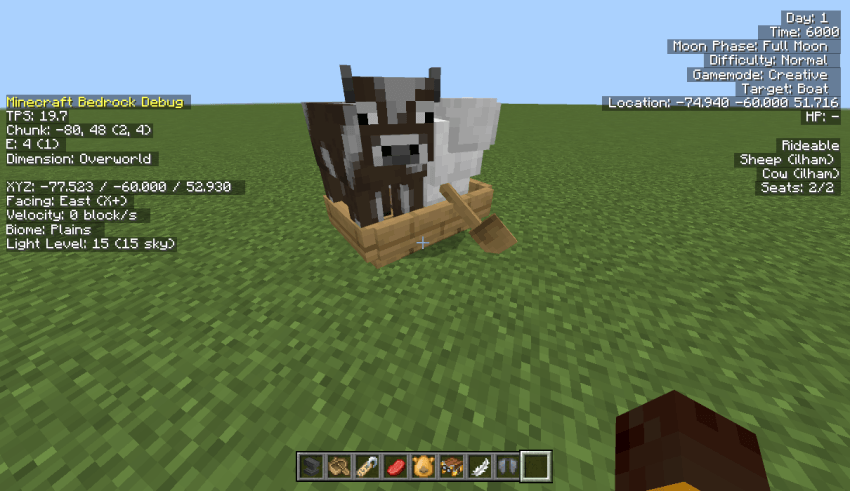
Ever missed the classic F3 Debug Screen while playing on Bedrock? Darkness's Debug Screen bridges the gap! Designed for technical players. builders, and survival adventurers, this lightweight addon overlays essential real-time game data directly onto your screen with a familiar, clean aesthetic inspired by Java Edition.
Key Features
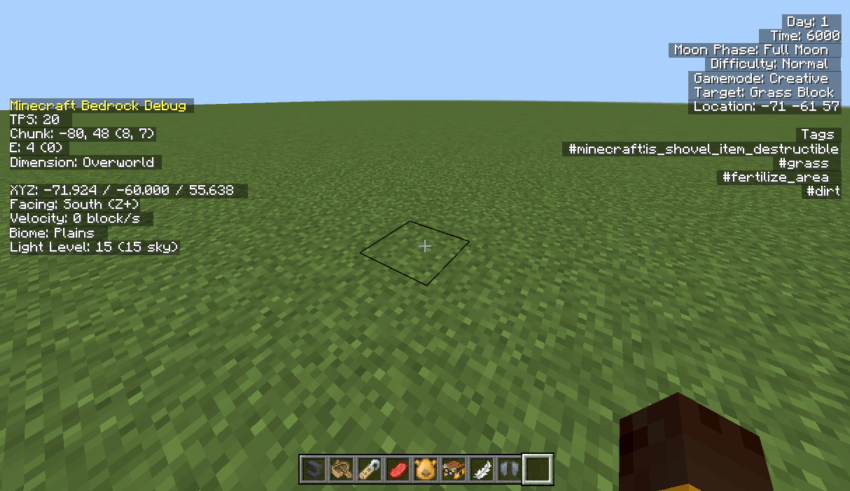
- Real-Time Coordinates & Facing: Instantly see your exact XYZ coordinates, chunk, and the precise direction you're facing.
- Biome & World Insights: Know exactly what biome you are standing in and stay informed about your environment.
- Performance & Stats at a Glance: Monitor your world TPS, active entity count, and light levels in real time to optimize your gameplay.
- Authentic Java Vibe: Enjoy a slick, faithful HUD layout that feels right at home for Java Edition veterans.
- Lightweight & Smooth: Engineered to run seamlessly without causing lag or cluttering your vision during intense gameplay
Whether you're aligning complex redstone builds, mapping out chunk, exploring deep dark caves, or simply missing that nostalgia of Java Edition, Darkness's Debug Screen gives you all the crucial info you need, right when you need it.
Note:
- Use F8 to toggle on or off the debug screen if you play it on Desktop
- This addon use a custom UI and /title, it might not work if you use another addon that uses the same thing
- If you are a mobile user, there will be a button at the top of the screen to toggle on and off.
- Edition: Minecraft Bedrock
- File type: .mcpack or .mcaddon
- Minecraft versions listed: 26.40, 26.0, 26.10
- How to install: Download the .mcpack or .mcaddon file. → Open it — Minecraft imports it. → In your world: Behavior Packs → Available → Activate, then the same under Resource Packs.
- Where to get it: Opens on CurseForge — not every file is mirrored on our own servers.
Install steps are the general flow for this file type — How to install Minecraft Bedrock addons & mods walks through it step by step.
- Pack type: .mcaddon — behaviour and resource pack in one file
- Manifest requires Minecraft 1.26.0 or newer
- Complete pack — everything it depends on is inside the file
- Download size: 2.7 MB
- Download link checked 5 Oct 2026 — working
These come from our own check of the pack file, not from the source page.