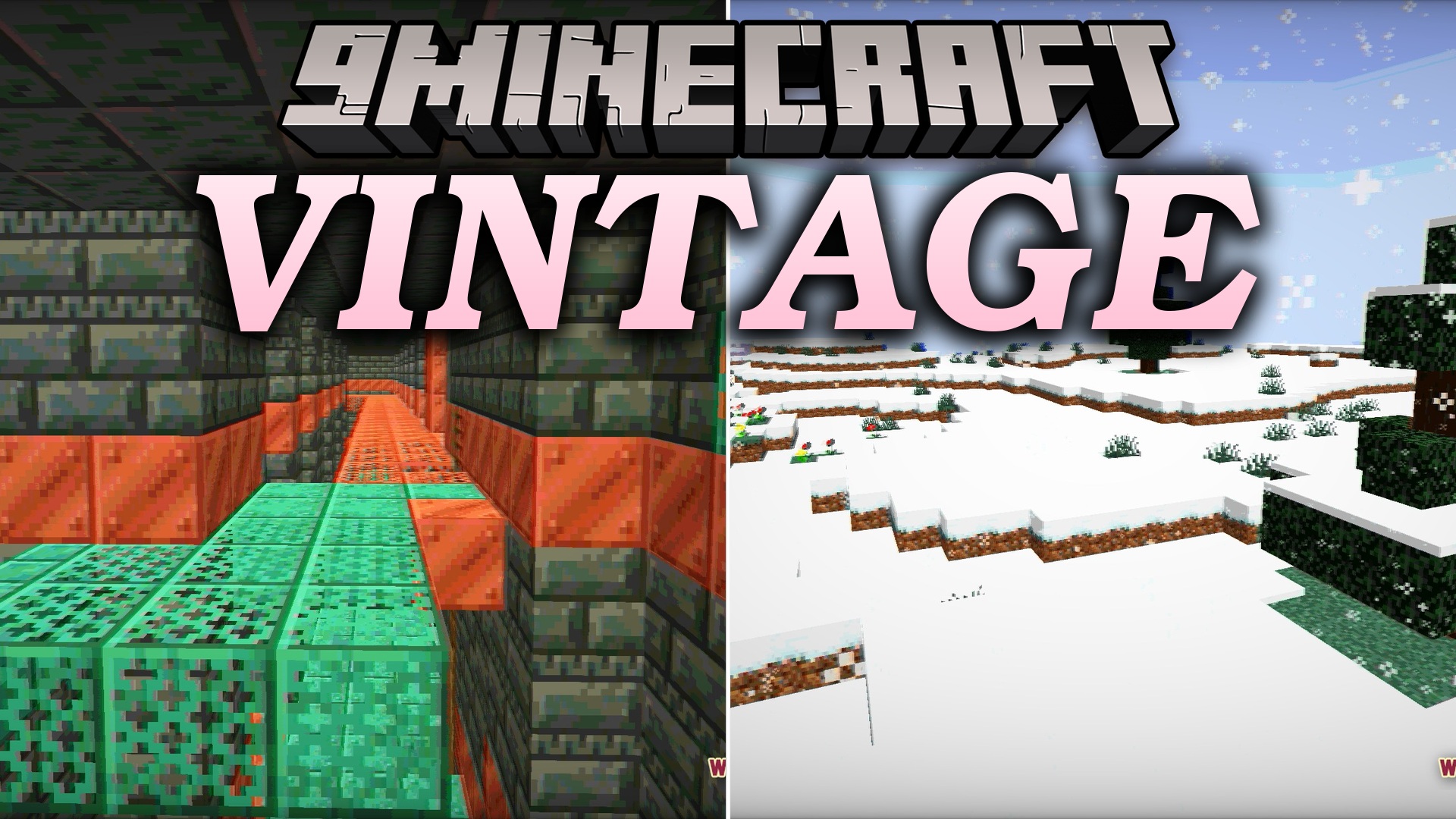
Vintage Shaders (26.2, 1.20.1) – Restricted Palette and Analog Interference
Java shader pack listed for Minecraft 1.20. Downloads from the MC Java Mods app on Android.
⬇ Download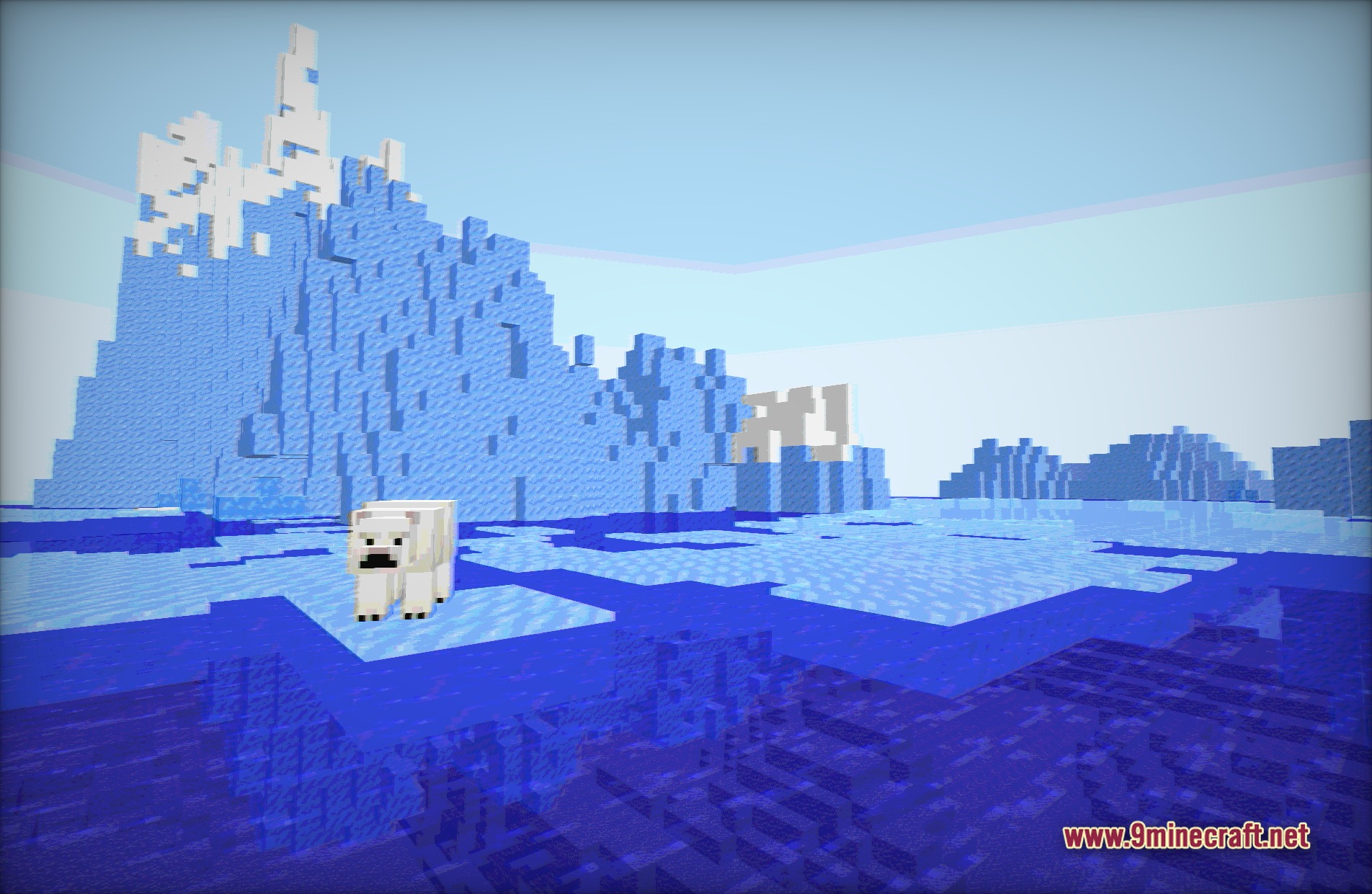
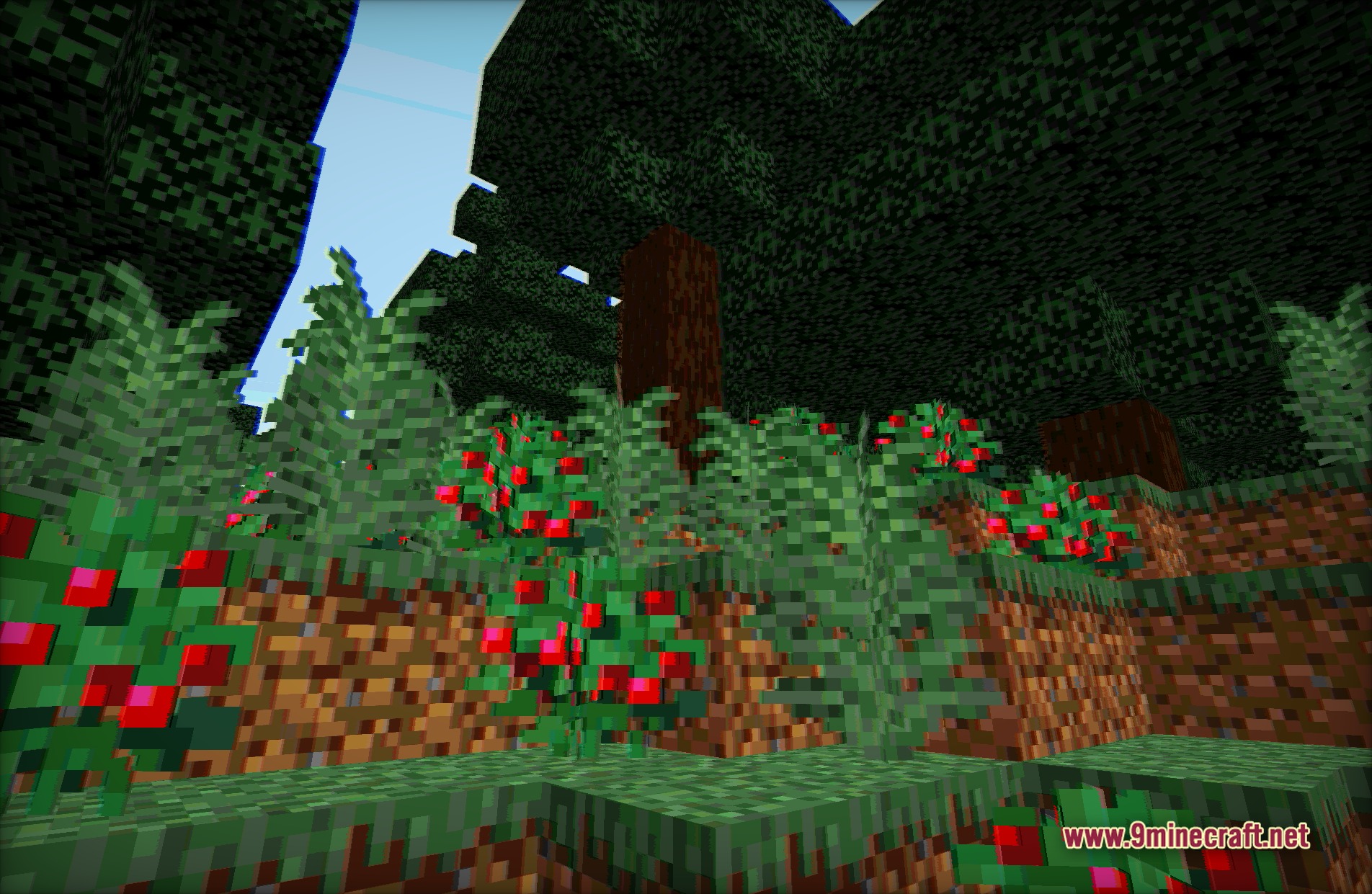
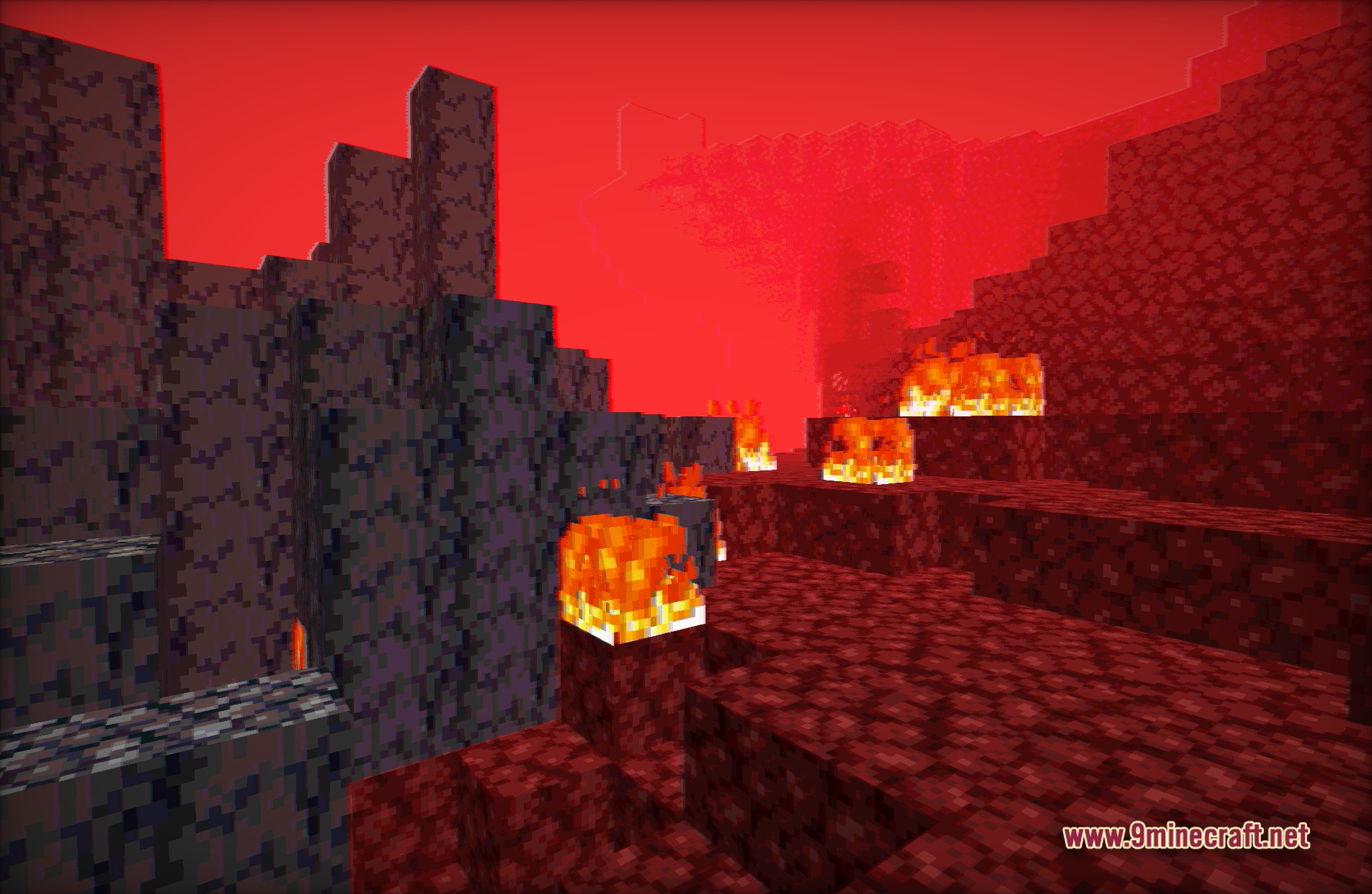
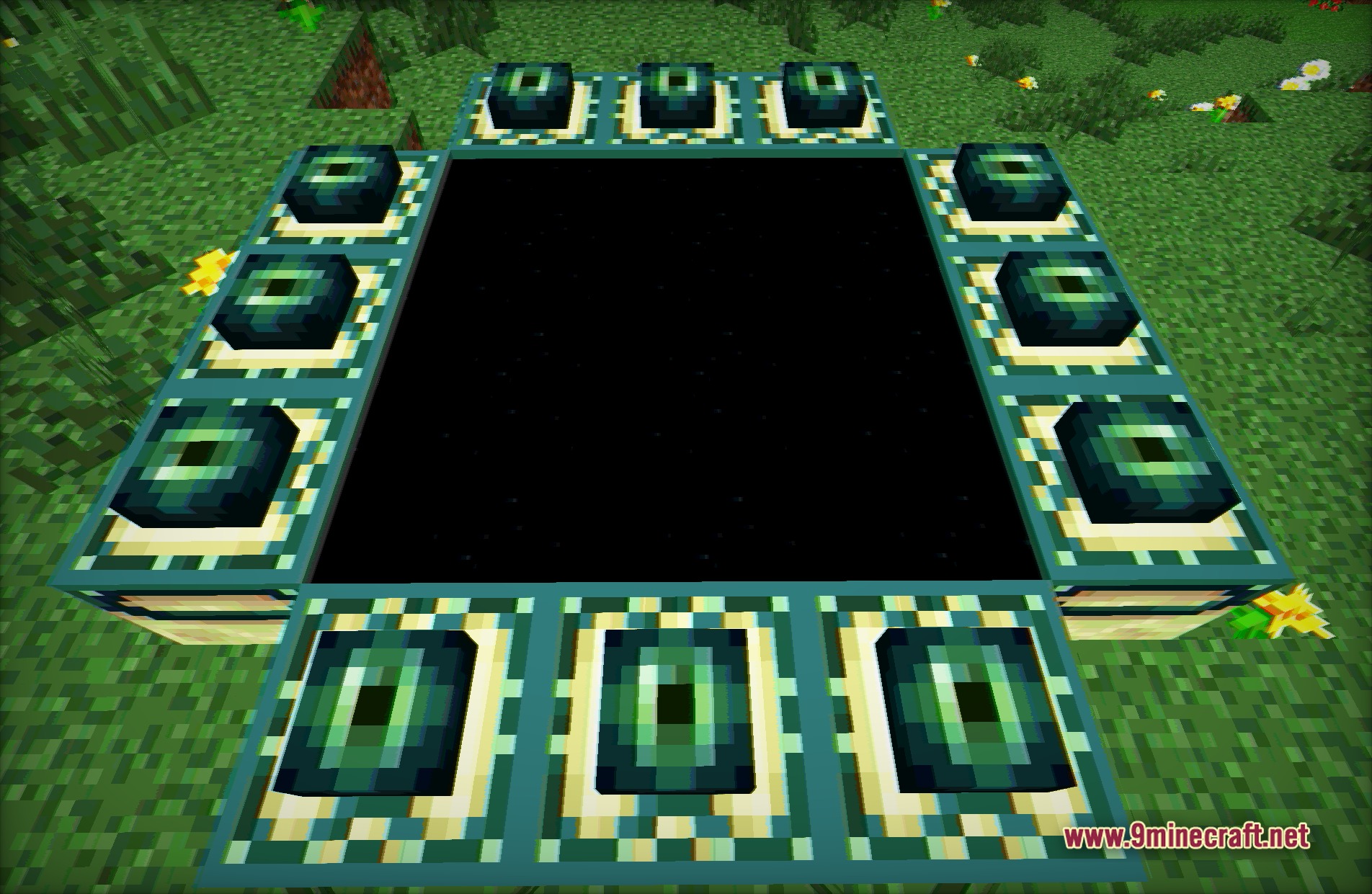
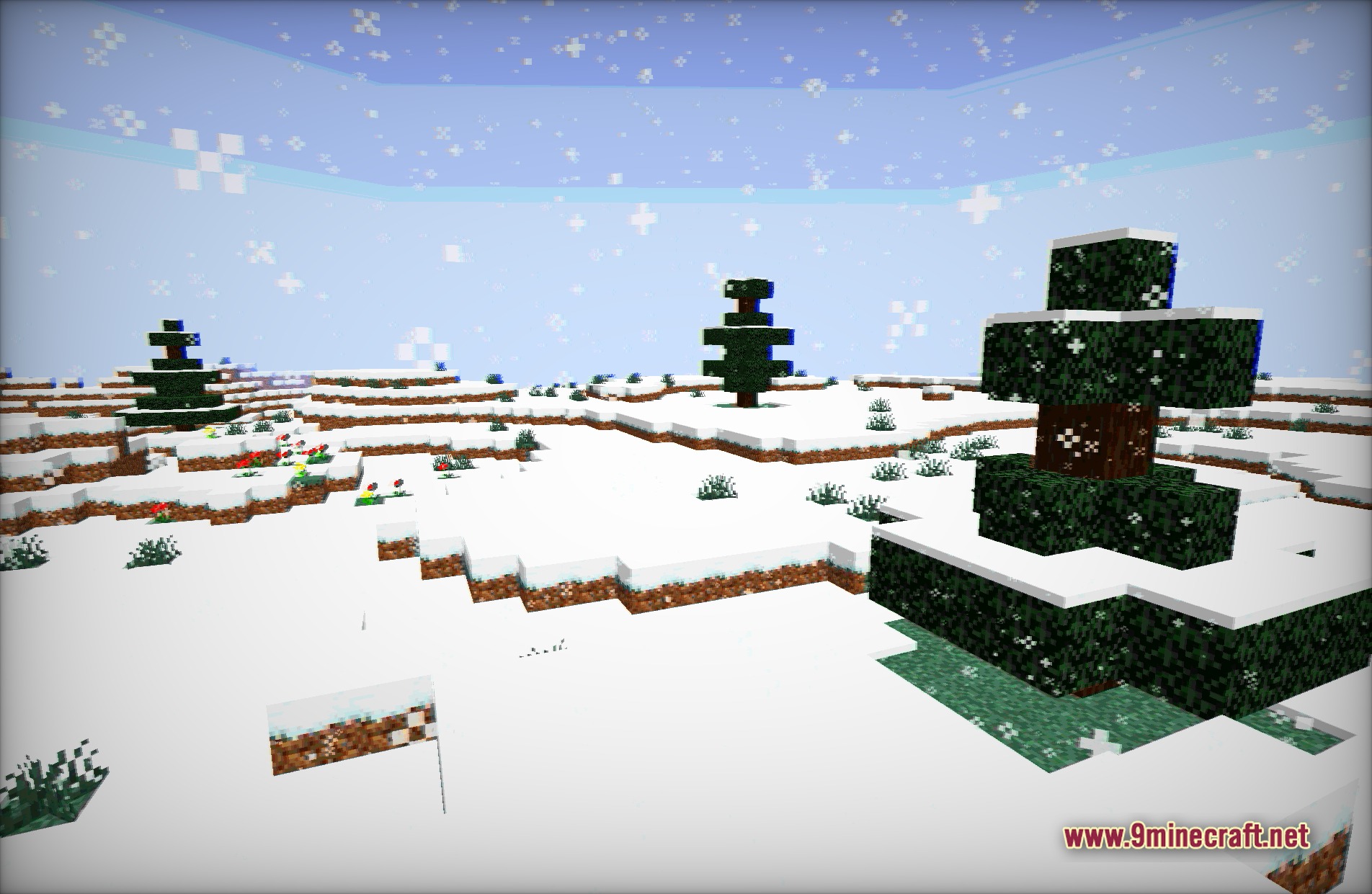
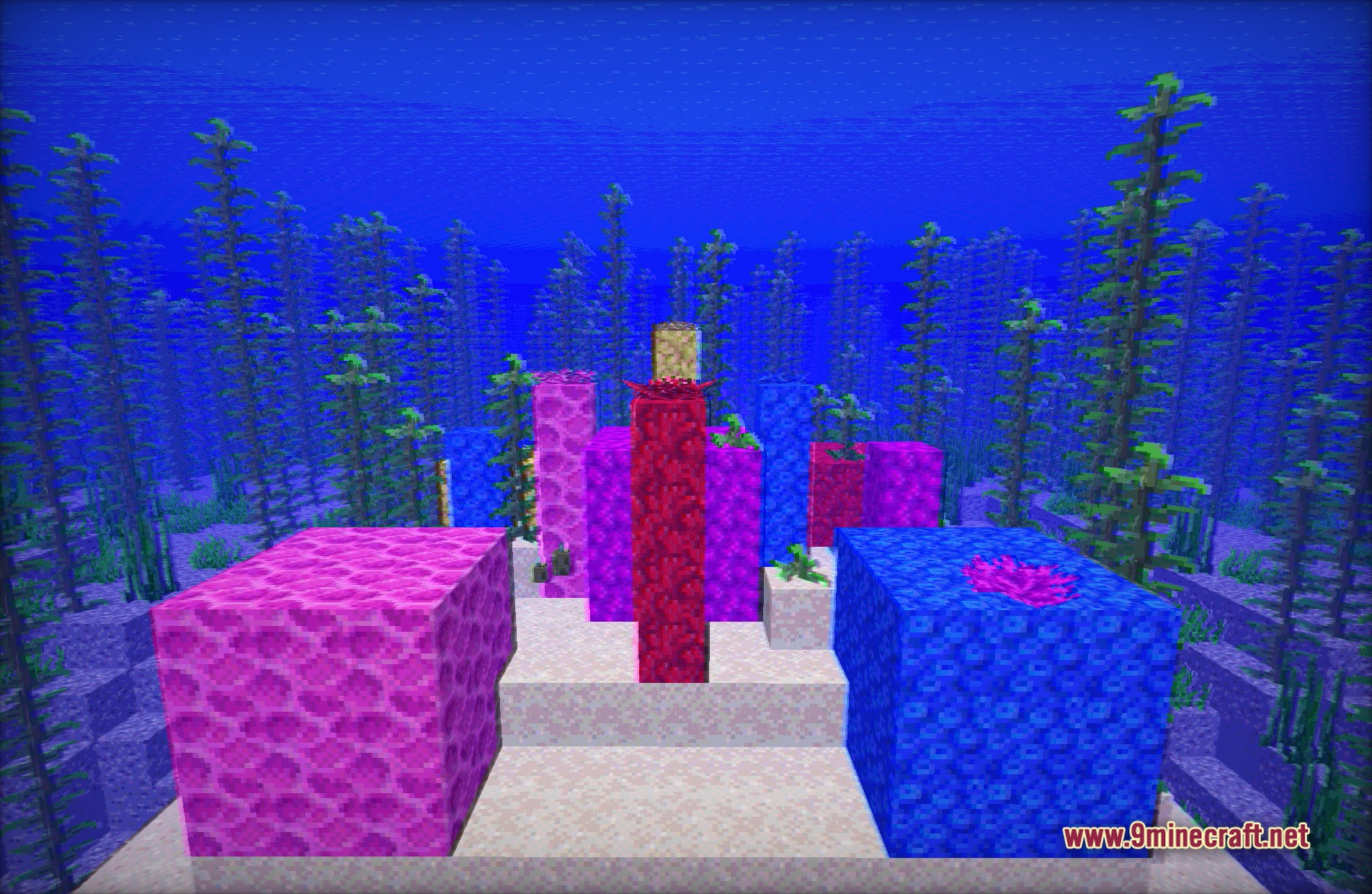
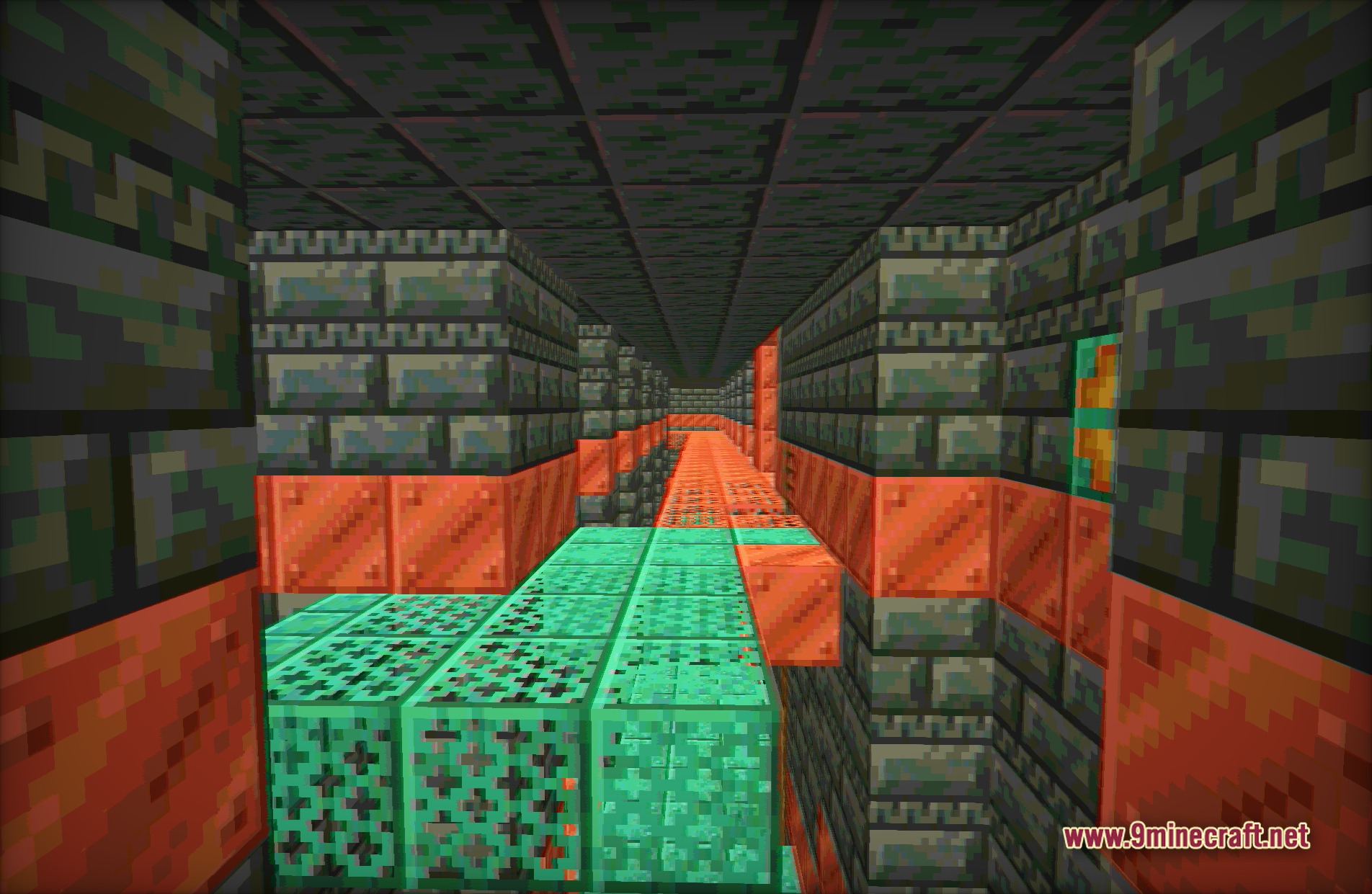
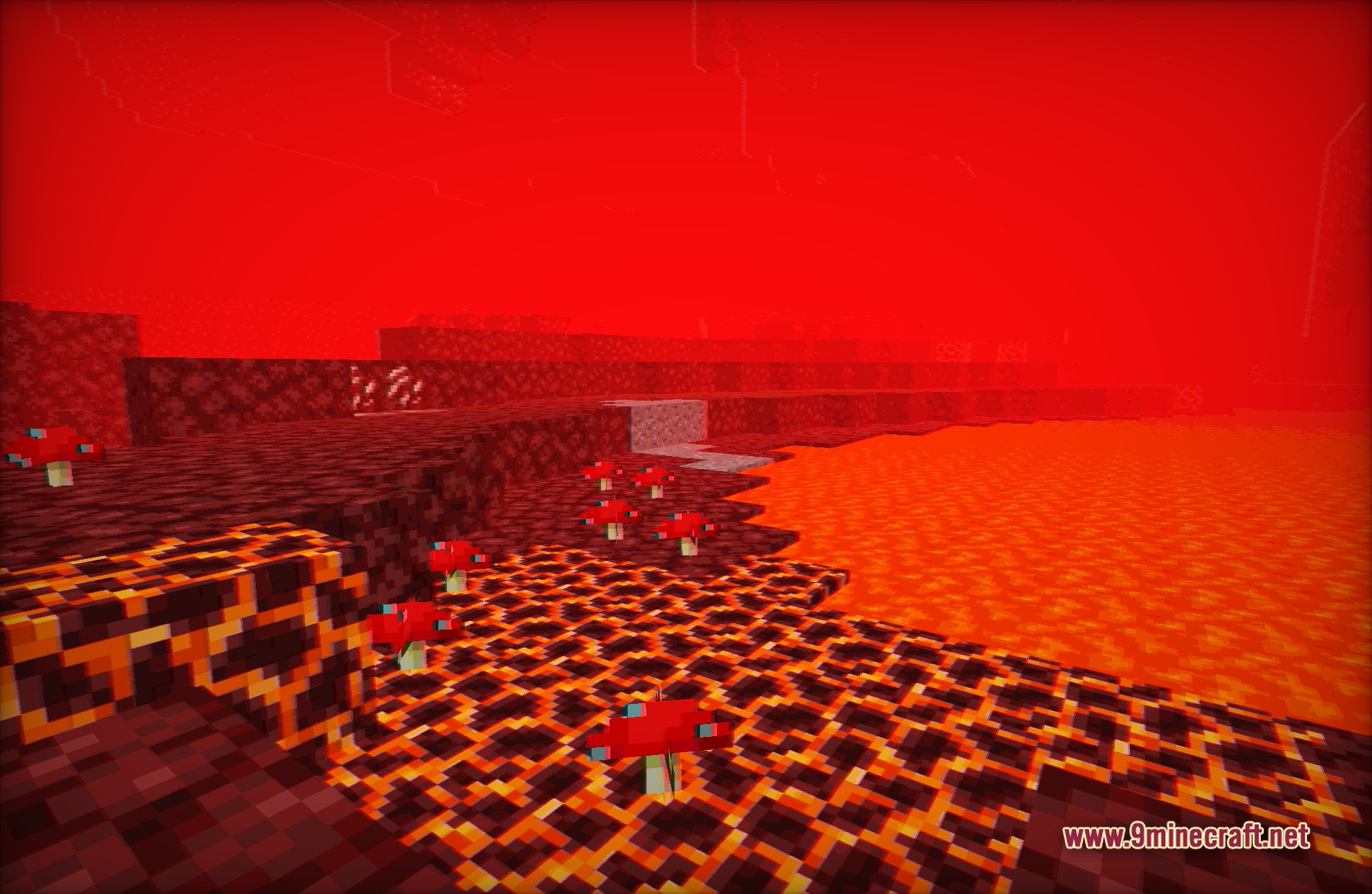
Vintage Shaders transforms your Minecraft world into an old-school fantasy game. This shader mimics the look of classic hardware from the past. It changes the screen to show a small color palette, just like early computers and consoles. You will also notice analog signal interference that makes the game look like it is playing on an old television set. This pack gives the game a unique retro style.
Features:
- Changes the game colors to a restricted palette for a classic retro look.
- Adds analog signal interference that looks like static on an old TV screen.
- Turns the world into a fantasy game from older console generations.
- Replaces modern bright lighting with an older, muted visual style.
- Gives blocks and items a nostalgic appearance without changing their actual textures.
Screenshots:
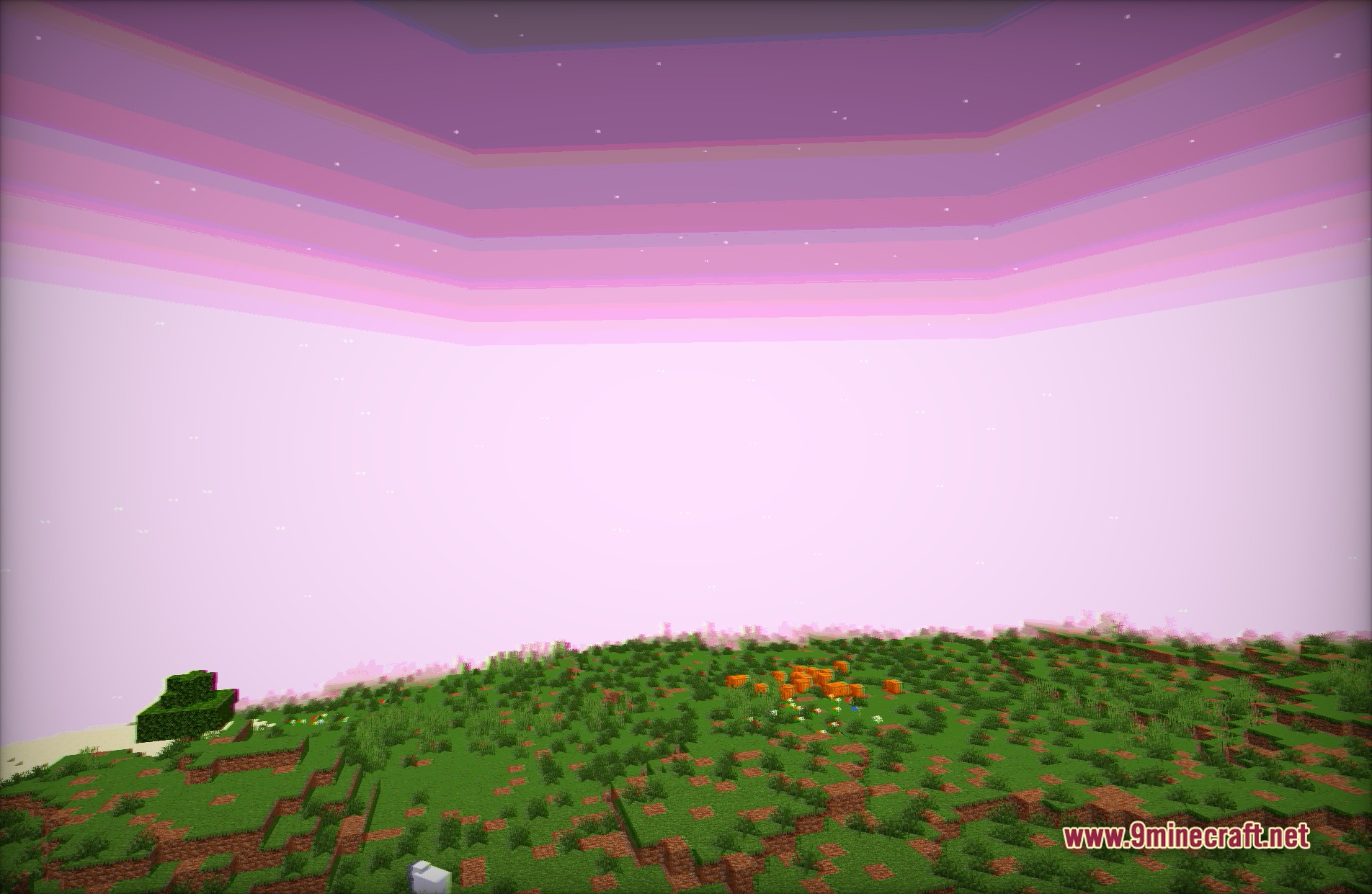
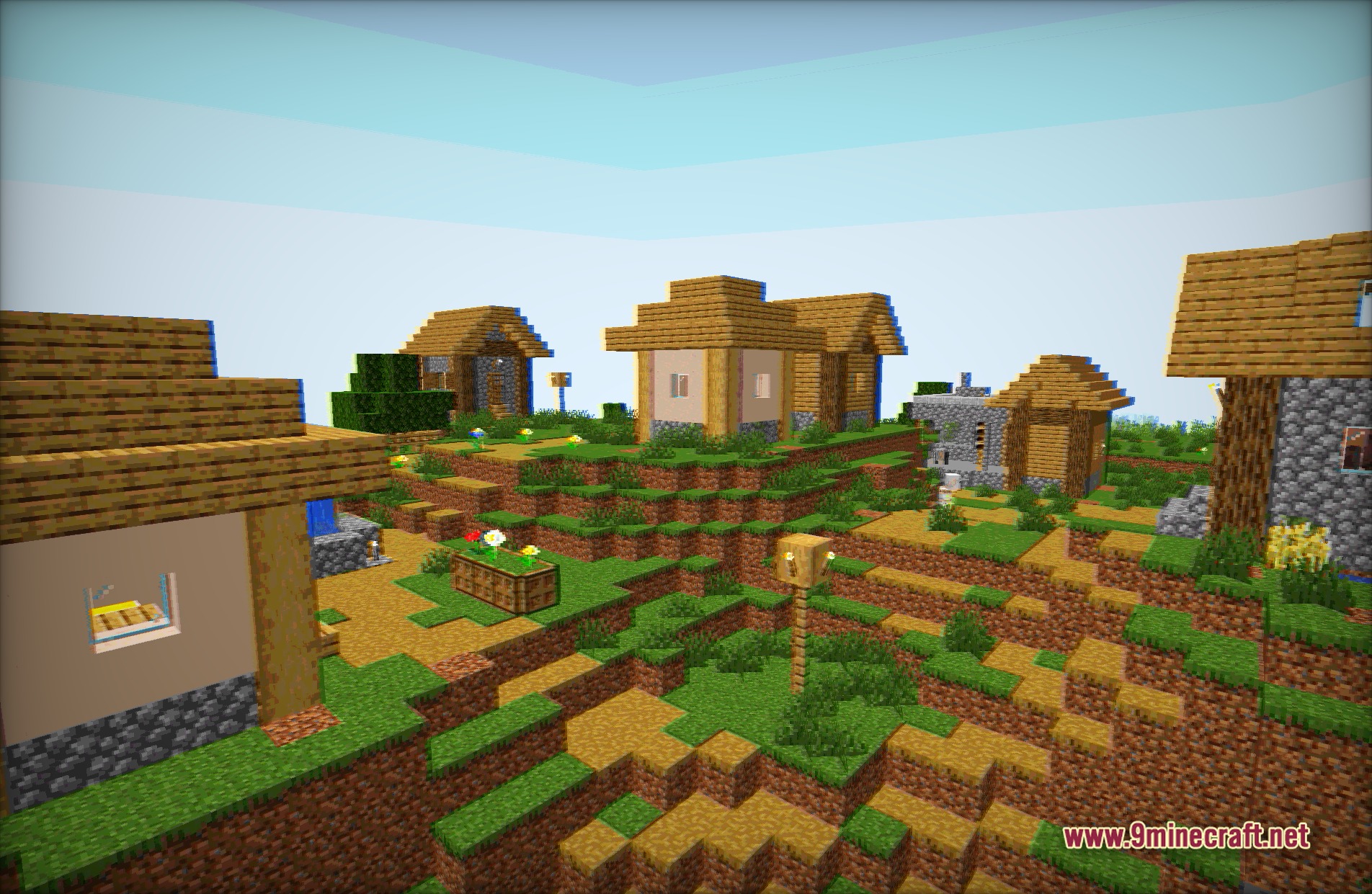
Vintage Shaders Download Links
- Edition: Minecraft Java
- File type: .zip (resource pack)
- Minecraft version listed: 1.20.1
- How to install: Download the .zip resource pack — do not unzip it. → Put it in .minecraft/resourcepacks. → Enable it in Options → Resource Packs.
- Where to get it: In MC Java Mods, or directly above on this page.
Install steps are the general flow for this file type — see the MC Java Mods guides for the full walkthrough.
Vintage Shaders (26.2, 1.20.1) – Restricted Palette and Analog Interference is a free Minecraft Java shader. Compatible with Minecraft 1.20.1. Download it and open it directly in the game.