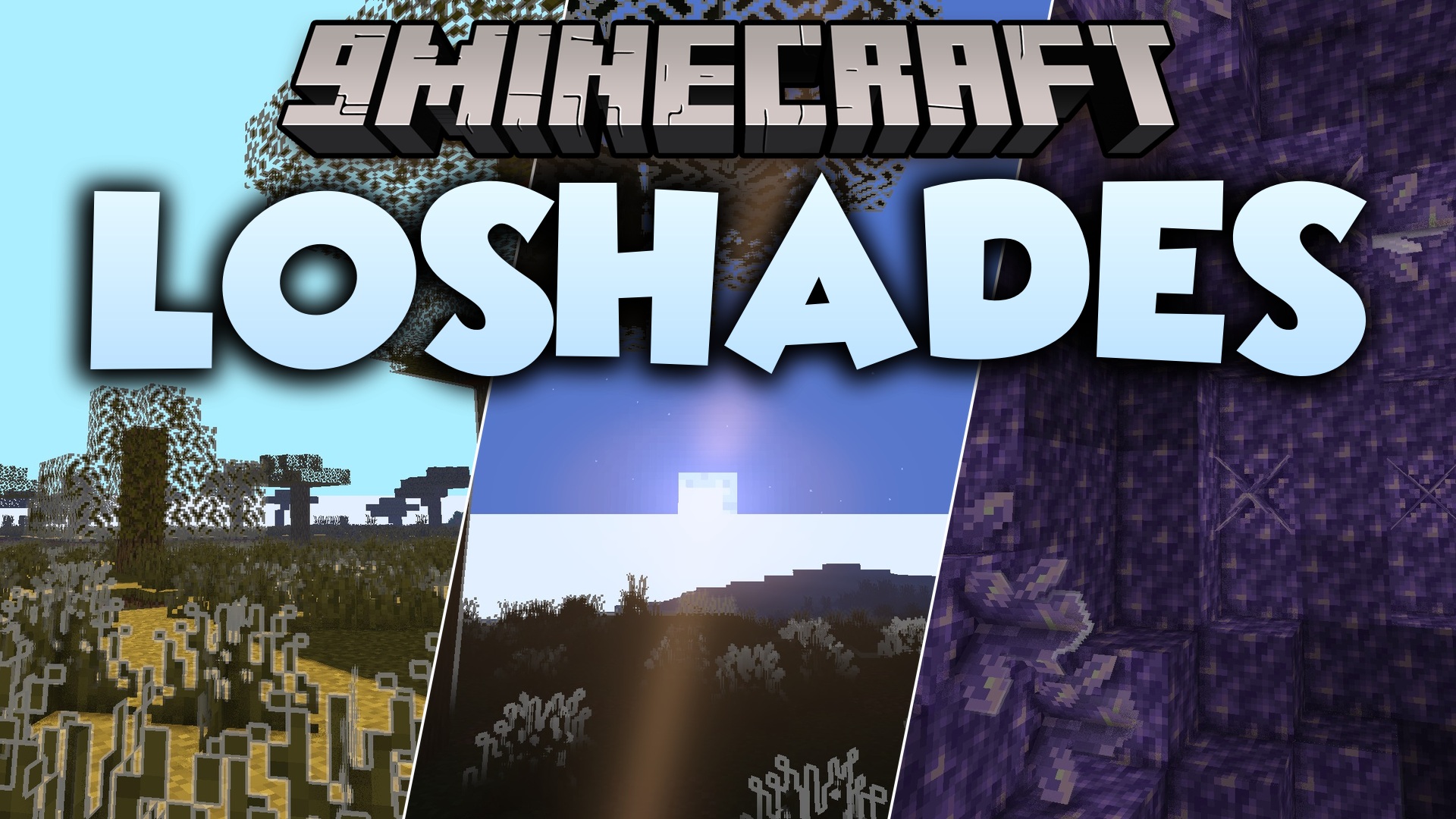
LoShades Shaders (26.2, 1.20.1) – Lightweight Post-Processing and Custom Fog
Java shader pack listed for Minecraft 1.20. Downloads from the MC Java Mods app on Android.
⬇ Download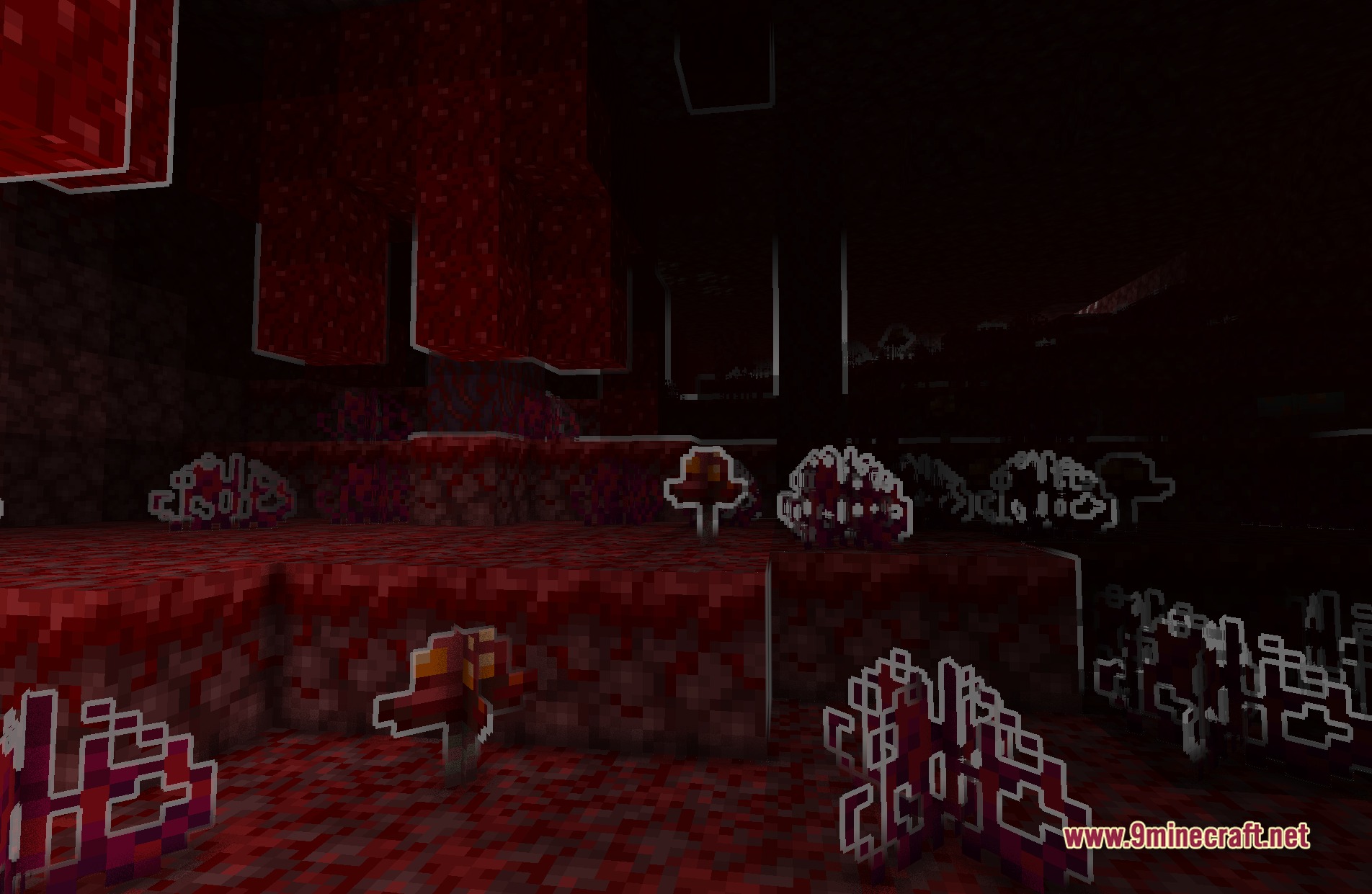
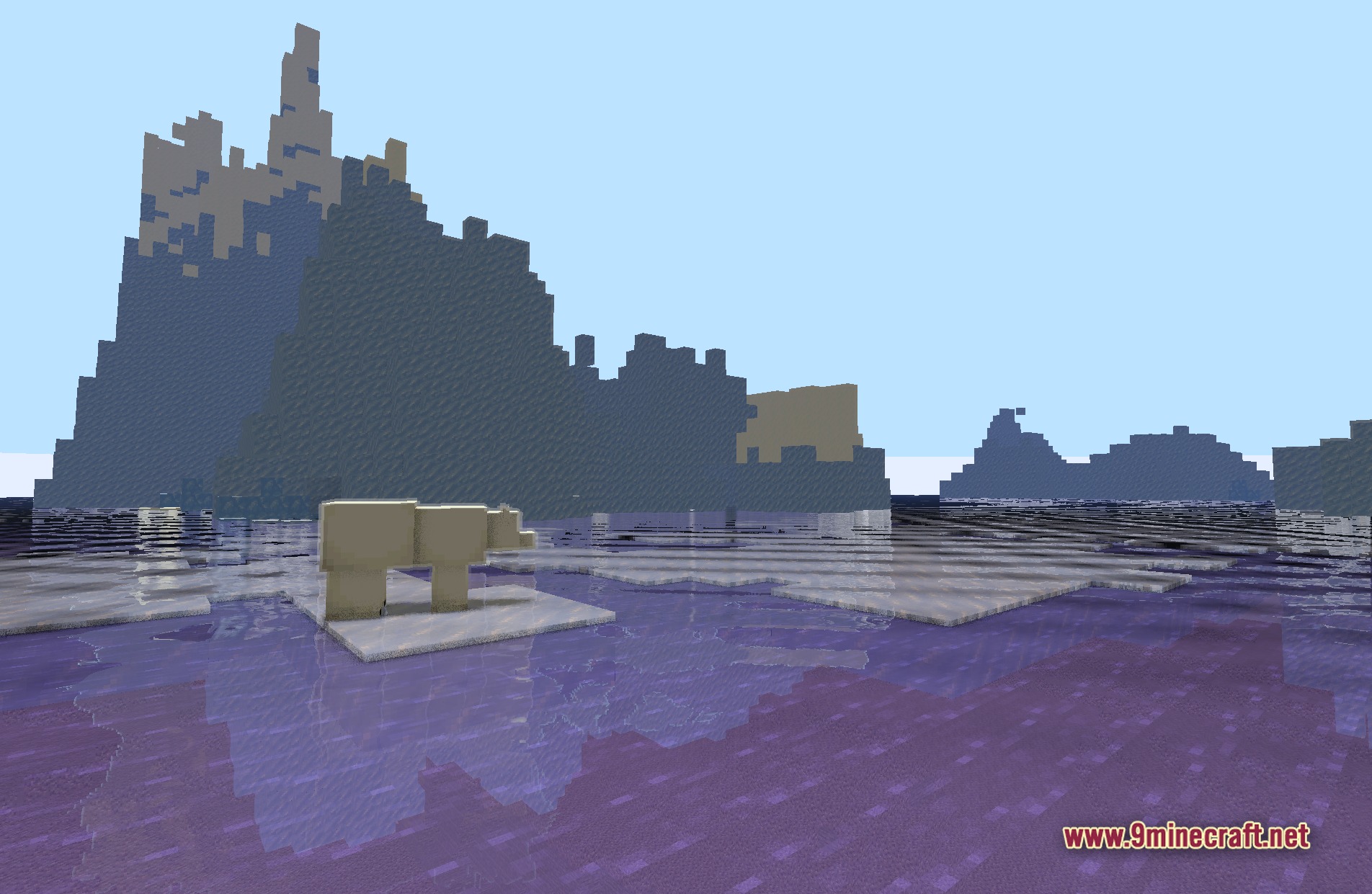
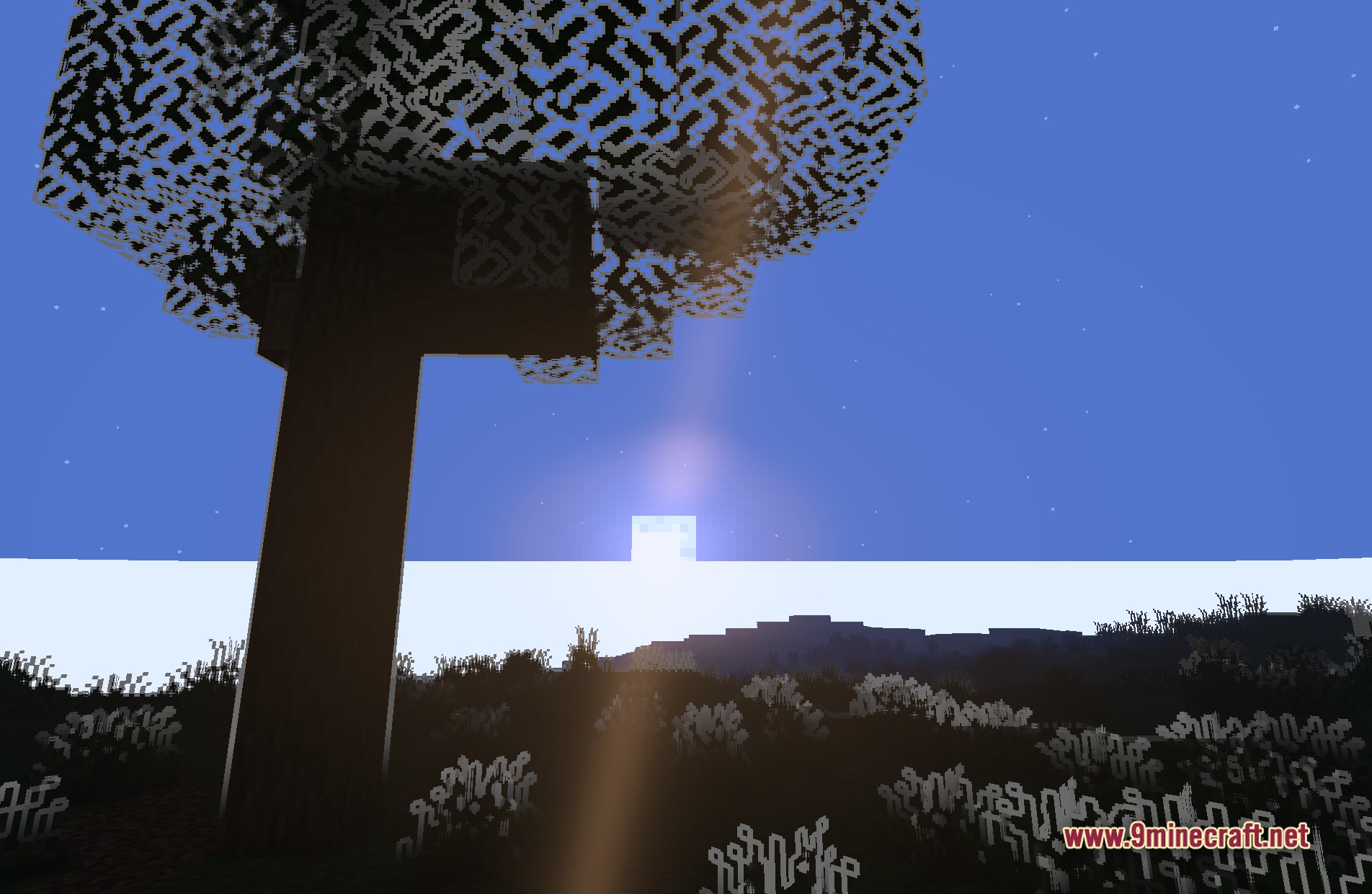
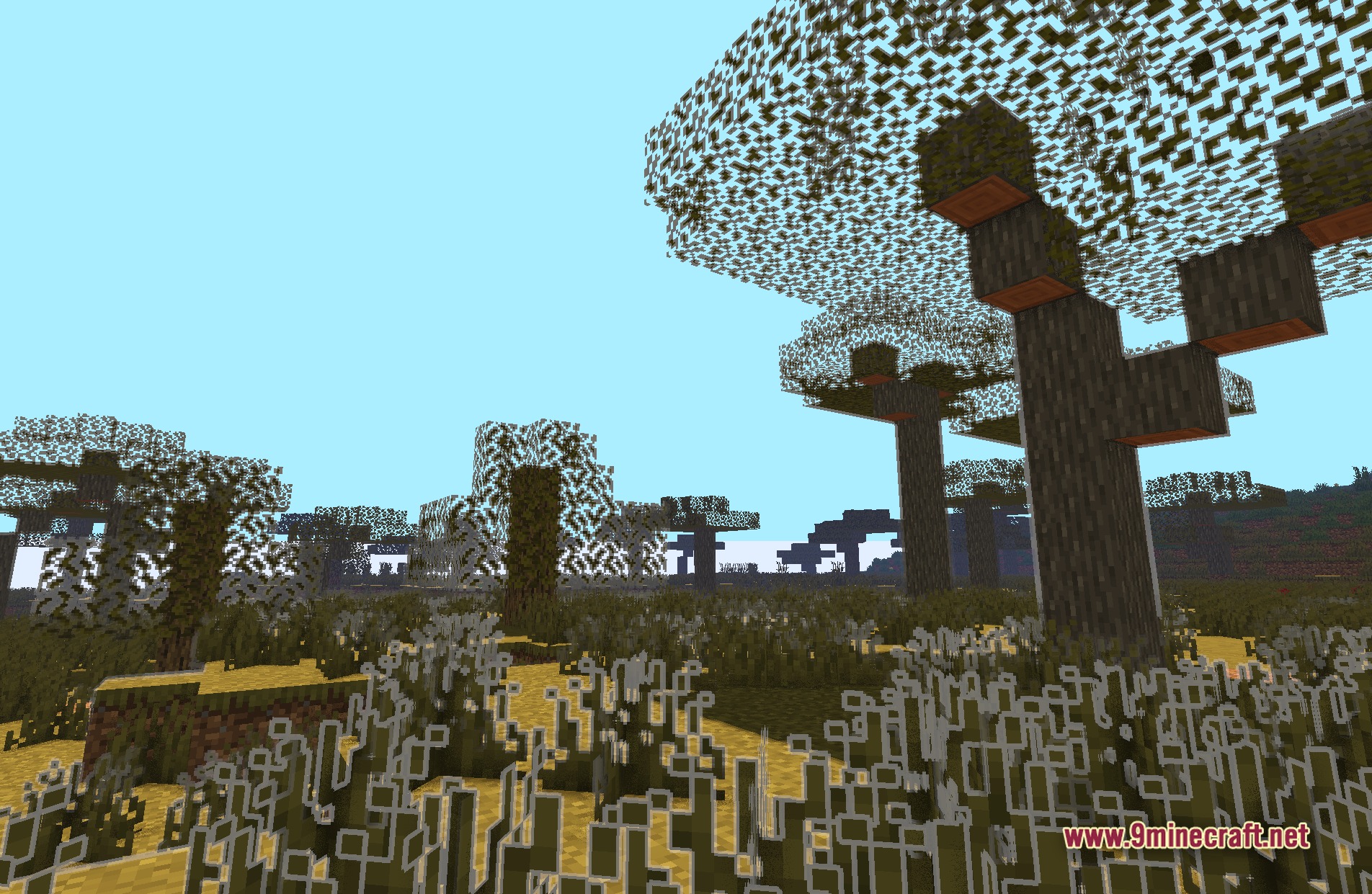
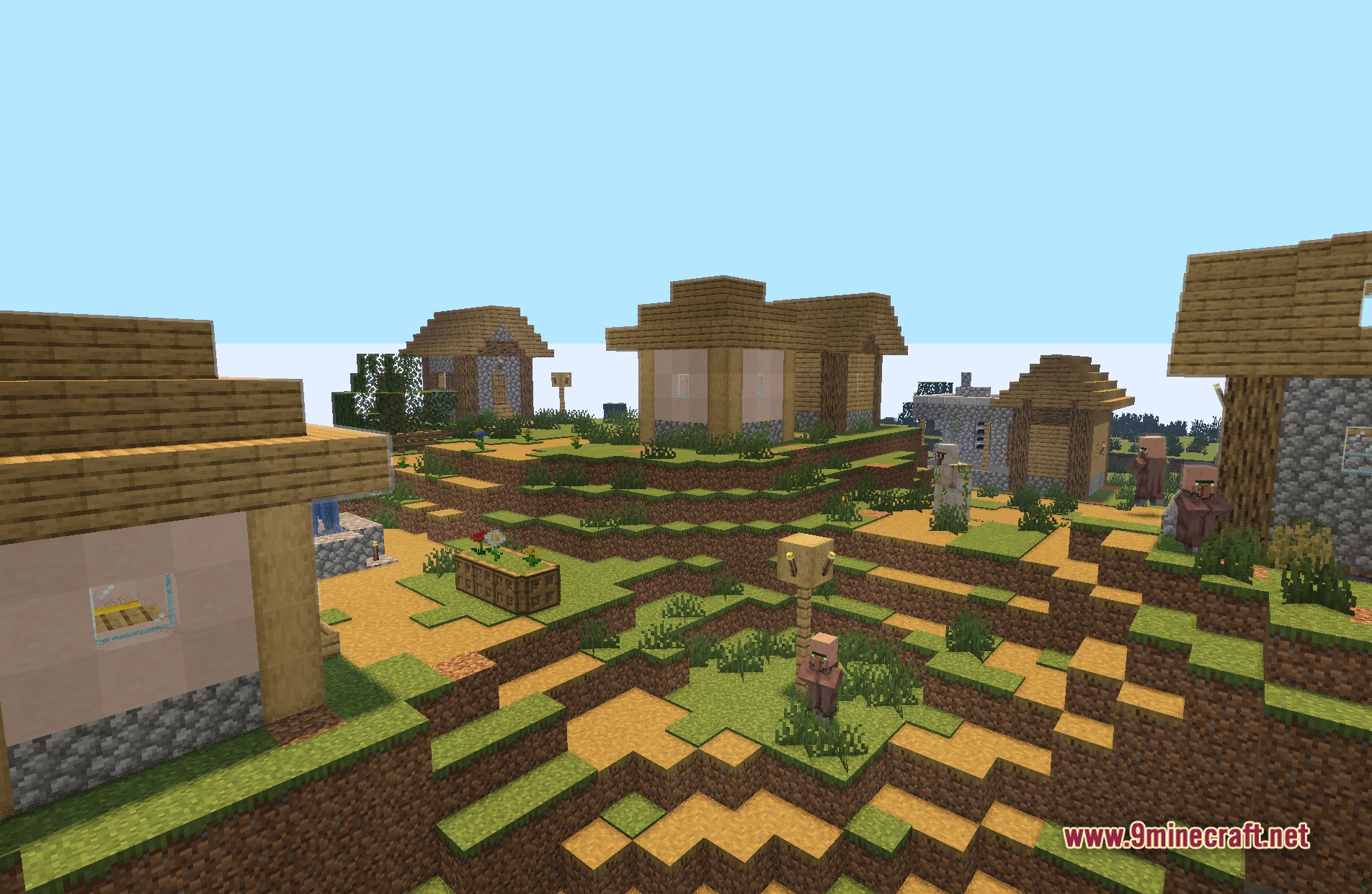
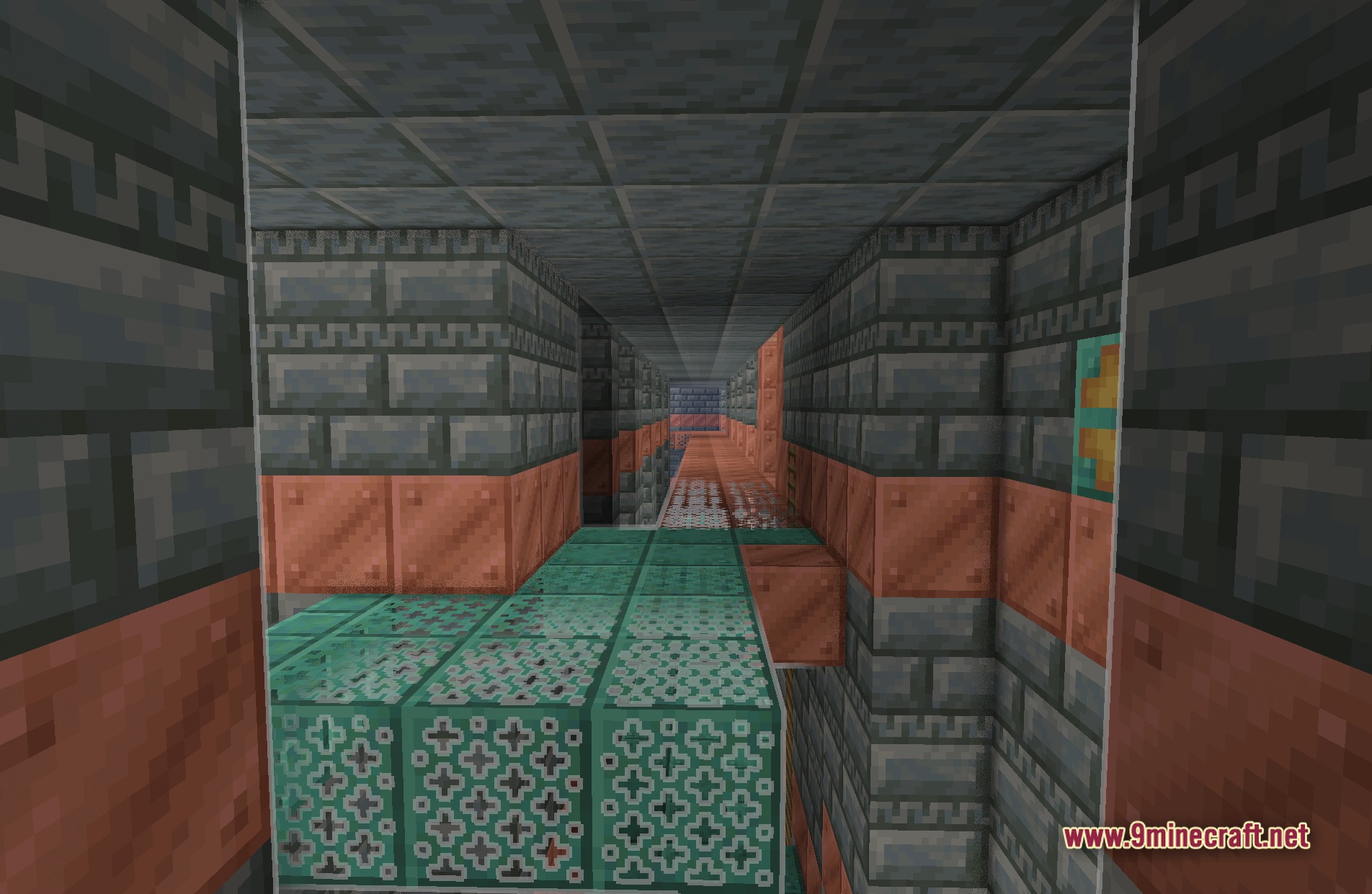
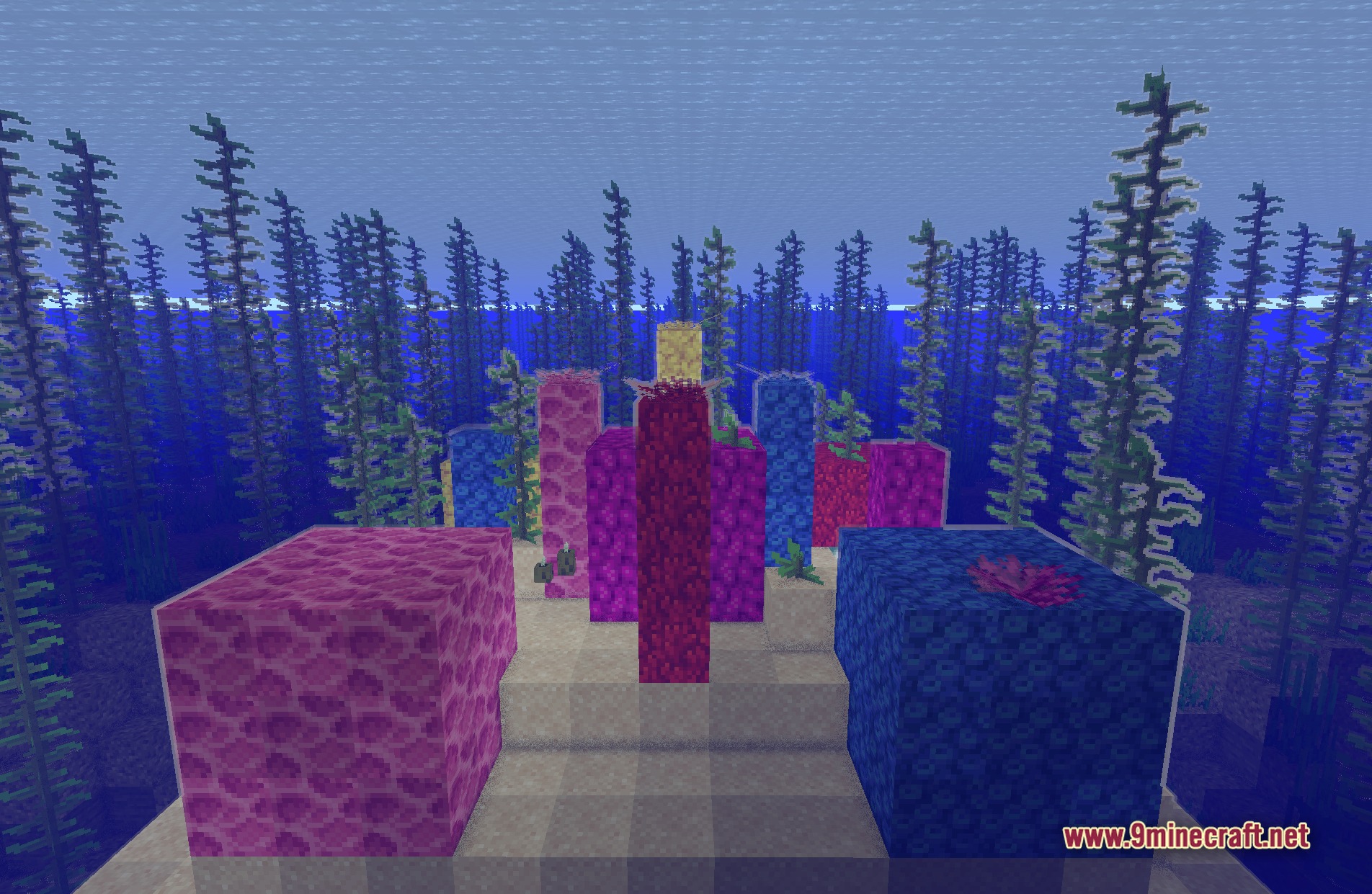
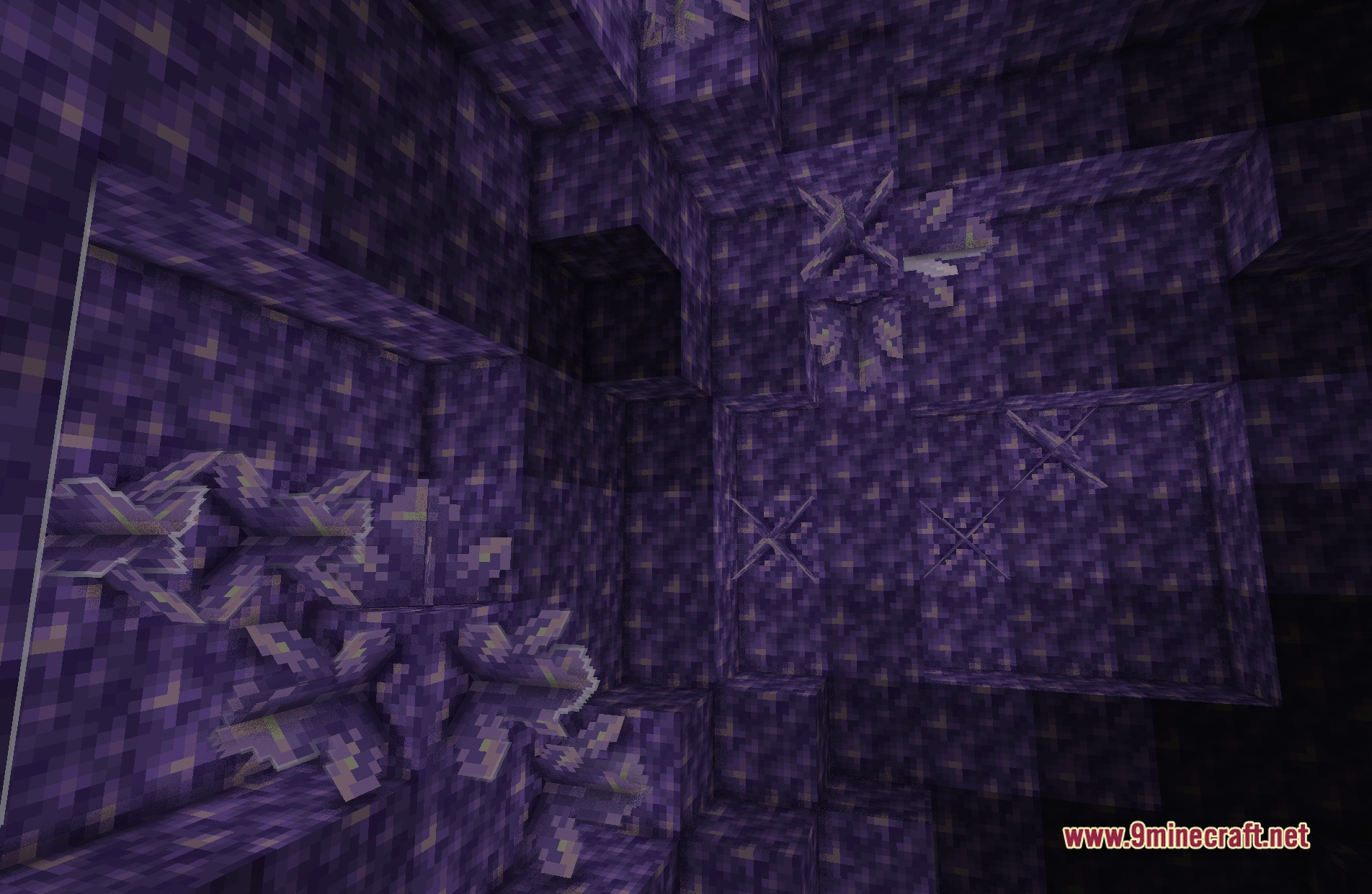
LoShades Shaders breathes life into Minecraft with basic post-processing effects and fog. This shader pack targets low-end computers that struggle to run heavy graphics mods. It keeps the vanilla fantasy feel while adding just enough visual changes to make the game look fresh. You get a big performance boost, reaching hundreds of frames per second on most setups.
Features:
- Brings a light fantasy style to the vanilla game world.
- Adds basic post-processing effects to improve the look of blocks and items.
- Generates custom fog that blends smoothly into the distance.
- Runs at high frame rates, often hitting 300 to 500 FPS on average hardware.
- Reaches maximum speeds of up to 800 FPS for players with good graphics cards.
- Keeps the game running fast on older computers.
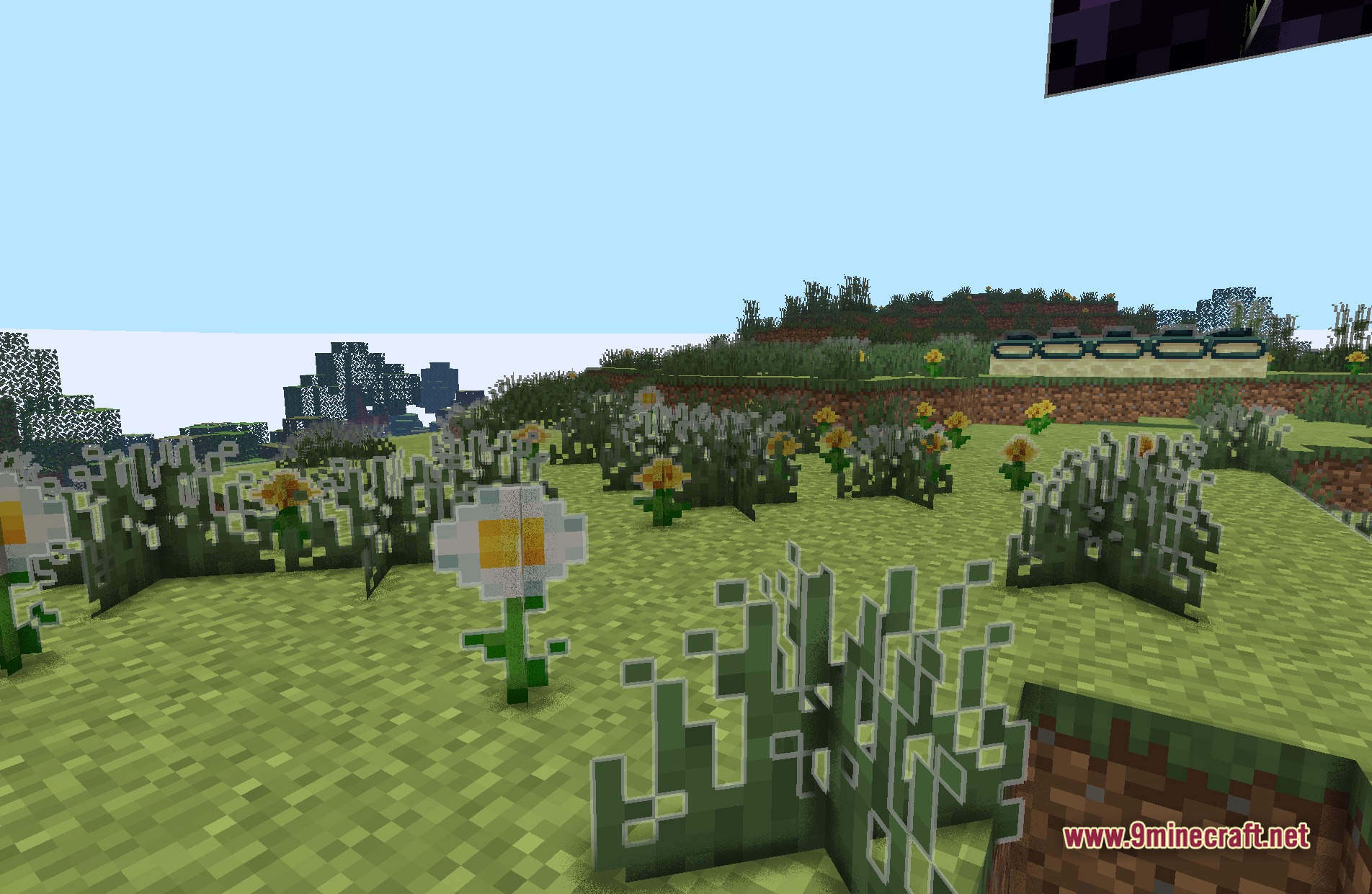
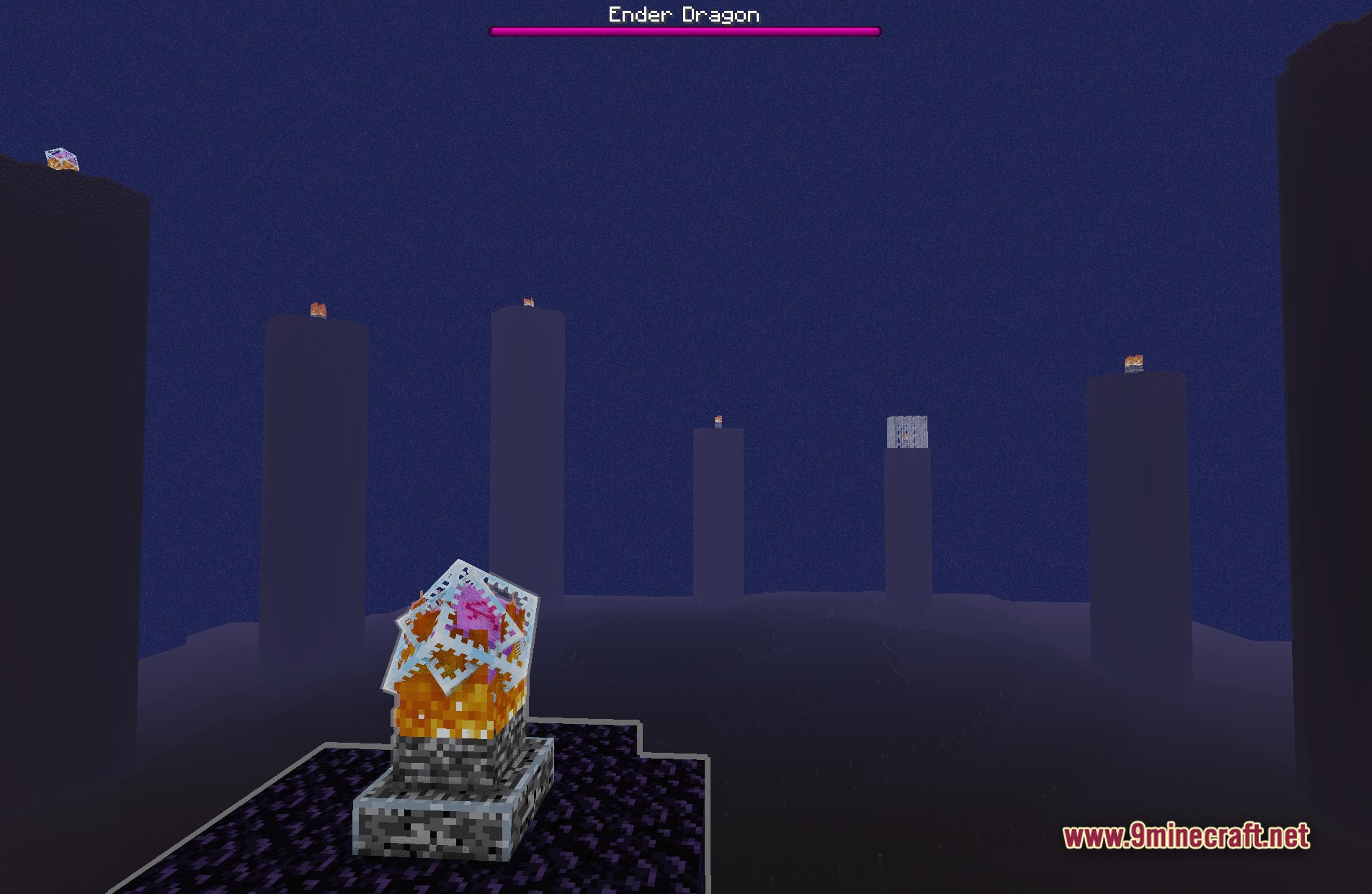
Screenshots:
LoShades Shaders Download Links
- Edition: Minecraft Java
- File type: .zip (resource pack)
- Minecraft version listed: 1.20.1
- How to install: Download the .zip resource pack — do not unzip it. → Put it in .minecraft/resourcepacks. → Enable it in Options → Resource Packs.
- Where to get it: In MC Java Mods, or directly above on this page.
Install steps are the general flow for this file type — see the MC Java Mods guides for the full walkthrough.
LoShades Shaders (26.2, 1.20.1) – Lightweight Post-Processing and Custom Fog is a free Minecraft Java shader. Compatible with Minecraft 1.20.1. Download it and open it directly in the game.