
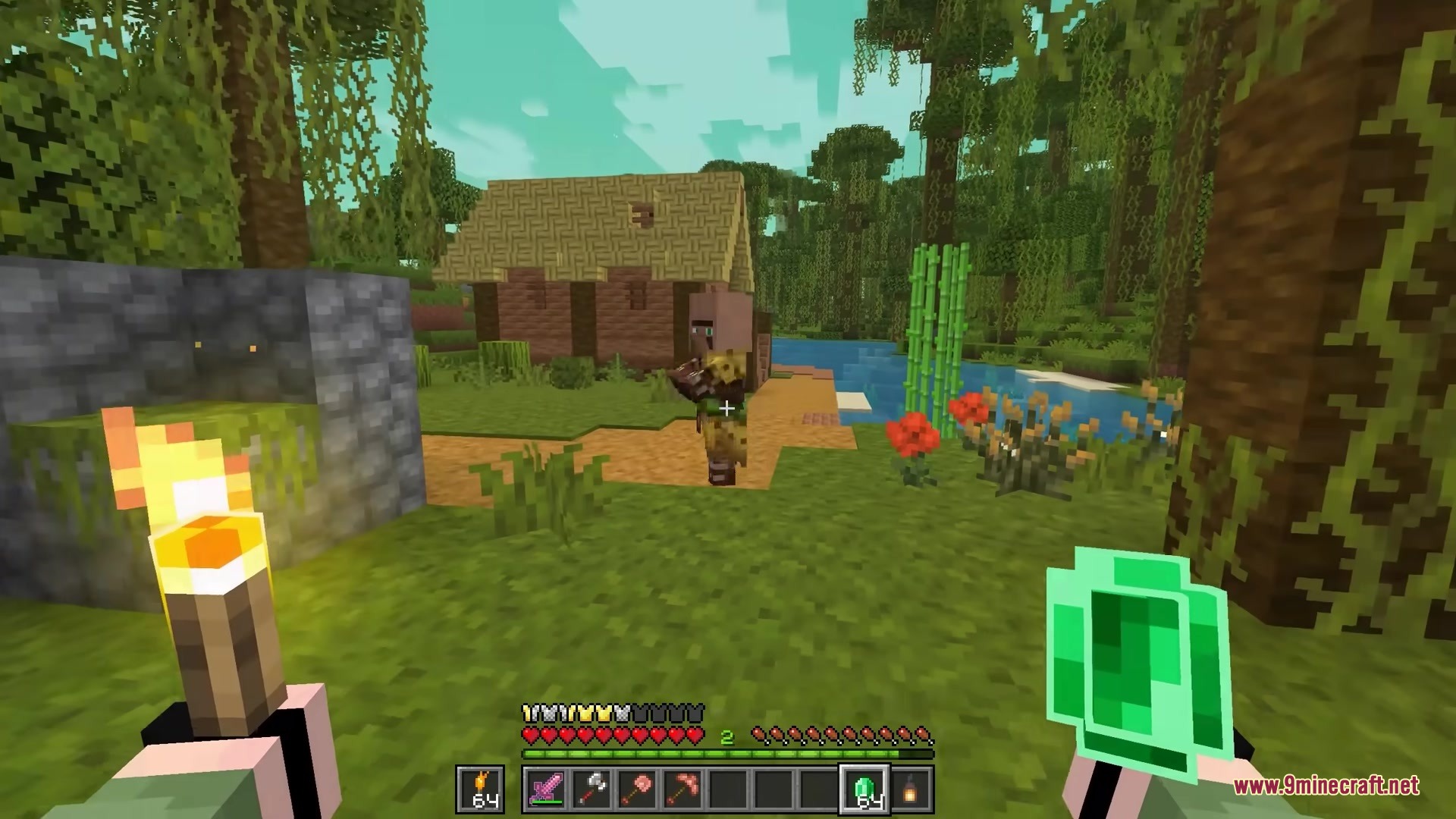
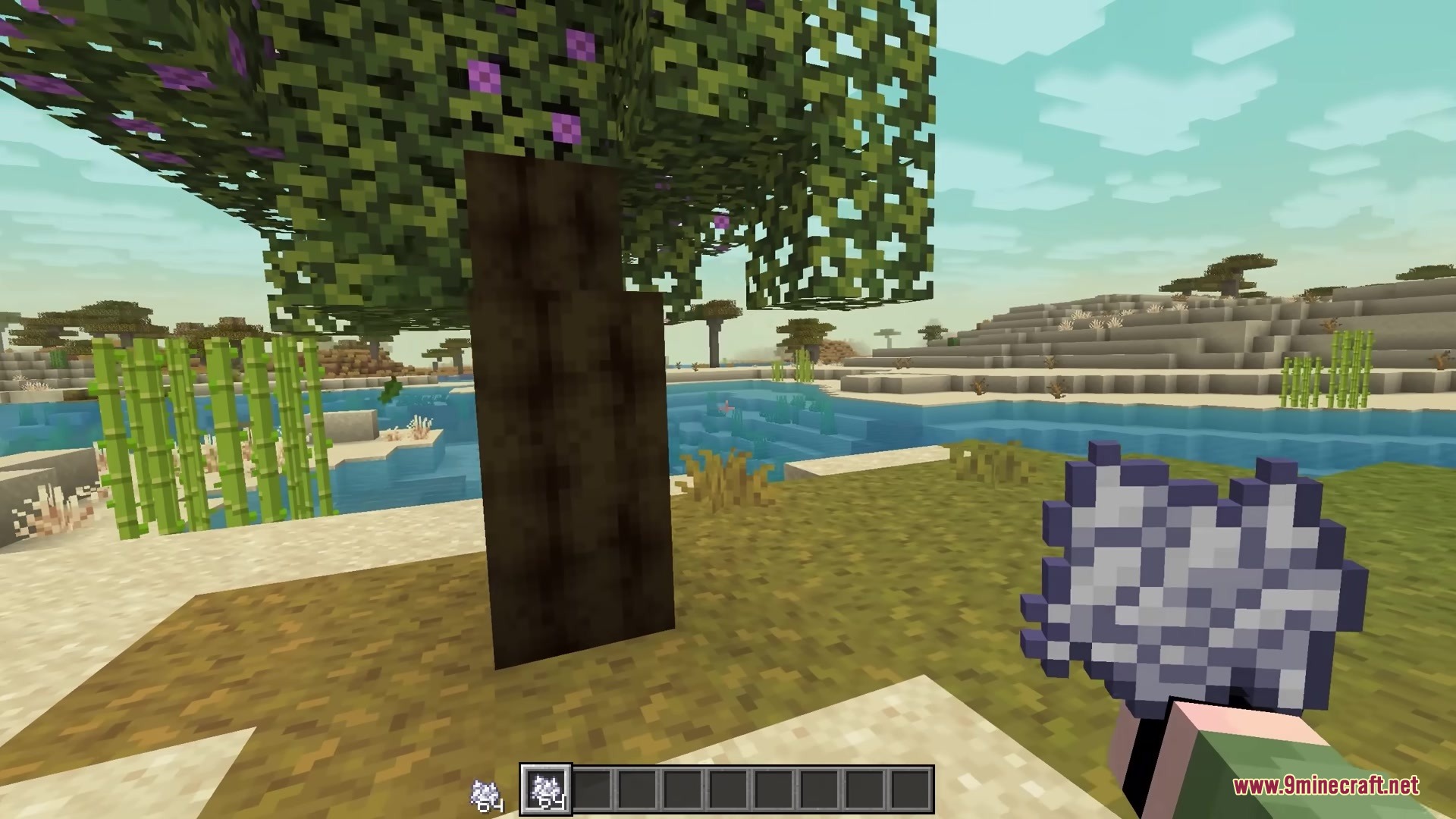
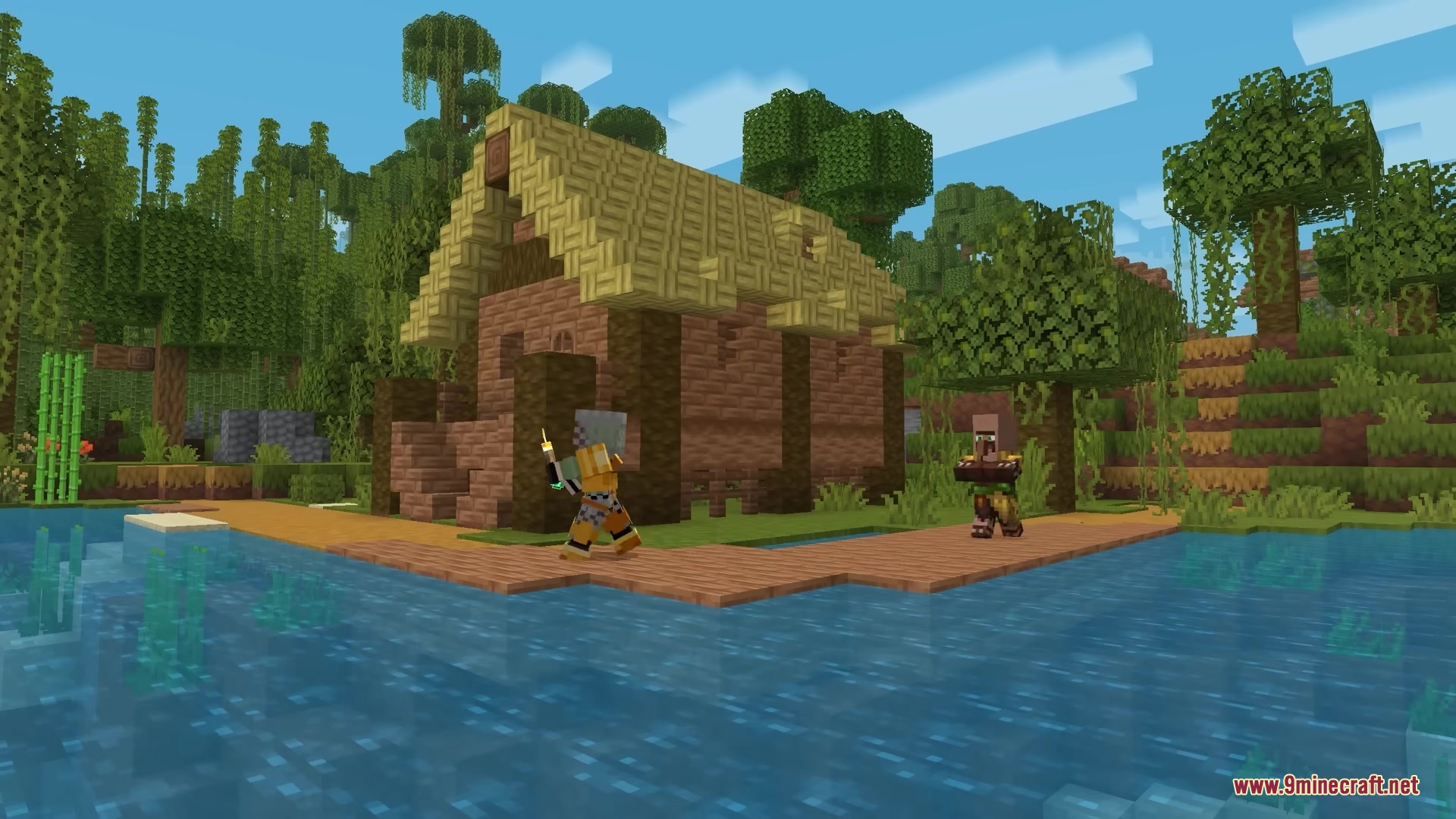
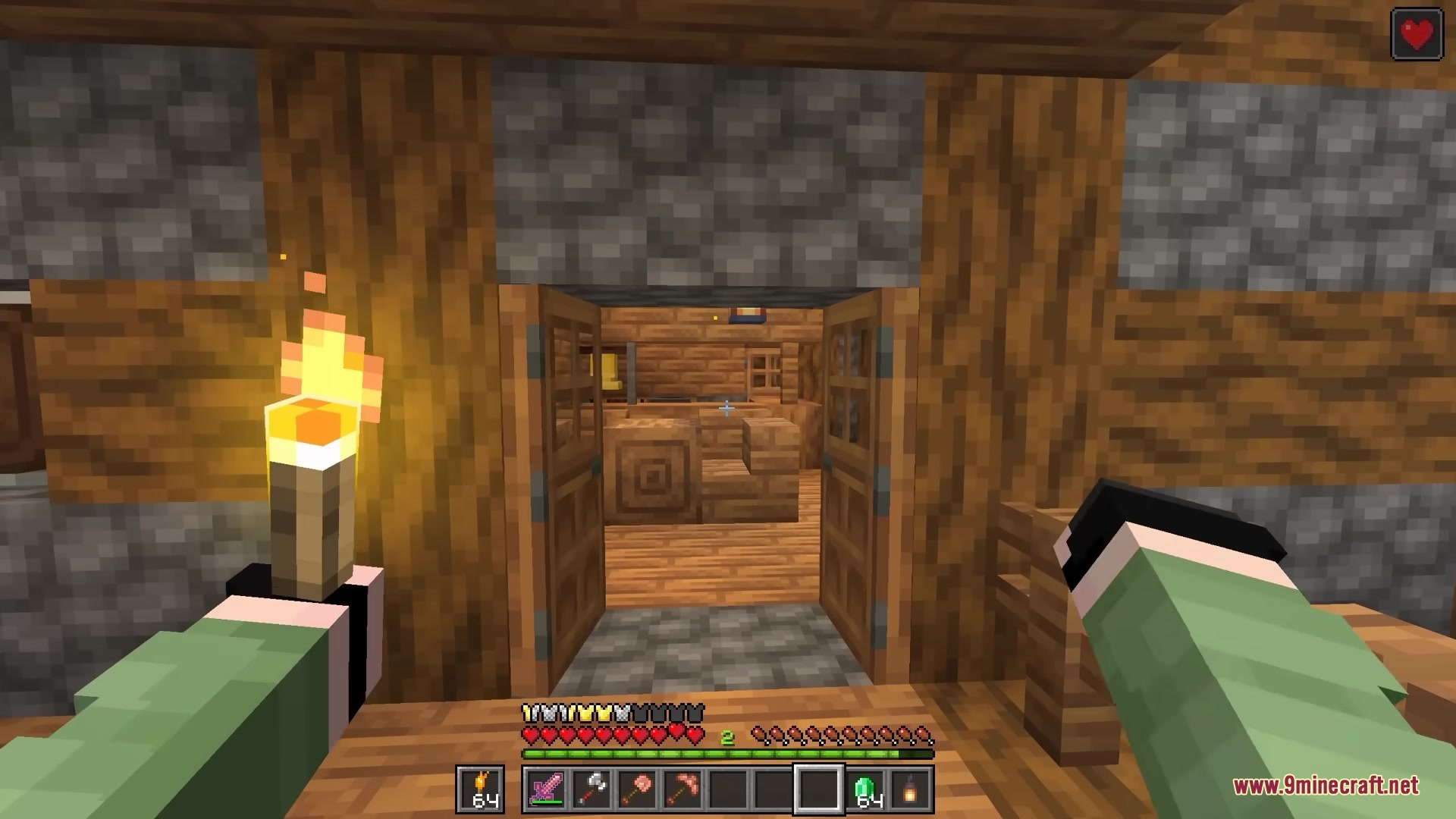
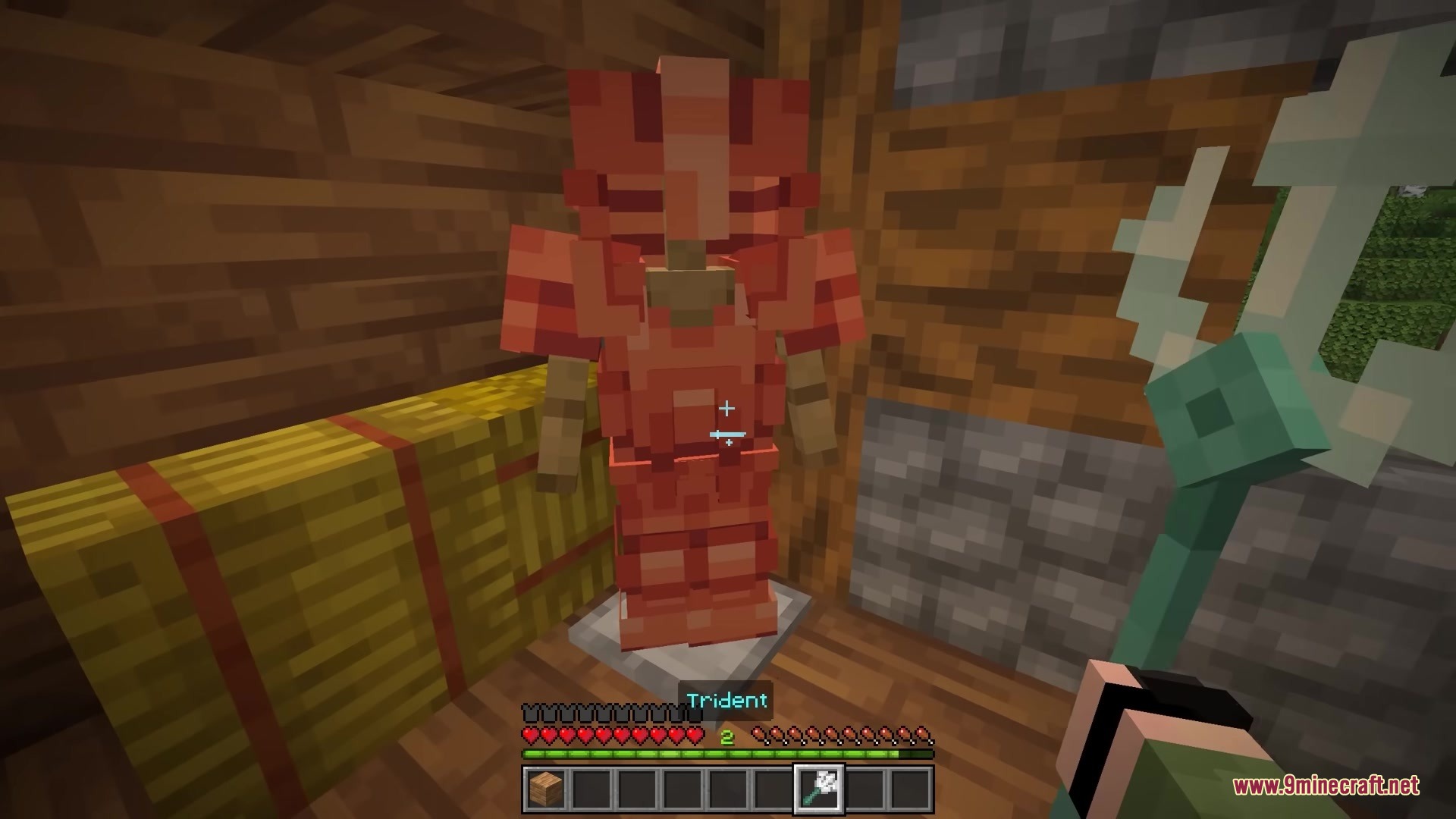
Bits and Balance Mod adds over 100 small changes to your game. It gives you new blocks for building and adds new potions to brew. You also get better combat rules and smoother menus. This mod changes little things everywhere to make survival more fun.
Features:
- Quarter Blocks: Lets you build with small step blocks and vertical slabs that mix together.
- Anti One-Shot: Protects you from dying instantly from a huge hit so you have a chance to heal.
- Spawns giant veins of coal, Nether quartz, and Nether gold deep underground.
- Changes ores to match the stone they spawn in, like diorite or granite.
- Turns snowballs into real weapons that deal damage and freeze enemies.
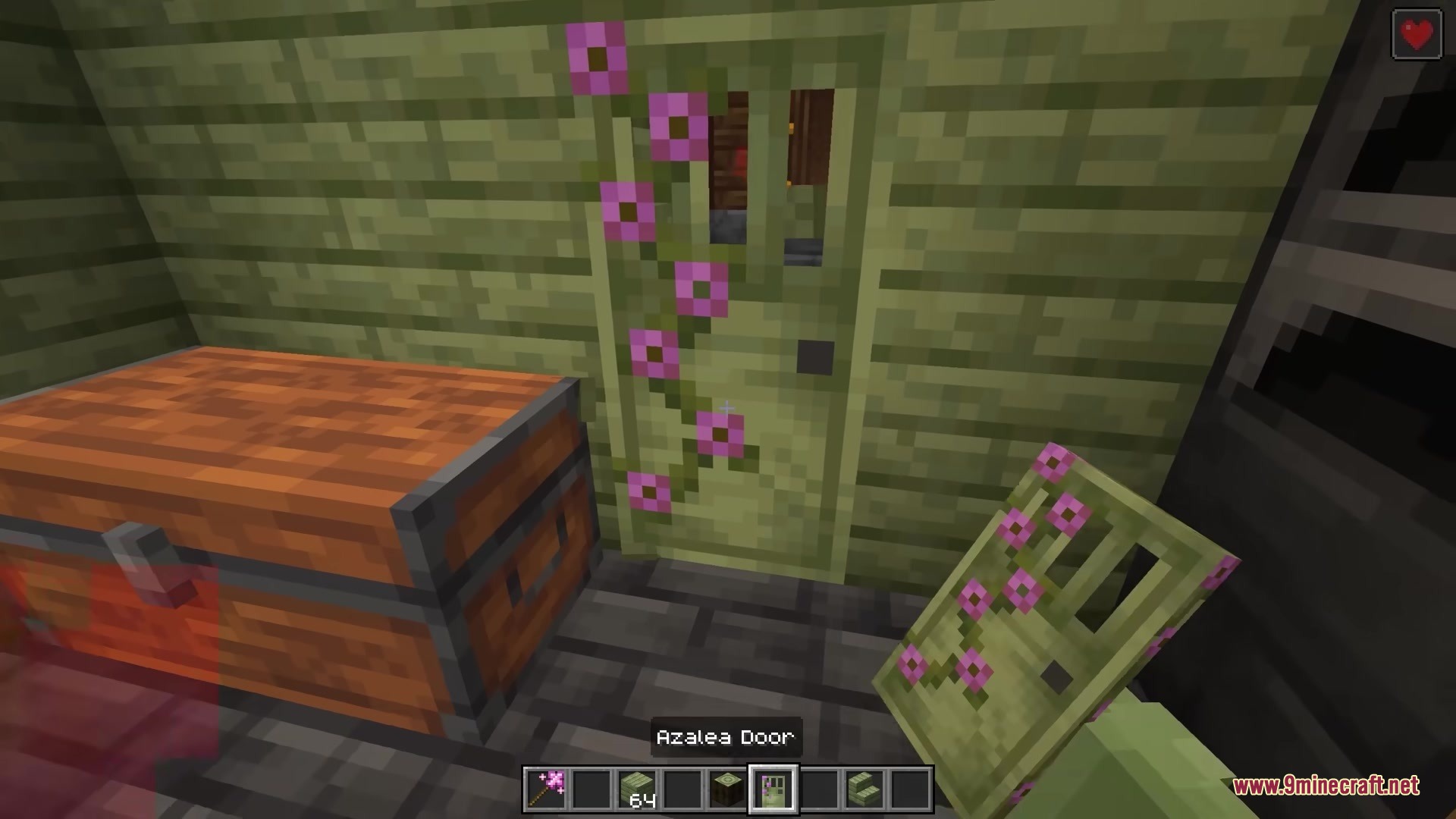
- Adds a full set of wood blocks for Azalea trees.
- Makes you burn with blue flames if you catch fire on soul sand.
- Shows player faces next to their chat messages.
- Saves some of your experience points when you die instead of dropping them all.
- Removes the scary Elder Guardian face popup when you get mining fatigue.
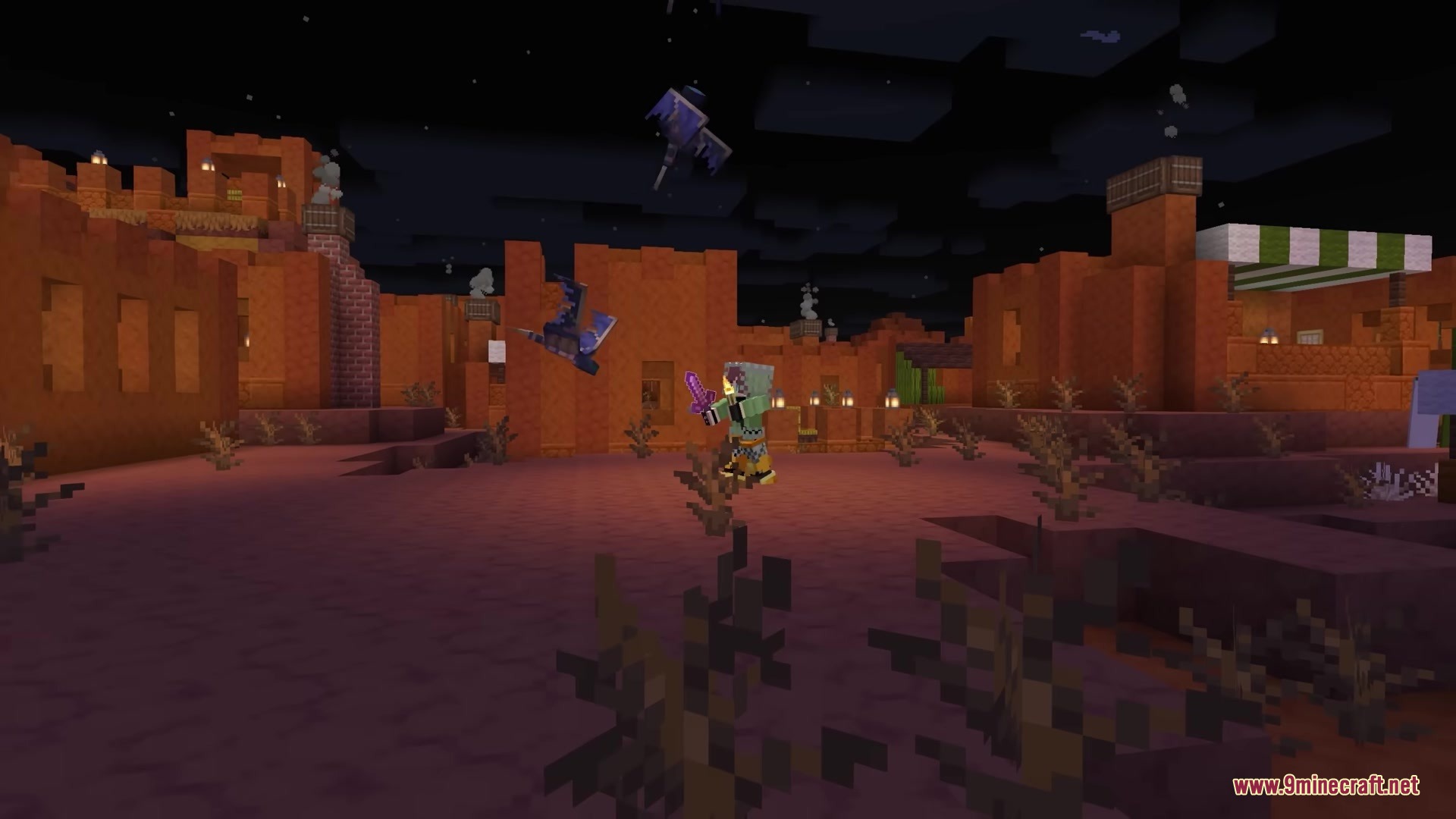
- Adds a special Elytra enchantment in End Cities that helps you fly faster.
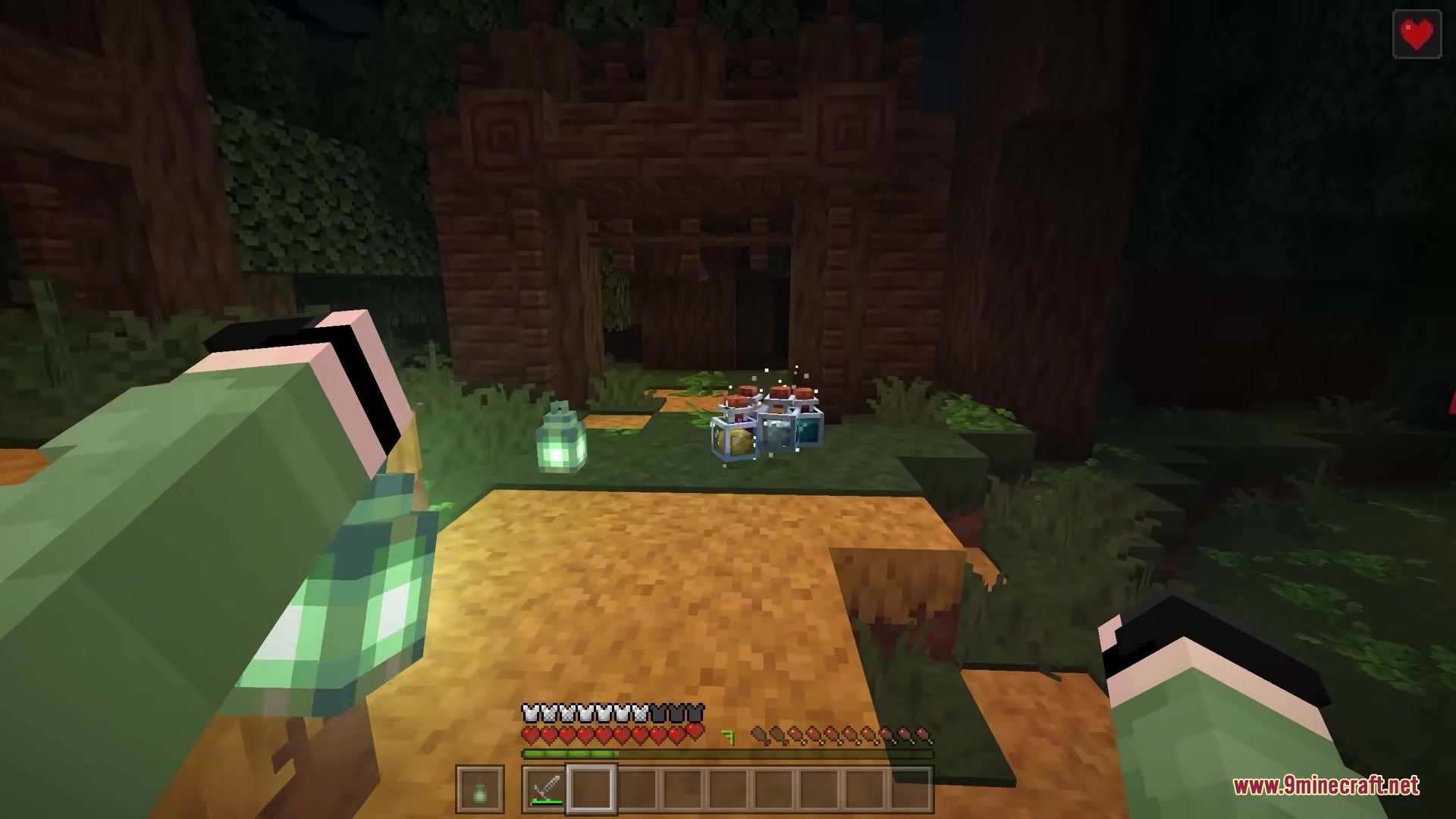
New Potions:
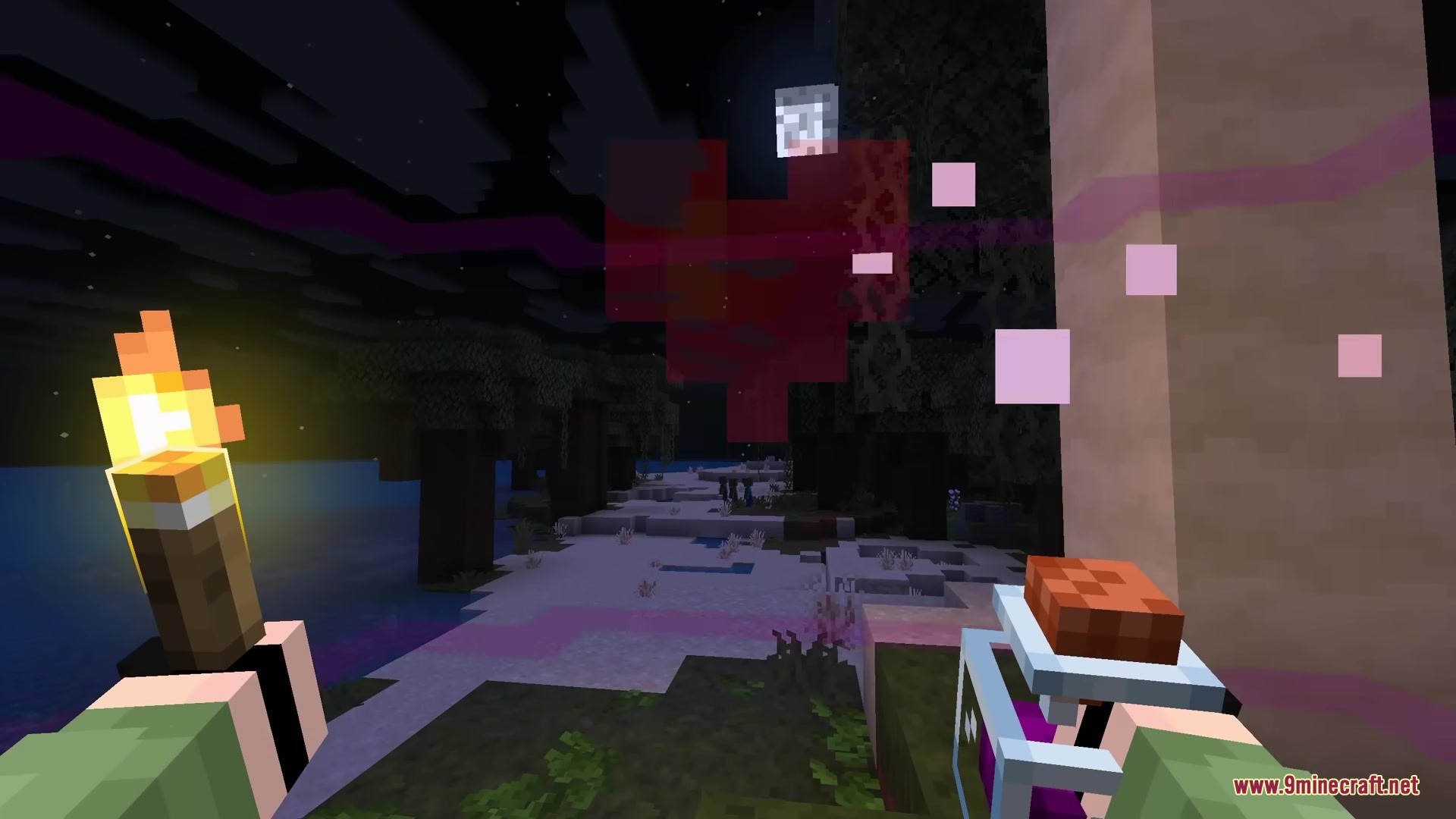
- Bioluminescence Potion makes any mob glow with bright light.
- Displacement Potion teleports the target to a random spot nearby.
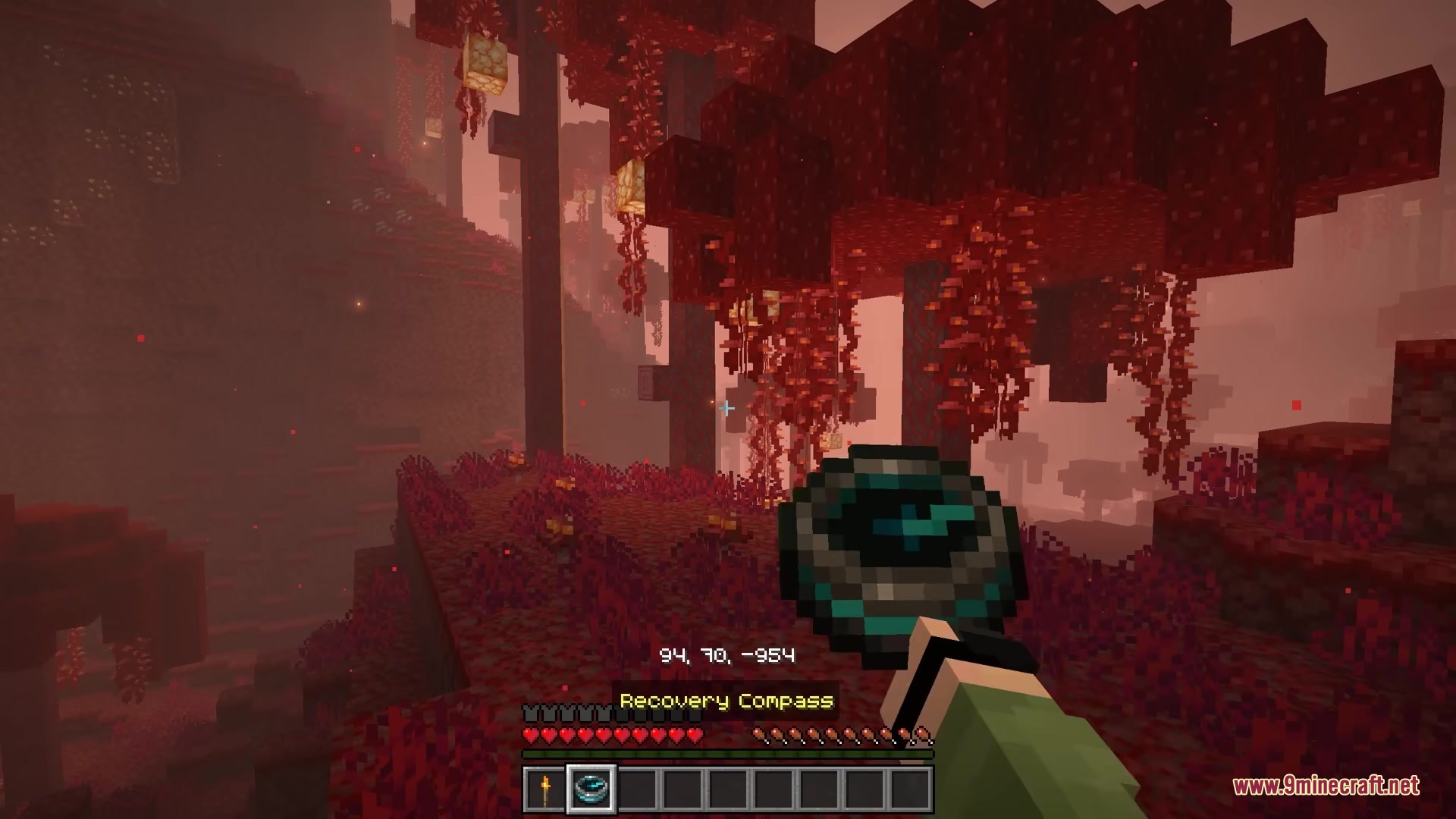
- Returning Potion sends you straight back to the place where you last died.
- Haste Potion helps you mine blocks faster.
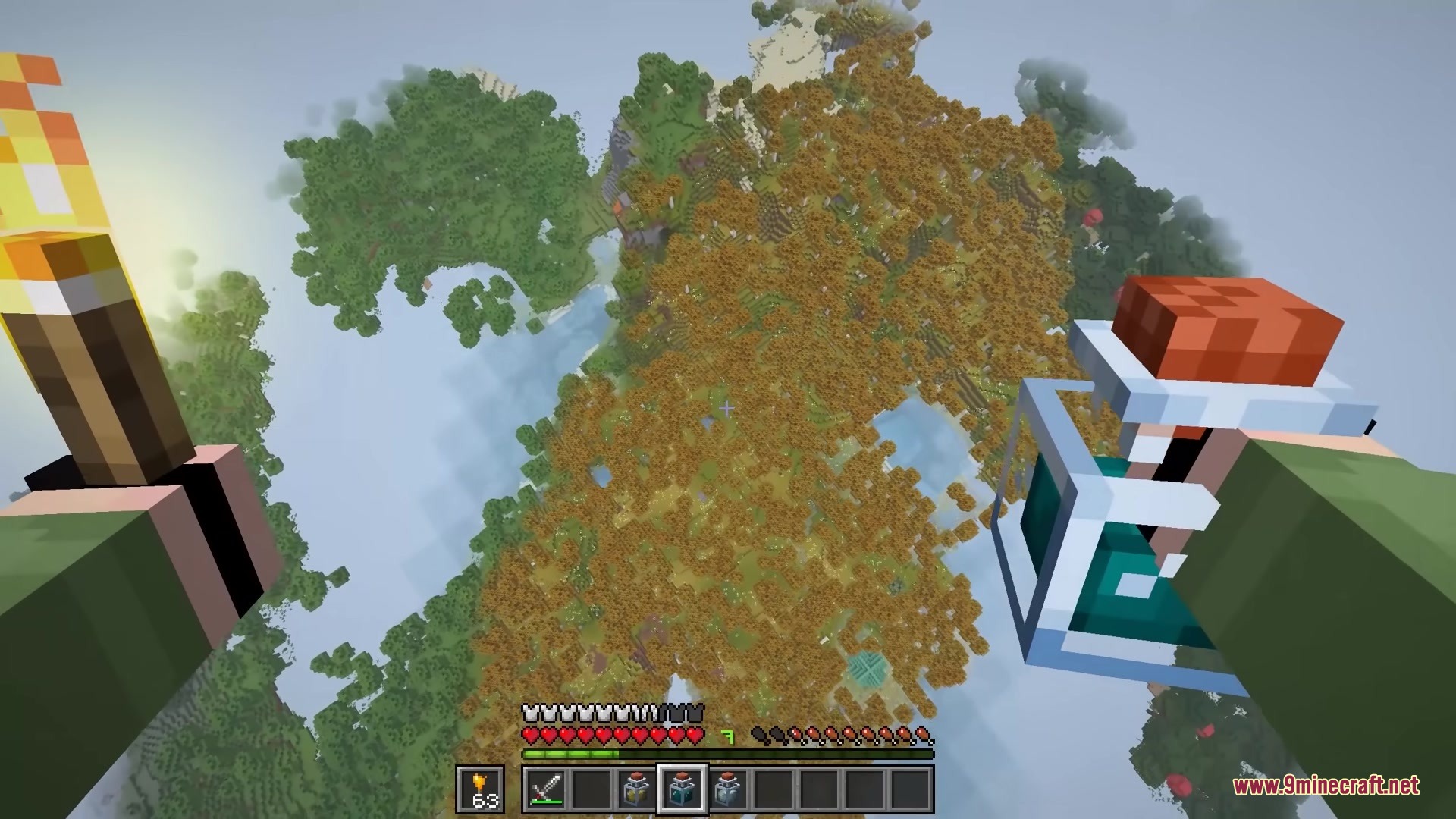
- Levitation Potion makes you float up into the air.
Menu and Screen Changes:
- Adds a smooth fade effect for night vision instead of the normal blinking.
- Puts a title on your screen when you walk into a new biome.
- Copies your screenshots straight to your computer clipboard automatically.
Screenshots:
Bits and Balance Mod Download Links
Quick facts
- Edition: Minecraft Java
- File type: .jar
- Minecraft version listed: 1.21.1
- How to install: Install the matching mod loader (Forge, Fabric or NeoForge) for your Minecraft version. → Download the .jar. → Put it in the .minecraft/mods folder and launch that loader profile.
- Where to get it: In MC Java Mods, or directly above on this page.
Install steps are the general flow for this file type — How to install Minecraft Java mods & modpacks walks through it step by step.
Verified by MCModsHub
- Downloads as 392115.mcaddon
- Download size: 5.3 MB
- Download link checked 26 Sept 2026 — working
- Mirrored on our own servers — the download does not depend on the original host
These come from our own check of the pack file, not from the source page.