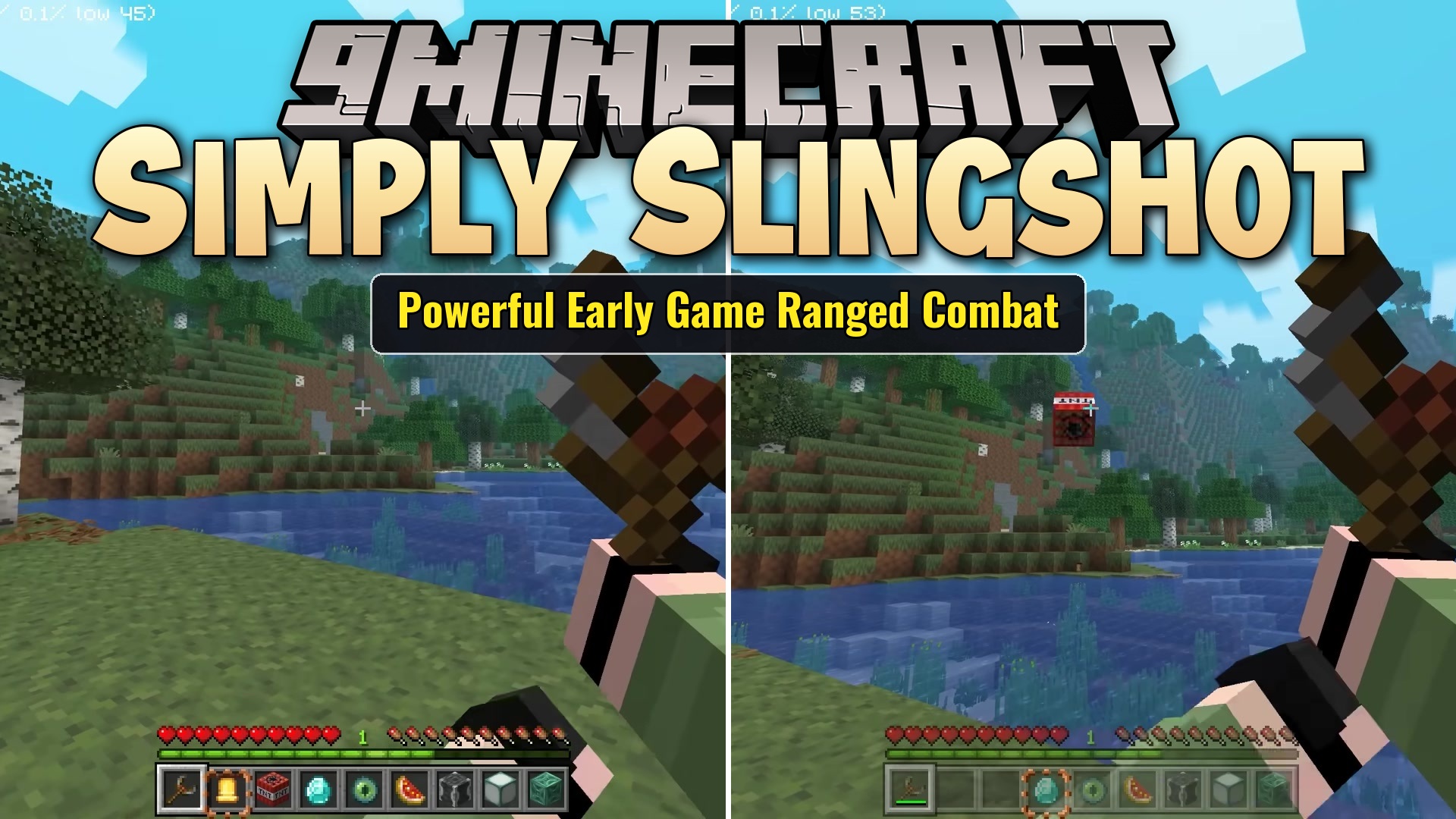
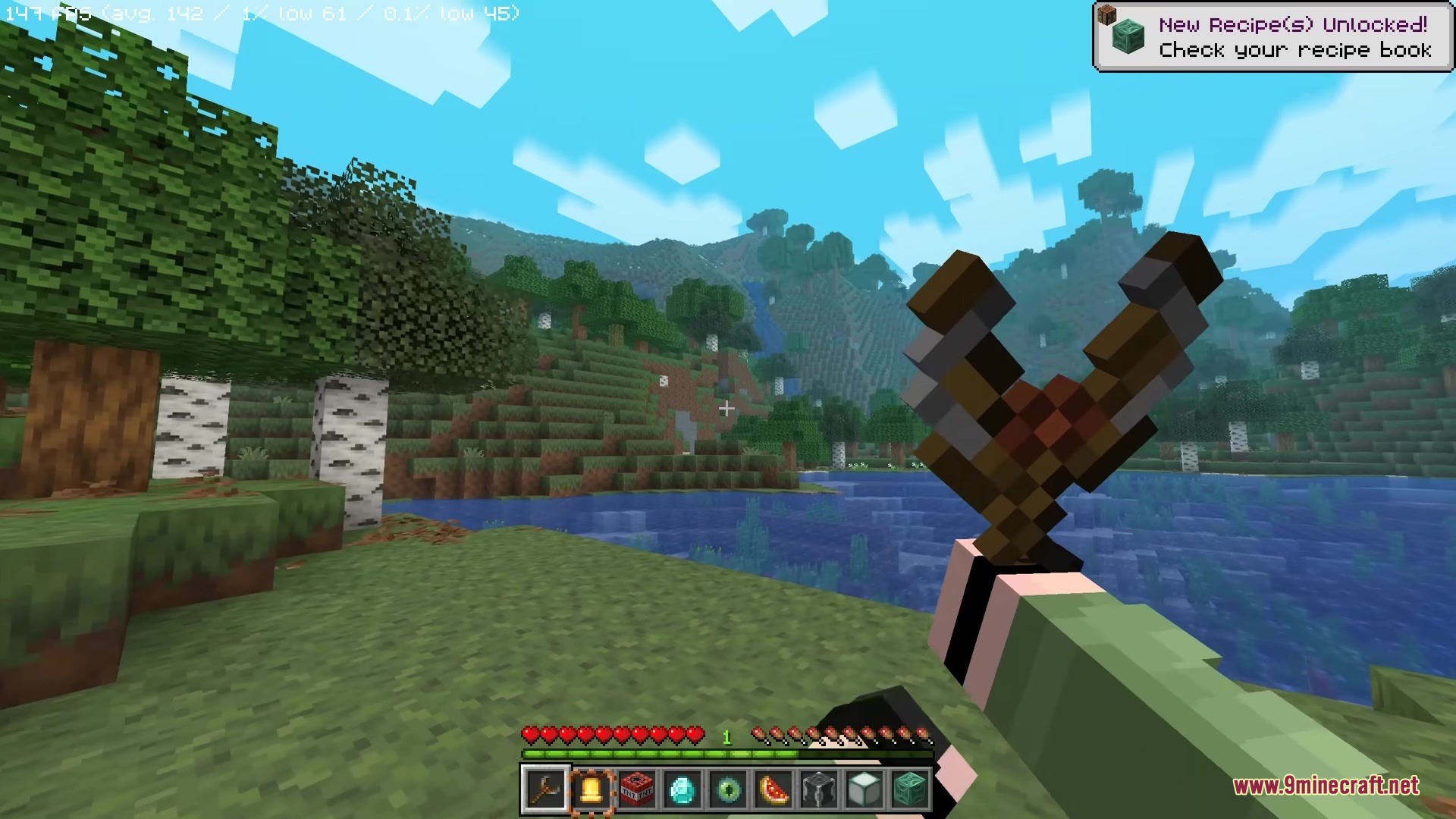
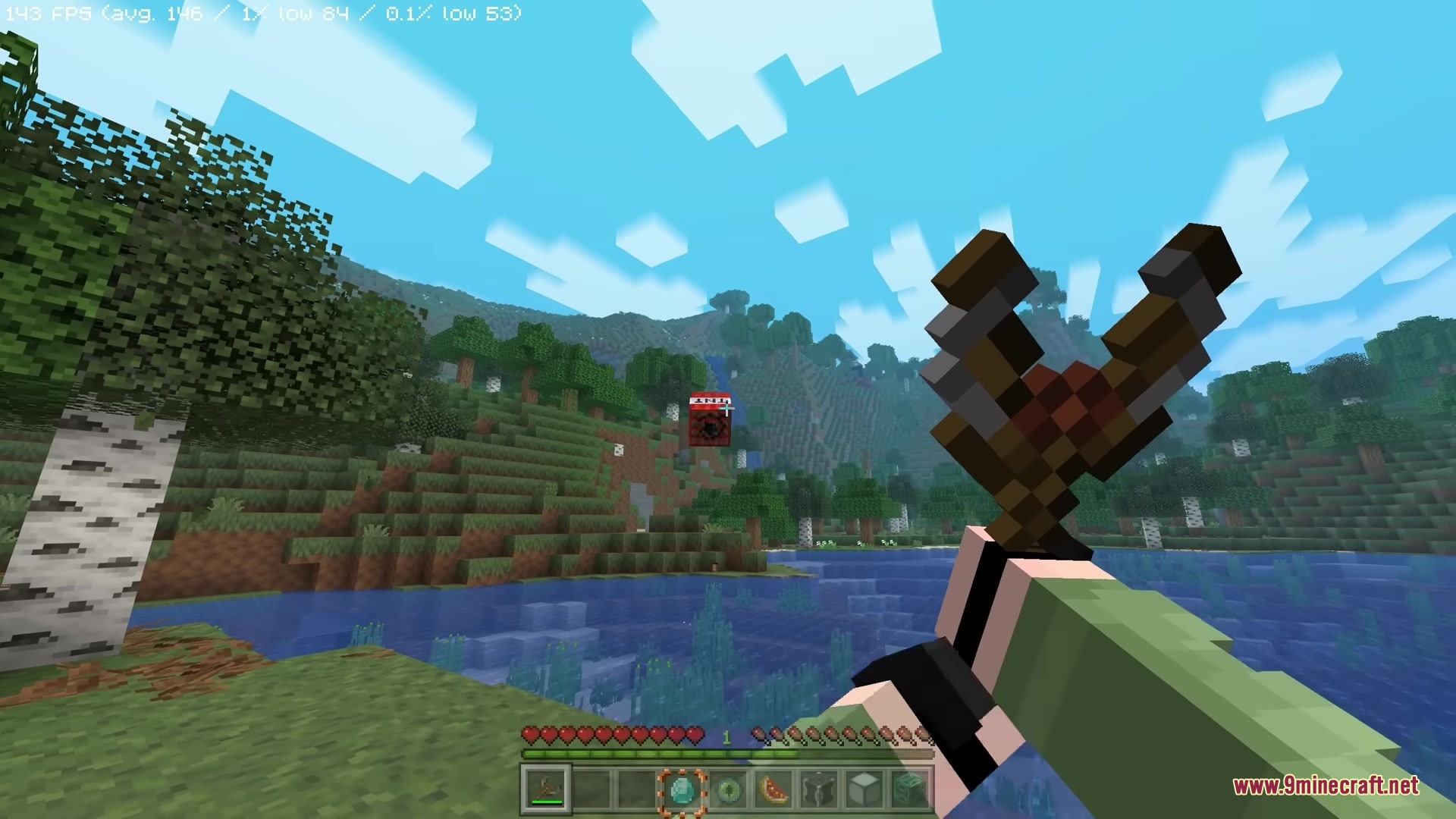
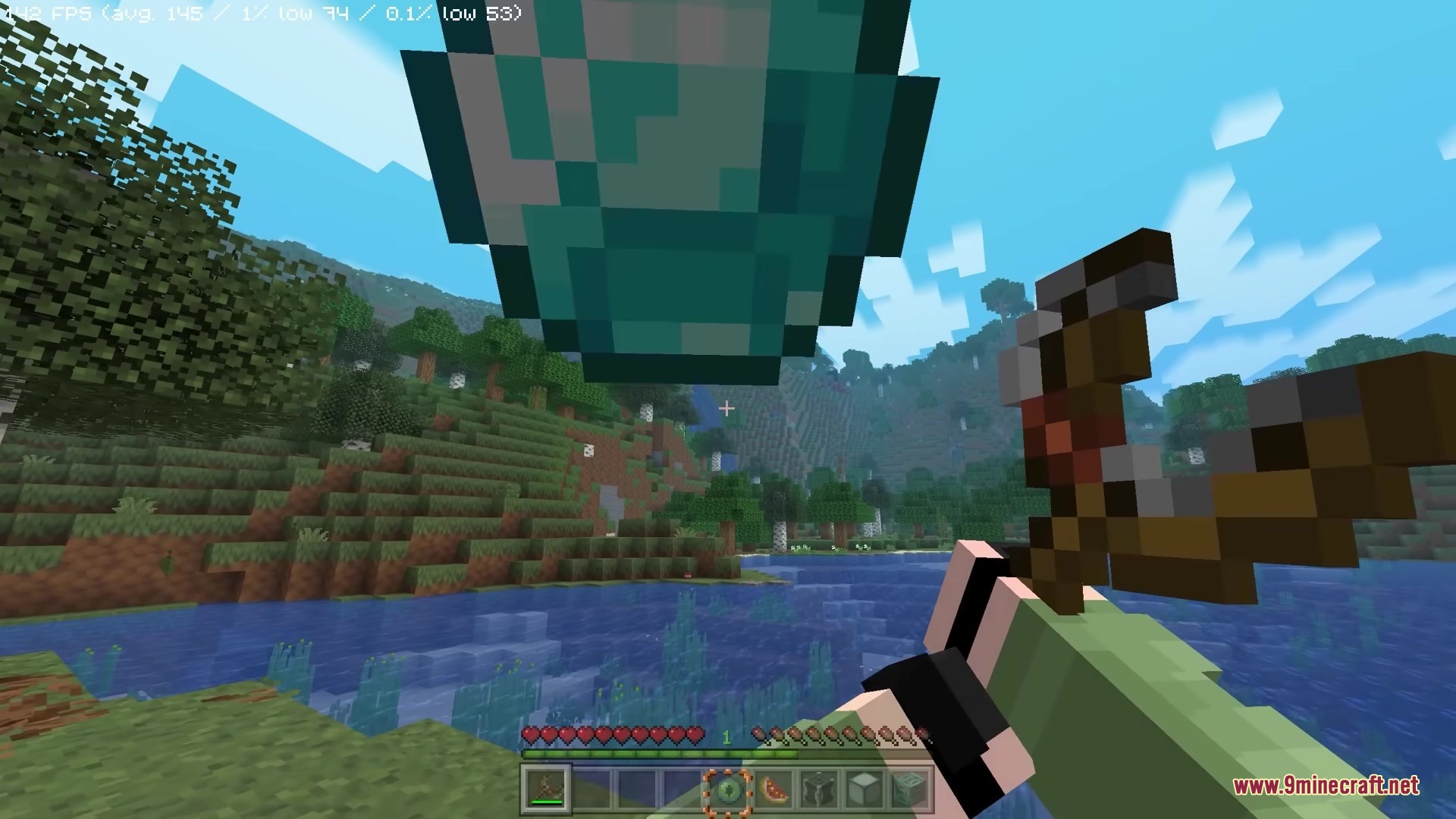
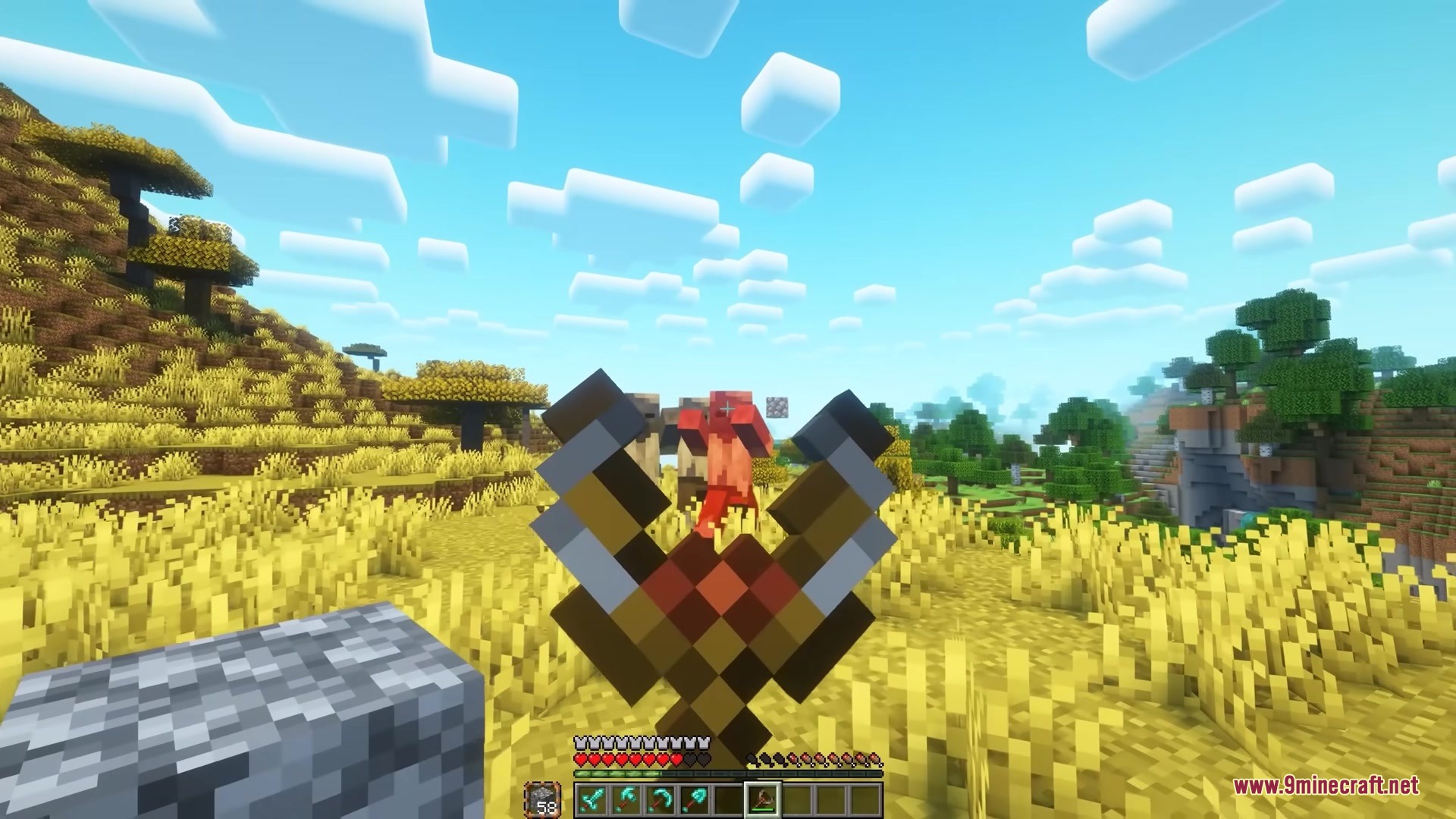
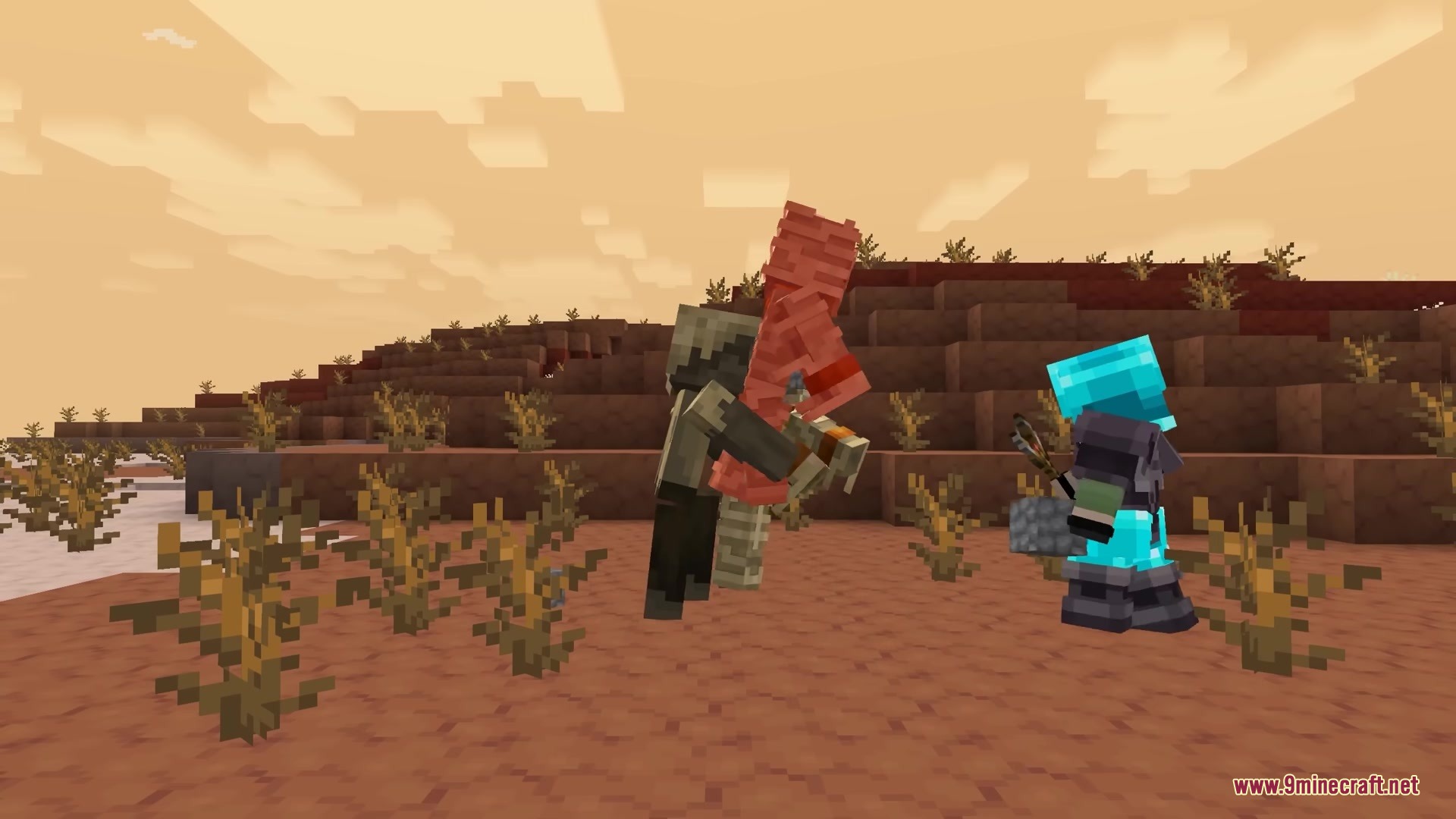
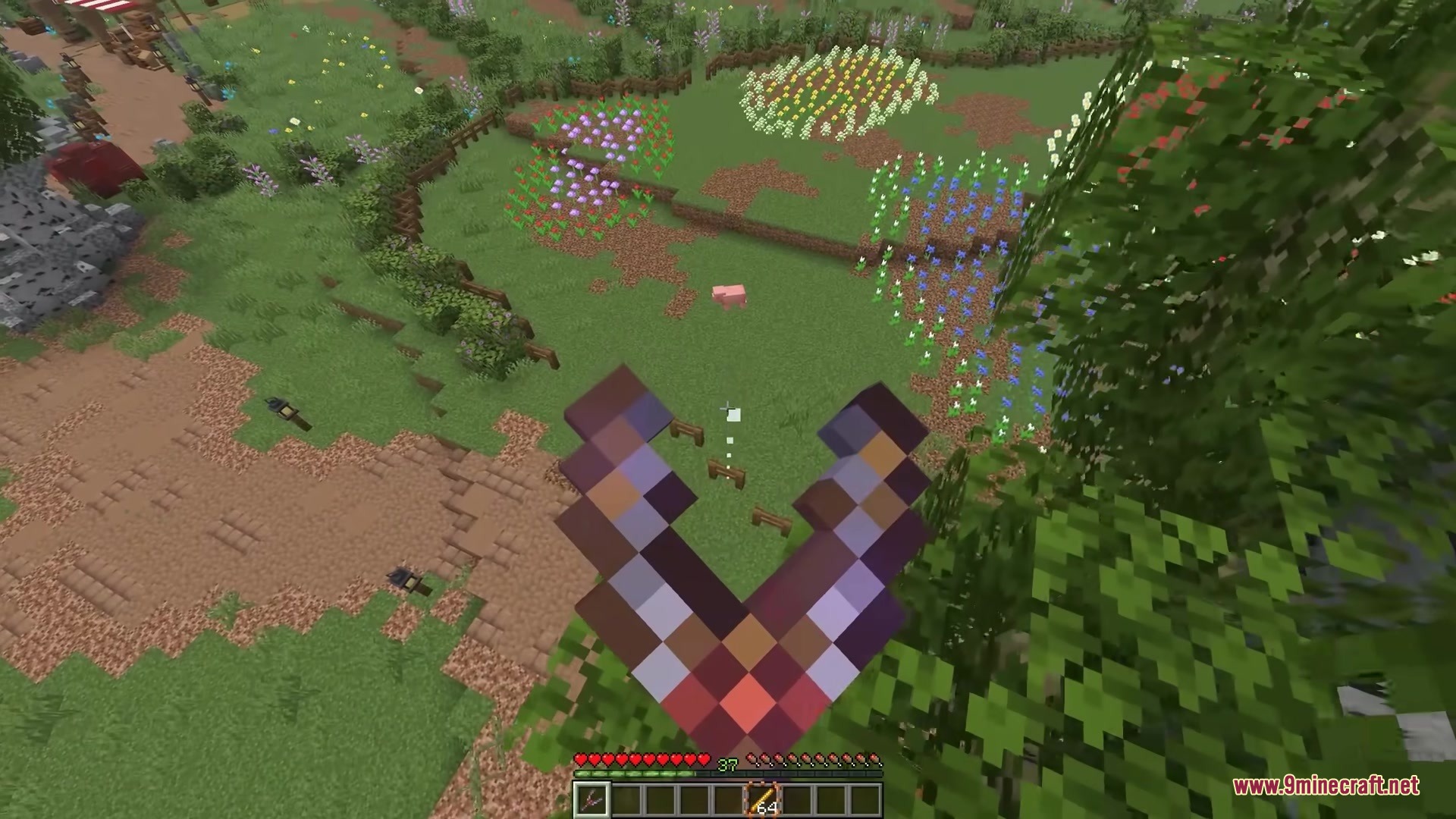
Simply Slingshot Mod adds a new ranged weapon that lets you shoot almost any item in your inventory. Instead of just firing arrows, you can launch blocks, tools, and materials across the map. This tool helps you fight enemies, break blocks, or even build structures from far away. It changes how you interact with the world by giving everyday items new uses when fired through the air.
Features:
- Shoot Anything: You can load the weapon with almost any item from your hotbar to throw it at targets.
- The slingshot grabs items from your off-hand first, then checks your regular hotbar for ammo.
- Mining tools break blocks from a distance when they hit a surface.
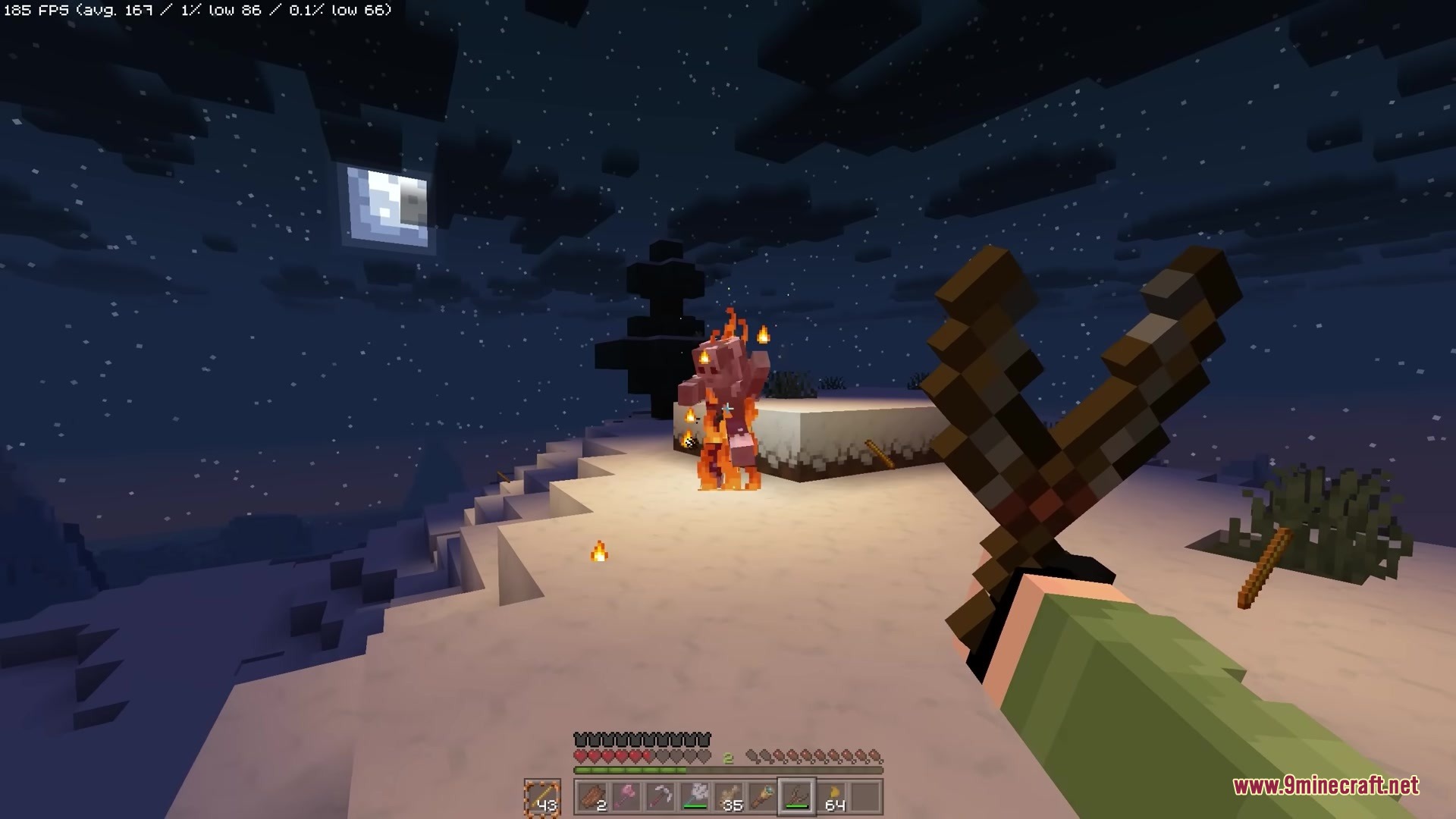
- Blaze rods start fires exactly where they land.
- This mod runs entirely on the server side, meaning players can join your world without installing it themselves.
Slingshot Enchantments:
- The Block Placer enchantment automatically places block items right where they land.
- Items return to your inventory if they miss their target when using the Boomerang enchantment.
- Projectiles bounce off walls and floors up to five times with the Bounce enchantment.
- You can throw items much further to safely pass gear to friends using the Item Sender enchantment.
- Axes and shovels perform their normal actions on blocks from far away with the Tool User enchantment.
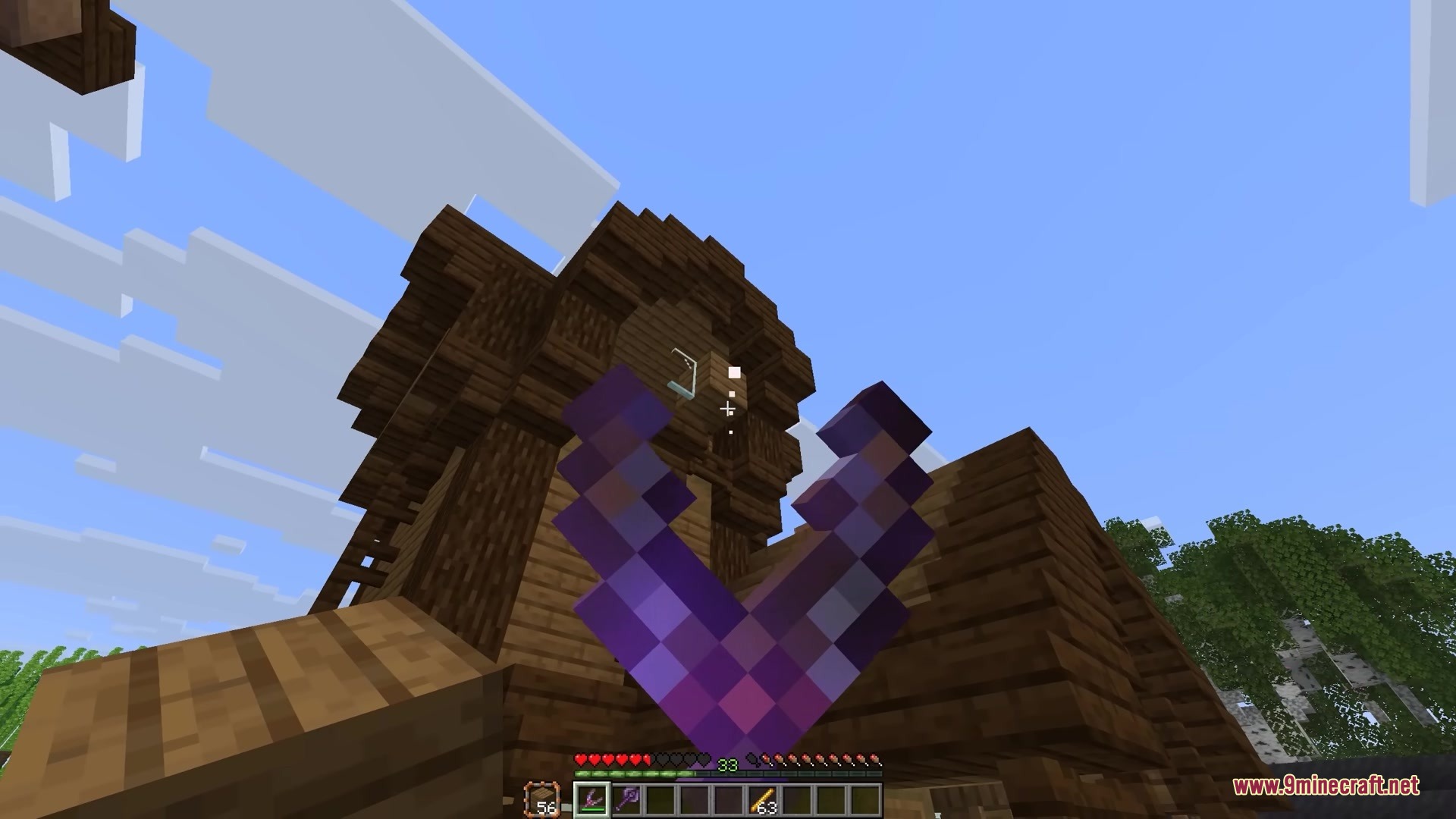
- A visible line shows exactly where your shot will land when you apply Trajectory Prediction.
- The Quick Charge enchantment speeds up the time it takes to pull back and load the weapon.
How to Use:
- Craft the slingshot and place it in your main hand.
- Put the item you want to shoot in your off-hand or anywhere in your hotbar.
- Hold Right-Click to pull back the slingshot, just like a regular bow.
- Release the button to fire the item at your target.
Screenshots:
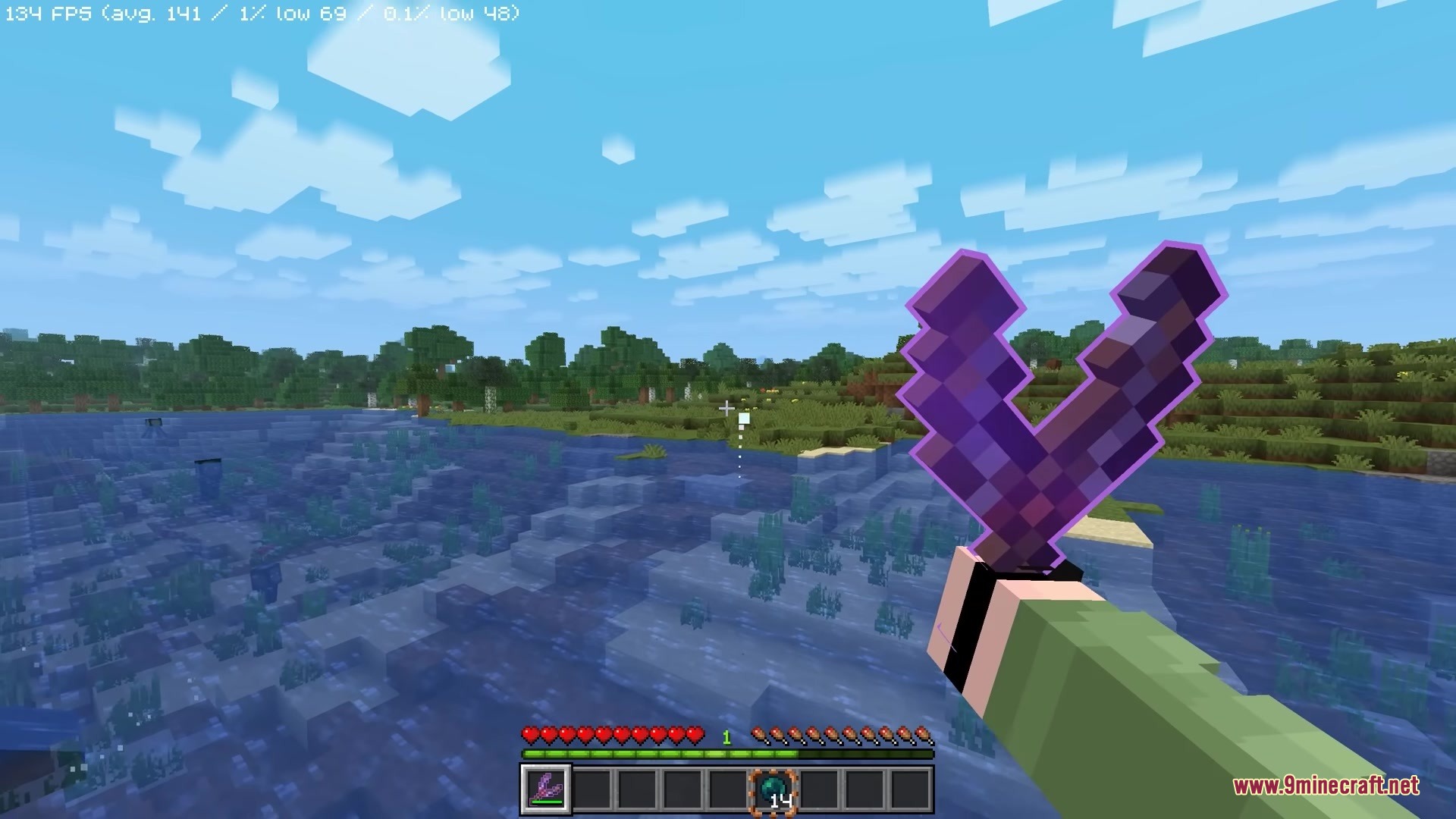
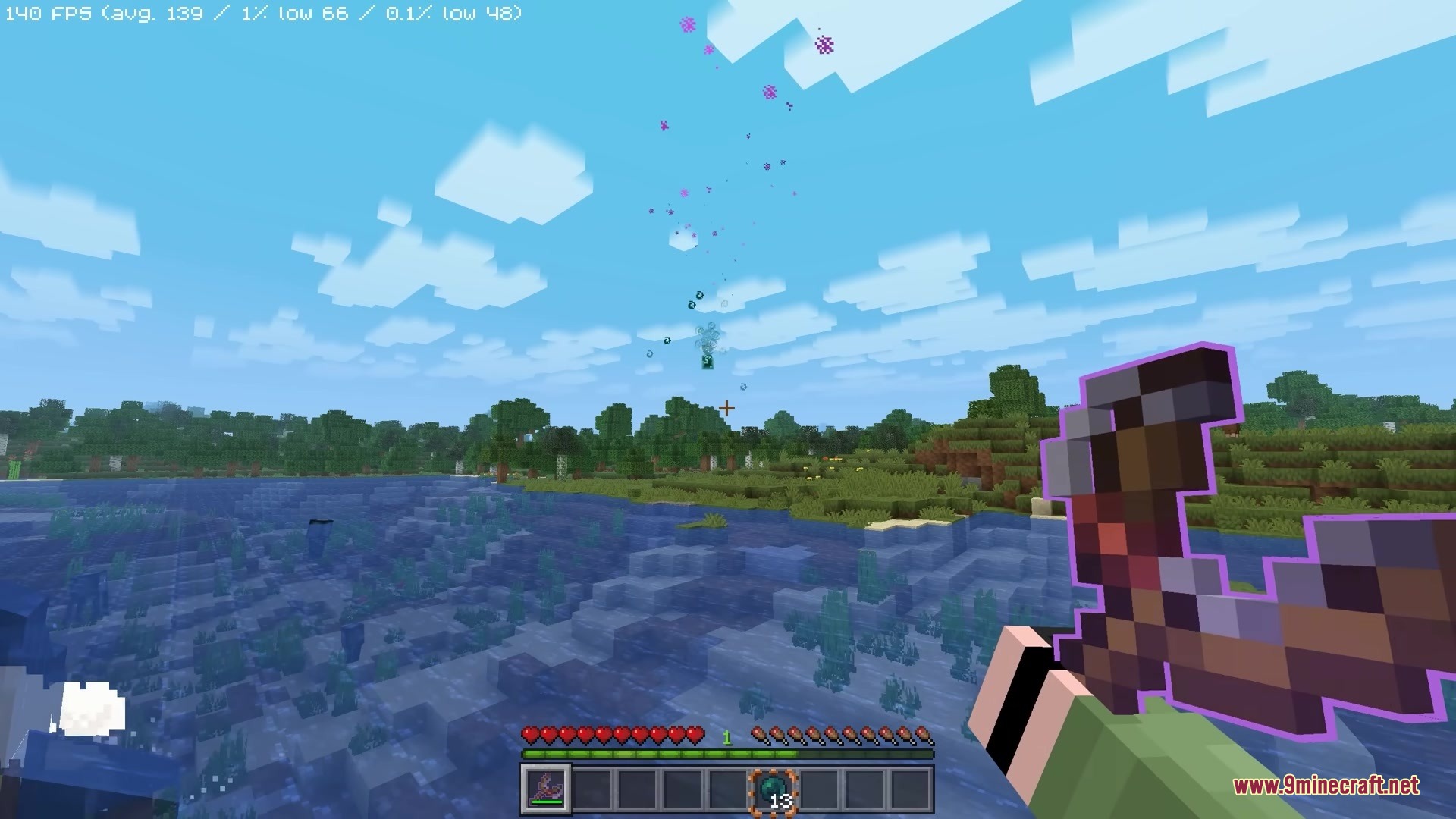
Simply Slingshot Mod Download Links
Quick facts
- Edition: Minecraft Java
- File type: .jar
- Minecraft version listed: 1.21.11
- How to install: Install the matching mod loader (Forge, Fabric or NeoForge) for your Minecraft version. → Download the .jar. → Put it in the .minecraft/mods folder and launch that loader profile.
- Where to get it: In MC Java Mods, or directly above on this page.
Install steps are the general flow for this file type — How to install Minecraft Java mods & modpacks walks through it step by step.
Verified by MCModsHub
- Downloads as 392116.mcaddon
- Download size: 157 KB
- Download link checked 25 Sept 2026 — working
- Mirrored on our own servers — the download does not depend on the original host
These come from our own check of the pack file, not from the source page.