
What is Bindly?
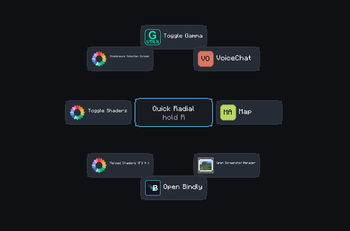
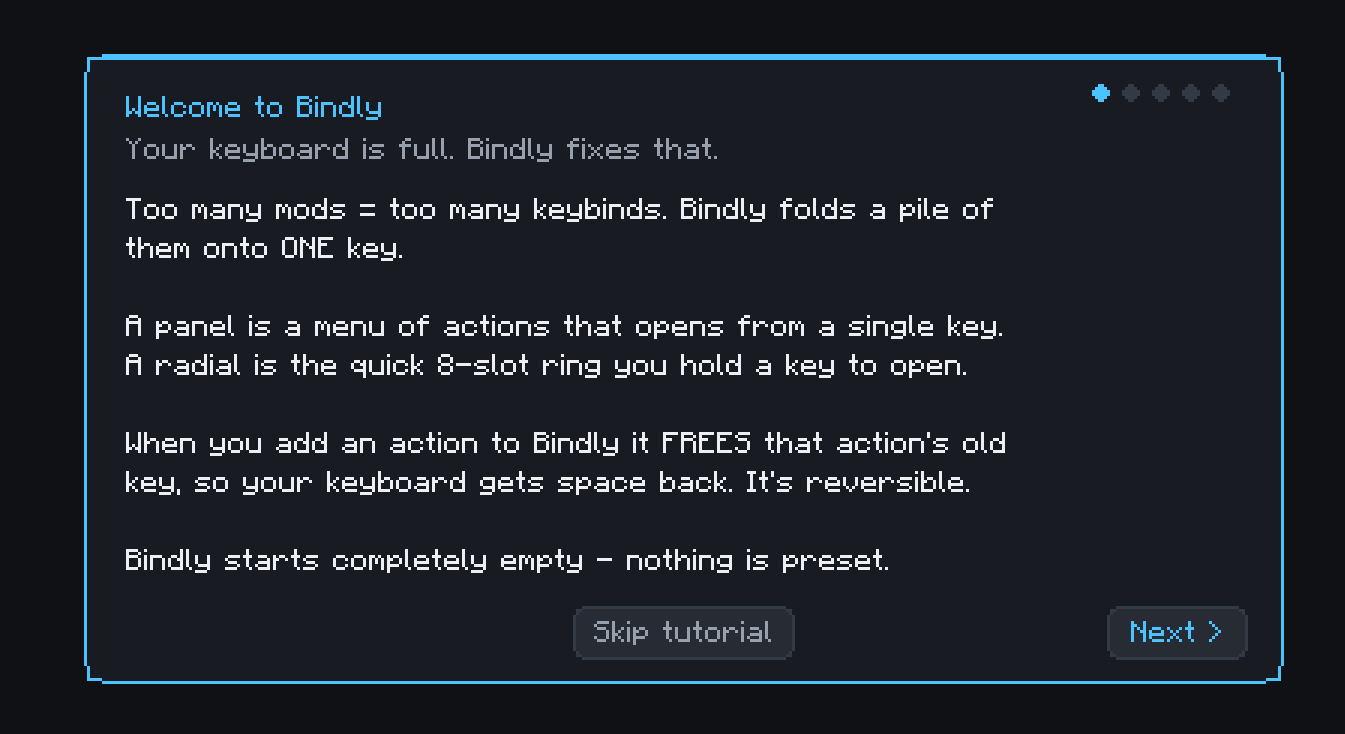
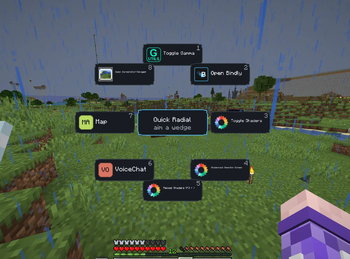
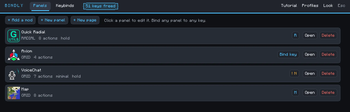
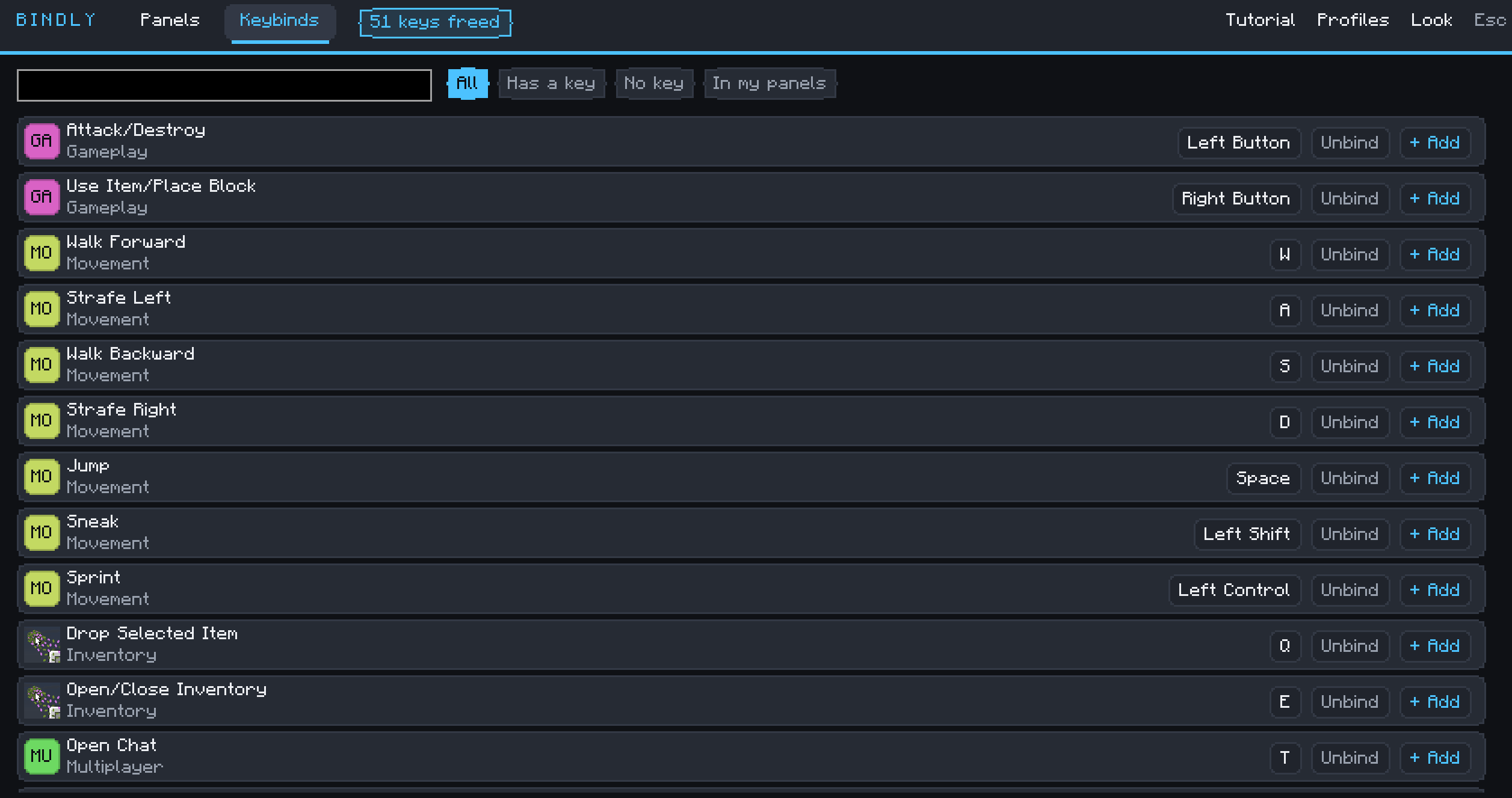
You have Two Hundred mods. You have one keyboard and so little keys... Every new mod means another awkward keybind taking up more keyboard space, and half of them you can't remember anyway. Bindly folds those hotkeys into panels and radial menus that open from a single key. When you add an action to Bindly, it clears that action's original keybind.
# How it works
Press B (rebindable of course), or click the Bindly button on the title screen, pause menu, or vanilla Key Binds screen. Bindly starts completely blank and walks you through a short tutorial that helps you set up your first panel.
From the Import Manager you pick a mod (NOTE: only mods that actually have keybinds are listed) and import its hotkeys as a panel. Import several at once, either as one panel per mod or all combined onto a single key. Then bind that panel to whatever key you like, and use the keys you just freed for something better.
- Edition: Minecraft Java
- File type: .jar
- Minecraft version listed: 26.2
- How to install: Install the matching mod loader (Forge, Fabric or NeoForge) for your Minecraft version. → Download the .jar. → Put it in the .minecraft/mods folder and launch that loader profile.
- Where to get it: Opens on Modrinth — not every file is mirrored on our own servers.
Install steps are the general flow for this file type — How to install Minecraft Java mods & modpacks walks through it step by step.
- Ships as bindly-1.1.1.jar — drop this file into the mods folder
- Download size: 338 KB
- Download link checked 15 Sept 2026 — working
These come from our own check of the pack file, not from the source page.