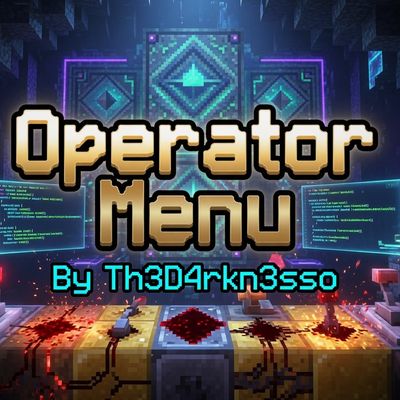
Operator Menu-ByTh3D4rkn3ss0
Bedrock add-on listed for Minecraft 1.21–26.x (behavior pack only). File opened and checked on 2 Oct 2026; installs from the MC Bedrock Mods app on Android.
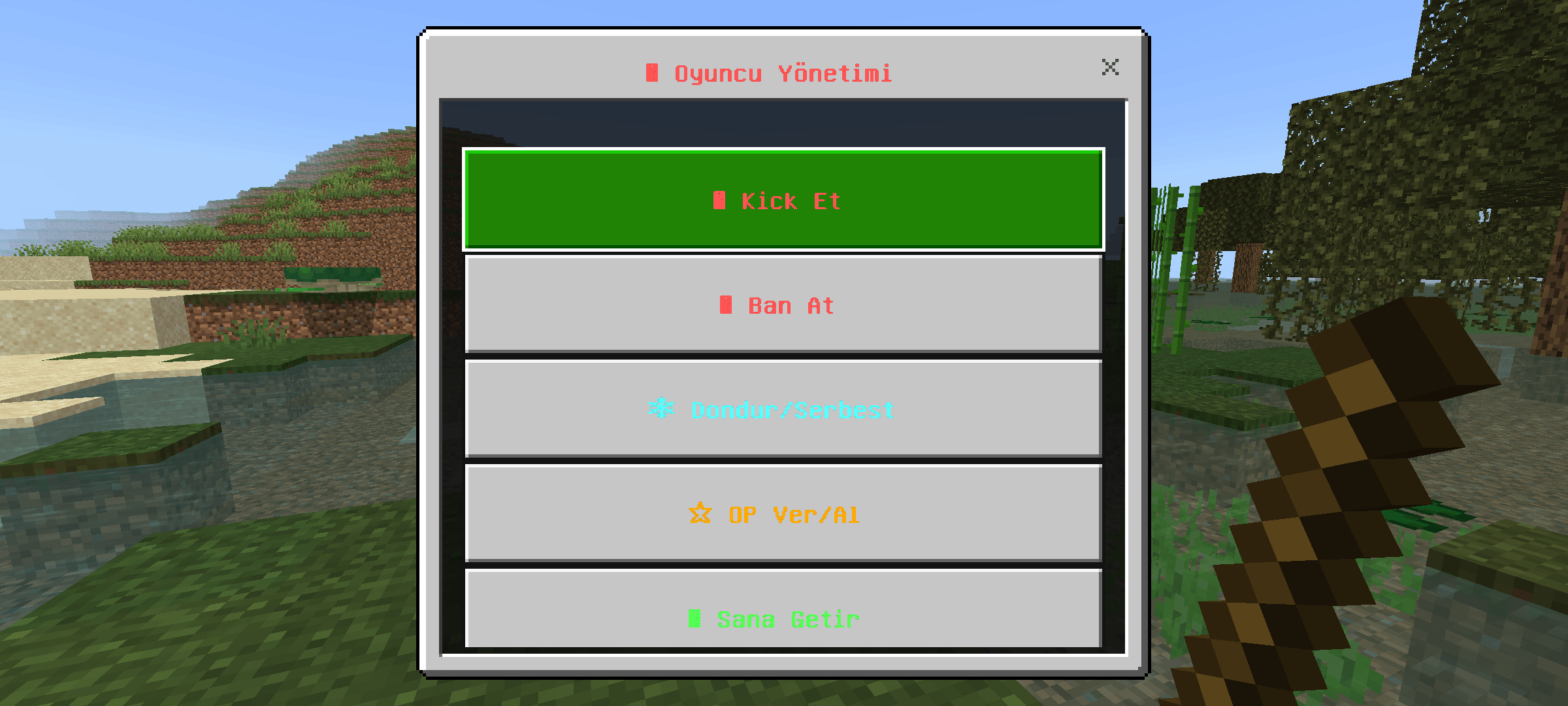
A powerful operator/admin menu for Minecraft Bedrock. Open with a stick to kick, ban, freeze, teleport, give effects, manage OP, build tools and more.
⬇ Download on CurseForge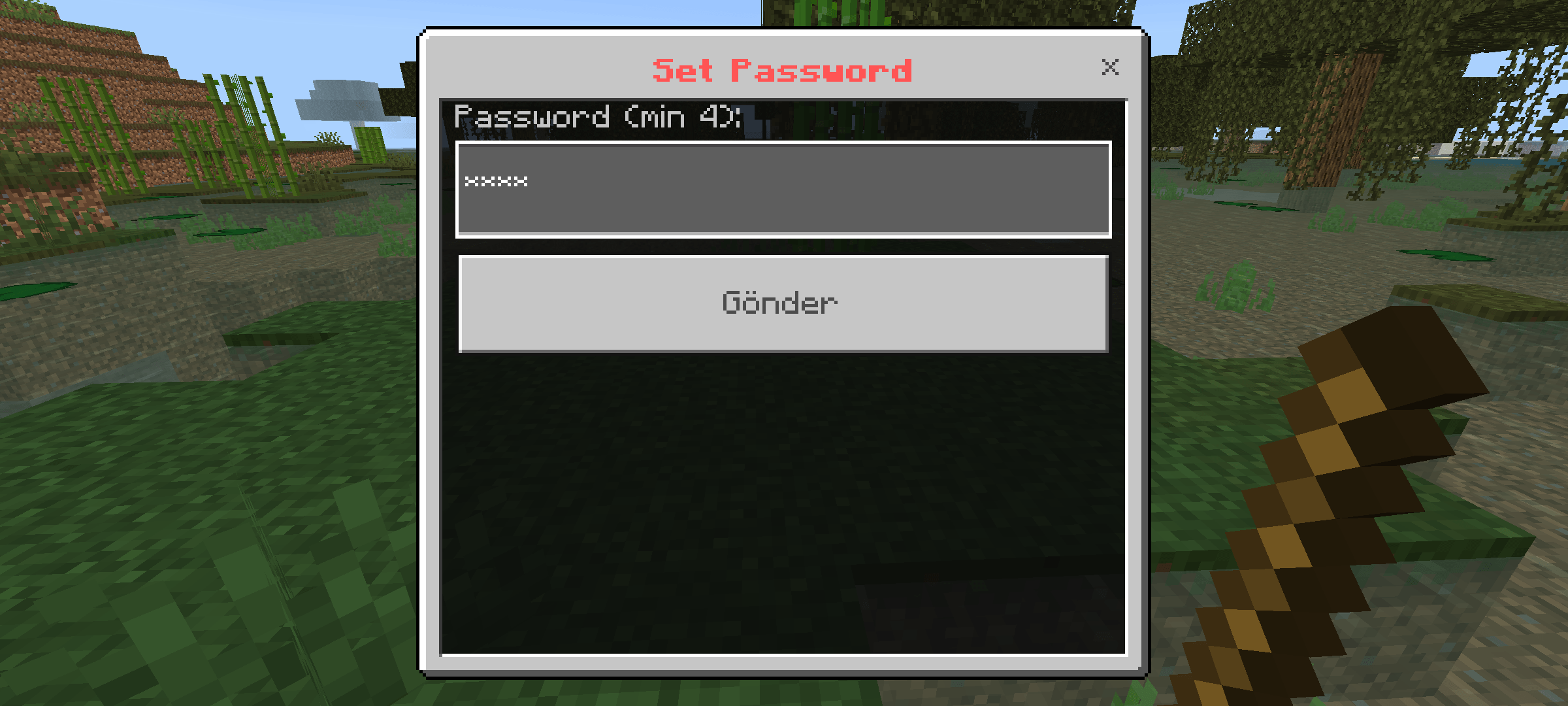
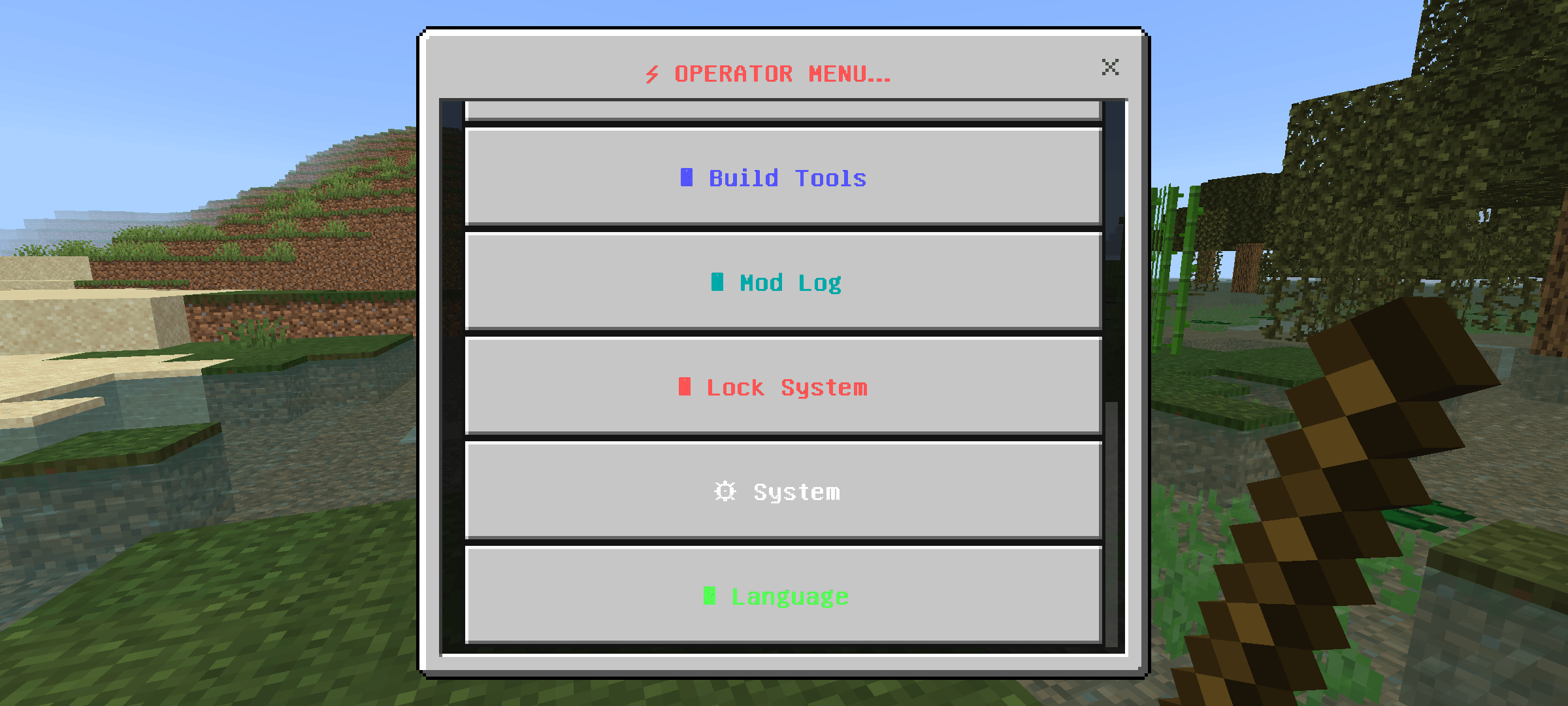
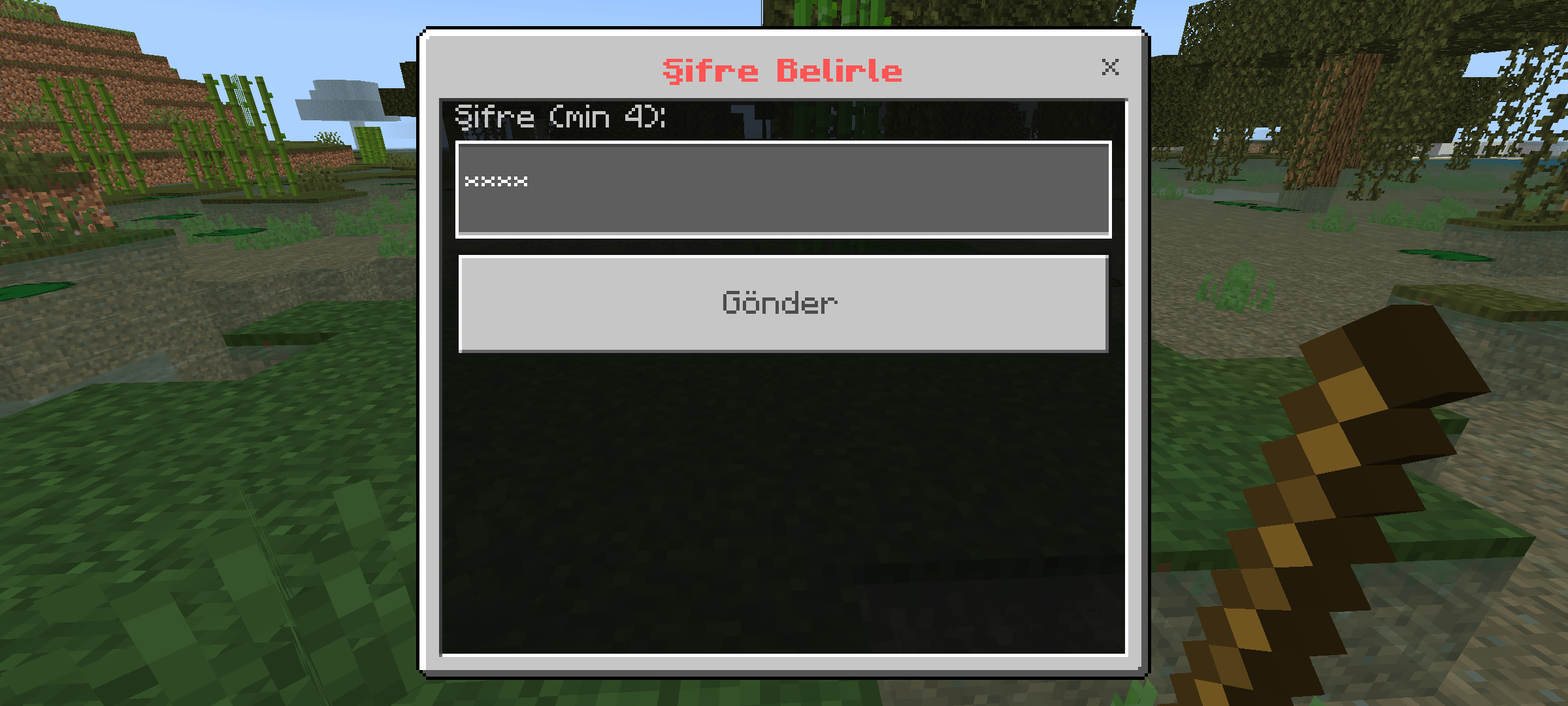
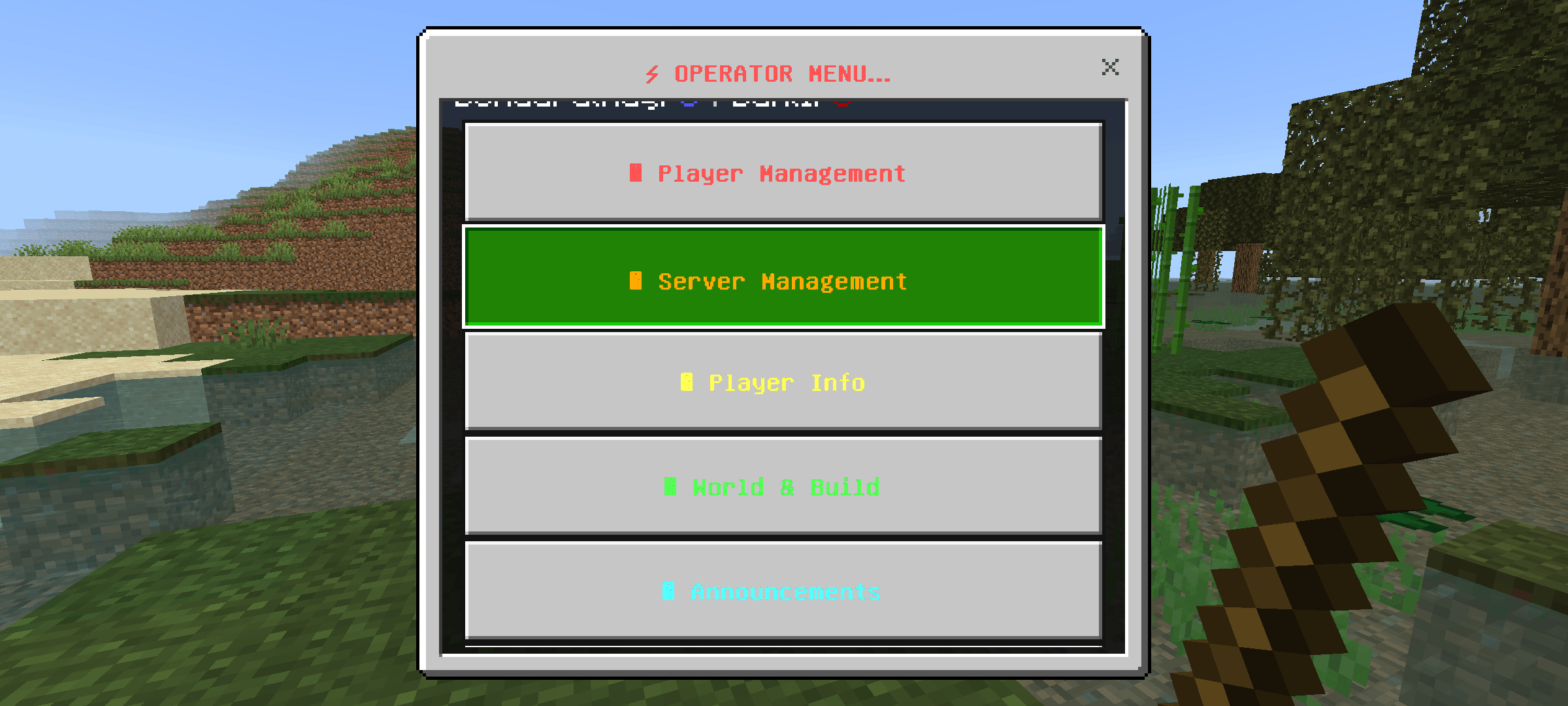
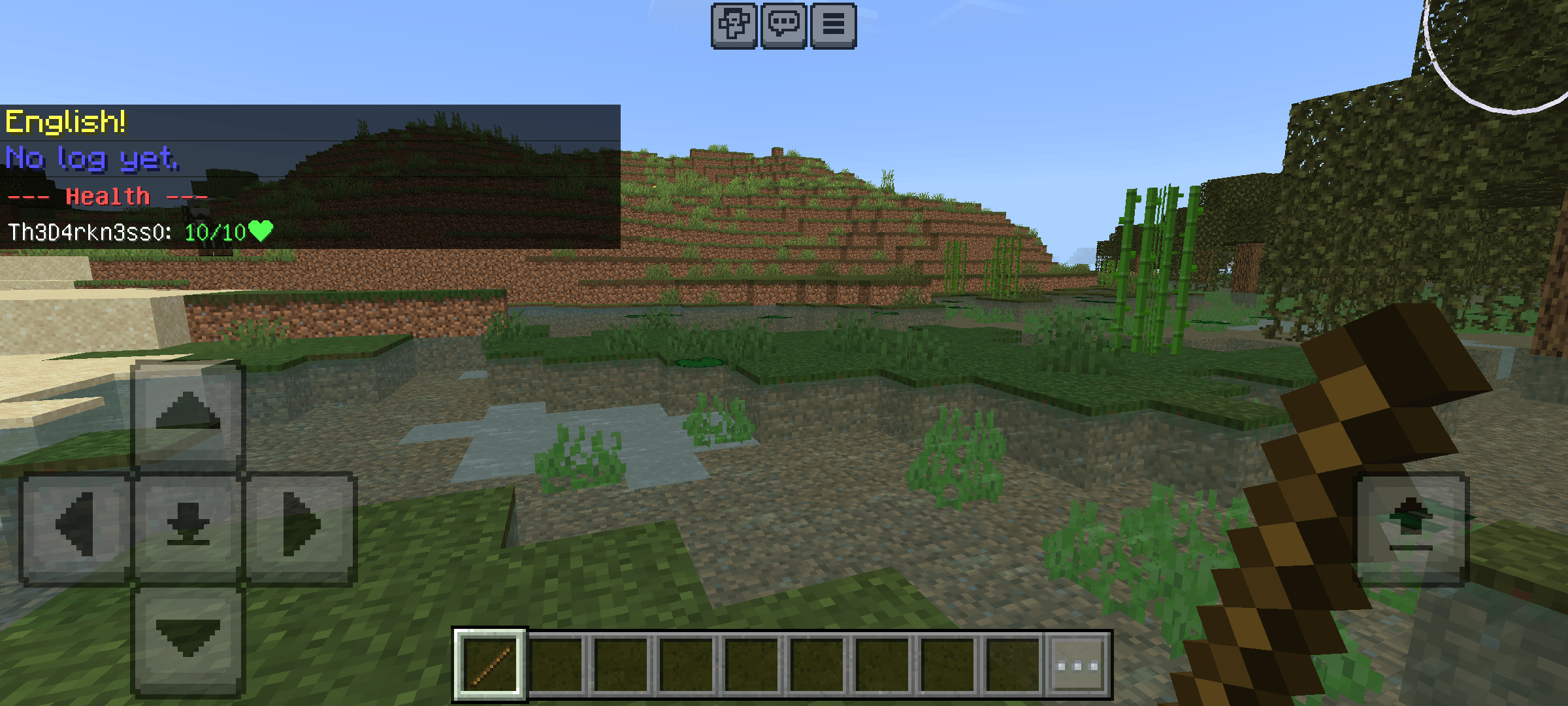
# ⚡ Operator Menu
**By Th3D4rkn3ss0**
A powerful Operator / Admin Menu for Minecraft Bedrock Edition.
### 🌐 Language Support
Fully supports **English** 🇬🇧 and **Turkish** 🇹🇷
Switch language anytime from the menu.
### 📌 How to Use
You must be an **Operator** to use this menu.
1. Give yourself OP: `/tag @s add op`
2. Hold a **Stick**
3. Right-click or long press to open the menu
### 🌟 Key Features
- 11 main categories with 80+ tools
- Full player management (Kick, Ban, Freeze, OP, Teleport and more)
- Advanced build tools (instant structures, fill, clear, platforms...)
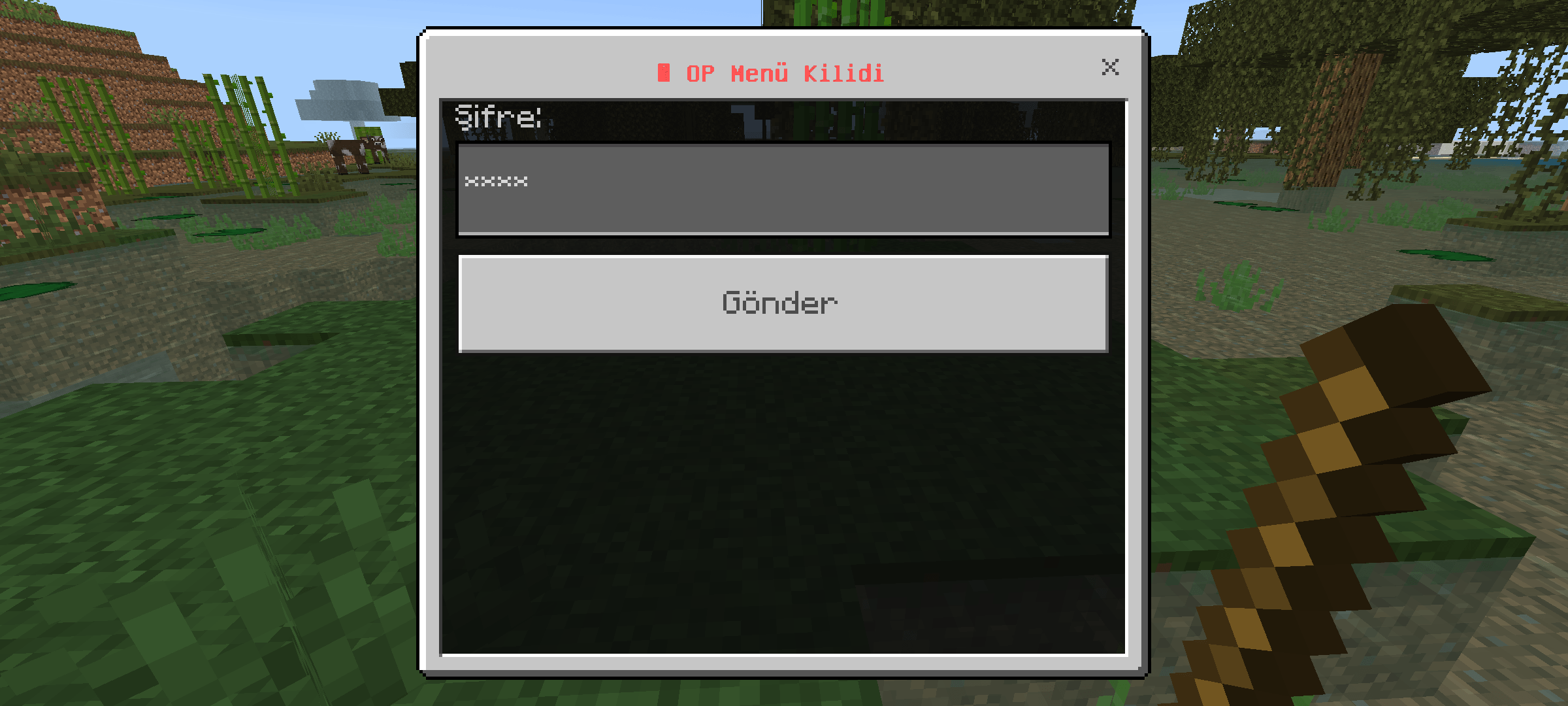
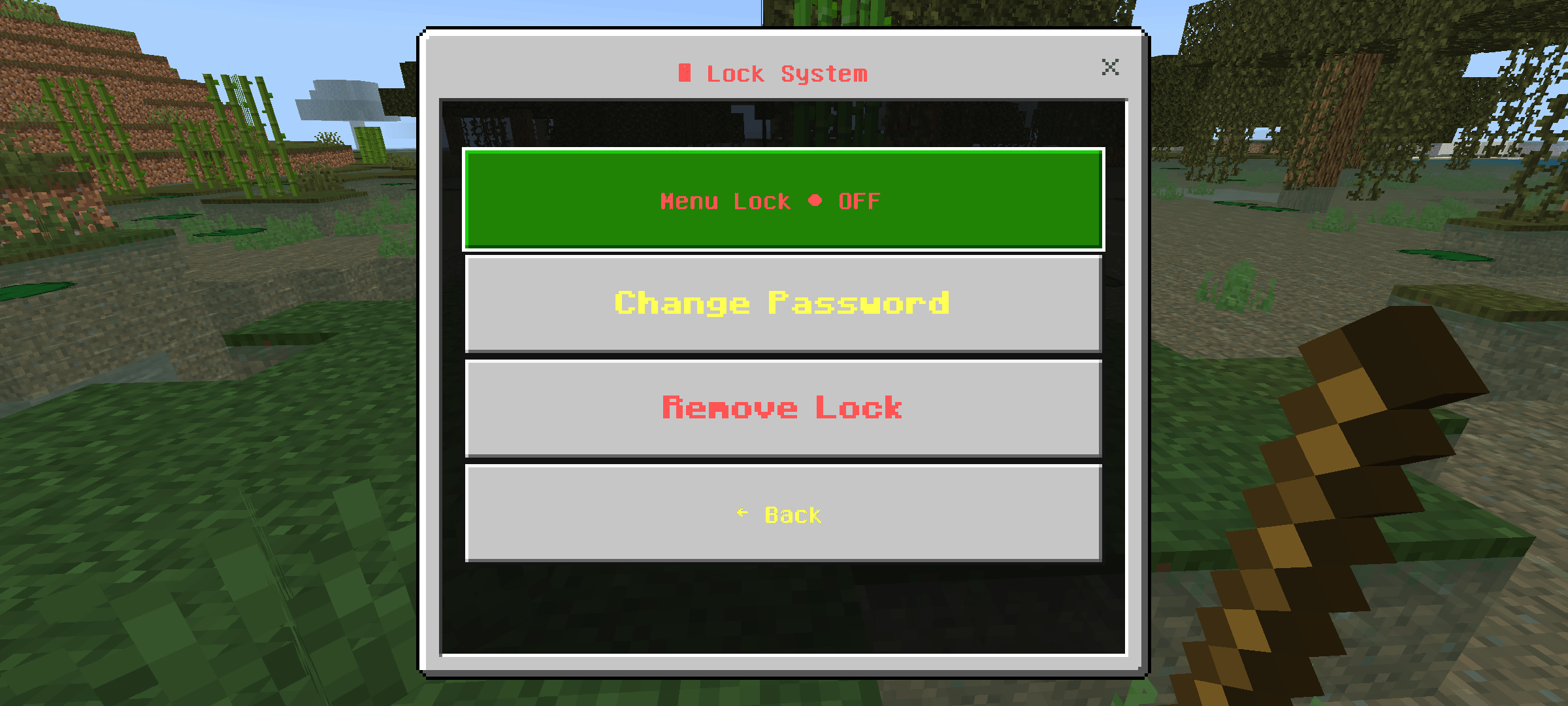
- Password lock system & moderation log
- Clean and easy-to-use interface
Simple, fast and powerful admin tools in one menu.
Made by **Th3D4rkn3ss0**
- Edition: Minecraft Bedrock
- File type: .mcpack or .mcaddon
- Minecraft versions listed: 1.21.30, 1.21.50, 1.21.81
- How to install: Download the .mcpack or .mcaddon file. → Open it — Minecraft imports it. → In your world: Behavior Packs → Available → Activate, then the same under Resource Packs.
- Where to get it: Opens on CurseForge — not every file is mirrored on our own servers.
Install steps are the general flow for this file type — How to install Minecraft Bedrock addons & mods walks through it step by step.
- Save it as OperatorMenu.mcaddon before opening — it downloads as .mcpack, but it is a .mcaddon pack
- Manifest requires Minecraft 1.21.0 or newer
- Complete pack — everything it depends on is inside the file
- Download size: 30 KB
- Download link checked 5 Oct 2026 — working
These come from our own check of the pack file, not from the source page.