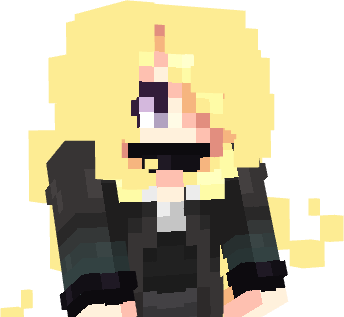
Lumiose City Cosmetics
Java resource pack listed for Minecraft 1.21. Downloads from the MC Java Mods app on Android.
A fan-made resource pack inspired by the fashion and characters of Legends Z-A, designed for the Custom Roleplay Data datapack. Bring the style of Lumiose…
⬇ Download on ModrinthLumiose City Cosmetics
A collection of custom 3D hairstyles, hats, and cosmetic accessories inspired by the fashion and style of Lumiose City.
Bring the elegant fashion of Lumiose City to your Minecraft world with a variety of wearable cosmetics, including hairstyles, hats, glasses, crowns, headbands, and decorative accessories. Every item is purely visual and intended for roleplay and character customization.
This resource pack is designed to work with the Custom Roleplay Data datapack. It contains the custom models, textures, and pack.mcmeta required to display the cosmetics in-game.
✨ Features
- 💇 Custom hairstyles
- 🎩 Hats and headwear
- 👑 Crowns and headbands
- 👓 Cosmetic glasses
- 🎒 Decorative backpack cosmetic (visual only)
- 🎭 Perfect for roleplay and multiplayer servers
- ⚡ Lightweight resource pack
📦 Requirements
- Minecraft Java Edition
- Custom Roleplay Data datapack
- This resource pack
- A Carved Pumpkin (used as the cosmetic item)
📖 Cosmetic IDs
Equip a cosmetic using:
/trigger CustomModelData set <ID>
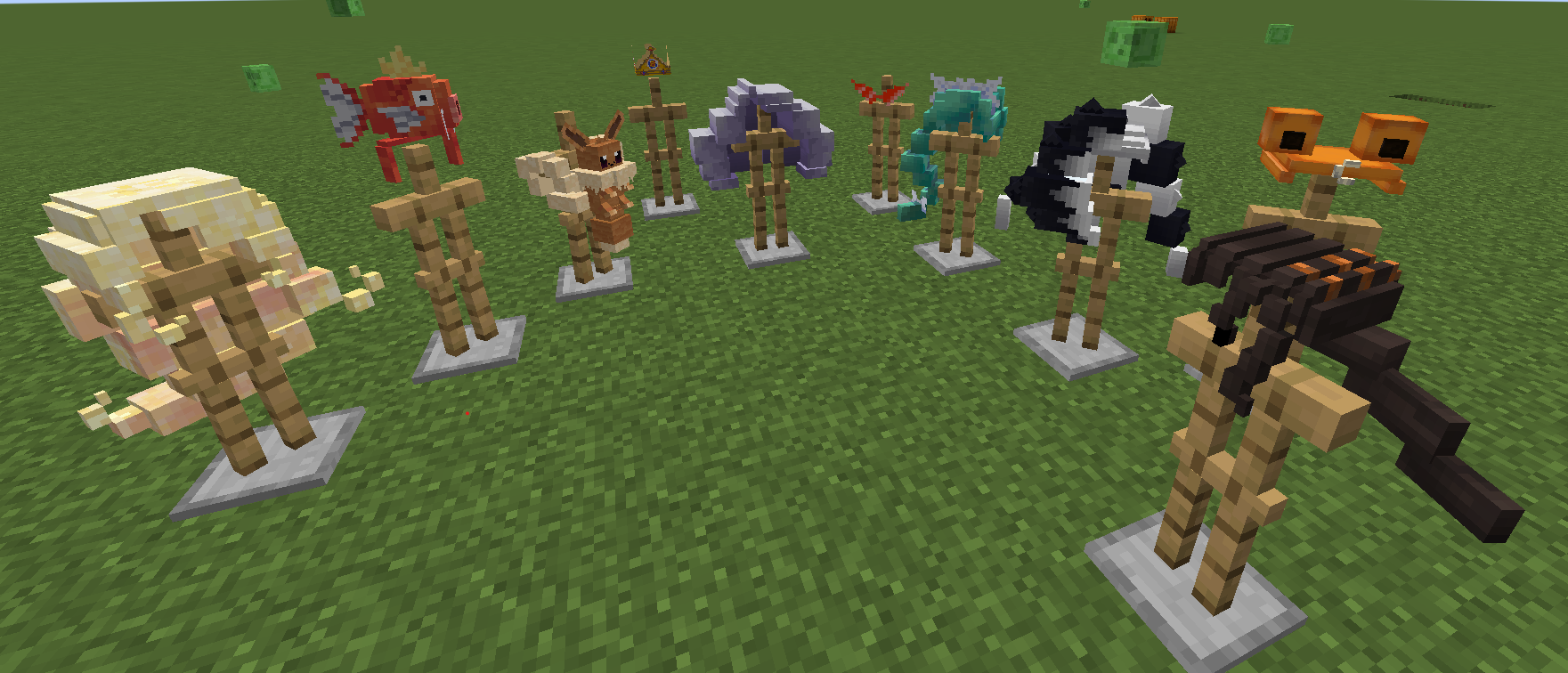
💇 Hairstyles
| ID | Cosmetic |
|---|---|
| 1 | Top Hat (Test) |
| 2 | Teddiursa Headband |
| 4 | Jacinthe |
| 7 | Lebanne |
| 8 | Pierss |
| 10 | Cynthia |
| 11 | Naveen |
| 12 | Gwynn |
| 13 | Canari |
| 14 | Leon |
🎒 Accessories
| ID | Cosmetic |
|---|---|
| 3 | Magikarp |
| 5 | Burger King Crown |
| 6 | Bubba Glasses |
| 9 | Eevee Bag (visual only) |
🔄 Reset
| ID | Action |
|---|---|
| 0 | Remove Cosmetic / Default Pumpkin |
📜 Disclaimer
This is an unofficial fan-made resource pack inspired by the fashion and aesthetic of Lumiose City. It is not affiliated with or endorsed by any official franchise or its rights holders.
- Edition: Minecraft Java
- File type: .zip (resource pack)
- Minecraft versions listed: 1.21, 1.21.1
- How to install: Download the .zip resource pack — do not unzip it. → Put it in .minecraft/resourcepacks. → Enable it in Options → Resource Packs.
- Where to get it: Opens on Modrinth — not every file is mirrored on our own servers.
Install steps are the general flow for this file type — How to install Minecraft Java resource packs walks through it step by step.
- Downloads as resourcepacks.zip
- Download size: 197 KB
- Download link checked 26 Oct 2026 — working
These come from our own check of the pack file, not from the source page.