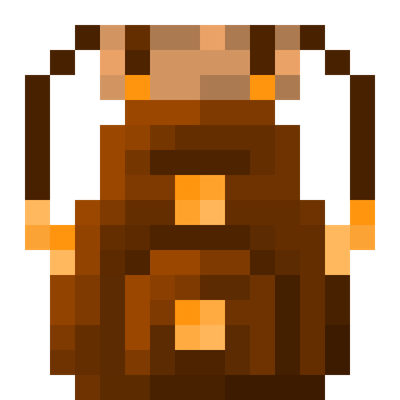
Simple Backpack Add-on Rebuilt! (compatible with other addons)
A backpack Add-on that is simple, fits with your vanilla world and compatible with other addons because it doesn't use player.json
⬇ Download on CurseForge
Simple Backpack Rebuilt
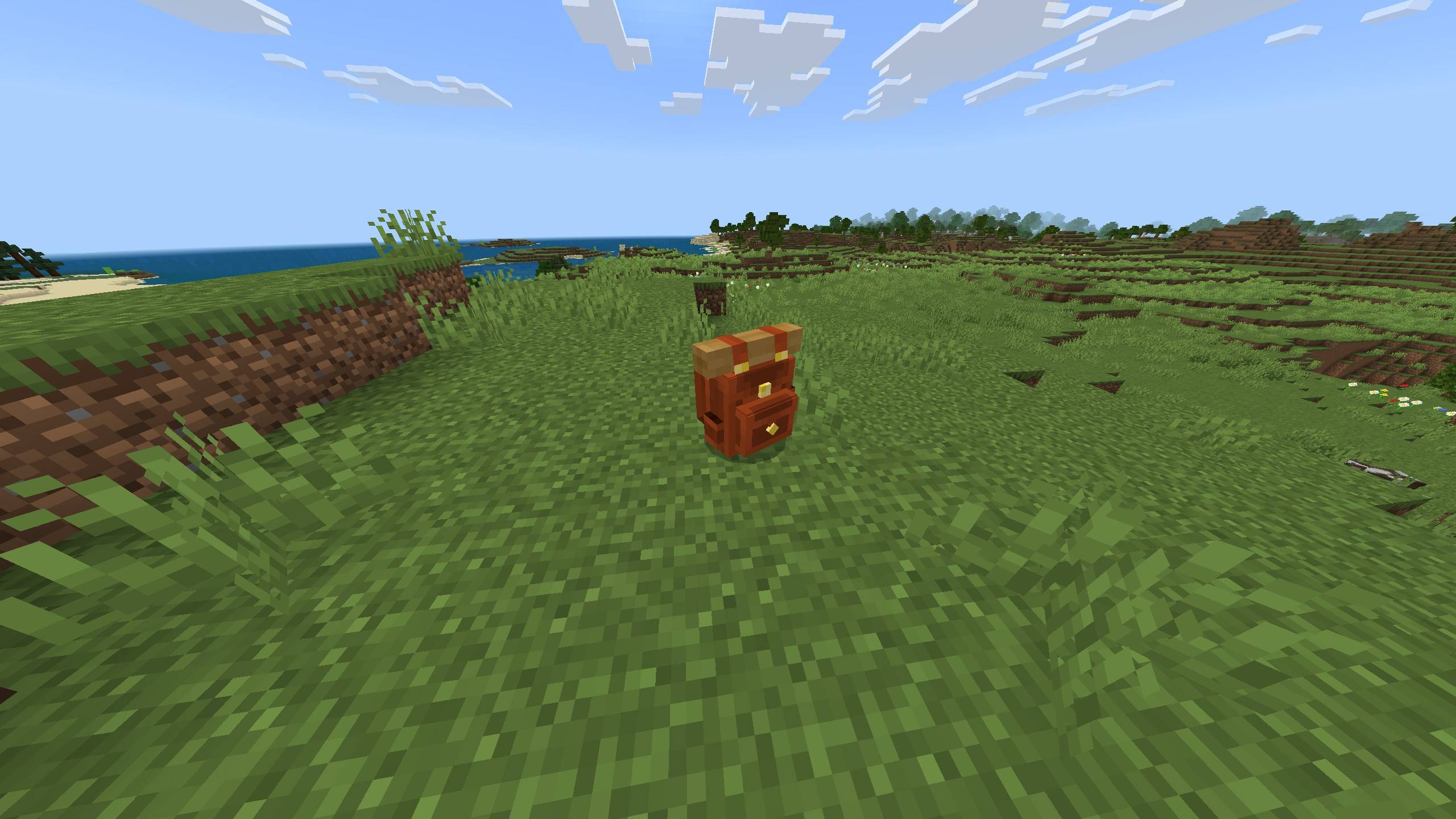
Do you want to have a backpack in your world? Then this add-on is for you! This add-on adds a backpack to your game that doesn't require the player.json file, so you can play it with any add-on.
This add-on was rebuilt with permission from KommanderT to port it to newer versions of the game.
#1: Recipes
Backpack Recipe:
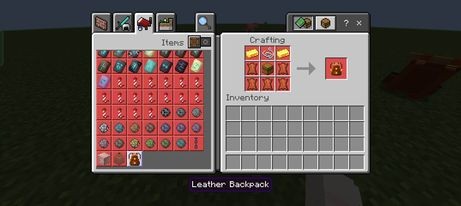
(To interact with the backpack, you also need a Backpack Glove.)
Backpack Glove Recipe:
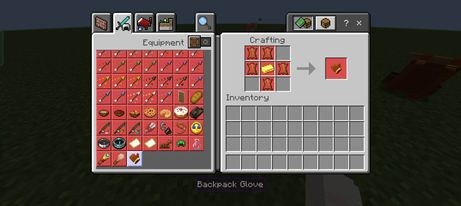
#2: How to Use
- Interact with the backpack with no shears or backpack glove to open the backpack's inventory:
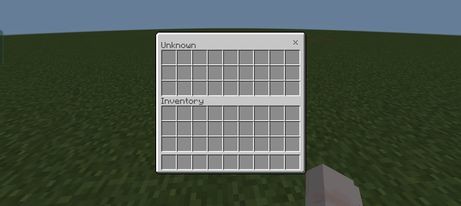
(The backpack has the same capacity as a normal Minecraft chest.)
- To pick up the backpack, hold the backpack glove in your main hand and interact with the backpack:
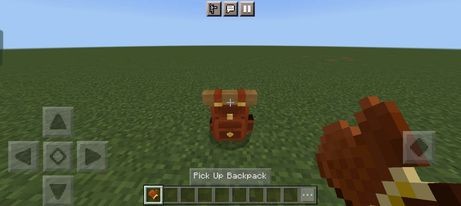
(The backpack attaches to the player's back instead of being worn like normal armour, so you can wear armour alongside it.)
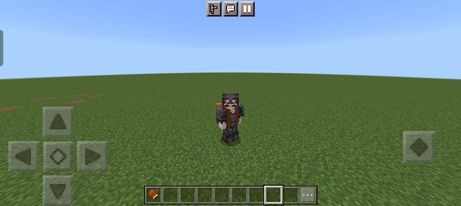
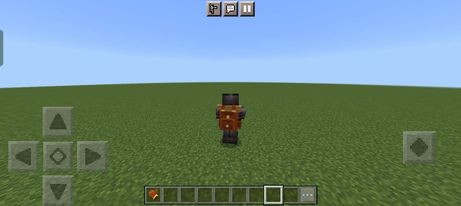
- Use a pair of shears to "destroy" the backpack when you don't need it anymore:
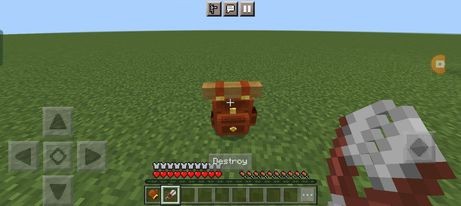
- If there are items in your backpack when you destroy it, don't worry! The backpack acts like a shulker box — when you destroy it and place it again, it keeps the items inside.
#3: How to Deal with Bugs
- In the old pack, there was a claim button to fix some bugs — you no longer need that.
- If you can't pick up your backpack, try again or run away from the backpack a bit — it should fix the issue.
- You no longer need to take your backpack off to go to the Nether — the add-on automatically stows the backpack, and it reappears after you leave the portal.
- That's all about my add-on. I hope you like it — and don't forget to support the creator, KommanderT!
#4: Installation
- Click the link below to download the add-on.
No experimental toggles needed — the rebuilt pack runs on stable APIs, so you don't need to turn on Beta APIs anymore. It's also achievement-friendly: achievements stay enabled in worlds you create with this add-on.
#5: Credits
- KommanderT for the original pack
- Edition: Minecraft Bedrock
- File type: .mcpack or .mcaddon
- Minecraft versions listed: 26.30, 26.40
- How to install: Download the .mcpack or .mcaddon file. → Open it — Minecraft imports it. → In your world: Behavior Packs → Available → Activate, then the same under Resource Packs.
- Where to get it: Opens on CurseForge — not every file is mirrored on our own servers.
Install steps are the general flow for this file type — How to install Minecraft Bedrock addons & mods walks through it step by step.
- Pack type: .mcaddon — behaviour and resource pack in one file
- Manifest requires Minecraft 1.26.30 or newer
- Download size: 25 KB
- Download link checked 16 Sept 2026 — working
These come from our own check of the pack file, not from the source page.