ModsJava
F Tech Equipment Mod (1.20.1) – Gain Robotic Arms to Mine Blocks and Fight Mobs
Java mod listed for Minecraft 1.20. File opened and checked on 18 Oct 2026; downloads from the MC Java Mods app on Android.
⬇ Download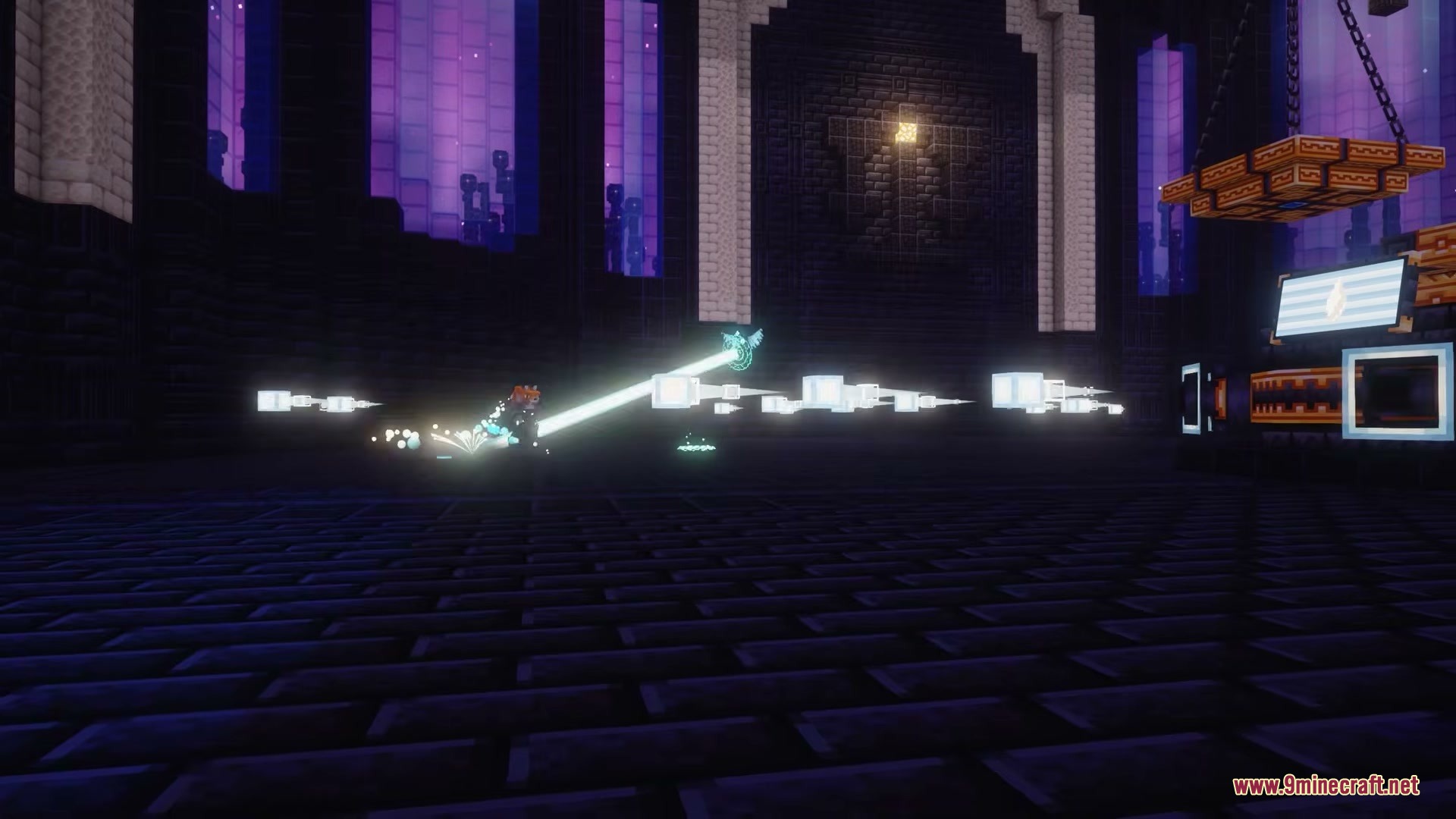
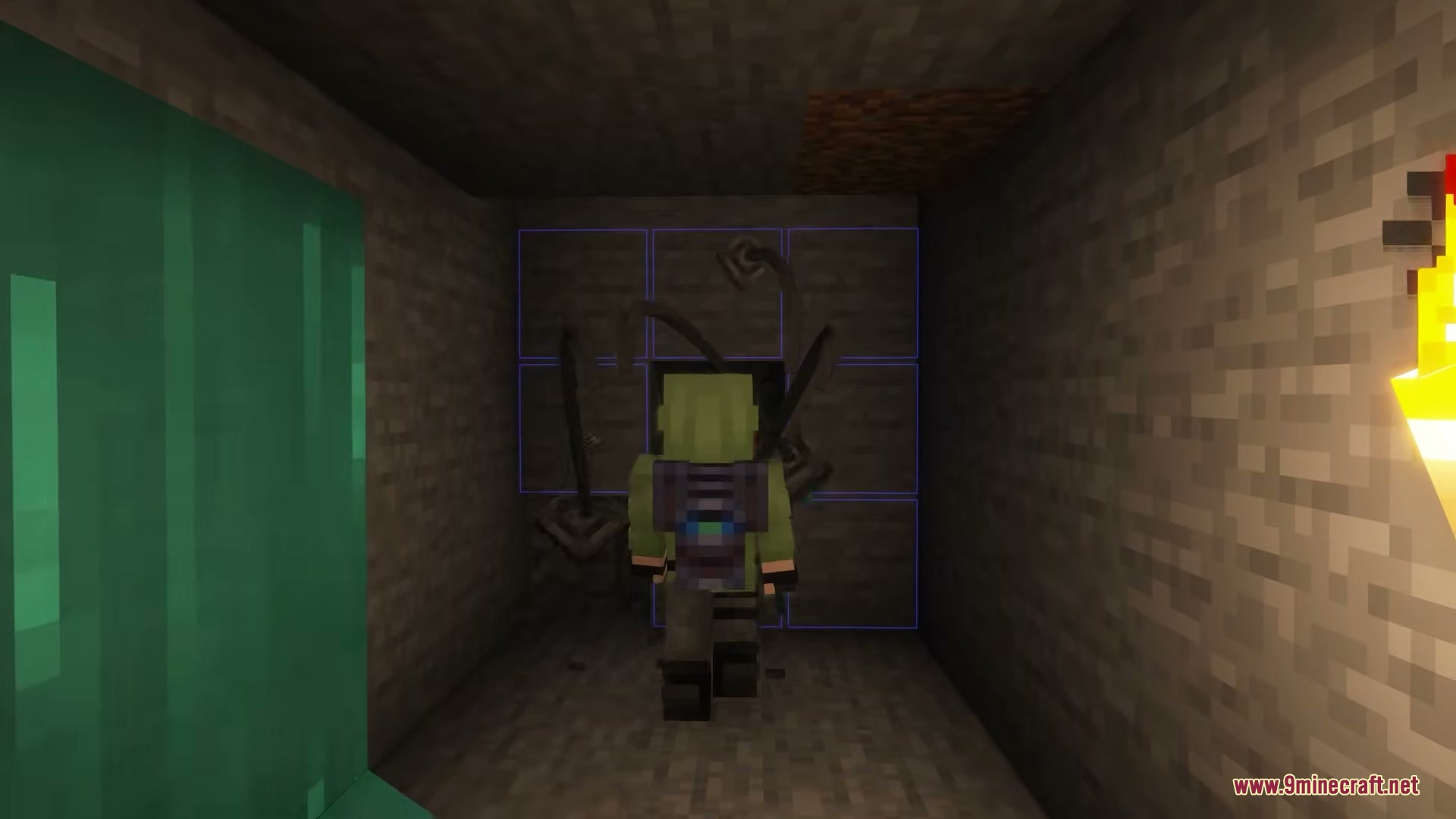





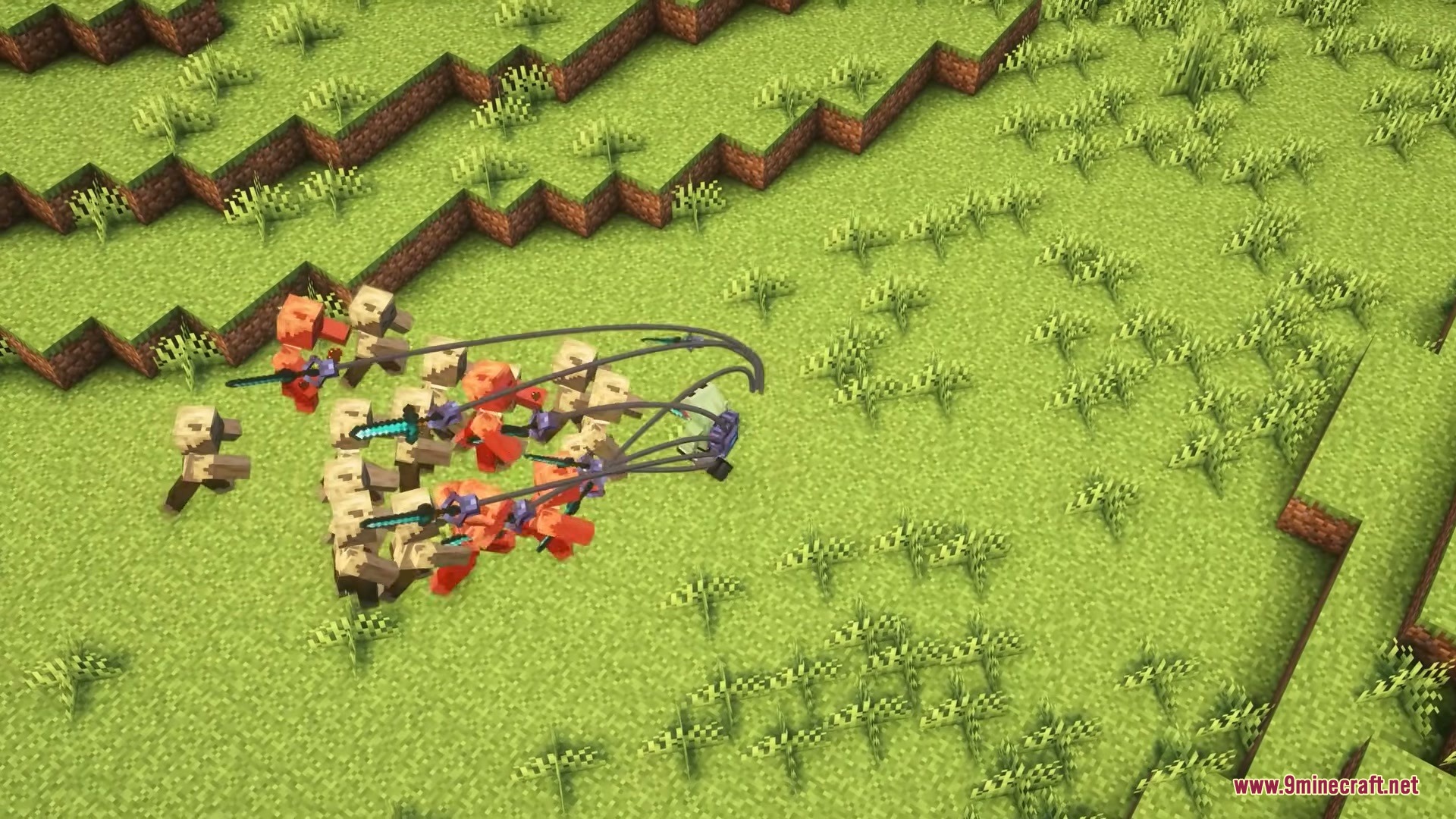
F Tech Equipment Mod brings a high-tech backpack to your game that comes with mechanical arms. This mod lets you carry thousands of items and speeds up your building and mining tasks using robotic helpers.
Features:
- High-Tech Backpack: Gives you a special bag that holds up to 1,000 items right from the start.
- Robotic Arms: Adds mechanical arms that copy your movements to place and mine blocks around you.
- Lets you put up to nine different upgrades into the backpack to match your playstyle.
- Increases your carrying space with extra storage upgrades that add 500, 1,000, or 2,000 more item slots.
- Mines blocks for you when you put drills inside the backpack drill slots.
- Allows you to enchant your drills just like a normal pickaxe to mine faster or get better drops.
- Picks up dropped items automatically if you install the item pickup upgrade.
- Expands the working range of your robot arms with a special range upgrade.
How to Use:
- Press B to open the backpack and manage your items, drills, and upgrades.
- Press U to open the replication screen and control how the robot arms work.
- Put blocks inside the backpack so the robotic arms can place them in the world.
- Place drills in the special drill slots to let the arms mine blocks.
- Go to your game controls menu to set keys for toggling the replication and item pickup features.
Screenshots:
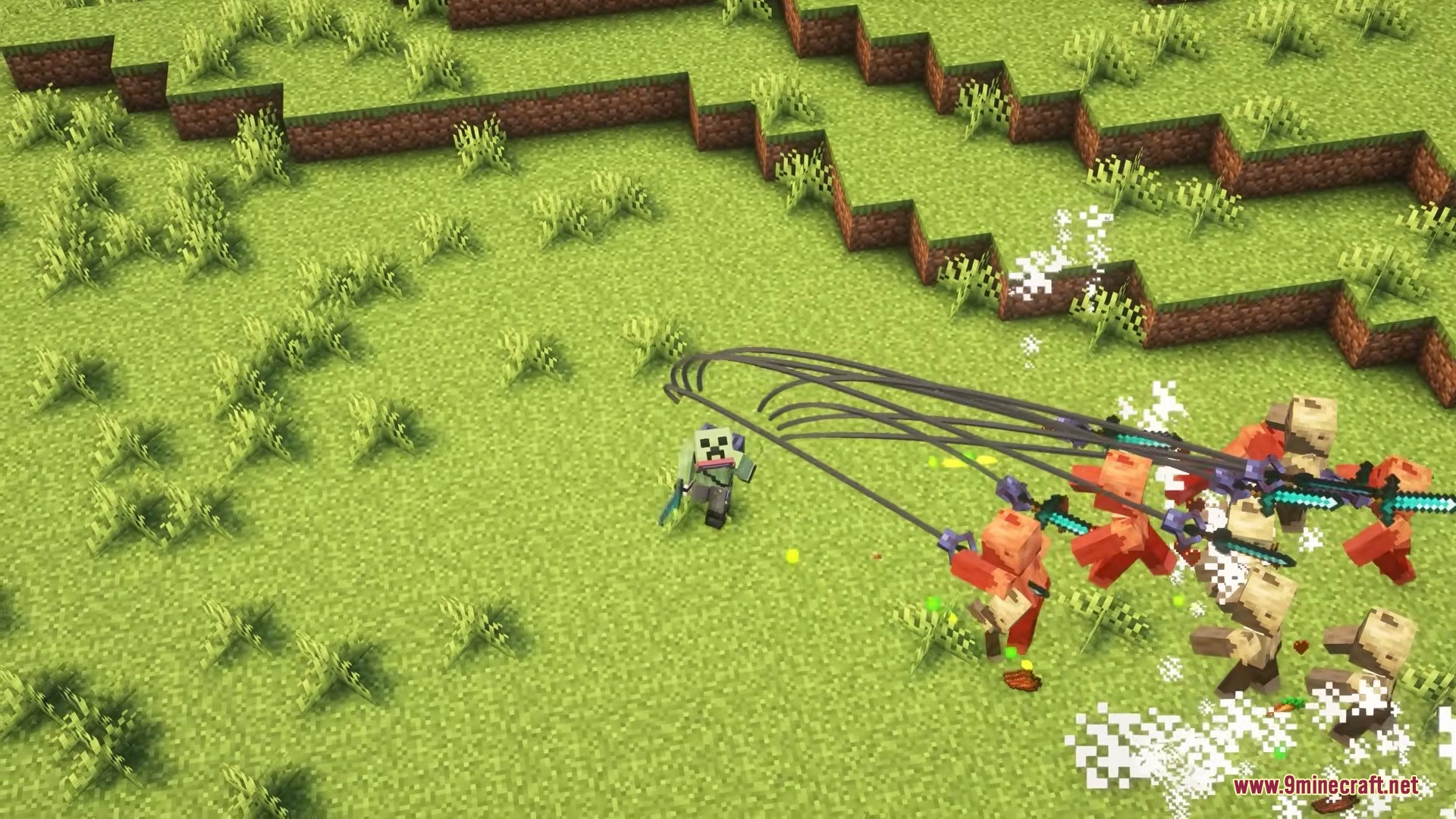

F Tech Equipment Mod Download Links
Quick facts
- Edition: Minecraft Java
- File type: .jar
- Minecraft version listed: 1.20.1
- How to install: Install the matching mod loader (Forge, Fabric or NeoForge) for your Minecraft version. → Download the .jar. → Put it in the .minecraft/mods folder and launch that loader profile.
- Where to get it: In MC Java Mods, or directly above on this page.
Install steps are the general flow for this file type — How to install Minecraft Java mods & modpacks walks through it step by step.
File checked by MCModsHub
- Downloads as 393028.mcaddon
- Download size: 539 KB
- Download link checked 25 Sept 2026 — working
- Mirrored on our own servers — the download does not depend on the original host
These come from our own check of the pack file, not from the source page.