GearKits
GearKits is a lightweight in-game kit manager for Minecraft Bedrock that lets players save, load, and manage personal and shared gear kits with cooldowns…
⬇ Download on CurseForgeThe author built this one for Minecraft 26.30. On other versions it may install and then do nothing.
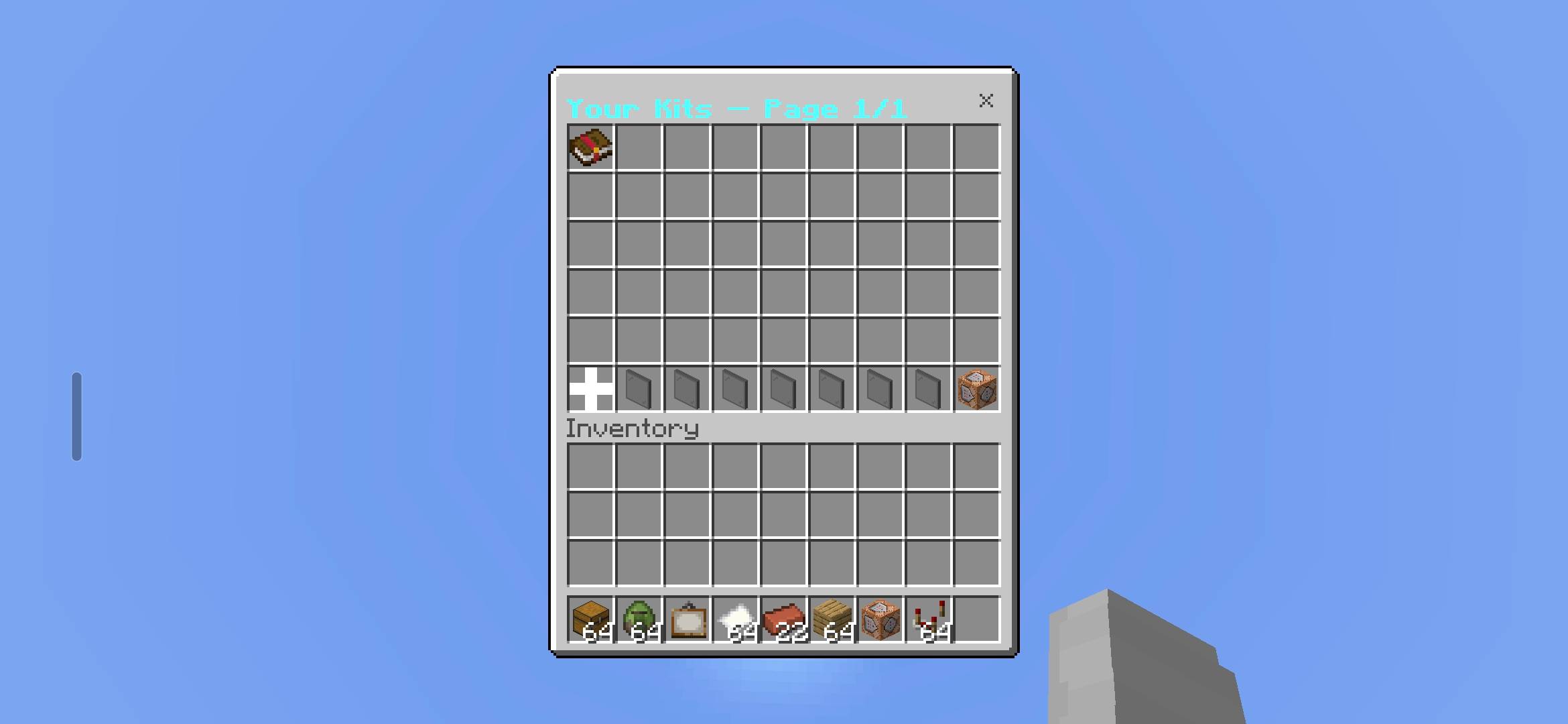
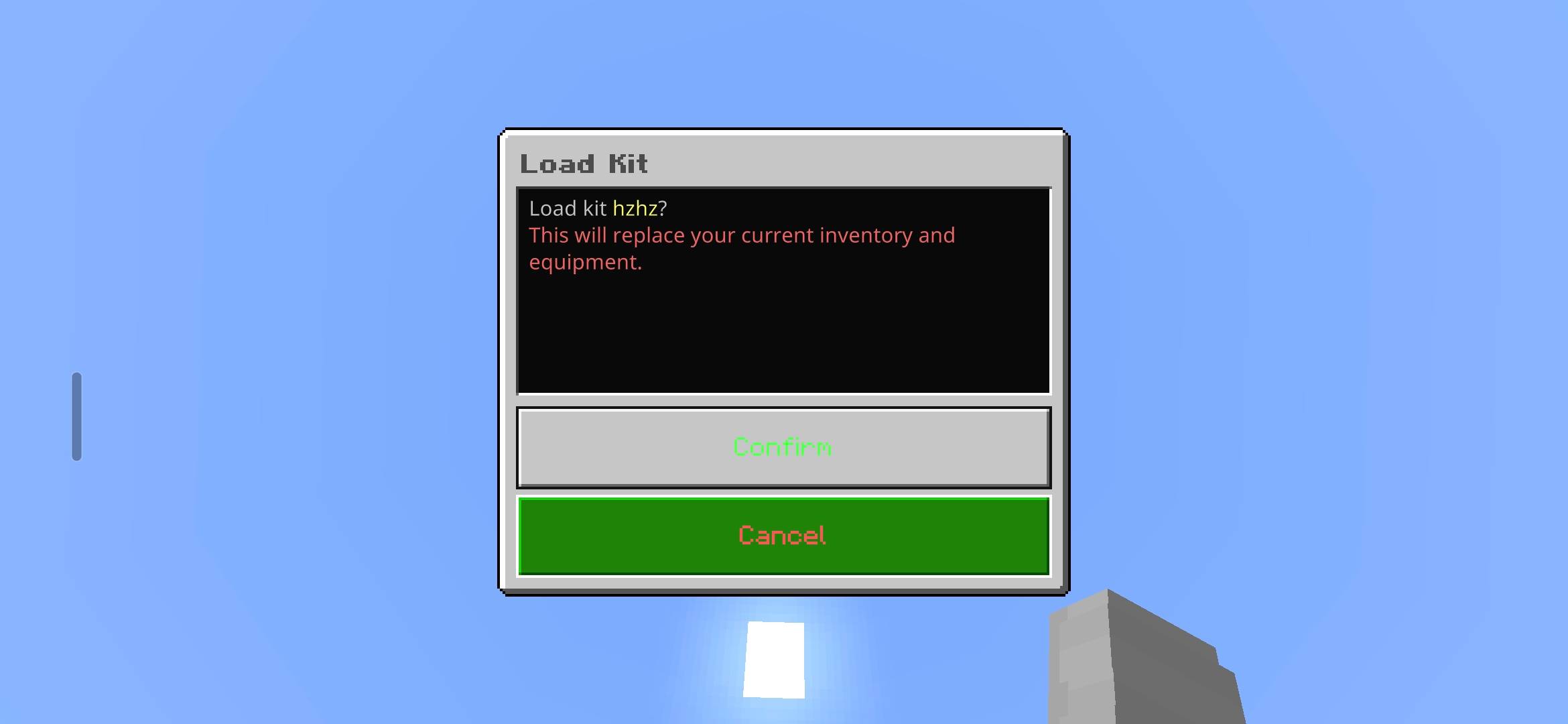
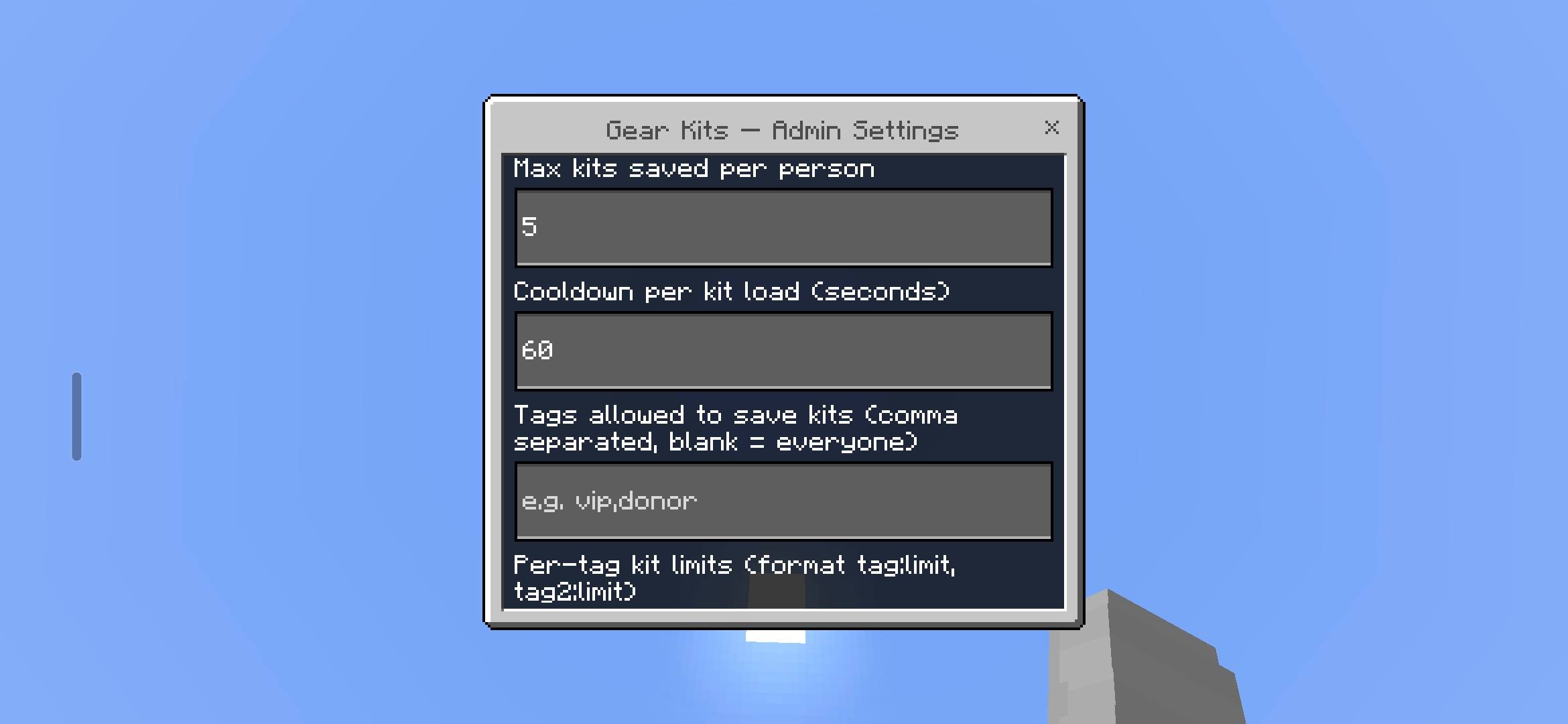
GearKits is a lightweight, fully in-game kit manager for Minecraft Bedrock Edition. It lets players save their current gear as a named kit and reload it later from a clean menu, with configurable kit limits, per-tag limits, and cooldowns.
Perfect for survival servers, SMPs, and any world that needs quick, reliable loadouts.
- Save your current inventory and armor as a named kit.
- Load kits later from a simple menu with a confirmation prompt.
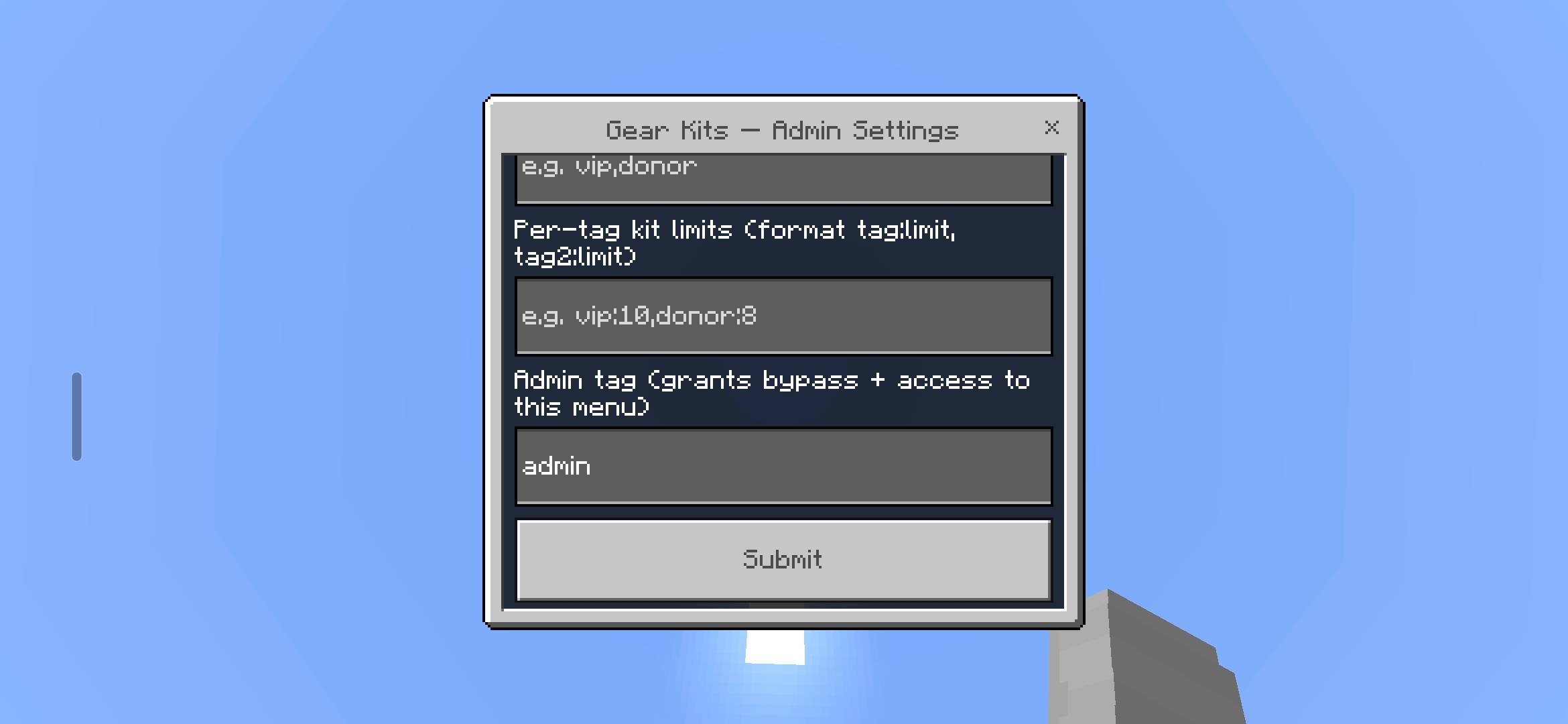
- Configure kit limits, tag-based limits, and cooldowns.
- Block specific items so they can never be saved into a kit.
- Create shared Server Kits that every player can preview and claim.
- Use clean admin tools for full server control.
- Run
/gear:kitsto open your personal kits menu. - Save your current gear under a name, load an existing kit, or delete one.
- Browse and claim shared Server Kits with a live cooldown display.
- Use
/gear:infoto check server rules, your limits, blocked items, and available Server Kits. - Admins can manage everything through the dedicated admin commands.
Players with the admin tag get full control over:
-
Kit limits, cooldowns, and allowed tags
-
Blocked-items list
- Add items from the hotbar
- Add items from the inventory
- Add the item in your hand
- Add items directly by ID
- Duplicate entries are prevented
-
Create and manage Server Kits with their own cooldowns and tag restrictions.
-
Shared kits appear in a chest-style UI for every player.
| Command | Description |
|---|---|
/gear:kits |
Open your kits menu — view, save, load with confirmation, and browse Server Kits |
/gear:kit <save|load|delete> <player> <kitName> |
Manage a kit by name. Admins can manage kits for other players |
/gear:info |
View server kit rules, your limits, blocked items, and available Server Kits |
/gear:admin |
Open the admin settings menu |
/gear:admin config |
Open the admin configuration menu |
/gear:admin items |
Manage the blocked-items list |
/gear:admin adminkits |
Create, edit, and manage Server Kits |
GearKits is built for server owners who want a simple, clean, and reliable in-game kit system with zero external dependencies.
[](https://billing.kinetichosting.com/aff.php?aff=1371)
- Edition: Minecraft Bedrock
- File type: .mcpack or .mcaddon
- Minecraft version listed: 26.30
- How to install: Download the .mcpack or .mcaddon file. → Open it — Minecraft imports it. → In your world: Behavior Packs → Available → Activate, then the same under Resource Packs.
- Where to get it: Opens on CurseForge — not every file is mirrored on our own servers.
Install steps are the general flow for this file type — How to install Minecraft Bedrock addons & mods walks through it step by step.
- Pack type: .mcaddon
- Manifest requires Minecraft 1.21.0 or newer
- Ships one half — this pack asks for another pack that is not included
- Download size: 571 KB
- Download link checked 16 Sept 2026 — working
These come from our own check of the pack file, not from the source page.