ShadersJava
For Advanced Rocketry Shaders (26.3, 1.20.1) – Auto-Disables in Space Dimensions
Java shader pack listed for Minecraft 1.20. Downloads from the MC Java Mods app on Android.
⬇ Download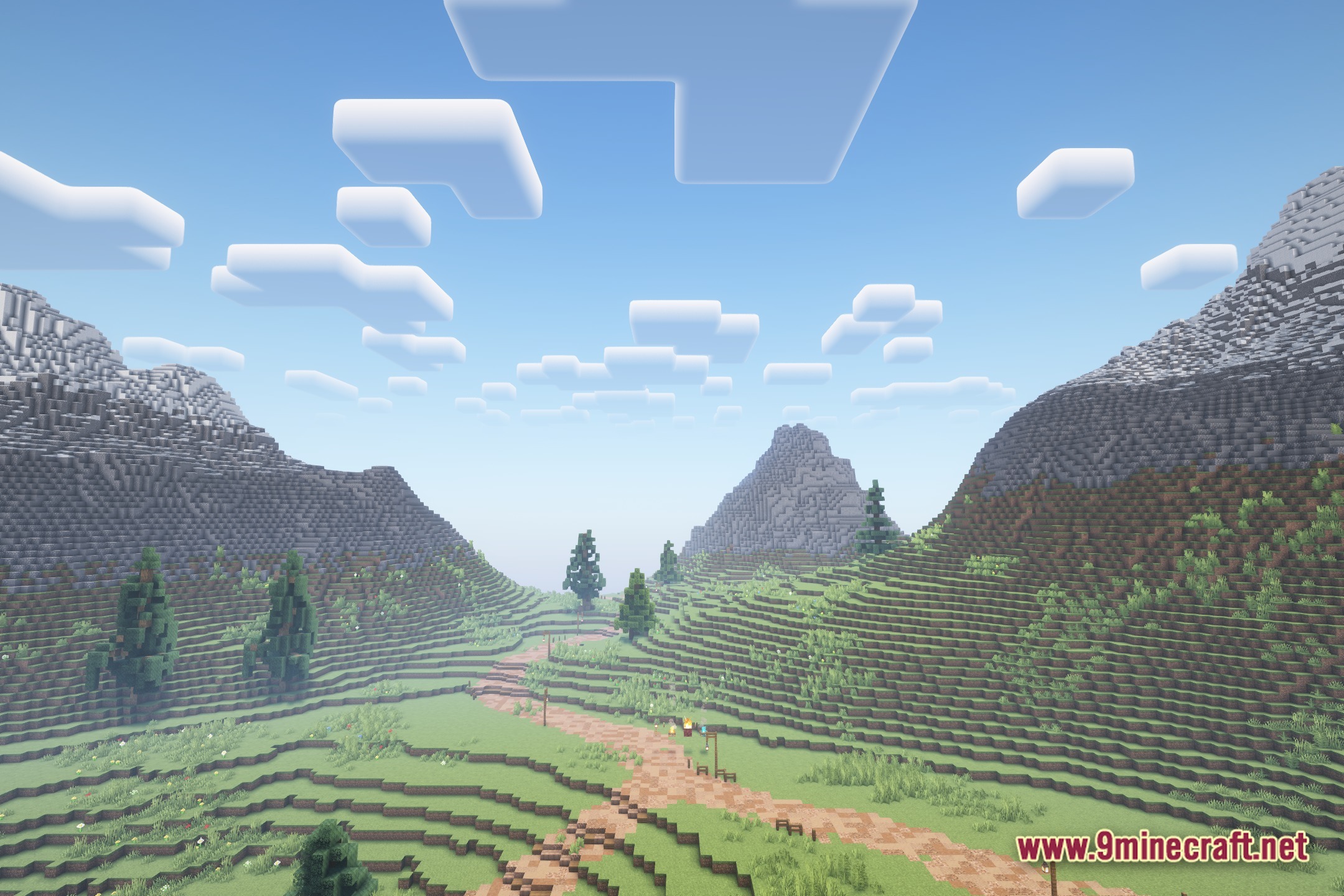
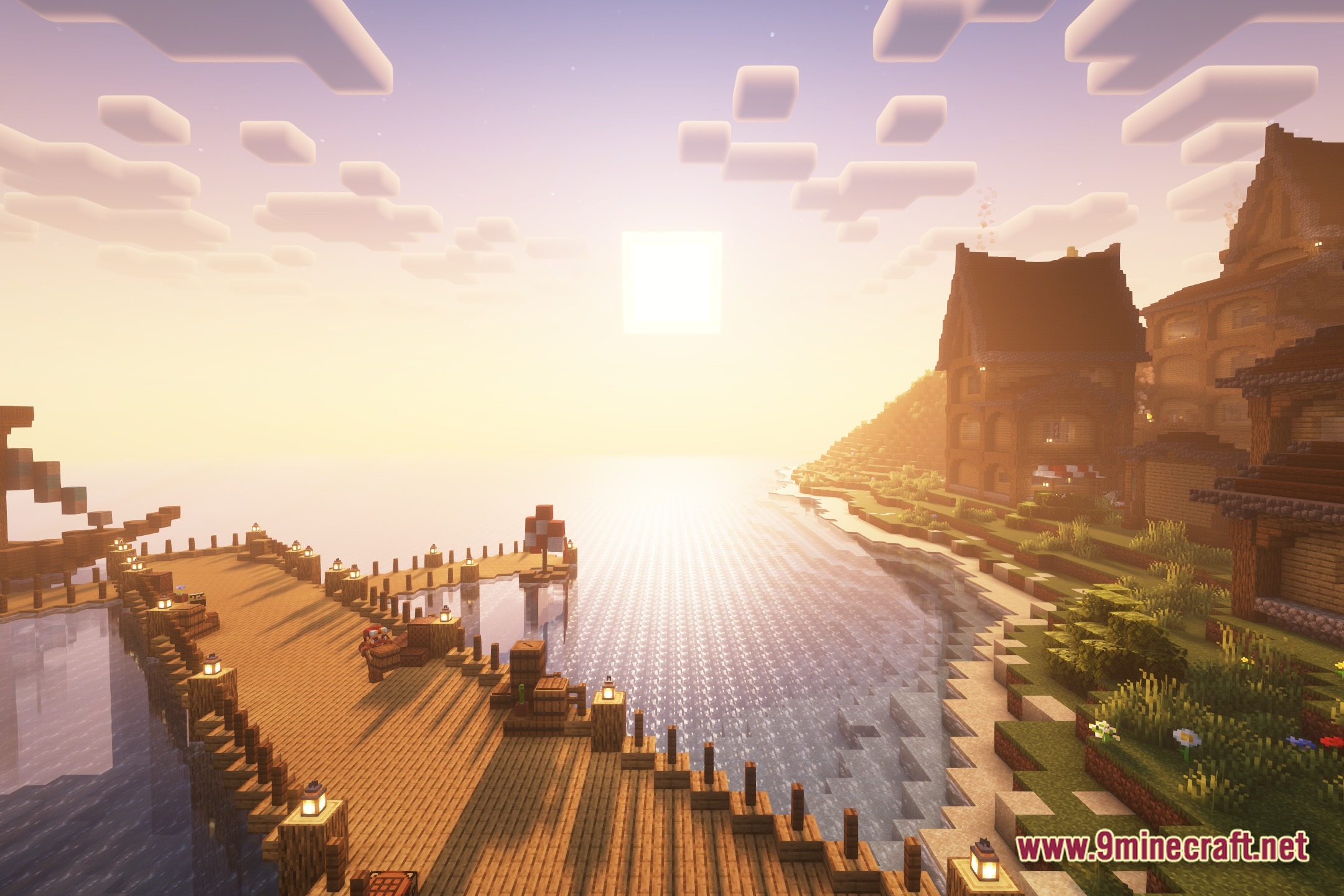
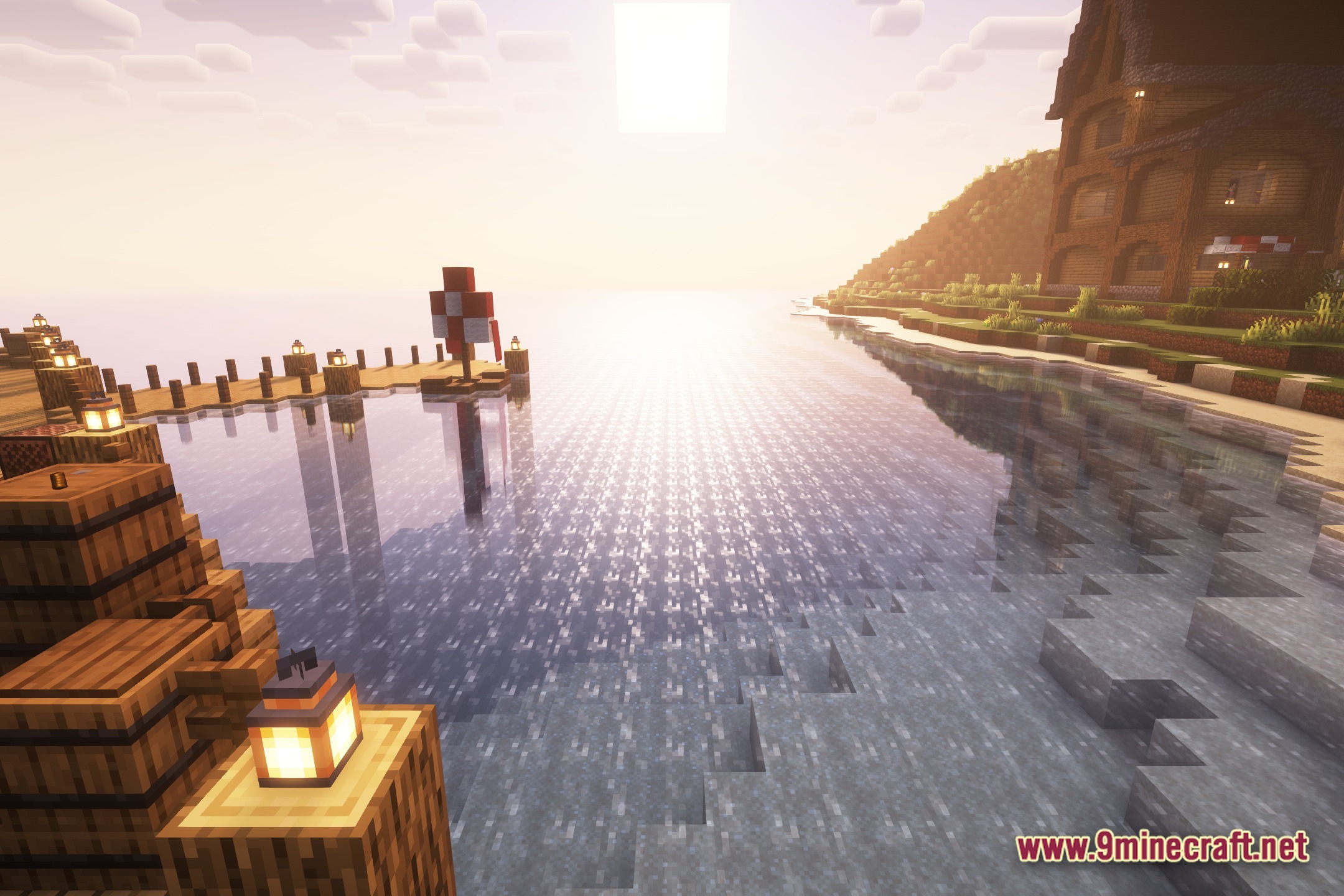
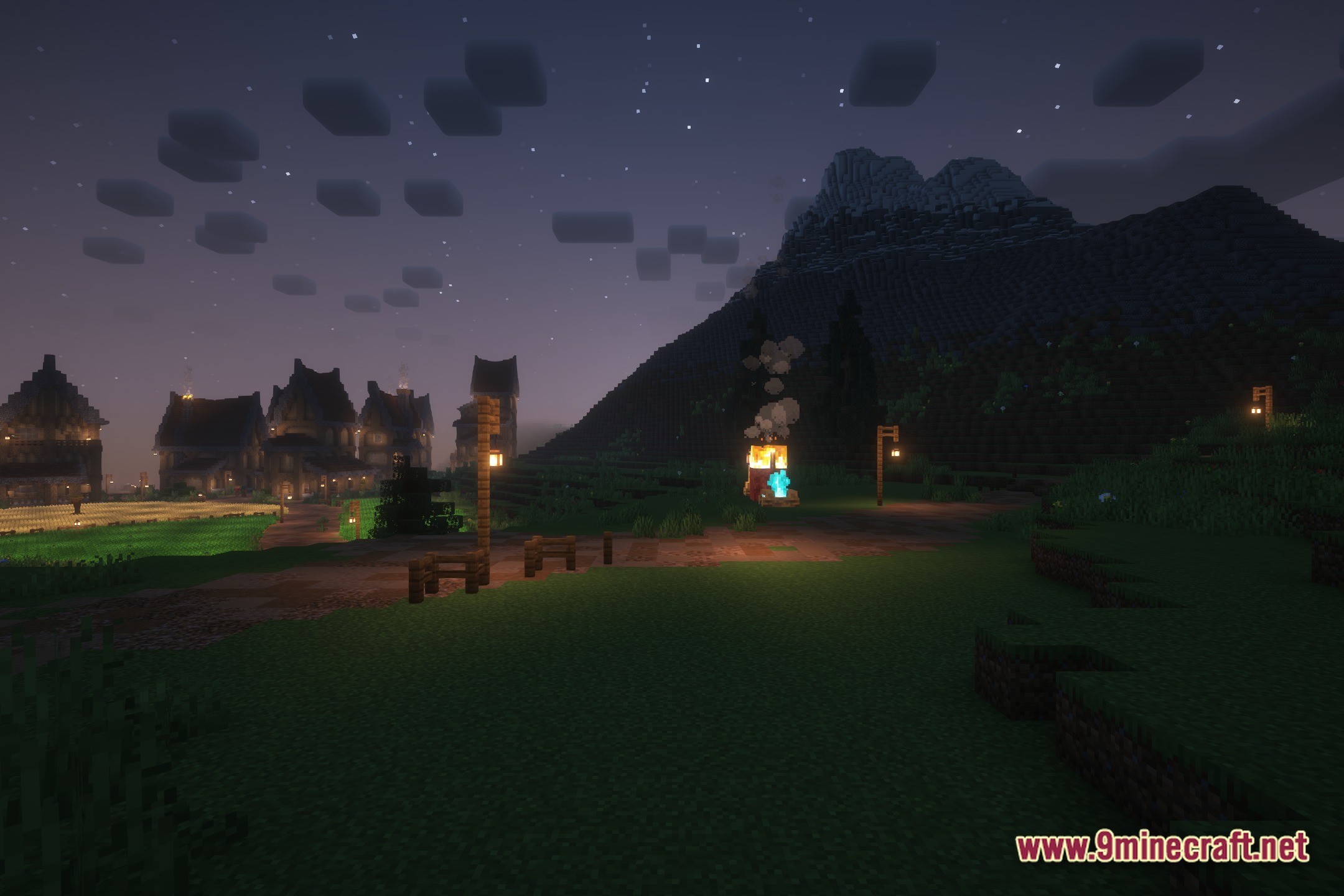
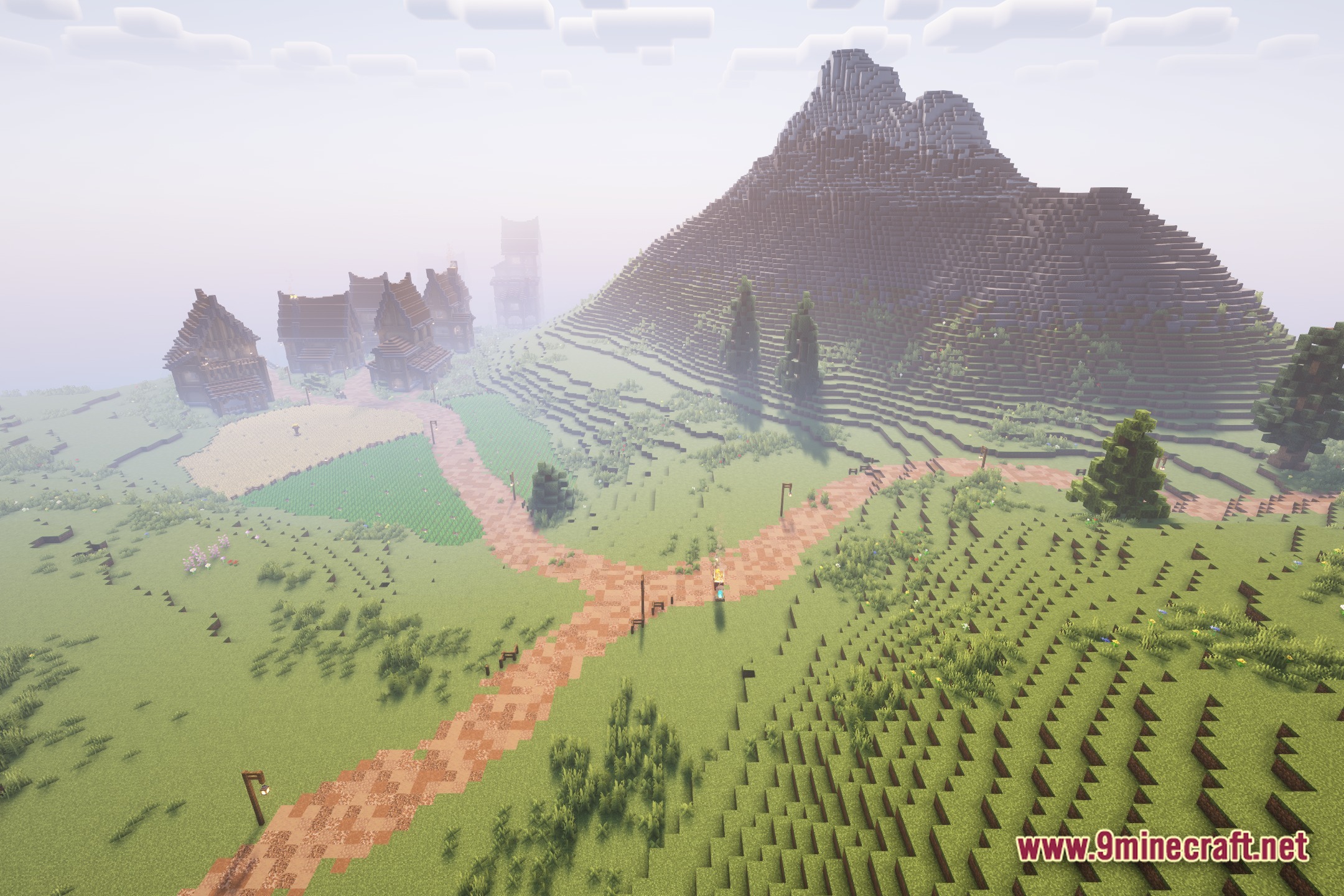
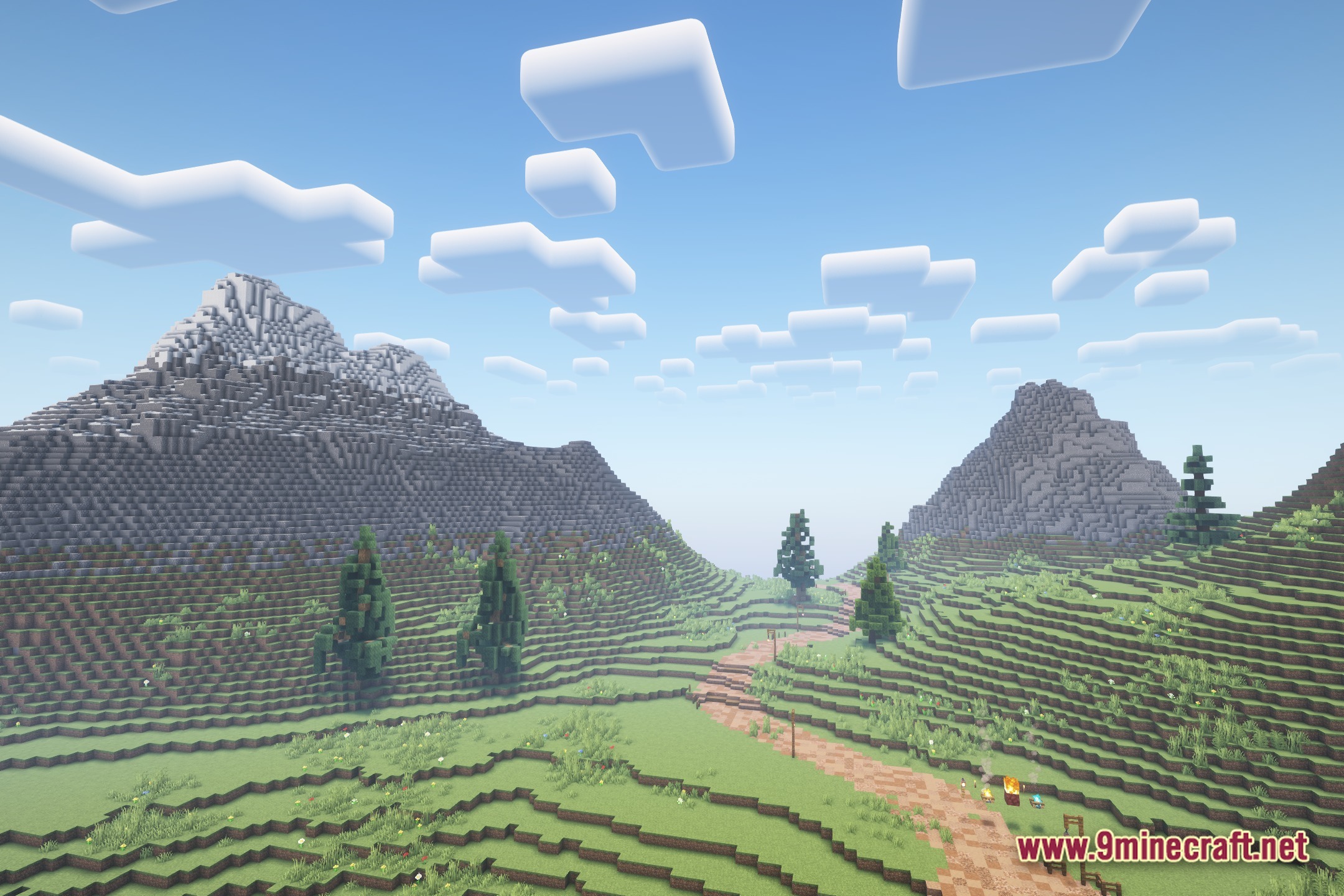
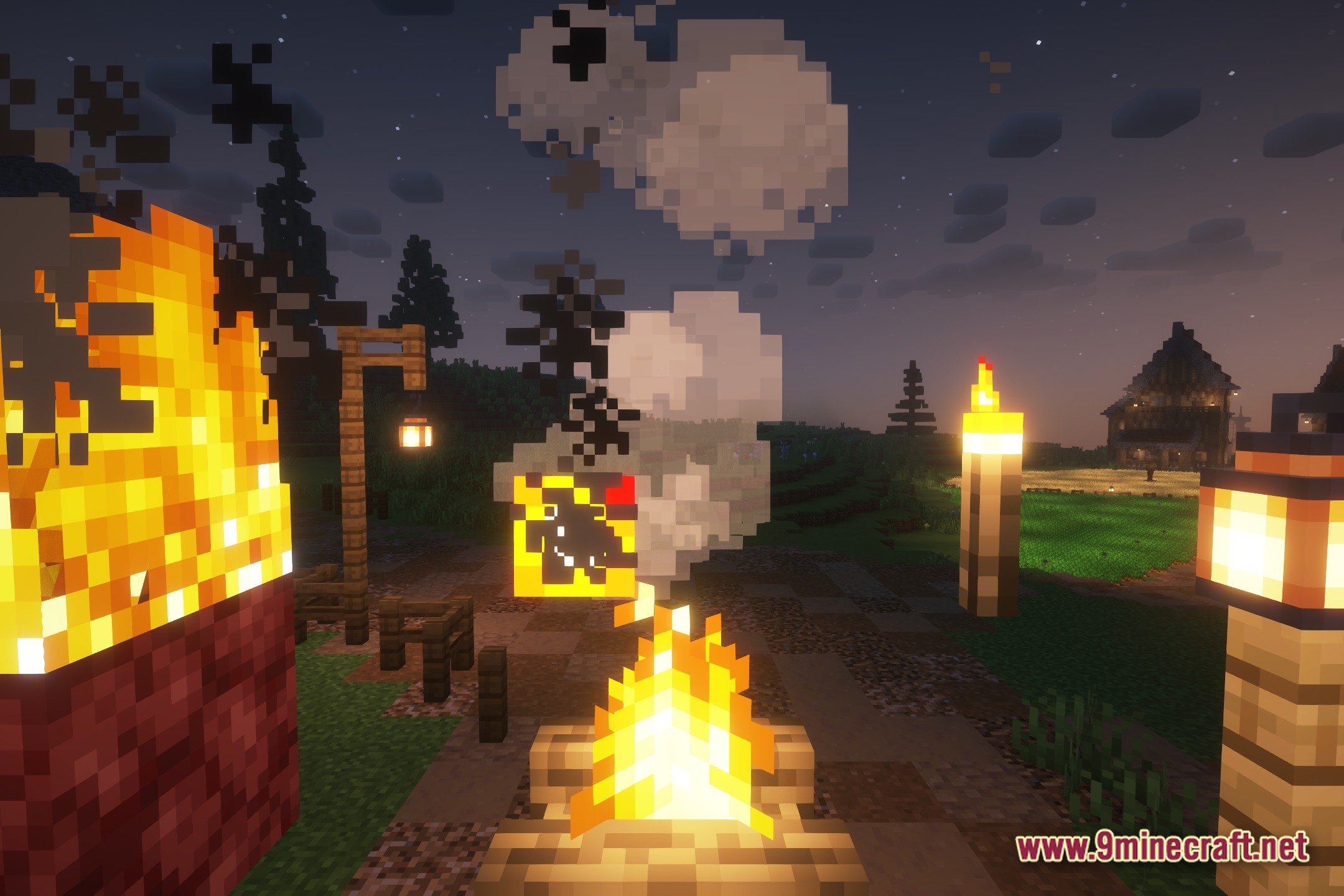
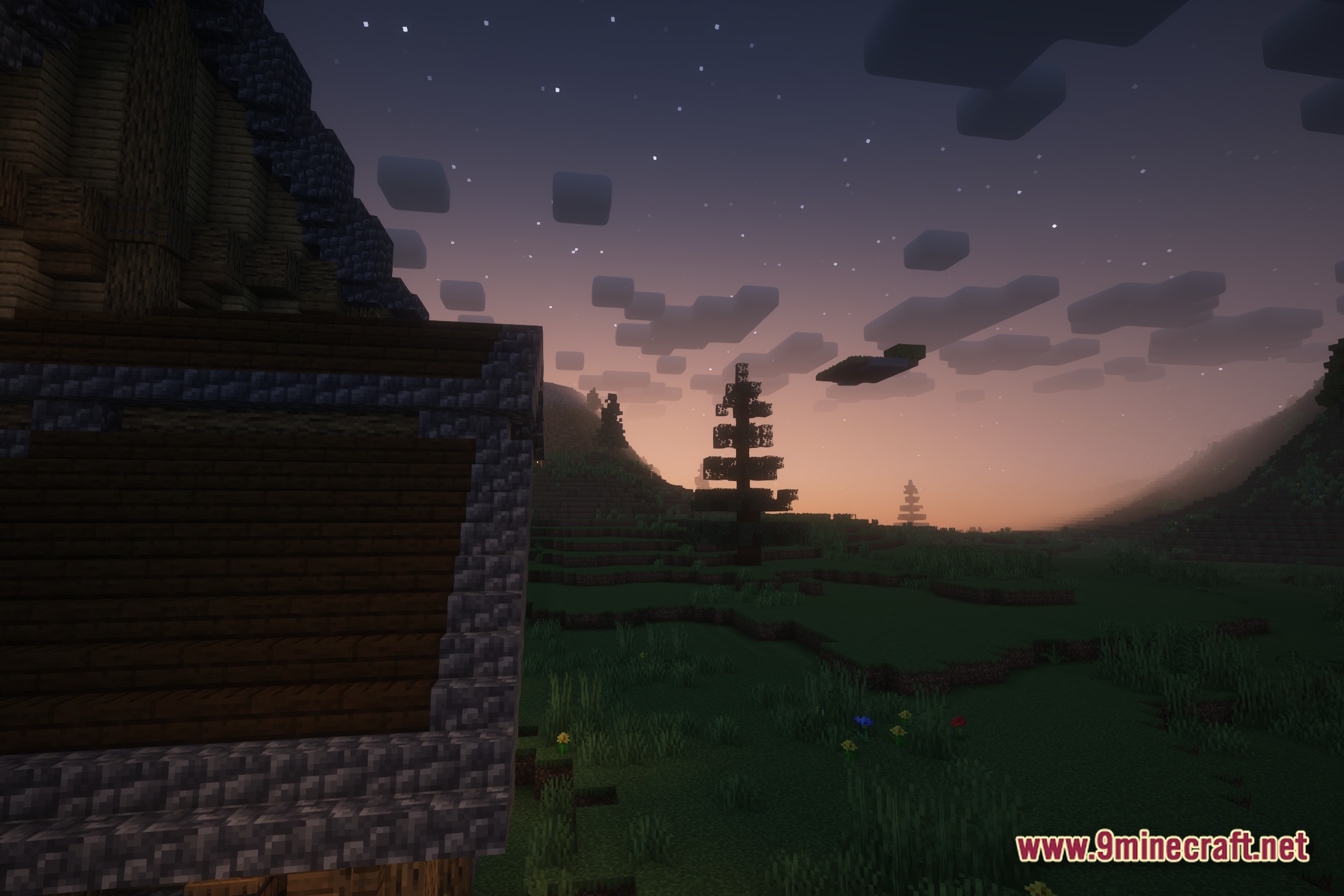
For Advanced Rocketry Shaders brings a realistic look to your game based on the popular Complementary Shaders. It changes how light works in your world but adds a special rule for space travel. When you fly into space dimensions, this shader turns itself off so you can see the stars and planets normally.
Features:
- Gives your normal Minecraft world a clean and realistic lighting upgrade.
- Turns off automatically the moment you enter any space dimension.
- Keeps the sky clear in space so you can build your rockets without lighting glitches.
- Fixes visual problems when you play with space exploration mods.
Screenshots:
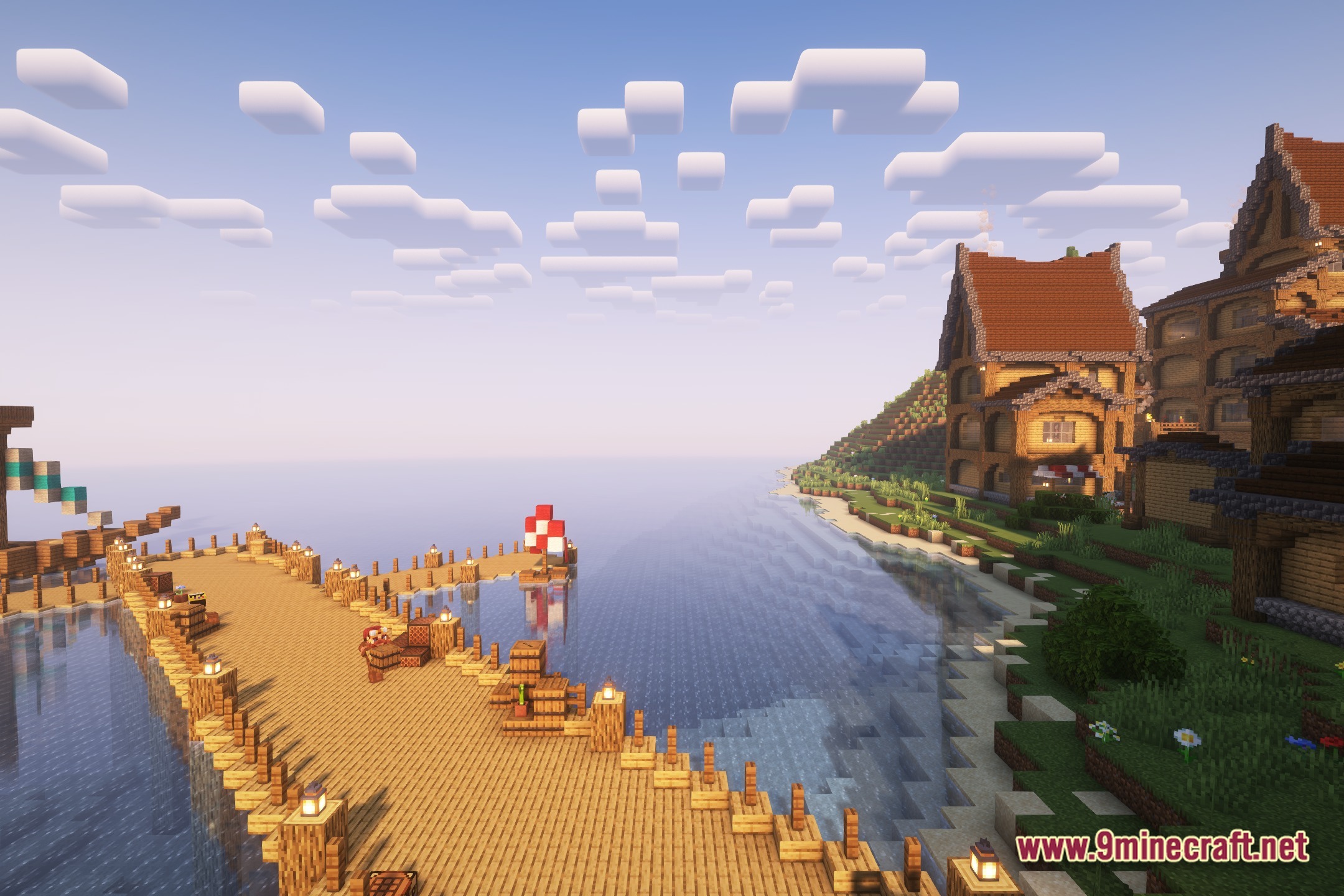

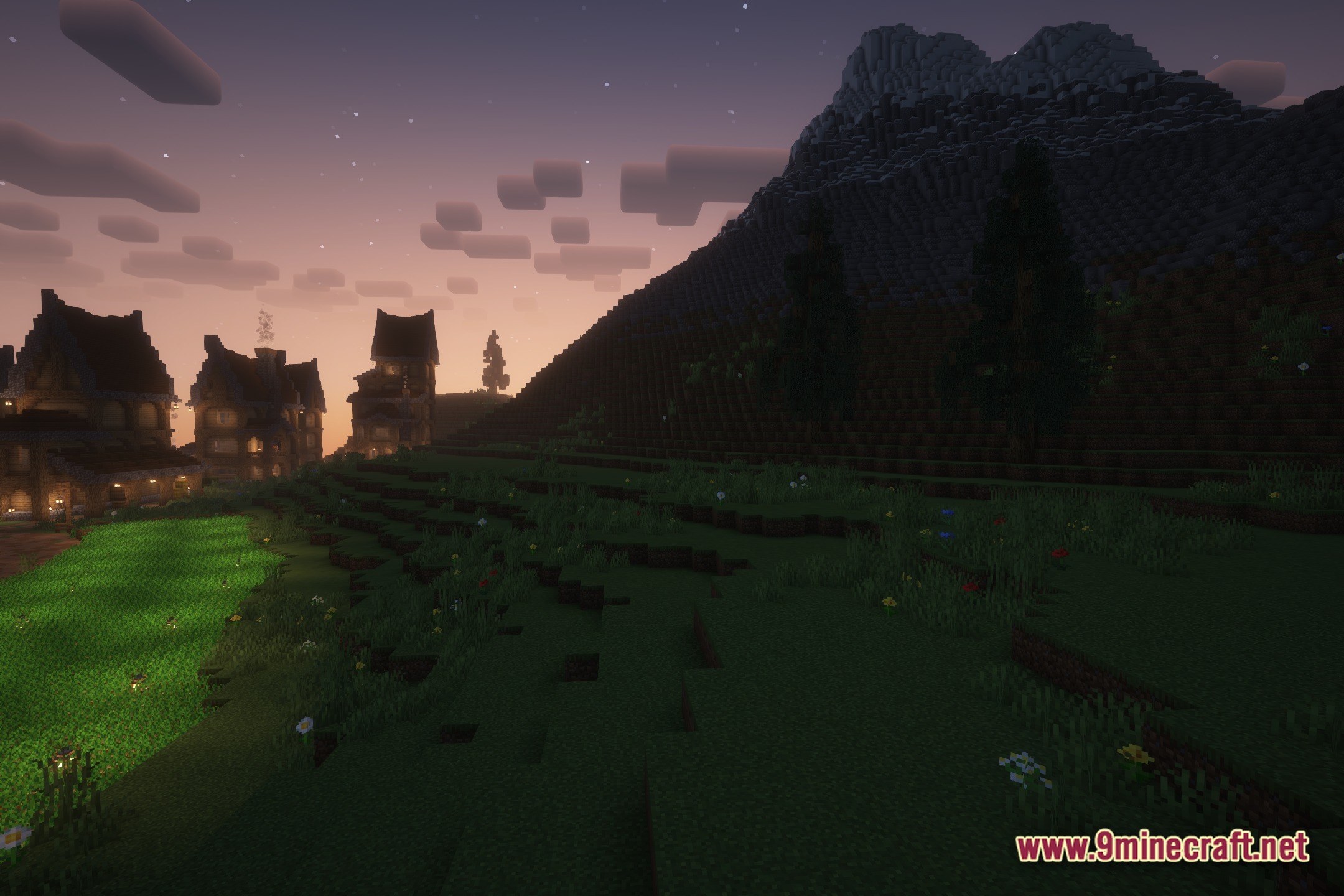
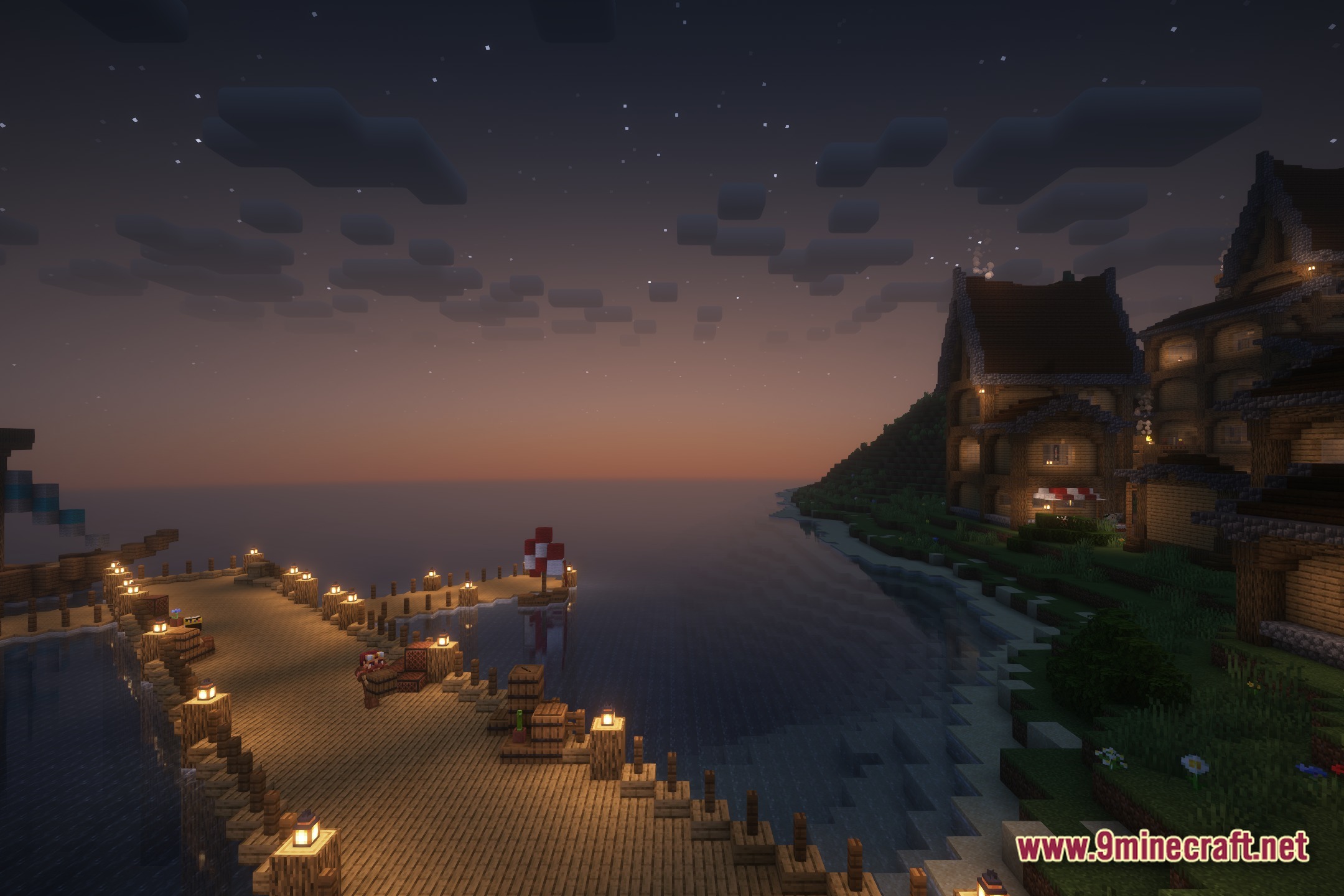
For Advanced Rocketry Shaders Download Links
Quick facts
- Edition: Minecraft Java
- File type: .zip (resource pack)
- Minecraft version listed: 1.20.1
- How to install: Download the .zip resource pack — do not unzip it. → Put it in .minecraft/resourcepacks. → Enable it in Options → Resource Packs.
- Where to get it: In MC Java Mods, or directly above on this page.
Install steps are the general flow for this file type — see the MC Java Mods guides for the full walkthrough.
For Advanced Rocketry Shaders (26.3, 1.20.1) – Auto-Disables in Space Dimensions is a free Minecraft Java shader. Compatible with Minecraft 1.20.1. Download it and open it directly in the game.