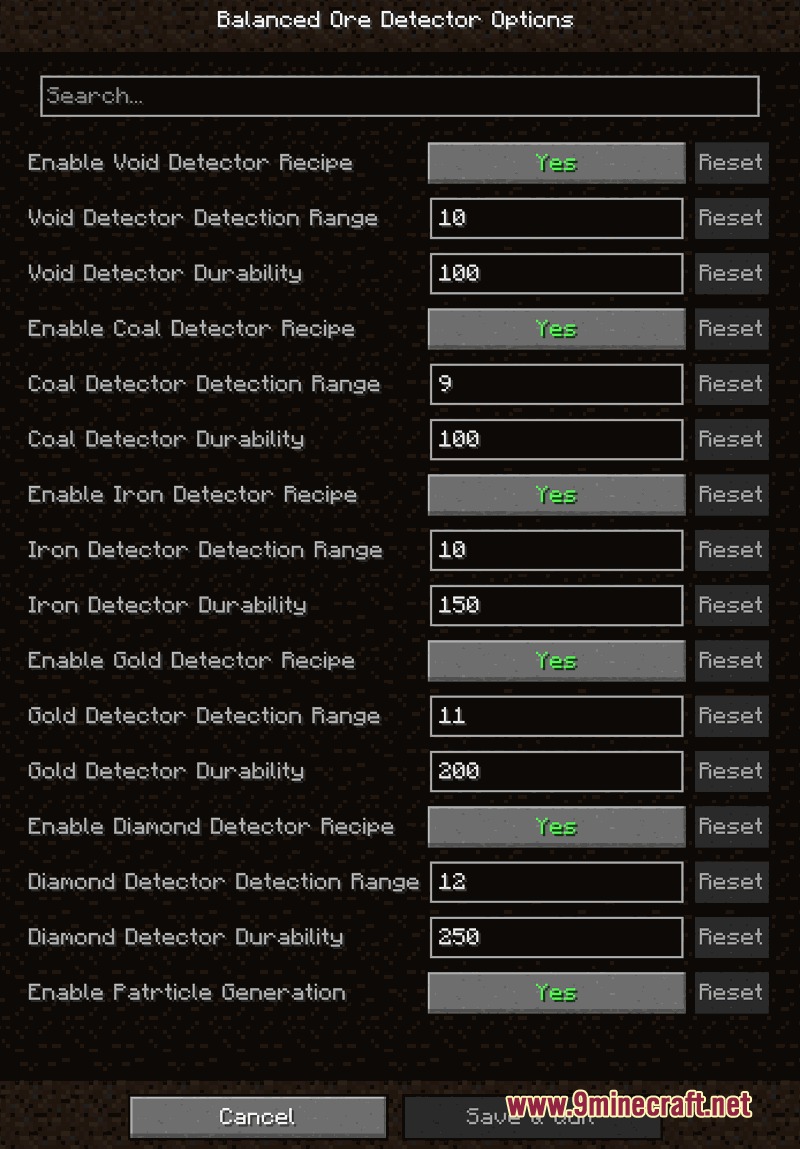
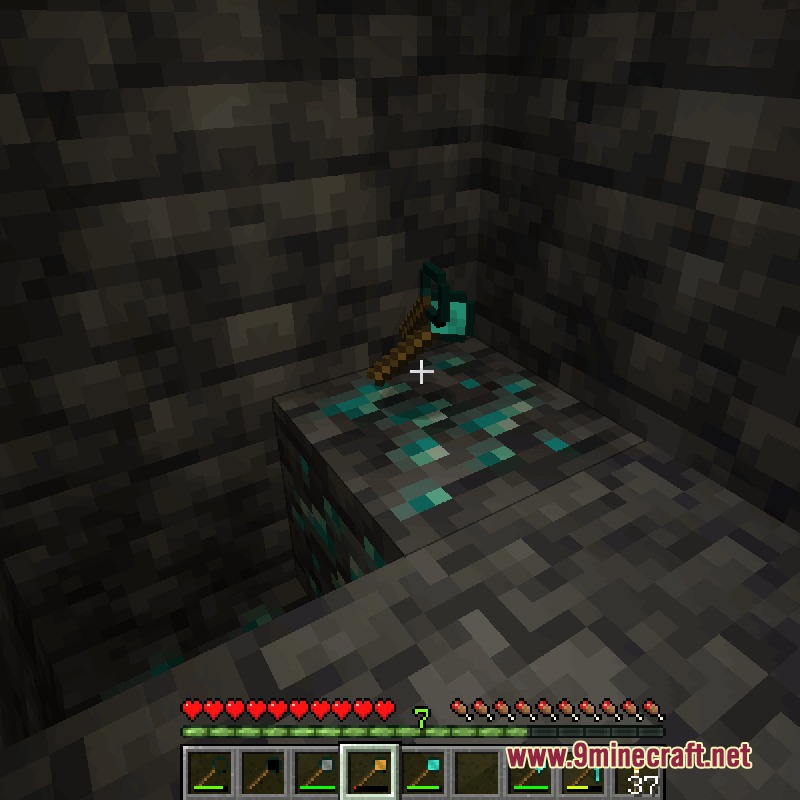
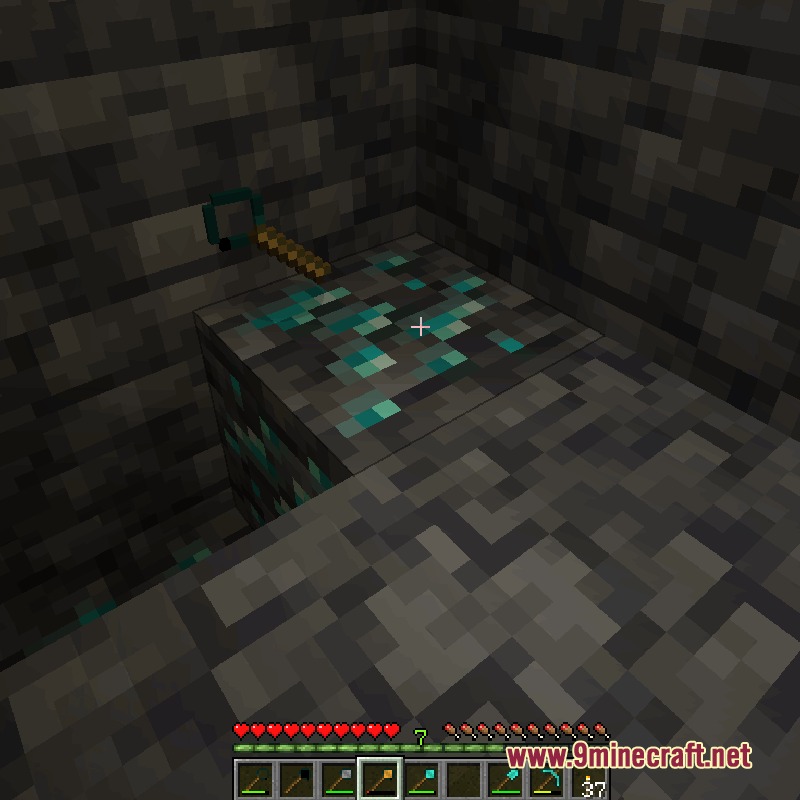
Balanced Ore Detector Mod gives you a new way to find underground treasures without turning your world into a giant mess of holes. This mod adds special tools that use echo location to track down hidden blocks. You can pinpoint valuable materials by listening to sounds and watching particles instead of digging random tunnels.
Features:
- Adds special tools to help you locate specific materials behind solid walls.
- Players use echo location to find blocks by listening to sounds that bounce back.
- Each tool makes a different sound, and the pitch helps you figure out what block is hiding nearby.
- The volume of the echo and how long it takes to return tells you how far away the block is.
- Spawns helpful particles to guide you toward the right spot.
- Includes a basic version and a focused version for every tool.
- The focused versions shoot a narrower sound beam to find ores easier, but they cost more items to craft.
- Tools break over time so you still have to plan your mining trips carefully.
- Works with other popular tech mods to find their custom ores like tin, lead, and silver.
Detector Types:
- The Void tool locates empty spaces, water, and lava behind walls.
- The Coal tool tracks down basic materials like coal, copper, iron, and quartz.
- The Iron tool skips coal but adds gold, redstone, and lapis to your search.
- The Gold tool finds middle-tier and rare items like diamonds and emeralds.
- The Diamond tool tracks the rarest blocks, including ancient debris in the Nether.
How to Use:
- Hold your chosen detector tool in your main hand.
- Right-click on a solid block to send out a sound wave.
- Listen for the three loud bangs to bounce back from hidden ores.
- Watch for particles and follow the pitch of the sound to dig in the right direction.
Screenshots:
Balanced Ore Detector Mod Download Links
Quick facts
- Edition: Minecraft Java
- File type: .jar
- Minecraft version listed: 1.21.1
- How to install: Install the matching mod loader (Forge, Fabric or NeoForge) for your Minecraft version. → Download the .jar. → Put it in the .minecraft/mods folder and launch that loader profile.
- Where to get it: In MC Java Mods, or directly above on this page.
Install steps are the general flow for this file type — How to install Minecraft Java mods & modpacks walks through it step by step.
Verified by MCModsHub
- Downloads as 393357.mcaddon
- Download size: 323 KB
- Download link checked 24 Sept 2026 — working
- Mirrored on our own servers — the download does not depend on the original host
These come from our own check of the pack file, not from the source page.