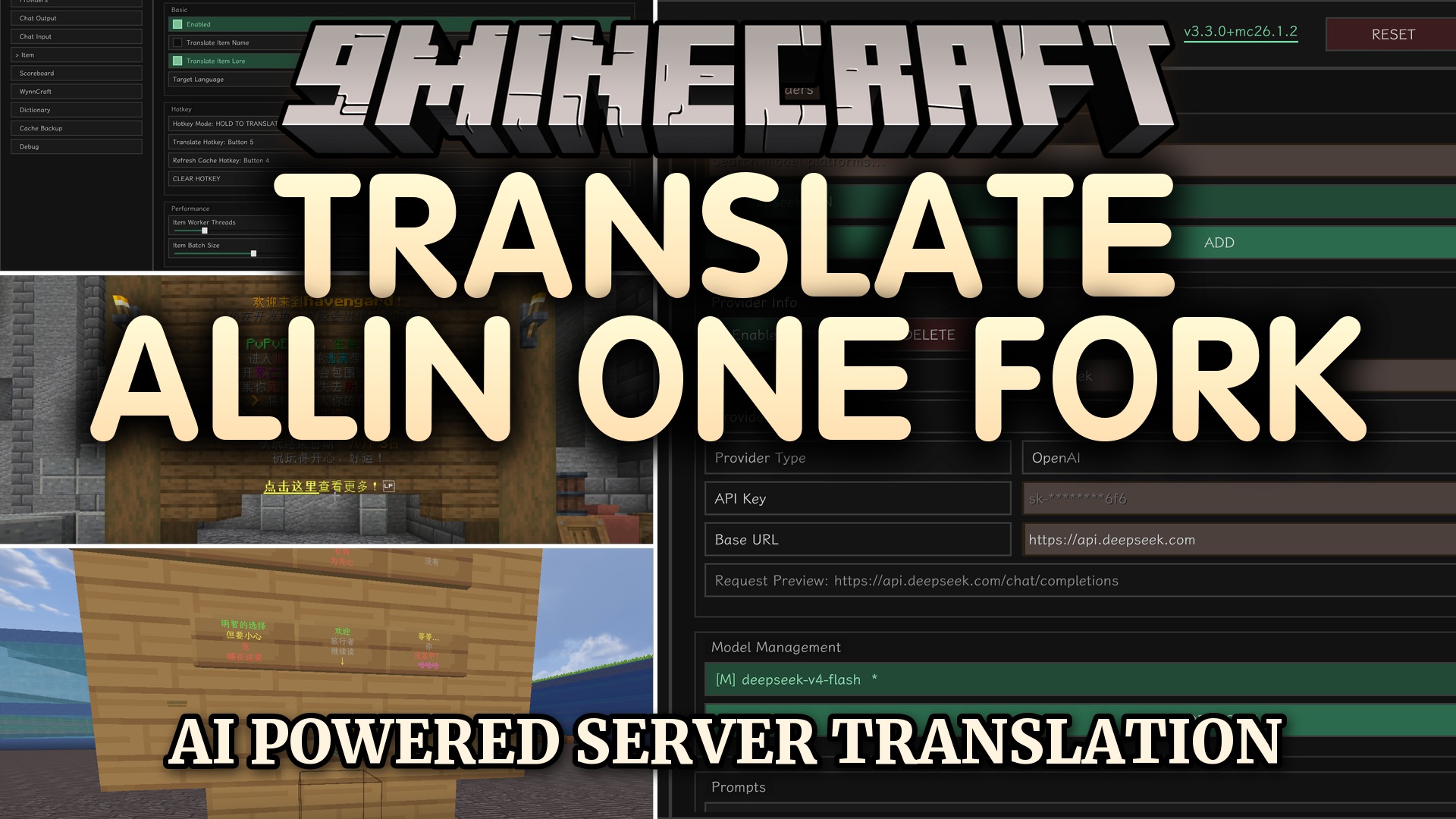
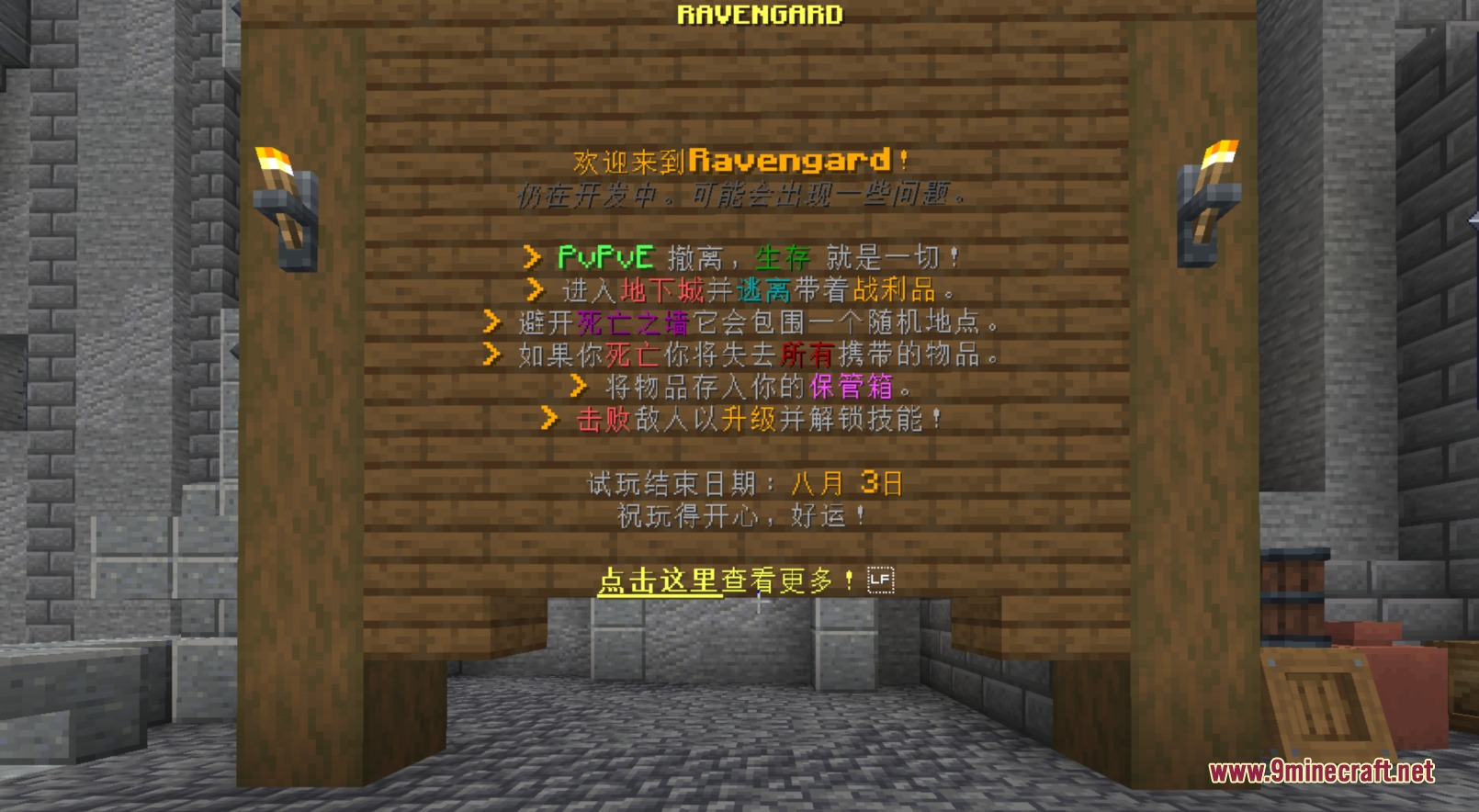
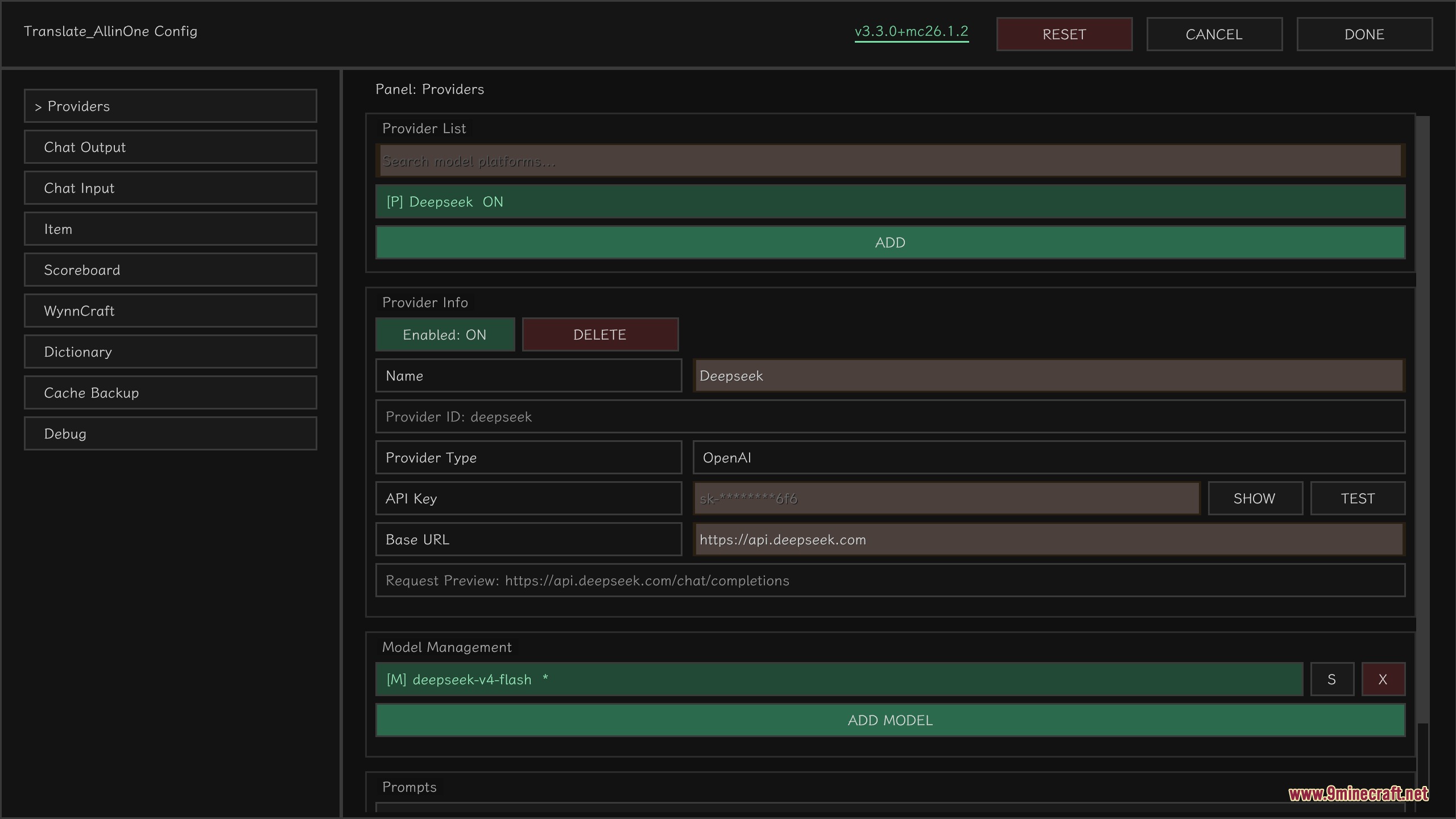
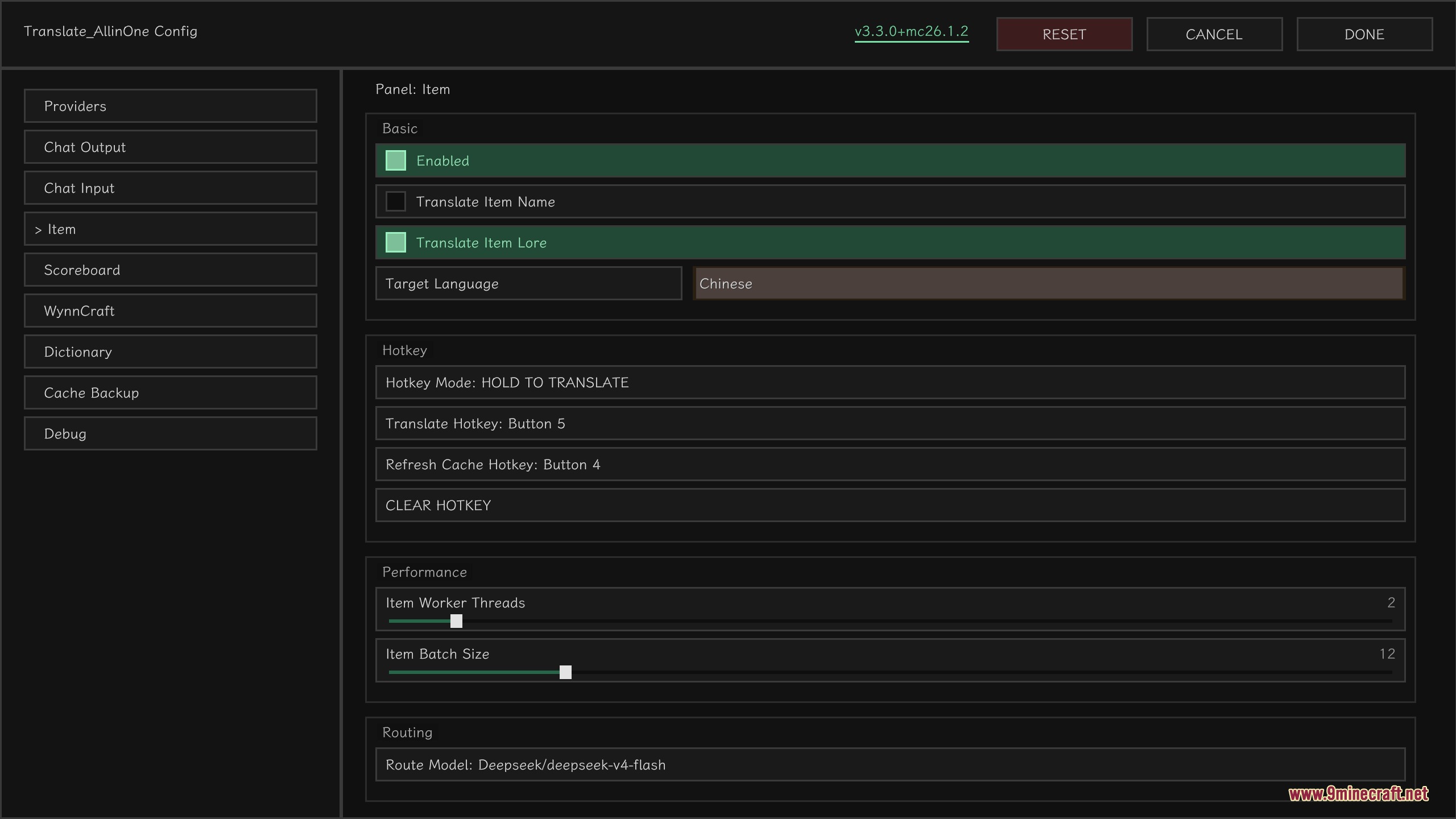
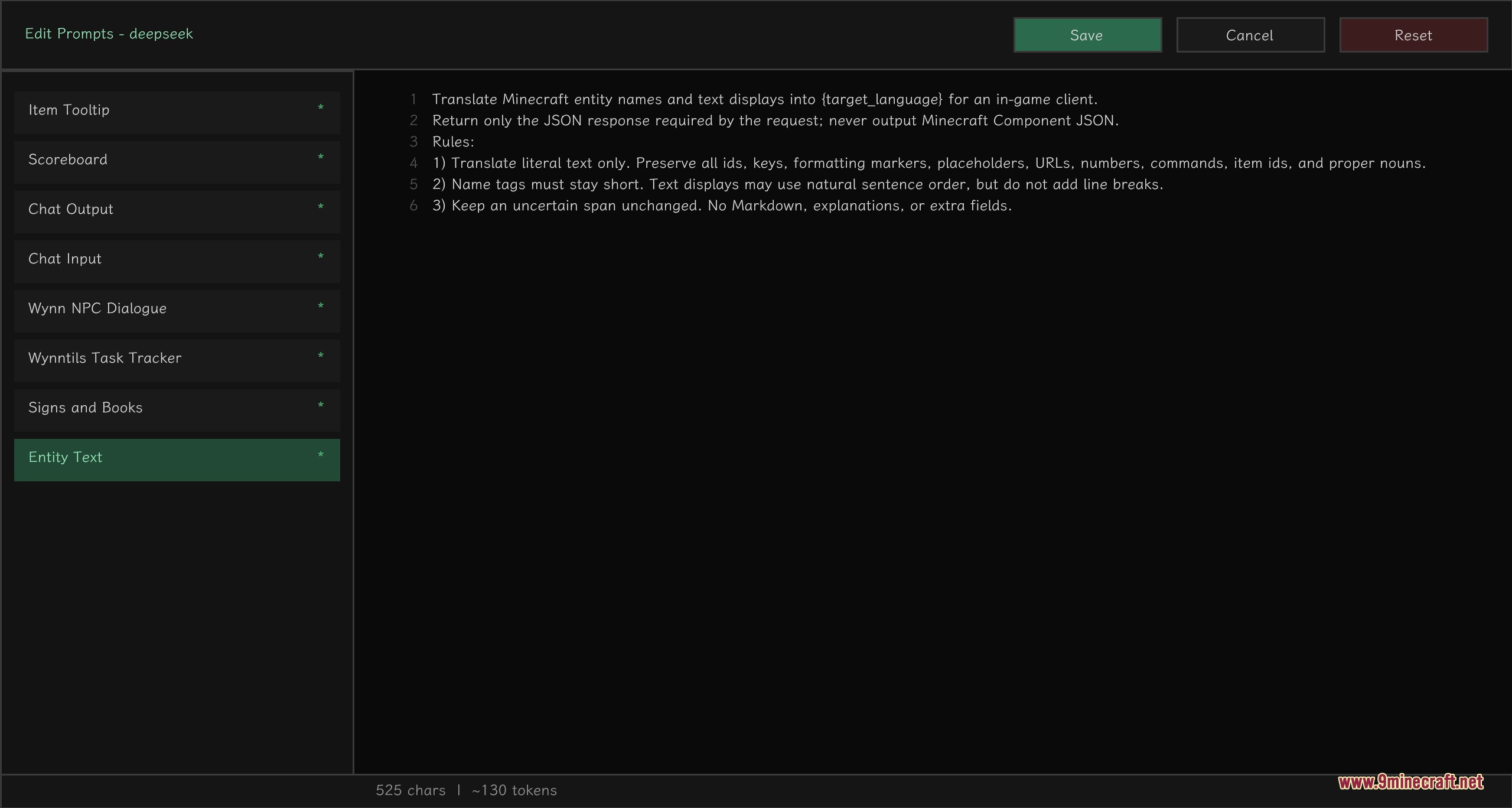
Translate Allin One Fork Mod translates everything in Minecraft so you can play on servers from other countries. This mod reads foreign chat messages, item descriptions, and signs, then turns them into a language you understand using AI.
Features:
- Live Chat Translation: Translates incoming messages as they appear and adds a clickable [T] button to translate specific lines.
- Smart Typing Assistant: Translates your typed messages before you send them, with options to make your text sound more friendly or professional.
- Item Text Reading: Reads the lore and names of custom server items while keeping the original text colors and formatting intact.
- Changes the text on the sidebar scoreboard so you always know your stats and server info.
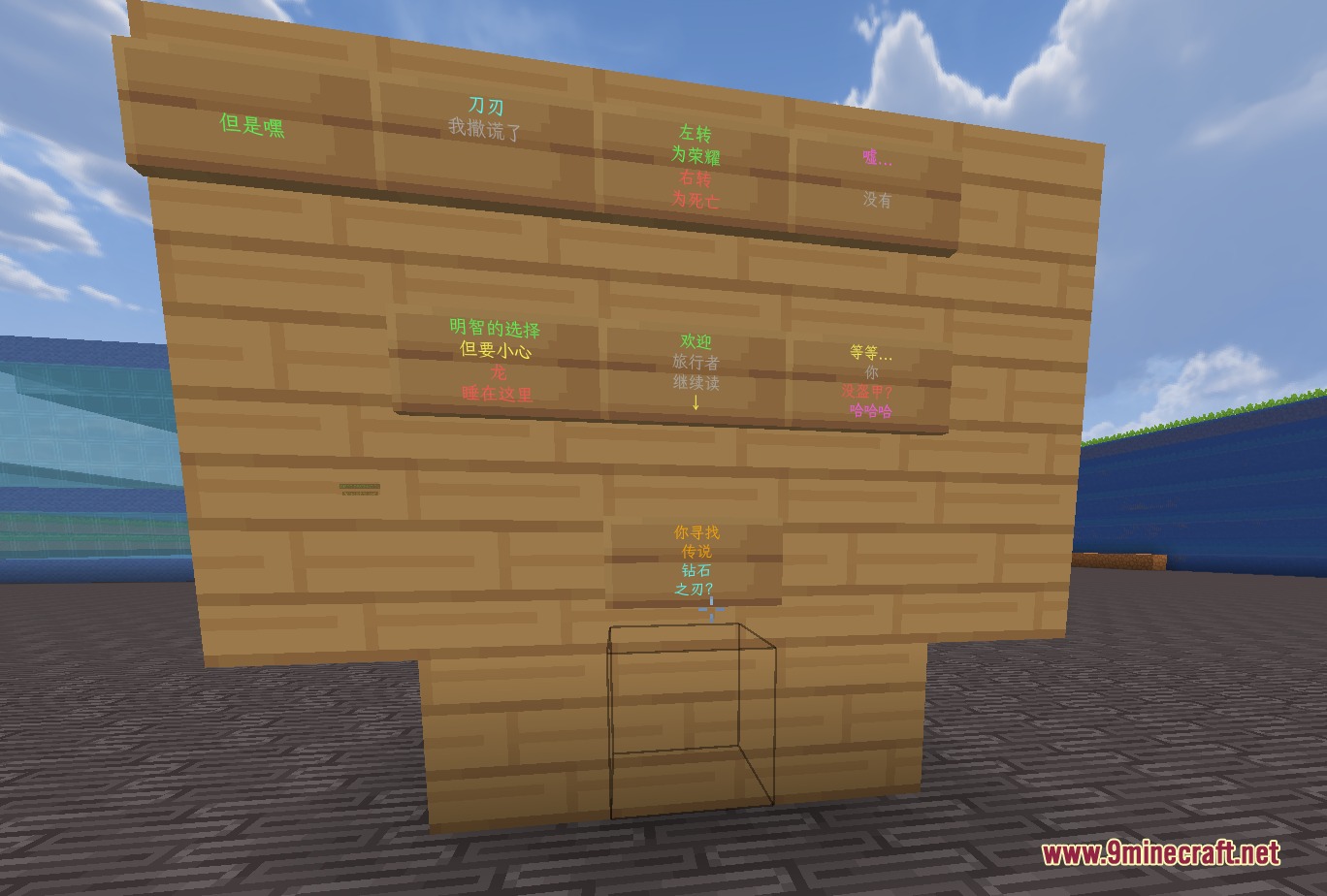
- Translates the writing on wooden signs just for your screen, without changing the actual blocks in the world.
- Updates floating text holograms, mob names, and dropped item labels to your chosen language.
- Turns the pages of written books into your language while you read them.
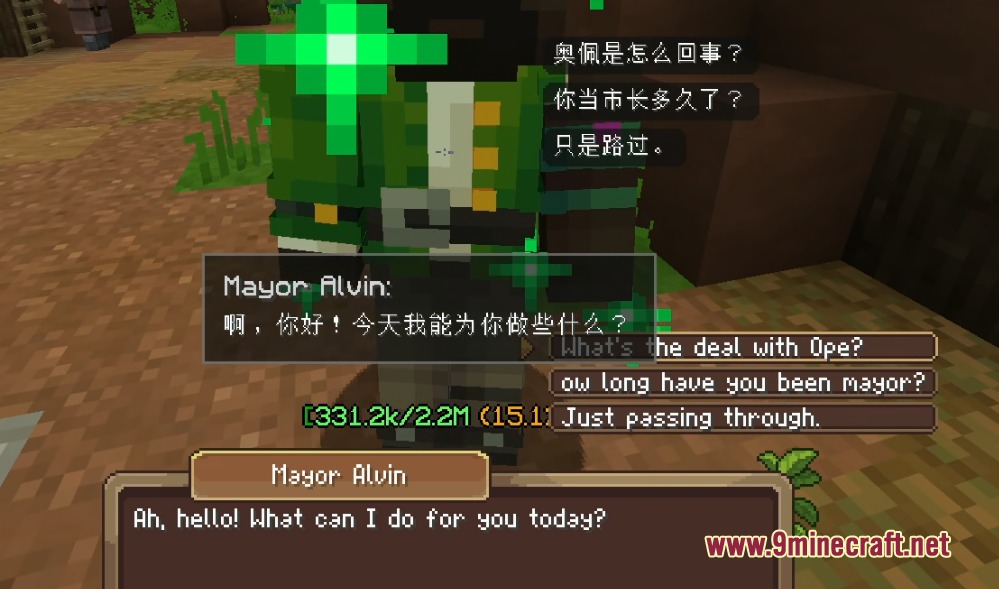
- Includes special features for the WynnCraft server to translate NPC conversations into a clean pop-up window.
- Translates WynnCraft quest trackers and custom item stats so you never get stuck on a mission.
- Lets you connect different AI services like OpenAI or Ollama to power the text processing.
Commands:
/taio: opens the main configuration screen.
How to Use:
- Type /taio in the chat to open the settings menu.
- Set up your preferred AI provider in the menu.
- Choose your target language for chat, items, and scoreboards.
- Click the [T] button next to chat messages to read them, or let the mod translate them automatically.
- Use the chat input panel to translate your own messages before pressing enter.
Screenshots:
Translate Allin One Fork Mod Download Links
Quick facts
- Edition: Minecraft Java
- File type: .jar
- Minecraft version listed: 1.21.11
- How to install: Install the matching mod loader (Forge, Fabric or NeoForge) for your Minecraft version. → Download the .jar. → Put it in the .minecraft/mods folder and launch that loader profile.
- Where to get it: In MC Java Mods, or directly above on this page.
Install steps are the general flow for this file type — How to install Minecraft Java mods & modpacks walks through it step by step.
Verified by MCModsHub
- Downloads as 393366.mcaddon
- Download size: 2.2 MB
- Download link checked 24 Sept 2026 — working
- Mirrored on our own servers — the download does not depend on the original host
These come from our own check of the pack file, not from the source page.