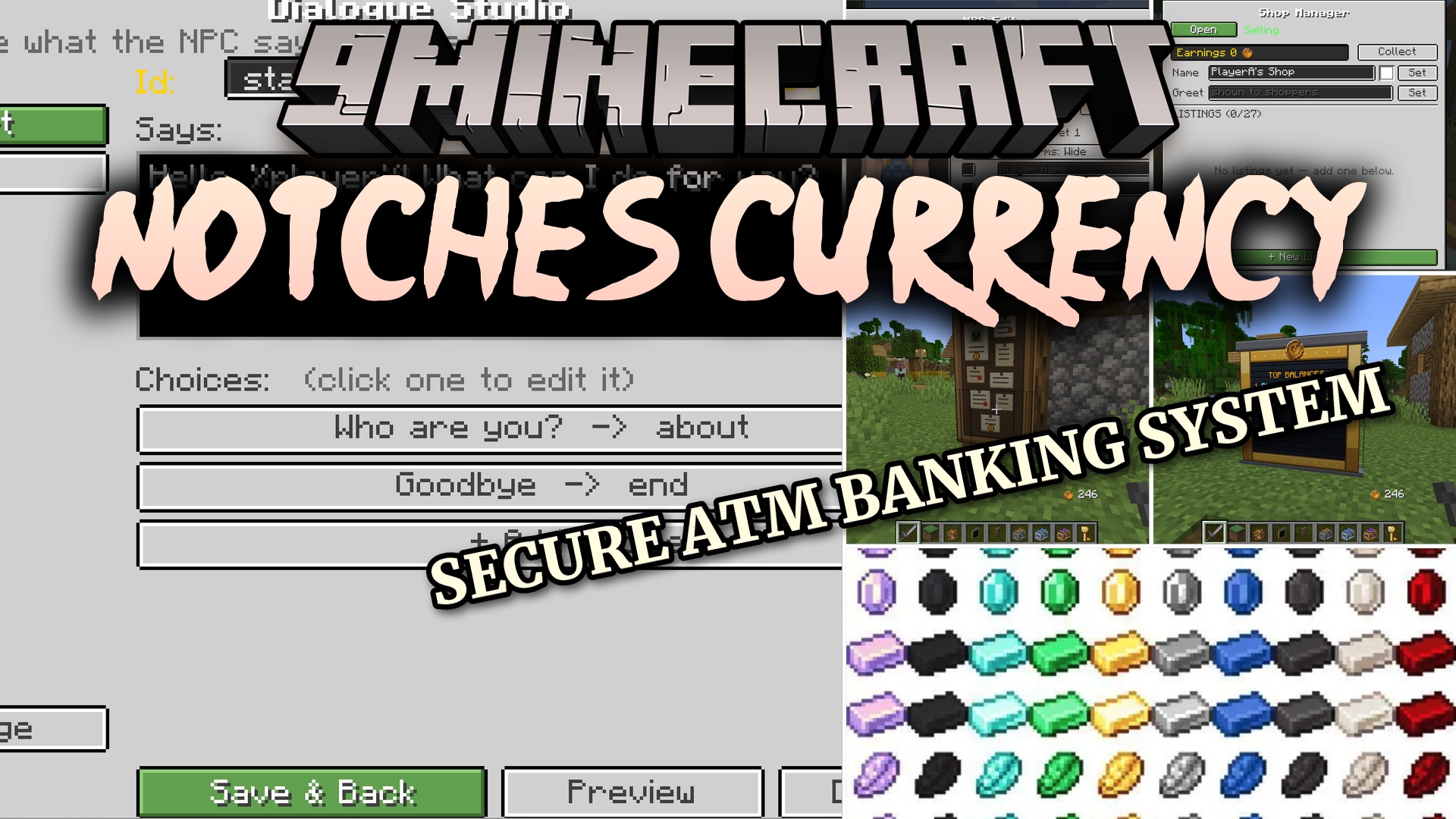
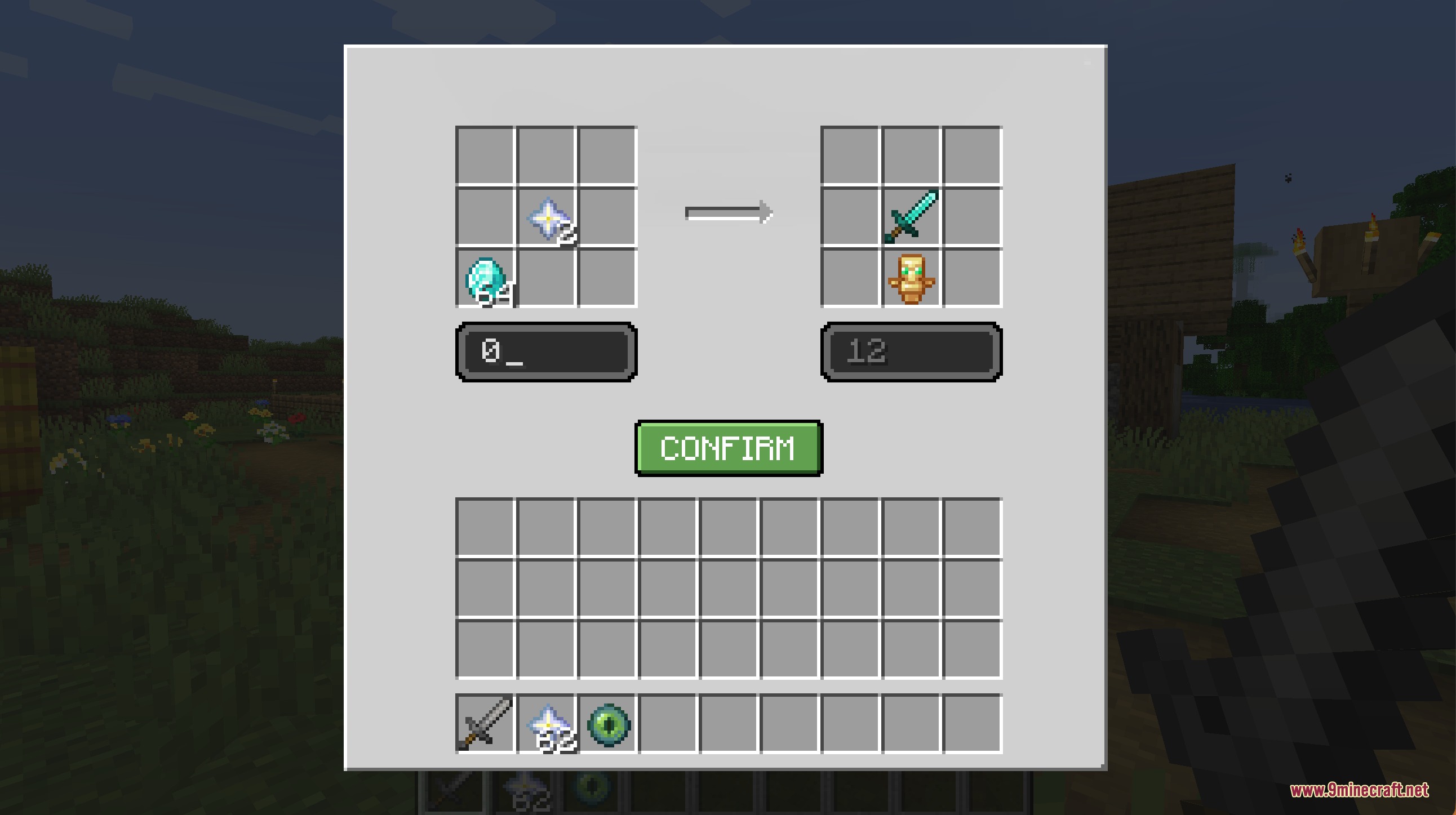
Notches Currency Mod brings a full money system to your multiplayer world. It adds physical coins, virtual bank balances, and working ATMs to store your wealth. You can set up custom NPCs to run your stores, host auctions, or deal casino games. This mod lets you trade safely with friends and tracks every coin you spend.
Features:
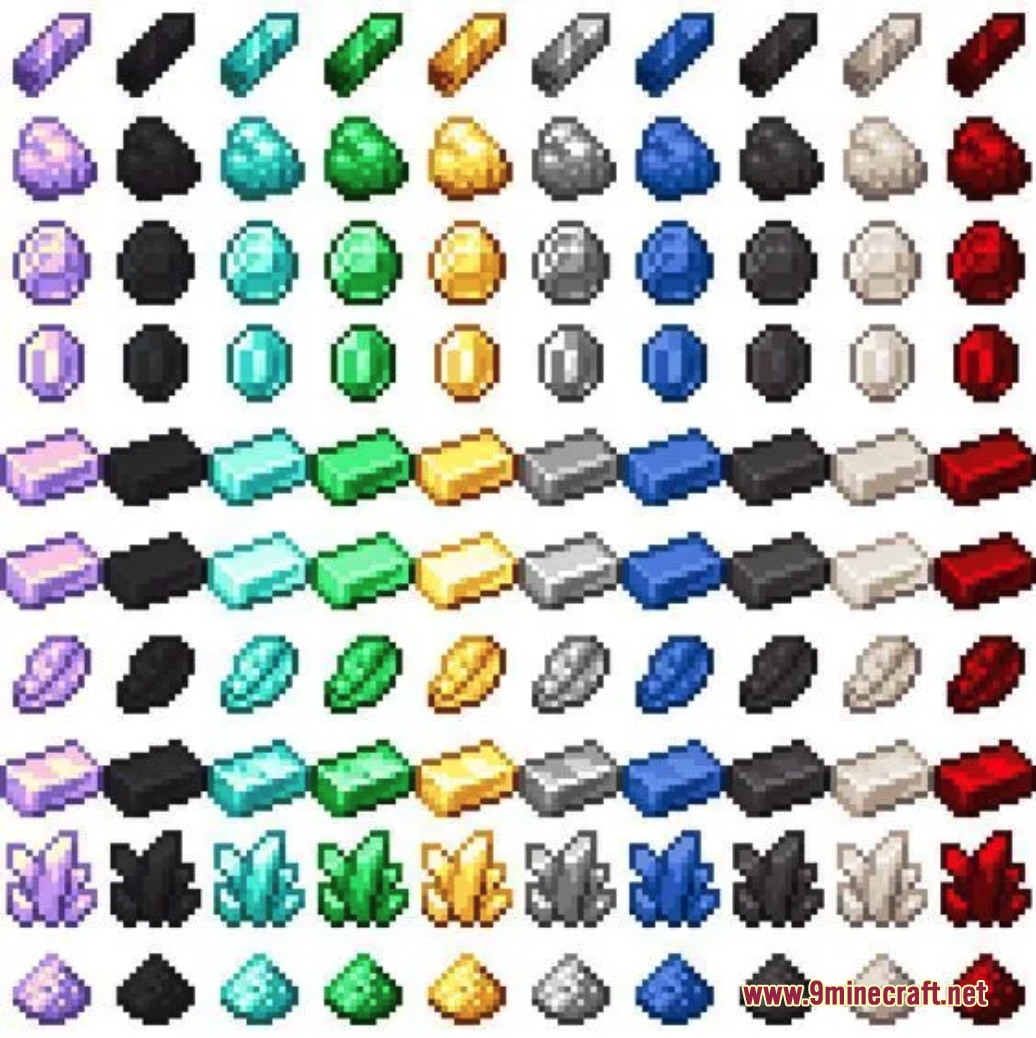
- Custom Money: Change the name and look of the coins to fit your world, like rubies or credits.
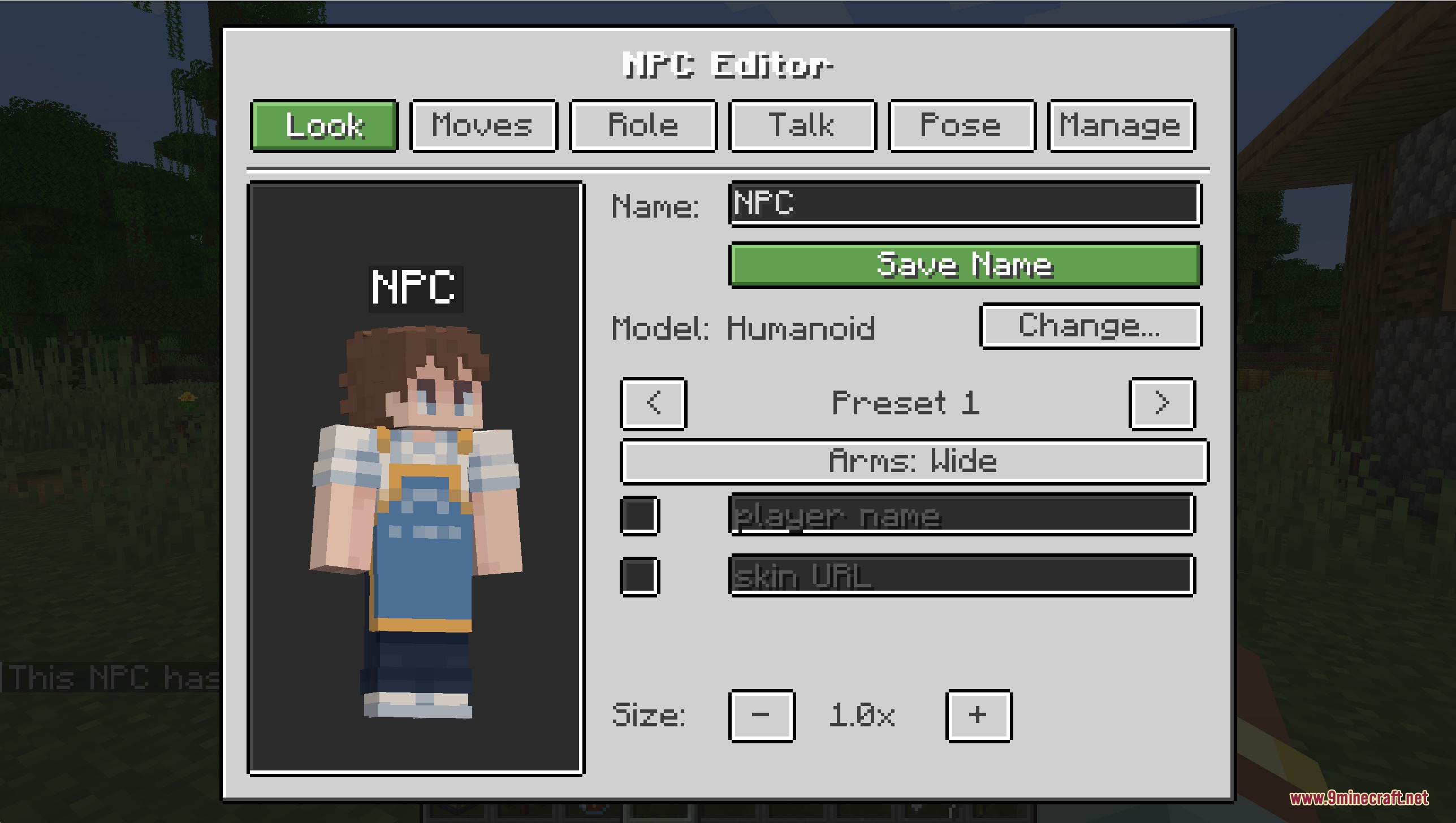
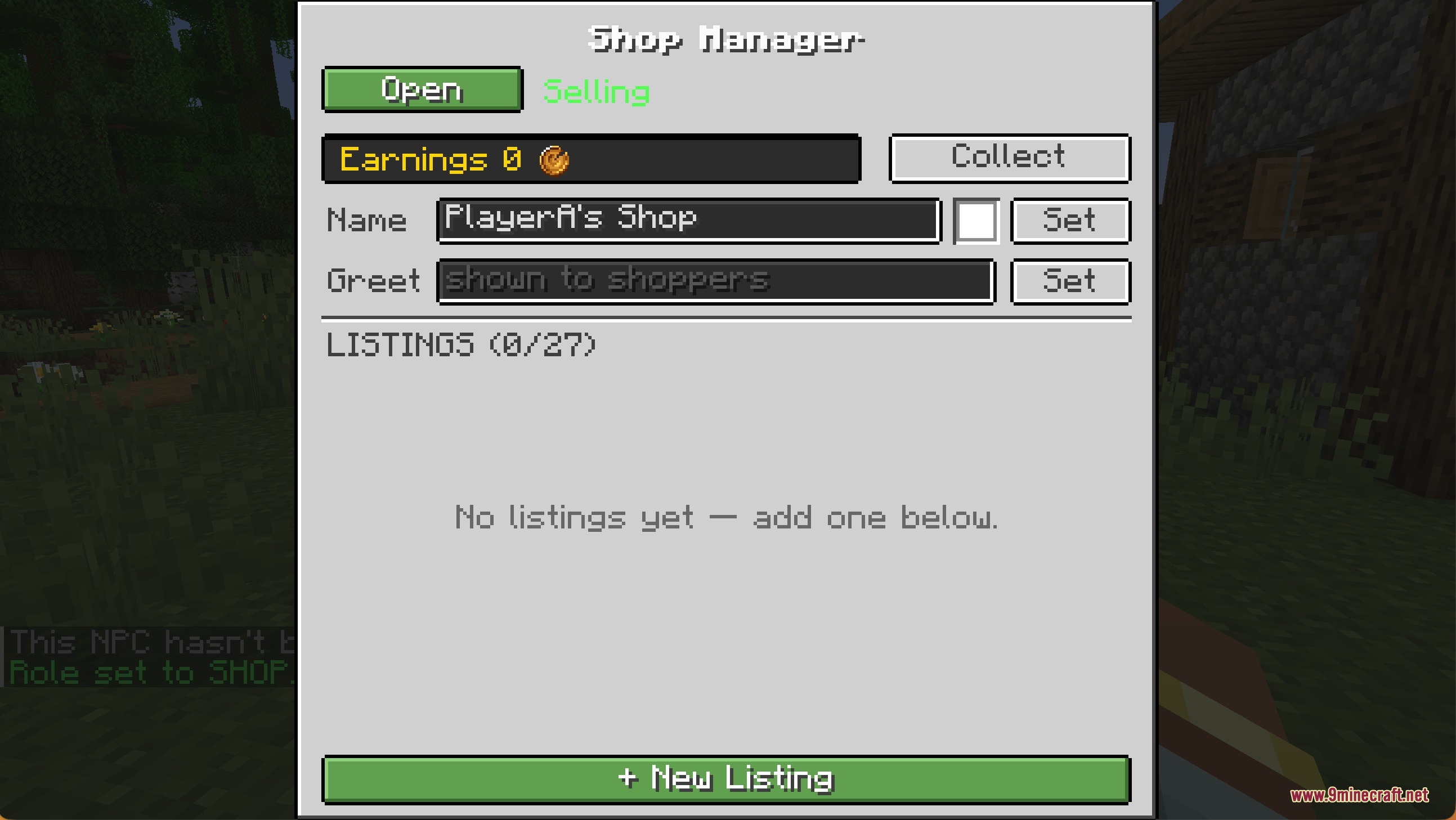
- NPC Workers: Spawn characters with custom skins and poses to work as bankers, shopkeepers, or guards.
- Players get an on-screen display that always shows their current bank balance.
- Includes fun casino blocks like slot machines and coin flip tables to test your luck.
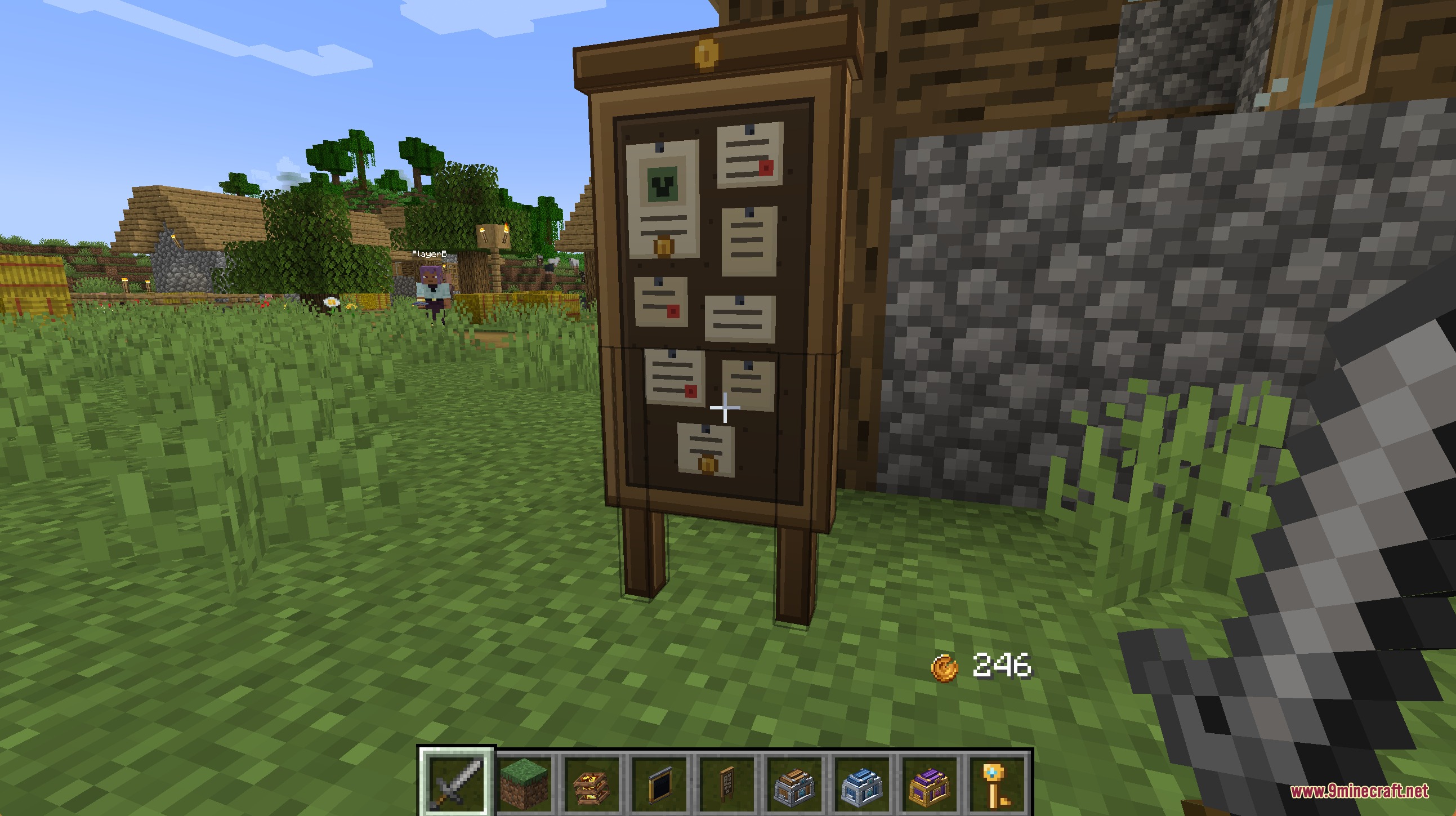
- Adds a bounty board where players earn rewards for hunting specific mobs.
- Spawns random balloon crates in the sky that drop loot when you pop them.
- Lets you trade items and money directly with others, even if they are offline.
Economy Blocks:
- ATMs let you deposit physical coins into your virtual bank account.
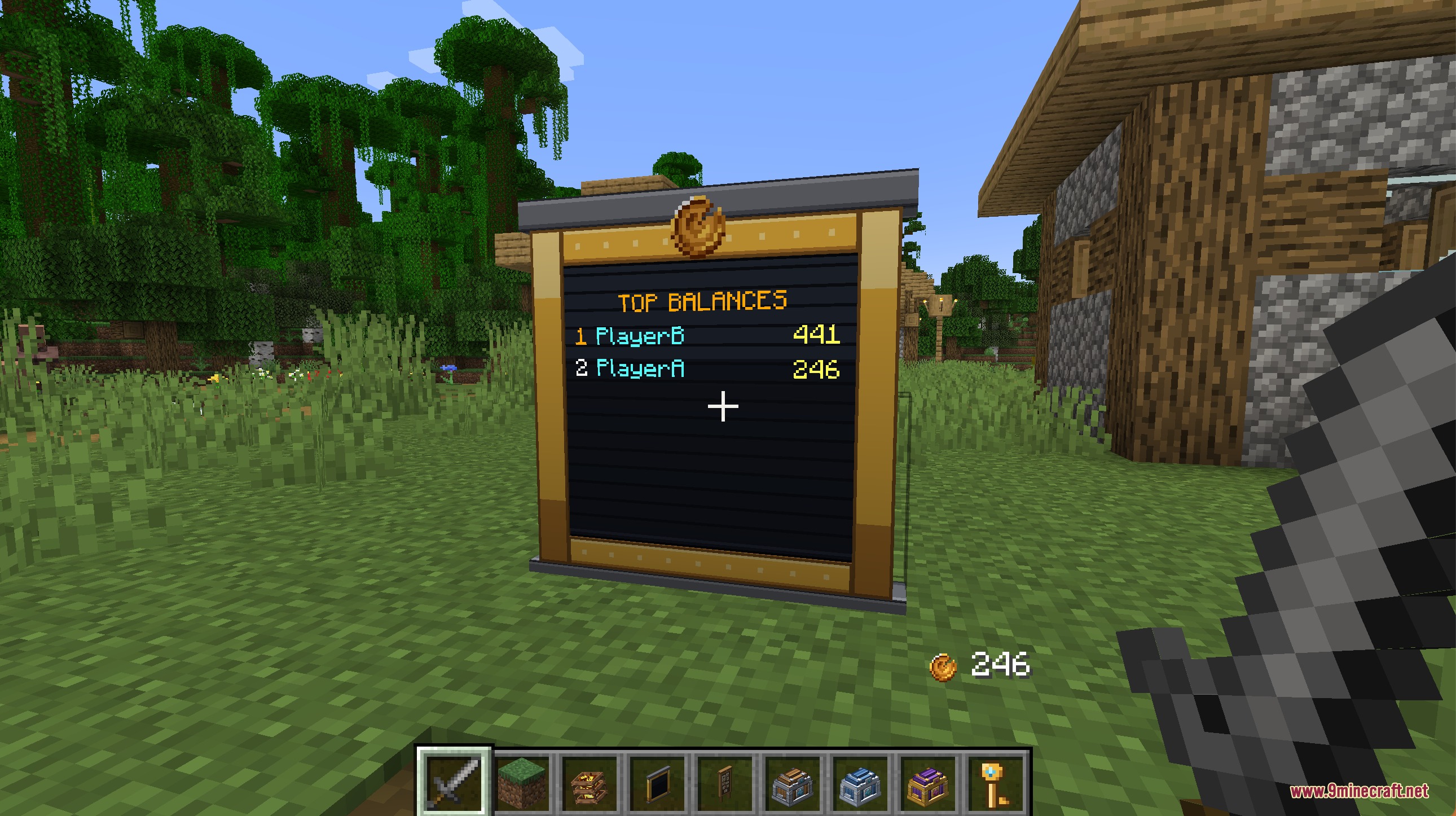
- Ledger Boards show a live list of the richest players on the server.
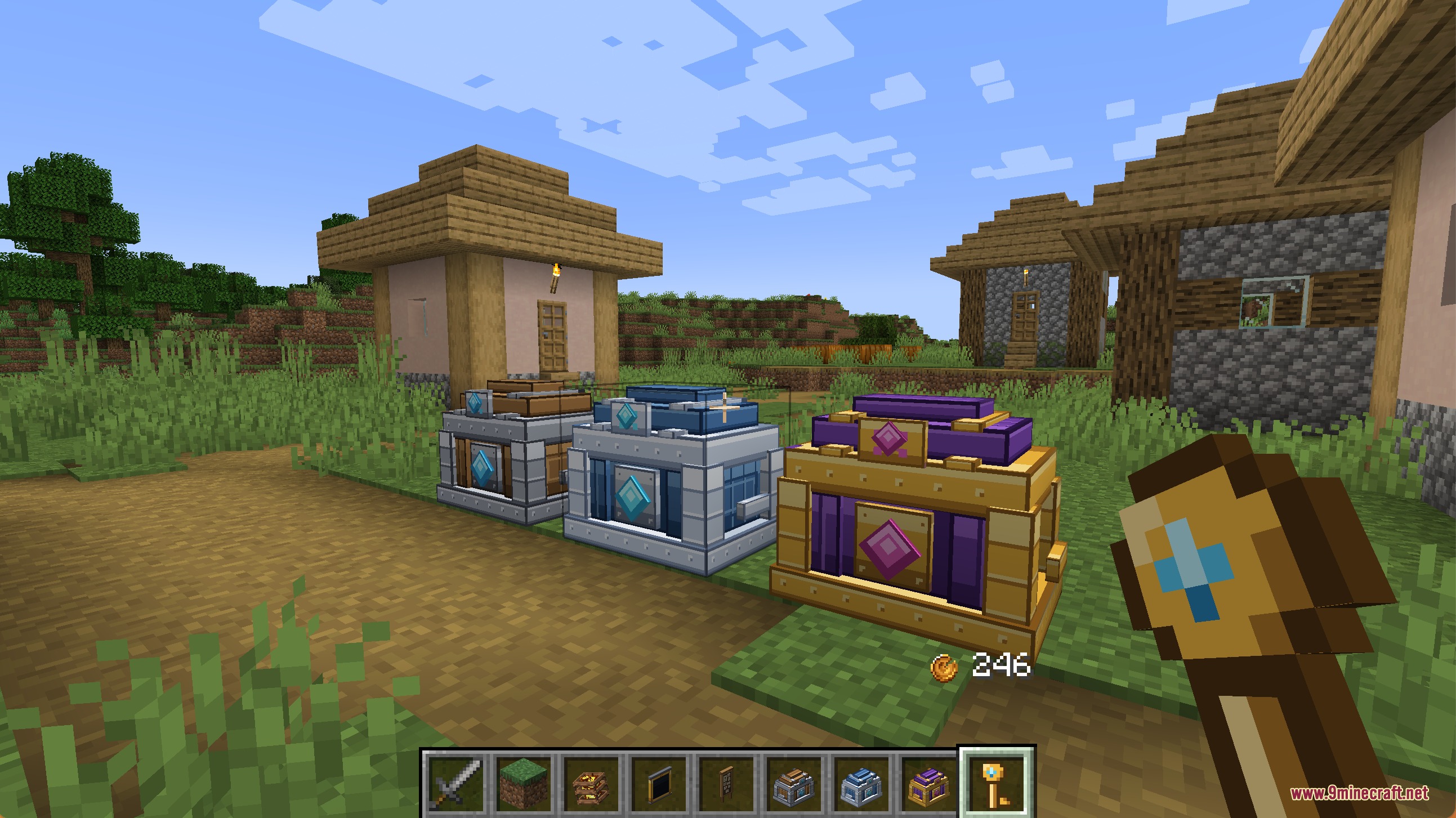
- Treasure crates swing open to give you loot when you use the right key.
NPC Actions:
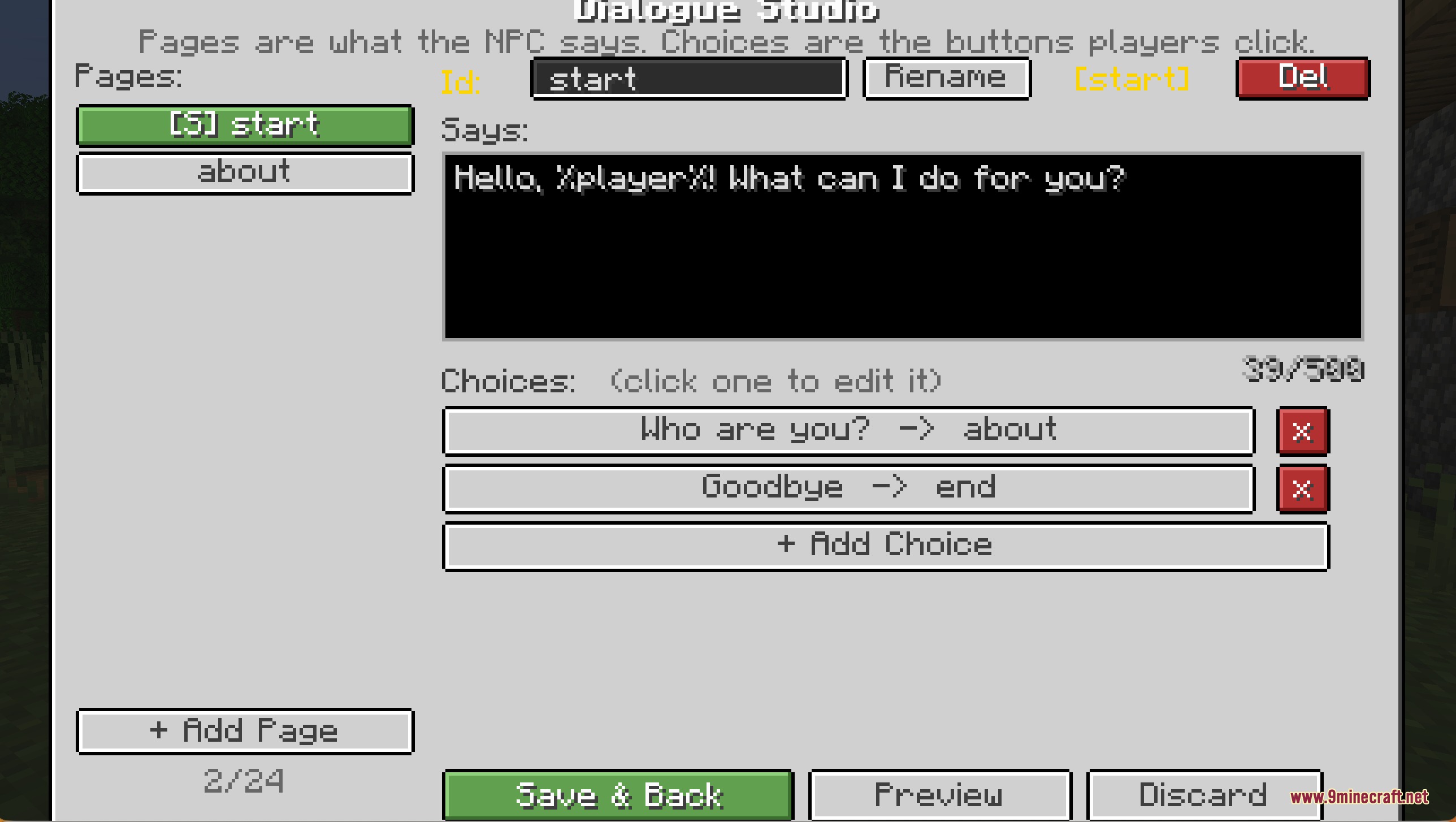
- Give characters branching chat options so players can talk to them before buying things.
- Assign roles like Auctioneer, Mailbox, or Enchanter to make towns feel alive.
Commands:
/receipts: shows your recent money transfers and purchases./trade: starts a safe item and money swap with another player./trade offer: leaves a trade request for someone to accept later./baltop: displays the richest players on the server./eco stats: shows server economy information.
How to Use:
- Find an ATM block to deposit your physical coins into your digital balance.
- Press B to toggle the bounty tracker on your screen.
- Use the blank NPC item to spawn a new character, then assign it a role like Shop or Banker.
- Open the in-game settings screen to change rules and prices.
Screenshots:
Notches Currency Mod Download Links
Quick facts
- Edition: Minecraft Java
- File type: .jar
- Minecraft versions listed: 1.21.1, 1.20.1
- How to install: Install the matching mod loader (Forge, Fabric or NeoForge) for your Minecraft version. → Download the .jar. → Put it in the .minecraft/mods folder and launch that loader profile.
- Where to get it: In MC Java Mods, or directly above on this page.
Install steps are the general flow for this file type — How to install Minecraft Java mods & modpacks walks through it step by step.
Verified by MCModsHub
- Downloads as 393373.mcaddon
- Download size: 1.2 MB
- Download link checked 23 Sept 2026 — working
- Mirrored on our own servers — the download does not depend on the original host
These come from our own check of the pack file, not from the source page.