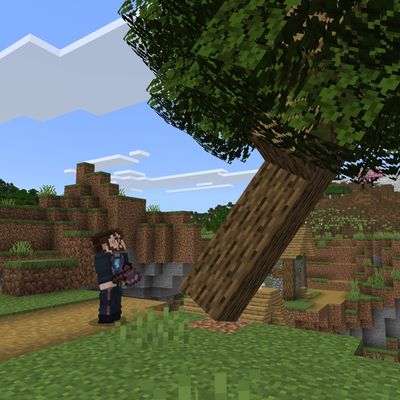
Tree Physics
Bedrock add-on listed for Minecraft 26.x (behavior + resource pack). File opened and checked on 24 Oct 2026; installs from the MC Bedrock Mods app on Android.
⬇ Download on CurseForge




Recently, the YouTube account @mynewaccount2026 used and lightly modified the code of the TreePhysics Bedrock Edition Addon without crediting the code source or keeping the relevant notices, posted videos on YouTube and claimed that the physics engine and other code were “entirely developed by himself.” After some viewers pointed this out, he said he “only stole the textures,” dodging the real issue.
The TreePhysics Addon’s code itself may be public and free to use, but being allowed to copy and paste code ≠ being allowed to claim it as original. So I’m calling this out here to remind everyone to resist this disgusting behavior of deliberately erasing the original author.
Tree Physics
A small Bedrock Add-On that causes trees to fall with realistic, interactive physics: leaves and branches can break away, entities can be crushed and knocked back, fragile blocks can shatter, and other physical structures can be pushed around.
Original Tree Physics Mod: https://www.curseforge.com/minecraft/mc-mods/tree-physics
(The Java mod inspired the gameplay design only, all other aspects were developed independently)
Tips and tricks:
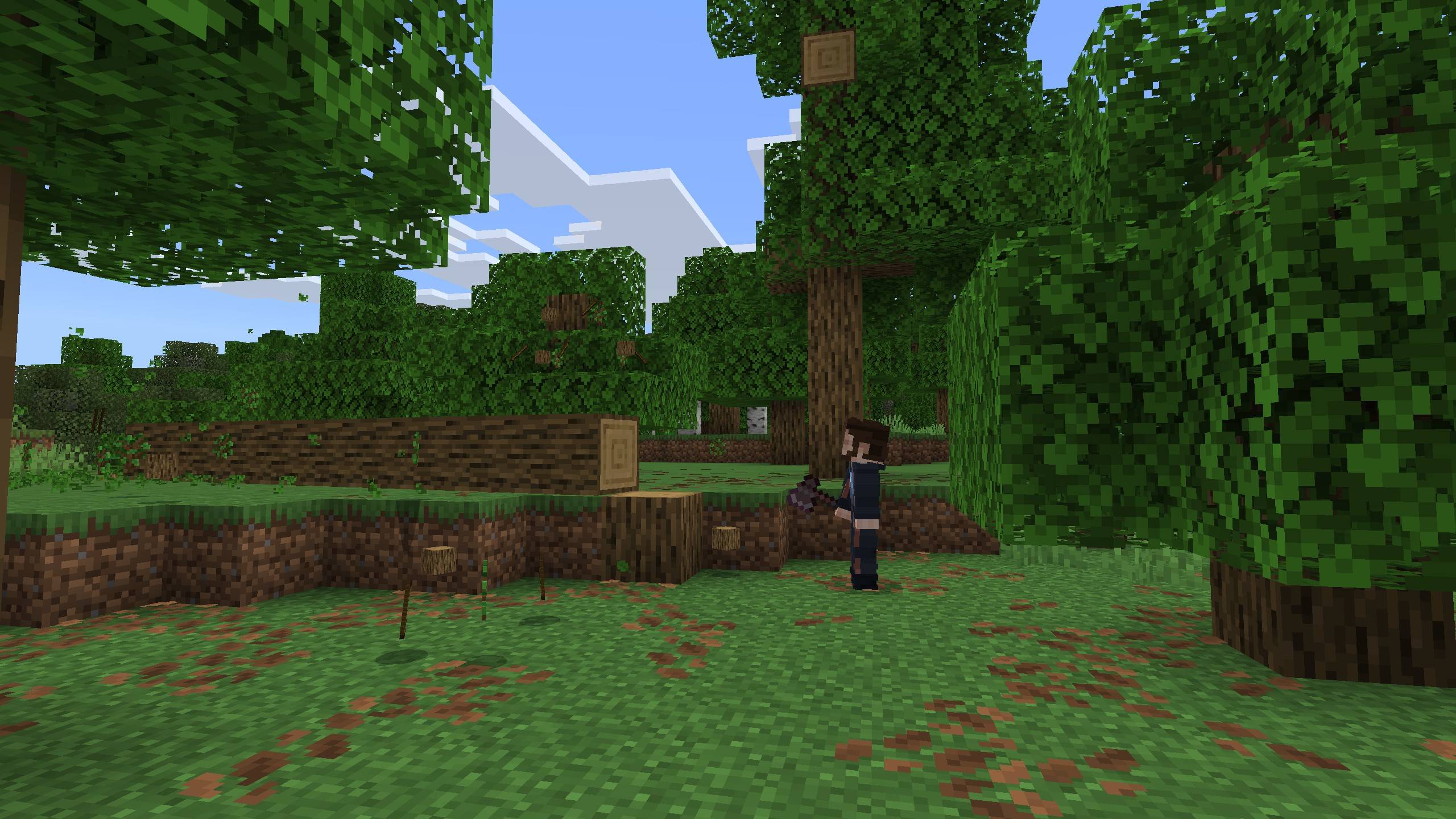
Chop a naturally generated or sapling-grown tree to make it fall. Crouch while breaking a log to bypass tree physics and chop it normally.
Tree Physics relies on special roots generated by the Add-On. A new world is recommended. Trees generated before the Add-On is enabled, along with trees containing player-placed logs or leaves, remain ordinary blocks.
Some trees from other Add-Ons are supported through an optional expansion, see below for details.
Fallen trees interact with terrain, water, lava, entities, and one another. Attack a fallen tree to push it, or use an item while looking at it to grab and drag it. Use the item again to release it.
Leaves, attachments, branches, and large trunks may break away on impact. After coming to rest, a fallen tree will gradually break down and drop its normal vanilla loot.
World operators can configure physics simulation quality, breakdown rate, impact fracturing, and whether movement counts toward breakdown time. Settings are saved separately for each world.
The settings screen can be opened from the axe button in the chat screen. If another resource pack conflicts with this interface, select the Compatibility subpack and use
/tree_physics:settingsinstead.
Optional Expansion
Tree Physics: Timber Tumble
Extends Tree Physics to support conventionally generated trees from other Add-Ons. It is not needed when playing with vanilla trees only.
Known limitations and risks:
Only trees in newly generated chunks can be recognized, and some supported trees may still be missed.
Enabling the expansion will increase world generation load and slow chunk generation.
Exceptionally large trees may cause severe performance loss or crashes when becoming physical.
Tree-like natural wooden structures may rarely be misidentified as trees.
- Edition: Minecraft Bedrock
- File type: .mcpack or .mcaddon
- Minecraft versions listed: 26.30, 26.40
- How to install: Download the .mcpack or .mcaddon file. → Open it — Minecraft imports it. → In your world: Behavior Packs → Available → Activate, then the same under Resource Packs.
- Where to get it: Opens on CurseForge — not every file is mirrored on our own servers.
Install steps are the general flow for this file type — How to install Minecraft Bedrock addons & mods walks through it step by step.
- Pack type: .mcaddon — behaviour and resource pack in one file
- Manifest requires Minecraft 1.26.30 or newer
- Complete pack — everything it depends on is inside the file
- Download size: 851 KB
- Download link checked 27 Oct 2026 — working
These come from our own check of the pack file, not from the source page.
🧩 In these setups curated mod combos that play well together







📺 Bedrock videos for Tree Physics watch on YouTube ↗
🎬Made a video about Tree Physics? Feature it #1 here for free — put the mcmodshub.com link near the top of your description, or in a pinned comment.→


Related Bedrock mods

True Dynamic Lighting [ Achievements Friendly]

Fear of Darkness
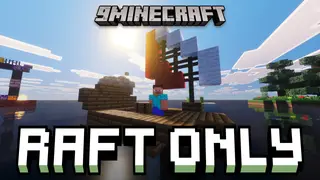
Raft Only Survival Island Adventure Map (26.x, 1.21) – Conquer the Endless Ocean on a Raft
Real Waving Grass Pack (1.19, 1.18) – MCPE/Bedrock Texture Pack
One Click Dig Ore Addon (1.20) – MCPE/Bedrock Script