AddonsBedrock
TimeSync TS - Real World Time
Bedrock add-on listed for Minecraft 1.21–26.x (behavior pack only). File opened and checked on 30 Aug 2026; installs from the MC Bedrock Mods app on Android.
Synchronizes Minecraft Bedrock’s day/night cycle with real-world time using a global operator-controlled settings menu.
⬇ Download on CurseForge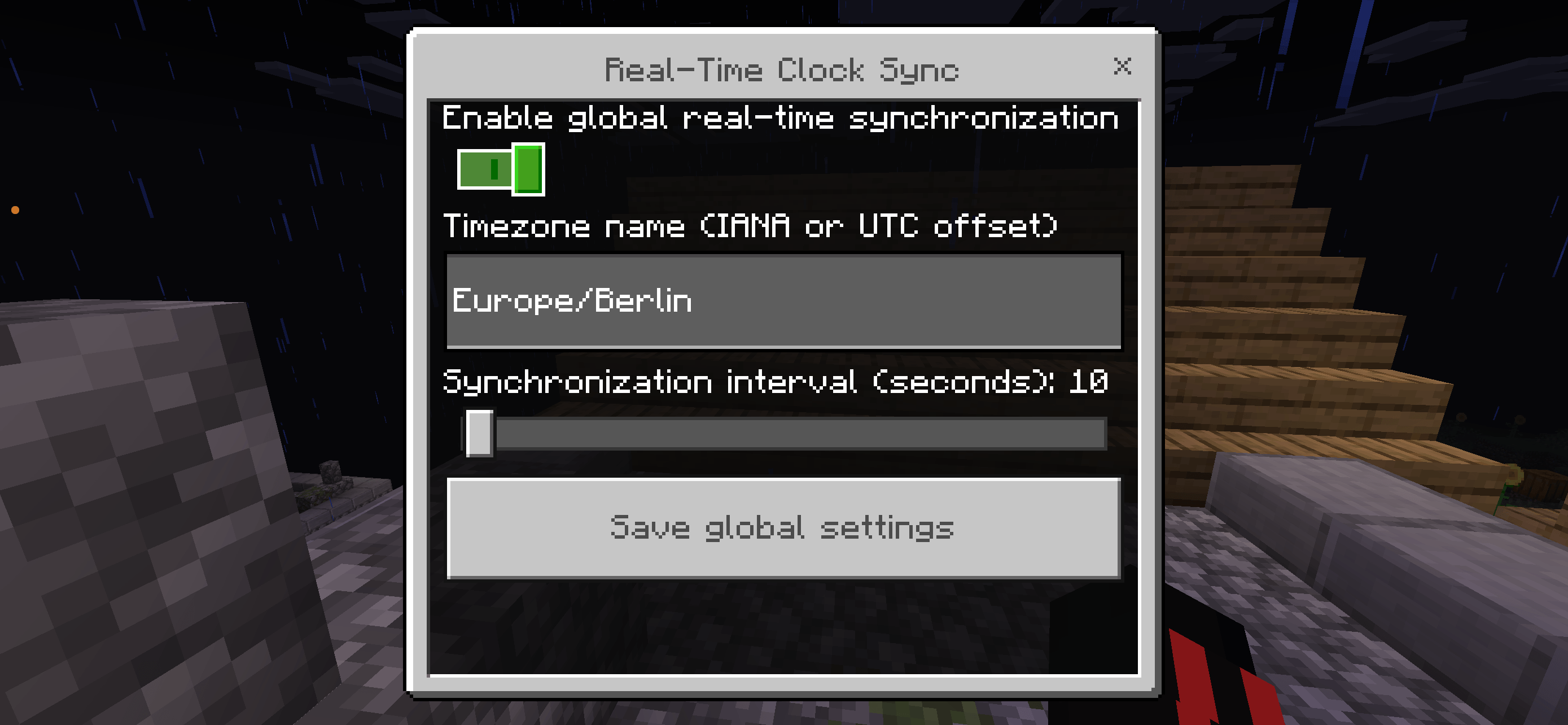
TimeSync TS - Real World Time

Synchronize the global Minecraft Bedrock day/night cycle with real-world time.

A server operator selects the desired time zone and synchronization interval through an in-game settings menu. The configuration is saved globally and applies to every player in the world.

## Features

- Global real-world time synchronization
- Operator-only settings menu
- IANA time zones such as `Europe/Berlin`, `America/New_York`, and `Asia/Tokyo`
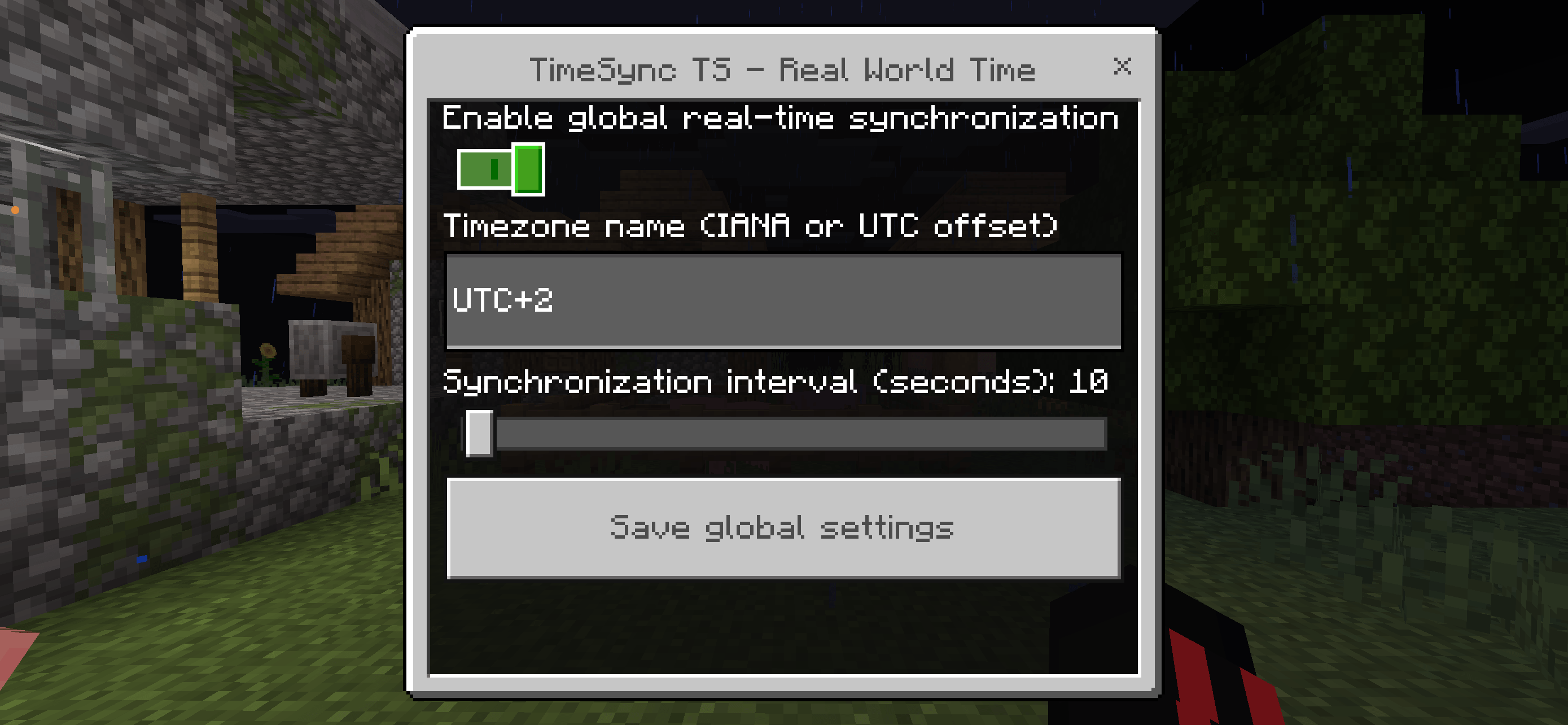
- Fixed offsets such as `UTC+01:00`, `UTC-05:00`, and `UTC`
- Automatic daylight-saving time support
- Synchronization intervals from 1 to 300 seconds
- Persistent world settings
- Manual status and synchronization commands
- Automatic menu retry if another screen blocks the form
- Safe restoration of the normal Minecraft daylight cycle

## Requirements

- Minecraft Bedrock Dedicated Server 1.21.100 or newer
- Commands/cheats enabled
- Operator permission for configuration
- An accurate system clock on the server host

No experimental toggles are required.

## Setup

1. Install and activate the behavior pack for your server world.
2. Set `allow-cheats=true` in `server.properties`.
3. Join the server as an operator.
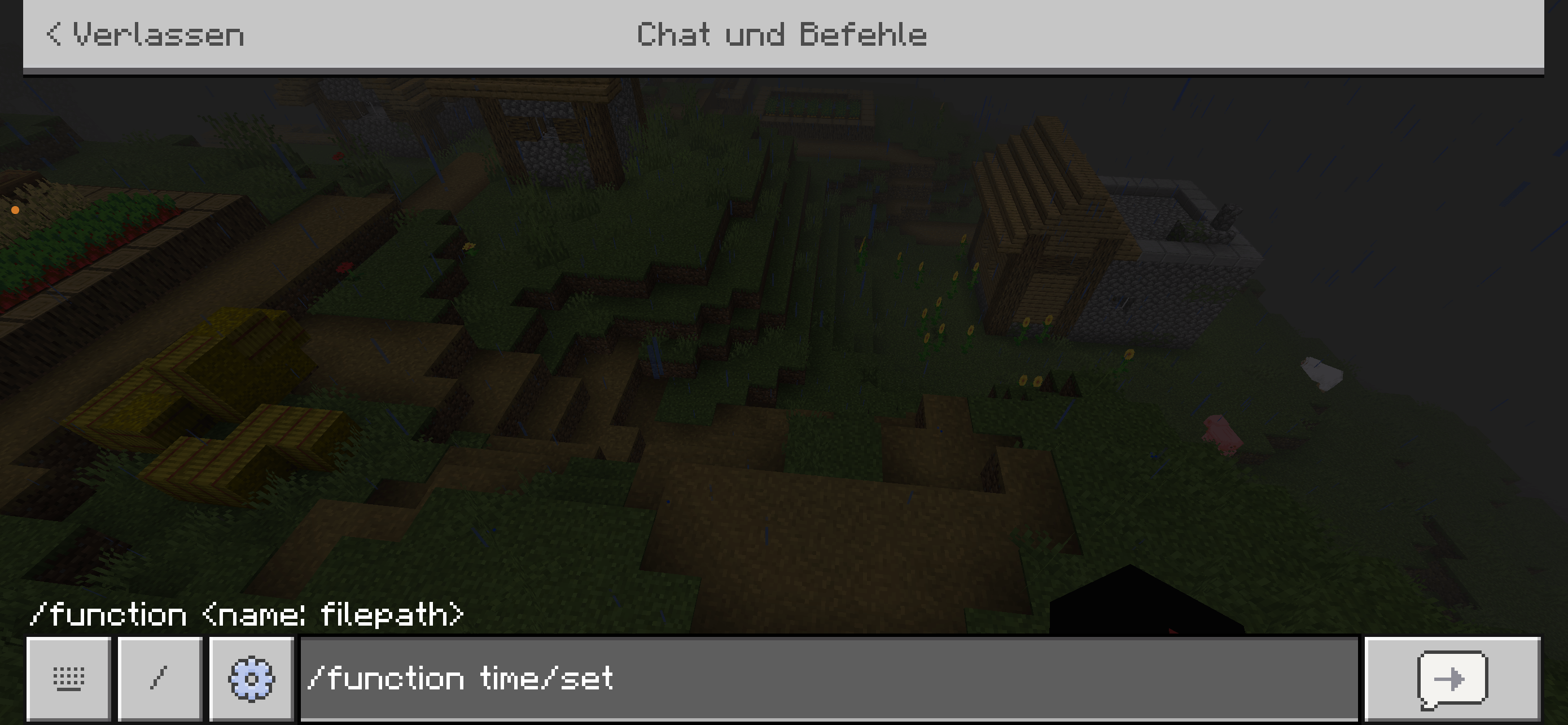
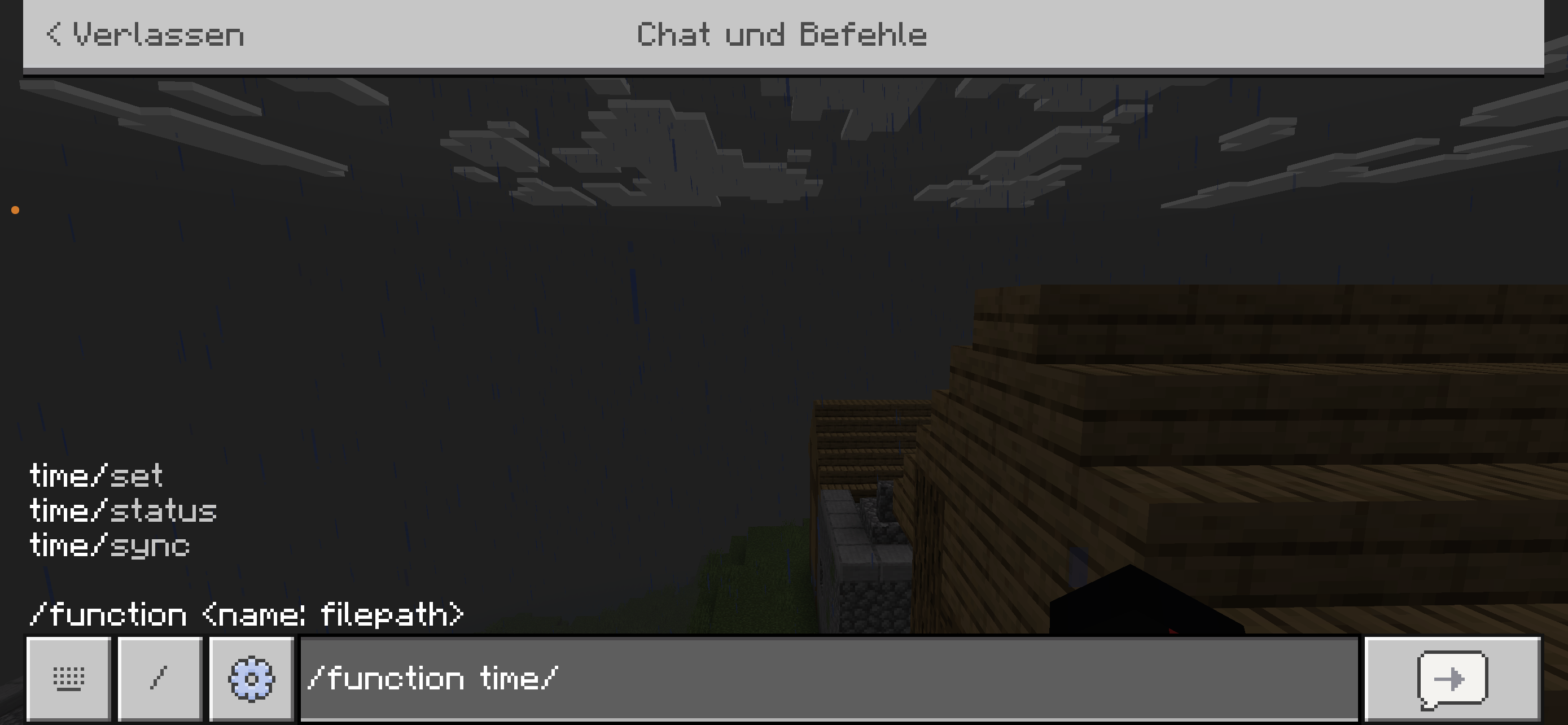
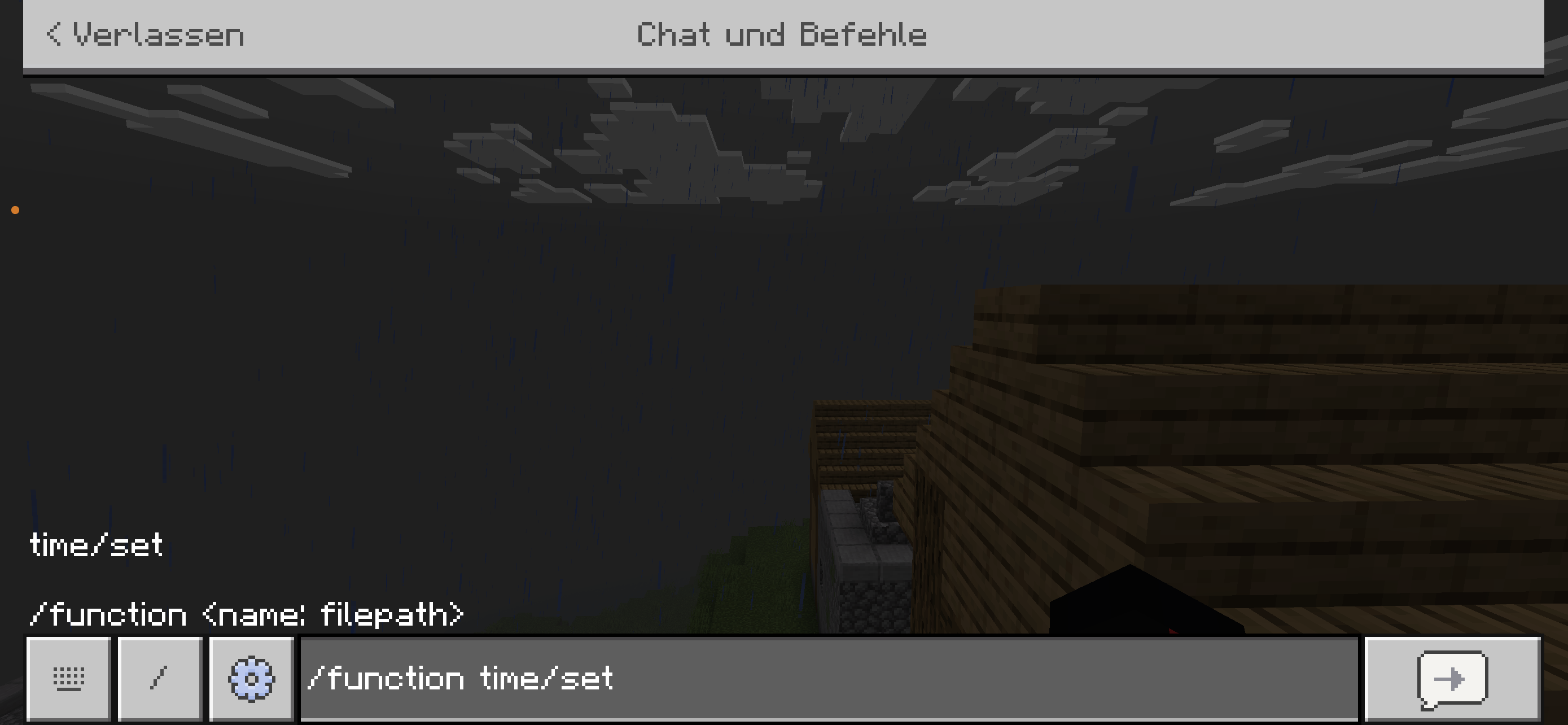
4. Open the settings menu with:

In the Chat: /function time/set

5. Enter an IANA time-zone name or fixed UTC offset.
6. Select the synchronization interval.
7. Save the global settings.

## Operator Commands

- /function time/set — Opens the global settings menu.
- /function time/status — Shows the current configuration and target time.
- /function time/sync — Synchronizes the world immediately.

Regular players cannot open the settings, view the operator status, or force synchronization.

When synchronization is enabled, Minecraft's normal daylight cycle is paused. Disabling synchronization through the menu restores the previous `doDaylightCycle` setting.

## Creator

Created by **Lightscribe**.

## License

Distributed under the **License**.

Minecraft and Mojang are trademarks of their respective owners. This project is not affiliated with or endorsed by Mojang or Microsoft.
Quick facts
- Edition: Minecraft Bedrock
- File type: .mcpack or .mcaddon
- Minecraft versions listed: 26.0.02, 26.0, 26.3
- How to install: Download the .mcpack or .mcaddon file. → Open it — Minecraft imports it. → In your world: Behavior Packs → Available → Activate, then the same under Resource Packs.
- Where to get it: Opens on CurseForge — not every file is mirrored on our own servers.
Install steps are the general flow for this file type — How to install Minecraft Bedrock addons & mods walks through it step by step.
File checked by MCModsHub
- Pack type: .mcpack — a single pack
- Manifest requires Minecraft 1.21.100 or newer
- Complete pack — everything it depends on is inside the file
- Download size: 127 KB
- Download link checked 10 Oct 2026 — working
These come from our own check of the pack file, not from the source page.